agentic-data-kit
Health Uyari
- License — License: MIT
- Description — Repository has a description
- Active repo — Last push 0 days ago
- Low visibility — Only 7 GitHub stars
Code Gecti
- Code scan — Scanned 12 files during light audit, no dangerous patterns found
Permissions Gecti
- Permissions — No dangerous permissions requested
Bu listing icin henuz AI raporu yok.
The definitive AI Toolkit for Data Engineering & Analytics. Pre-configured specialists, skills, and validation scripts for Copilot, Claude, and Autonomous Agents.
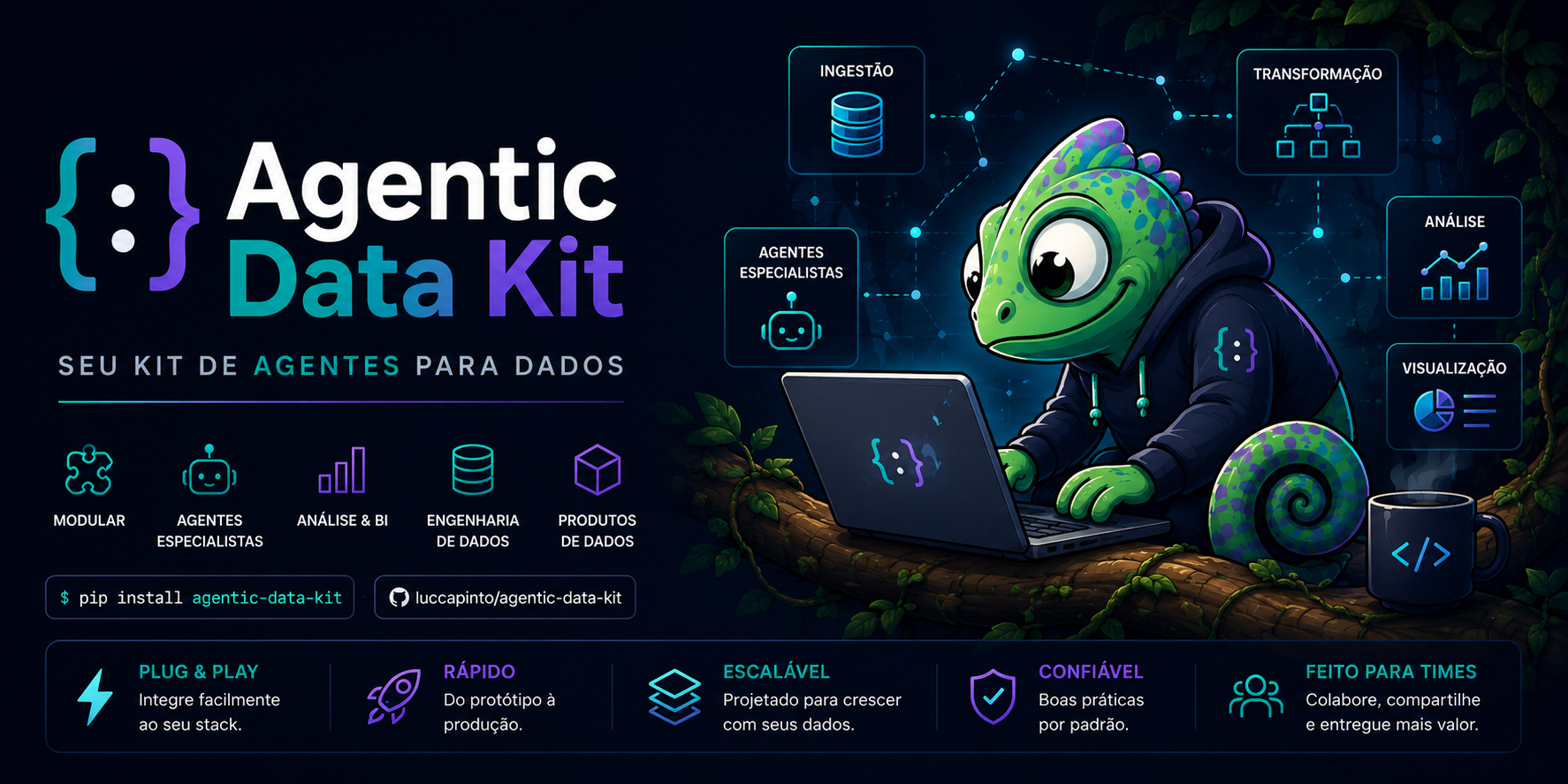
Agentic Data Kit
Power BI development with Power BI Desktop open — driven by your AI assistant.
Skills, scripts and an independent visual reviewer that let Claude Code, Copilot, OpenCode,
Cursor and Antigravity edit your model and report while you watch them change in Desktop.





npx @luccapinto/agentic-data-kit@latest init
1 agent · 9 skills · 3 workflows · 5 targets
Contents
- 🧠 What it is
- 📈 The Power BI loop (Desktop open)
- 🚀 Install
- ✅ Prerequisites for the Power BI loop
- 🎯 What's inside
- 🧪 Validation scripts
- 🔄 Multi-tool sync
- 🤝 Contributing
- 🙏 Credits & references
- 📄 License
🧠 What it is
Generic LLMs don't know your standards, but they already write clean code. So this kit captures
only what a model can't supply on its own: how Power BI projects are laid out (PBIP, TMDL, PBIR),
how to drive Power BI Desktop while it is open, real quality gates (Best Practice Analyzer, PBIR
validation), and your brand. Power BI is the flagship; the kit also ships dbt naming conventions,
documentation templates and presentation builders (HTML decks, editable PPTX). Everything is
authored once in .agent/ and compiled into each assistant's native format.
📈 The Power BI loop (Desktop open)
You keep Power BI Desktop open on the .pbip. The assistant changes the model live and the
report on disk, then reloads Desktop and looks at the result.
Model / measures                         Report visuals
────────────────                         ──────────────
Modeling MCP  ──► change goes LIVE       edit PBIR files
in Desktop                                   │
     │                                       ▼
you save in Desktop                     validate_pbir.py
(TMDL lands in the PBIP)                     │
     │                                       ▼
     ▼                                Desktop has no unsaved changes?
run_bpa.py (BPA)                             │
                                             ▼
                                   powerbi-report-author preview --reload
                                             │
                                             ▼
                                   --screenshot <dir> --all-pages
                                             │
                                             ▼
                              pbi-visual-reviewer (fresh context) ─► PASS / FAIL per page & visual
Visual loop in order: edit PBIR → validate_pbir.py → confirm Desktop has no unsaved changes
(powerbi-report-author preview <folder> --host desktop --status, details.hasUnsavedChanges must
be false) → --reload → --screenshot <dir> --all-pages → pbi-visual-reviewer.
Three pitfalls
- Reload discards unsaved Desktop changes. Check the status first; save in Desktop if needed.
- Reload only covers the report. Model and measure changes go through the Modeling MCP, not
through file reload. - An edited theme may not reload. Rename the theme file (and its reference) to force a pick-up.
Details: desktop-bridge.md
and modeling-mcp.md.
Desktop-closed alternative. No Desktop Bridge, an older Desktop, or CI? The disk-only path
stays supported: edit TMDL/PBIR on disk, validate with the scripts, then reopen the project in
Desktop. It is documented inpbi-report-layer-pbir › Alternative: Desktop closed
and pbi-semantic-layer-tmdl › Alternative: Desktop closed.
🚀 Install
npx @luccapinto/agentic-data-kit@latest init
Pick your assistant in the prompt, or skip it with --target:
npx @luccapinto/agentic-data-kit@latest init --target cursor
--target |
Installs | Agent (pbi-visual-reviewer) |
|---|---|---|
antigravity |
.agent/ (source of truth) + scripts/sync_agents.py |
agents/ — Antigravity has no subagents: run the review in a fresh chat |
copilot |
.github/ (agents · skills · prompts · copilot-instructions.md); your other .github files are left alone |
agents/pbi-visual-reviewer.agent.md, tools mapped to Copilot names |
claude |
.claude/ (agents · skills · commands · workflows · CLAUDE.md) |
native subagent |
opencode |
.opencode/ (agents · skills · commands) + root AGENTS.md |
mode: subagent, edit/bash denied |
cursor |
.cursor/ (rules/*.mdc · commands · skills) |
none — run the review in a fresh chat with only the screenshots, spec and PBIR |
OpenAI Codex reads the root AGENTS.md. Instructions are written in English; the assistant
replies in your language.
✅ Prerequisites for the Power BI loop
| Need | Why |
|---|---|
| Power BI Desktop (Windows), with File > Options > Security > Desktop Bridge → "Enable external tool access…" turned on | The Bridge lets the CLI reload and screenshot the open report |
| Node 20+ | Runs the installer, the report CLI and the Modeling MCP |
npm i -g @microsoft/powerbi-report-authoring-cli |
powerbi-report-author (validate, preview, reload, screenshot); also installs the lower-level powerbi-desktop bridge CLI |
Power BI Modeling MCP registered in your MCP client (npx -y @microsoft/powerbi-modeling-mcp@latest --start), then "Connect to '<file>' in Power BI Desktop" |
Live model and measure changes |
| (optional) Tabular Editor 2 | Exact BPA results; without it the Python fallback runs |
| Python 3.9+ | Validation scripts (standard library only) |
Without these you still get the Desktop-closed path and the scripts' fallbacks.
🎯 What's inside
| Count | What it is | |
|---|---|---|
| 🤖 Agent | 1 | pbi-visual-reviewer — independent review of report screenshots |
| 🧩 Skills | 9 | On-demand knowledge modules that self-activate by description |
| 🔄 Workflows | 3 | Slash commands: /plan, /validate-pbi, /document-dashboard |
| 🎯 Targets | 5 | Antigravity · Copilot · Claude Code · OpenCode · Cursor |
Agent. An agent only exists if it imposes something the model can't impose on itself:
restricted tools, an independent fresh-context review, a different model, or an automatic trigger.pbi-visual-reviewer has read-only tools (Read, Grep, Glob) and never sees the author's
reasoning. It checks screenshots + spec + PBIR for overlap, clipped text, empty/error visuals,
alignment, theme consistency and titles, and returns PASS/FAIL per page and per visual.
Skills
| Skill | Use it for |
|---|---|
pbi-semantic-layer-tmdl |
Author Power BI semantic models (TMDL) and drive them live through the Modeling MCP |
pbi-report-layer-pbir |
Edit reports as code (pages, visuals, themes) and run the Desktop reload/screenshot loop |
pbi-quality-rules |
Real Best Practice Analyzer via Tabular Editor 2, with a Python fallback |
dbt-modeling-conventions |
dbt CTE structure, stg_/dim_/fct_/mart_ naming, keys and tests |
documentation-templates |
Runbooks, data dictionaries, metric definitions, ADRs, Power BI catalog |
applying-visual-identity |
Apply a company brand from a DESIGN.md |
building-html-presentations |
Decks, scrollable decks, interactive sites, consulting PDFs + chart cookbook |
generating-pptx |
Native, editable PowerPoint via python-pptx |
creating-agents-and-skills |
Decide whether to add an agent, skill or nothing — and keep every tool folder in sync |
Workflows
| Command | What it does |
|---|---|
/plan |
Writes docs/PLAN-<slug>.md for a data task — plan only, no code |
/validate-pbi |
Runs the BPA and the PBIR check on a PBIP project |
/document-dashboard |
Generates Markdown documentation for a PBIP project |
🧪 Validation scripts
Validation lives in scripts inside the skills, not in agents. All three accept--format text|json; exit code 0 = no errors, 1 = errors found, 2 = usage or tool failure.
| Script | What it does |
|---|---|
.agent/skills/pbi-quality-rules/scripts/run_bpa.py <model> |
Real BPA through the Tabular Editor 2 CLI; falls back to bpa_fallback.py if TE2 isn't found |
.agent/skills/pbi-quality-rules/scripts/bpa_fallback.py <model> |
The same 10 rules of bpa-rules.json re-implemented in Python over TMDL (less exact) |
.agent/skills/pbi-report-layer-pbir/scripts/validate_pbir.py <path> |
Runs powerbi-report-author validate when installed; otherwise a structural PBIR check |
Python 3.9+, standard library only. Run the repo's own tests with npm test.
🔄 Multi-tool sync
.agent/ is the single source of truth. One script compiles it into every tool's native format:
python3 scripts/sync_agents.py          # regenerate .claude/ .github/ .opencode/ .cursor/ AGENTS.md
python3 scripts/sync_agents.py --check  # exit 1 if generated folders are stale (used by CI)
.agent/                ← edit here
├── agents/            # 1 independent reviewer
├── skills/            # 9 on-demand knowledge modules (+ scripts, references)
├── workflows/         # 3 slash commands
└── rules/             # always-on rules (rules.md)

.claude/  .github/  .opencode/  .cursor/  AGENTS.md   ← generated (do not edit)
The generated folders ship in the package because init installs one folder per tool.
🤝 Contributing
See CONTRIBUTING.md: author in .agent/ only, sync, test — and apply the
agent-survival rule before adding anything. Release history is in CHANGELOG.md.
🙏 Credits & references
- Power BI Desktop Bridge
- Power BI Report skill
- Power BI Authoring MCP server
- microsoft/skills-for-fabric (MIT) — skill
powerbi-report-cli DESIGN.mdfollows the Google Labs spec (Apache-2.0). See THIRD_PARTY_NOTICES.md.
📄 License
MIT © Lucca Pinto — repository:
luccapinto/agentic-data-kit
Yorumlar (0)
Yorum birakmak icin giris yap.
Yorum birakSonuc bulunamadi