deepseek-harness-macos
Health Pass
- License — License: MIT
- Description — Repository has a description
- Active repo — Last push 0 days ago
- Community trust — 17 GitHub stars
Code Fail
- process.env — Environment variable access in macos/Runtime-extras/dsh-agent-platform/lib/index.js
- os.homedir — User home directory access in macos/Runtime-extras/dsh-agent-platform/lib/runtime.js
- process.env — Environment variable access in macos/Runtime-extras/dsh-agent-platform/lib/runtime.js
- process.env — Environment variable access in macos/Runtime-extras/dsh-agent-platform/lib/worker.js
Permissions Pass
- Permissions — No dangerous permissions requested
No AI report is available for this listing yet.
DeepSeek Harness(dsh)的独立非官方原生 macOS 客户端——SwiftUI/AppKit 实现,非 WebView/Electron 套壳,内置 Node + dsh 运行时。Unofficial native SwiftUI macOS client for DeepSeek Harness.
DeepSeek Harness — Native macOS App
English | 中文



An independent, unofficial SwiftUI/AppKit native macOS client for DSH (DeepSeek Harness) — not a WebView or Electron wrapper, and not affiliated with or endorsed by DeepSeek AI. The window, workspace picker, session view, composer, run state, folder actions, settings panels, menu bar, and system notifications are all built with native macOS APIs.
Agent reasoning, tools, MCP, terminal, filesystem, and subagents are still provided by the bundled DSH runtime. The app embeds Node.js and a complete DSH runtime, so it doesn't depend on a system-wide Node or dsh install to run.
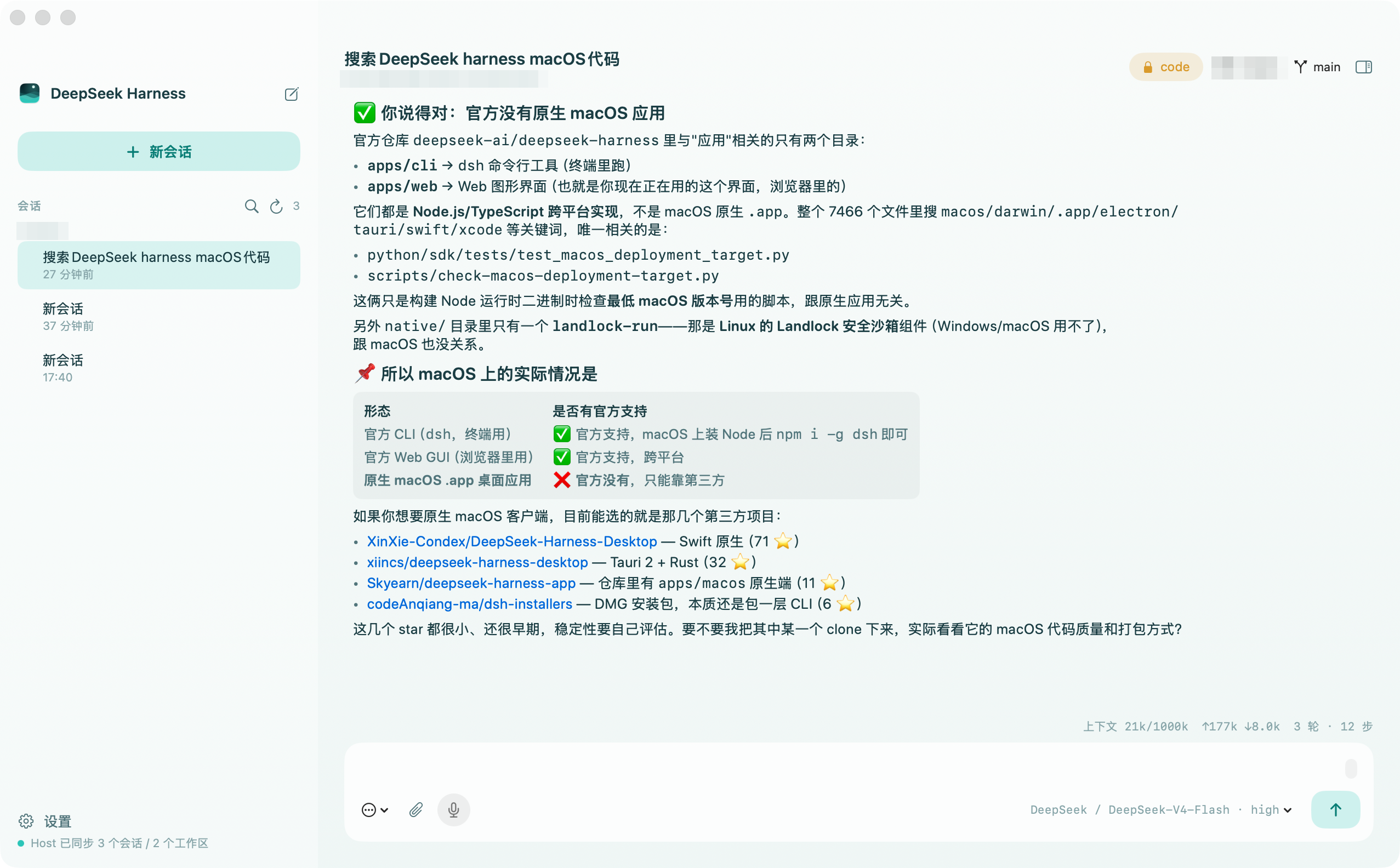
Native features
- Native three-pane SwiftUI interface, streaming transcript, run/stop state, keyboard shortcuts.
- Native
NSOpenPanelworkspace entry; the chosen workspace persists in macOS user defaults. - Local tasks run from the selected workspace — DSH can execute a terminal, read/write files, use skills, and use configured local tools.
- Subagent transcripts are a dedicated, live-streaming overlay on the conversation pane (not a synthetic top-level session), with a visible read-only/continuable distinction and breadcrumb navigation.
- A persistent menu bar item and system notifications for approval requests, agent questions, and turn completion — capability a browser tab structurally can't provide.
- Settings editor with inline, two-choice revision-conflict recovery (discard-and-reload or keep-edits-and-retry) instead of a silently stalled save.
- Native Finder integration, runtime settings panel, error diagnostics, and quit lifecycle.
- Bundles a universal Node.js + DSH runtime — no dependency on a global npm install or the Finder's
PATH.
See macos/WEB_PARITY.md for the living matrix of what's implemented against the web client, what's native-only, and what's still open.
Install
Grab the zip from the latest release (Apple Silicon, macOS 13+), unzip, and drag DeepSeek Harness.app into /Applications.
Gatekeeper: release builds are ad-hoc signed, not notarized — macOS blocks the first launch. Open System Settings → Privacy & Security and click Open Anyway, or run:
xattr -rd com.apple.quarantine "/Applications/DeepSeek Harness.app"Prefer not to trust an un-notarized binary? Build from source below — one command, and the result is self-contained.
Build
Requirements: macOS 13+, Swift Command Line Tools. The build machine needs a full DSH install and Node; running the built app requires neither globally.
./scripts/build-macos-app.sh
open "dist/DeepSeek Harness.app"
The script auto-detects node on your PATH and a globally-installed @deepseek-ai/dsh (npm install -g @deepseek-ai/dsh if you don't have one); override with the NODE_SOURCE / DSH_SOURCE env vars if yours live elsewhere.
The result is dist/DeepSeek Harness.app, roughly 340–570MB depending on the DSH version bundled. It's ad-hoc signed — fine for local development, not for distribution. A real release build would build from a pinned Node/DSH release artifact, arrange native addons per architecture, sign every layer with a Developer ID, enable the hardened runtime, notarize, and produce a DMG/ZIP.
Usage
- Open the app and choose a workspace. This grants DSH local file and terminal access inside that directory.
- Open Settings. The native page reads the real model catalog, configuration inventory, and credential status from the Host. Add a Custom Configuration for any compatible endpoint, then set its name, base URL, API protocol, model IDs, and API key through revisioned Host settings mutations.
- API keys are saved, rotated, or cleared through the Host's write-only credential API; the native app never reads back or displays a saved secret value. Existing legacy routes remain editable as custom configurations rather than being treated as a required provider.
- Type a task and run.
- ⌘W chooses a workspace; ⌘⇧K clears the native conversation view; ⌘O opens the current workspace in Finder.
Verification and native tests
This repo deliberately has no Xcode or SwiftPM test project — production builds compile macos/DSHApp/*.swift directly with swiftc. The test script reuses that exact input set instead of maintaining a second, driftable target list (see the Agent Note).
# Fast, side-effect-free native contract check: compiles every production Swift source + RPC-encoding fixtures.
./scripts/test-macos-native.sh

# After a build: starts the bundled Host in a temp DSH_HOME and checks read-only Host API responses.
./scripts/build-macos-app.sh
./scripts/test-macos-native.sh --smoke

# Pre-release bundle integrity checks.
plutil -lint "dist/DeepSeek Harness.app/Contents/Info.plist"
codesign --verify --deep --strict --verbose=2 "dist/DeepSeek Harness.app"
NativeContractCheck.swift is a compile-time fixture built alongside production types, covering the RPC envelope, text prompts, settings JSON patches, queue actions, and attachment references. --smoke never sends a prompt or mutates a workspace/credential — it verifies host.describe, session, workspace, settings, model, and preset read-only APIs against a temporary DSH_HOME. --smoke /path/to/App.app checks a non-default build.
Contributing
Issues and PRs welcome. Before changing code, read CLAUDE.md — it documents the spec-coding workflow this project uses (Agent Notes for non-trivial decisions, verification steps, commit conventions) — and AGENTS.md for the architecture and style this codebase follows.
License and attribution
This project's own source is MIT licensed. A built app additionally embeds an unmodified copy of @deepseek-ai/dsh (MIT, Copyright DeepSeek) and a Node.js runtime; see THIRD_PARTY_NOTICES.md for full attribution. This project is not affiliated with or endorsed by DeepSeek AI.
Reviews (0)
Sign in to leave a review.
Leave a reviewNo results found