harness
Health Uyari
- License — License: MIT
- Description — Repository has a description
- Active repo — Last push 0 days ago
- Low visibility — Only 5 GitHub stars
Code Uyari
- process.env — Environment variable access in .github/workflows/harness-pr.yml
- process.env — Environment variable access in .github/workflows/issue-deduplicator.yml
Permissions Gecti
- Permissions — No dangerous permissions requested
This tool is a Rust-based orchestration platform designed to manage, govern, and observe AI coding agents at scale. It acts as a wrapper to standardize how various AI agents execute tasks, enforce security policies, and handle code reviews.
Security Assessment
Overall Risk: Medium. The platform acts as an orchestration layer that inherently manages and routes sensitive data between AI models and external services. It explicitly handles network requests via webhooks (using HMAC-SHA256 verification) and exports telemetry over HTTP/gRPC. It relies on environment variables for configuration, which triggered automated warnings in its GitHub workflows, though no hardcoded secrets or dangerous permissions were detected. While its Starlark-based policy engine restricts dangerous functions to sandbox rule evaluation, the broad scope of managing multiple external agents requires careful deployment.
Quality Assessment
The project is very new and currently has low visibility with only 5 GitHub stars, meaning it has not yet received broad community testing or trust. However, it exhibits strong foundational health: it is actively maintained (last updated today), uses a permissive MIT license, and features high-quality documentation including architecture breakdowns and contributing guidelines. The Rust foundation also suggests a focus on memory safety and performance.
Verdict
Use with caution — the architecture and licensing are excellent, but the lack of widespread community adoption means you should test thoroughly in an isolated environment before deploying.
Rust AI agent orchestration platform with App Server, rules, skills, GC, and observability.
Harness
An orchestration layer for AI coding agents — govern, observe, and improve agent workflows at scale.


Documentation · Contributing · Security
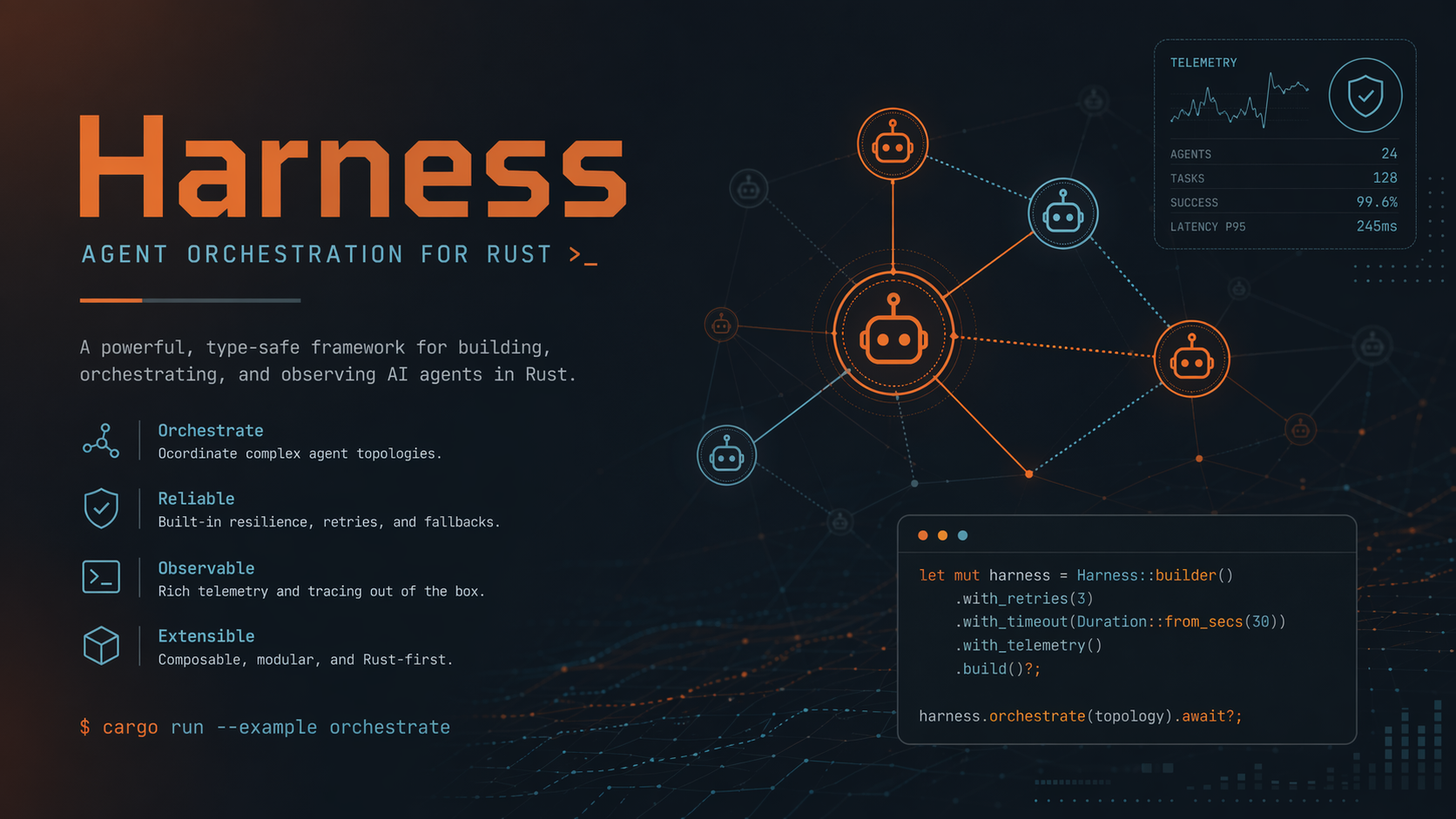
Harness is a Rust-native platform that wraps AI coding agents (Claude Code, Codex, Anthropic API) with structured lifecycle management, policy enforcement, and continuous feedback loops. Instead of replacing agents, it standardizes how they run, what they're allowed to do, and how their output is reviewed.
Key Features
- Multi-agent orchestration — Pluggable adapters for Claude Code CLI, Codex CLI, and Anthropic API with unified task/thread/turn lifecycle
- Independent agent review — Automatic cross-agent code review between implementation and GitHub review, preventing self-review by architecture
- Policy engine — Starlark-based execution policies with hardened parser dialect (no
load/def/lambda) for sandboxed rule evaluation - Signal-driven GC — Detects repeated warnings, chronic blockers, and hot files; generates and adopts remediation drafts within configurable budgets
- GitHub webhook automation — HMAC-SHA256 verified webhooks parse
@harnessmentions to trigger tasks from issue comments and PR reviews - OpenTelemetry export — Native OTLP/HTTP/gRPC traces and metrics with async-safe transport for signal-handler contexts
- MCP server mode — JSON-RPC stdio interface exposing harness tools as an MCP-compatible server
- CI/CD GitHub Action — Workspace-bound execution with path traversal protection and privilege enforcement
Architecture
┌─────────────────────────────────────────────────────────────┐
│                        Harness CLI                          │
│              serve · exec · gc · rule · skill               │
├──────────┬──────────┬───────────────────────────────────────┤
│  stdio   │   HTTP   │  WebSocket   │  MCP Server  │ Webhook│
├──────────┴──────────┴──────────┴───┴──────────────┴────────┤
│                    JSON-RPC Router (30 methods)             │
├────────────┬─────────────┬────────────┬────────────────────┤
│   Threads  │    Tasks    │   Turns    │    ExecPlans       │
├────────────┴─────────────┴────────────┴────────────────────┤
│  harness-agents    │  harness-rules   │  harness-skills    │
│  (Claude/Codex/API)│  (Starlark exec) │  (discovery/dedup) │
├────────────────────┼──────────────────┼────────────────────┤
│  harness-gc        │  harness-observe │  harness-exec      │
│  (signal/drafts)   │  (events/OTLP)  │  (plan lifecycle)  │
├────────────────────┴──────────────────┴────────────────────┤
│                    harness-core                             │
│          config · prompts · domain types · traits           │
├────────────────────────────────────────────────────────────┤
│                    harness-protocol                         │
│       JSON-RPC envelopes · method definitions · codecs      │
└────────────────────────────────────────────────────────────┘
        ▼               ▼                ▼
   Claude Code CLI   Codex CLI    Anthropic API
Quick Start
Prerequisites
- Rust 1.88+
- At least one agent runtime:
Build
git clone https://github.com/majiayu000/harness.git
cd harness
cargo build
Rust API Facade
For Rust consumers inside the repository or embedded integrations, harness-api
provides a curated stable import surface over the lower-level crates:
use std::path::Path;

use harness_api::core::SessionId;
use harness_api::exec::ExecPlan;
use harness_api::protocol::INTERNAL_ERROR;
use harness_api::sandbox::{SandboxMode, SandboxSpec};

let _session = SessionId::new();
let _plan = ExecPlan::from_spec("# Demo", Path::new(".")).expect("plan");
let _sandbox = SandboxSpec::new(SandboxMode::ReadOnly, ".");
let _code = INTERNAL_ERROR;
The facade groups the stable parts of harness-core, harness-protocol,harness-sandbox, and harness-exec under one crate without forcing callers to
track internal crate layout changes.
Database Setup
Harness requires Postgres 14+ (SQLite was removed in v0.x). Configureserver.database_url in your TOML config before starting the server —
migrations run automatically on first connect.
Option A — Docker Compose (recommended for local dev):
# Start Postgres container (idempotent — safe to re-run)
bash scripts/dev-db.sh

# Then set `server.database_url = "postgres://harness:harness@localhost:5432/harness"`
# in your config file (for example `config/default.toml`).
Option B — docker compose directly:
docker compose up -d postgres
# Then set `server.database_url = "postgres://harness:harness@localhost:5432/harness"`
# in your config file.
Option C — existing Postgres instance:
Set server.database_url to any existing Postgres 14+ instance:
[server]
database_url = "postgres://user:password@host:5432/dbname"
Running tests against a real database:
DATABASE_URL=postgres://harness:harness@localhost:5432/harness cargo test --workspace
Integration tests that require a database (e.g. runtime_state_store,thread_db, q_value_store) skip automatically when DATABASE_URL is unset.
Run
HTTP server:
cargo run -p harness-cli -- serve --transport http --port 9800
curl http://127.0.0.1:9800/health
Stdio (for MCP integration):
cargo run -p harness-cli -- serve --transport stdio
One-shot execution:
cargo run -p harness-cli -- exec "Fix the failing test in src/lib.rs"
Common Workflows
# Task management
curl -X POST http://127.0.0.1:9800/tasks \
  -H "Content-Type: application/json" \
  -d '{"prompt": "Add input validation to the API handler"}'

# Rule engine
cargo run -p harness-cli -- rule load .
cargo run -p harness-cli -- rule check .

# GC cycle — detect signals and generate remediation drafts
cargo run -p harness-cli -- gc run .

# Skill discovery
cargo run -p harness-cli -- skill list

# ExecPlan lifecycle
cargo run -p harness-cli -- plan init ./spec.md
cargo run -p harness-cli -- plan status ./exec-plan-<id>.md
Configuration
All settings are declarative TOML. Pass --config <path> or use the defaults in config/default.toml.
[server]
transport = "stdio"
http_addr = "127.0.0.1:9800"
data_dir = "~/.local/share/harness"
project_root = "."

[agents]
default_agent = "auto"
# complexity_preferred_agents = ["codex", "claude"]
sandbox_mode = "danger-full-access"

[agents.claude]
cli_path = "claude"
default_model = "sonnet"

[agents.codex]
cli_path = "codex"

[agents.anthropic_api]
base_url = "https://api.anthropic.com"
default_model = "claude-sonnet-4-20250514"
max_tokens = 4096

[agents.review]
enabled = true
reviewer_agent = "codex"   # independent reviewer != implementor
max_rounds = 3

[gc]
max_drafts_per_run = 5
budget_per_signal_usd = 0.50
total_budget_usd = 5.0
draft_ttl_hours = 72

[observe]
log_retention_days = 90

[otel]
environment = "production"
exporter = "otlp-http"
# endpoint = "http://127.0.0.1:4318"
Multi-Project Configuration
Register multiple projects in the config file. Each project gets its own worktree isolation, concurrency limits, and agent overrides.
[[projects]]
name = "harness"
root = "/path/to/harness"
default = true              # default project for API calls without project field
max_concurrent = 2          # max parallel tasks for this project

[[projects]]
name = "litellm-rs"
root = "/path/to/litellm-rs"
max_concurrent = 2
# default_agent = "auto"    # optional override; or set a registered agent name

[[projects]]
name = "vibeguard"
root = "/path/to/vibeguard"
max_concurrent = 1
CLI --project name=path flags merge with config entries (CLI overrides on conflict).
Per-Project Overrides
Each project can have a .harness/config.toml in its root to override server defaults:
# /path/to/project/.harness/config.toml
[git]
base_branch = "develop"
remote = "upstream"
branch_prefix = "fix/"

[validation]
pre_commit = ["cargo fmt --all -- --check", "cargo check"]
timeout_secs = 120

[agent]
default = "auto"            # or set a registered agent name

[review]
enabled = true

[concurrency]
max_concurrent_tasks = 3
HTTP REST API
Task Management
# Submit a task by prompt
curl -X POST http://127.0.0.1:9800/tasks \
  -H "Content-Type: application/json" \
  -d '{
    "prompt": "Add input validation to the API handler",
    "project": "/path/to/project"
  }'

# Submit a task by GitHub issue number
curl -X POST http://127.0.0.1:9800/tasks \
  -H "Content-Type: application/json" \
  -d '{
    "project": "/path/to/project",
    "issue": 42,
    "prompt": "fix: handle edge case in parser"
  }'

# Submit an issue task but bypass triage/plan and go straight to implementation
curl -X POST http://127.0.0.1:9800/tasks \
  -H "Content-Type: application/json" \
  -d '{
    "project": "/path/to/project",
    "issue": 42,
    "skip_triage": true
  }'

# Submit a task by PR number (for review/fix)
curl -X POST http://127.0.0.1:9800/tasks \
  -H "Content-Type: application/json" \
  -d '{
    "project": "/path/to/project",
    "pr": 100
  }'

# Batch submit multiple tasks
curl -X POST http://127.0.0.1:9800/tasks/batch \
  -H "Content-Type: application/json" \
  -d '{
    "project": "/path/to/project",
    "issues": [10, 11, 12]
  }'

# Get task status
curl http://127.0.0.1:9800/tasks/{task_id}

# List all tasks
curl http://127.0.0.1:9800/tasks

# Stream task output (SSE)
curl http://127.0.0.1:9800/tasks/{task_id}/stream
Project Management
# List registered projects
curl http://127.0.0.1:9800/api/projects

# Register a new project at runtime
curl -X POST http://127.0.0.1:9800/api/projects \
  -H "Content-Type: application/json" \
  -d '{
    "id": "my-project",
    "root": "/path/to/project",
    "max_concurrent": 2
  }'

# Remove a project
curl -X DELETE http://127.0.0.1:9800/api/projects/my-project
Dashboard
# Get aggregated status across all projects
curl http://127.0.0.1:9800/api/dashboard

# Response:
# {
#   "global": { "running": 3, "queued": 1, "done": 42, "failed": 2, "grade": "A" },
#   "projects": [
#     { "id": "harness", "root": "...", "tasks": { "running": 1, "queued": 0 } },
#     { "id": "litellm-rs", "root": "...", "tasks": { "running": 2, "queued": 1 } }
#   ]
# }
Health
curl http://127.0.0.1:9800/health
Server Startup
Important: Always start the server from a standalone terminal, not from within Claude Code or other agent sessions. Agent environment variables (CLAUDECODE, CLAUDE_CODE_ENTRYPOINT) propagate to spawned subprocesses and cause SIGTRAP.
# Single project (backward compatible)
./target/release/harness serve --transport http --port 9800 --project-root /path/to/project

# Multi-project via config file (recommended)
./target/release/harness serve --transport http --port 9800 --config config/default.toml

# Multi-project via CLI flags
./target/release/harness serve --transport http --port 9800 \
  --project harness=/path/to/harness \
  --project litellm=/path/to/litellm

# With GitHub token for auto-review
GITHUB_TOKEN=ghp_xxx ./target/release/harness serve --transport http --port 9800 --config config/default.toml
Task Execution Flow
POST /tasks → TaskQueue → acquire semaphore (project + global)
    → create git worktree → agent executes in isolation
    → post-validator runs (cargo fmt, cargo check)
    → agent creates PR → Codex review (up to 3 rounds)
    → quality score → cleanup worktree → done
Each task runs in an isolated git worktree, so multiple agents can work on the same repo in parallel without conflicts.
Workspace Crates
| Crate | Purpose |
|---|---|
harness-core |
Shared domain types, config, prompts, agent/interceptor traits |
harness-protocol |
JSON-RPC method definitions, envelopes, notifications, codecs |
harness-server |
App Server runtime (HTTP + stdio + WebSocket), routing, handlers, task/thread stores |
harness-agents |
Agent adapters (Claude CLI, Codex CLI, Anthropic API) and registry |
harness-gc |
Signal detection and draft remediation generation/adoption |
harness-rules |
Rule loading/parsing, Starlark execution policy engine |
harness-skills |
Skill discovery, deduplication, search, and persistence |
harness-exec |
ExecPlan model plus Markdown serialization/deserialization |
harness-observe |
Event storage, quality grading, health/stat aggregation, OTLP export |
harness-cli |
harness binary with serve/exec/gc/rule/skill/plan commands |
JSON-RPC API
Harness exposes 38 methods over JSON-RPC 2.0 (stdio, HTTP, or WebSocket):
| Category | Methods |
|---|---|
| Lifecycle | initialize, initialized |
| Threads | thread/start, thread/resume, thread/fork, thread/list, thread/delete, thread/compact |
| Turns | turn/start, turn/steer, turn/cancel, turn/status |
| GC | gc/run, gc/status, gc/drafts, gc/adopt, gc/reject |
| Skills | skill/create, skill/list, skill/get, skill/delete |
| Rules | rule/load, rule/check |
| ExecPlan | exec_plan/init, exec_plan/update, exec_plan/status |
| Observability | event/log, event/query, metrics/collect, metrics/query |
| Classification | task/classify, learn/rules, learn/skills |
| Health | health/check, stats/query, agent/list |
| VibeGuard | preflight, cross_review |
Contributing
See CONTRIBUTING.md for development setup and PR guidelines.
Security
See SECURITY.md for vulnerability reporting.
License
Licensed under the MIT License.
Yorumlar (0)
Yorum birakmak icin giris yap.
Yorum birakSonuc bulunamadi