codixel
Health Uyari
- License — License: GPL-3.0
- Description — Repository has a description
- Active repo — Last push 0 days ago
- Low visibility — Only 7 GitHub stars
Code Uyari
- fs module — File system access in core/pixel.js
Permissions Gecti
- Permissions — No dangerous permissions requested
Bu listing icin henuz AI raporu yok.
Pixel art skill for Claude Code: how to make good pixel, animated game sprite out, effects etc.
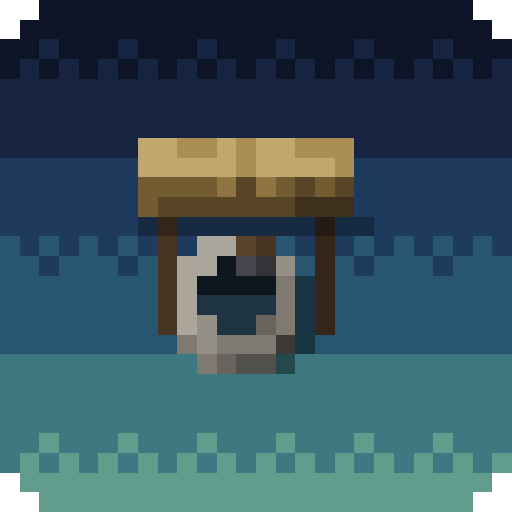
Codixel
Codixel is a Claude Code skill for making pixel art with AI: game sprites, characters, animations and effects like fire, smoke and beams. It covers how to describe what you want, the steps from a reference image to a finished animated sprite, and why you have to check every step.
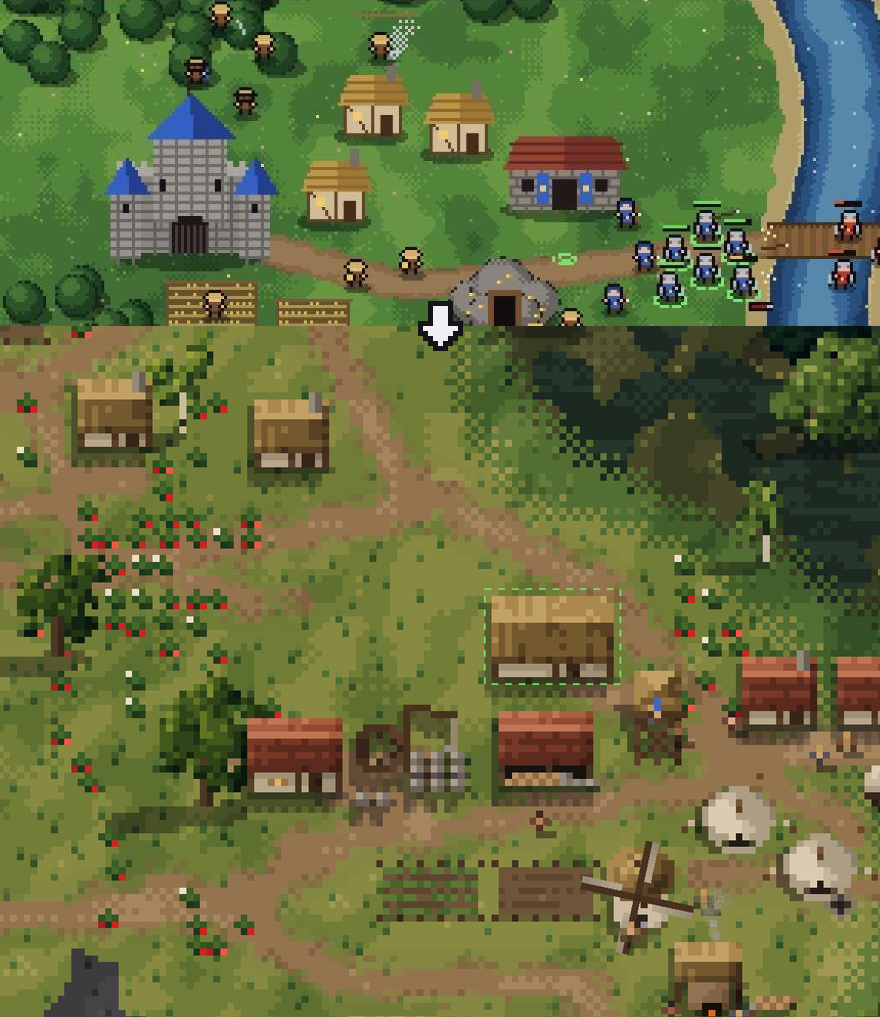
Left: without Codixel. Right: with Codixel.
Steps
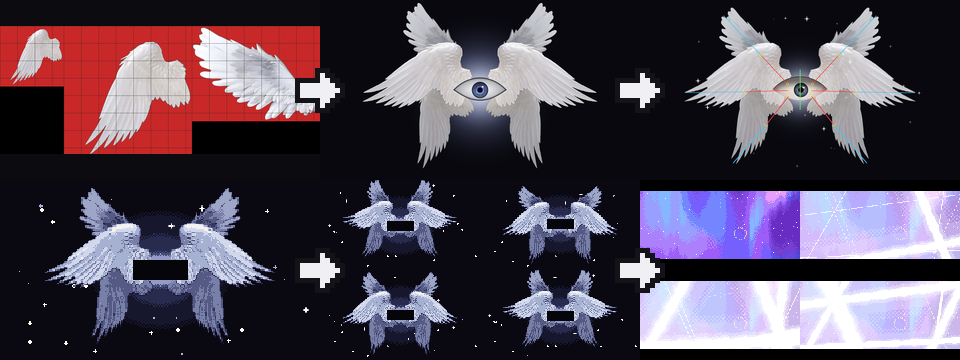
- Find real images of what you want. Use your own, or ones whose license allows it.
- Have the AI put it together in code from those images.
- Ask for bones so the parts can move.
- Ask for pixel art and say how it should look, for example "realistic".
- Look at the animation frames one by one.
- Put it in the scene and check it next to everything else.
Here the bones come before the pixels, because the god is put together from several images. With a single image, like Kinryu, turn it into pixels first and add the bones after.
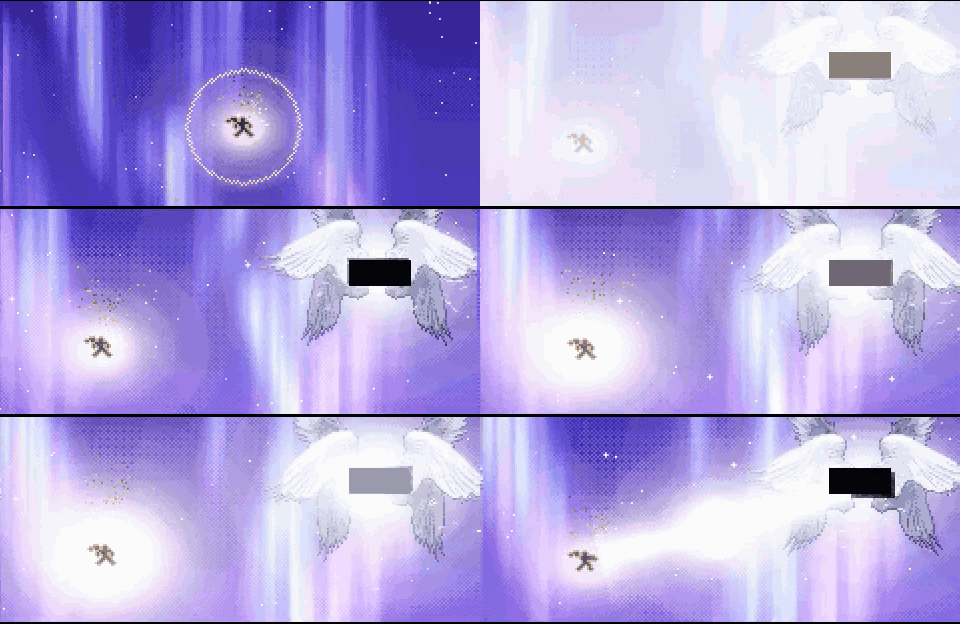
What to do
- Remember Claude Code is not a painter, it only writes code
- Start from a real reference image
- Give a reference to compare with
- Go step by step
- Ask for how it should look, like "realistic"
- Build characters from only a few pixels
- Use dither only where two colors meet
- Find sounds on the internet, don't let the AI make them
- Never say "do this" or "copy this" and walk away, check every step
Claude Code is not a painter
Claude Code cannot draw pixel art from scratch like a painter. It only writes code.
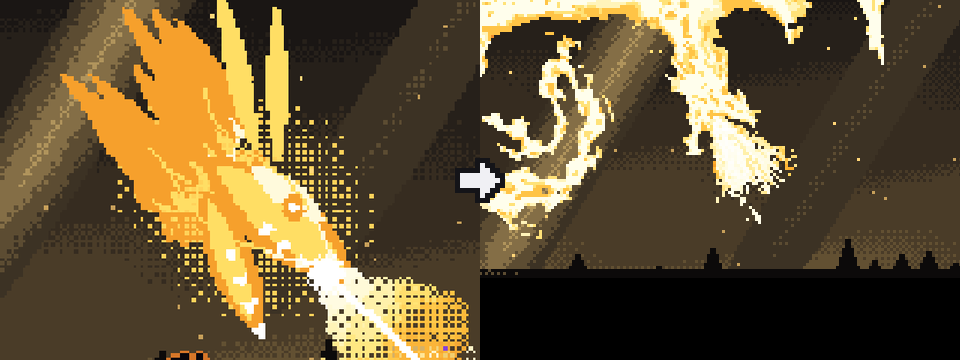
Left: Claude Code drew the dragon from scratch. Right: Claude Code turned a reference image into pixels and moved it.
Example: Kinryu
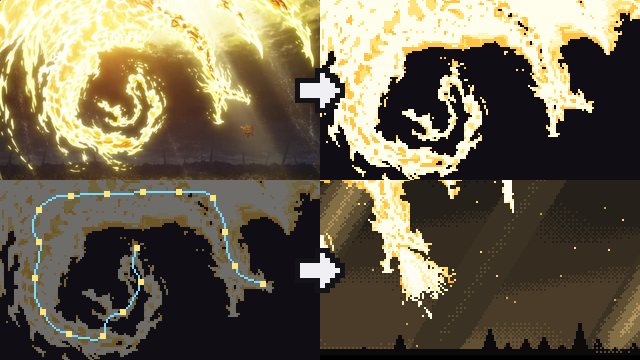
- Start from one picture of a gold dragon.
- Take off the background and make it pixels.
- Find the line from head to tail and move the body along it.
- Put it in the scene.

Dither
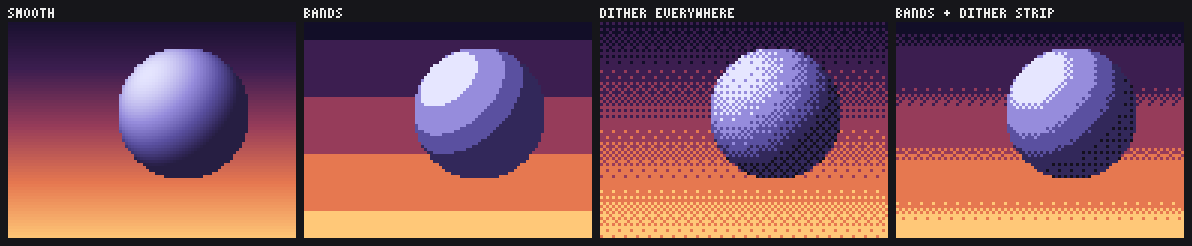
Pixel art has only a few colors, so a sky or a ball needs a trick to change softly from one color to the next:
- Smooth: hundreds of colors. It looks like a blurry photo.
- Bands: flat stripes. You see hard lines between them.
- Dither everywhere: soft, but grainy.
- Bands and a dither strip: flat colors, mixed only where two bands meet. Codixel uses this one.
Sound
Don't let the AI make the sounds for your game. AI-made sounds are easy to spot. Have it find sounds on the internet instead.
Never "do this" or "copy this" and walk away
Never tell the AI "do this" or "copy this" and leave it. Check it the whole time it works and make sure what you get is what you wanted.
While this README was being written, the AI added a lot of things I didn't ask for. That is why you should check every step.
After every step, look at the result:
- Is it the size you wanted?
- Does it look the way you described it?
- Is it the thing you asked for?
If something is wrong, say exactly what is wrong and run the step again. Move on only when the step is right.
Example: Astral Prison
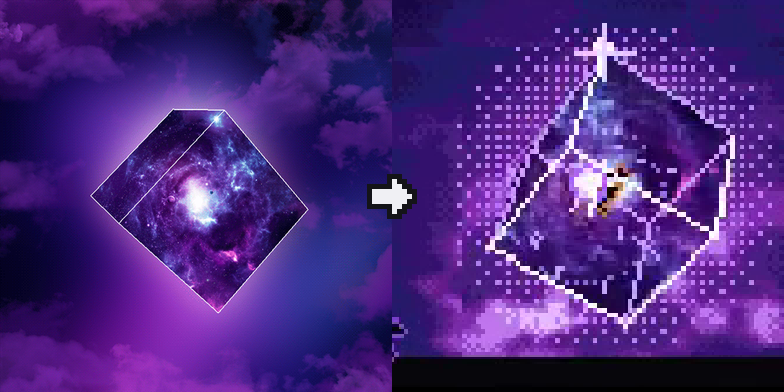
Give the AI a picture to compare with. Then it knows what you want.
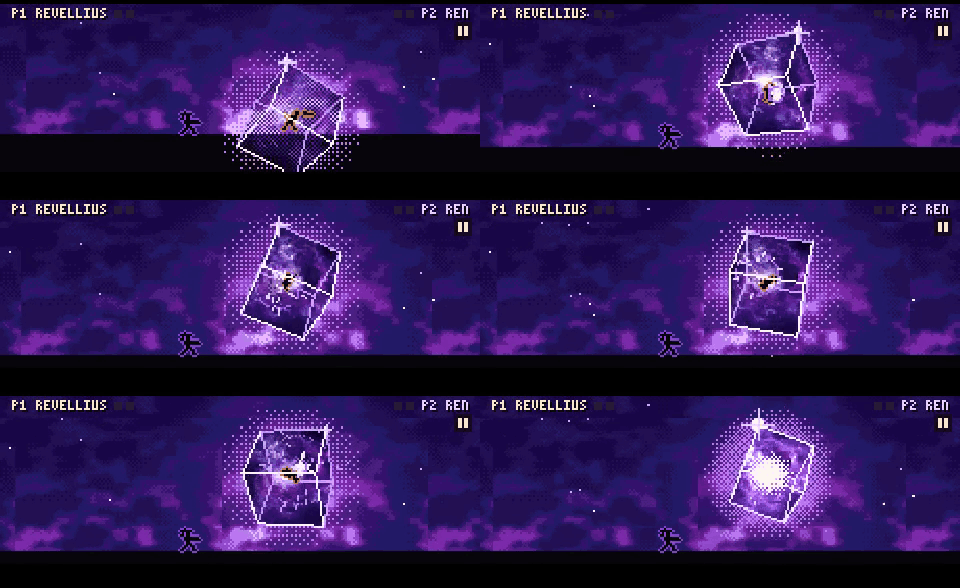
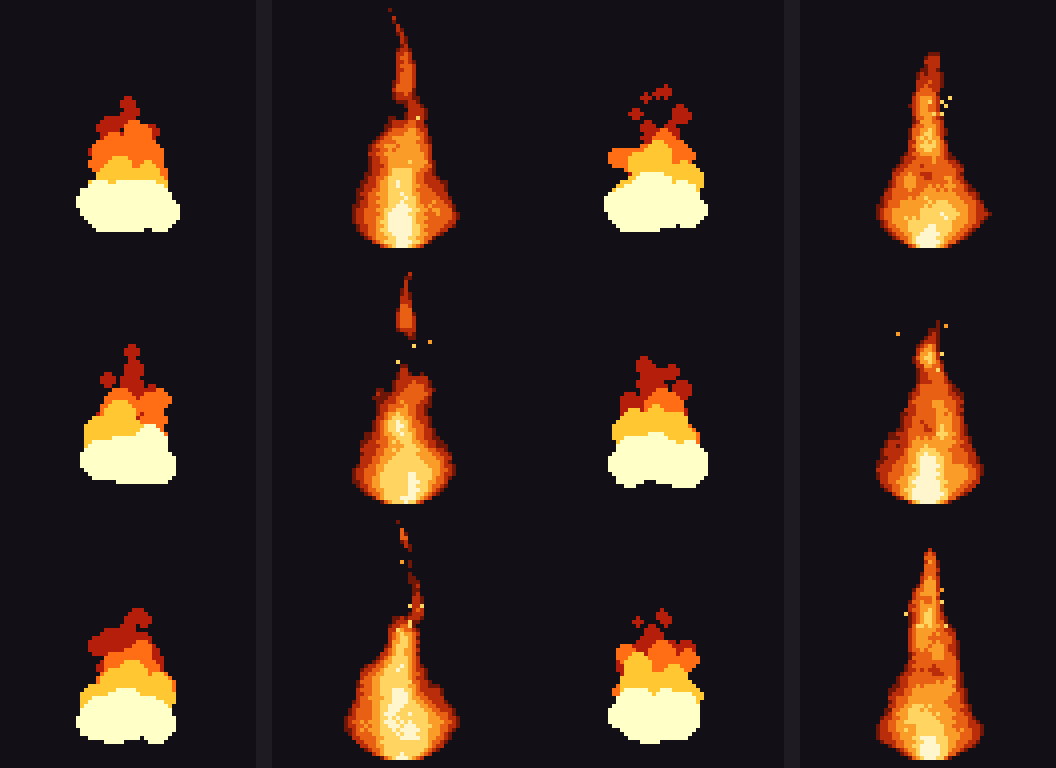
Example: effects
Fire, smoke and beams from core/pixel.js. It comes with the skill, so the AI starts from working code.

Example: mini characters

Characters made from only a few pixels.
Example: bullet hell
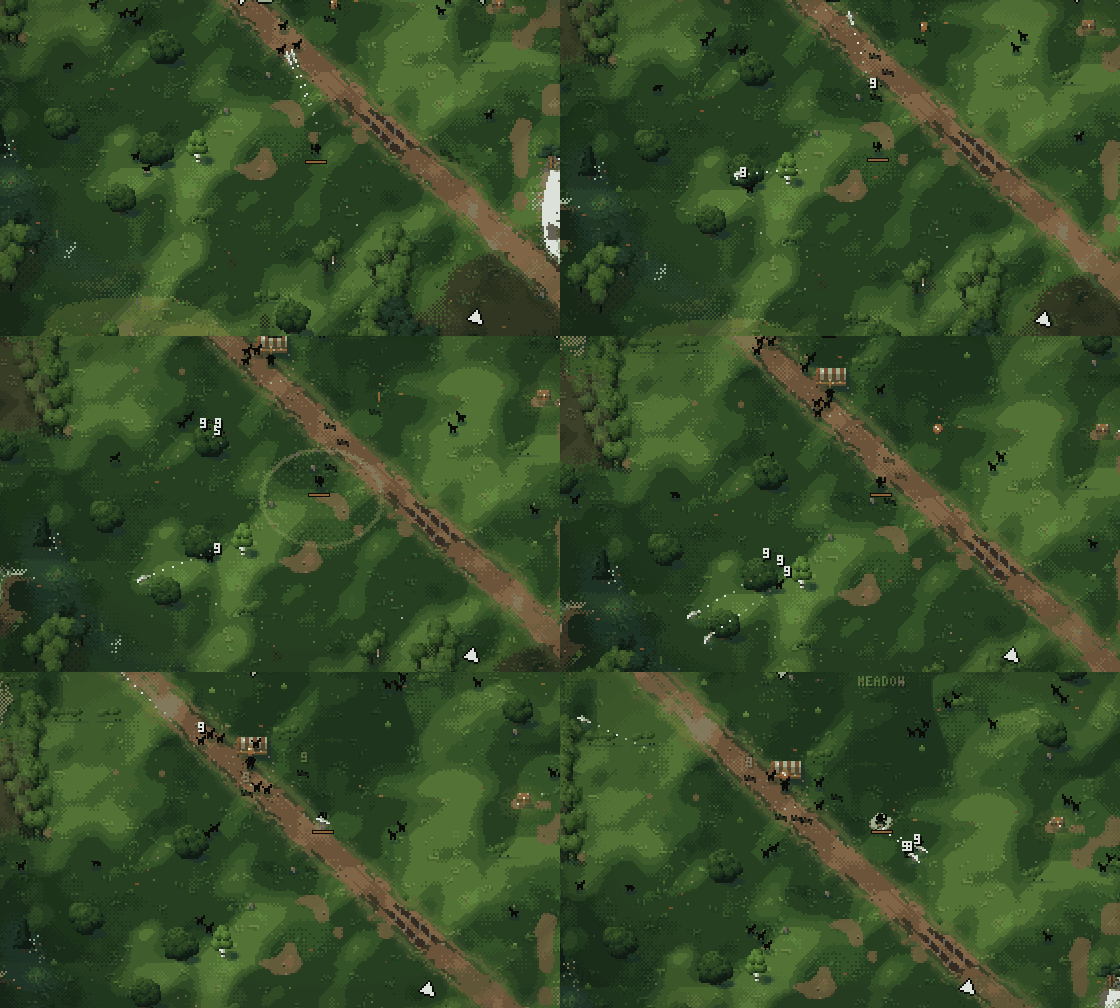
Hollowchain is a survivors-style game. The enemies are only 5 by 5 pixels.
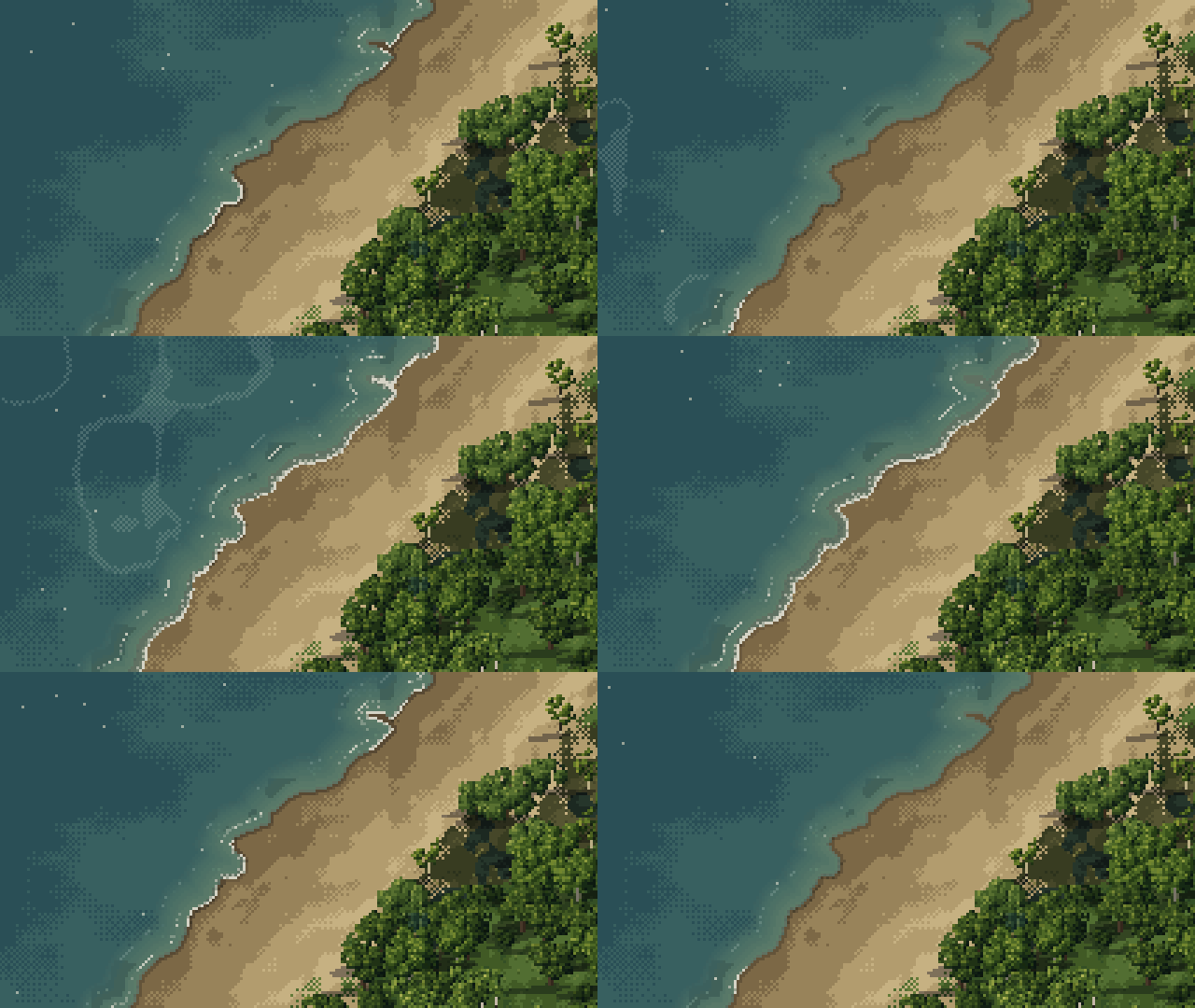
Example: ocean
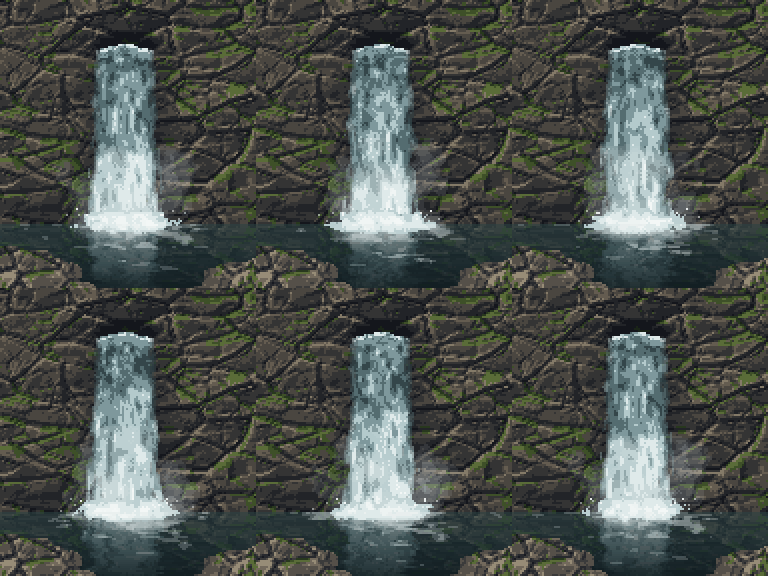
Example: waterfall
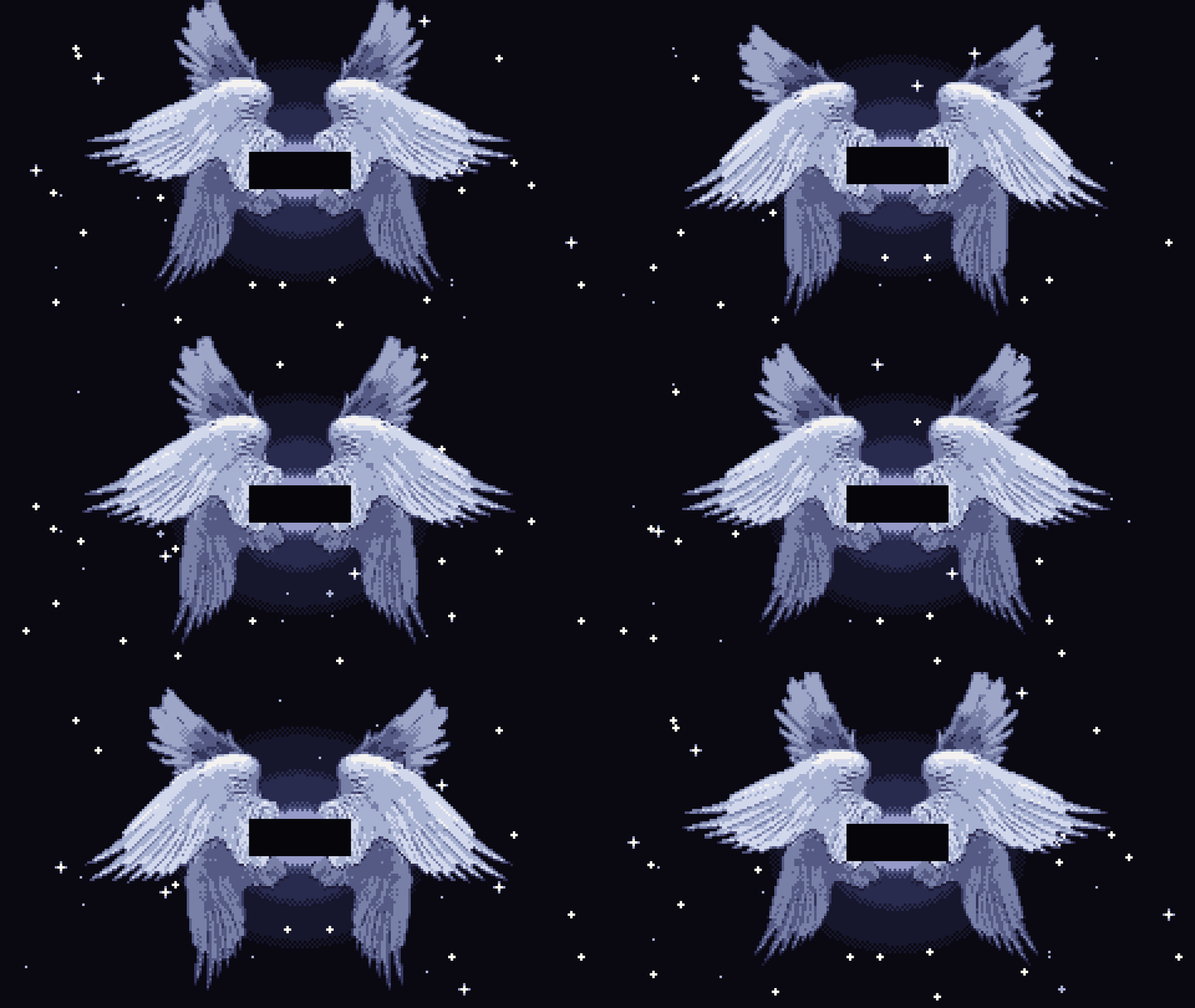
Example: space backgrounds
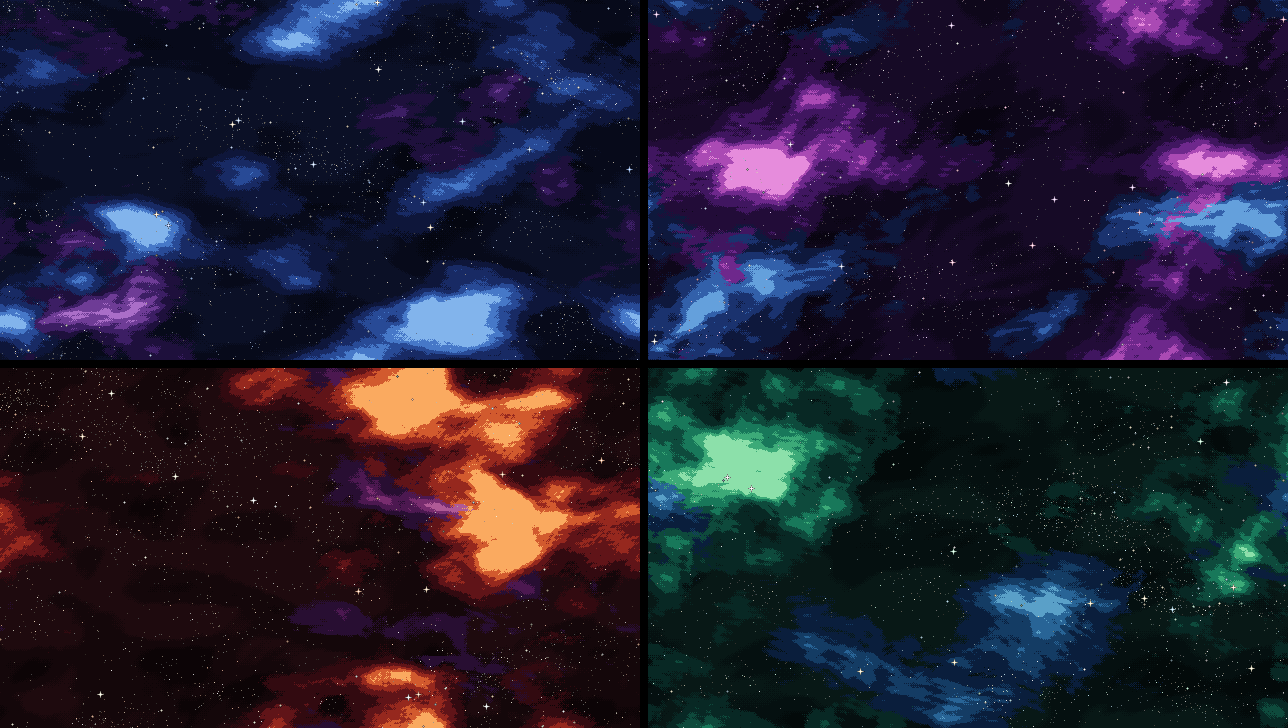
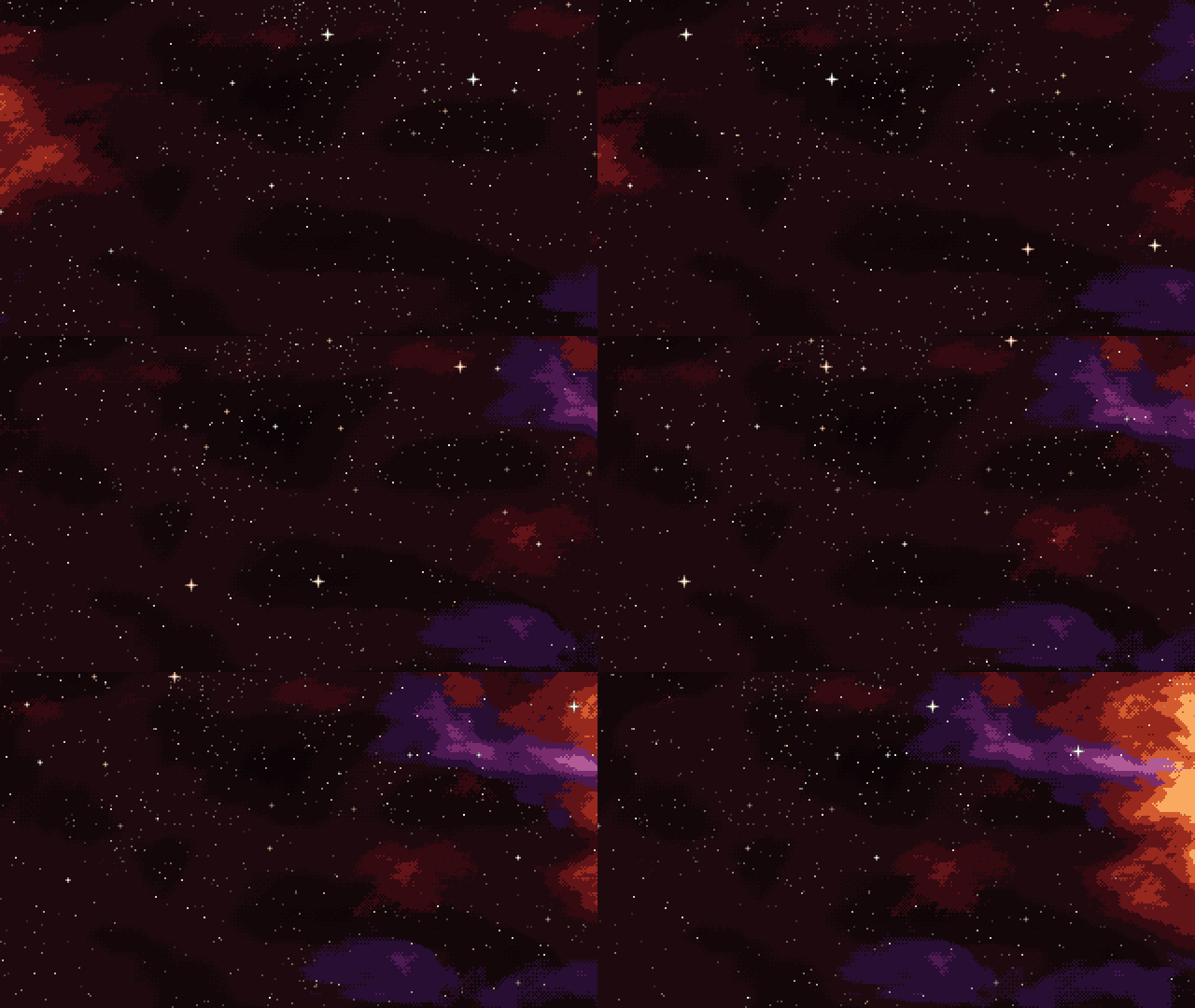
There are four colors. Each one has five layers that repeat with no seam.
Install
git clone https://github.com/mankidev/codixel ~/.claude/skills/codixel
Claude Code loads it on the next start. It runs when you ask for pixel art.
License
GPL-3.0-or-later. See LICENSE.
Yorumlar (0)
Yorum birakmak icin giris yap.
Yorum birakSonuc bulunamadi