big-brain-os
Health Warn
- License — License: MIT
- Description — Repository has a description
- Active repo — Last push 0 days ago
- Low visibility — Only 6 GitHub stars
Code Warn
- Code scan incomplete — No supported source files were scanned during light audit
Permissions Pass
- Permissions — No dangerous permissions requested
No AI report is available for this listing yet.
A personal operating system for your work, powered by Claude Code.
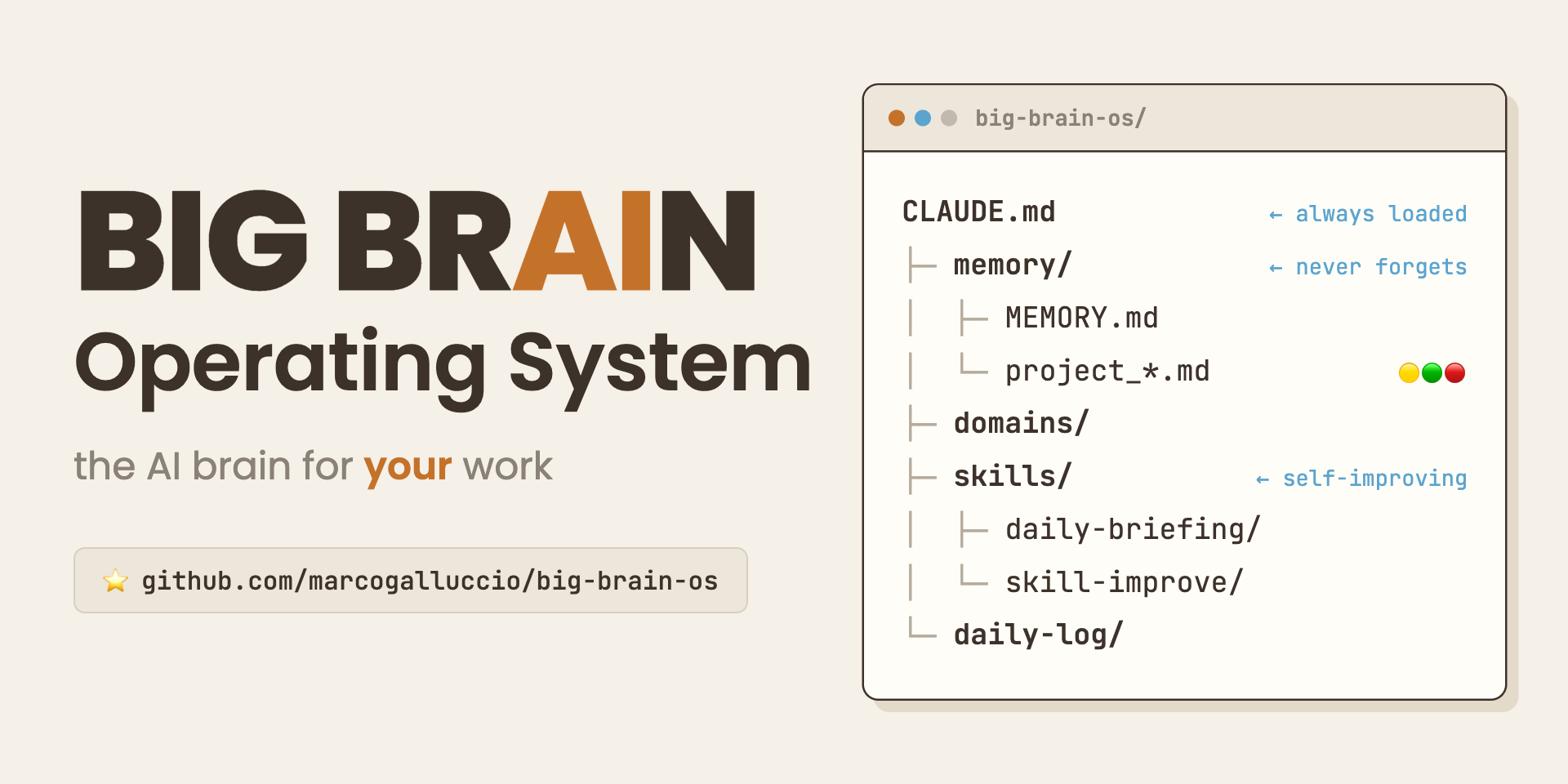
Big Brain OS
A personal brain for your work
Big Brain is a personal operating system for your work, built for Claude Code. Instead of re-explaining yourself in every chat, you build a structured workspace that the agent reads automatically: who you are, what your work is about, the projects you are running, and the way you like to work. Every conversation starts with that context already loaded.
The Three Core Ideas
1. CLAUDE.md hierarchy: layered context
Every folder has a CLAUDE.md that tells the agent what that area is about. Files load top-down: the root CLAUDE.md sets global rules and the way you work, subfolder CLAUDE.md files add focused context for that area.
CLAUDE.md                    (global rules, structure, boot sequence)
domains/
  clients-projects/
    CLAUDE.md                (loaded only when you work in this domain)
skills/
  daily-briefing/
    SKILL.md                 (skill definition and instructions)
The agent reads the root CLAUDE.md on every conversation. It reads subfolder files only when working in that area. Context stays focused, noise stays low.
2. File-based memory
Memory lives in memory/ and persists across conversations. It is the source of truth for what is active, what is planned, and what has been decided.
memory/
  MEMORY.md                  (dashboard index, one line per item)
  project_*.md               (one file per active project)
  strategic_*.md             (long-term positioning and directions)
  feedback_*.md              (lessons learned, agent behavior rules)
  reference_*.md             (pointers to external resources)
MEMORY.md is the index. Individual files hold the full context and are read on demand. The daily-briefing skill reads MEMORY.md to build your priorities. The session-debrief skill updates it when you wrap up.
3. Work-domain subfolders
Each area of your work gets its own folder under domains/, with its own CLAUDE.md and Context.md. This keeps work organized without handing the agent everything at once. Three example domains ship with the template (clients-projects/, learning-skills/, content/); rename, replace, or delete them to fit your work.
domains/
  clients-projects/
    CLAUDE.md                (what this domain is about)
    Context.md               (background, goals, contacts, links)
Two levels of memory
Big Brain ships with a light Core layer that works immediately: projects, strategic notes, references, and feedback, tracked in plain markdown.
When you want more, an opt-in Advanced layer adds salience scoring (hand-set, or computed by a deterministic formula), dated takes, and soft-delete, so the memory ages gracefully instead of growing forever. It is entirely optional. See docs/ADVANCED.md.
Quickstart
- Clone this repo into your working directory.
- Install the Superpowers plugin. In Claude Code, run
/pluginand install Superpowers. This is the discipline layer the setup runs through. - Set up the brain as a brainstorm. Open the folder in Claude Code and say:
Let's set up my Big Brain. Use the Superpowers brainstorming skill.The agent walks you through filling inAbout Me - Context.md,Work - Context.md, and your first domains, one question at a time.
Full walkthrough in WELCOME.md. Technical setup (clone, memory path, plugins) in SETUP.md.
File structure
big-brain-os/
  README.md                  (this file)
  WELCOME.md                 (first-run guide)
  SETUP.md                   (technical setup)
  CONTRIBUTING.md            (how to contribute)
  CHANGELOG.md               (version history)
  LICENSE                    (MIT)
  CLAUDE.md                  (root agent instructions)
  About Me - Context.md      (who you are: role, style, expertise)
  Work - Context.md          (what your work is about; optional)
  Workflows.md               (cross-domain workflow patterns)
  .gitignore
  .claudeignore
  domains/                   (one folder per area of work)
    clients-projects/        (example, deletable)
      CLAUDE.md
      Context.md
    learning-skills/         (example, deletable)
      CLAUDE.md
      Context.md
    content/                 (example, deletable)
      CLAUDE.md
      Context.md
  skills/
    daily-briefing/
      SKILL.md               (priority list from memory)
    session-debrief/
      SKILL.md               (logs session, updates memory)
    memory-checkup/
      SKILL.md               (read-only memory health audit)
    html-preview/
      SKILL.md               (renders markdown as styled HTML)
    skill-improve/
      SKILL.md               (turns logged friction into approvable diffs)
    _improvements/
      capture.md             (friction capture protocol)
      friction-log.md        (append-only friction telemetry)
  memory/
    CLAUDE.md                (memory rules and conventions)
    MEMORY.md                (dashboard index)
    project_template.md
    strategic_template.md
    feedback_template.md
    reference_template.md
    project_example.md       (example, deletable)
    archive/                 (closed memory files)
  daily-log/                 (daily session logs, one file per day)
    CLAUDE.md                (log conventions: sessions, Remember dates)
  docs/
    ADVANCED.md              (opt-in advanced memory layer)
    TOOLBELT.md              (recommended plugins and skills)
Toolbelt
Big Brain is the context layer. The way you actually do the work (planning, building, debugging, research) comes from a small curated set of plugins. The recommended toolbelt is Superpowers (core), impeccable (interface design and polish), and deep-research (verified multi-source research); html-preview ships native. See docs/TOOLBELT.md for what each one is for and when to install it.
Skills included
| Skill | What it does | Trigger |
|---|---|---|
daily-briefing |
Reads MEMORY.md and recent logs, builds a priority list for today |
"briefing" |
session-debrief |
Logs what happened, updates project files in memory | "debrief", "wrap up" |
memory-checkup |
Read-only health audit of the memory layer | "memory checkup" |
html-preview |
Renders any markdown file as styled HTML in your browser | "preview", "show me" |
skill-improve |
Turns logged friction into approvable improvement diffs for any skill | "improve the X skill" |
Each skill is a self-contained SKILL.md. Customize or replace any of them.
The skills improve themselves. Every native skill carries a ## Self-improvement footer: when a run hits friction (an avoidable question, a broken step, redone work), the agent offers to log it to skills/_improvements/friction-log.md. The skill-improve meta-skill then turns those entries into concrete diffs that you approve one by one. Skills never edit themselves silently.
Running a team?
company-brain-os is the multi-operator sibling: an operator registry, per-operator daily logs, and a git flow built for simultaneous sessions.
License
Released under the MIT License. Fork it, adapt it, build on it.
Reviews (0)
Sign in to leave a review.
Leave a reviewNo results found