atelier
Health Pass
- License — License: MIT
- Description — Repository has a description
- Active repo — Last push 0 days ago
- Community trust — 23 GitHub stars
Code Pass
- Code scan — Scanned 12 files during light audit, no dangerous patterns found
Permissions Pass
- Permissions — No dangerous permissions requested
No AI report is available for this listing yet.
An atelier for Opencode, Claude Code, and other coding agents: spec-driven workflows, deep thinking, and code quality.
Atelier
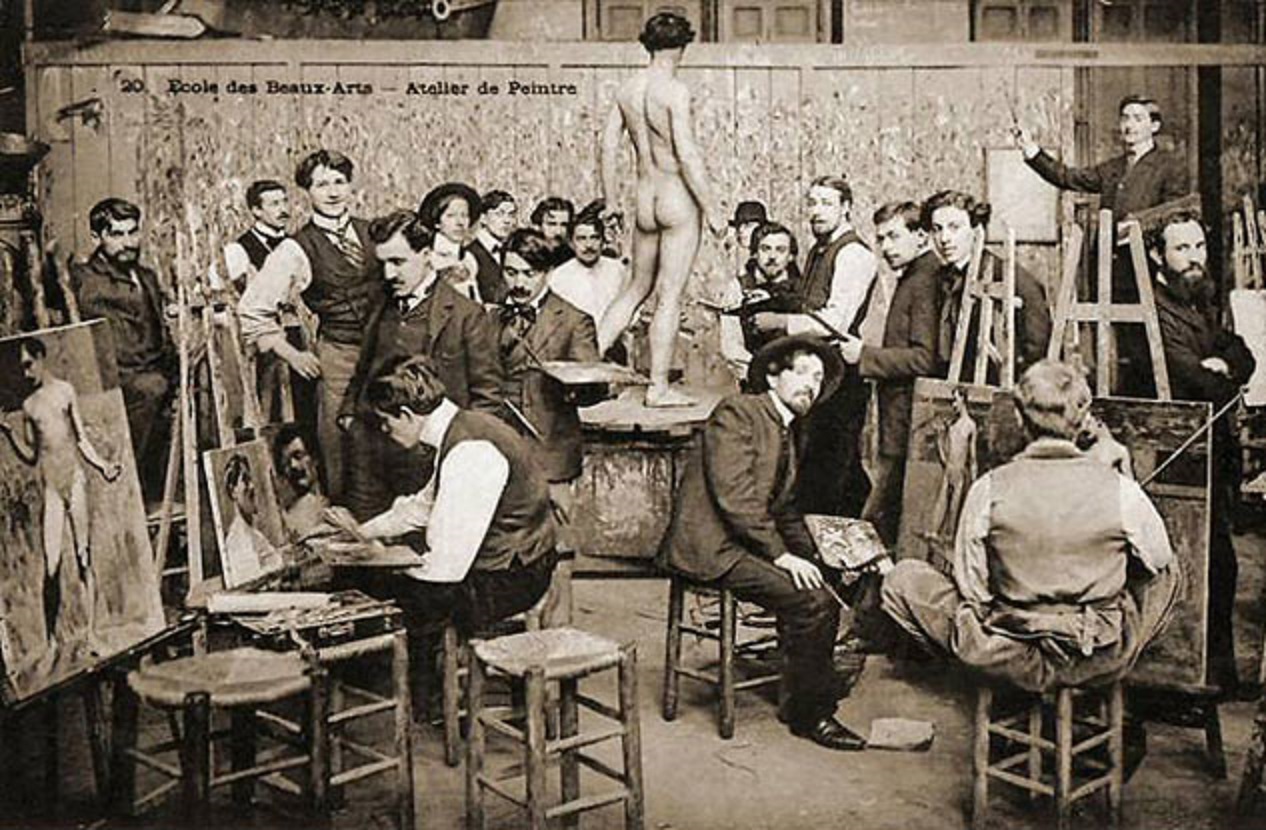
An atelier is the private workshop or studio where a principal master and a number of assistants, students, and apprentices can work together producing fine art or visual art released under the master's name or supervision.
A personal development toolkit for AI agents - spec-driven development, code quality, deep thinking, and ecosystem patterns.
Quick Start
Install Atelier with a single command. It auto-detects your AI harness (Claude Code or OpenCode), configures agents, and sets up session hooks:
# Initialize atelier in your project
bunx atelier@latest init

# Or install everything including skills
bunx atelier@latest init --all

# Non-interactive mode (CI/CD)
bunx atelier@latest init --yes
That's it. Your project is now configured for spec-driven development.
What Gets Installed
Atelier sets up three things in your project:
1. Skills (34 available)
Specialized knowledge modules that auto-invoke based on context. Install them via the CLI (--all flag) or separately:
npx skills add martinffx/atelier
2. Agent Personas (3 subagents)
Harness-agnostic agent definitions configured with appropriate models:
| Agent | Role | Claude | OpenCode |
|---|---|---|---|
| Scout | Fast codebase reconnaissance | haiku | deepseek-v4-flash |
| Oracle | Strategic thinking, requirements, analysis | opus | kimi-k2.6 |
| Architect | DDD, system design, architecture | opus | deepseek-v4-pro |
Agents are generated into .claude/agents/ or .opencode/agents/ with harness-specific model identifiers.
3. Session Hooks
Context injection that runs on every session start, clear, or compact:
- Claude Code:
hooks/atelier-session-startoutputs project context as JSON - OpenCode:
.opencode/plugins/atelier.jsprovides config and transform hooks
4. Task Tracking (optional)
The spec workflow skills support beads for dependency-aware task tracking:
# Install beads (optional but recommended)
npm install -g beads
Why beads? It provides bd ready (finds next unblocked task), bd dep add (dependency management), and bd list (progress tracking) that harness-native todos can't match.
Fallback: If beads isn't installed, skills fall back to the harness's native todo system (TodoWrite for Claude Code, built-in todos for OpenCode).
5. Configuration
Single source of truth in .atelier/config.json:
{
  "version": "1.0.0",
  "harness": "claude",
  "skills_source": "martinffx/atelier",
  "agents": [
    { "template": "scout", "model": "haiku" },
    { "template": "oracle", "model": "opus" },
    { "template": "architect", "model": "opus" }
  ]
}
CLI Commands
init (default)
Initialize atelier in the current project.
bunx atelier@latest init [options]
Options:
--harness <type>- Force harness type (claudeoropencode)--all- Also install skills vianpx skills add--yes- Non-interactive mode with default models--project- Install skills in project directory (default: global)
Idempotent: Re-running init is safe. It regenerates files without deleting anything unless you switch harnesses.
update
Refresh hooks and agents from the latest templates without touching skills:
bunx atelier@latest update
remove
Remove all atelier-generated files from the project:
bunx atelier@latest remove
Skills remain installed. Run npx skills remove martinffx/atelier to remove them separately.
Skills
This repository includes 34 skills that enhance AI agents with specialized knowledge and workflows.
Installing Skills
If you didn't use --all during init, install skills manually:
# Install all skills
npx skills add martinffx/atelier

# Install specific skills
npx skills add martinffx/atelier --skill typescript-drizzle-orm
npx skills add martinffx/atelier --skill python-fastapi
npx skills add martinffx/atelier --skill spec-brainstorm
Skill Types
Skills fall into four categories based on what they do:
Workflow Skills (spec:*)
Process-oriented skills that guide you through structured development workflows. These produce artifacts and should be followed step-by-step.
spec-brainstorm→spec.md— Discovery, requirements, architecturespec-plan→plan.json— Break spec into implementable tasksspec-implement— Execute tasks with TDDspec-finish— Validate, review, prepare for PRspec-orchestrator— Route to the right skill based on context
Thinking Skills (oracle:*)
Analytical skills that provide patterns, principles, and deep reasoning. These adapt to your specific situation.
oracle-architect— DDD, hexagonal architecture, component designoracle-challenge— Challenge assumptions, validate decisionsoracle-testing— Stub-driven TDD, layer boundary testingoracle-thinkdeep— Extended sequential reasoning for complex problems
Domain Knowledge (python:*, typescript:*)
Technology-specific patterns and best practices. These are like having a senior engineer for that stack.
TypeScript (8 skills)
typescript-api-design— REST conventions, error responses, paginationtypescript-fastify— Fastify + TypeBox route handlerstypescript-drizzle-orm— Type-safe SQL schemas and queriestypescript-dynamodb-toolbox— Single-table design, GSIstypescript-functional-patterns— ADTs, branded types, Option/Resulttypescript-effect-ts— Functional effects, error handling, resourcestypescript-build-tools— Bun, Vitest, Biome, Turborepotypescript-testing— Mocking, MSW, snapshot testing
Python (8 skills)
python-architecture— Functional core/shell, DDD, layered architecturepython-fastapi— Pydantic validation, dependency injection, OpenAPIpython-sqlalchemy— ORM patterns, queries, async, upsertspython-temporal— Workflow orchestration, activities, error handlingpython-modern-python— Type hints, generics, pattern matchingpython-monorepo— uv workspaces, mise task orchestrationpython-testing— Stub-driven TDD, pytest patternspython-build-tools— uv, ruff, basedpyright, pytest config
Utility Skills (code:*)
Task-specific tools you invoke when you need them.
code-review— Multi-agent code review with specialized reviewerscode-debug— Systematic debugging workflowcode-docs— README, API docs, changelog generationcode-security— Security audit and vulnerability detectioncode-perf— Performance profiling and optimizationcode-git-worktrees— Isolated git worktrees for feature workcode-stacked-commit— Manage stacked commits with Graphitecode-subagents— Dispatch patterns for parallel implementation
Skills are auto-invoked based on their description when you work with relevant technologies. No commands needed—just install and AI agents will use them when appropriate.
How Skills Work
Skills are auto-invoked based on context. When you say "create a spec for user auth", the AI matches this to spec-brainstorm and loads it automatically.
Namespace Philosophy
Skills are organized into four categories based on their role:
| Category | Prefix | Type | Invocation | Output | Flexibility |
|---|---|---|---|---|---|
| Workflow | spec: |
Process | User/previous skill | Artifact | Follow exactly |
| Thinking | oracle: |
Analytical | Context-driven | Guidance | Adapt to context |
| Domain Knowledge | python:, typescript: |
Technology | Context-driven | Patterns | Adapt to context |
| Utility | code: |
Task-specific | User command | Result | Use as needed |
- Workflow (
spec:) — Sequential steps that produce artifacts. Follow them in order. - Thinking (
oracle:) — Analytical capabilities that reason about your specific problem. - Domain Knowledge (
python-*,typescript-*) — Stack-specific patterns and best practices. Like having a senior engineer for that technology. - Utility (
code:) — Task-specific tools you invoke directly when needed.
The Spec Workflow
graph LR
    A[spec-brainstorm] -->|spec.md| B[spec-plan]
    B -->|plan.json| C[spec-implement]
    C --> D[spec-finish]

    B -.->|design flaw| A
    C -.->|missing tasks| B
    C -.->|fundamental issue| A
    D -.->|bugs found| C
Standard flow:
- Research - Discovery + research + architecture →
spec.md - Plan - Break into tasks →
plan.json - Implement - Execute with TDD
- Finish - Validate and review
Iteration is normal - Backflows (dotted lines) are expected when:
- Planning reveals design flaws → back to research
- Implementation finds missing tasks → update plan
- Validation finds bugs → back to implement
When to Use Which Skill
| User says | Skill invoked |
|---|---|
| "Create a spec for X" | spec-brainstorm |
| "What should we build" | spec-brainstorm |
| "Write a plan" | spec-plan |
| "Implement this" | spec-implement |
| "Review this code" | code-review |
| "Debug this" | code-debug |
| "How should I test this" | oracle-testing |
| "What's the architecture" | oracle-architect |
Development
For local development with Claude Code, use the --plugin-dir flag to load skills directly:
claude --plugin-dir ./atelier
Restart Claude Code after making changes to reload skills.
To work on the CLI itself:
# Build the CLI
bun run build

# Test locally
bun ./dist/atelier.js init --yes
License
MIT Copyright (c) 2026 Martin Richards
Reviews (0)
Sign in to leave a review.
Leave a reviewNo results found