skills
Health Warn
- License — License: MIT
- Description — Repository has a description
- Active repo — Last push 0 days ago
- Low visibility — Only 8 GitHub stars
Code Fail
- exec() — Shell command execution in scripts/check-catalog.mjs
- rm -rf — Recursive force deletion command in scripts/test-link-skills.sh
Permissions Pass
- Permissions — No dangerous permissions requested
No AI report is available for this listing yet.
18 agent skills for how I build, review, and ship with Codex and Claude Code.
Mateo Nunez’s Agent Skills
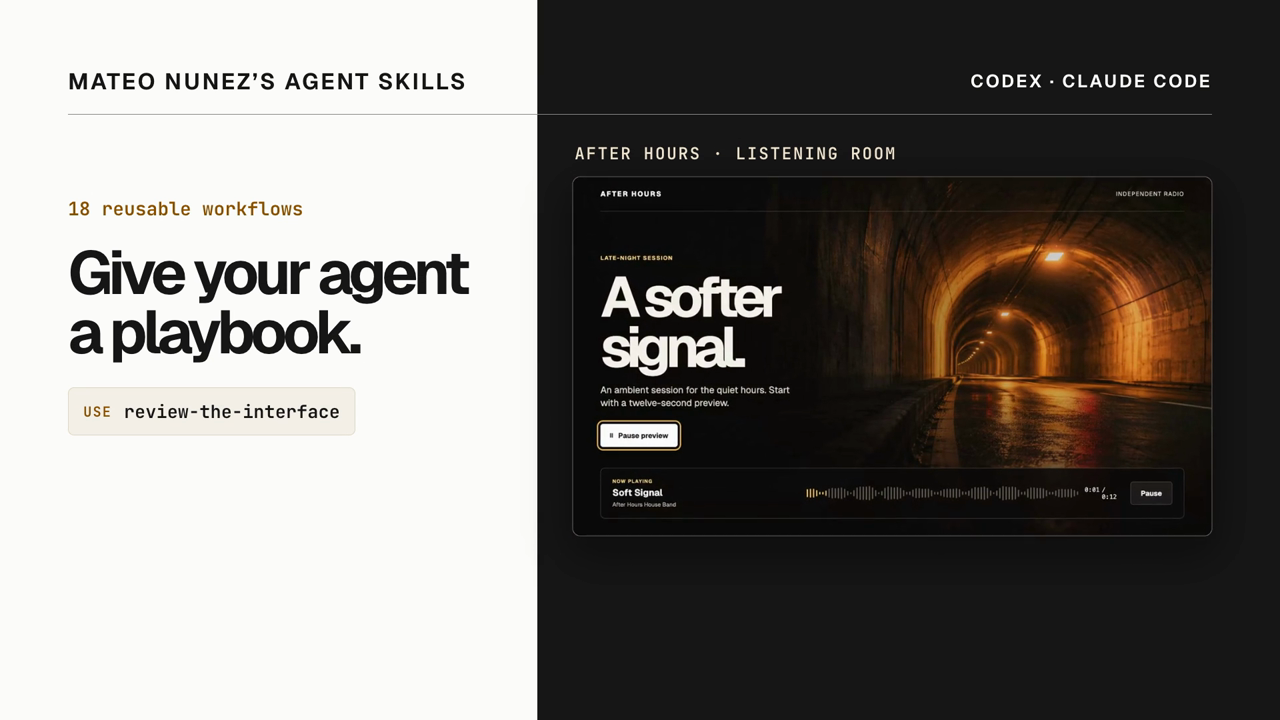
Watch the 15-second launch film · Releases · Browse the 18 skills


I use these skills to teach coding agents how I work. Start in the right checkout. Let me see an interaction before we build it. Show me the exact artifact before calling it shipped. Each skill captures one correction I kept making and gives the agent a way to verify the result.
Try one
npx skills add mateonunez/skills --skill prove-the-release -a codex -a claude-code
Open a new agent session and ask:
Use
prove-the-releaseto check this candidate. Match the build to the reviewed revision and tell me what we actually verified on the target device.
| When I need to… | I reach for… |
|---|---|
| Settle how a new interaction should work | Prototype to Decide |
| Resume someone else’s work at the exact next check | Ready to Resume |
| Explain a change with a real walkthrough | Show the Work |
Run npx skills add mateonunez/skills --list to see what’s available. Without --skill, the installer lets you choose. Add -g for an account-wide install. The skills are Markdown instructions. The two personal setup skills use explicit invocation in Codex and Claude Code.
Run ./scripts/list-skills.sh to inspect the catalog. ./scripts/link-skills.sh "$HOME/.agents/skills" links it for Codex. Run the linker without an argument for Claude Code. It reports any conflicts before creating links.
Reference
Build and verify
from-brief-to-build— Take a feature from its brief to the real path people will use.find-the-fault— Reproduce the failure, find the cause and verify the same path.review-the-diff— Review the request, the diff and the callers that rely on it.prove-the-release— Tie release claims to the source, artifact, channel and runtime you checked.compare-like-for-like— Compare quality, time and cost under the same conditions.command-line-craft— Make commands predictable for operators, scripts and agents.typescript-house-style— Follow the TypeScript conventions an opted-in repo actually uses.
Work with agents
signed-and-scoped— Use the repository's language and sign explicitly authorized commits.ready-to-resume— Leave a verified checkpoint and one actionable next step.work-the-lane— Coordinate agents through the exact lane, checkout and receipt.show-the-work— Explain behavior with a recording, diagram or chart grounded in evidence.distill-what-worked— Put each verified lesson where it will change the next run.
Design and interaction
prototype-to-decide— Make a product decision visible or playable before building it.review-the-interface— Walk the real task and keep the interface recognizably part of the product.keyboard-first— Verify real accessibility behavior with the platform's controls.motion-with-purpose— Use motion to communicate and keep a useful static path.
My setup
colemak-by-default— Use my real editor and terminal key bindings.clean-sweep— Reclaim space while protecting active work and local data.
Upgrading from earlier skill names
Install the new names you want and review the old copies in your agent's skill directory. Existing local copies and links need separate cleanup. The table also maps names used by older repo instructions and ADRs.
| Earlier name | Current skill |
|---|---|
feature-flow, grill-me-mateo, grill-with-docs |
from-brief-to-build |
code-review |
review-the-diff |
conventional-commits-scoped |
signed-and-scoped |
prototyping |
prototype-to-decide |
a11y-default-review |
keyboard-first |
write-a-skill |
distill-what-worked |
colemak-pair-programming |
colemak-by-default |
disk-sweep |
clean-sweep |
result-not-throw, entity-normalization, vertical-slices, node-native-tests, single-tool-per-job, types-first-guards, fastify-plugin-shape |
typescript-house-style |
I use Pitwall for local lane operations. Its own skill travels with the CLI. For project-specific guides, go to AIt or my website. The previous catalog is available in Git history.
About the launch film
The HyperFrames composition is editable. It uses an excerpt of the local catalog command and shows what prove-the-release asks the agent to check. Music on. Nonsense off.
License
Reviews (0)
Sign in to leave a review.
Leave a reviewNo results found