devie-ai-quota-tracker
Health Warn
- License — License: MIT
- Description — Repository has a description
- Active repo — Last push 0 days ago
- Low visibility — Only 5 GitHub stars
Code Pass
- Code scan — Scanned 12 files during light audit, no dangerous patterns found
Permissions Pass
- Permissions — No dangerous permissions requested
No AI report is available for this listing yet.
Dashboard + macOS menu bar for tracking AI subscription quotas in one place (Claude Code, Codex, Gemini CLI, GitHub Copilot, and Cursor). Supports multi-accounts, notifications, and session-timer start optimization.

Devie AI Quota Tracker



Track all your AI subscription quotas in the macOS menu bar
Overview | Download | Features | Themes | FAQ | Contributing
 |
 |
Overview
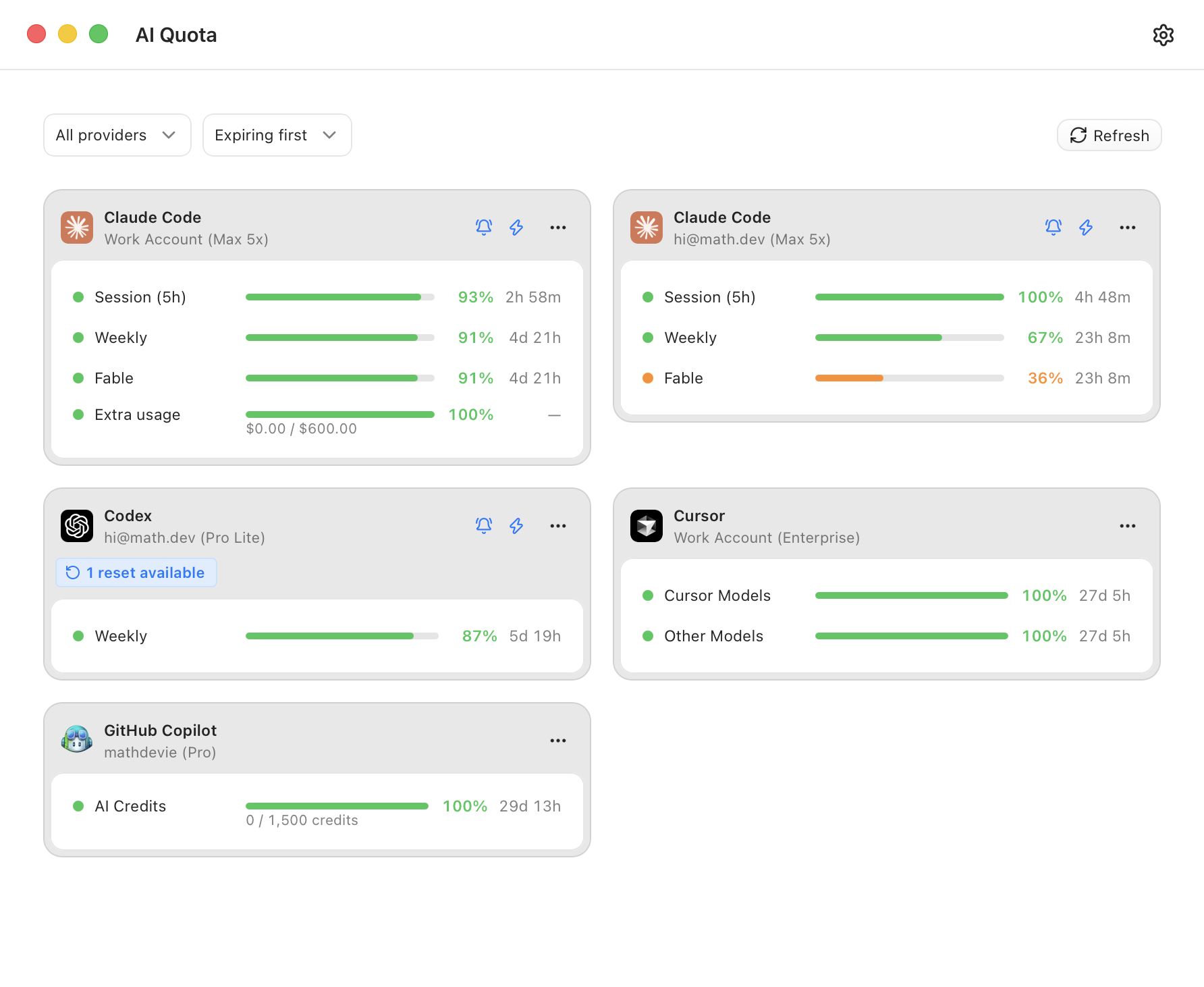
- 📊 Dashboard: one dashboard for all subscriptions, including Claude Code, Codex, Gemini CLI, GitHub Copilot, and Cursor
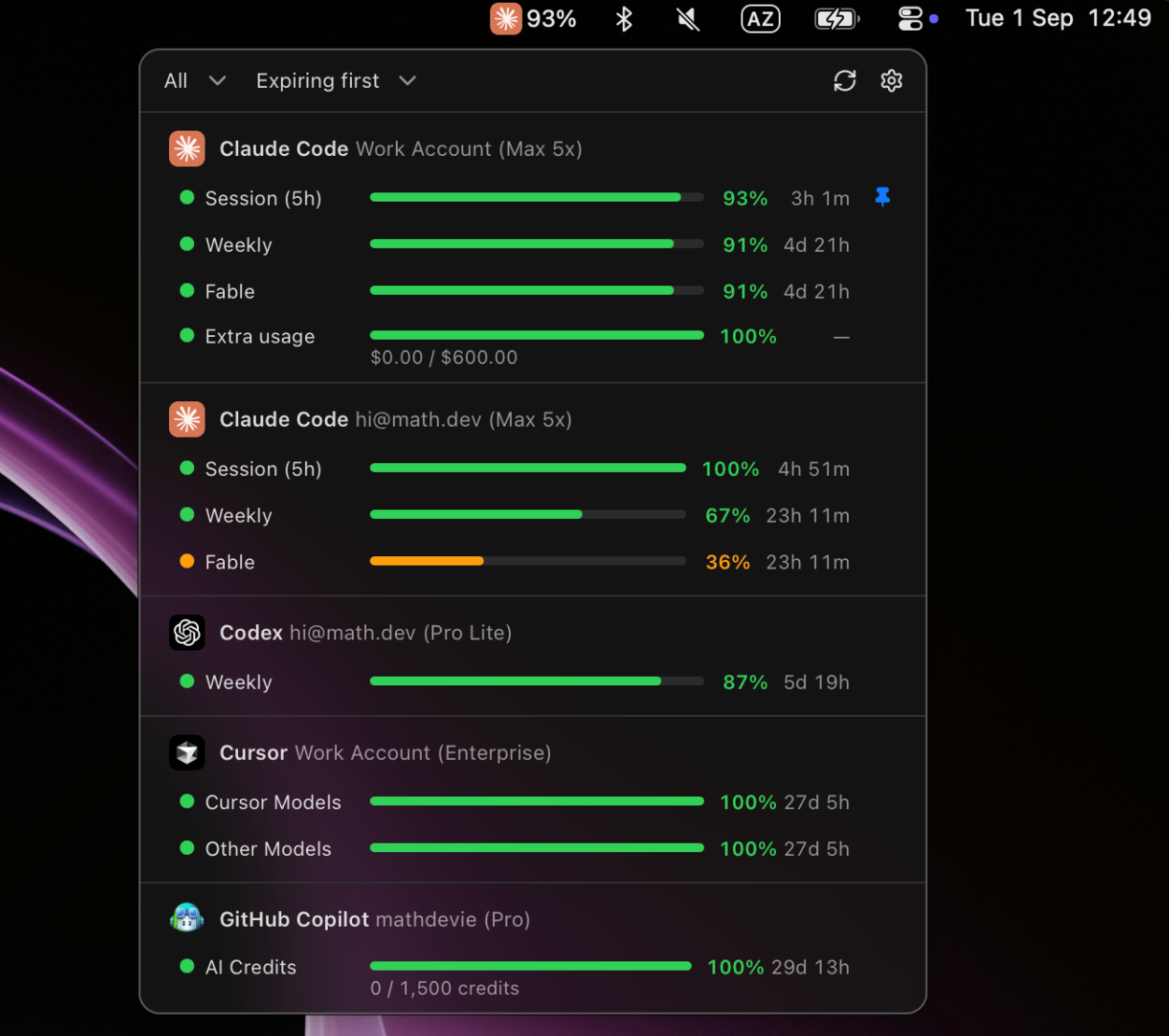
- 📌 Menu Bar: a native macOS menu bar integration that shows your remaining quota
- 👥 Multi-Account: support for multiple instances of the same provider (e.g. Work and Personal subscriptions)
- 🔔 Alerts: notifications about low quota or an imminent reset
- ⚡ Quota Optimizer: auto-start of your session timer, so you have to wait less between resets
- 📰 Codex Resets: live news from the codex-resets.com API about a possible Codex quota reset
- 🎨 Themes: 11 available color schemes
- 🌍 Languages: translations for 15 languages
Download
- Download the DMG
- Drag Devie AI Quota Tracker to Applications
- Launch it, then add your account under Providers to start tracking quota
If you prefer to run from the source code instead of downloading the package, follow these instructions.
You need Bun, a stable Rust toolchain, and the
Tauri macOS prerequisites.
git clone https://github.com/mathdevie/devie-ai-quota-tracker.git
cd devie-ai-quota-tracker
bun install
bunx tauri build --bundles app
The bundle is written under src-desktop/target/release/bundle/macos/.
Features
Menu Bar and Quick View
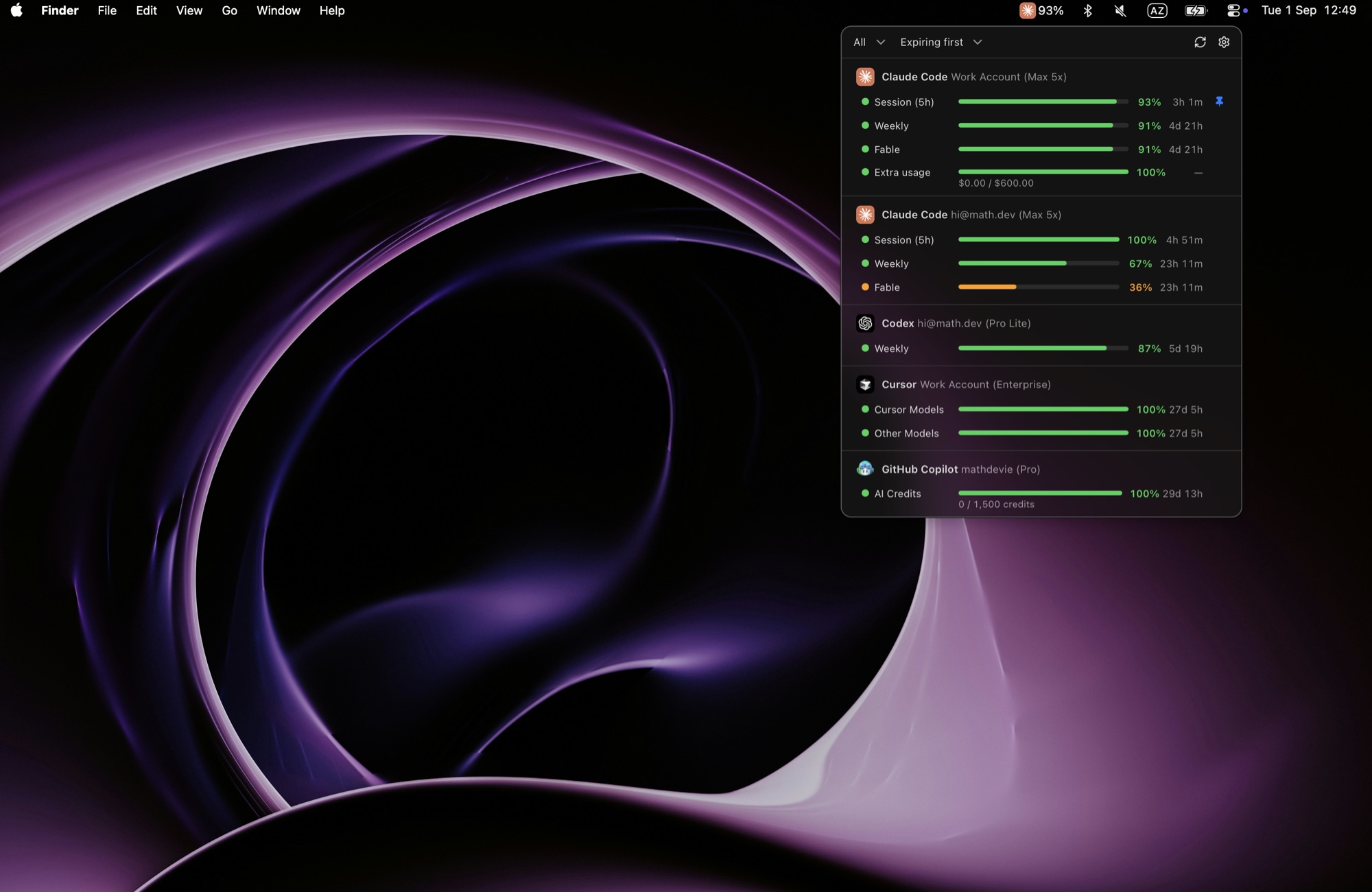
The menu bar shows the quota of the provider you selected: you can pin the quota that you want to track, or sort automatically by which one expires first.
One click opens a quick view popover with all quota details, percentage and reset dates.
Supported Providers
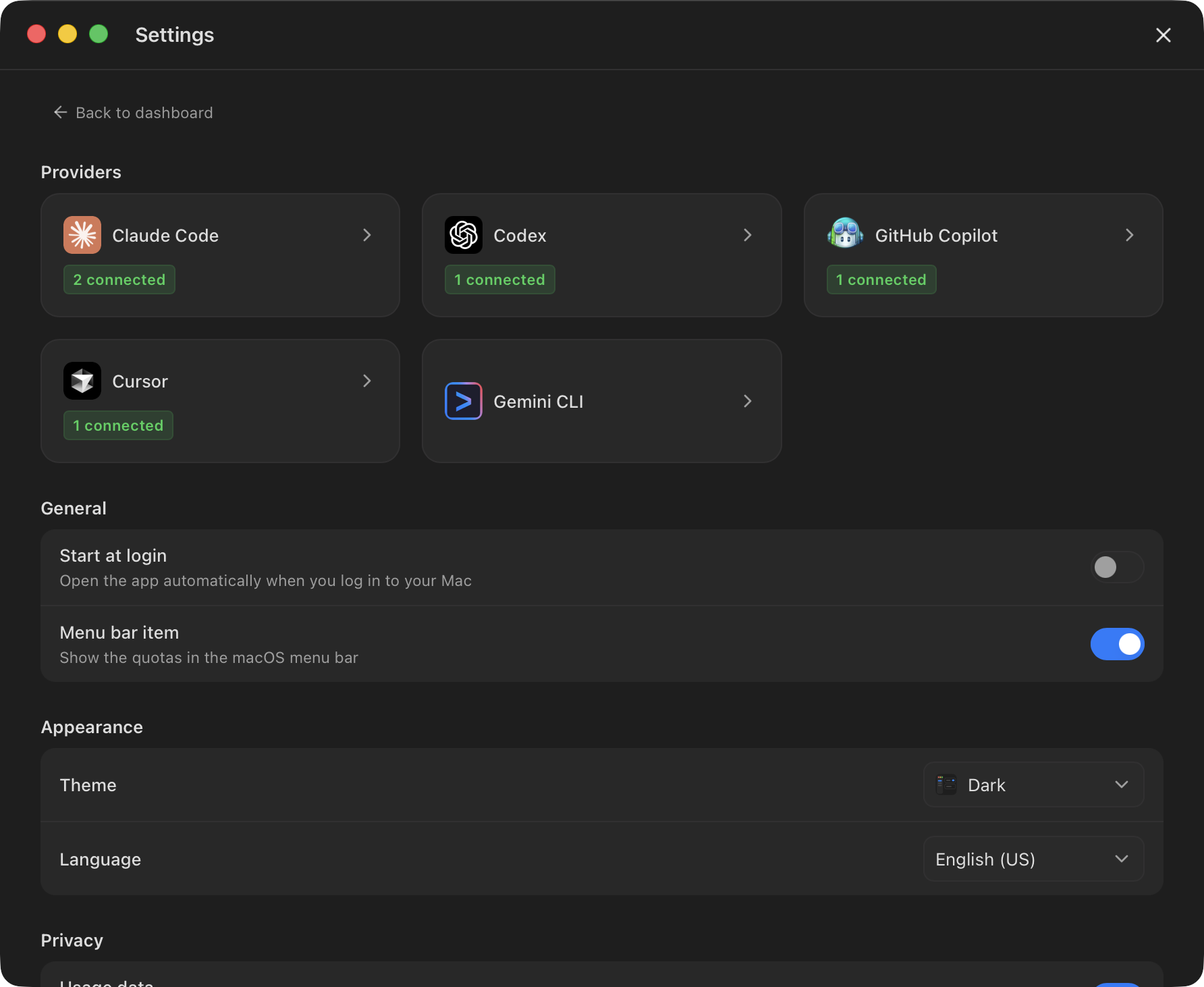
Currently supported AI providers include Claude Code, Codex, Gemini CLI, GitHub Copilot, and Cursor.
Authentication requires OAuth sign-in for each provider that you want to add. Note that unlike other existing solutions, we do not automatically reuse the CLI accounts you are already logged in to on your machine.
Alerts
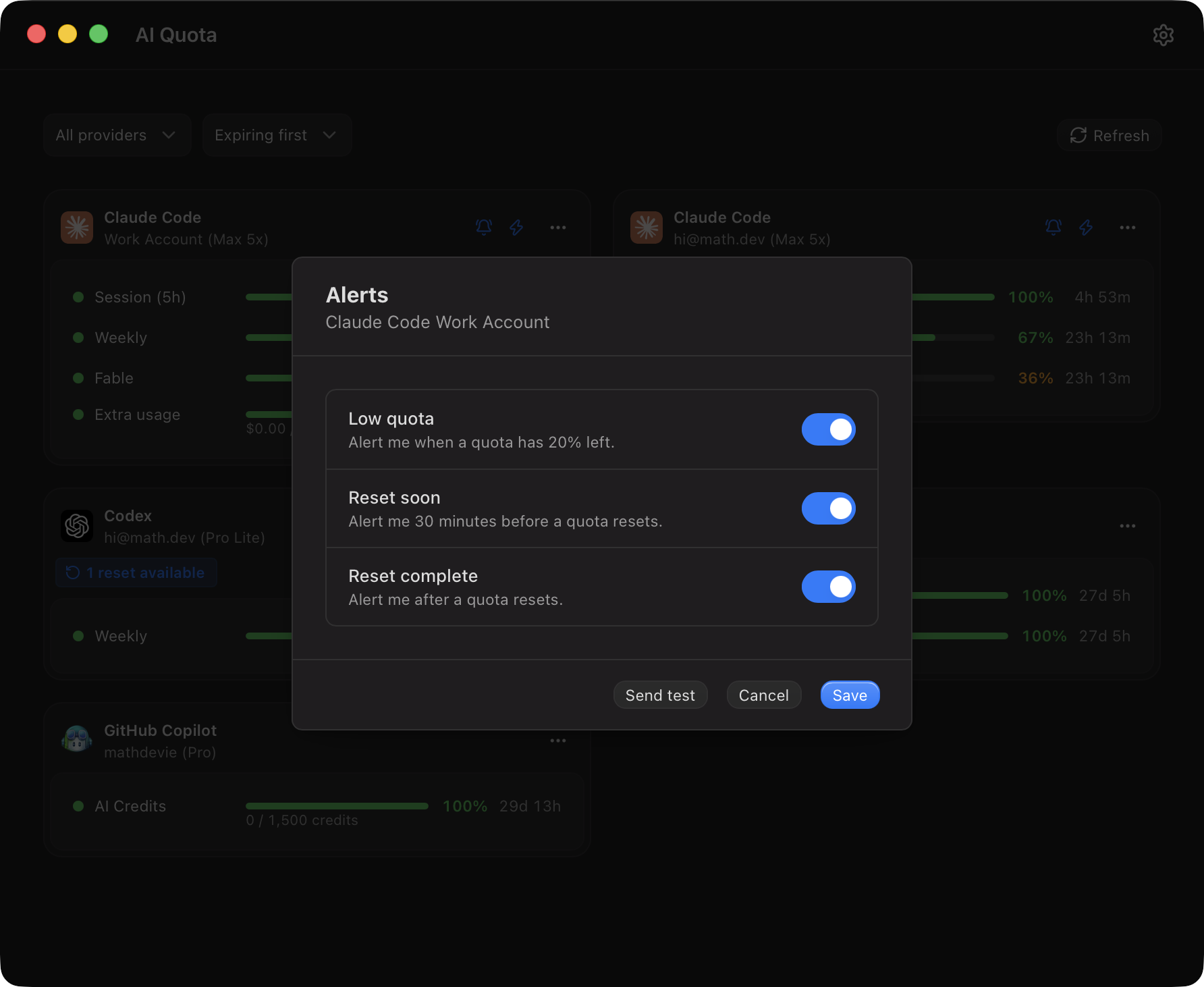
You can set up alerts (macOS notifications) for each account: low quota, reset soon, and reset happened.
Make sure you authorize the notifications for this app in your macOS notification settings.
Quota Optimizer
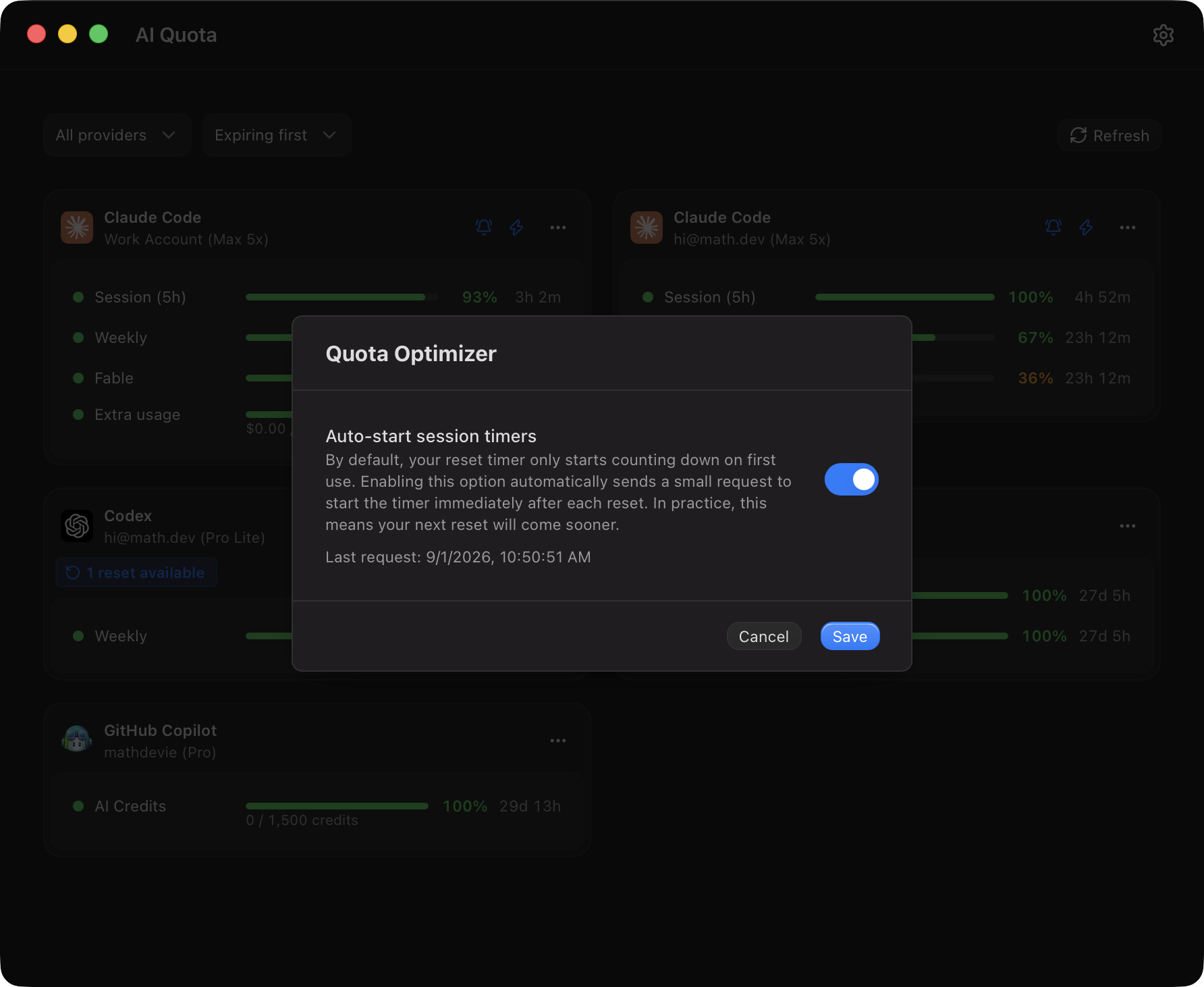
A reset timer normally starts on first use. By activating the optimizer, the application will send a small
request right after each reset, so the timer starts immediately and the
next reset comes sooner.
Codex Resets
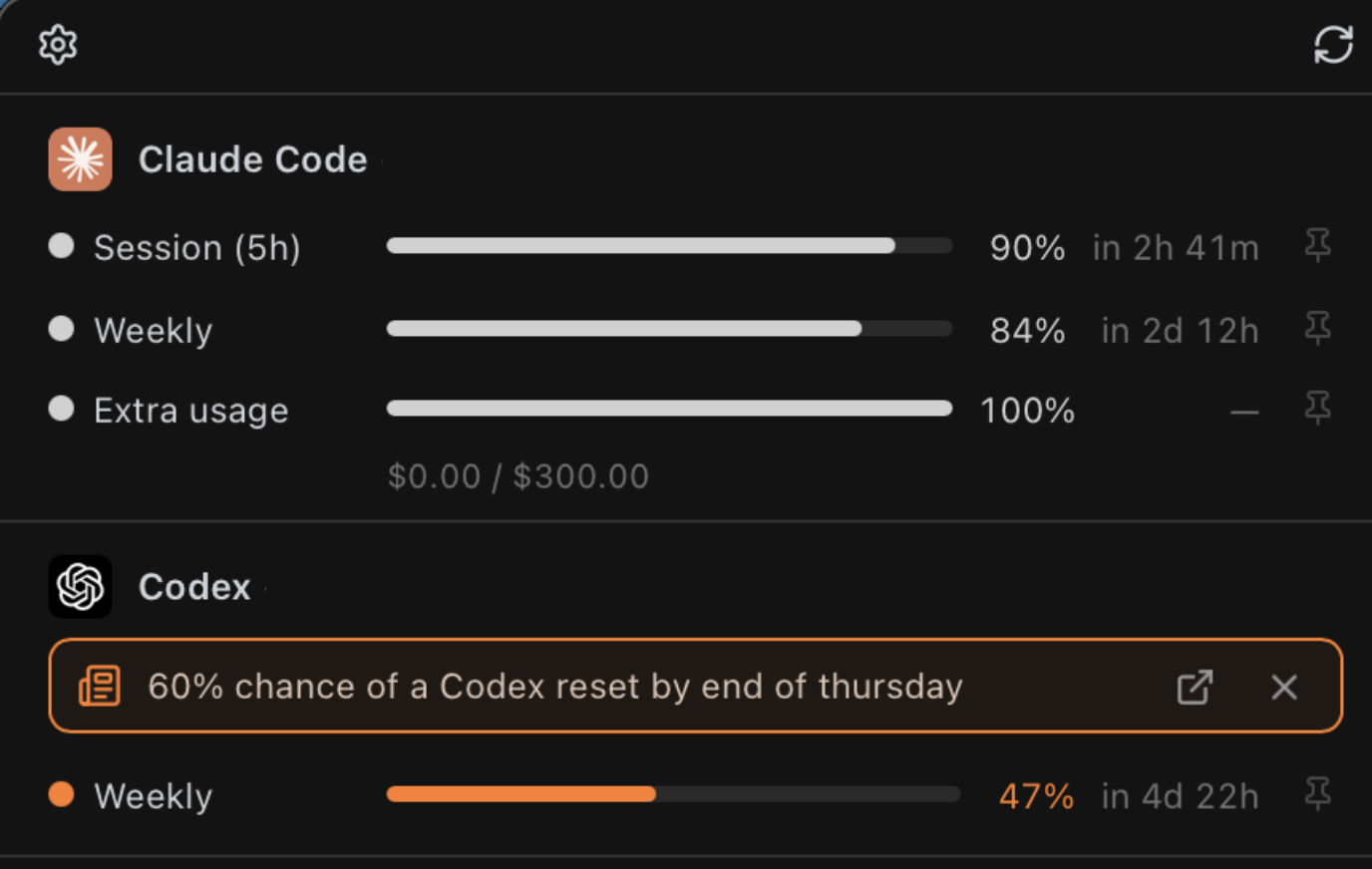
Codex quotas sometimes (often) reset early.
We fetch the latest announcements from codex-resets.com, a community
site that tracks the reset announcements of OpenAI staff. The app reads
the public status feed only and never sends account data to it.
Themes
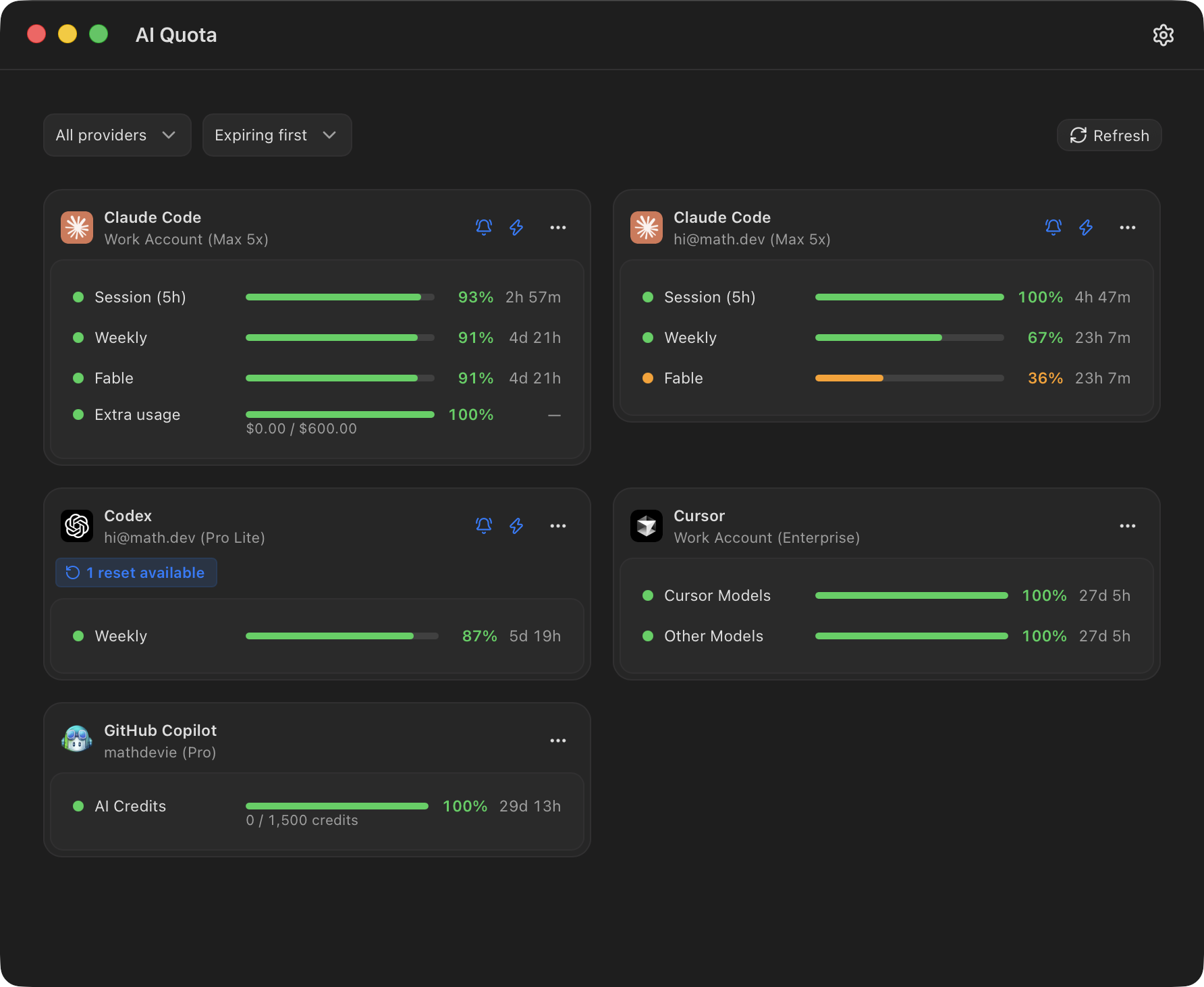
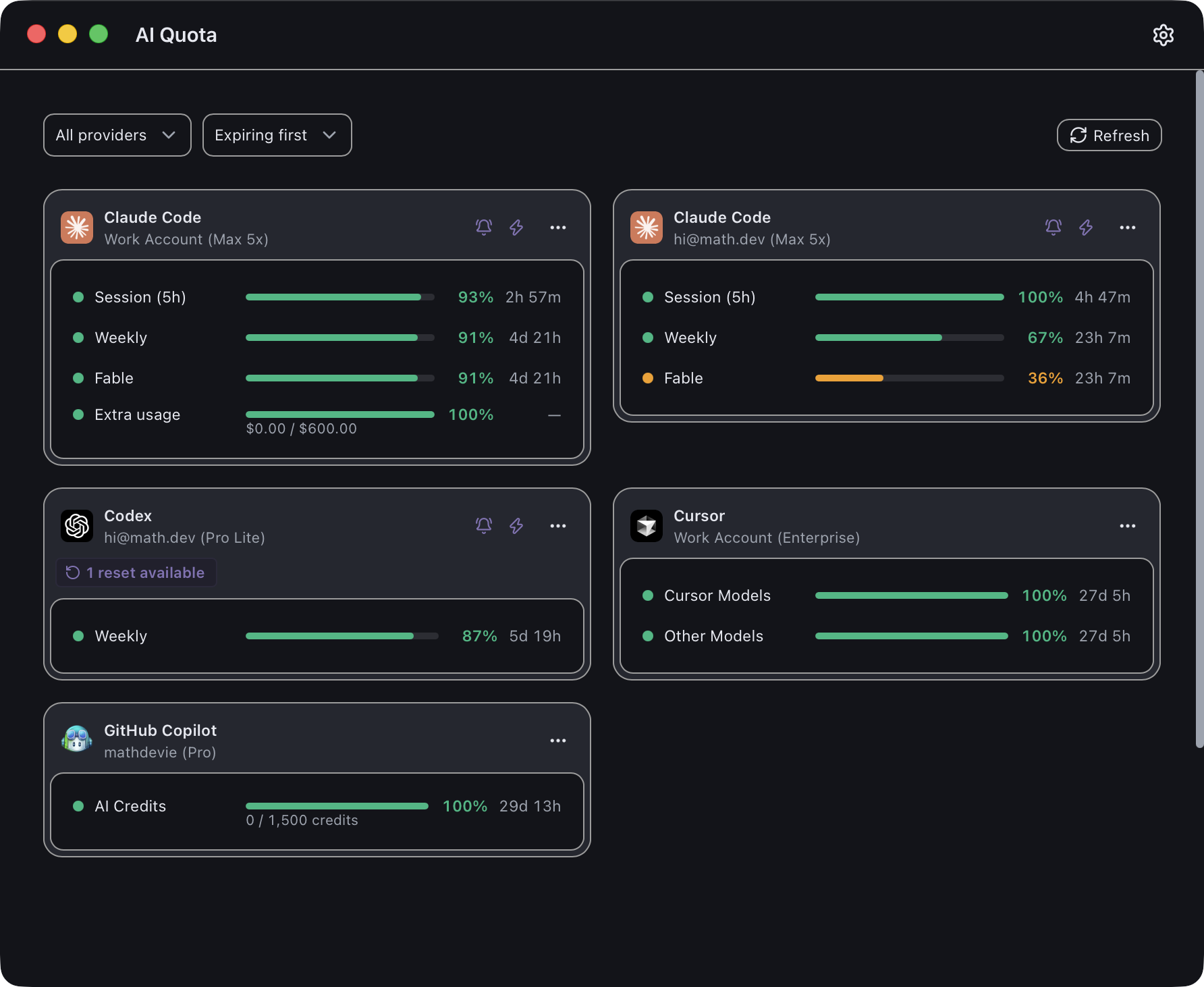
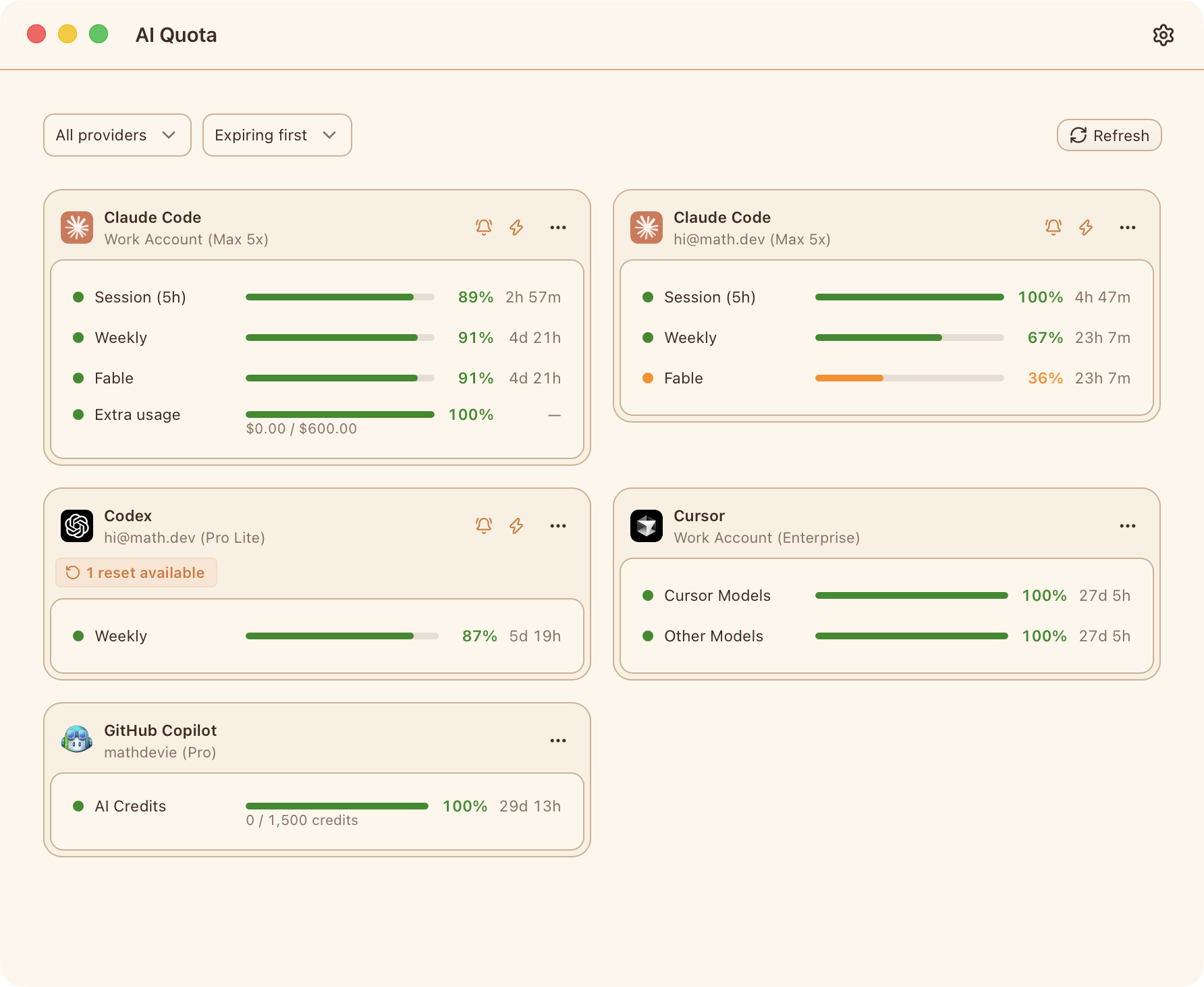
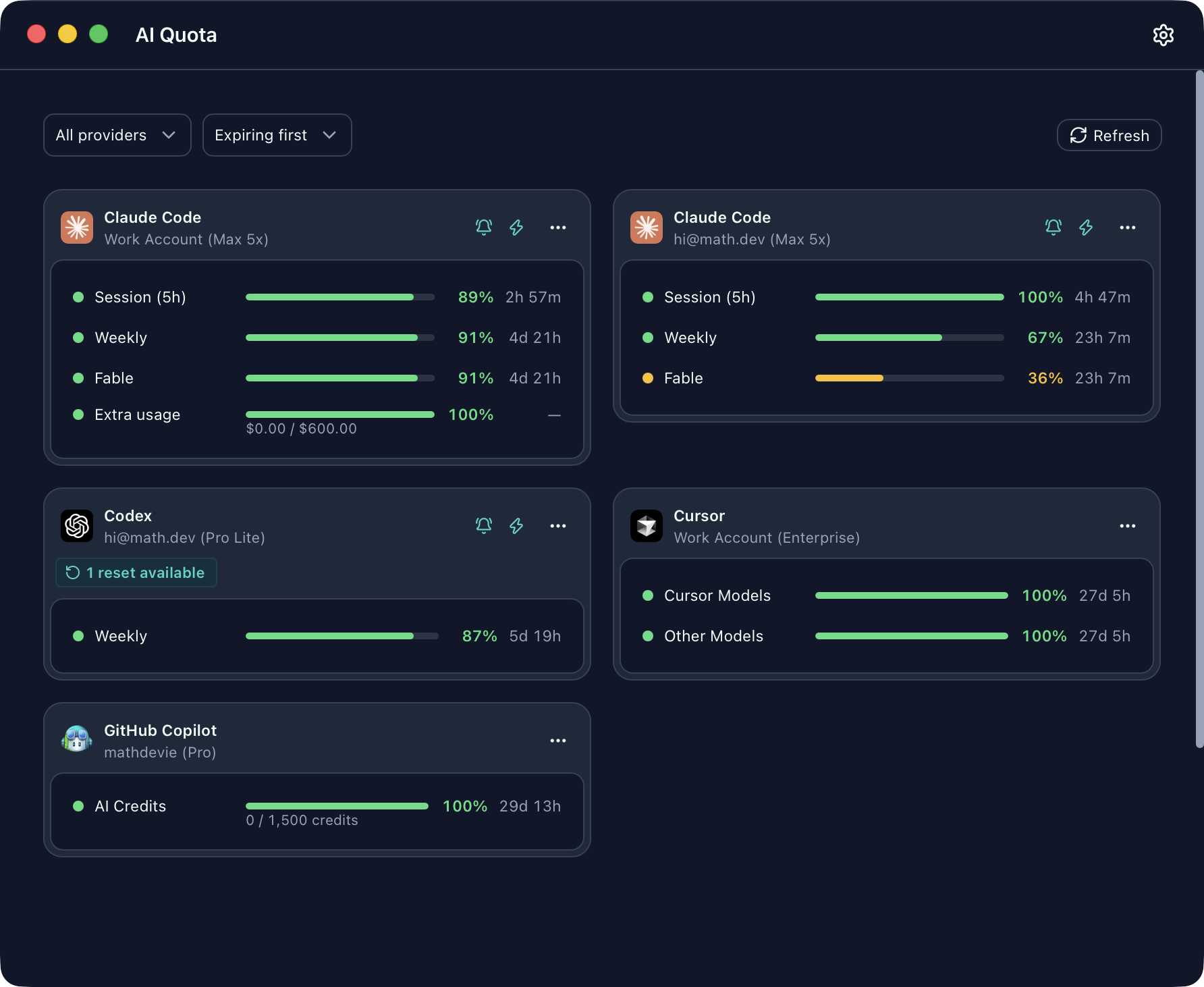
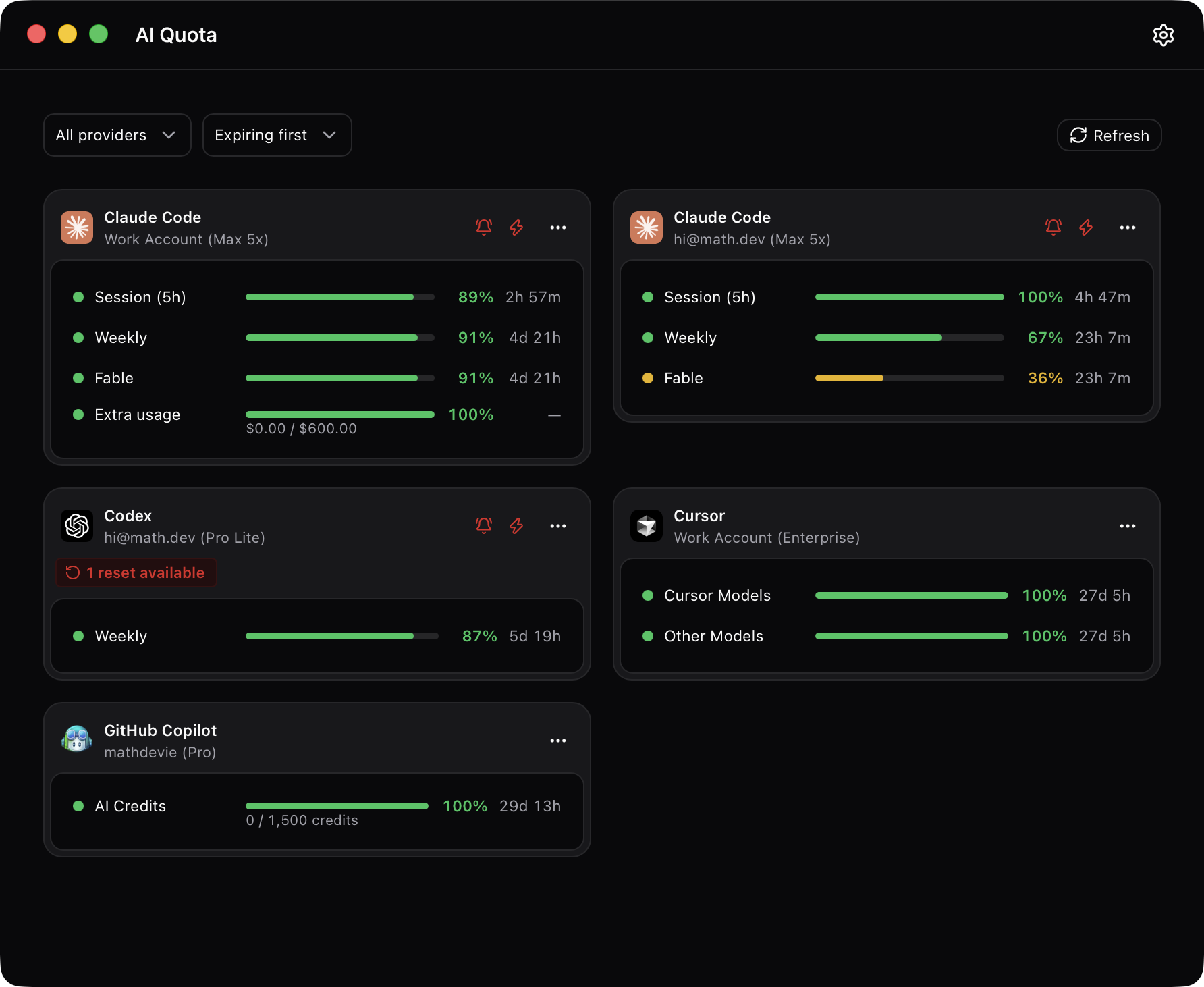
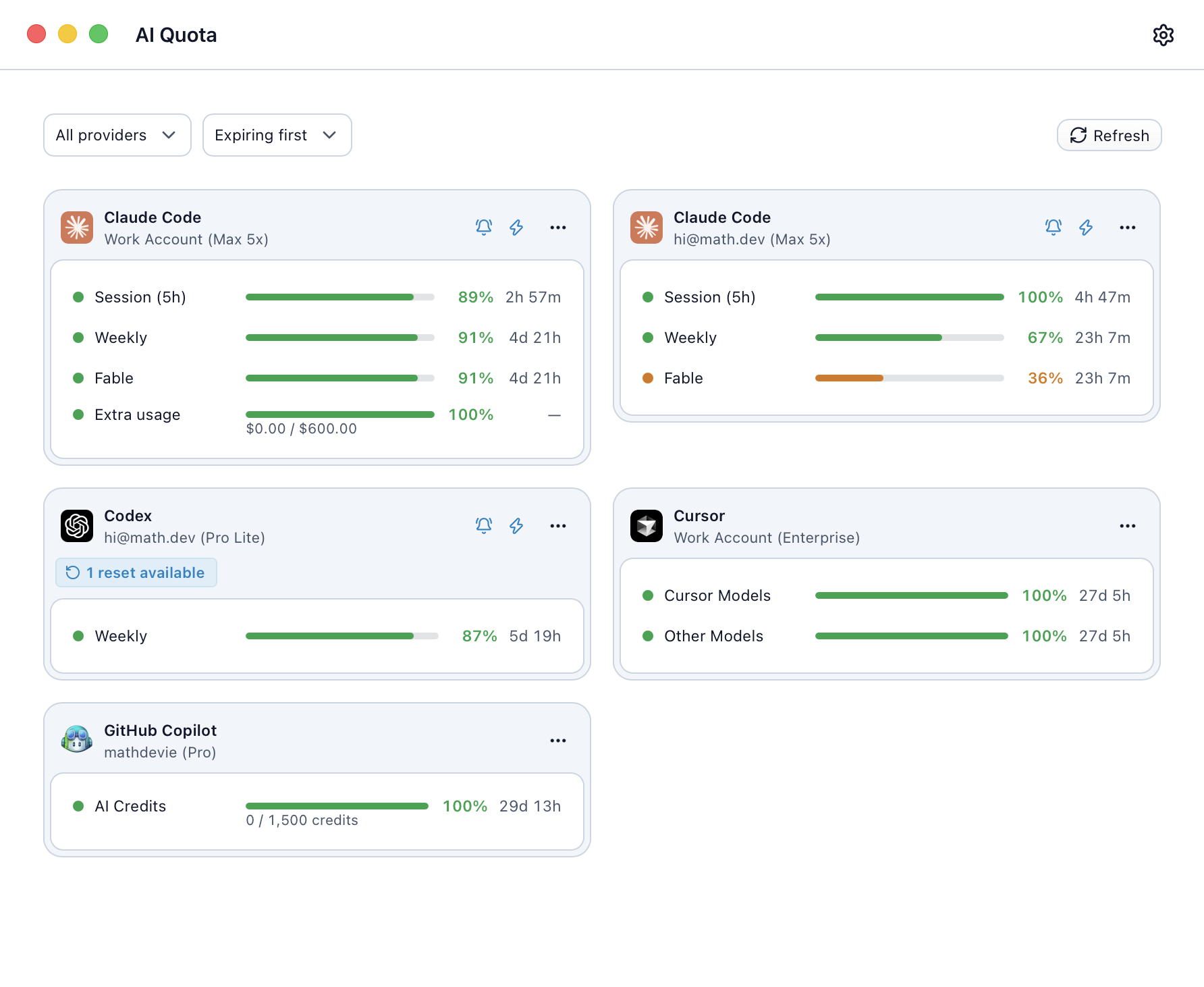
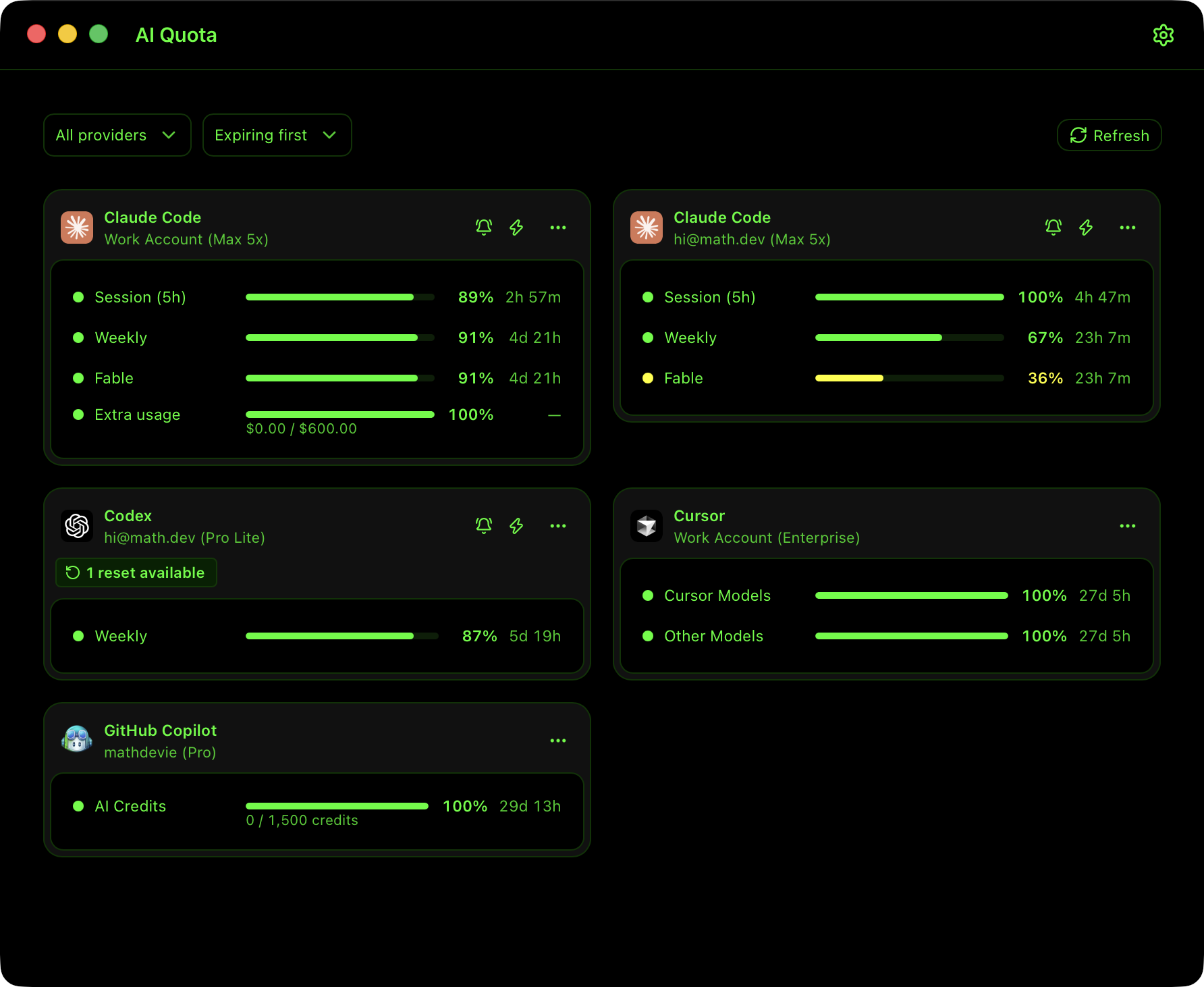
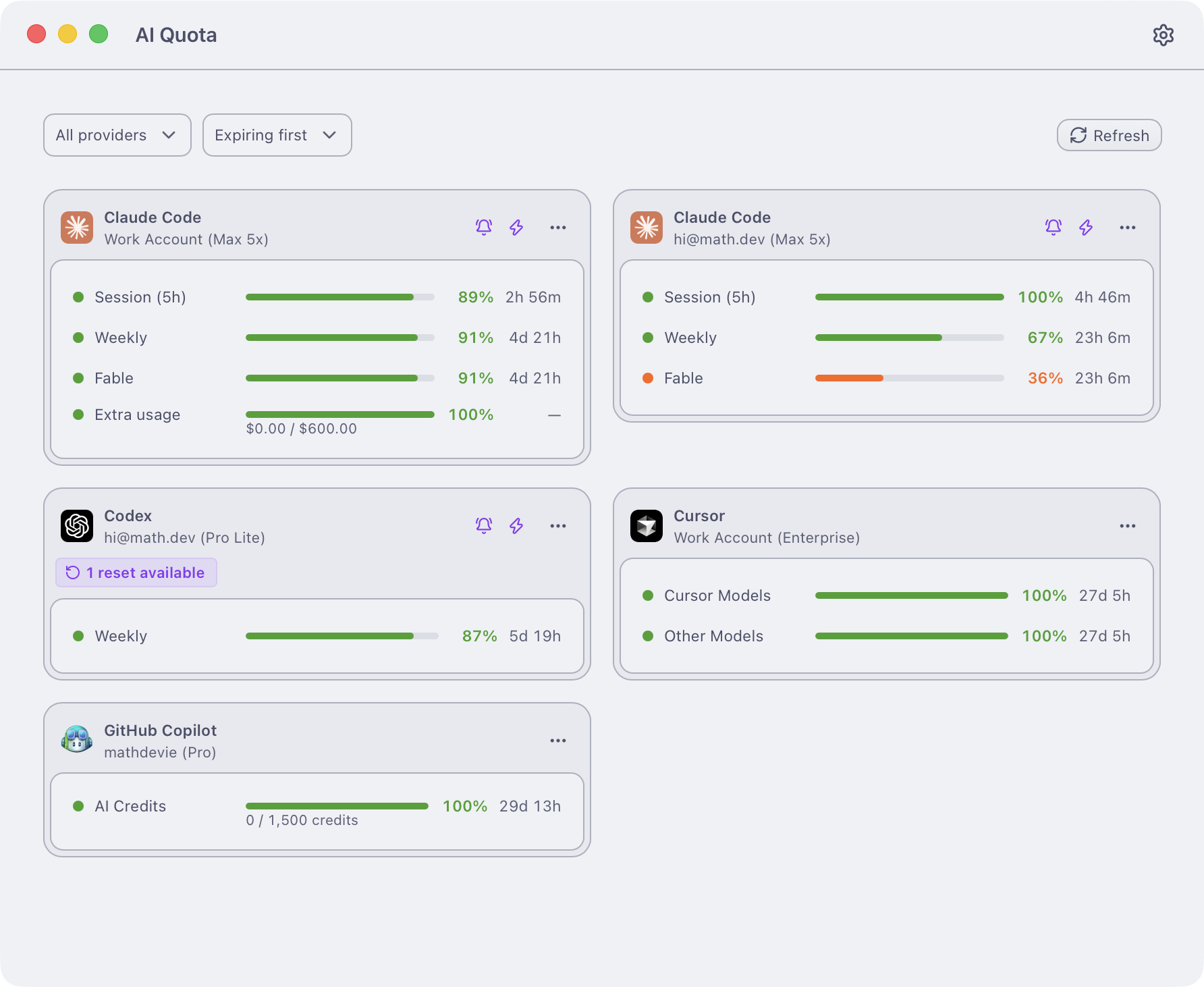
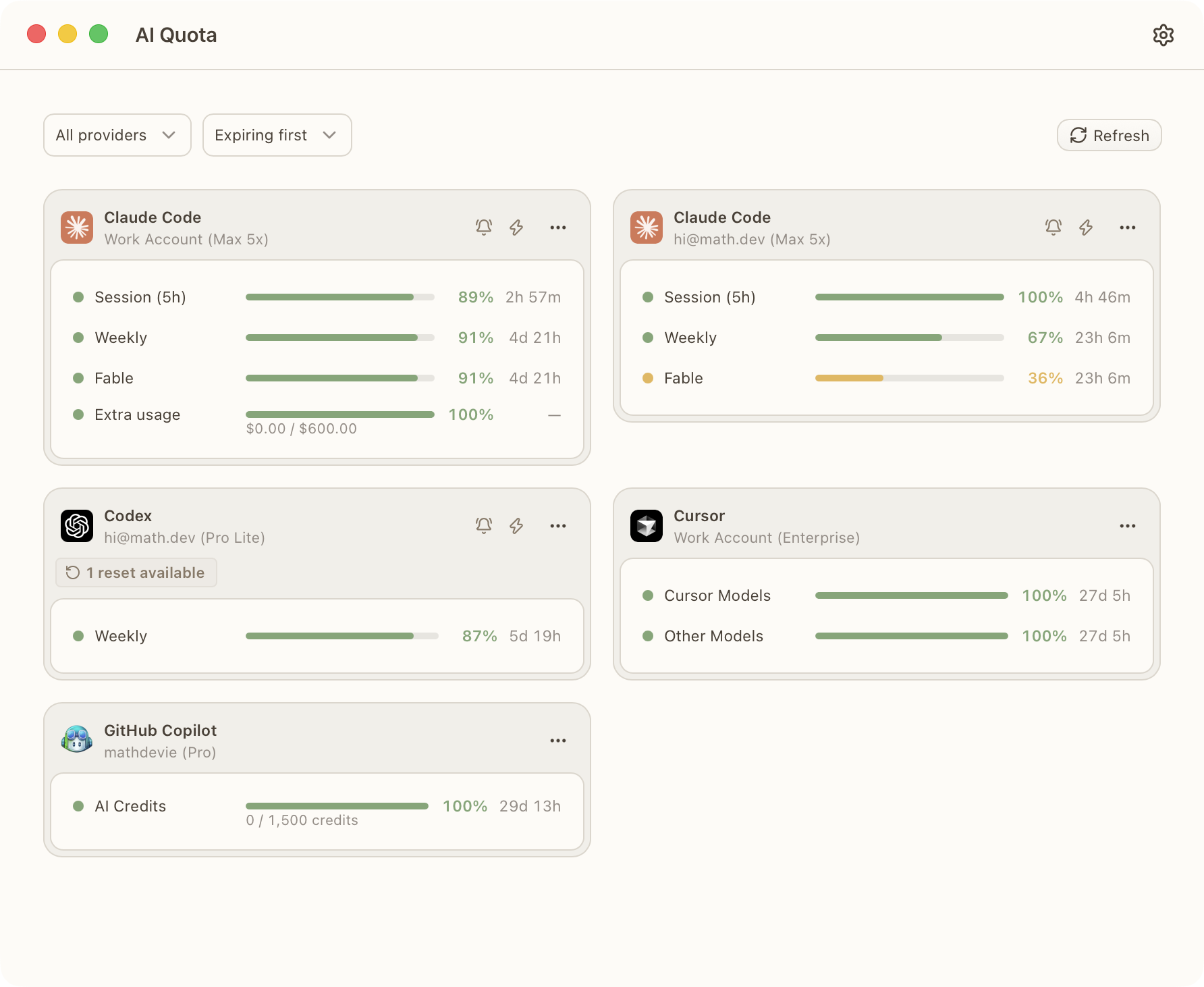
This app is implemented using Devie UI, a design system that natively supports multiple themes.
| Theme: Light | Theme: Dark |
|---|---|
|
 |
| Theme: Midnight Ink | Theme: Copper Sunset |
 |
 |
| Theme: Aurora Green | Theme: Sharingan |
 |
 |
| Theme: Alpine Snow | Theme: Command Prompt |
 |
 |
| Theme: Totoro | Theme: Catpuccin Latte |
 |
 |
FAQ
Which languages does the interface support?English (US, UK), Chinese (Simplified), Danish, Dutch, Finnish, French,
German, Italian, Japanese, Norwegian (Bokmål), Portuguese (Brazil),
Spanish (Spain, Latin America), and Swedish.
Translations are generated, so any contributions from native speakers are greatly appreciated.
Where is my data stored?Everything is local, under~/Library/Application Support/com.devie.quota/: one private token file
per account (0600 permissions) and one SQLite database for quota
snapshots. Removing an account deletes its token file.
No account is required to use the tracker. You only need to authenticate your AI providers.
Quota checks contact the providers directly.
Anonymous usage events and crash reports go to PostHog. They never
include account names, tokens, quota numbers, or labels. Turn this off in
Settings → Privacy if you prefer.
Contributing
Issues and pull requests are welcome, see CONTRIBUTING.md.
Sponsors
The development of this project is supported by:

Sign.Plus |
Thanks
This application was inspired by other awesome open-source projects:
License
Reviews (0)
Sign in to leave a review.
Leave a reviewNo results found