open-max
Health Warn
- License — License: MIT
- Description — Repository has a description
- Active repo — Last push 0 days ago
- Low visibility — Only 5 GitHub stars
Code Pass
- Code scan — Scanned 12 files during light audit, no dangerous patterns found
Permissions Pass
- Permissions — No dangerous permissions requested
No AI report is available for this listing yet.
Minimal Rust terminal harness for coding. Small, extremely fast, and self-extensible.

Most powerful & token efficient harness for agents
A coding agent for your terminal. Its built-in prompt is under 700 tokens, and each
agent step in a session sends it as the same bytes, so providers can cache it.


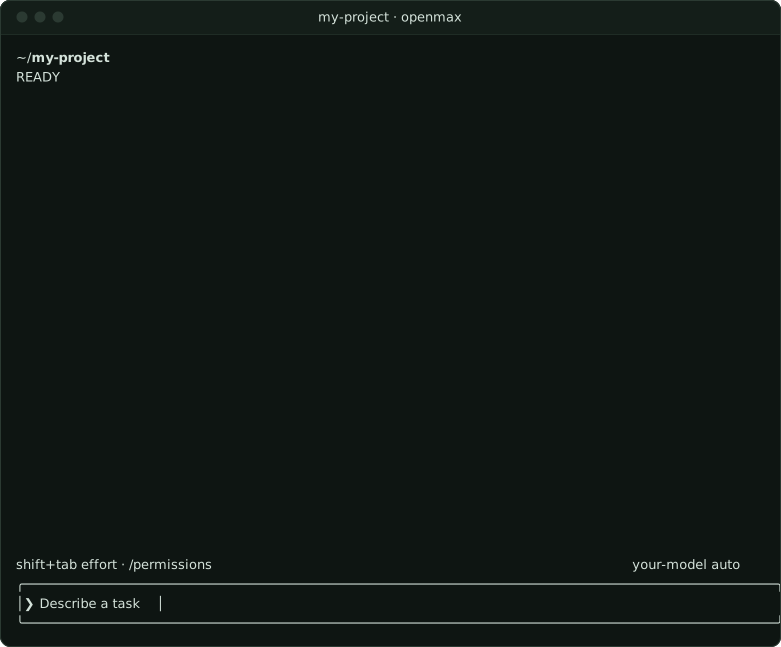
Open Max is one Rust binary: an agent loop, seven tools, a terminal UI that streams every step, and a core that keeps the trust decisions. When it needs a new capability, the agent writes it as a file, such as a tool or a skill, and can call a tool it wrote on its very next step. Within 100 ms of a kill -9, no process in the process groups of its tools is still running (how).
Held to your checks. examples/run-task runs one task in your repository and refuses the end of the turn while a command you name fails, sending its output back to the model; after three refusals the turn ends unverified. Once Open Max has exited, the script runs your commands again itself and prints one JSON result: each check before and after the work, the patch, and a command that replays every step offline from one file, byte for byte.
Install
curl -fsSL https://useopenmax.dev/install.sh | sh    # macOS and Linux
brew install Max17190/tap/openmax                    # Homebrew
npm install -g openmax-cli                           # or: bun install -g openmax-cli
The script adds openmax to your PATH for new shells; open one, or run source ~/.openmax/bin/env.
Get started
openmax --login     # ChatGPT, an OpenAI or Anthropic key, or any compatible API
cd ~/code/my-app
openmax             # pick the model with /model, then describe a task
Open Max asks before it works in a new project. Its shell commands, tools and hooks run with your user's access, and it has no telemetry. For your own model server, CI and headless runs, see getting started. Setting up with a coding agent? Point it at useopenmax.dev/setup.md.
Docs
Install · Getting started · Configuration · Usage · Extending · Design · Native execution and privacy · Hold a run to your own checks · stdio protocol · Development
License
MIT
Reviews (0)
Sign in to leave a review.
Leave a reviewNo results found