openducktor
Health Pass
- License — License: Apache-2.0
- Description — Repository has a description
- Active repo — Last push 0 days ago
- Community trust — 28 GitHub stars
Code Warn
- fs module — File system access in .github/workflows/publish-mcp.yml
Permissions Pass
- Permissions — No dangerous permissions requested
No AI report is available for this listing yet.
Open-source Agentic Development Environment for orchestrating coding agents through task-based, multi-agent development workflows.
OpenDucktor
OpenDucktor is an Agentic Development Environment built around tasks, repositories, and local agent runtimes.
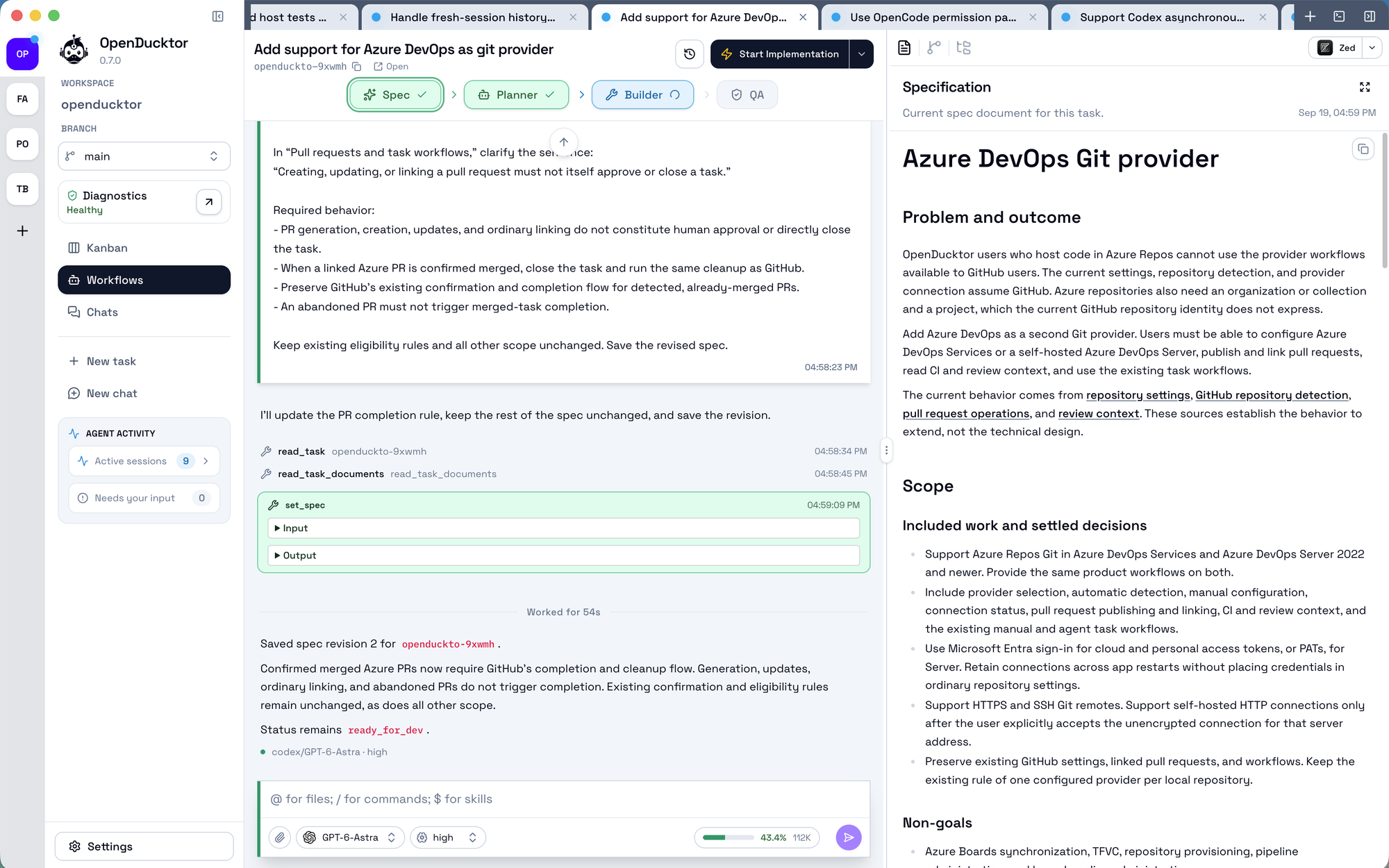
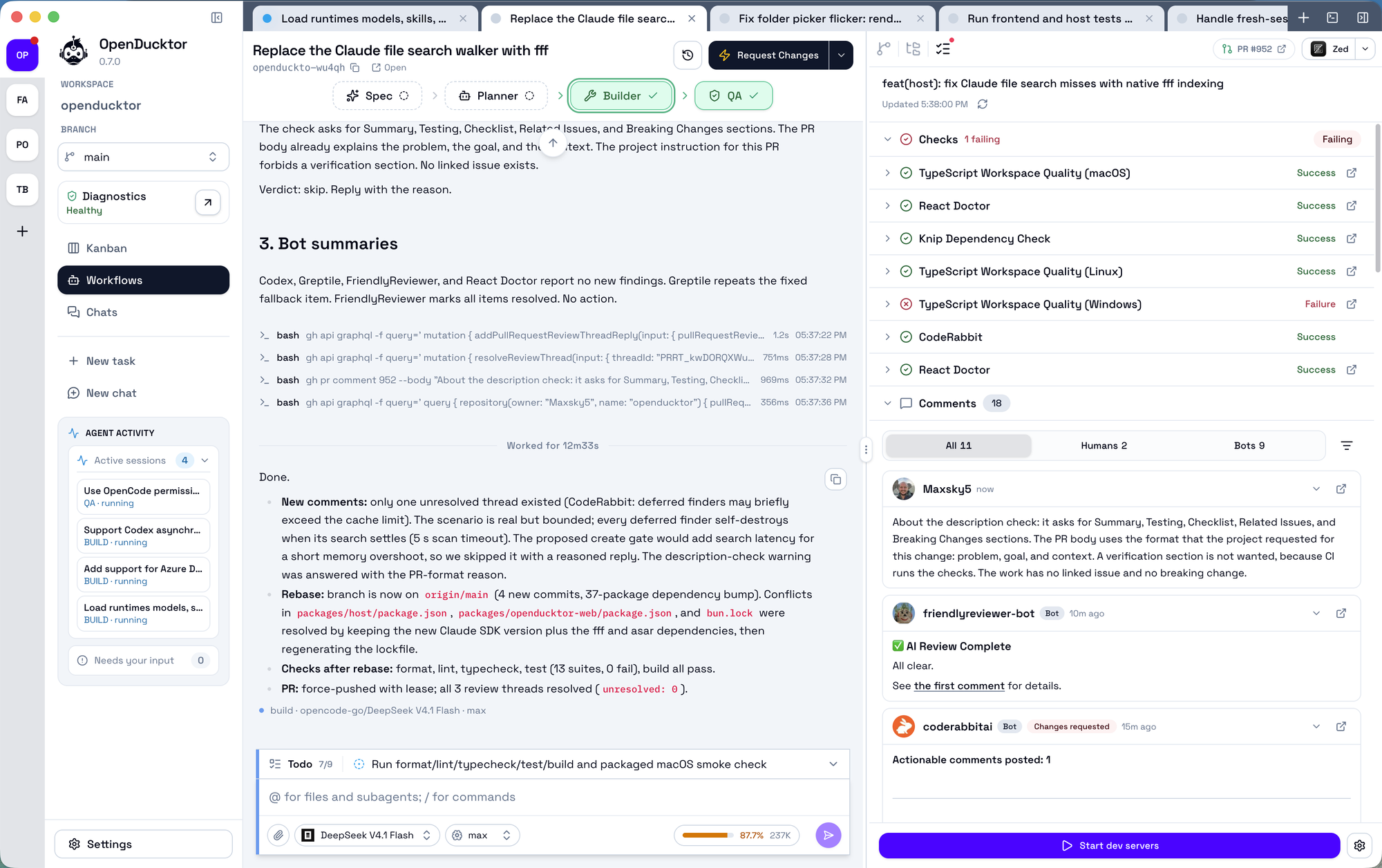
It uses a workspace-scoped SQLite task store as the task source of truth, orchestrates Specification, Planner, Builder, and QA sessions, and keeps documents, approvals, and delivery state attached to each task instead of scattered across chat threads.
Install OpenDucktor
Homebrew (macOS only)
brew install --cask Maxsky5/openducktor/openducktor
Homebrew requires explicit trust for non-official taps. The fully-qualified command above trusts only the OpenDucktor cask. If you already tapped the repository and want to install by short name, run brew trust --cask Maxsky5/openducktor/openducktor once, then brew install --cask openducktor.
Direct Download (macOS, Linux & Windows)
- Open the GitHub Releases page.
- Download the latest desktop asset that matches your machine.
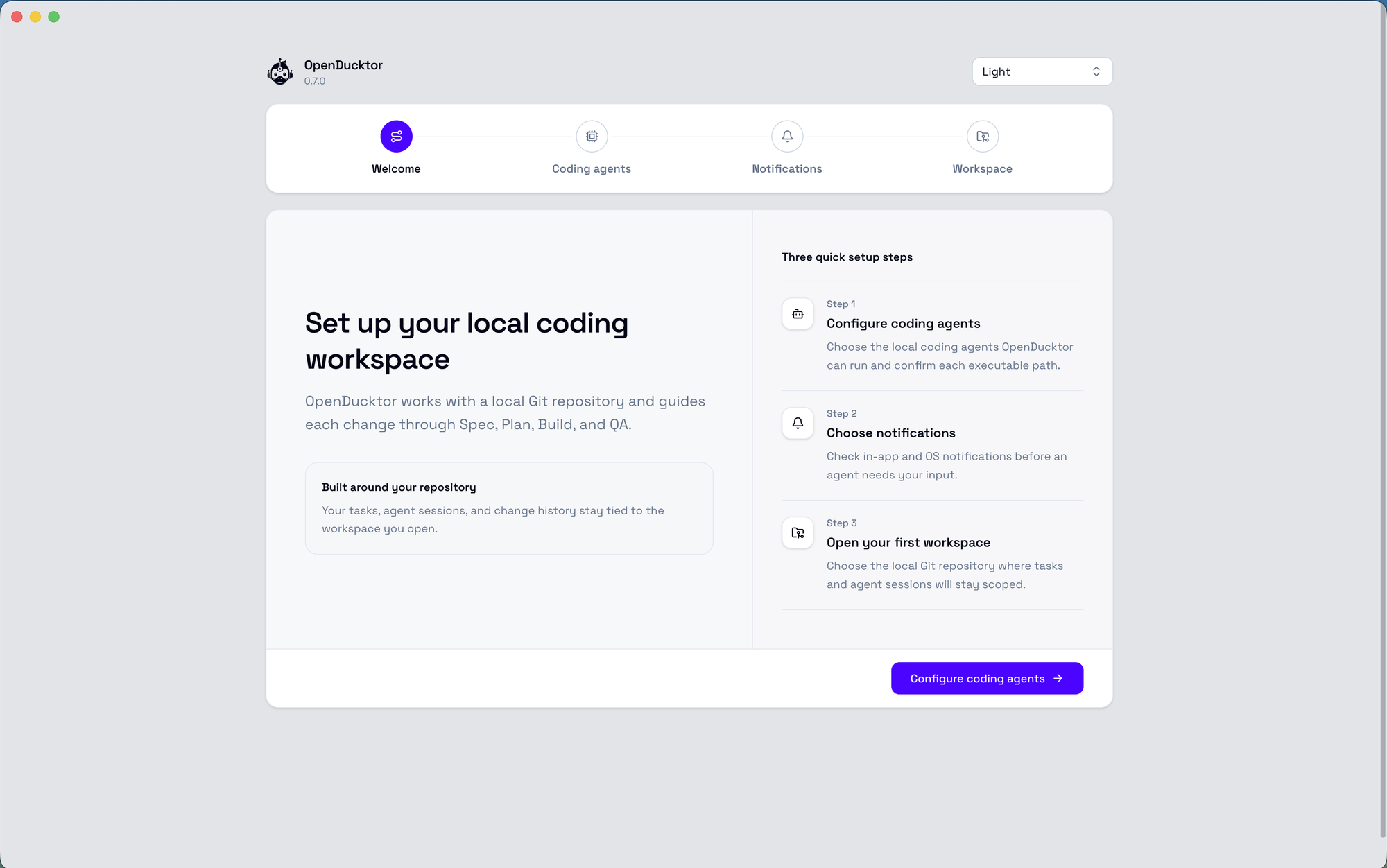
- Launch OpenDucktor and open the local repository you want to work on.
Homebrew installs the same signed and notarized desktop app that is published on GitHub Releases.
Windows and Linux desktop builds are published from the Electron release pipeline, but they are experimental. They are useful for feedback and compatibility testing, not yet as stable as the macOS build. Please open issues with platform details, logs, and the action you were trying to perform.
Local Web Runner (macOS, Linux & Windows)
If you prefer to use OpenDucktor in a browser instead of a desktop window:
bunx @openducktor/web
The web runner opens OpenDucktor in your browser. Choose the desktop app or the web runner based on what best fits your workflow.
User Prerequisites
OpenDucktor is macOS-first. Windows and Linux support is experimental.
gitopencode,codex, orclaudeghplusgh auth loginif you use GitHub and want OpenDucktor to open pull requests for you
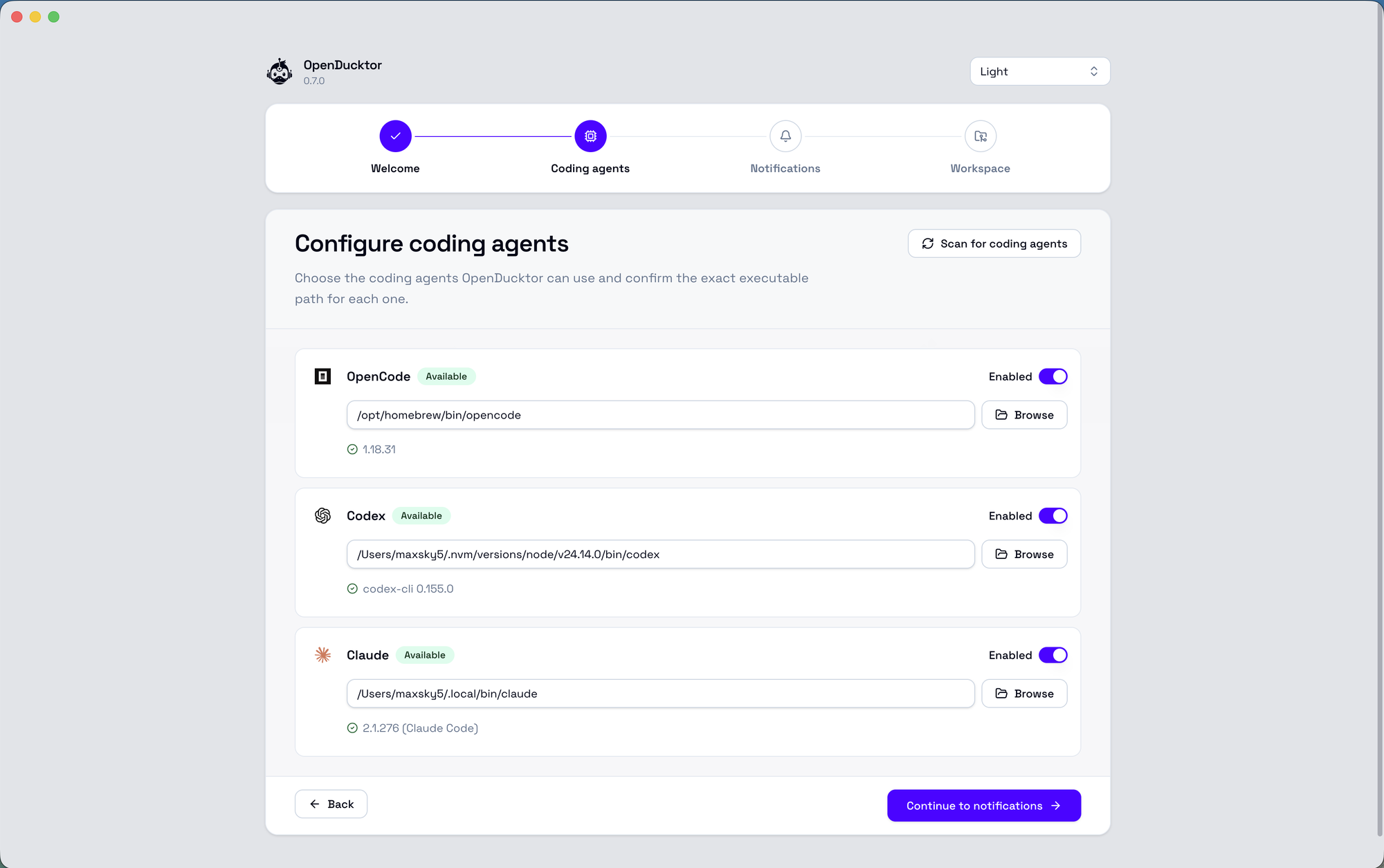
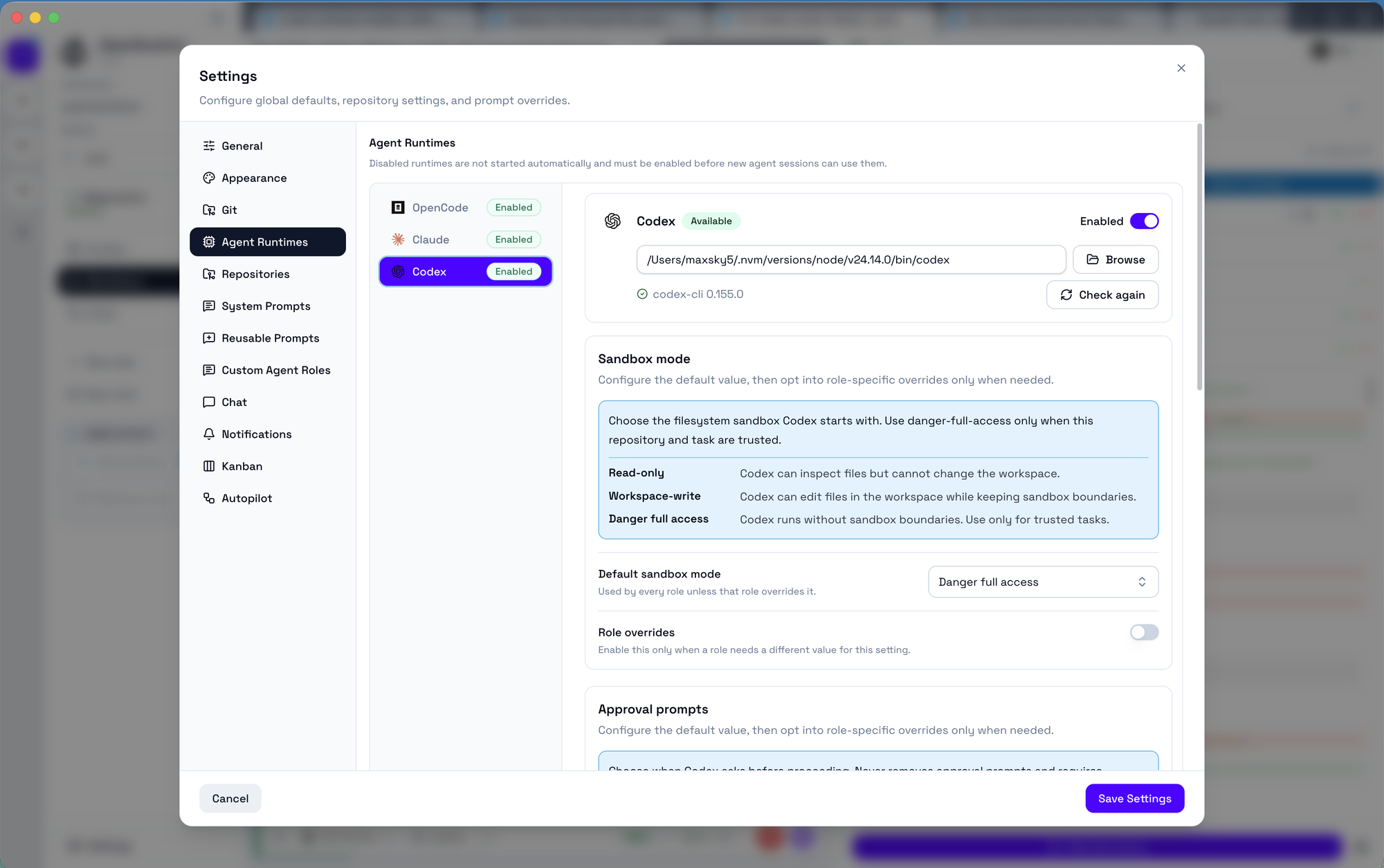
OpenDucktor supports local OpenCode, Codex, and Claude Code runtimes. OpenCode remains the default runtime. Runtime discovery checks configured overrides, common local install locations, and PATH.
Task data is stored in an OpenDucktor-managed SQLite database, so no external task-store CLI is required for normal app use.
Core Features
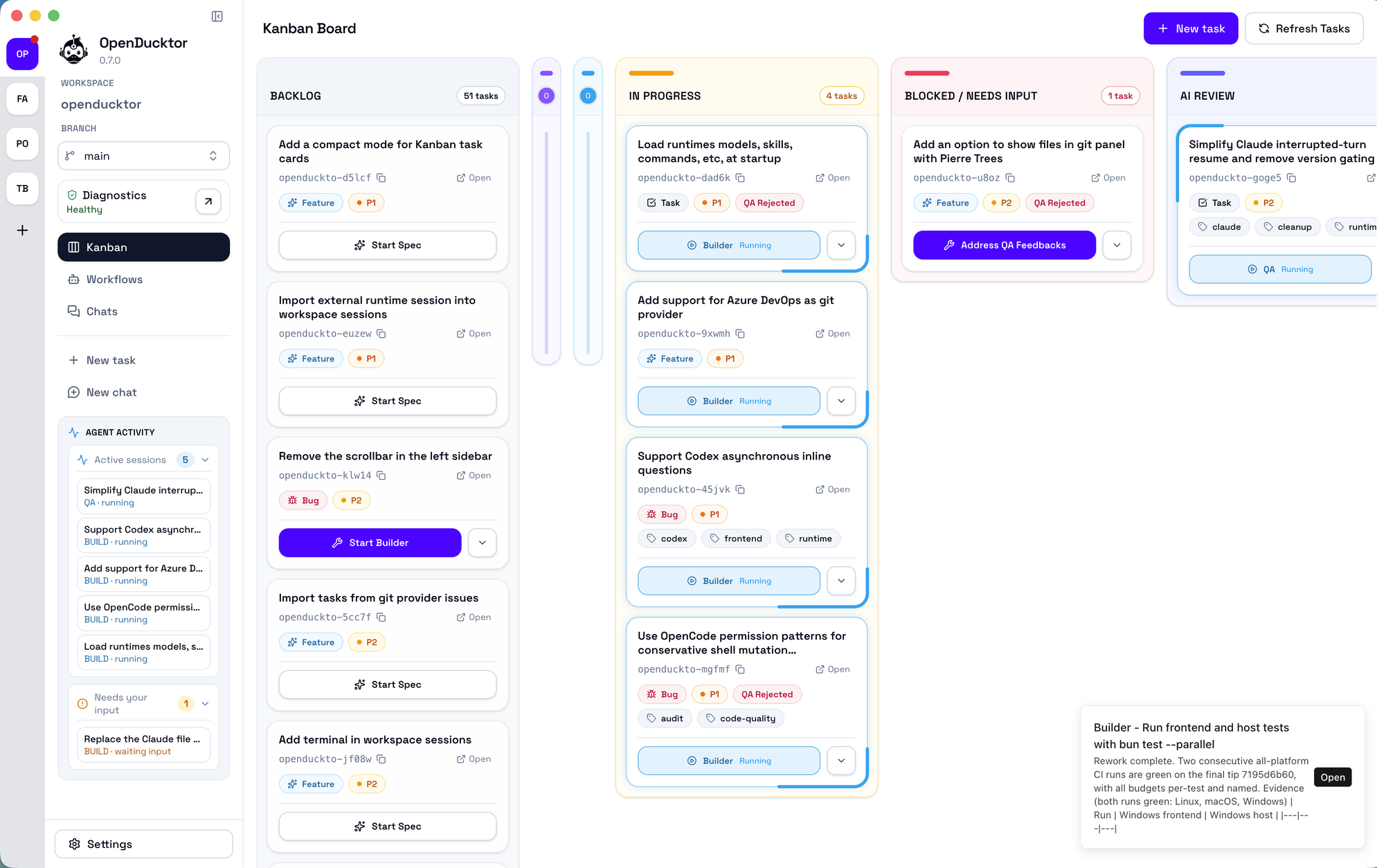
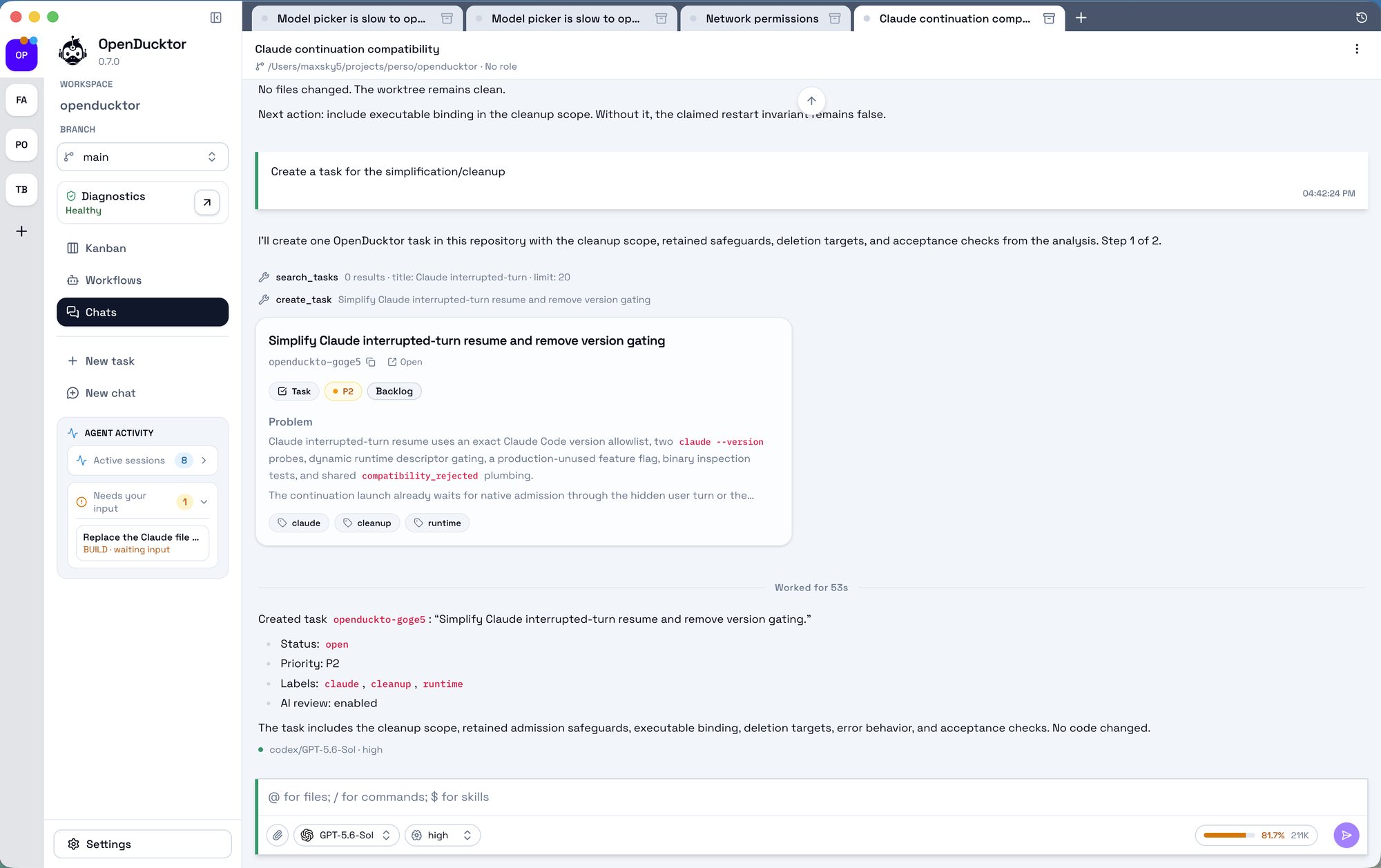
- Task-first workflow with a Kanban board as the main operational view.
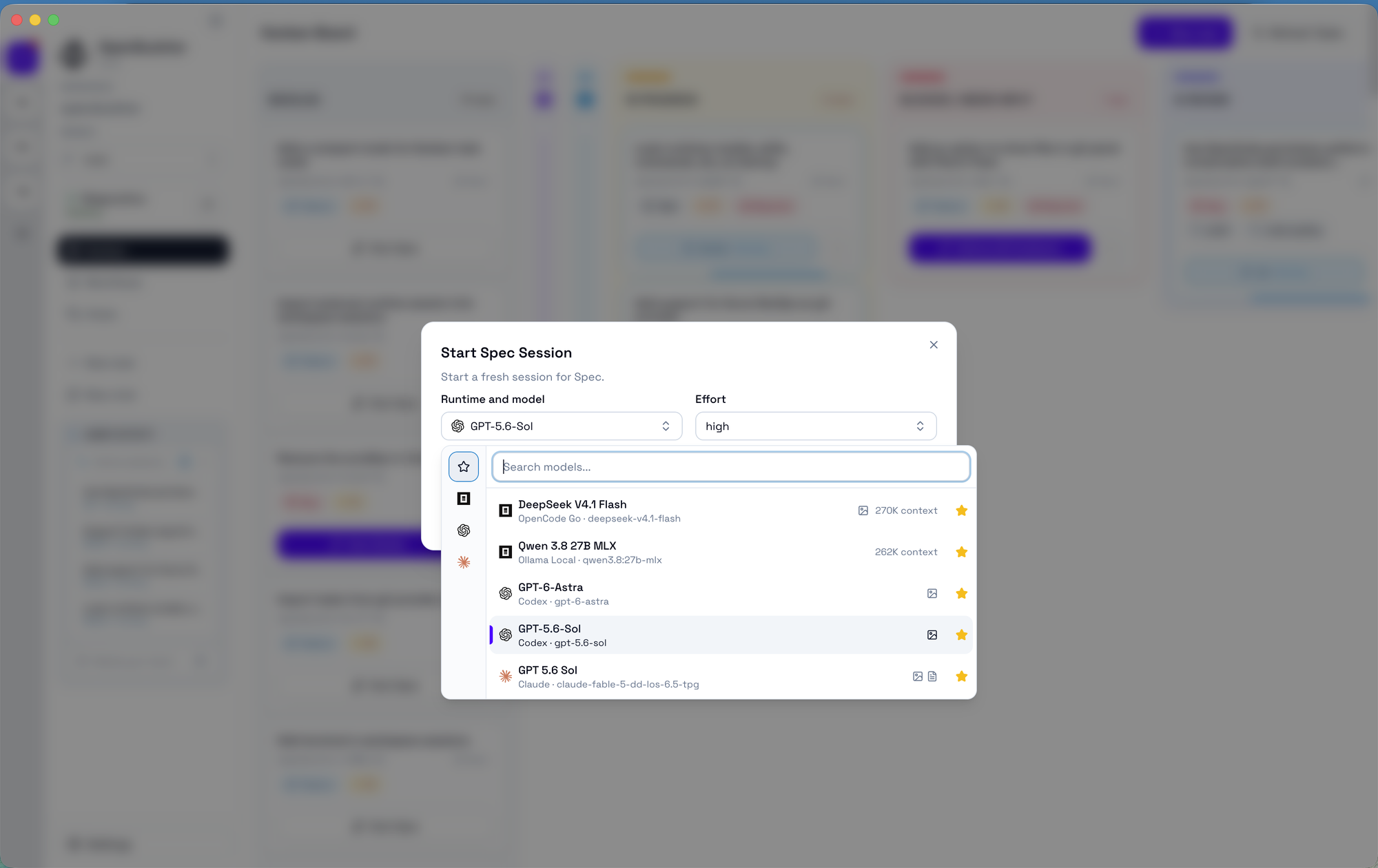
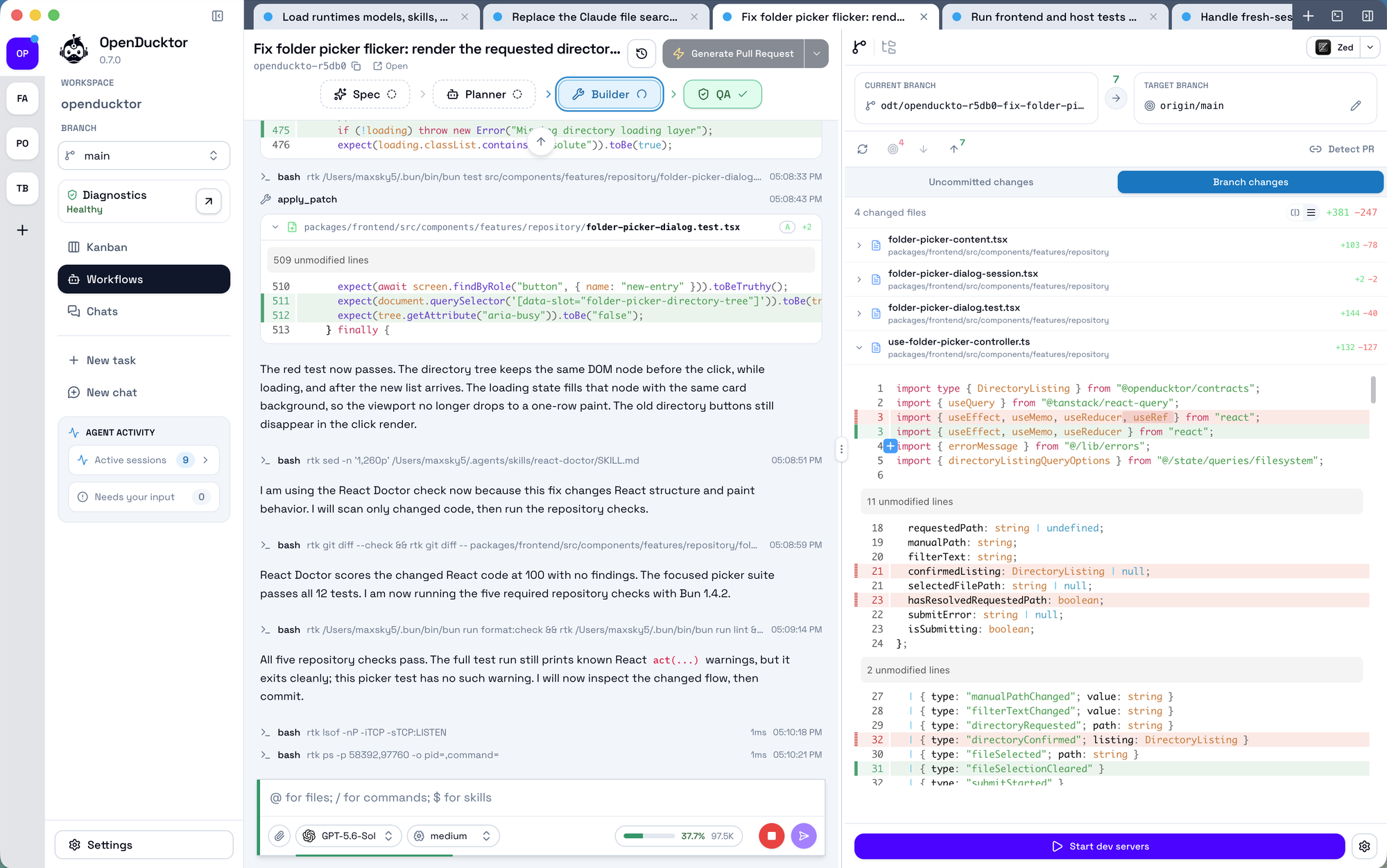
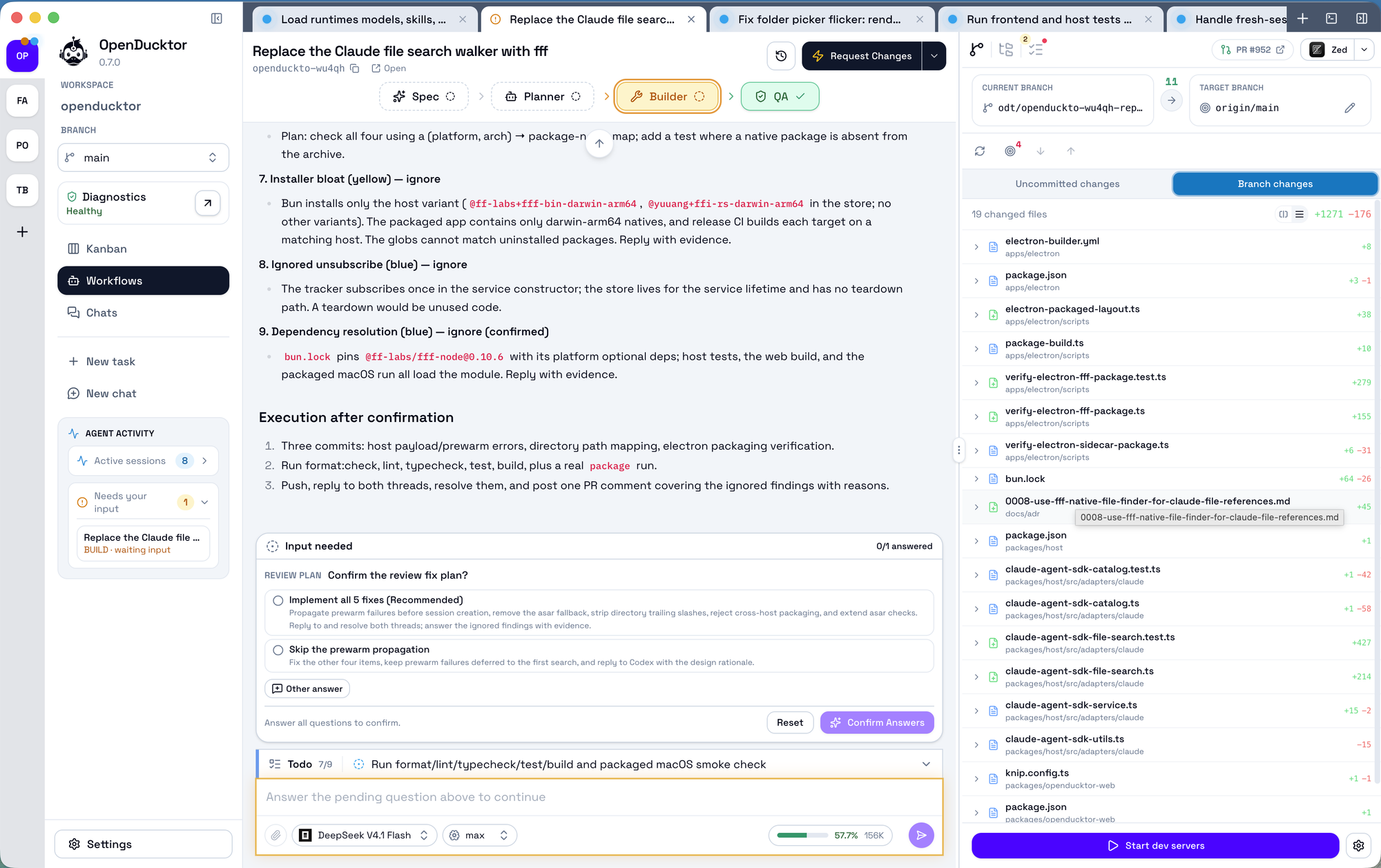
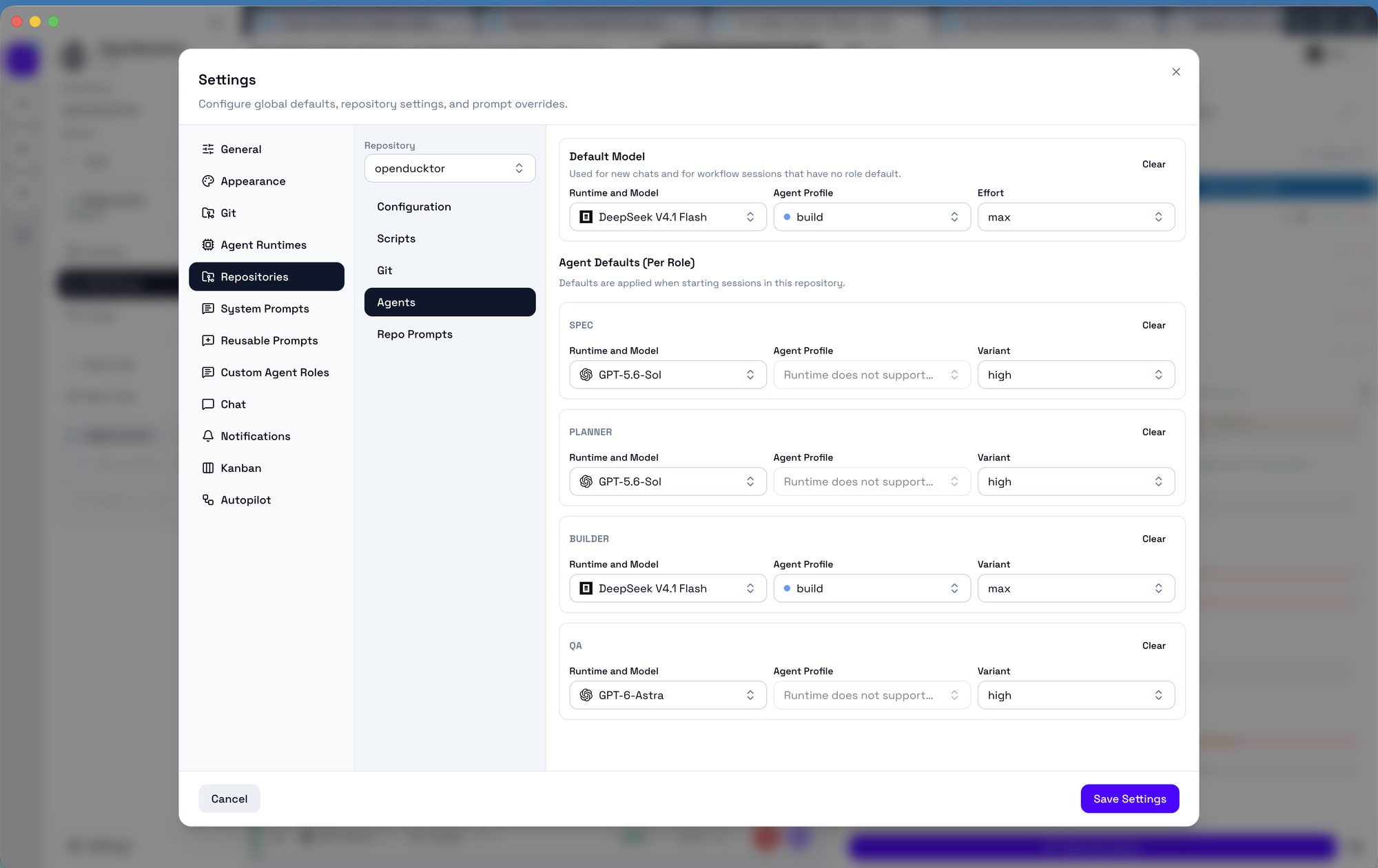
- Role-specific agent sessions for Specification, Planner, Builder, and QA.
- Autopilot rules that can automatically start the next workflow action when task transitions are observed.
- Task-linked documents for specifications, implementation plans, and QA reports.
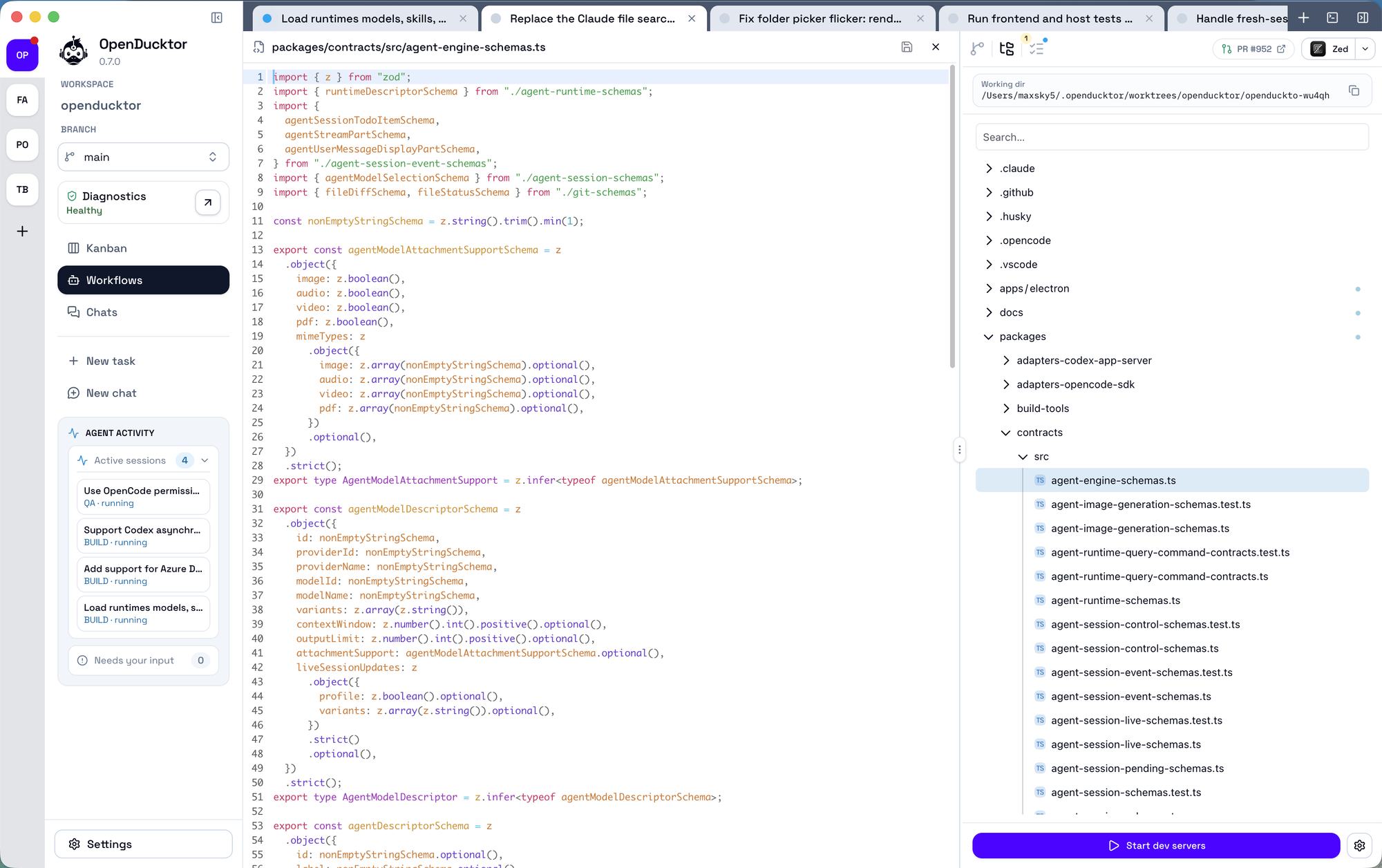
- A canonical Git worktree for each task, shared by fresh Specification, Planner, Builder, and QA sessions while the runtime process remains repository-scoped.
- Runtime-aware task workflows for OpenCode, Codex, and Claude Code, including model selection, history loading, permissions, questions, and workflow-tool routing through the runtime descriptor model.
- Global and repository-level prompt customization for adapting agent behavior to your workflow.
- A built-in OpenDucktor MCP server used internally by managed agent sessions and available externally through
@openducktor/mcp. - A local web runner available through
@openducktor/webfor running the shared frontend with the TypeScript host in a browser. - Built-in terminal tabs to run commands and watch long-lived processes alongside a task.
- A CI and pull-request review pane that shows checks, review outcomes, and GitHub comments for a task's pull request.
How It Works
OpenDucktor is built around local tasks stored in the OpenDucktor task store, with the desktop app orchestrating the workflow around them.
At a high level:
- Tasks and workflow state live in a workspace-scoped SQLite database.
- OpenDucktor starts role-specific sessions for Specification, Planner, Builder, and QA.
- Agent-authored outputs such as specs, plans, and QA reports are stored back on the task.
- The first fresh task session creates the task's canonical worktree; later fresh roles reuse it, and only Builder advances the task to
in_progress. - Reviews, approvals, and pull request delivery remain connected to that same task.
Under the hood, OpenDucktor exposes its own MCP server, openducktor.
Desktop-managed sessions use that MCP internally, and the same task surface is also available outside the app through @openducktor/mcp.
That keeps the workflow task-centric and auditable: agents act through a controlled task interface, while OpenDucktor keeps task state, documents, approvals, and delivery history connected in one place.
Current Scope
- Platform support today: macOS is the primary supported desktop target.
- Windows and Linux: experimental Electron desktop builds. Feedback is welcome, but these builds are not stable yet.
- Supported runtimes today: OpenCode (
opencode), Codex (codex), and Claude Code (claude)- OpenCode remains the default runtime.
- More runtimes may be added through the runtime descriptor and adapter model.
- The project is in active development and changes between versions
Troubleshooting Logs
OpenDucktor keeps application lifecycle logs in ~/.openducktor/logs by default, or in $OPENDUCKTOR_CONFIG_DIR/logs when the config directory is overridden.
- Electron desktop logs:
openducktor-electron-YYYY-MM-DD.log - Local web runner logs:
openducktor-web-YYYY-MM-DD.log
Files rotate on the host's local calendar day. OpenDucktor retains the current date and the preceding 29 dates.
Documentation
- docs/README.md
- docs/architecture-overview.md
- docs/runtime-integration-guide.md
- docs/web-runner.md
- docs/task-workflow-status-model.md
Contributing
Contributor setup, local build instructions, packaging details, and verification commands live in CONTRIBUTING.md.
License
This repository is licensed under the Apache License 2.0. See LICENSE.
Reviews (0)
Sign in to leave a review.
Leave a reviewNo results found