Starquix
Health Warn
- License — License: MIT
- Description — Repository has a description
- Active repo — Last push 0 days ago
- Low visibility — Only 8 GitHub stars
Code Pass
- Code scan — Scanned 12 files during light audit, no dangerous patterns found
Permissions Pass
- Permissions — No dangerous permissions requested
No AI report is available for this listing yet.
Visual editor for Astro websites — your folder stays a real Astro site, you edit it like a design file.

Free visual editor for Astro websites. Mac app.






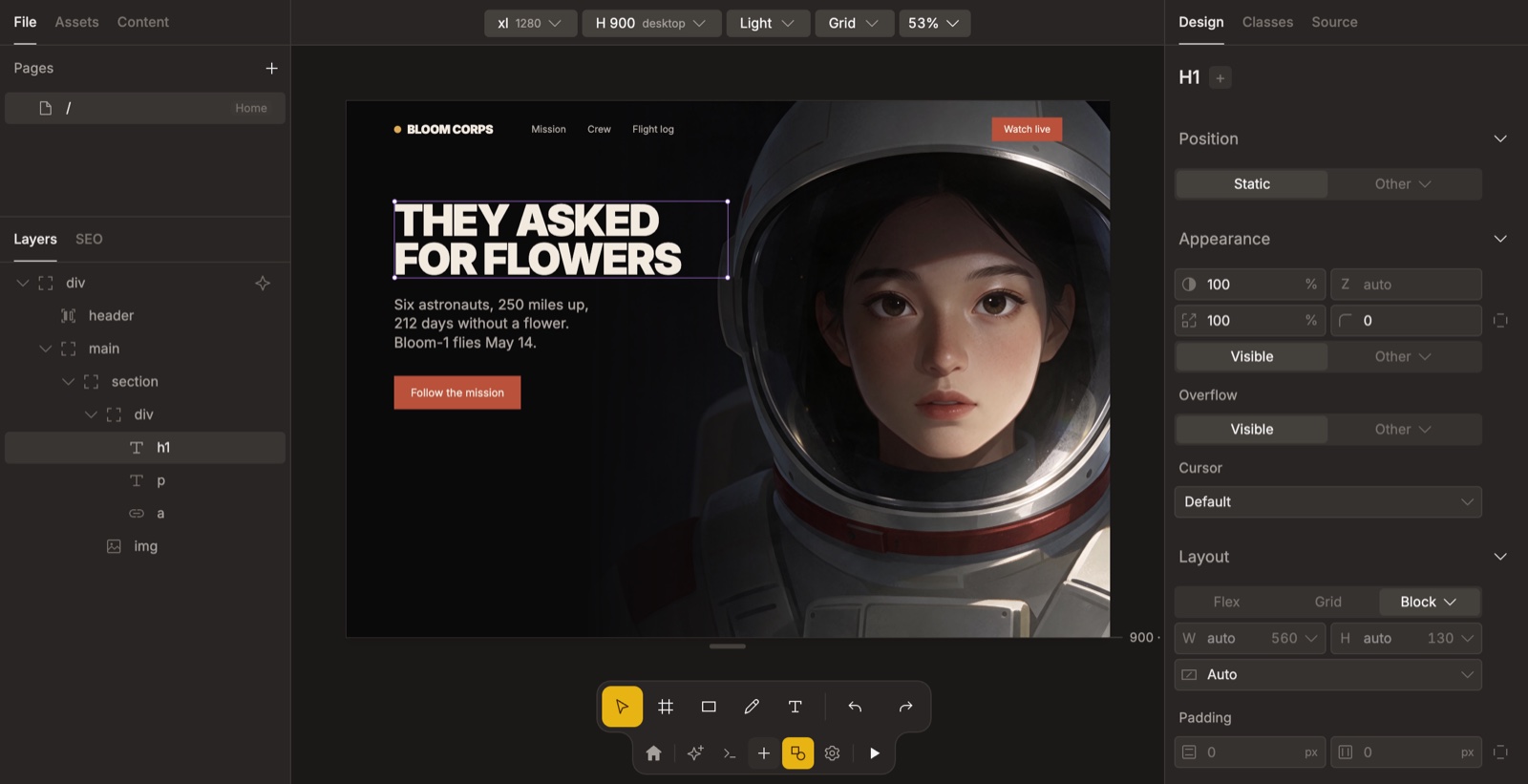
Starquix opens your Astro project folder and shows the real site on a canvas. Select an element and change it in the Design panel; the change is written to your files. The project stays a plain Astro and Tailwind folder on your computer.
Build with agents
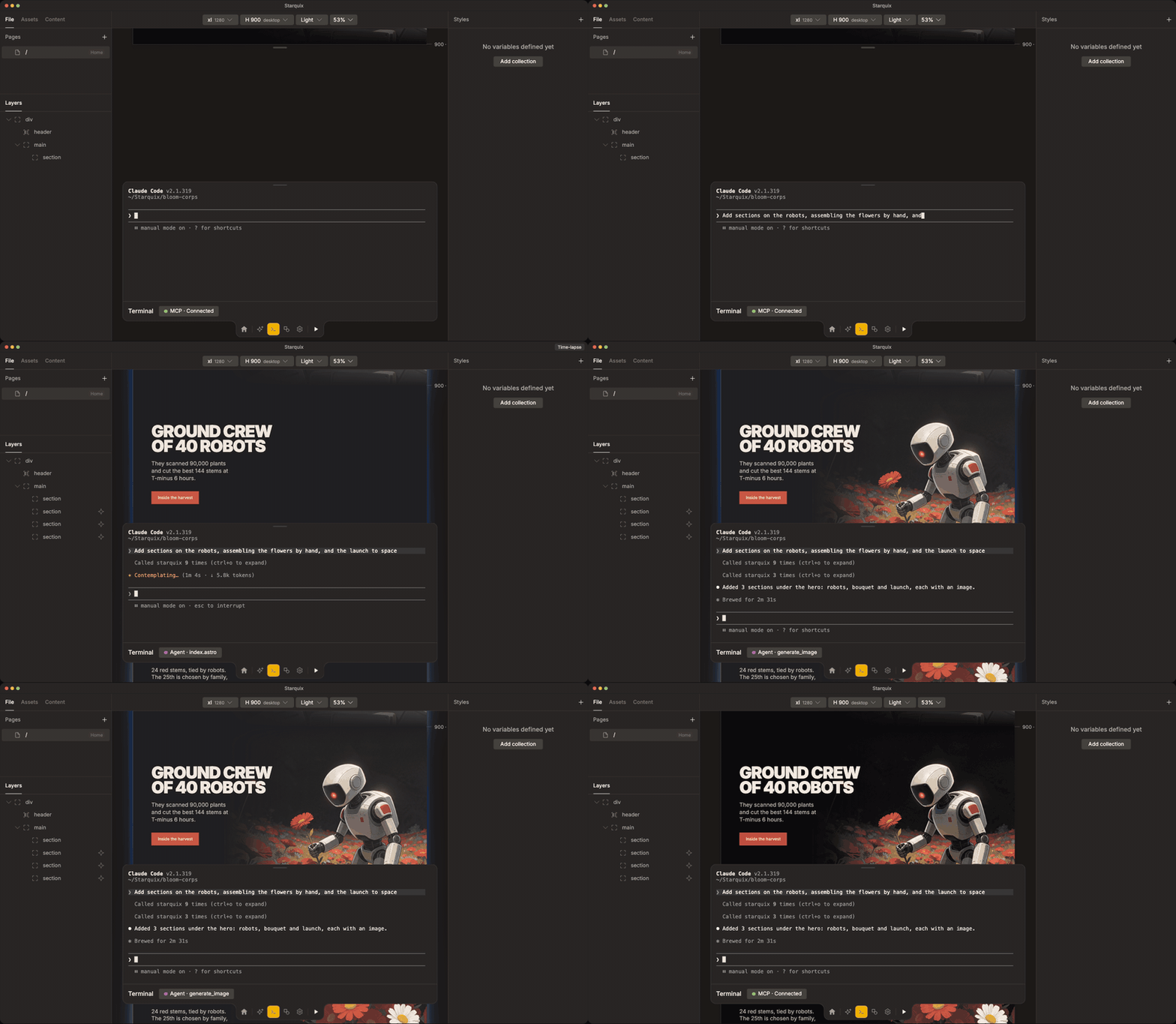
Run Claude Code, Codex or another CLI agent in the built-in terminal, or chat in the app with your own API key (Anthropic, OpenAI, OpenRouter or a local Ollama). Agents edit the open project through the built-in MCP server, and their changes show on the canvas.
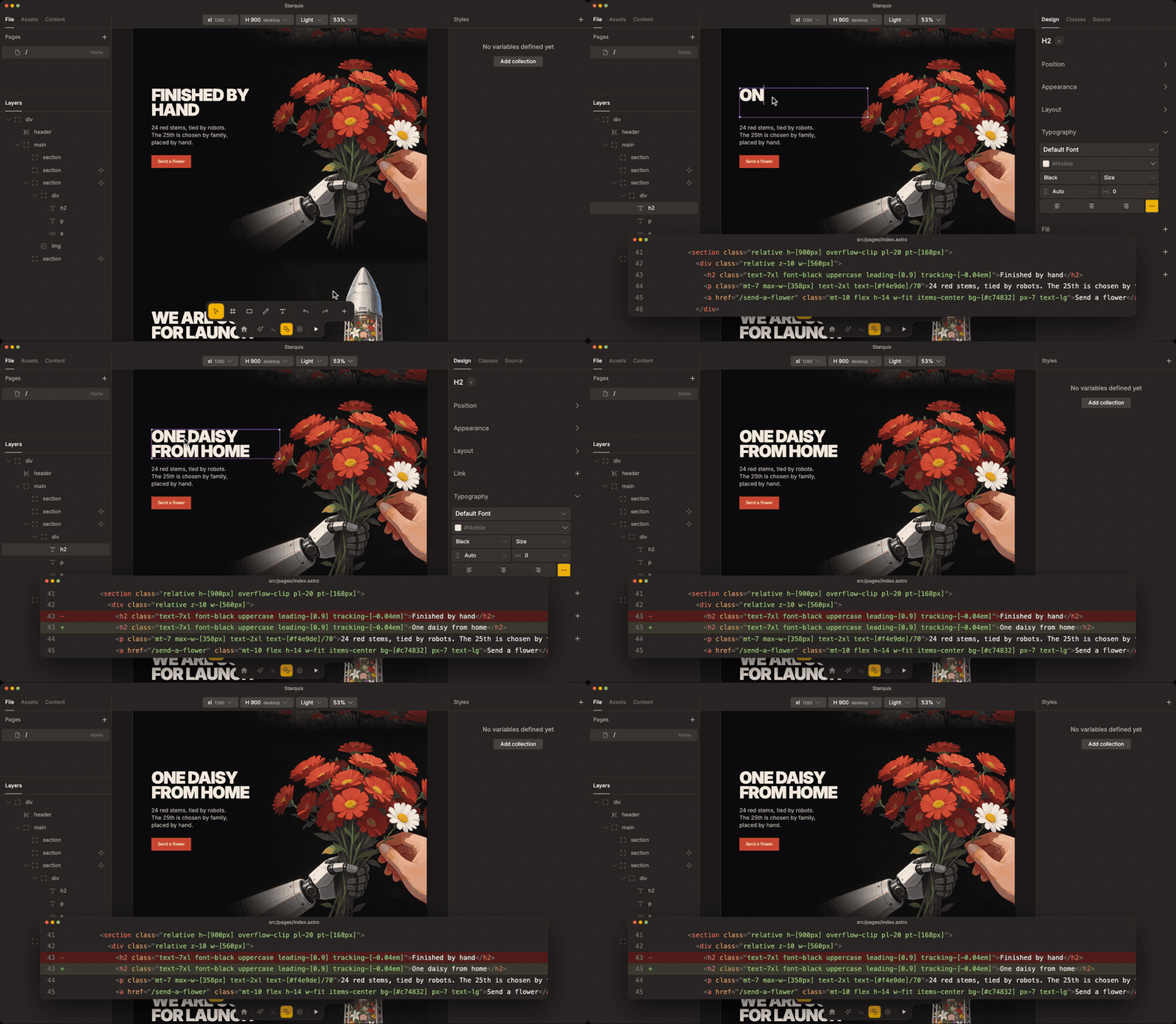
Edit by hand
Change text, images, colors and layout on the canvas or in the Design panel.
Publish or export
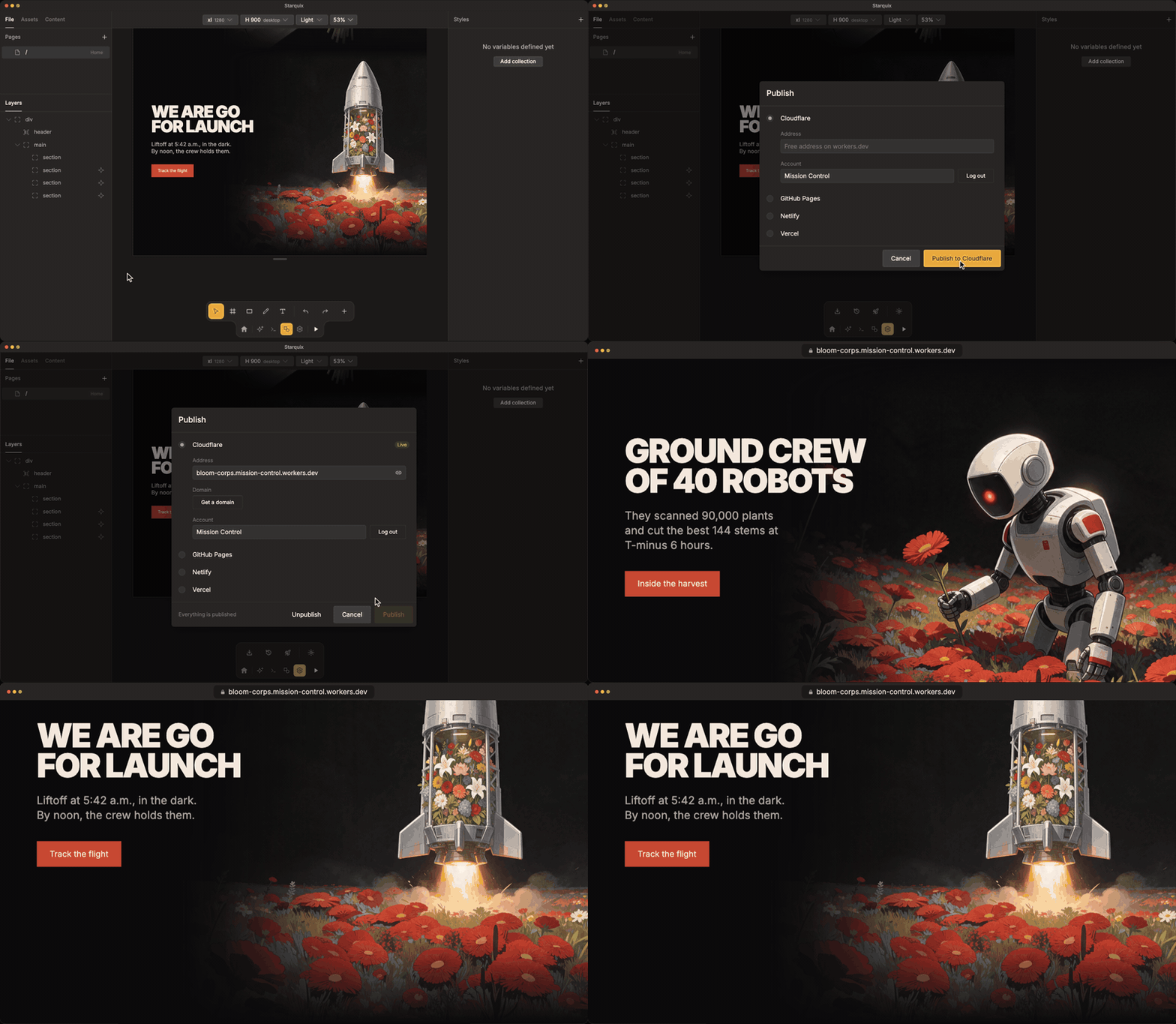
Publish to Cloudflare or GitHub Pages, to Netlify or Vercel through your GitHub repo, or export the project folder.
Also included
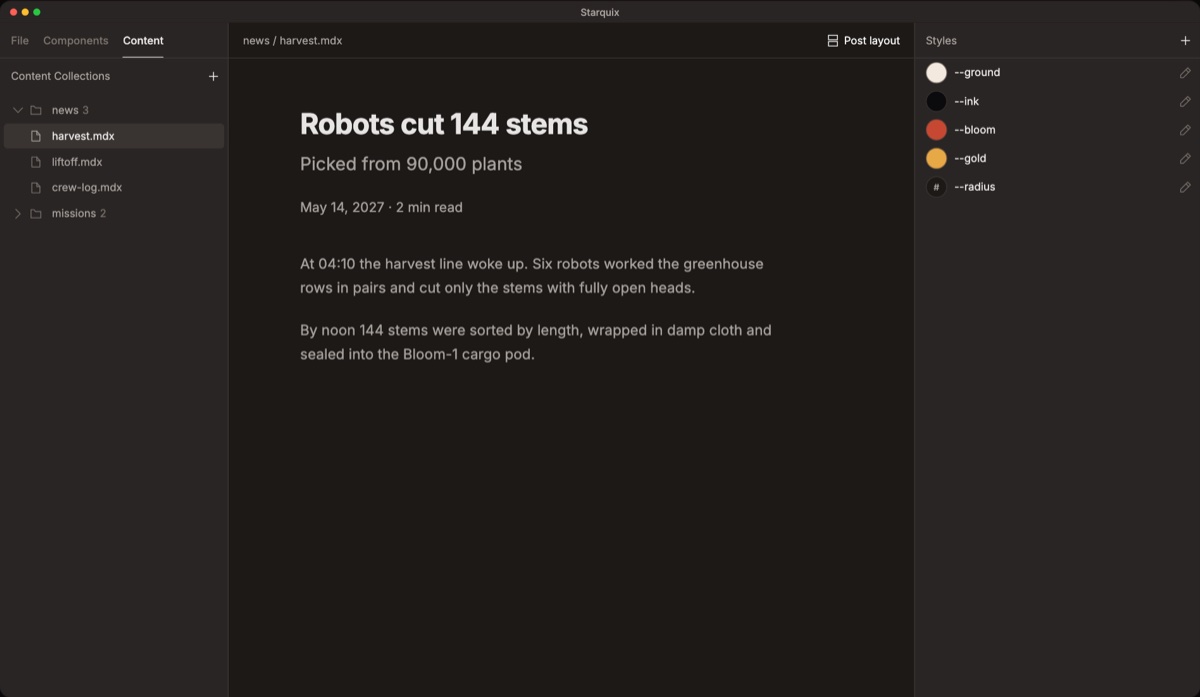 CMS. Write blog posts and publish them as pages. |
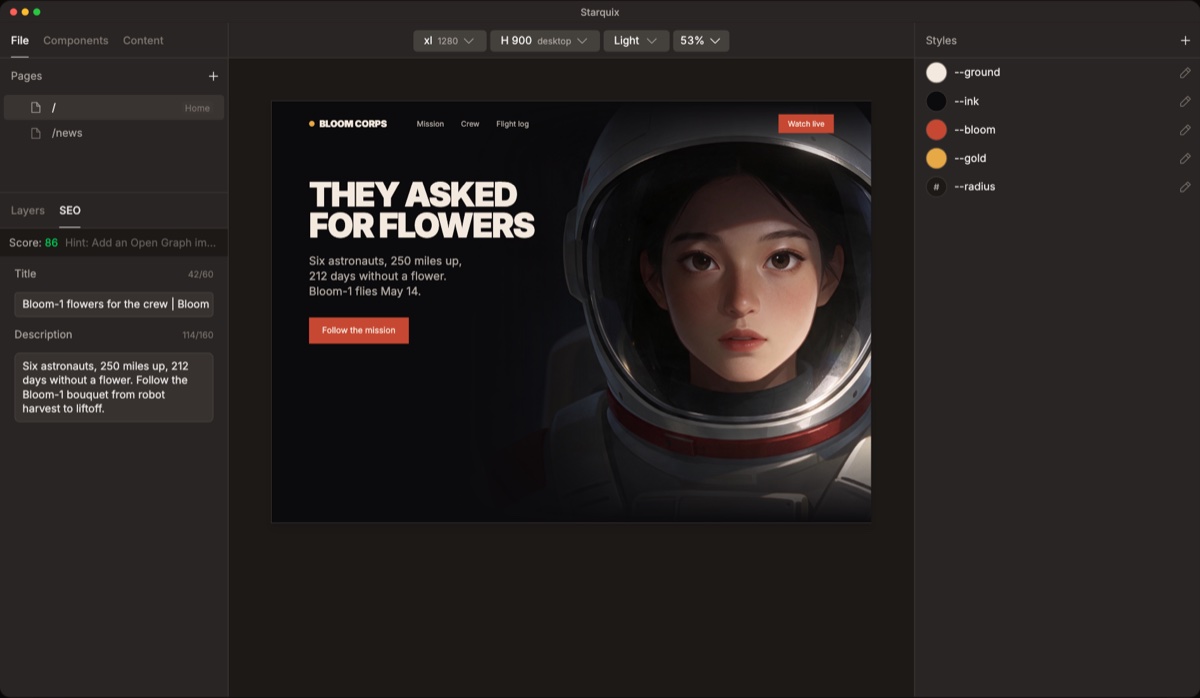 SEO. Titles, descriptions and a score for every page. |
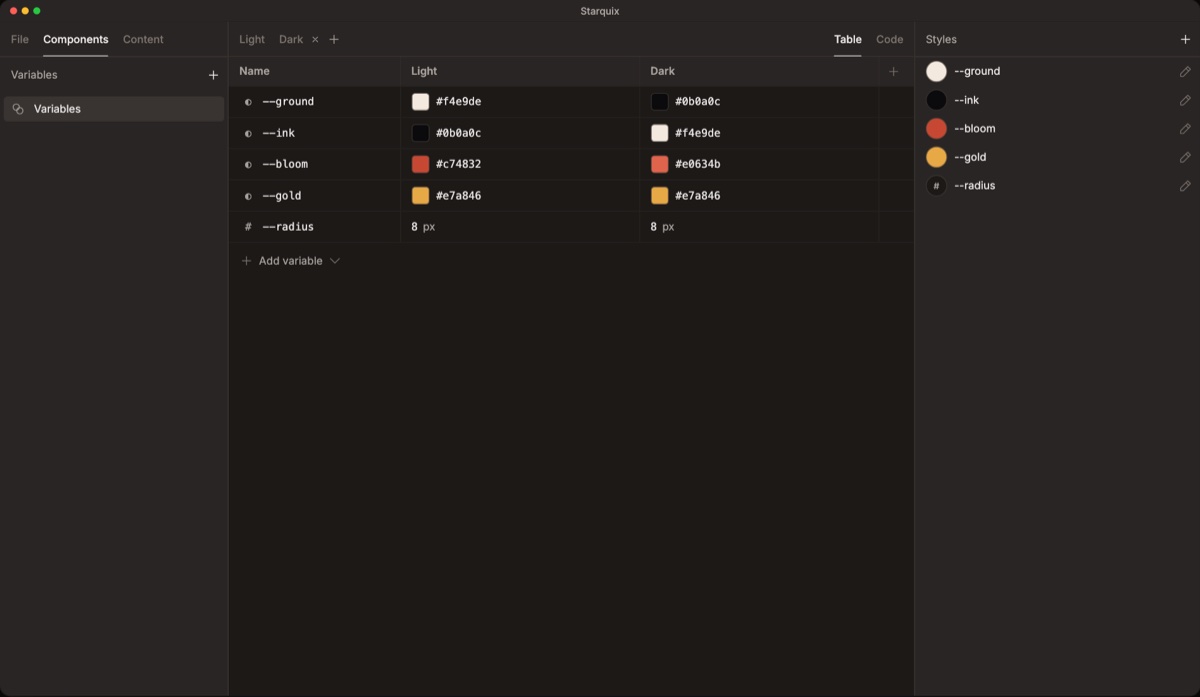 Variables. Change a color once and it updates everywhere. |
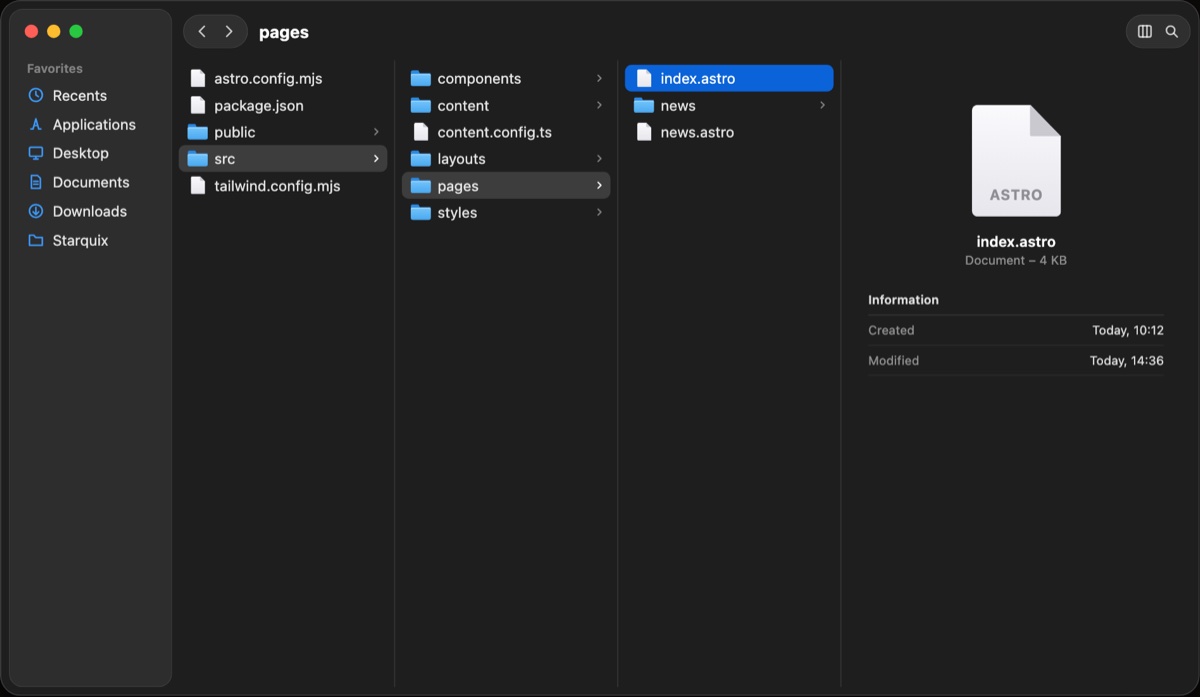 Local files. Your site is plain Astro files in a folder on your computer. |
Development
git clone https://github.com/Mayhopar/starquix.git
cd starquix
npm ci
npm ci --prefix preview-template
npm ci --prefix desktop
npm --prefix app run dev -- --host 127.0.0.1 --port 3061 --strictPort   # the editor the desktop app loads
Then, in a second terminal:
cd desktop && npm run deps && npm start # desktop app
Requires Node.js 22+ and npm 10. The desktop app runs on macOS.
Tests: cd app && npm run test:run and cd desktop && npm test.
| Folder | Contents |
|---|---|
app/ |
Editor (Vite + React) |
desktop/ |
Electron app: runs each project's Astro dev server |
preview-template/ |
Vite plugin and canvas bridge copied into each project |
mcp/ |
MCP server for coding agents |
scripts/ |
Bridge and snapshot builds |
fixtures/ |
Sample Astro project for tests |
docs/ |
Architecture, data flows, how-tos |
The bridge source is app/src/bridge/parts/. After changing it or preview-template/, run npm run build:snapshot.
Bug fixes need a regression test. Contributing: CONTRIBUTING.md.
Privacy
Projects and API keys are stored on your computer. The app goes online to:
- count anonymous page views with Plausible (no cookies;
app/src/main.tsx); - check GitHub for a newer release (
desktop/src/update-check.mjs); - load Google Fonts when you pick a font;
- reach the AI provider and publishing services you connect, with your own keys and accounts.
Third-party code and assets: THIRD_PARTY_NOTICES.md.
License
MIT. Third-party components keep their own licenses (THIRD_PARTY_NOTICES.md). The Starquix name and logo were created by Oleg Maykhopar and are not covered by the license; using them requires his permission.
Reviews (0)
Sign in to leave a review.
Leave a reviewNo results found