TerminalVibe
agent
Basarisiz
Health Uyari
- No license — Repository has no license file
- Description — Repository has a description
- Active repo — Last push 0 days ago
- Low visibility — Only 6 GitHub stars
Code Basarisiz
- process.env — Environment variable access in electron/dev-server.js
- fs module — File system access in electron/dev-server.js
- fs.rmSync — Destructive file system operation in electron/main.js
- process.env — Environment variable access in electron/main.js
- fs module — File system access in electron/main.js
- fs module — File system access in electron/proc.js
- fs.rmSync — Destructive file system operation in scripts/build-dist.js
- fs module — File system access in scripts/build-dist.js
- fs.rmSync — Destructive file system operation in scripts/build-vendor.js
- fs module — File system access in scripts/build-vendor.js
- fs.rmSync — Destructive file system operation in server.js
- process.env — Environment variable access in server.js
- fs module — File system access in server.js
Permissions Gecti
- Permissions — No dangerous permissions requested
Bu listing icin henuz AI raporu yok.
cmux alternative for linux
README.md
TerminalVibe
A terminal multiplexer and desktop workspace app with integrated browser, built on Electron.
Features
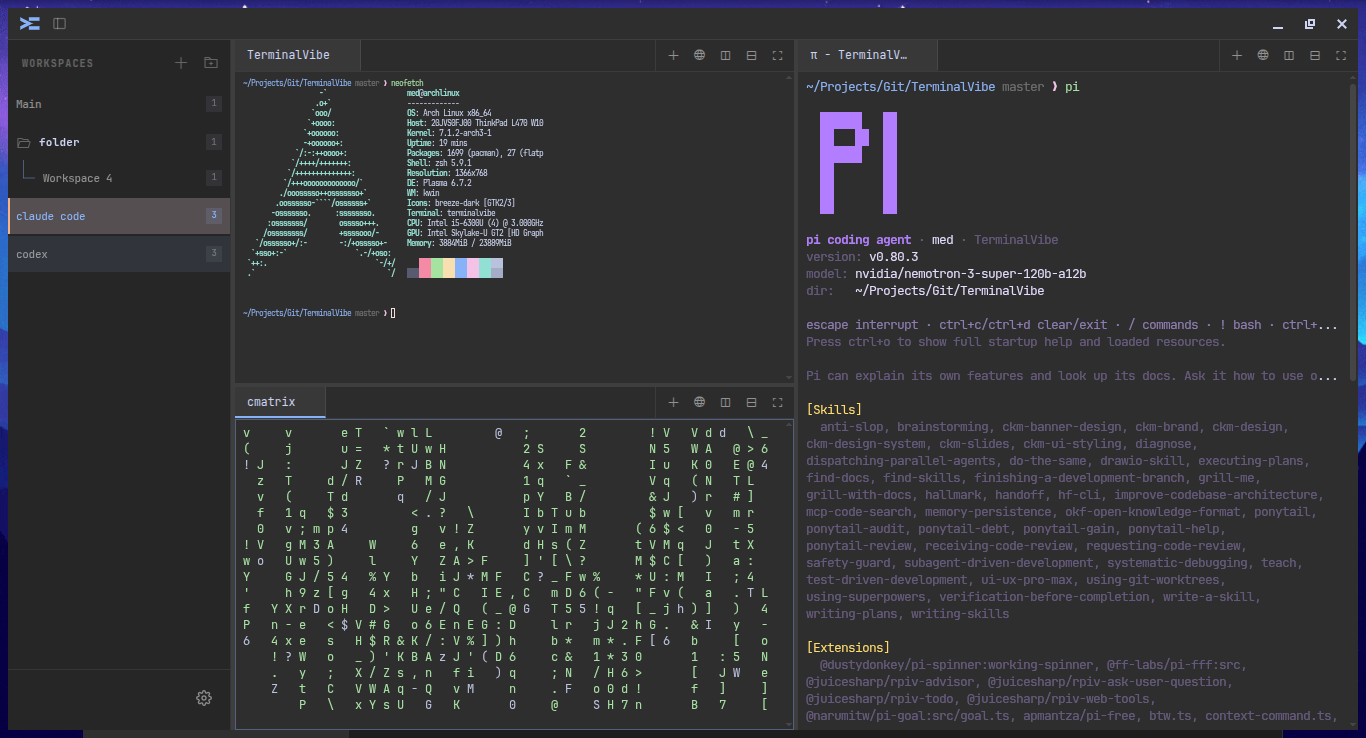
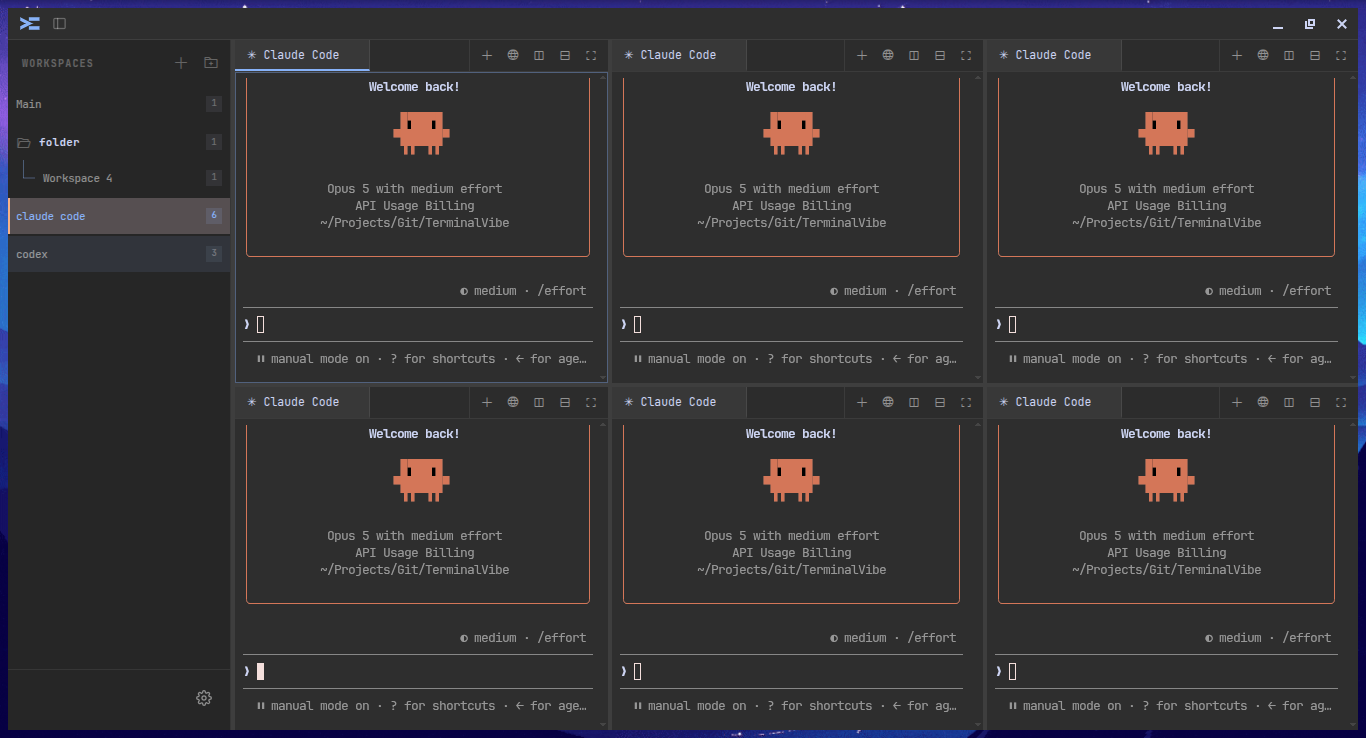
- Multi-workspace - switch between independent workspace contexts via sidebar, with drag-and-drop reordering and color customization
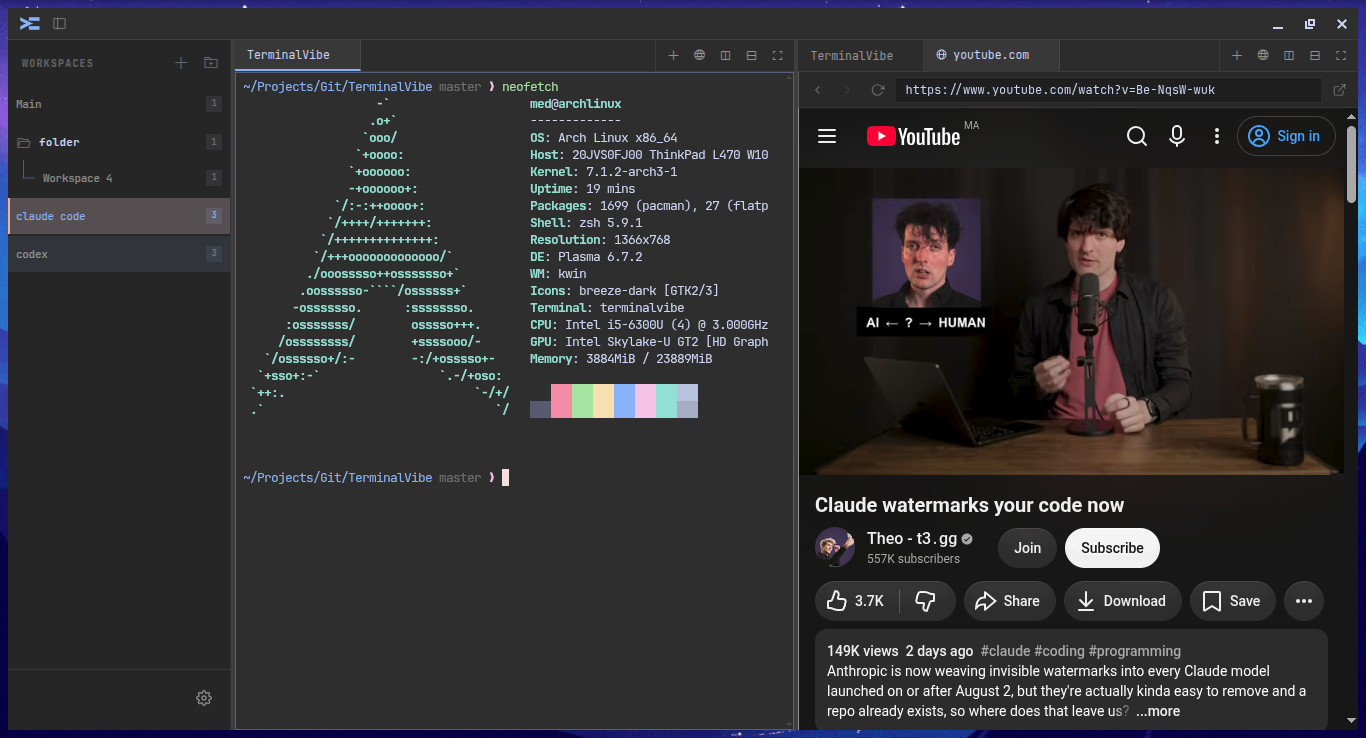
- Split panes - recursive horizontal and vertical splits with drag-and-drop terminal reordering between panes
- Tabbed groups - each pane holds a tab bar for terminals or browser sessions
- Built-in browser - embedded web browsing with URL bar, navigation (back/forward/reload), history, and local file support
- PDF viewer - open PDFs directly in a tab via EmbedPDF
- Image viewer - display images inline in a browser tab
- Background images - set terminal background images in global or per-tab mode, with adjustable opacity
- Shell integration - automatic current working directory (CWD) reporting via OSC 7 for bash and zsh, persisted across sessions
- Custom themes - create, edit, import, and export themes with full color control (terminal palette + UI colors), with live preview
- 8 built-in themes - Catppuccin Mocha/Latte, Dracula, Gruvbox, Tokyo Night, Nord, Solarized Dark, Monochrome
- Configurable keyboard shortcuts - rebind every shortcut from the Settings panel with conflict resolution
- Per-terminal font zoom - Ctrl+Scroll to scale individual terminals
- Terminal search - Ctrl+Shift+F with incremental search, next/previous navigation
- Multi-select terminals - Ctrl+Alt+Click to select multiple terminals
- Right-click copy/paste - context menu on terminal body for copy and paste
- Directional pane navigation - Alt+H/J/K/L to focus adjacent split panes
- Persistent state - layout, themes, settings, and open browser URLs persist across sessions (auto-save every 30s)
- Frameless window - custom titlebar with logo, sidebar toggle, and window controls (minimize/maximize/close)
- Status bar - shows active workspace, terminal name, terminal dimensions + font size, connection status, multi-select count, and real-time clock
Screenshots
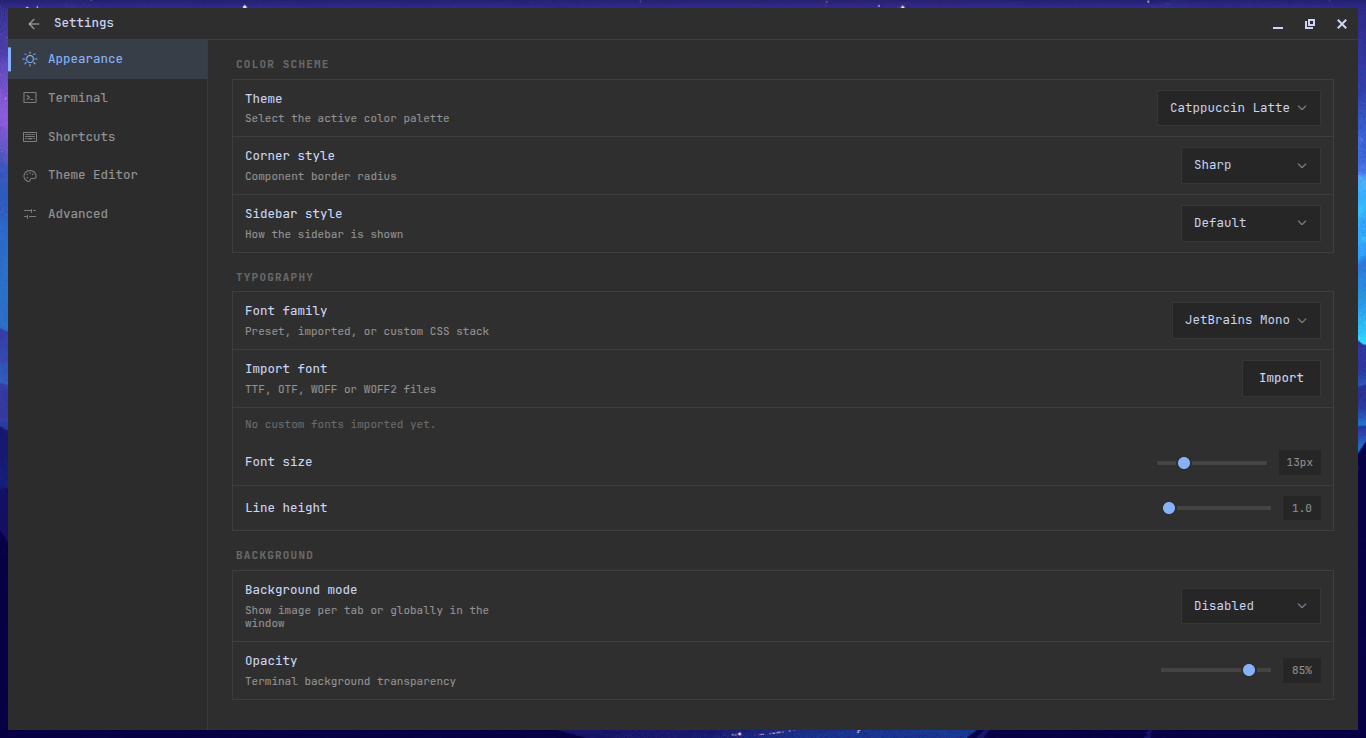
Tech Stack
| Layer | Technology |
|---|---|
| Shell | Electron - PTY management via node-pty in the main process, IPC, window control |
| Frontend | Vanilla JS (single IIFE), xterm.js 5.3 with WebGL renderer, no framework |
| Backend | Node.js - WebSocket PTY server (browser dev mode), HTTP browser proxy, static server |
Project Structure
├── app.js                  # Frontend UI logic (single IIFE)
├── index.html              # HTML entry point
├── style.css               # Styles
├── server.js               # Node.js backend (browser dev mode: PTY WS + HTTP proxy)
├── electron/
│   ├── main.js             # Main process: node-pty PTY, WebContentsView browser tabs
│   └── preload.js          # contextBridge IPC API
├── vendor/                 # Vendored xterm.js addons, Coloris, EmbedPDF assets
├── dist/                   # Build output
└── ARCHITECTURE.md         # Detailed architecture docs
Prerequisites
- Node.js 18+
- npm
Development
npm install
npm run dev            # browser dev mode (Node backend on ports 7681/7682/6969)
npm run electron:dev   # Electron dev mode (native PTY via node-pty)
Build
npm run build
Outputs the frontend bundle to dist/ and produces Linux packages (AppImage / dir) via electron-builder.
Yorumlar (0)
Yorum birakmak icin giris yap.
Yorum birakSonuc bulunamadi