VibeBasket
Health Uyari
- License — License: MIT
- Description — Repository has a description
- Active repo — Last push 0 days ago
- Low visibility — Only 5 GitHub stars
Code Basarisiz
- fs.rmSync — Destructive file system operation in apps/cli/src/apply.test.ts
Permissions Gecti
- Permissions — No dangerous permissions requested
Bu listing icin henuz AI raporu yok.
Bundle trusted MCP servers, agent skills, and project rules into one shareable install flow across AI IDEs.
VibeBasket
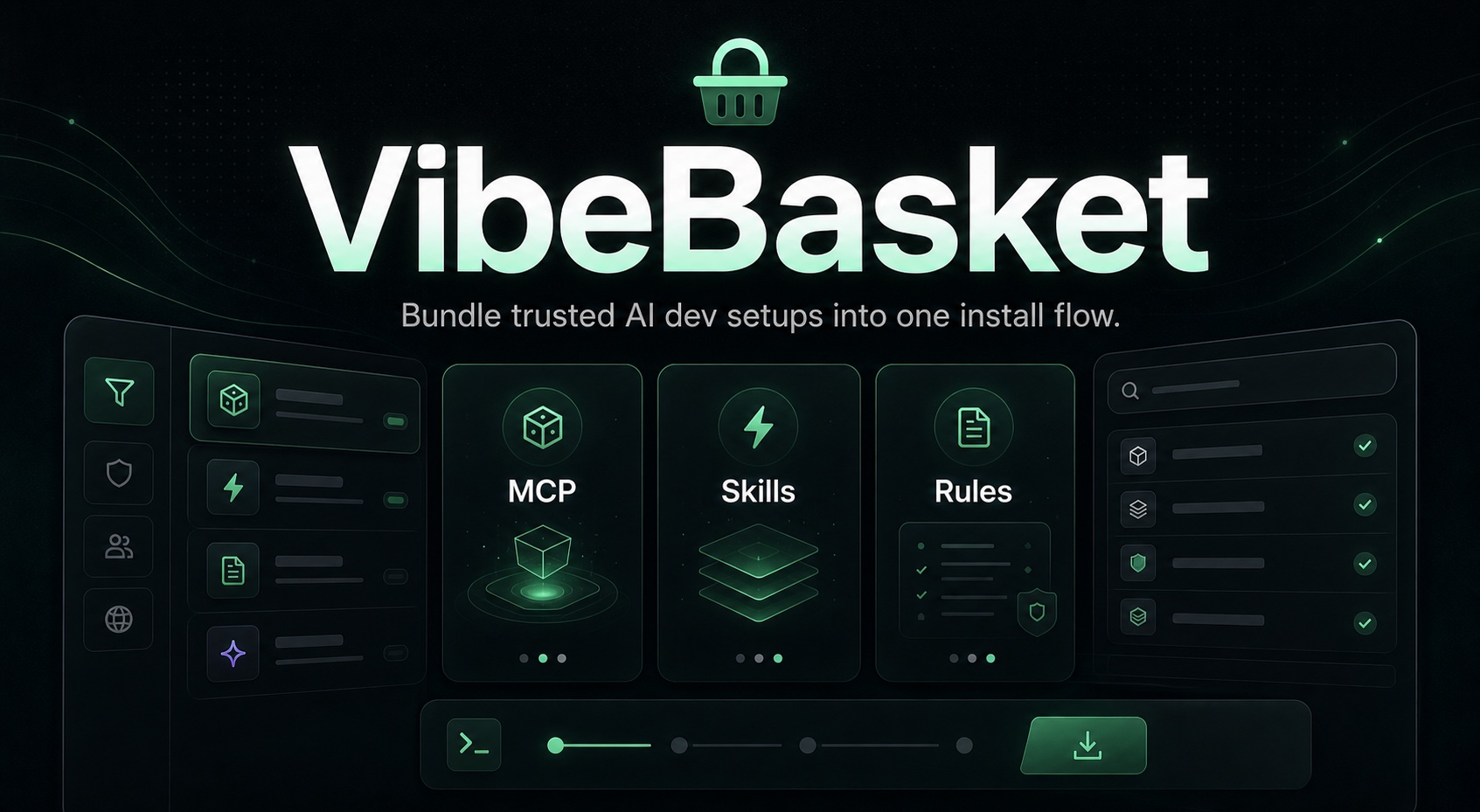
Bundle trusted MCP servers, agent skills, and project rules into one shareable install command. Apply across 24 AI IDEs and CLI tools with a single link.






Table of Contents
- What is VibeBasket?
- Who It's For
- What It Is Not
- Supported Targets
- Core Capabilities
- Quick Start
- CLI Usage
- Configuration
- Self-Hosting
- Architecture
- Docs Map
- Security
- License
What is VibeBasket?
VibeBasket helps you stop configuring MCP servers, skills, and rules one tool at a time.
Browse a trusted catalog, select what you want, and generate one npx command that applies the bundle across the AI IDEs and CLI tools you actually use.
npx vibebasket apply https://vibebasket.dev/api/bundle/cj2k9x
Start here:
- Hosted app: vibebasket.dev
- npm package: npmjs.com/package/vibebasket
- Self-host guide: SELF_HOSTING.md
Who It's For
- Standardizing MCP-heavy setups across multiple AI IDEs and terminal tools
- Turning one curated stack into a repeatable install flow for a team or project
- Keeping install behavior idempotent so re-applying a bundle is safe
- Letting self-hosters run the whole stack on a single VPS without adding Redis, Postgres, or extra infra
What It Is Not
- A hosted secrets manager for end-user runtime credentials
- A multi-node control plane with shared cache/state infrastructure by default
- A universal package manager for arbitrary IDE extensions outside MCPs, Skills, and Rules
Supported Targets (24 IDEs & CLI tools)
| IDE | MCP | Skills | Rules |
|---|---|---|---|
| Cursor | ✅ | ✅ | ✅ |
| Windsurf | ✅ | ✅ | ✅ |
| VS Code / Cline | ✅ | — | — |
| Claude Code | ✅ | ✅ | — |
| GitHub Copilot | — | ✅ | ✅ |
| Continue | ✅ | ✅ | — |
| Roo Code | ✅ | ✅ | ✅ |
| Codex CLI | ✅ | — | — |
| Gemini CLI | ✅ | ✅ | — |
| Antigravity | ✅ | — | — |
| JetBrains Junie | ✅ | — | — |
| Kiro | ✅ | ✅ | — |
| Cline CLI | ✅ | — | — |
| Zed | ✅ | ✅ | — |
| Hermes | ✅ | ✅ | — |
| OpenClaw | ✅ | ✅ | — |
| Void Editor | ✅ | — | — |
| Aider | — | ✅ | ✅ |
| DeepSeek-TUI | ✅ | — | — |
| Cortex Code | ✅ | ✅ | — |
| Goose | ✅ | — | — |
| IBM Bob | ✅ | ✅ | — |
| CodeBuddy | ✅ | ✅ | — |
| OpenCode | ✅ | ✅ | ✅ |
16 supported targets auto-install Skills. 6 supported targets auto-install Rules. All MCP-capable targets auto-install MCP servers.
Core Capabilities
Trusted catalog
- Thousands of items when synced from the MCP Registry, the public skills.sh catalog, and curated sources
- Trust tiers: Verified (curated), Official (explicit upstream certification), Community — no heuristic trust scoring
- FTS5 full-text search with prefix matching across display name, description, and source URL
- Filter by type, trust tier, freshness, and sort order
Catalog scope:
- MCP coverage is intentionally bounded by the official MCP Registry plus curated verified overrides
- Skills coverage comes from the public
skills.shcorpus plus curated verified overrides - If a popular MCP is not published in the official registry, it will not appear automatically until it is curated or the upstream registry adds it
Install engine
- One bundle can be applied across 24 supported targets
- Writes are idempotent and backup-aware
- Target capability checks prevent pretending every IDE supports the same surface
- Secrets are resolved locally by the CLI during apply
CLI
apply— Install bundles from URLs or local files (--force,--scope,--dry-run,--no-verify)list— Scan all 24 IDEs for installed MCPs, skills, and rulessearch— Search the catalog from terminaldoctor— Diagnose IDE configurations across all targetsinit— Scaffold a VibeBasket projectrollback— Restore from timestamped backups (run from the target project root for project-scoped configs)
Admin and operations
- Manual catalog sync, backup management, storage config, and release-readiness checks
- FTS health checks, DB integrity checks, and cleanup actions
- User overview and admin allowlist management
Security model
- End-user runtime secrets never appear in bundle manifests and are prompted locally by the CLI; most targets then store them only in that machine's local IDE config surface
- AES-256-GCM encrypted storage credentials
- Sliding-window rate limiting on 8 API endpoints with Retry-After headers
- CSP and security headers enforced in production
- Path sanitization on all file operations
- 4 optional OAuth providers: GitHub, Google, Apple, Microsoft Entra ID
- GitHub Actions CI, CodeQL, gitleaks, Dependabot, and
NEXT_PUBLIC_*allowlist enforcement
Backup and storage
- 6 backends: Local, AWS S3, Cloudflare R2, DigitalOcean Spaces, Azure Blob, GCS
- External-scheduler backups with configurable intervals
- Encrypted credentials stored in SQLite, never in environment files
- Backup restore works across local and supported cloud storage backends
Quick Start
Choose the path that matches what you are trying to do:
- Just use the hosted product: open vibebasket.dev, build a basket, copy the
npx vibebasket apply ...command, and run it locally - Prefer the published CLI package surface: use
npx vibebasket ...or inspect the package page at npmjs.com/package/vibebasket - Self-host on one machine: use Docker first
- Hack on the repo: use the manual workspace setup
If you deploy with Coolify, prefer Dockerfile mode. Build Pack mode is also supported via the repo-level nixpacks.toml.
Docker
git clone https://github.com/mhmtayberk/VibeBasket.git
cd VibeBasket
cp .env.example .env
# fill at least AUTH_SECRET and NEXTAUTH_URL before booting production mode
docker compose up -d
After first boot, either wait for the initial catalog bootstrap or run docker compose exec web node scripts/catalog-sync.mjs, then verify /api/catalog/status.
Manual
git clone https://github.com/mhmtayberk/VibeBasket.git
cd VibeBasket
cp .env.example .env
pnpm install
pnpm dev
After first boot, either wait for the initial catalog bootstrap or run pnpm catalog:sync, then verify /api/catalog/status.
Open http://localhost:3000.
CLI Usage
The official package name is vibebasket.
# Install from bundle URL
npx vibebasket apply https://vibebasket.dev/api/bundle/cj2k9x

# Install from a local bundle file
npx vibebasket apply ./bundle.json

# Options
npx vibebasket apply <url> --scope project --dry-run --force

# List installed configs
npx vibebasket list

# Search catalog
npx vibebasket search postgresql

# Environment check
npx vibebasket doctor

# Scaffold project
npx vibebasket init

# Restore from backup
npx vibebasket rollback
Example local bundle file:
{
  "schemaVersion": "0.1",
  "name": "Local example",
  "scope": "user",
  "targets": ["cursor"],
  "mcps": [],
  "skills": [],
  "rules": [],
  "workflowPacks": []
}
Configuration
Most deployments only need a small subset to get started:
| Variable | Required | Description |
|---|---|---|
AUTH_SECRET |
Yes | Session and encryption secret. Also used to protect stored backup backend credentials. Generate with openssl rand -base64 32 |
NEXTAUTH_URL |
Yes | Public deployment URL used for OAuth callbacks |
AUTH_<PROVIDER>_ENABLED |
No | Enables a provider only when its credentials are also present |
AUTH_GITHUB_ID/SECRET |
No | GitHub OAuth credentials |
AUTH_GOOGLE_ID/SECRET |
No | Google OAuth credentials |
AUTH_APPLE_ID/SECRET |
No | Apple Sign-In credentials |
AUTH_MICROSOFT_ENTRA_ID_ID/SECRET |
No | Microsoft Entra ID credentials |
ADMIN_OAUTH_EMAILS |
No | Comma-separated verified emails allowed into /admin |
AUTH_TRUST_HOST |
No | Set to true behind a trusted proxy or CDN |
TRUST_PROXY |
No | Set to true only when forwarded client IP headers are trustworthy |
CATALOG_REFRESH_TOKEN |
No | Needed only for authenticated production refresh calls |
BACKUP_JOB_TOKEN |
No | Token for external schedulers that call POST /api/internal/backup |
See .env.example for the complete environment surface and backup backend variables.
OAuth note: provider buttons appear only when the provider is both enabled and fully configured.
Self-Hosting
VibeBasket is currently optimized for single-node deployments: one app instance, one SQLite database, and no Redis or shared cache by default.
Start here:
Operational notes:
/api/healthis safe for container and orchestration health checks/api/catalog/statusexposes catalog freshness and the latest sync resultpnpm catalog:sync:strictis available as a pre-launch validation command- the main CI gate is
pnpm verify:ci
Architecture
Main parts of the repo:
packages/core
Shared schemas, SQLite bootstrap, and database accesspackages/adapters
24 IDE and CLI adapters with target-specific install logicpackages/registry
Catalog sync from the official MCP Registry,skills.sh, and curated verified dataapps/web
Next.js web app, APIs, auth flows, saved stacks, and admin surfacesapps/cli
Local installer CLI for apply, list, search, doctor, init, and rollbackcharts/vibebasket
Helm chart for single-replica self-hosted deployments
Key patterns:
- idempotent config writes
- immutable bundle URLs
- DB-first configuration for admin-managed settings
- adapter capability checks instead of pretending every target supports the same surface
- FTS5-backed catalog search with persisted sync metadata
For more detail:
Docs Map
- CONTRIBUTING.md
- SECURITY.md
- CODE_OF_CONDUCT.md
- SELF_HOSTING.md
- docs/ARCHITECTURE.md
- docs/PROJECT_OVERVIEW.md
- docs/SETUP.md
- docs/PRODUCTION_READINESS_CHECKLIST.md
Security
Repository guardrails:
- CI runs a repo-level secret scan with
gitleaks. - Executable and config files are checked for
NEXT_PUBLIC_*usage, and only reviewed allowlisted names are accepted.
Report vulnerabilities via GitHub Security Advisories. See SECURITY.md for the full threat model.
License
MIT
Yorumlar (0)
Yorum birakmak icin giris yap.
Yorum birakSonuc bulunamadi