agent-formal-verify
Health Uyari
- License — License: GPL-3.0
- Description — Repository has a description
- Active repo — Last push 0 days ago
- Low visibility — Only 9 GitHub stars
Code Gecti
- Code scan — Scanned 12 files during light audit, no dangerous patterns found
Permissions Gecti
- Permissions — No dangerous permissions requested
Bu listing icin henuz AI raporu yok.
TLA+ model checking and Lean proofs for coding agents, with explicit tool setup.
Agent formal verify
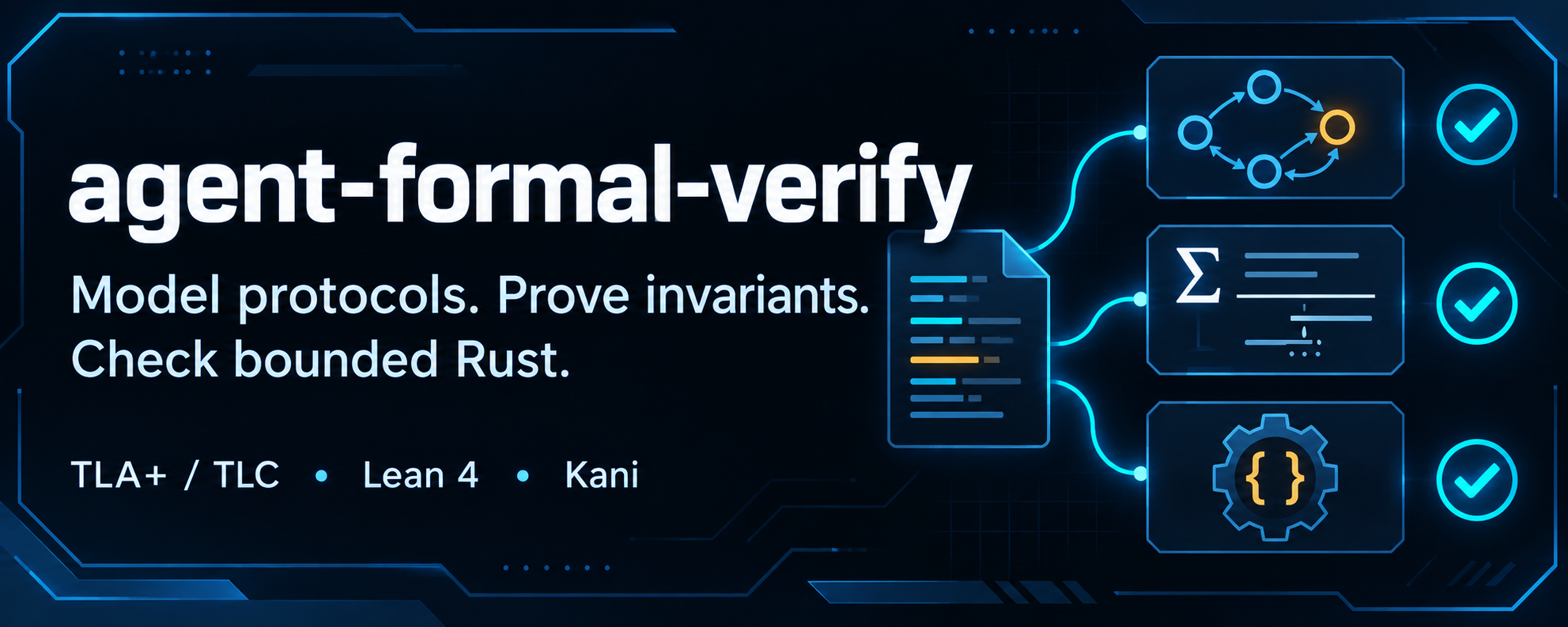






A skill for Claude Code, Codex and Pi that implements the targeted formal-verification method recently promoted by Boris Cherny. The agent models selected parts of your code, checks their properties, maps counter-examples to source lines, and helps reproduce and fix reachable bugs.
It uses TLA+ and TLC for thread interleavings, shutdown and resource ownership, and Lean 4 for arithmetic, bounds and sequential state transitions. A protocol that depends on arithmetic can use both. For Rust functions with bounded inputs and loops, Kani checks the production code for overflow, invalid memory access, panics and broken invariants.
Install
Claude Code
Run in Claude Code:
/plugin marketplace add michael-denyer/agent-formal-verify
/plugin install agent-formal-verify@agent-formal-verify
Codex
Run in your terminal:
codex plugin marketplace add michael-denyer/agent-formal-verify
codex plugin add agent-formal-verify@agent-formal-verify
Pi
Run in your terminal:
pi install git:github.com/michael-denyer/agent-formal-verify
Run setup once to prepare the shared Java, Python, TLC, elan, Lean, Rust and Kani tools. In Claude Code, use /agent-formal-verify:setup. In Codex, request the plugin's setup skill. In Pi, use /skill:setup. It reuses installed prerequisites and needs no target repository.
For local checkouts and skills-only installs, see shared installation.
Getting started
Use formal-verify to check this queue's shutdown protocol and window arithmetic.
In Claude Code, use /agent-formal-verify:formal-verify. In Codex, type $formal-verify or request the plugin's formal-verify skill. In Pi, use /skill:formal-verify.
How it works
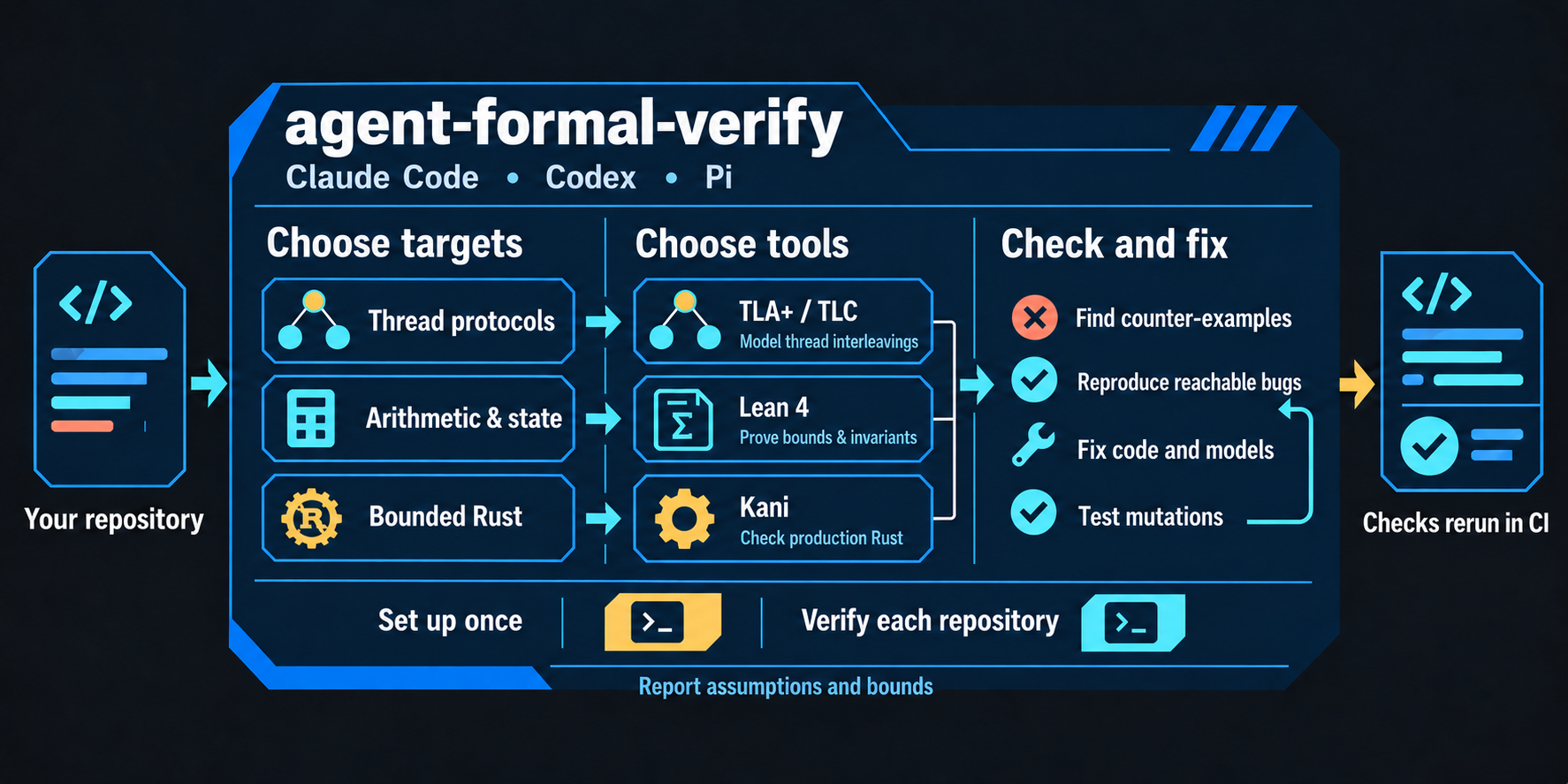
The agent selects risky code, builds TLA+ or Lean models or adds Kani harnesses that call the Rust code, and checks their properties. Reachable counter-examples guide reproductions and fixes to both the code and model. Mutation checks test whether the properties detect mistakes, and CI reruns the models as the code changes.
A passing check establishes its stated properties under its assumptions and bounds. Reports must identify omitted constraints and unfinished proofs. See scope and evidence.
Details
- Skills and slash commands
- Shared installation
- Runtime setup and tool pins
- Plugin updates
- Verification workflow
- Release history
Data handling
The plugin configures no MCP servers or hooks, requires no credentials and has no telemetry. The agent sends selected source excerpts, models and results to its model provider. Helpers run locally and download nothing. Setup verifies a TLC JAR you obtain from the pinned TLA+ release, and Lean preparation installs the pinned toolchain through elan. Install the pinned Kani through Cargo and run its setup command as described in tool setup. The plugin's Kani helpers install nothing.
Contributing
Bug reports, documentation fixes and runtime improvements are welcome. See CONTRIBUTING.md for development checks and pull requests.
License
Copyright (c) 2026 Michael Denyer. Licensed under the GNU General Public License, version 3, SPDX identifier GPL-3.0-only.
Yorumlar (0)
Yorum birakmak icin giris yap.
Yorum birakSonuc bulunamadi