career-manager
Health Warn
- License — License: MIT
- No description — Repository has no description
- Active repo — Last push 0 days ago
- Community trust — 24 GitHub stars
Code Pass
- Code scan — Scanned 12 files during light audit, no dangerous patterns found
Permissions Pass
- Permissions — No dangerous permissions requested
No AI report is available for this listing yet.
Career Manager Pipeline

An AI-assisted career management system built as a set of Claude Code skills. Orchestrates job discovery, company research, application tracking, and resume tailoring through a pipeline of Python scripts and Claude Code interactions.
Note: This is a personal productivity tool shared for inspiration and adaptation, not a production service.
Screenshots
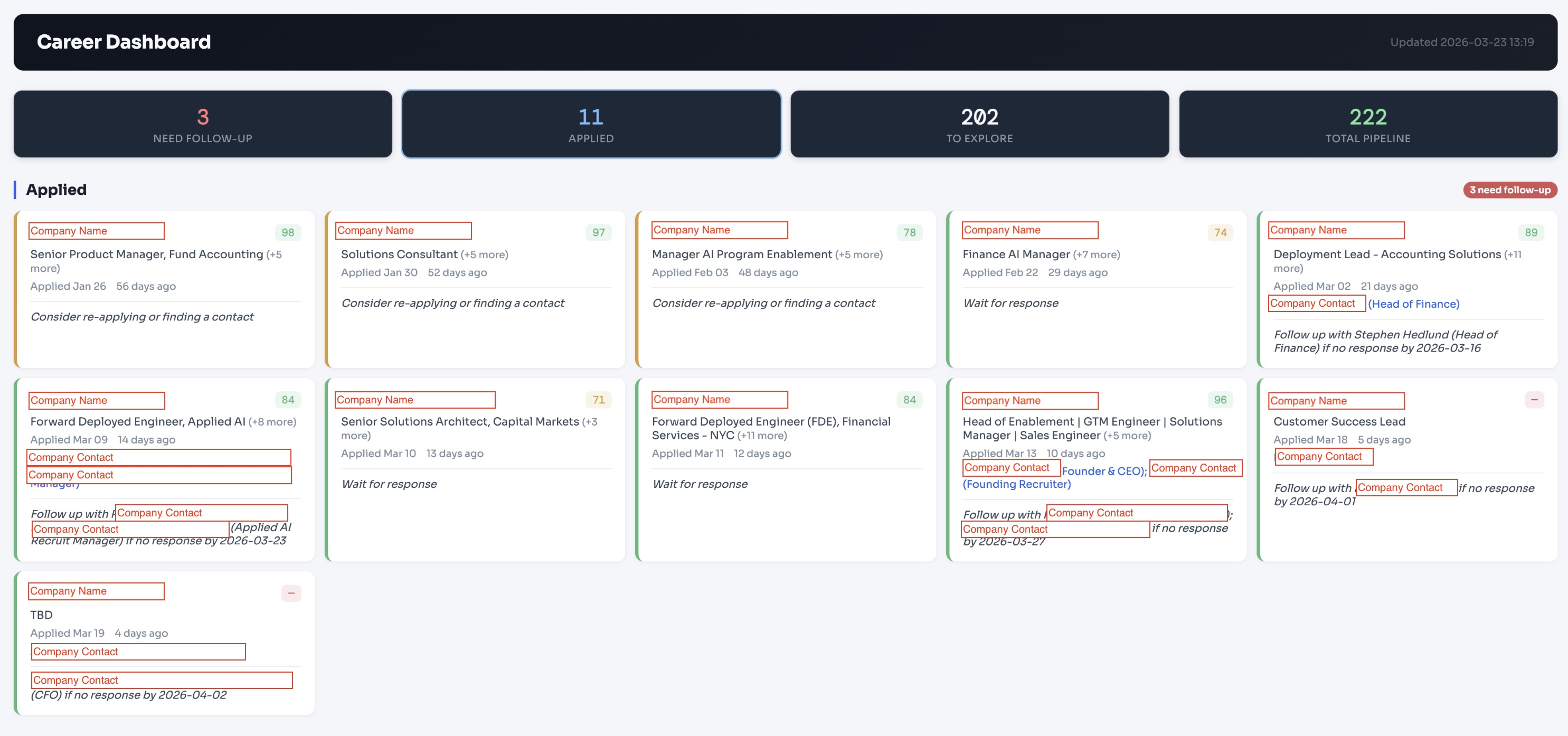
Career Dashboard -- track applications, scores, follow-ups, and contacts at a glance.
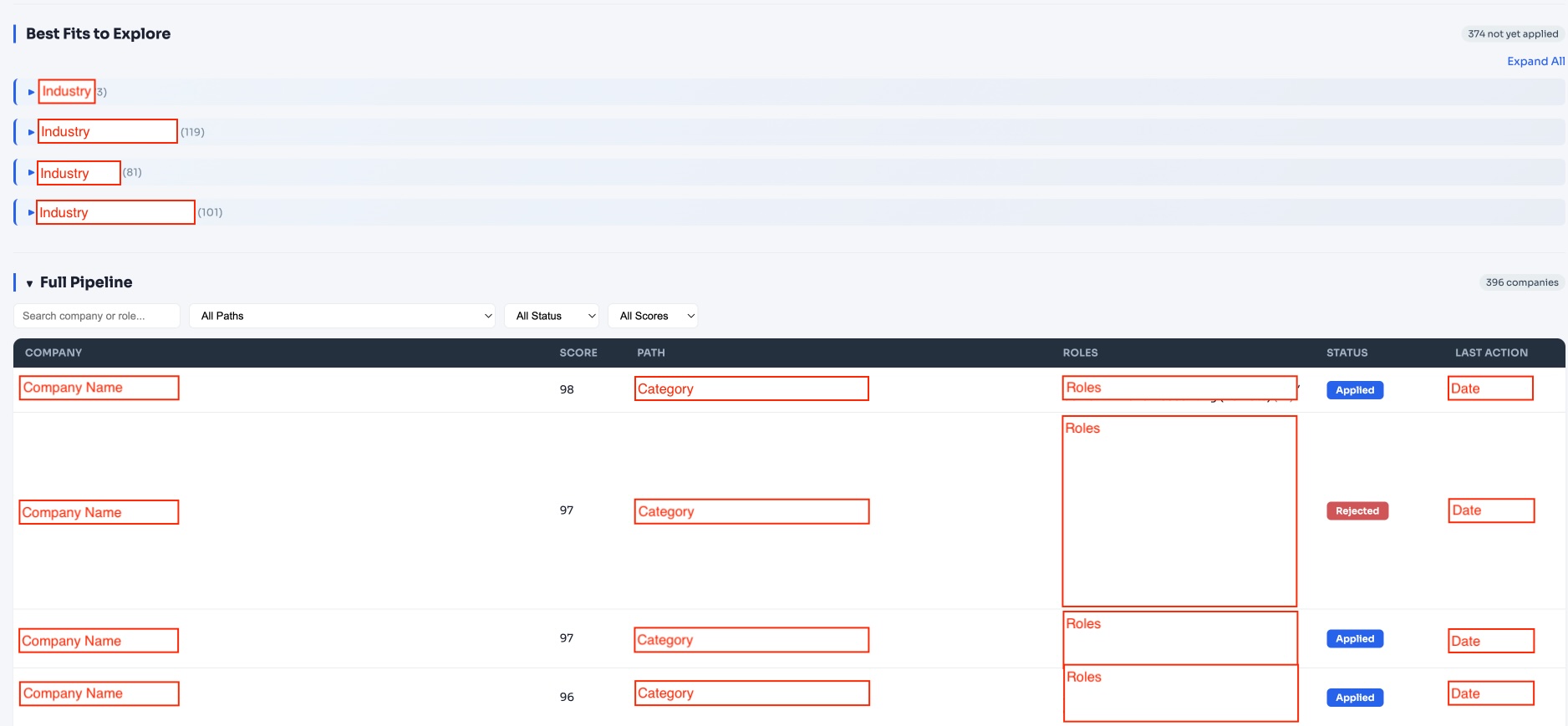
Pipeline View -- discover and score companies across your target industries.
Demo
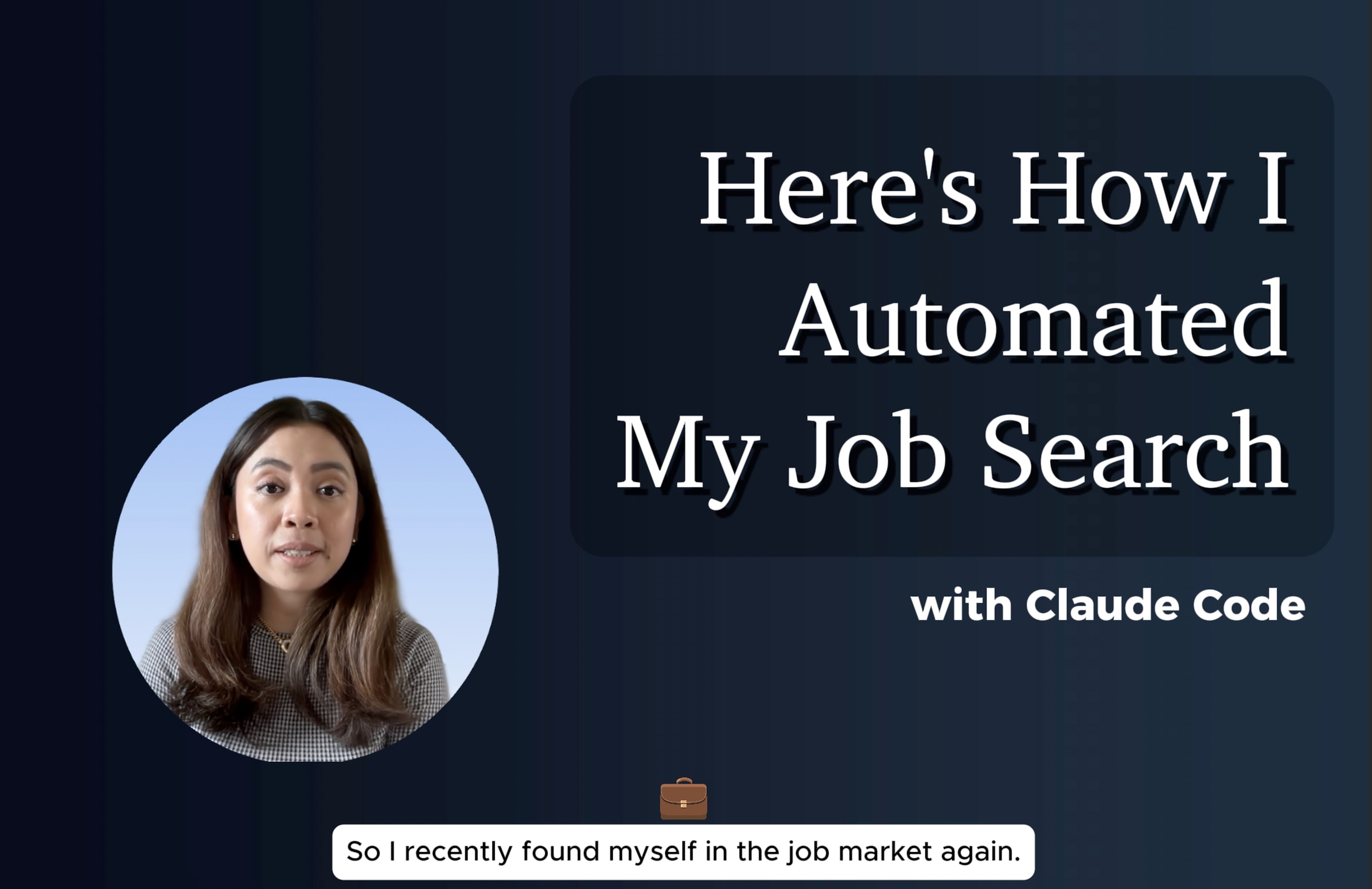
Watch the 1-minute demo on YouTube
Getting Started
The simplest way to run this is the Claude Code desktop app — no terminal needed, and the only thing you install yourself is the app.
Download the Claude desktop app and sign in
Open it and switch to the Code tab
Start a new session in the folder where you want the project (e.g. Documents), and paste this prompt:
Clone https://github.com/muggl3mind/career-manager.git, install any tools it needs that are missing (like uv and Python), and start onboarding.
Claude takes it from there: it clones the project, installs uv and Python if your computer doesn't have them, sets up dependencies, and starts the onboarding interview. When it asks permission to run a command, click Allow — the repo ships a permission allowlist (.claude/settings.json), so there are only a few of these.
Install the Claude Code CLI, run claude in the directory where you want the project, and paste the same prompt as above.
Tip: To let the pipeline run without any permission prompts, start Claude Code with:
claude --dangerously-skip-permissions
Caveat: This bypasses all permission checks, not just for this pipeline. Only use this in a directory you trust and understand.
Onboarding
Onboarding is a guided interview. Here's what you do vs. what Claude does:
You:
- Provide your resume file path when asked
- Answer one question with four parts: target roles, salary floor, location preferences, and job markets
- Review the career paths Claude proposes and confirm (or tweak)
Claude:
- Reads your resume and extracts your background
- Derives 4-5 career paths from your experience and targets
- Generates all config files automatically:
config.yaml-- pipeline settingsjob-search/references/criteria.md-- scoring rubricjob-search/references/background-context.md-- professional summaryjob-search/data/search-config.json-- search queries and filters
- Runs a smoke test to verify everything works
- Hands off to the job search pipeline when ready
Manual setup: Onboarding is the recommended way to generate the personalized files.
criteria.mdandbackground-context.mdare not shipped in the repo and are only created by onboarding.search-config.jsonships as a neutral stub withsetup_required: true; the pipeline will not run until it is personalized. To configure it by hand, copyjob-search/data/search-config.json.exampleoverjob-search/data/search-config.json, replace the placeholder values, and setsetup_requiredtofalse. Manual editing of the other files is for customizing them after onboarding has created them.
How to Use
Open the project in Claude Code (the desktop app's Code tab, or claude in a terminal) and describe what you need in plain English:
| What you want | What to say |
|---|---|
| Find new companies | "Run the job search pipeline" |
| Research a specific company | "Research Stripe for me" |
| Tailor your resume for a role | "Tailor my CV for the Product Manager role at Stripe" |
| Track an application | "Add Stripe PM to my tracker" |
| Check what needs follow-up | "Show me applications that need follow-up" |
| Prepare for an interview | "Prep me for the Stripe interview" |
| Open your dashboard | "Open my dashboard" (or /dashboard) |
| Run a health check | "Run the pipeline health check" |
You don't need to memorize commands. Just describe what you need and Claude will route to the right skill.
Truthful by Construction
A model can invent a credential or a metric. So the CV tailor doesn't trust the model: after it drafts edits, a deterministic gate (cv-tailor/scripts/claims_gate.py — plain Python, no LLM) diffs every number, year, credential acronym (CPA, PMP, MBA, ...) and well-known employer name in the edits and cover letter against your base CV and profile. Any claim that isn't there stops the run before a single file is generated:
ERROR: claims gate failed. The output makes claims not present in the base CV or user profile:
  - "$500M" (number in bullet_edits[1].new) not found in base CV or profile
  - "CPA" (credential in bullet_edits[1].new) not found in base CV or profile
What it doesn't catch: an invented skill or a rephrased responsibility. So every run also produces a redline .docx showing each change against your original. Read it before you send anything.
Pipeline output has its own checks: a pytest suite plus three eval levels (code review, runtime verification, health monitoring) — see evals/SKILL.md.
Skills Overview
| Skill | Purpose | Entry Point |
|---|---|---|
| job-search | Discover companies, score against career paths, maintain target list | job-search/SKILL.md |
| job-tracker | Track application status, follow-ups, pipeline reports | job-tracker/SKILL.md |
| company-research | Deep dossier on a single company (overview, signals, fit, risks) | company-research/SKILL.md |
| cv-tailor | Generate tailored resume + cover letter for a specific role, with a no-invention claims gate and redline | cv-tailor/SKILL.md |
| interview-prep | Prep doc for a tracked company: dossier + tracker status + your CV, drafted then independently reviewed | interview-prep/SKILL.md |
| evals | Pipeline quality assurance (code review, runtime verify, health monitor) | evals/SKILL.md |
| onboarding | Personalized pipeline setup via guided interview | onboarding/SKILL.md |
Pipeline Flow
Job Search (how companies are discovered)
When you say "run the job search pipeline", this happens:
Phase 1 -- Python exports (automated)
  +-- JobSpy scrape: searches job boards for matching listings
  +-- Monitor export: identifies known companies due for a recheck
  +-- Prospecting export: prepares per-career-path context files

Wave 1 -- Parallel search agents
  +-- Monitor agent: visits careers pages of known targets, checks for new roles
  +-- Eval agent: scores JobSpy results against your criteria rubric
  +-- Prospecting agents (1 per career path): 4-step research protocol
      +-- Market mapping: find 10-15 prominent companies
      +-- Competitor expansion: search top results for alternatives
      +-- Funding sweep: find recently-funded companies
      +-- Careers check: classify each as active_role or watch_list

Expansion prep -- Optional. Python generates secondary context from Wave 1 results only when --expand is passed

Wave 2 -- Optional parallel expansion agents (paths with 3+ Wave 1 results)
  +-- Uses Wave 1 top performers as seeds
  +-- Competitor mining: alternatives to seed companies
  +-- Investor portfolio mining: portfolio companies of seed investors
  +-- Community/list mining: curated lists, YC batches, awesome-lists
  +-- Returns only new companies scoring above the discovery threshold (no minimum quota)

Phase 2 -- Python merges all results into target-companies.csv

Phase 3 -- Generates ranked action list + dashboard
  +-- Coverage check: flags thin career paths
  +-- Run diff: alerts on score changes or removed high-scorers
  +-- Action list: ranked by score with priority tiers (HIGH/MED/LOW)
The eval agent reads job-search/data/pending-eval.json for batches of 40 or fewer jobs. Larger batches are split into pending-eval-shard-N.json files so each eval agent can handle one shard.
Known companies are rechecked through a monitor cadence gate. Recently verified companies are skipped by default for 7 days, while applied, interviewing, and offer-stage companies are always included. Unreachable fetch_empty checks stay retryable on the next run.
End-to-end career workflow
1. Discover companies (job-search)
2. Score & rank them (job-search)
3. Deep-dive a specific company (company-research)
4. Tailor your CV for a role (cv-tailor)
5. Track your application (job-tracker)
6. Follow up on stale applications (job-tracker)
7. Prepare for the interview (interview-prep)
Each skill has its own SKILL.md with detailed usage instructions.
Customization
- Career paths: Edit
job-search/references/criteria.mdto define your own target industries and scoring rubric - Scoring weights: Adjust the 10-dimension rubric in
job-search/references/criteria.md
Optional: Tavily Integration
Get direct links to specific job postings instead of generic careers pages. Free tier: 1,000 credits/month.
- Sign up at tavily.com and get an API key
- Create the directory if needed (
mkdir -p .credentials), then save the key as.credentials/tavily-token.json:{"api_key": "tvly-your-key"} - Set
tavily_enabled: trueinconfig.yaml
Architecture
Each skill owns its data and exposes clear interfaces:
job-search/data/target-companies.csv-- Source of truth for discovered companies and company lifecyclejob-search/data/opportunities.csv-- Source of truth for actionable roles generated from the pipelinejob-tracker/data/applications.csv-- Source of truth for submitted/researched applicationscompany-research/dossiers/*.md-- Deep research outputcv-tailor/data/CV/[company]/-- Per-company tailored materials
See references/ownership-matrix.md for the full ownership map.
Security
Agents read job postings and careers pages written by strangers, so fetched text is treated as data, never instructions (references/untrusted-content.md), and the shared permission allowlist covers only the named pipeline scripts. See SECURITY.md for the threat model, what's defended, and the residual risks.
Reviews (0)
Sign in to leave a review.
Leave a reviewNo results found