figma-ios-codegen
Health Uyari
- License — License: MIT
- Description — Repository has a description
- Active repo — Last push 0 days ago
- Low visibility — Only 7 GitHub stars
Code Gecti
- Code scan — Scanned 12 files during light audit, no dangerous patterns found
Permissions Gecti
- Permissions — No dangerous permissions requested
Bu listing icin henuz AI raporu yok.
Figma to iOS UIKit codegen: deterministic data package + Agent skills (Cursor/Claude) for baseline Swift UI.
figma-ios-codegen
Enterprise Figma → iOS UIKit (Swift) codegen: clean the data first, then let the Agent write UI—without dumping raw Figma JSON into the model context.
Works with Cursor / Claude Code / Codex · Delivers runnable baseline UI (layout / styles / mocks) · MIT
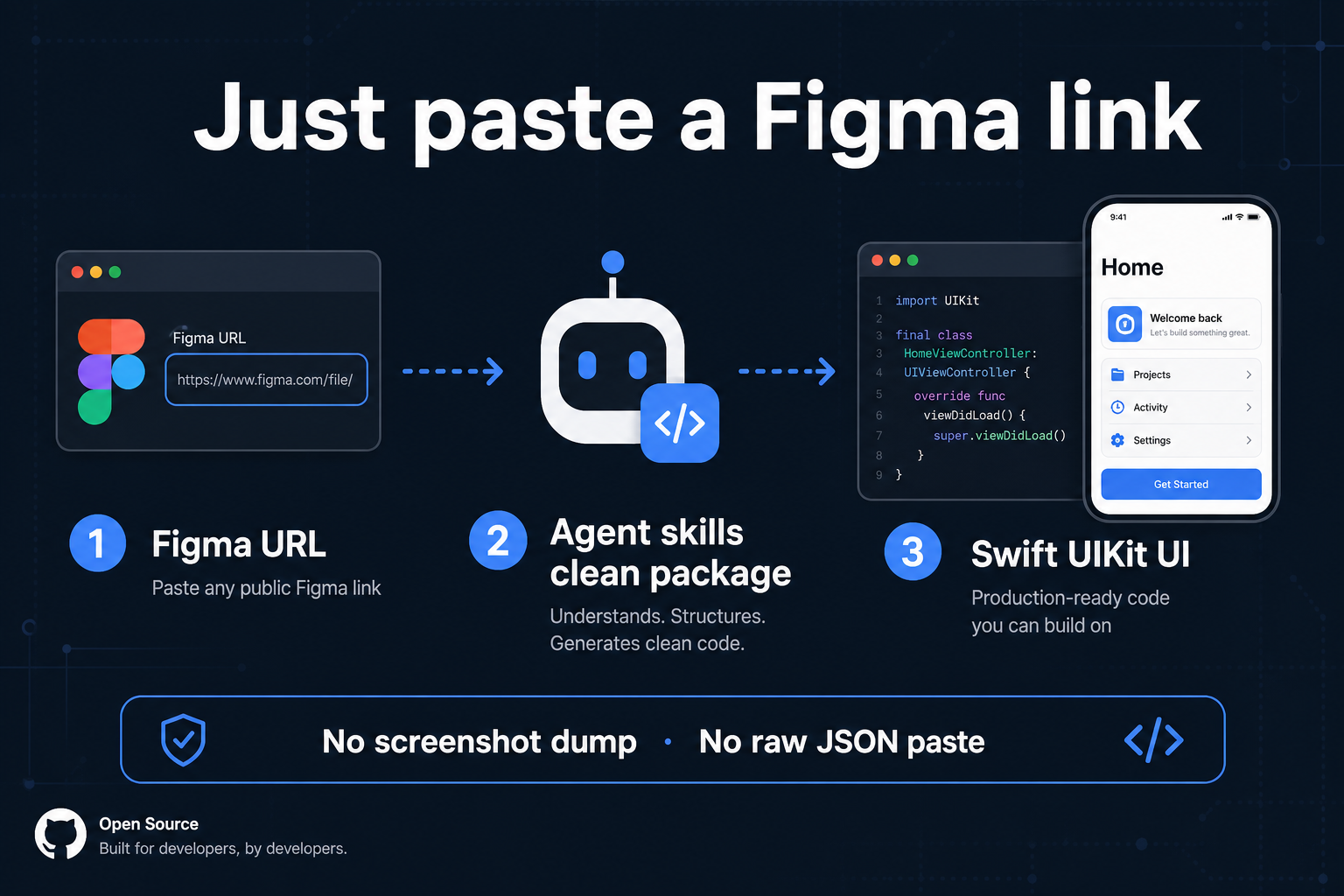
Not an MCP server, and not a Locofy-style commercial exporter. Default path: local Python CLI + open Agent skills.
Core advantages
- Enterprise-ready — Design conventions, full-screen coverage gates, host bindings, comment safety, optional API buffering—for team rollout, not one-off demos
- Preflight cleaning — Phase 1 emits
design.json+audit.jsonbefore any LLM runs - Self-hosted buffer —
path_mappingsin front of Figma REST to cut 429s - Package cache — Reuse
cache/…for the samefileKey + nodeId + version(build lock) - Host bindings — Color / font / iconfont maps; miss → UIKit (no invented tokens)
- Full-screen gate — Whole frame, not “hero first, rest later”
- Comment corrections — Designer comments can rewrite icons (with safety filters)
- One rule set, many IDEs — A single
AGENTS.mdfor Cursor / Claude / Codex
Why this?
| Problem | Typical approach | With this repo |
|---|---|---|
| Figma JSON blows up context | Dump into chat | Phase 1 → compact package |
| Rate limits / 429 | Hit Figma every time | Package cache + optional proxy |
| Invented colors / icon APIs | Hardcoded “design system” | .cursor/bindings/*_map.json |
| Half-screen delivery | “Hero first” | Full node coverage gate |
| One IDE only | Cursor-only rules | AGENTS.md + CLAUDE.md |
60-second start
git clone [email protected]:mythkiven/figma-ios-codegen.git
cd figma-ios-codegen

cp .cursor/figma-ios-preload-data/config.example.json \
   .cursor/figma-ios-preload-data/config.json   # set figma_tokens; never commit

cd .cursor/figma-ios-preload-data
python3 -m src.cli "https://www.figma.com/design/<fileKey>/...?node-id=1-280" \
    --platforms ios
Paste to your agent:
Read AGENTS.md and follow the Figma → iOS UIKit workflow
(data package first, then .cursor/skills/figma-ios-playbook).
Requires: python3 · Figma PAT · iOS 12+ UIKit host
Full walkthrough → Getting started · Cursor / Claude / Codex
For teams
| Need | Doc |
|---|---|
| Align Figma authoring with design | Design conventions |
| Plug in your design system / base VC | Bindings |
| See phase boundaries | Architecture |
Documentation
Everything public lives under docs/:
Getting started · Using with agents · Architecture · Design conventions · FAQ · Schema · Preload architecture · Pipeline · MCP contract · CLI · AGENTS.md · Playbook · Changelog
中文文档 → docs/README.zh.md
Layout
docs/                        # Public docs (canonical)
docs/pic/                    # Images (README / social / launch)
.cursor/skills/              # Phase-2 Agent skills
.cursor/bindings/            # Host tokens
.cursor/figma-ios-preload-data/  # Phase-1 CLI
AGENTS.md                    # Cross-IDE Agent entry
⭐ Star if you ship Figma → iOS in a team—issues and binding examples keep the pipeline honest.
Yorumlar (0)
Yorum birakmak icin giris yap.
Yorum birakSonuc bulunamadi