AxioDB
Health Pass
- License — License: MIT
- Description — Repository has a description
- Active repo — Last push 0 days ago
- Community trust — 35 GitHub stars
Code Fail
- rm -rf — Recursive force deletion command in .devcontainer/postCreateCommand.sh
- fs module — File system access in .github/workflows/auto_ci.yml
- process.env — Environment variable access in Docker/healthcheck.js
- process.env — Environment variable access in Docker/runner.js
- fs module — File system access in Docker/runner.js
- network request — Outbound network request in Document/functions/_middleware.js
Permissions Pass
- Permissions — No dangerous permissions requested
No AI report is available for this listing yet.
The embedded database for Node.js. Replaces SQLite, LowDB, NeDB & raw JSON files with MongoDB-style queries, ACID transactions, and zero native dependencies.

AxioDB
An embedded database for TypeScript and Node.js that provides advanced queries and ACID safety without running a server.



















👉 Official Documentation — axiodb.in: full guides, API reference, and examples. This README is a quick start.
Quick start
npm install axiodb
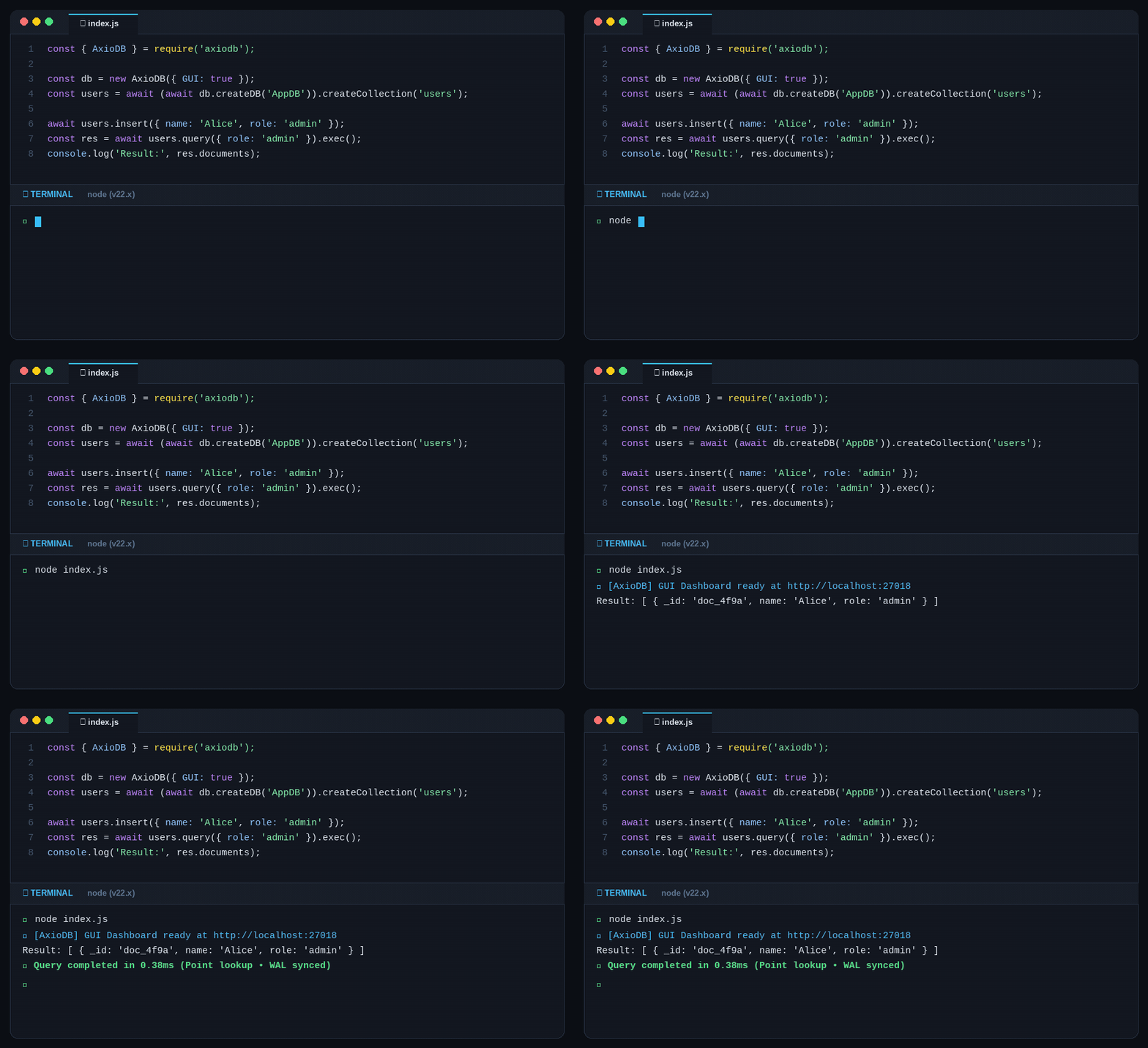
const { AxioDB } = require('axiodb');

const db = new AxioDB({ GUI: true });          // Dashboard at http://localhost:27018
const users = await (await db.createDB('AppDB')).createCollection('users');

await users.insert({ name: 'Alice', age: 30 });
const { data } = await users.query({ age: { $gt: 25 } }).Sort({ age: -1 }).Limit(10).exec();
console.log(data.documents);
No server to run, no node-gyp, no electron-rebuild. Requires Node.js ≥20 (also verified on Bun v1.4.0).
🤖 AI Agent Skill
Building with Claude Code, Cursor, Copilot, Antigravity, or Windsurf? Install the official AxioDB skill so your AI agent generates verified query syntax, accurate transaction patterns, and avoids hallucinated APIs:
npx skills add nexoral/AxioDB --skill skill
Why AxioDB?
- 📦 Zero Setup & Zero C++: Pure JavaScript and TypeScript. No
node-gyperrors, no build tools, and no native compilation issues on Node.js, Bun, or Electron. - 📄 Native JSON (No SQL Migrations): Store raw objects directly. Perfect for AI agents, chats, and apps where data structures change often and SQL schemas are painful.
- 🛡️ Safe from Crashes & Corruption: Uses real ACID transactions and Write-Ahead Logging (WAL). Even if your app or server crashes mid-write, your data stays intact.
- ⚡ Fast In-Memory Caching: Delivers sub-millisecond (<1ms) reads with a built-in memory cache and fast disk indexes.
- 🤖 AI-Ready: Works out-of-the-box with AI coding assistants (Cursor, Claude Code, Copilot) via our official agent skill.
When to Use It
Great for:
- AI Agent Memory — Save conversation history, tool calls, and agent state locally.
- Desktop & Electron Apps — An embedded database that never breaks on user machines during updates.
- CLI Tools & Local Apps — Save and query data easily without running a database server.
- Fast Prototyping — Build full features with MongoDB-like queries without setting up Docker or cloud DBs.
Best fit: 1,000 to 500,000 documents.
When NOT to use it:
- Millions of records, hundreds of concurrent web connections, or distributed clusters — use PostgreSQL or MongoDB instead. See measured limits.
Features
Core — the embedded engine
- MongoDB-style queries —
{ age: { $gt: 25 } }, 19 operators, plus.hint()and.findByIds() - ACID transactions — commit/rollback, savepoints, write-ahead log, crash recovery via
Transaction.recoverTransactions() - Aggregation — 19 stages including
$lookupjoins, extensible throughOperatorRegistry - Indexes — dual-write memory + disk index, served by a TTL-backed
IndexCache - InMemoryCache — per-instance, invalidated on write, tunable via
{ Cache, minTTL, maxTTL, cacheClearUp }
Self-hostable server — the same engine, reachable remotely
- Embedded —
new AxioDB({...})in-process, no server, the default - HTTP API — port 27018, 41 documented endpoints, REST and OpenAPI
- AxioDBCloud (TCP) — port 27019, 32 commands, optional
TCPAuthand TLS - MCP server — port 27020, 45 tools for AI agents, native in core (
{ MCP: true }) and Docker - Docker —
theankansaha/axiodb, every surface configurable by environment variable
Clients and apps
- Dashboard — browser UI served by the HTTP surface, for browsing collections and running queries
- AxioDBCloud client — the TypeScript client for the TCP surface, with connection pooling and auto-reconnect
- CLI — Go binary for 12 platforms: interactive REPL, TLS, export/import
- Desktop app — Electron GUI for Linux, macOS, and Windows
Performance & Testing
AxioDB is verified across 14 isolated test suites (329+ tests) with a 100% pass rate, benchmarked at 100,000 documents on an AMD Ryzen 5 5500U / Node v26:
| Operation | Latency |
|---|---|
| Indexed query | 1–2 ms |
documentId point lookup |
<1 ms |
| In-memory cache hit | <1 ms |
| Range query ($gt/$gte/$lt/$lte) | 2–5 ms |
Sorted pagination (.Sort().Limit()) |
1–2 ms |
| Insert single | ~31 ms |
| Rollback | ~8 ms |
Full performance charts, test suites, and methodology: axiodb.in/performance.
Tooling & Deployment
Desktop GUI & CLI
AxioDB ships an interactive Go CLI and an Electron desktop app for Linux, macOS, and Windows:
# Linux / macOS
curl -fsSL https://raw.githubusercontent.com/nexoral/AxioDB/main/cli/Scripts/install.sh | bash

# Windows (PowerShell)
irm https://raw.githubusercontent.com/nexoral/AxioDB/main/cli/Scripts/install.ps1 | iex
Prebuilt binaries are also available on GitHub Releases.
Docker
docker run -d --name axiodb-server \
  -p 27018:27018 -p 27019:27019 \
  -v axiodb-data:/app \
  theankansaha/axiodb
All surfaces default to on, seeded with an admin account. See Docker/README.md for environment variables and configuration.
Documentation
| Page | Covers |
|---|---|
| axiodb.in | Documentation home |
| Create a database | Constructor options, collections, indexes |
| API reference | Full method signatures and types |
| AxioDBCloud | Remote TCP access, TLS, authentication |
| Server API | The 41 HTTP endpoints |
| CLI | Go CLI reference |
| Docker | Image and environment variables |
| Security | RBAC roles, password policy, rate limits |
| MCP server | AI agent integration |
| Agent Skill | AI agent progressive disclosure reference & runbooks |
| Limitations | Scope and measured limits |
| Comparison | Against SQLite, JSON files, lowdb, nedb, better-sqlite3 |
Contributing, security & license
Contributions are welcome — see CONTRIBUTING.md and CODE_OF_CONDUCT.md.
Security issues: report privately through GitHub Security Advisories. Policy details in SECURITY.md.
Released under the MIT License. Author: Ankan Saha.
Support the project with a ⭐ on GitHub or through GitHub Sponsors.
Reviews (0)
Sign in to leave a review.
Leave a reviewNo results found