saas-product-demo-video
Health Gecti
- License — License: MIT
- Description — Repository has a description
- Active repo — Last push 0 days ago
- Community trust — 18 GitHub stars
Code Gecti
- Code scan — Scanned 12 files during light audit, no dangerous patterns found
Permissions Gecti
- Permissions — No dangerous permissions requested
Bu listing icin henuz AI raporu yok.
Skill for shipping a 20-45s SaaS product demo video in Remotion. Built and used in production with Claude Code; methodology is LLM-agnostic.
SaaS Product Demo Video Skill for Remotion
A skill for producing a 20-45 second SaaS product demo video in Remotion. End-to-end: asset intake, beat detection from the soundtrack, schematic UI mockups when the product has no real UI to film, scene composition, and final render.
It's packaged as a Claude Code skill (that's where it's been used in production), but the methodology is LLM-agnostic. The questionnaire, the references, the Python + bash scripts, the React/Remotion code templates - all just markdown and code.
What you get
- A structured asset-intake questionnaire that pulls all the brand specifics upfront (logo, fonts, colors, soundtrack, copy, references) before a single scene gets composed - so what you ship feels yours, not template-y
- A reference-video analysis flow that pulls directorial vocabulary from YouTube clips you point at (push-through, whip-pan, V-cut pull-back, match-cut zoom)
- librosa-powered beat detection from your soundtrack
- Snare-locked scene boundaries plus a one-pass aligner for in-scene events (the single highest-leverage iteration after the first render)
- Animation primitives (TypedText, MaskReveal, PopIn, Counter, IceCrack, Cursor, BRollLayer)
- Schematic UI templates for products without a real UI - LinkedIn-style profile card, email composer, API panel
- A pre-render writing-style check that catches em-dashes, curly quotes, and other AI-tells before they ship on screen
- A click-positioning playbook that solves the #1 iteration-churn complaint ("the cursor missed the button")
Example output
Here's what the skill produced for Reechee (30s, 16:9, motion graphics + collage b-roll):
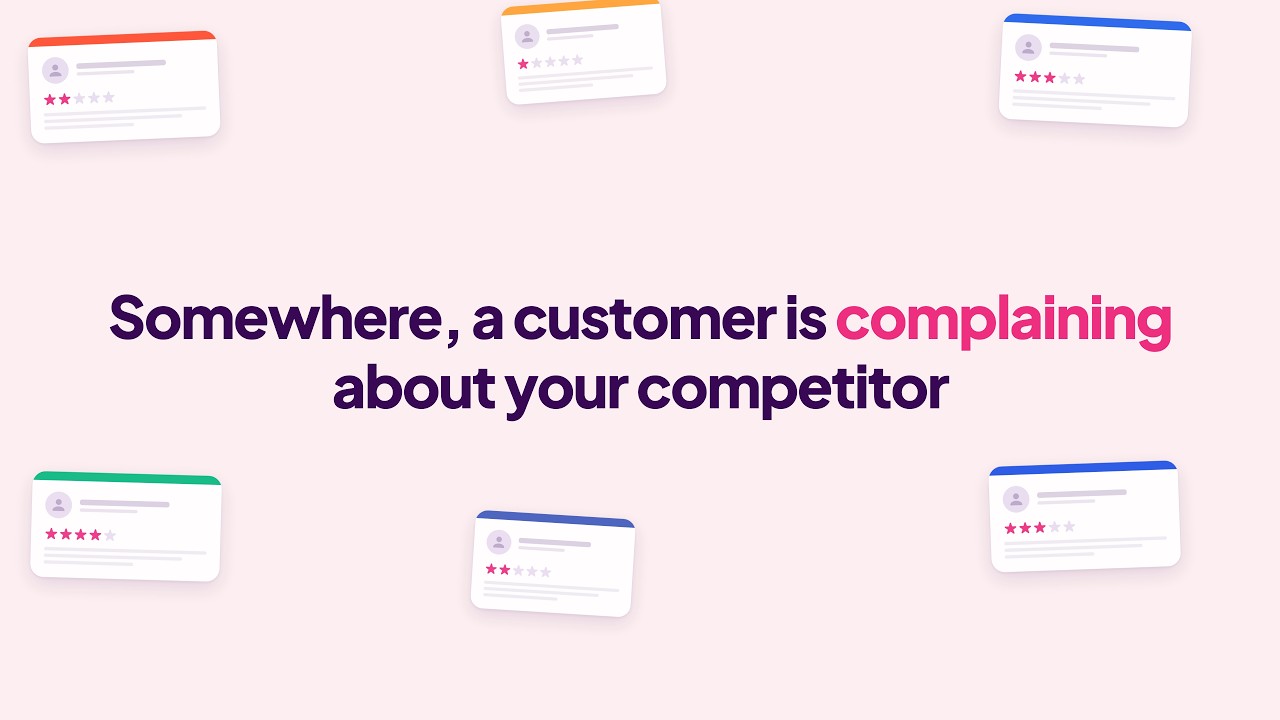
The skill renders MP4s suitable for LinkedIn, YouTube, or homepage hero embeds. HD by default, optional 4K via --scale=2.
Prerequisites
- Node.js 18+ and Python 3 - macOS, Linux, or Windows (on Windows, the two bash scripts need WSL or Git Bash; the Python and Node parts run natively)
- An LLM coding agent - Claude Code gives you the auto-trigger and Super Powers integration; Codex / Cursor / Aider / others work too if you point them at
SKILL.mddirectly - Remotion 4.x dependencies (the skill scaffolds these for you, no manual setup)
- Python
librosafor beat detection (the skill walks you throughpip installif it's missing)
Strongly recommended (with fallbacks)
- Super Powers plugin. When present, the skill orchestrates
superpowers:brainstorming,superpowers:writing-plans, andsuperpowers:subagent-driven-development. Without it, the workflow becomes more conversational and a bit slower - but everything still works. - Gemini access for reference-video analysis. Three paths in priority order; the skill picks whichever is highest available:
geminiCLI on PATH (or a community wrapper likegemini-yt) - one-liner wrapGEMINI_API_KEYset in env - use the bundled curl wrapper- None of the above - fall back to manual Google AI Studio copy-paste
Install
The skill ships as a .skill archive (it's just a zip with a different extension). Drop it into your Claude Code plugins directory.
Using a different agent? Skip the
.skillinstall and use Option B below. After cloning, point your agent atsaas-product-demo-video/SKILL.mdand it'll have the same content - the auto-trigger and Super Powers orchestration are the only things you'll miss.
Option A - one-line install from the latest release
curl -L https://github.com/noamdorr/saas-product-demo-video/releases/latest/download/saas-product-demo-video.skill \
  -o ~/.claude/plugins/saas-product-demo-video.skill
Option B - clone and link
git clone https://github.com/noamdorr/saas-product-demo-video.git
ln -s "$(pwd)/saas-product-demo-video/saas-product-demo-video" ~/.claude/skills/saas-product-demo-video
Use this one if you want to fork and tweak (which I'd encourage - the references are written to be edited).
Option C - manual
- Download
saas-product-demo-video.skillfrom the latest release - Move it into your Claude Code plugins directory (typically
~/.claude/plugins/) - Restart Claude Code
After install, ask Claude Code something like "let's make a 30-second product demo for my SaaS" and the skill should auto-trigger.
How a session looks
You: I want to make a 30-second product video for my SaaS.

Claude (skill triggers, asks intake questions):
  1. Aspect ratio?
  2. Duration?
  3. Logo (SVG / PNG dimensions)?
  4. Brand colors?
  5. Fonts?
  6. Copy / script?
  7. Voiceover?
  8. Soundtrack?

You: [answer or tell Claude to pick defaults]

Claude:
  - Runs detect-beats.py against your soundtrack
  - Asks for 2-3 YouTube reference videos
  - Either runs the Gemini analysis script or walks you through AI Studio
  - Writes a spec doc + implementation plan
  - Builds primitives → schematic UI → scenes → master
  - Renders Scene 1 for your approval
  - Iterates in waves based on your feedback
  - Renders the final HD MP4 + thumbnail
In practice you land a polished video in roughly 60-120 minutes of Claude wallclock time, broken across however many sessions you want. Most of those minutes go into iterating on Scene 1 until the style feels right - once it locks, the rest of the scenes inherit the same vocabulary and finish fast.
What's inside the skill
saas-product-demo-video/
├── SKILL.md                       # Entry point: prereqs, three pillars, ideal sequence
├── references/
│   ├── ideal-sequence.md          # Annotated end-to-end flow
│   ├── prereq-check.md
│   ├── asset-intake.md            # Pillar 1: gather everything before composing
│   ├── script-development.md      # Screen-by-screen methodology
│   ├── reference-video-vibe.md    # Pillar 2: 3-path Gemini analysis
│   ├── beat-sync.md               # Pillar 3: snare-locked cuts + internal events + typing budget
│   ├── project-scaffold.md        # Minimal Remotion setup + commit checklist
│   ├── animation-patterns.md      # TypedText, MaskReveal, PopIn, ZoomPunch, FloatingElements
│   ├── b-roll-integration.md      # When the film uses live-action layers
│   ├── schematic-ui-fidelity.md   # When the product has no real UI
│   ├── click-positioning.md       # The #1 iteration-churn pain point, solved
│   ├── writing-style.md           # Em-dashes and other AI-tells to avoid
│   ├── cursor-math.md             # Hotspot offset, scale-ratio transform
│   ├── iteration-playbook.md      # Wave structure, subagent batching, Studio restarts
│   ├── render-export.md           # HD/4K render commands
│   ├── gotchas.md
│   └── vertical-port.md           # 9:16 reel porting discipline
├── assets/
│   ├── prompt-templates/
│   │   ├── asset-intake-questionnaire.md
│   │   ├── beat-sheet.md
│   │   ├── spec-doc.md
│   │   └── gemini-reference-video.md
│   └── code-templates/
│       ├── theme-v2.ts
│       ├── easings.ts
│       ├── TypedText.tsx
│       ├── PopIn.tsx
│       ├── MaskReveal.tsx
│       ├── ZoomPunch.tsx
│       ├── FloatingElements.tsx
│       ├── Cursor.tsx
│       ├── BRollLayer.tsx
│       ├── Counter.tsx
│       ├── IceCrack.tsx
│       ├── SchematicProfileCard.tsx
│       ├── SchematicEmailComposer.tsx
│       ├── SchematicApiPanel.tsx
│       ├── Act2Master.tsx
│       └── Act2MasterVertical.tsx
└── scripts/
    ├── detect-beats.py             # librosa-powered beat tracking
    ├── analyze-reference-video.sh  # Gemini Pro wrapper for YouTube analysis
    ├── reference-video-prompt.md   # Directorial-breakdown prompt
    ├── align-internal-events.py    # Beat-align in-scene events within ±tolerance
    └── check-typing-budget.py      # Verify typing fits in scene before render
Development
To rebuild the .skill archive after editing:
./build.sh
# Produces saas-product-demo-video.skill at the repo root
That's all build.sh does - it's a glorified zip with a different extension. No install step, no compile step.
Contributing
Contributions welcome. Open an issue first if you're planning a non-trivial change, so we don't both build the same thing differently. Keep edits to SKILL.md lean (it's loaded into Claude's context every time the skill triggers); deeper content goes in references/.
License
MIT. See LICENSE.
Credits
Built by Noam Dorr. This sits on top of Remotion (the React-based video framework that makes any of this possible) and the Super Powers plugin, which gave me the brainstorming → spec → plan → build loop the skill orchestrates around.
Yorumlar (0)
Yorum birakmak icin giris yap.
Yorum birakSonuc bulunamadi