nocobase
Health Pass
- License — License: NOASSERTION
- Description — Repository has a description
- Active repo — Last push 0 days ago
- Community trust — 22249 GitHub stars
Code Fail
- rm -rf — Recursive force deletion command in .github/workflows/build-pro-image.yml
- fs module — File system access in .github/workflows/e2e.yml
- rm -rf — Recursive force deletion command in .github/workflows/manual-build-pro-image.yml
- rm -rf — Recursive force deletion command in .github/workflows/manual-build-pro-plugin-image.yml
Permissions Pass
- Permissions — No dangerous permissions requested
This is an extensibility-first, AI-powered no-code/low-code platform designed to help developers and businesses rapidly build enterprise applications and business systems.
Security Assessment
The overall risk is rated as Low. The tool does not request any dangerous runtime permissions. The flagged security items—recursive force deletions (`rm -rf`) and file system module access—are strictly isolated within GitHub Actions CI/CD workflow files. Because these commands are used to manage build environments rather than executing during the application's runtime, they pose no direct threat to the end user. There is no evidence of hardcoded secrets, unauthorized network requests, or malicious data exfiltration in the application code itself.
Quality Assessment
This project demonstrates exceptionally high quality and community trust. It has strong community backing with over 22,000 GitHub stars. Maintenance is highly active, with repository updates pushed as recently as 0 days ago. The repository includes a comprehensive, well-documented README and provides extensive multi-language support, indicating a mature, globally adopted project.
Verdict
Safe to use.
NocoBase is the most extensible AI-powered no-code/low-code platform for building business applications and enterprise solutions.
English | 简体中文 | 日本語 | Français | Español | Português | Bahasa Indonesia | Tiếng Việt | Deutsch
https://github.com/user-attachments/assets/3b89d965-f60f-48e0-8110-24186c2911d2

Table of Contents
What is NocoBase
NocoBase is an open-source AI + no-code platform for building business systems fast. Instead of generating everything from scratch, AI works on top of production-proven infrastructure and a WYSIWYG no-code interface, so you get both speed and reliability.
Homepage:
https://www.nocobase.com/
Online demo:
https://demo.nocobase.com/new
Documentation:
https://docs.nocobase.com/
Forum:
https://forum.nocobase.com/c/english-forum/5
User stories:
https://www.nocobase.com/en/blog/tags/customer-stories
Release Notes
Our release notes are updated regularly on the blog, with weekly summaries of important changes.
Distinctive Features
1. Collaborative: AI and people build together
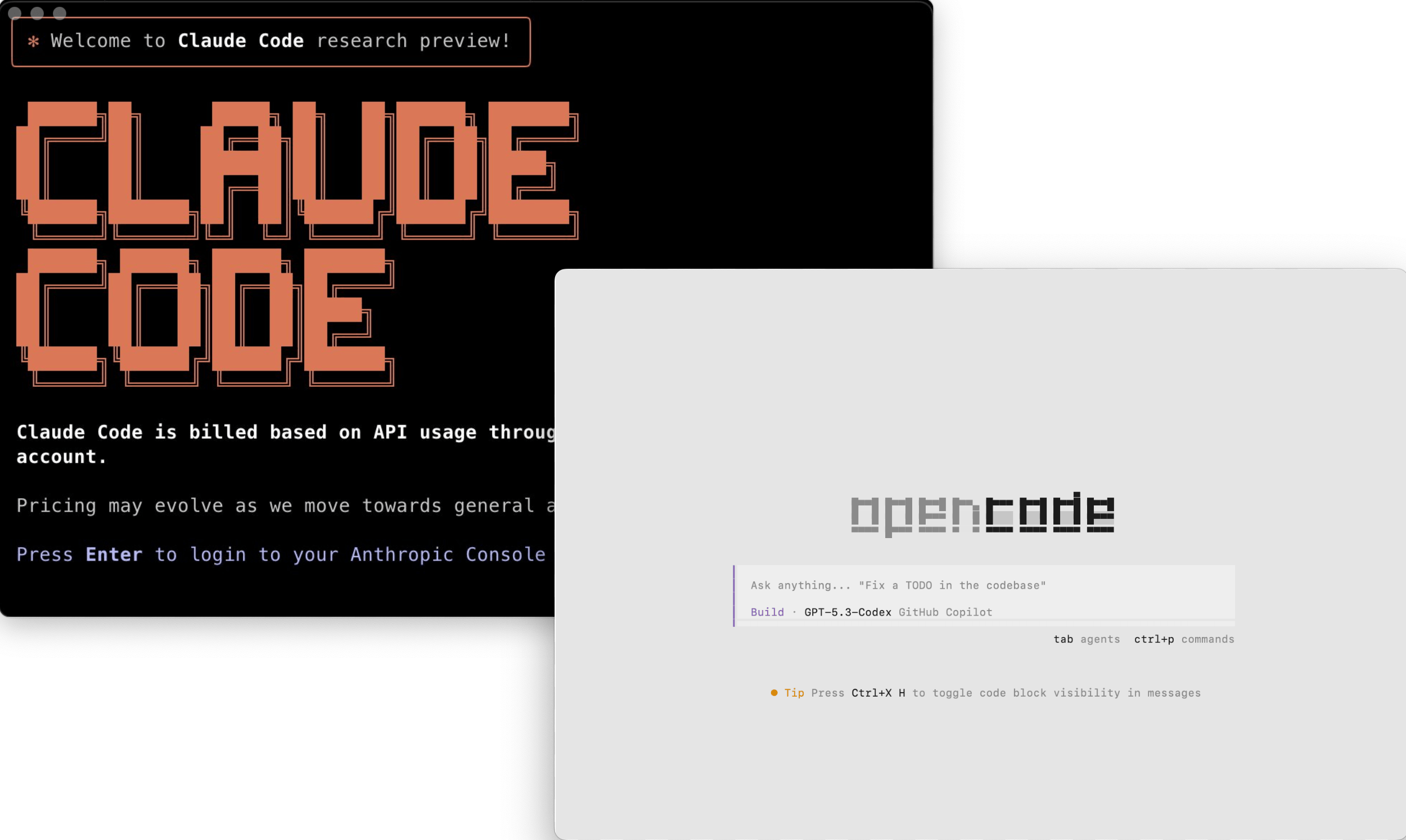
Coding agents get a full CLI and skills, while people get a WYSIWYG no-code interface, so both can collaborate efficiently.
Build with the AI coding agents you already know
Go from deployment to a working system in minutes with mainstream coding agents.
- Works with mainstream agents like Claude Code, Cursor, Codex, OpenCode, and TRAE
- Agents can handle setup, development, migration, and release end to end
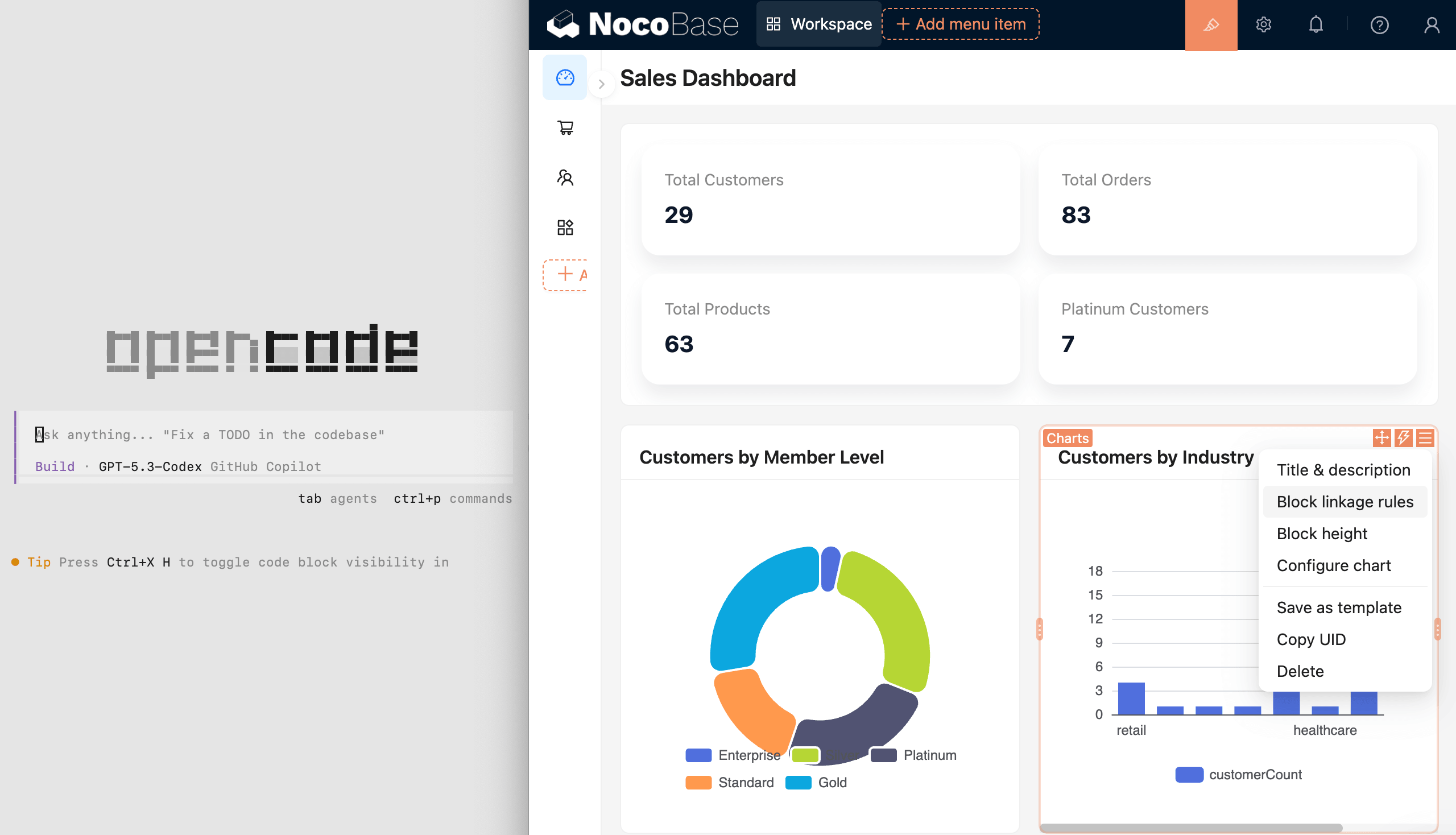
Build manually in a WYSIWYG no-code interface
People can build and modify visually in a WYSIWYG interface, even without AI.
- Switch between usage mode and configuration mode with one click
- Review and configure data models, pages, workflows, and permissions visually
- Designed for regular users, not just developers

Mix AI development and manual building however you need
Split the work as needed: people can refine what AI builds, and AI can continue from human configuration.
- AI can quickly create data models, pages, and workflows
- People can quickly refine the UI and interactions
- Collaborate as needed and keep iterating
2. Intelligent: AI helps run the business, not just build the system
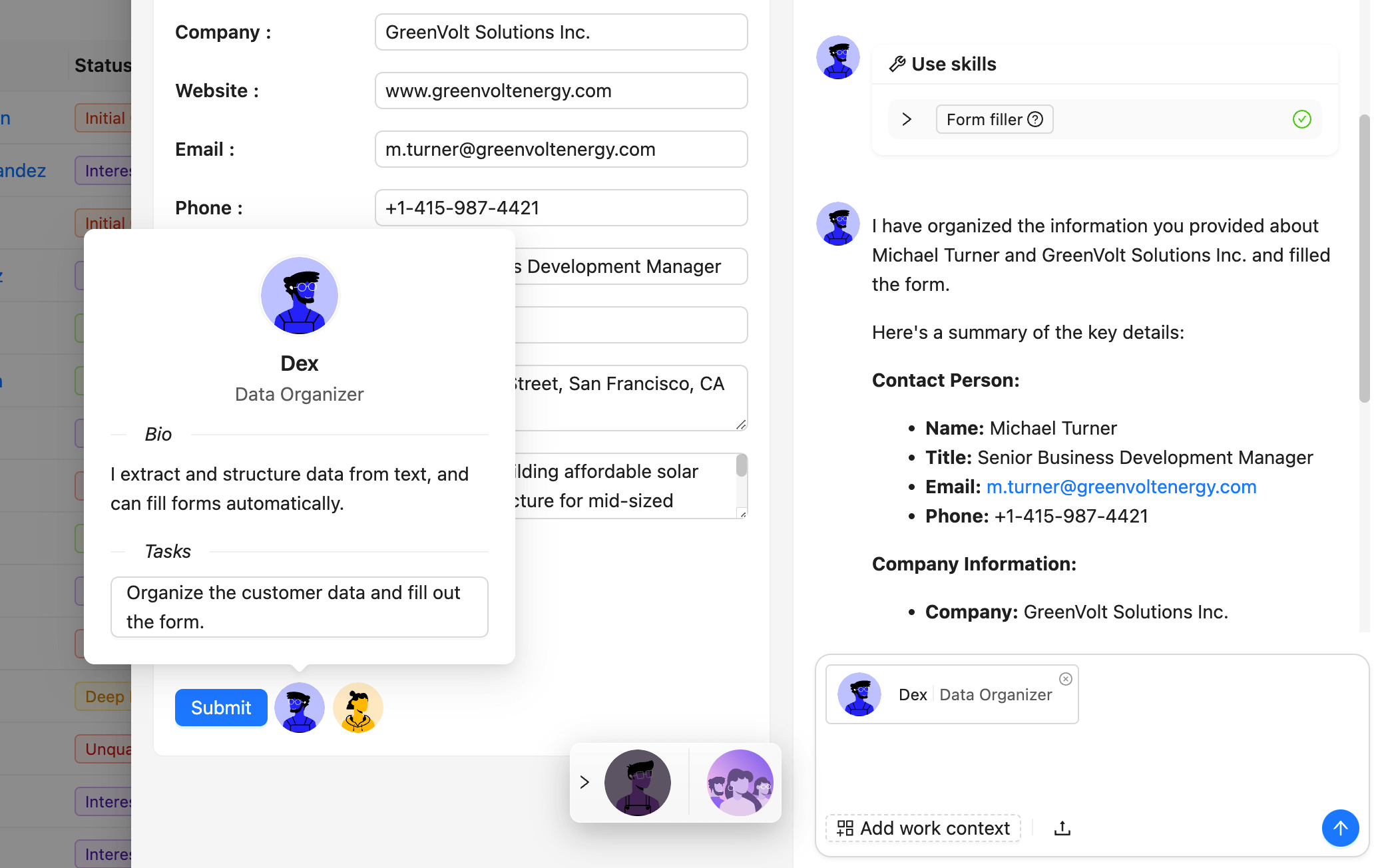
NocoBase includes AI employees, so AI can work directly inside the system.
AI employees integrated into business workflows
AI employees get business context automatically and execute tasks directly inside the system.
- Front-end: help with analysis, Q&A, form filling, and more
- Back-end: handle document recognition, risk monitoring, and task routing automatically
- Integrated with workflows, AI employees can join decisions and execution
Open interfaces for the agent ecosystem
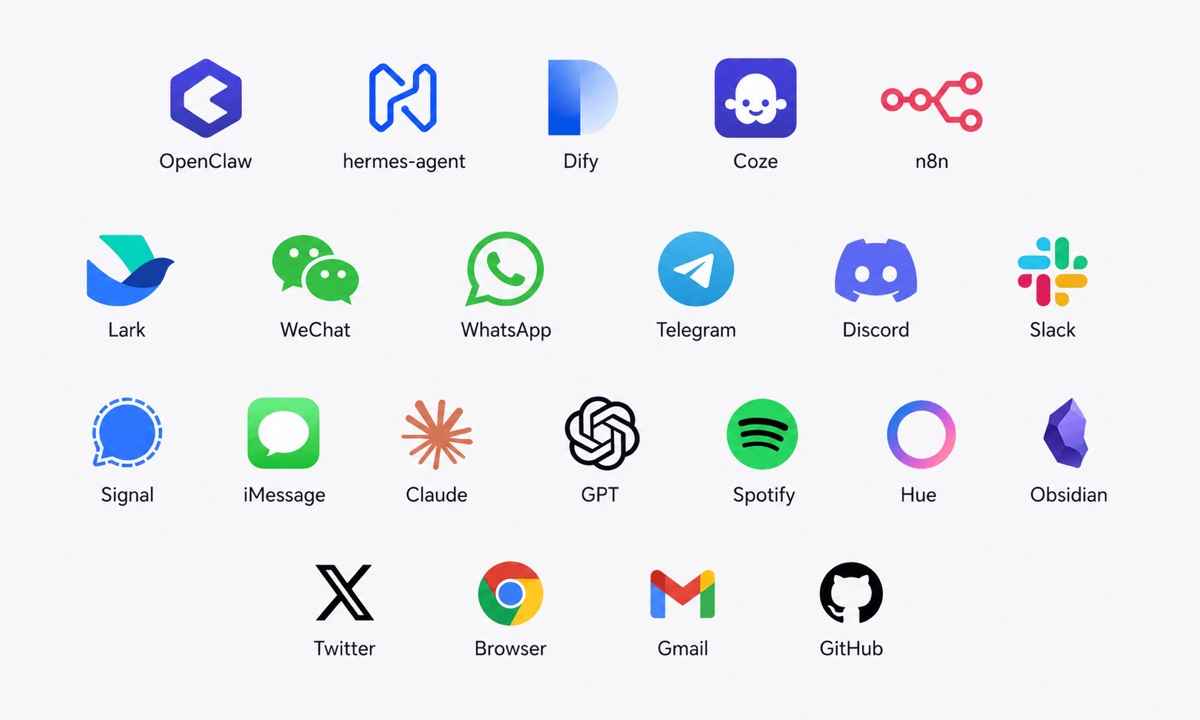
MCP, HTTP APIs, CLI, and rich skills let external agents connect securely.
- Platforms like OpenClaw, Hermes, Dify, Coze, and n8n connect through standard protocols
- Connects with Telegram, WhatsApp, Slack, and Gmail to query data, trigger actions, and execute business workflows
- One interface model keeps internal and external agents within the same boundaries
Permission controls keep AI behavior under control
Every AI action follows the same fine-grained permissions as human users.
- Each AI employee has its own role, with field-level read and write permissions
- Audit logs make every data change and workflow trigger traceable
- Admins can adjust AI permissions at any time to keep boundaries clear
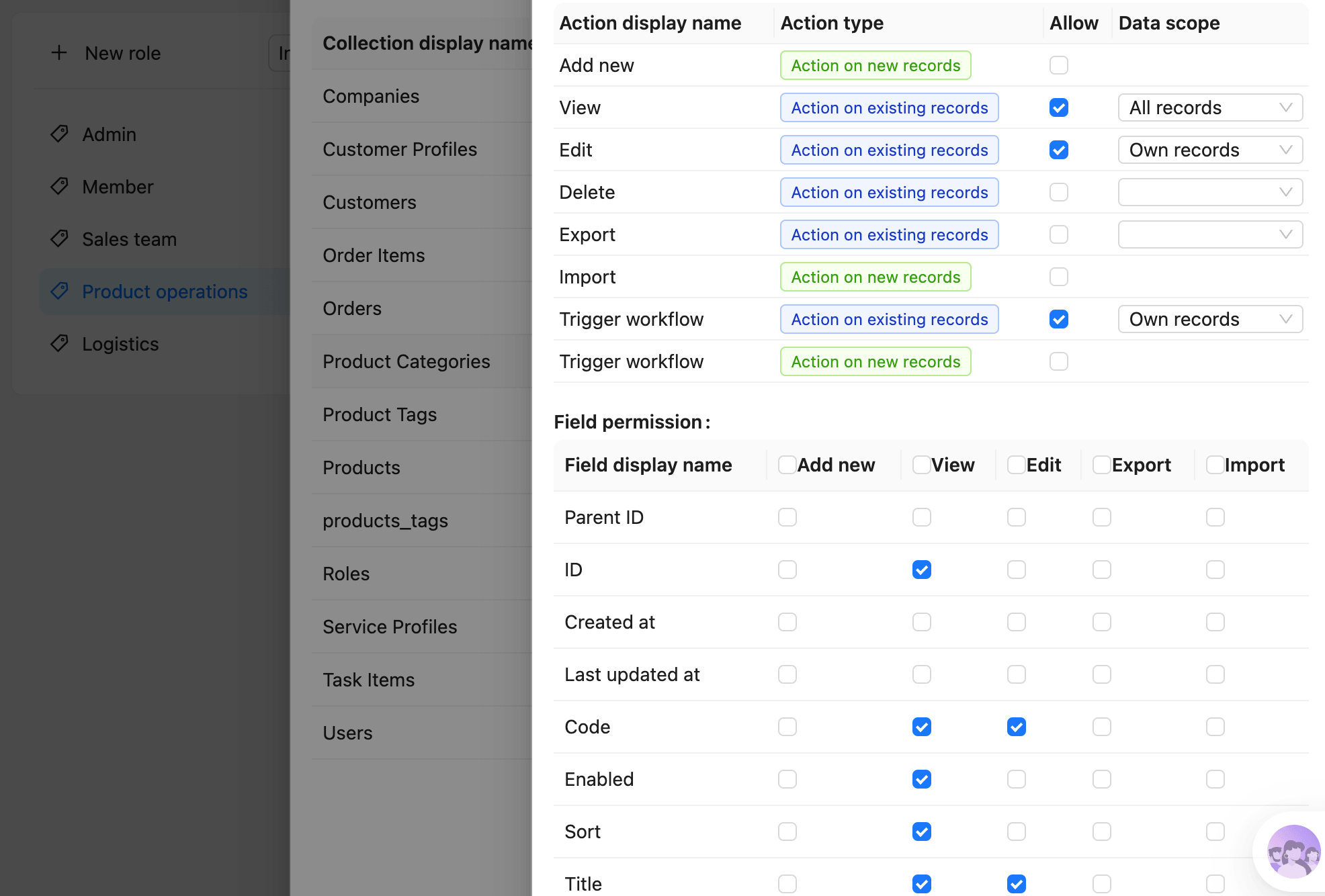
3. Reliable: ready infrastructure for real business
Data models, permissions, and workflows are complex and error-sensitive.
NocoBase provides them as built-in infrastructure, tested and proven in production.
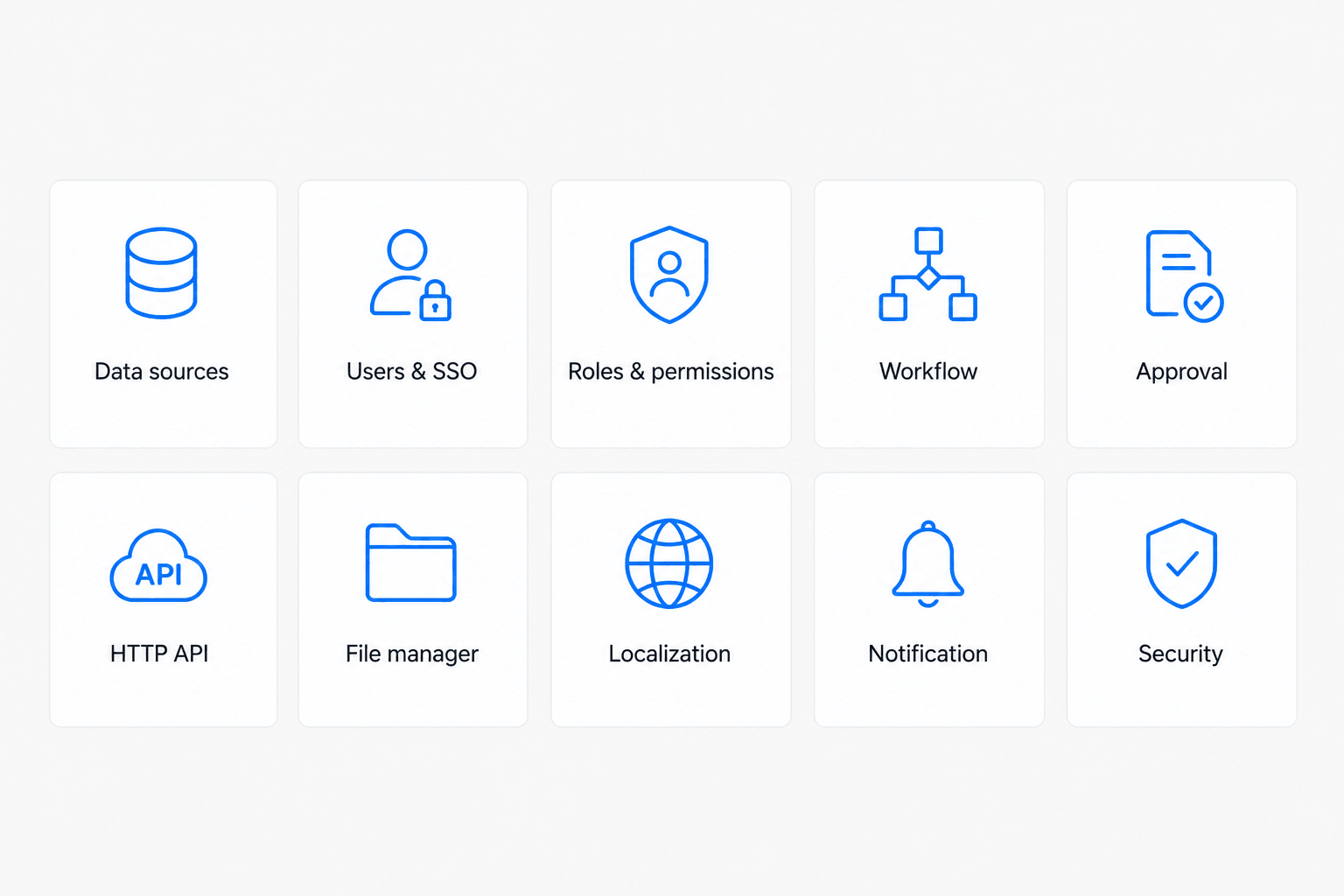
Complete infrastructure, without starting from scratch
Dozens of built-in modules cover the most common business needs.
- Data models, permissions, workflows, and audit logs work out of the box
- Proven in production, instead of regenerated as black-box code each time
- Built-in guardrails keep AI output aligned with the system architecture
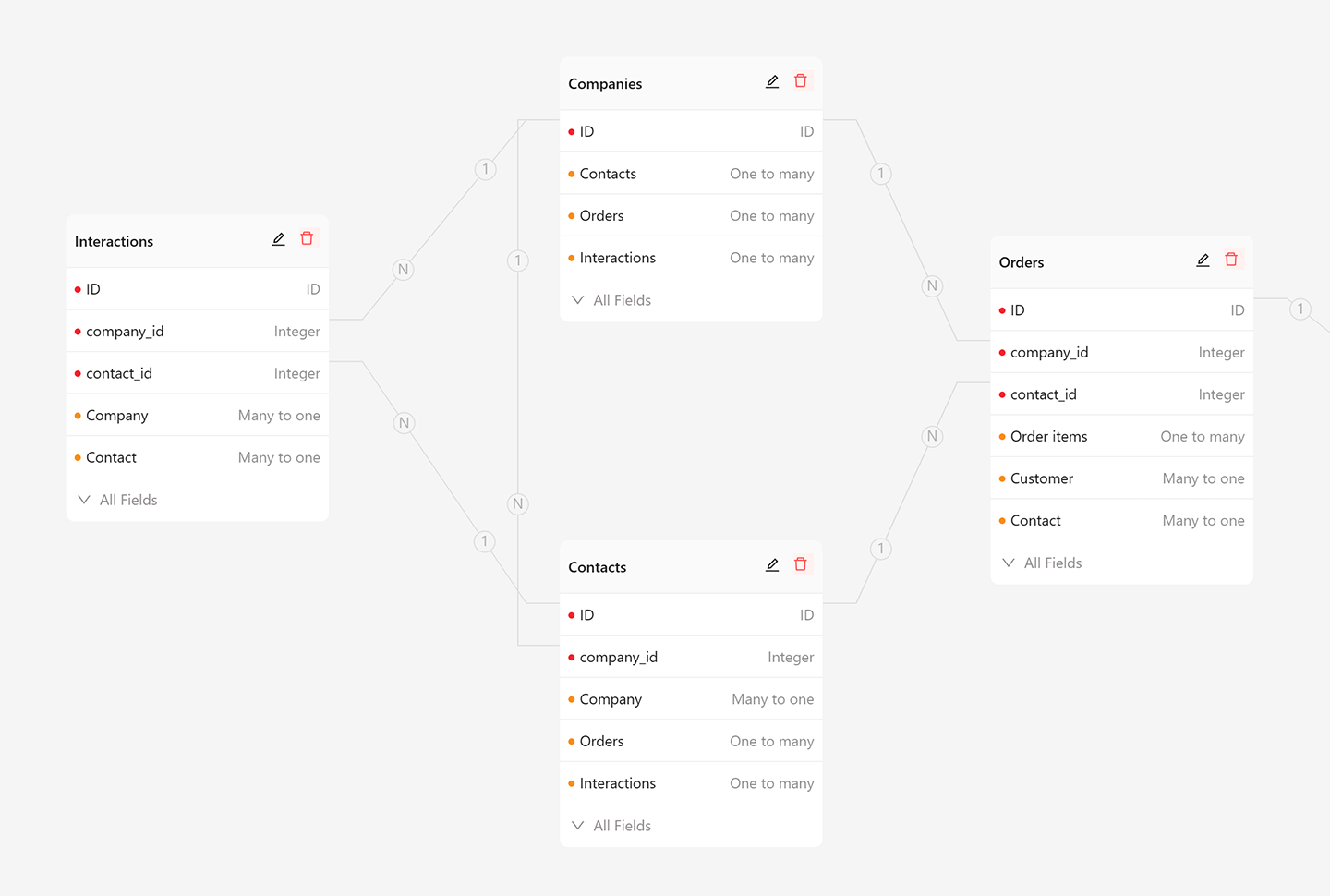
Data-model driven, with data decoupled from UI
Business data stays in standard relational structures, separate from the UI.
- Use the main database, external databases, and third-party APIs as data sources
- AI and people work on the same data model, so results stay transparent
- Your data always stays in your own database, without platform lock-in
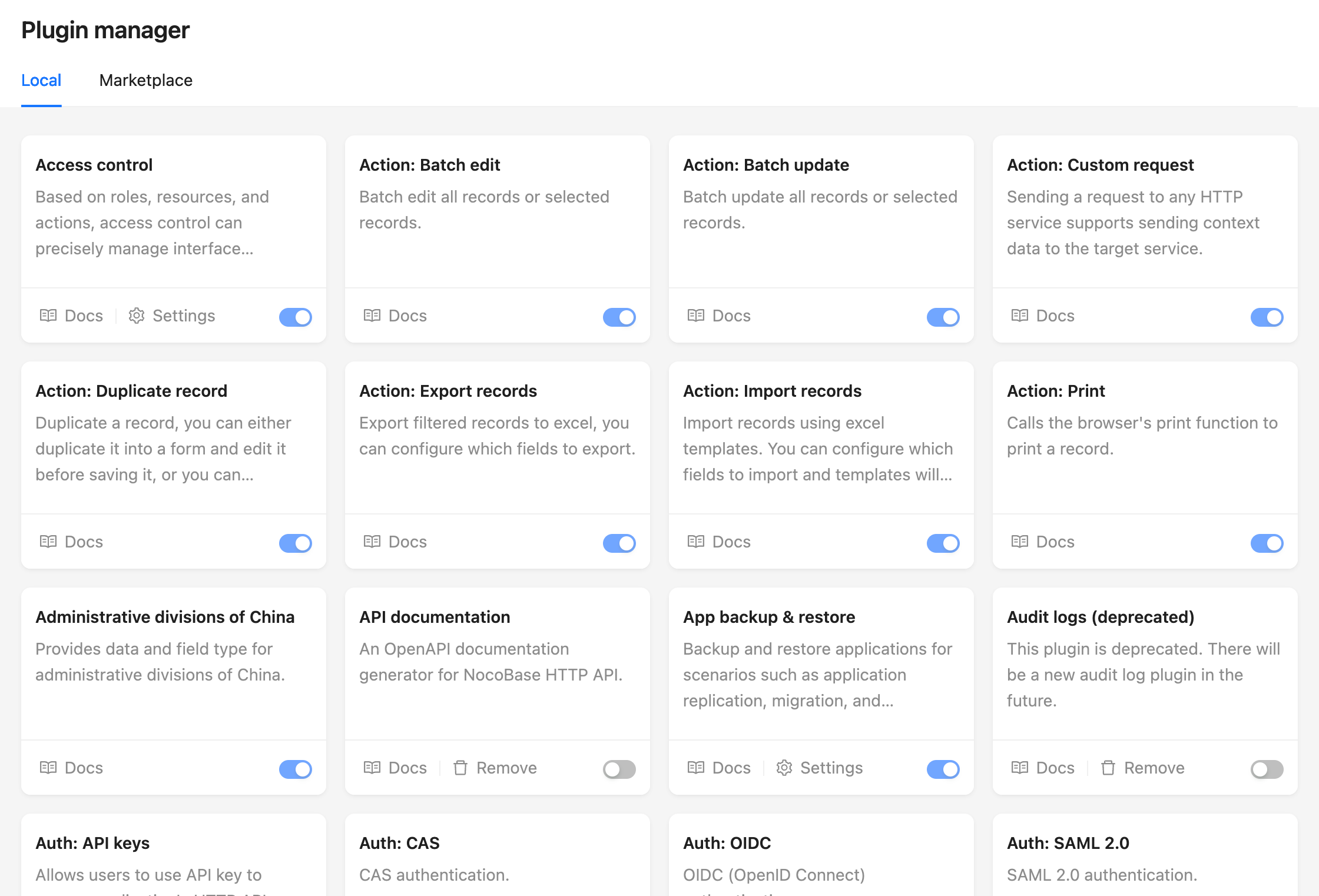
Plugin architecture for sustainable growth
With a microkernel design, everything is a plugin and the system can grow without losing control.
- New features are added through composable plugins with shared conventions
- Mix custom and official plugins to fit your business
- The same architecture applies to both AI-built and manually built plugins
AI Agent Access
The simplest way to let an AI agent operate NocoBase is to install the NocoBase CLI, finish initialization, and then start or restart your AI agent session inside the initialized working directory.
- NocoBase CLI is responsible for installing, connecting, and managing NocoBase applications
- During initialization, CLI automatically installs NocoBase Skills so the agent understands data models, pages, workflows, permissions, and plugins
- Once initialization is done, the AI agent can start working as long as its workspace points to that directory
Minimal flow:
npm install -g @nocobase/cli@beta
mkdir my-nocobase && cd my-nocobase
nb init --ui
Then restart your AI agent session in that directory, for example:
cd my-nocobase && codex
Learn more:
https://docs.nocobase.com/ai/quick-start
Installation
NocoBase supports three installation methods:
Install with Docker (recommended)
Best for no-code scenarios and requires no code writing. To upgrade, pull the latest image and restart.
Install with create-nocobase-app
The business code of your project stays independent and supports low-code development.
-
If you want the latest unreleased version or plan to contribute by modifying and debugging source code directly, this method is recommended. It requires stronger development skills, and you can pull updates through Git when the code changes.
Reviews (0)
Sign in to leave a review.
Leave a reviewNo results found