mcp-skills
Health Uyari
- License — License: Apache-2.0
- Description — Repository has a description
- Active repo — Last push 0 days ago
- Low visibility — Only 6 GitHub stars
Code Gecti
- Code scan — Scanned 12 files during light audit, no dangerous patterns found
Permissions Gecti
- Permissions — No dangerous permissions requested
Bu listing icin henuz AI raporu yok.
Agent skills that teach an AI assistant to trade futures through the NinjaTrader MCP servers.
NinjaTrader MCP skills
Agent Skills that teach an AI coding assistant such as Claude Code, Codex, or Cursor how to trade futures through the NinjaTrader MCP server. The skills cover position sizing, market structure, live position health, trade review, and alerting.
Full documentation lives at docs.ninjatrader.com/mcp.
[!IMPORTANT]
This beta runs on two separate servers: Demo, which trades simulated money, and Live, which trades real money. Start on Demo. The skills propose orders and never submit them, and you approve every payload. See Safety and disclosures.
Skills
| Skill | What it does |
|---|---|
pretrade-risk |
Sizes a trade from risk-per-trade, stop distance, and contract specs, then proposes an OCO bracket. |
position-watchdog |
Reports live health of open positions: P&L, distance to stop, margin use, and guardrail flags. |
scale-manager |
Scales into or out of a position, and builds ladder and stop-move payloads for you to approve. |
market-context |
Computes VWAP, market profile, ATR, realized volatility, and cumulative delta. |
contract-intel |
Resolves a bare product code to the front-month contract, and classifies rollover status. |
correlation-hedge |
Computes correlation and regression beta between two symbols, and sizes a hedge. |
event-watch |
Filters the economic calendar to your positions, and adds historical reaction-size context. |
alerts-composer |
Translates alert intent into a validated Tradovate alert expression. |
risk-coach |
Surfaces behavioral context from recent fills: revenge trading, loss streaks, and size drift. |
trade-journal |
Descriptive analysis of closed trades: transaction-cost analysis, streaks, and hold times. |
trade-replay |
Reconstructs one closed trade, with MFE, MAE, and what-if scenarios. |
trade-debrief |
Educational session review across seven coaching prompt templates. |
chart-render |
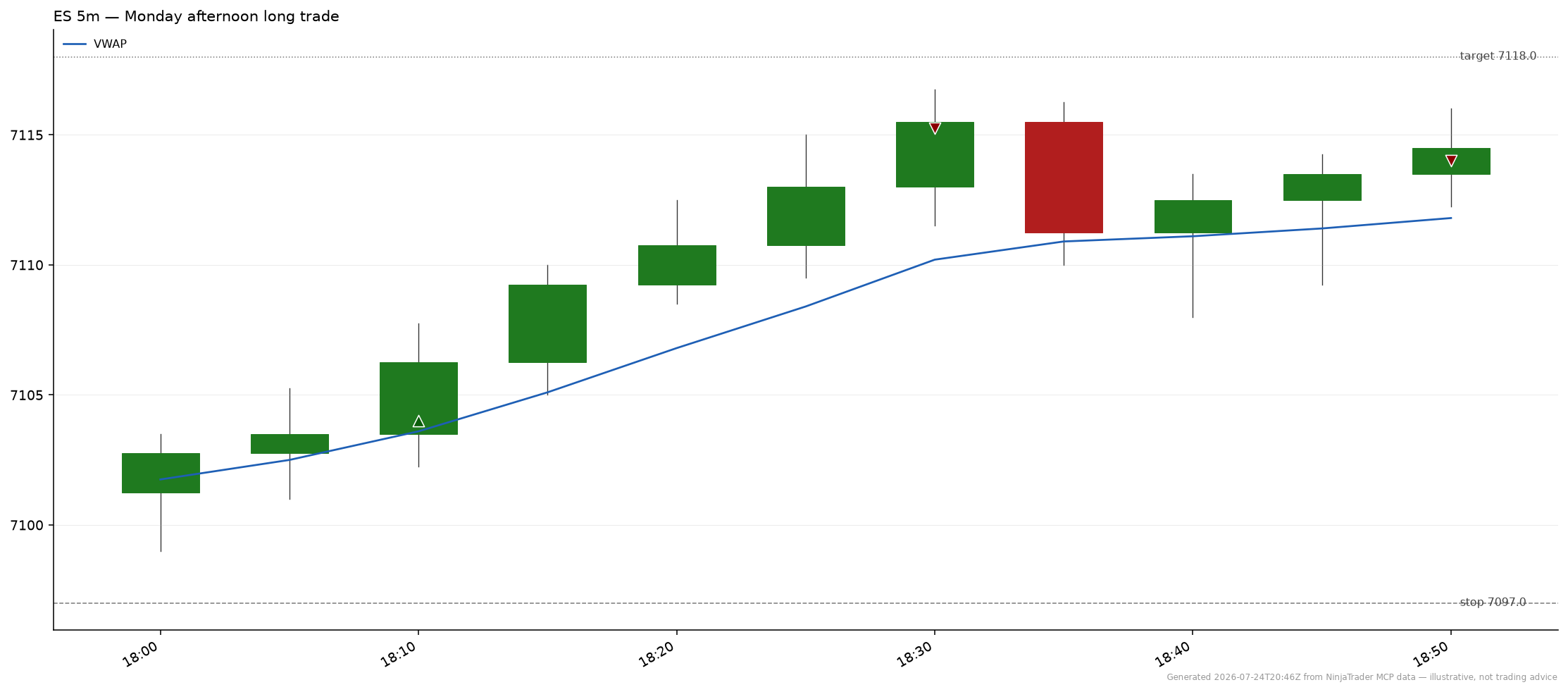
Renders candlestick, volume-profile, and equity-curve charts as PNG files. |
Each skill's SKILL.md documents its trigger phrases, the MCP tools it calls, and its bundled scripts. For a guided tour, see Trading Skills and Workflows.
Installation
Claude Code
/plugin marketplace add NT-NinjaTrader/mcp-skills
/plugin install ninjatrader@mcp-skills
The plugin bundles the MCP server connection, so authorize it on first use. Confirm with /plugin list.
Claude Desktop
Add the marketplace first, then install the plugin from it:
- Open Customize in the left sidebar, then select the Plugins tab.
- Select Add > Add marketplace, then add the repository
https://github.com/NT-NinjaTrader/mcp-skills. - Select Browse, find
ninjatrader, then select Install. - Start a new chat. All 13 skills load with the plugin.
Plugins need a paid Claude plan. For Cowork, open the Cowork tab before you open Customize.
The plugin declares the Demo MCP server. If Claude Desktop doesn't pick the server up, add https://mcp-demo.tradovateapi.com/mcp as a custom connector under Settings > Connectors.
Codex
codex plugin marketplace add NT-NinjaTrader/mcp-skills
codex plugin add ninjatrader@mcp-skills
codex mcp login ninjatrader-demo
Log in to ninjatrader-live instead to trade a live account. The plugin bundles both servers.
Skills CLI
npx skills add NT-NinjaTrader/mcp-skills
[!NOTE]
The skills CLI installs the skills only, and it doesn't register the MCP server. Register the server you want:claude mcp add --transport http ninjatrader-demo https://mcp-demo.tradovateapi.com/mcp claude mcp add --transport http ninjatrader-live https://mcp-live.tradovateapi.com/mcpThe first tool call opens the OAuth flow. Full instructions for every client, including Claude Desktop and ChatGPT, are in Connect Your AI Agent.
Cursor
The marketplace listing awaits review. Meanwhile, add the server from this repo's mcp.json and install the skills with the Skills CLI.
Prerequisites
- A Tradovate or NinjaTrader account with demo or live access.
- Python 3.10+, used by the analytics scripts the skills run.
matplotlib, only forchart-render. The script declares it inline, souv runinstalls it for you.
Troubleshooting
| Symptom | Fix |
|---|---|
| OAuth sign-in fails | Check the URL matches https://mcp-demo.tradovateapi.com/mcp exactly. If the popup closes early, retry, because OAuth state times out. |
| A skill doesn't trigger | Name it explicitly, as in "use pretrade-risk to size 4 ES". Then open an issue with your exact phrasing, which helps tune the triggers. |
| An alert never fired | Confirm it's active and not expired with list_alerts. Validate the expression with alerts-composer before submitting. |
| A chart doesn't render | Run the script with uv run, which installs matplotlib. If the output path isn't writable, pick another. |
| Server unreachable | Tool calls return errors and the skill says so. Check your connection, then the endpoint. |
| Rate limiting | The server enforces the same per-user limits as the Tradovate API. The skills back off and retry. |
More at Troubleshooting.
Documentation
| Page | Covers |
|---|---|
| Overview | What the MCP server is, and how the pieces fit. |
| Connect Your AI Agent | Setup for Claude Code, Claude Desktop, ChatGPT, Codex, and Cursor. |
| Authentication & Access | OAuth scopes and session mechanics. |
| Safety & Disclosures | The approval model, risk controls, and what you stay responsible for. |
| Pre-Trade Risk | The server-side limits that bound what an agent can propose. |
| Tools | Every tool the server exposes. |
| Resources | Account and market-data resources. |
| Skill Reference | Per-skill reference, generated from this repo. |
Feedback
Open an issue from a template. A trigger phrase that routed to the wrong skill is the most useful report, so include the exact wording.
[!WARNING]
Never post an account number, an order ID, or fill detail in a public issue. For account, login, funding, or order help, contact NinjaTrader support instead, because a GitHub issue can't reach your account.
License
Licensed under the Apache License 2.0. You can use, modify, and redistribute these skills, including commercially, as long as you keep the license and copyright notice and state the changes you made.
The license covers what's in this repository: the skill definitions, their bundled scripts, and the docs. It grants no access to the NinjaTrader MCP server or to any trading account — the NinjaTrader Terms of Service governs those.
Yorumlar (0)
Yorum birakmak icin giris yap.
Yorum birakSonuc bulunamadi