nuclear
Health Gecti
- License — License: AGPL-3.0
- Description — Repository has a description
- Active repo — Last push 0 days ago
- Community trust — 17123 GitHub stars
Code Uyari
- fs module — File system access in .github/workflows/release-plugin-sdk.yml
Permissions Gecti
- Permissions — No dangerous permissions requested
This tool is a free, open-source, cross-platform music streaming desktop application. It features a built-in MCP server, allowing AI agents to interface with and control the music player directly.
Security Assessment
As a streaming application, network requests are fundamental to its operation for fetching audio and metadata. The rule-based scan notes file system access within a GitHub Actions workflow, which is a standard and safe practice for build and release automation. No dangerous root permissions are requested by the application itself, and no hardcoded secrets were identified. Because it pulls media from various external sources by design, it inherently interacts with untrusted remote data. Overall risk is rated as Low.
Quality Assessment
The project exhibits excellent health and maintenance, with repository activity logged as recently as today. It is highly trusted by the open-source community, boasting over 17,000 GitHub stars. The repository is properly standardized, featuring a clear description and the AGPL-3.0 license. The codebase is well-documented and provides a rich set of features, including a powerful plugin system and broad OS compatibility.
Verdict
Safe to use.
Streaming music player that finds free music for you

Nuclear is a free, open-source music player without ads or tracking. Search for any song or artist, build playlists, and start listening.
Runs on Windows, macOS, and Linux.
Screenshots
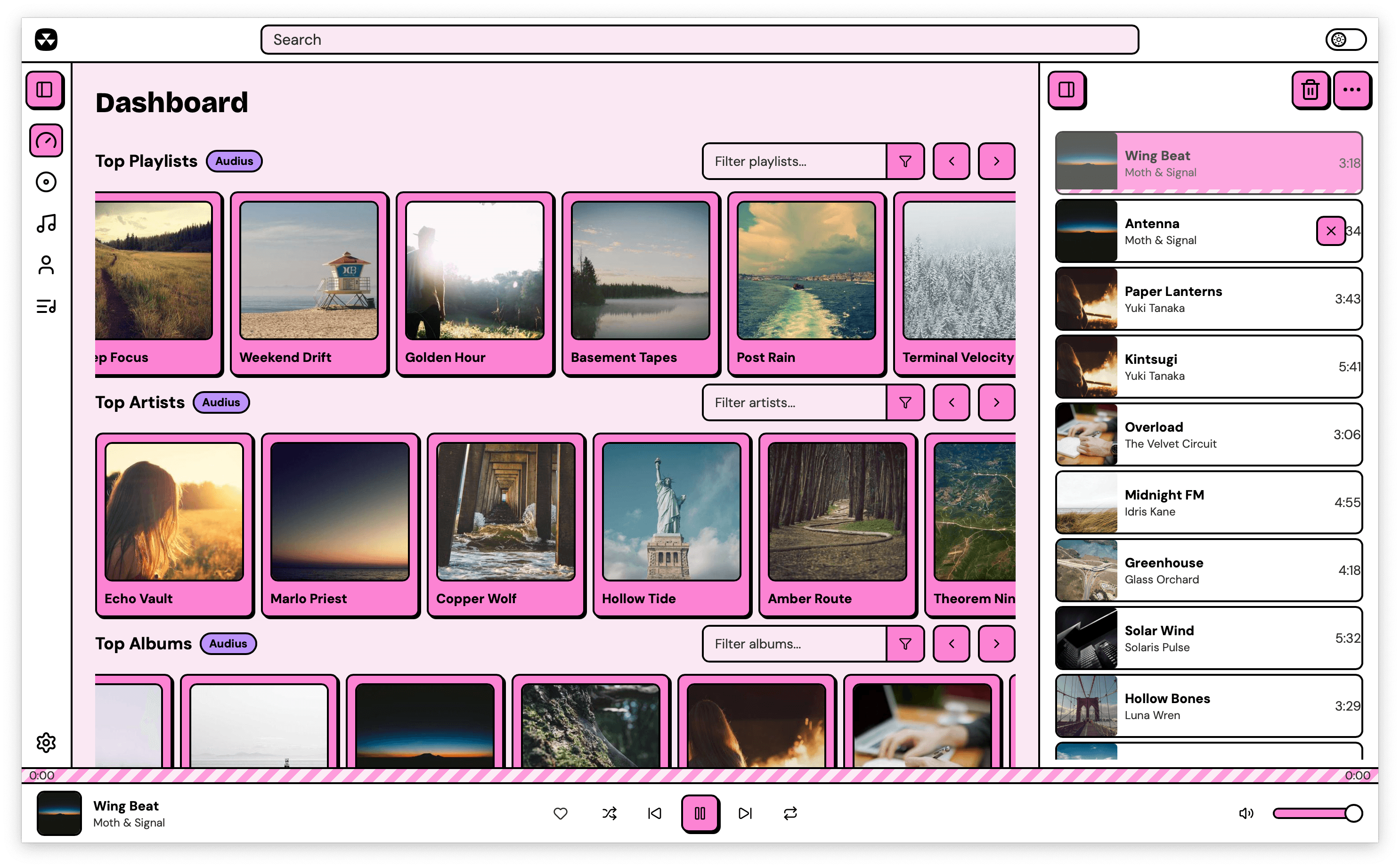
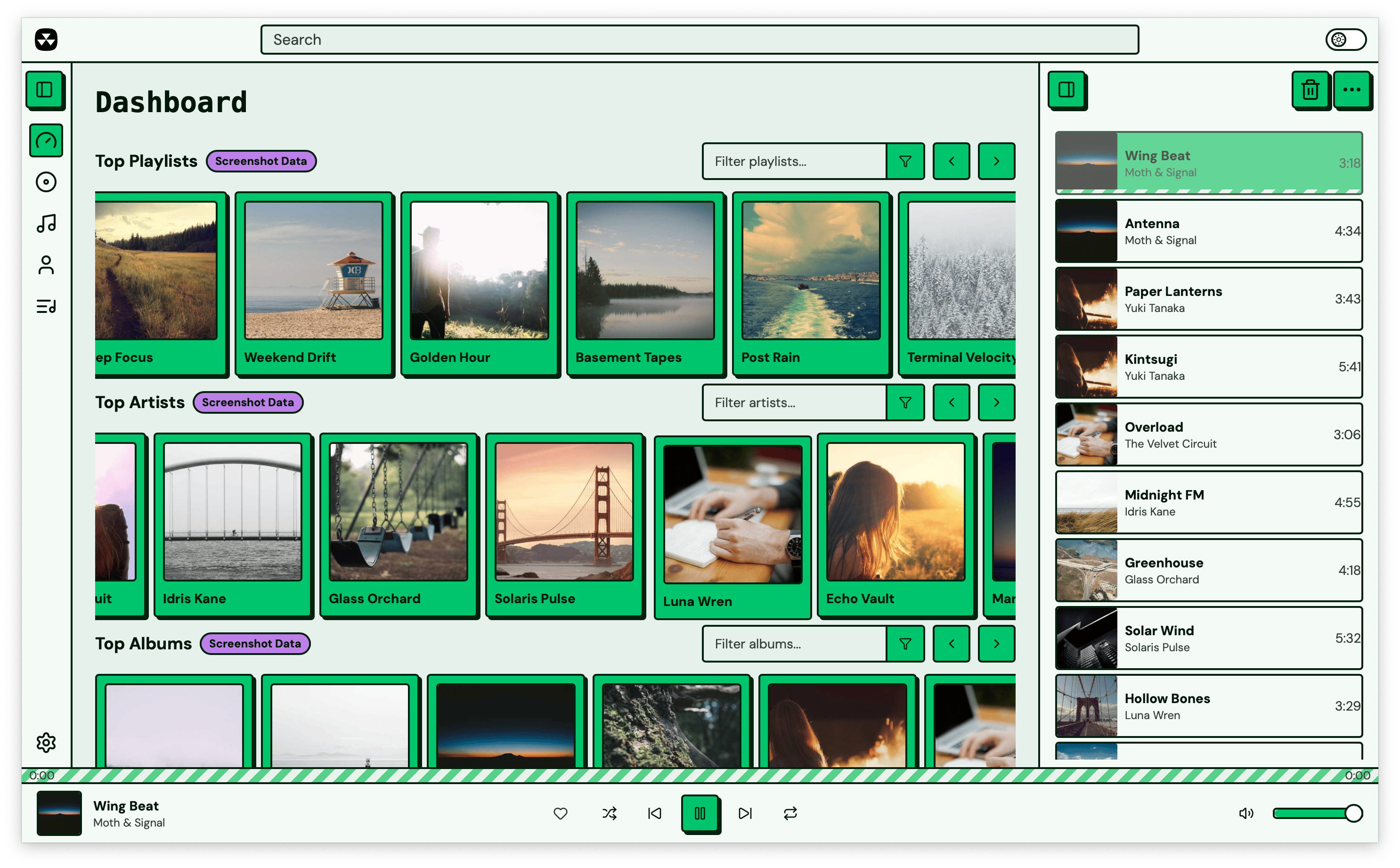
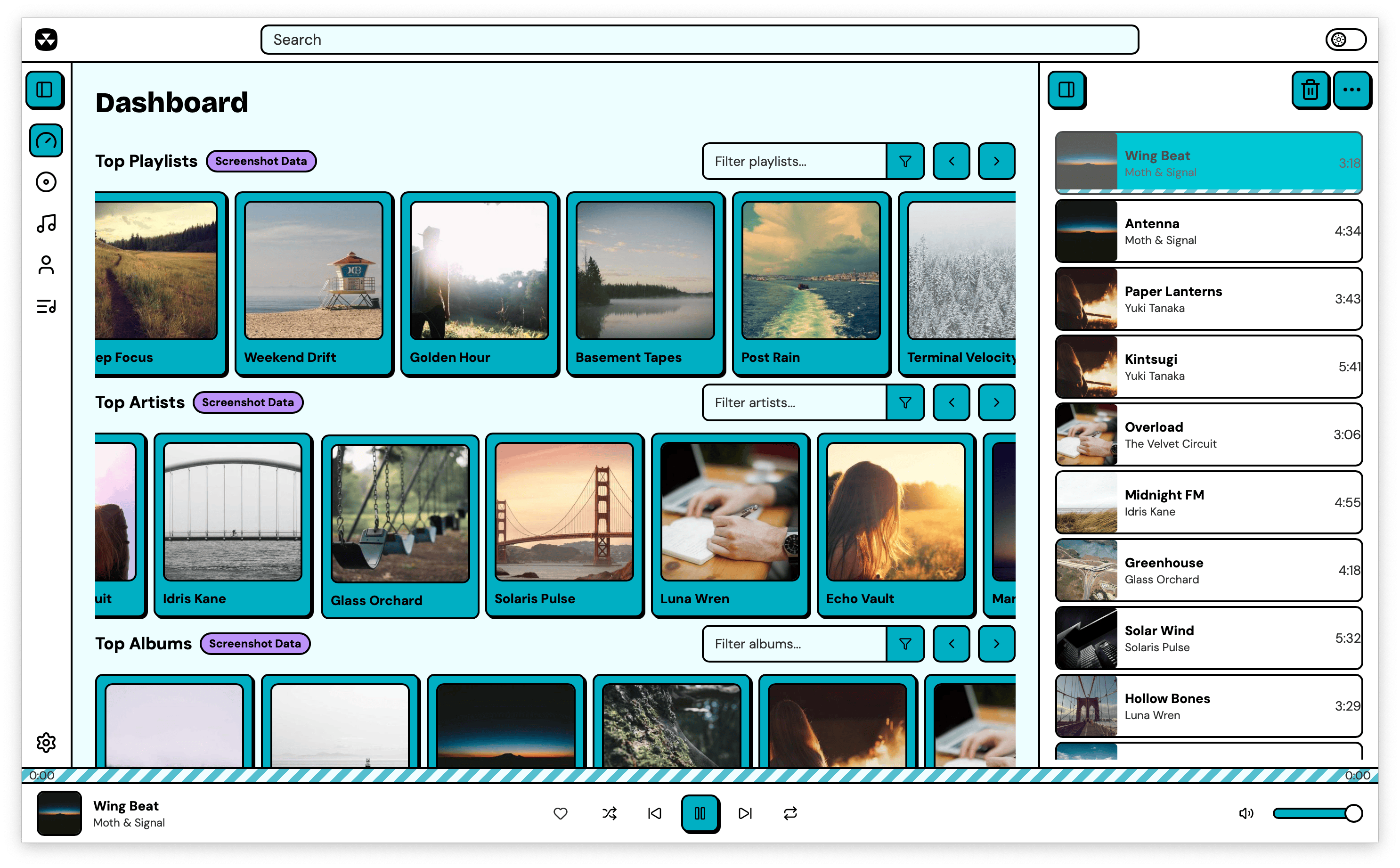
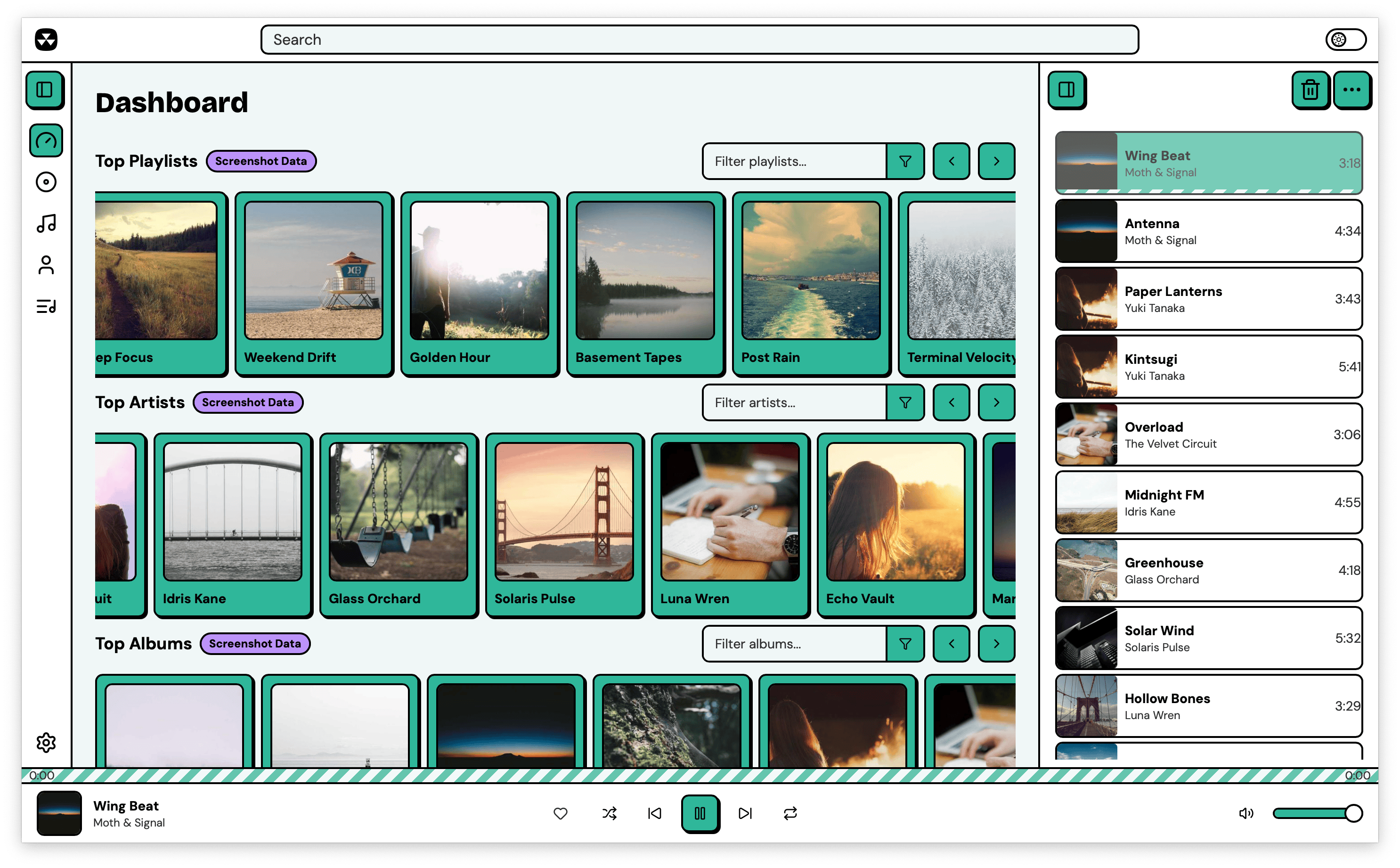
Nuclear comes with multiple built-in themes:
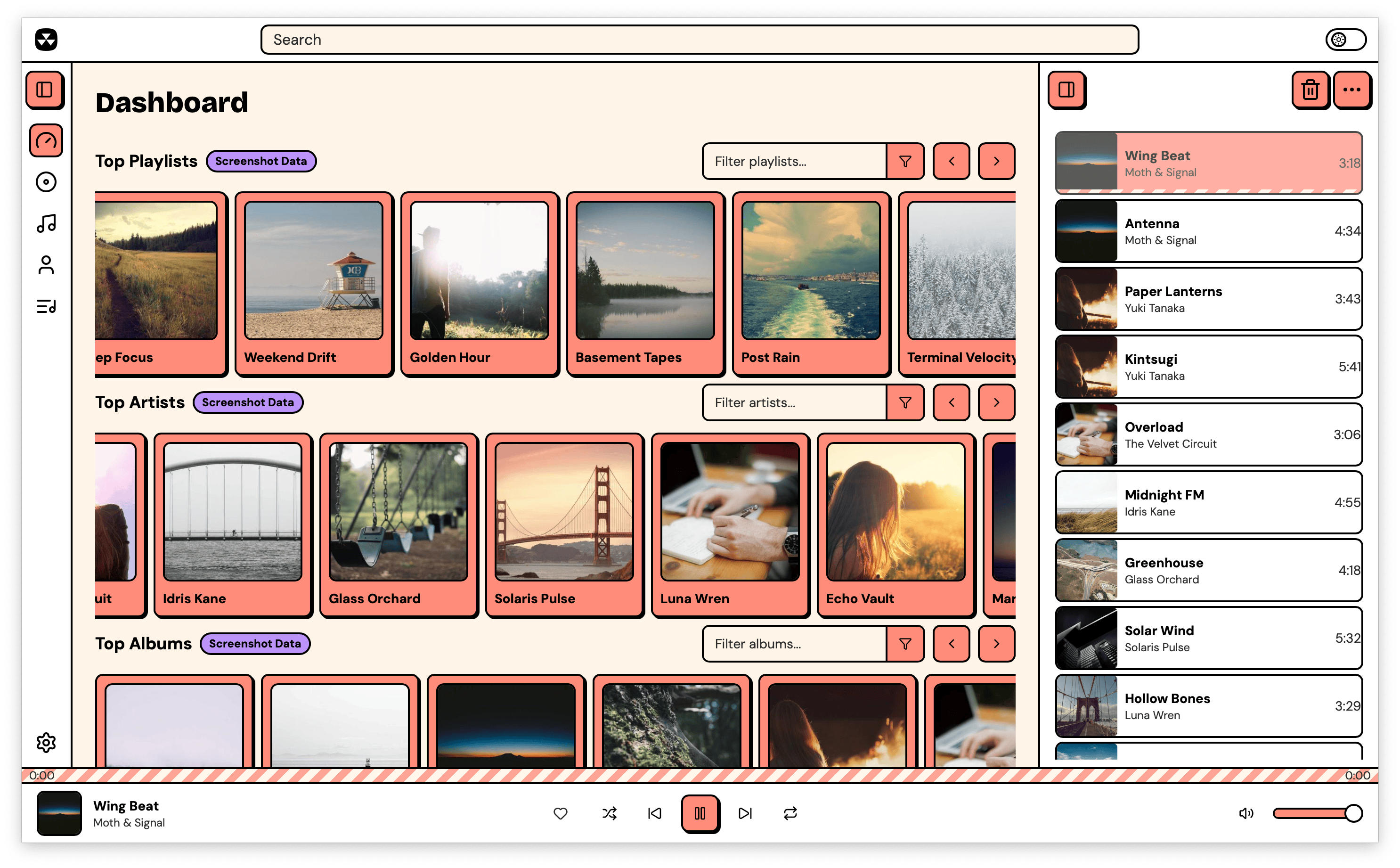
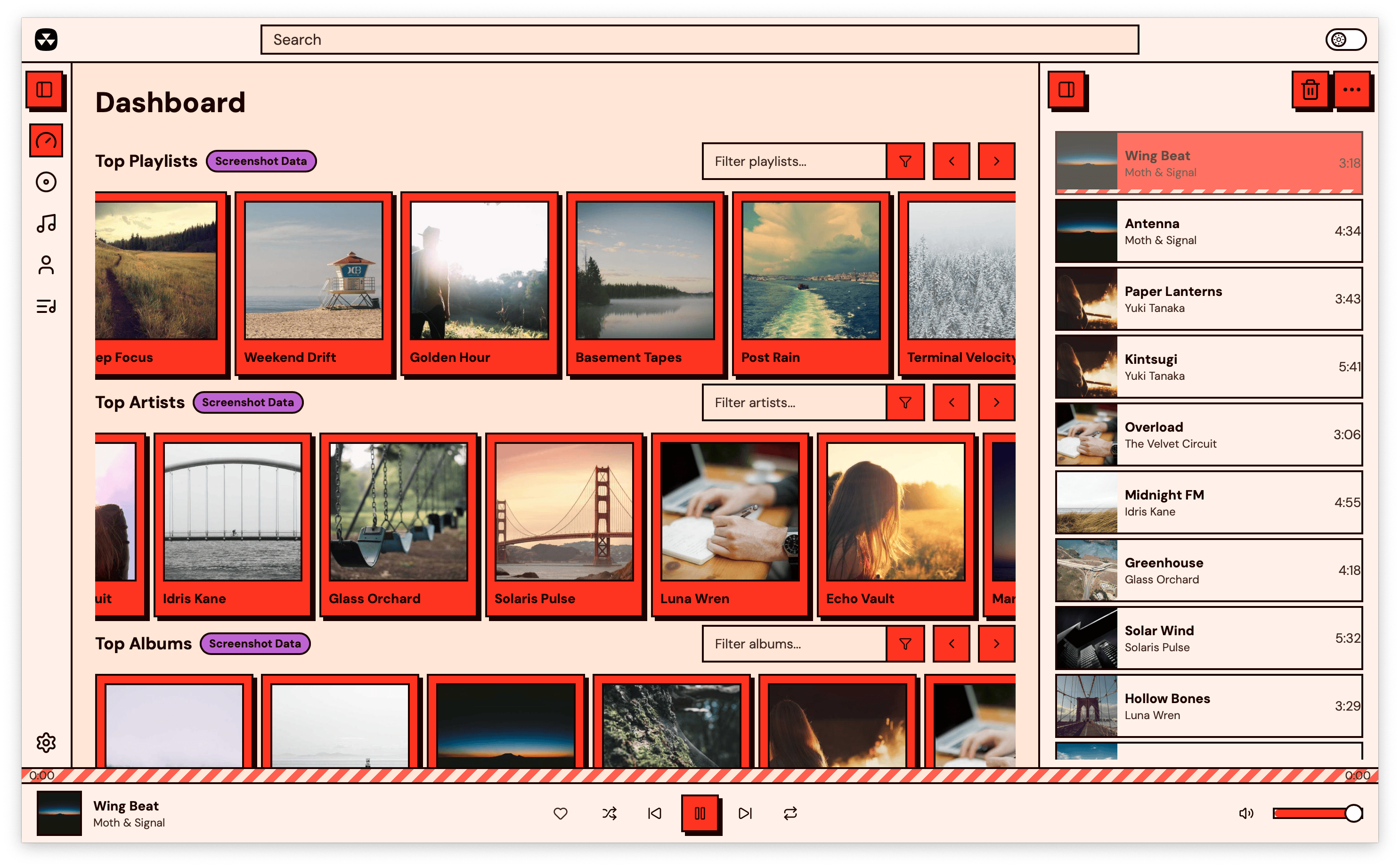
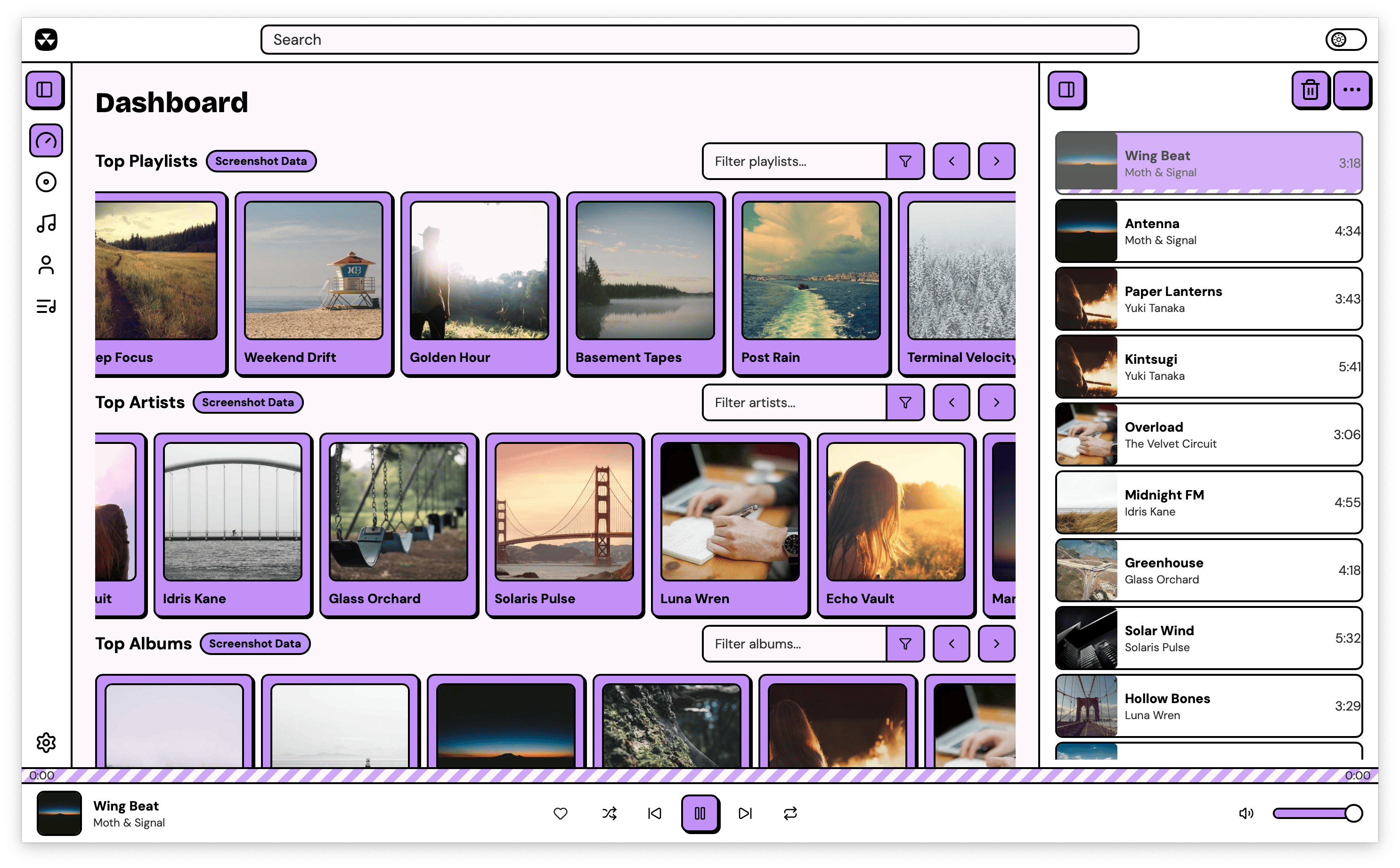
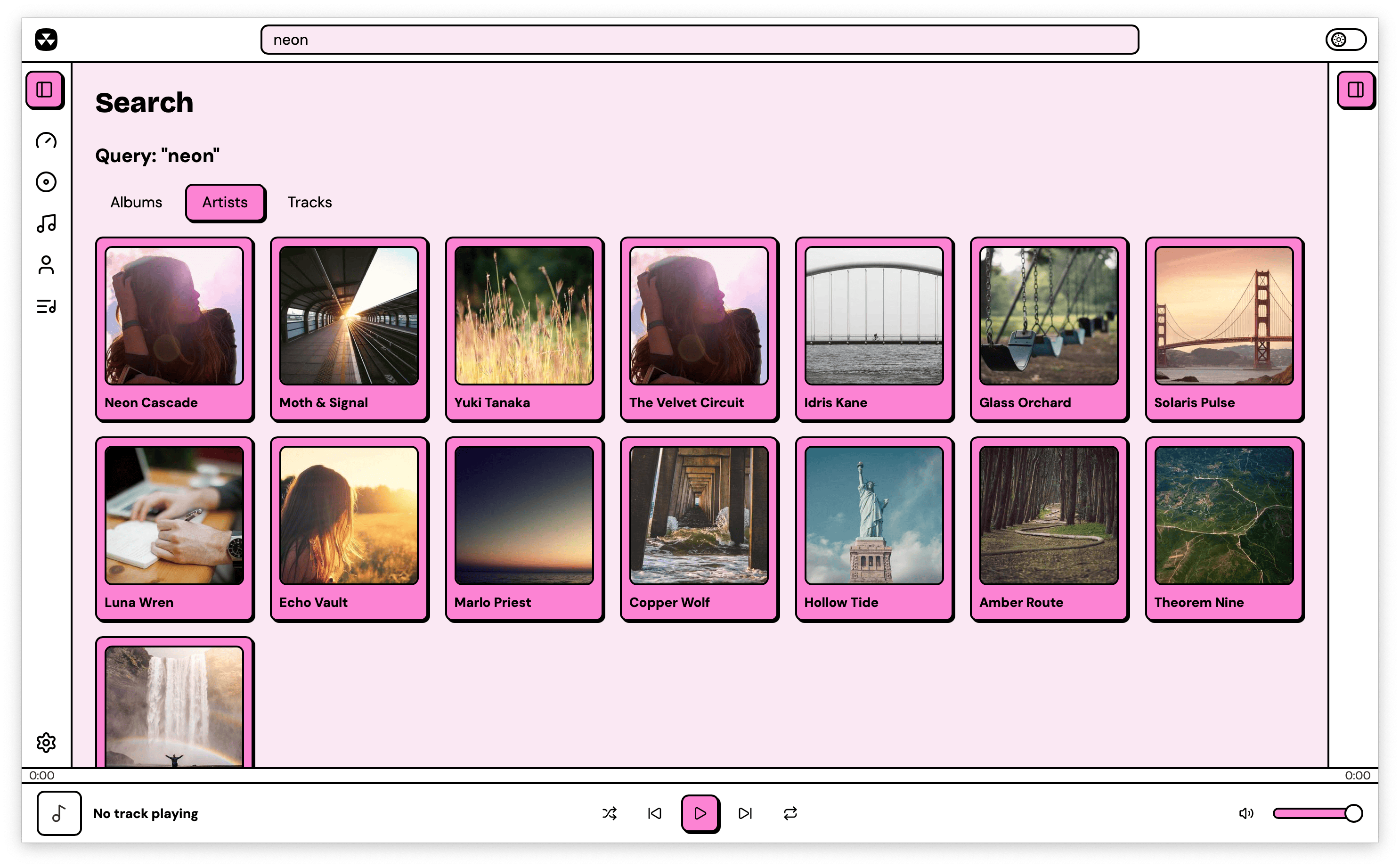 |
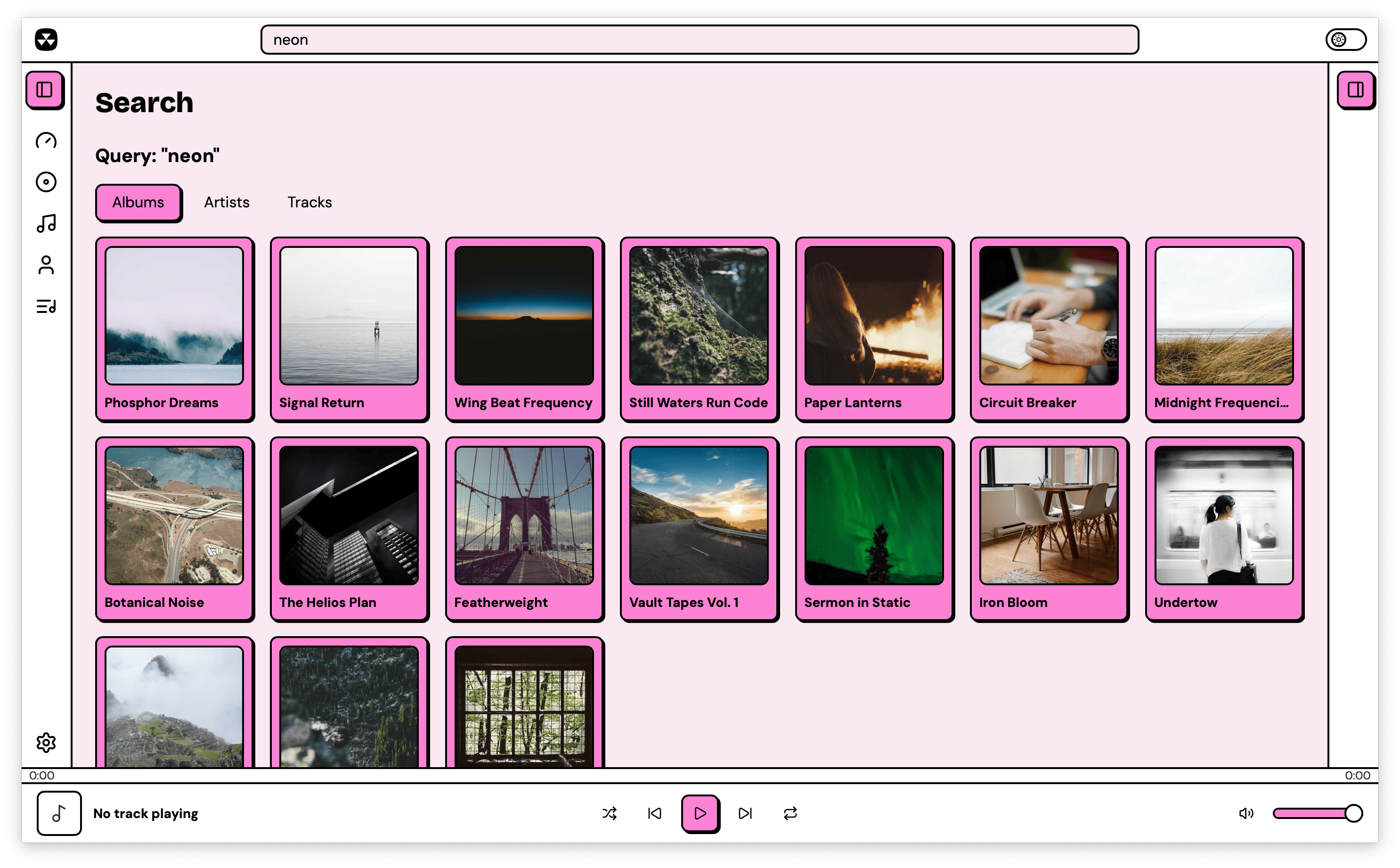 |
| Artist search | Album search |
 |
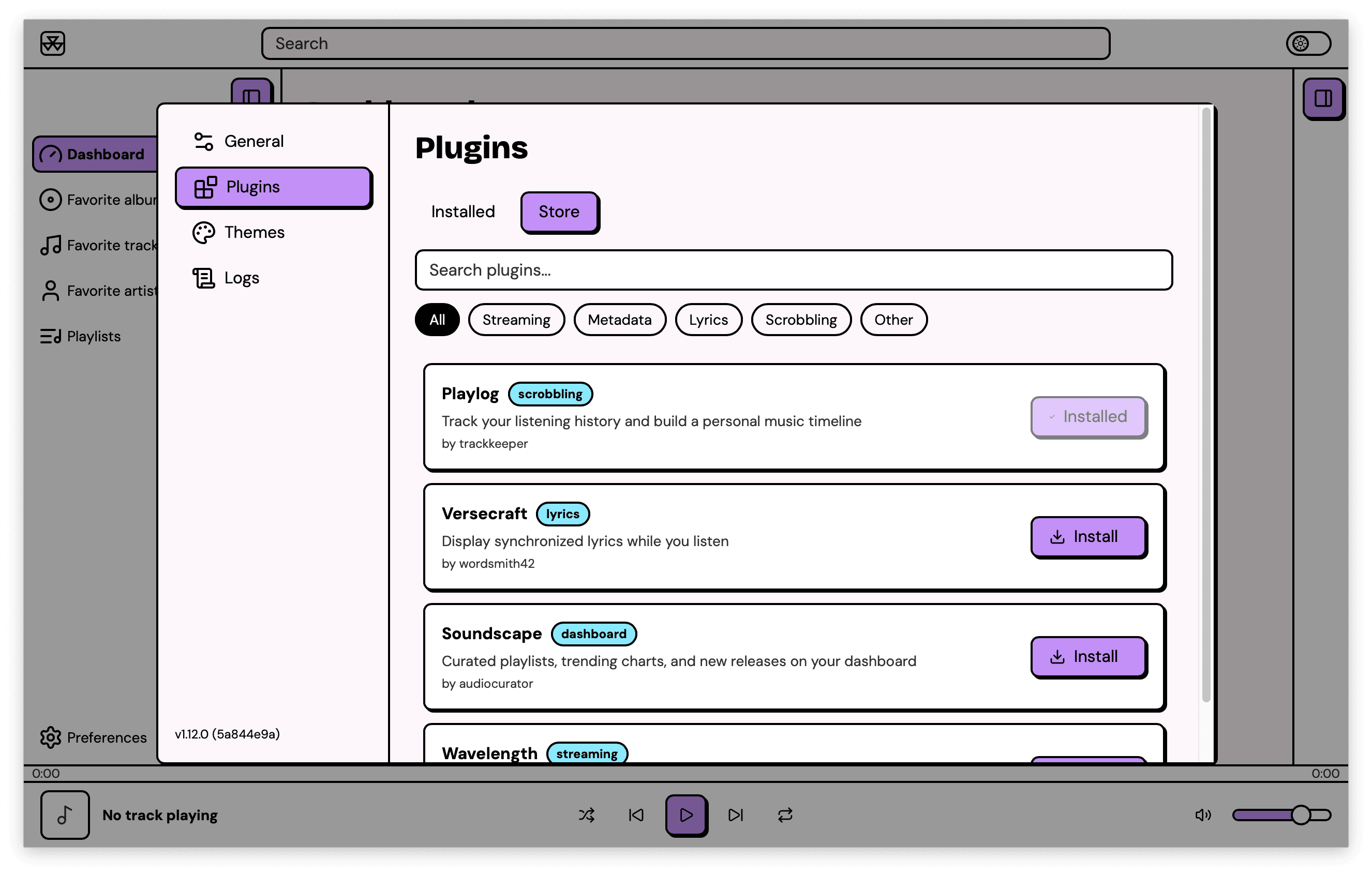 |
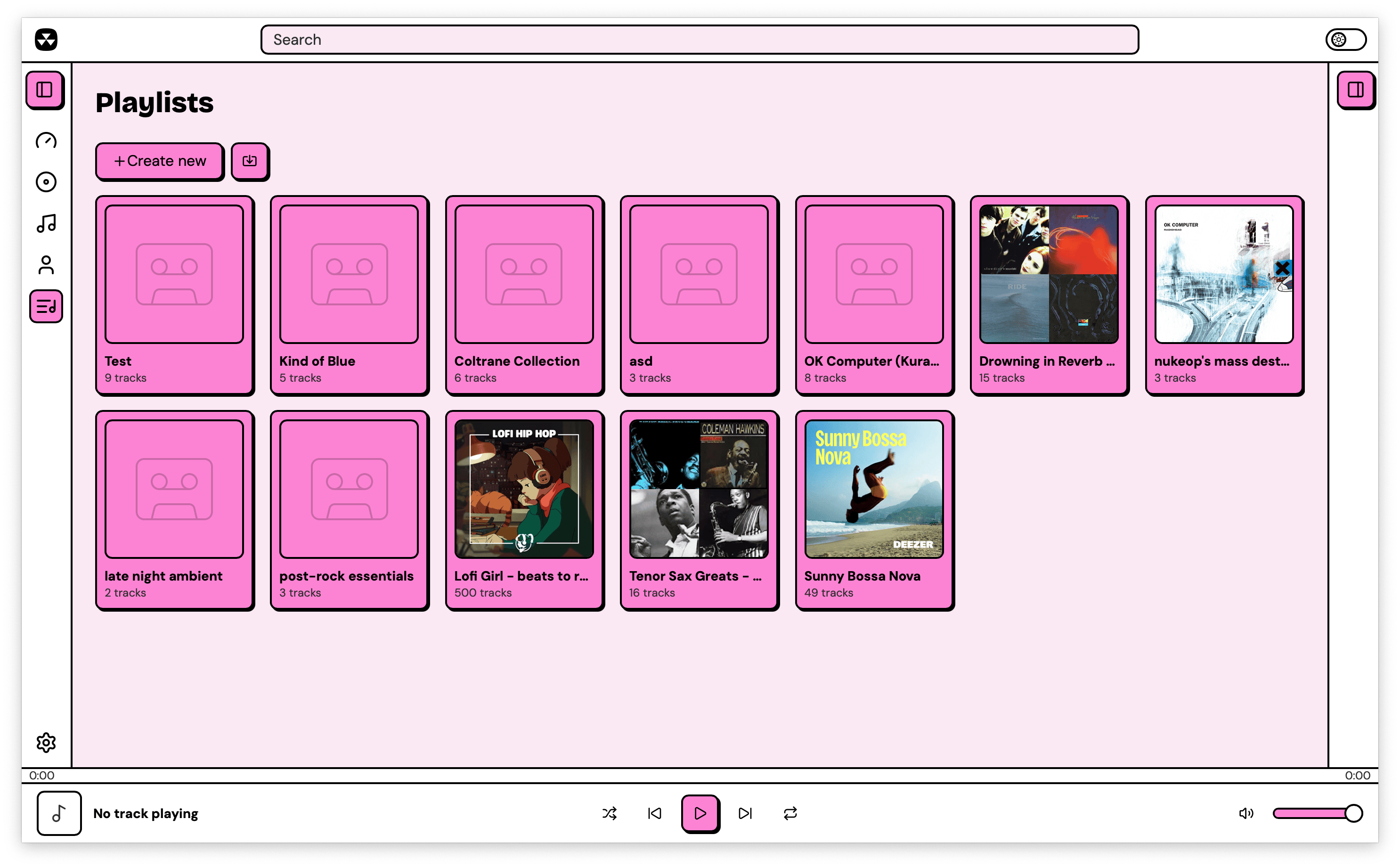
| Playlists | Plugin store |
 |
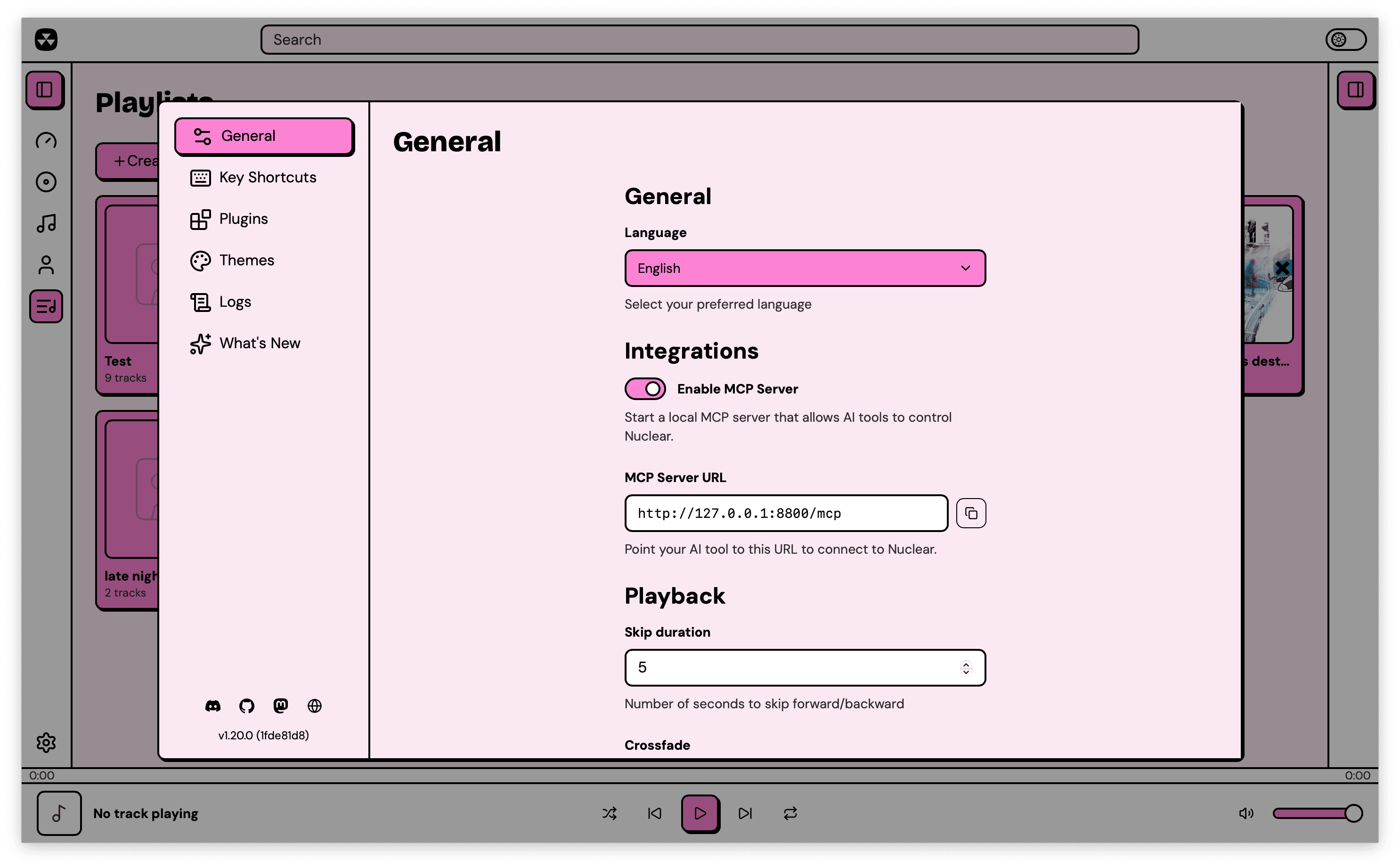 |
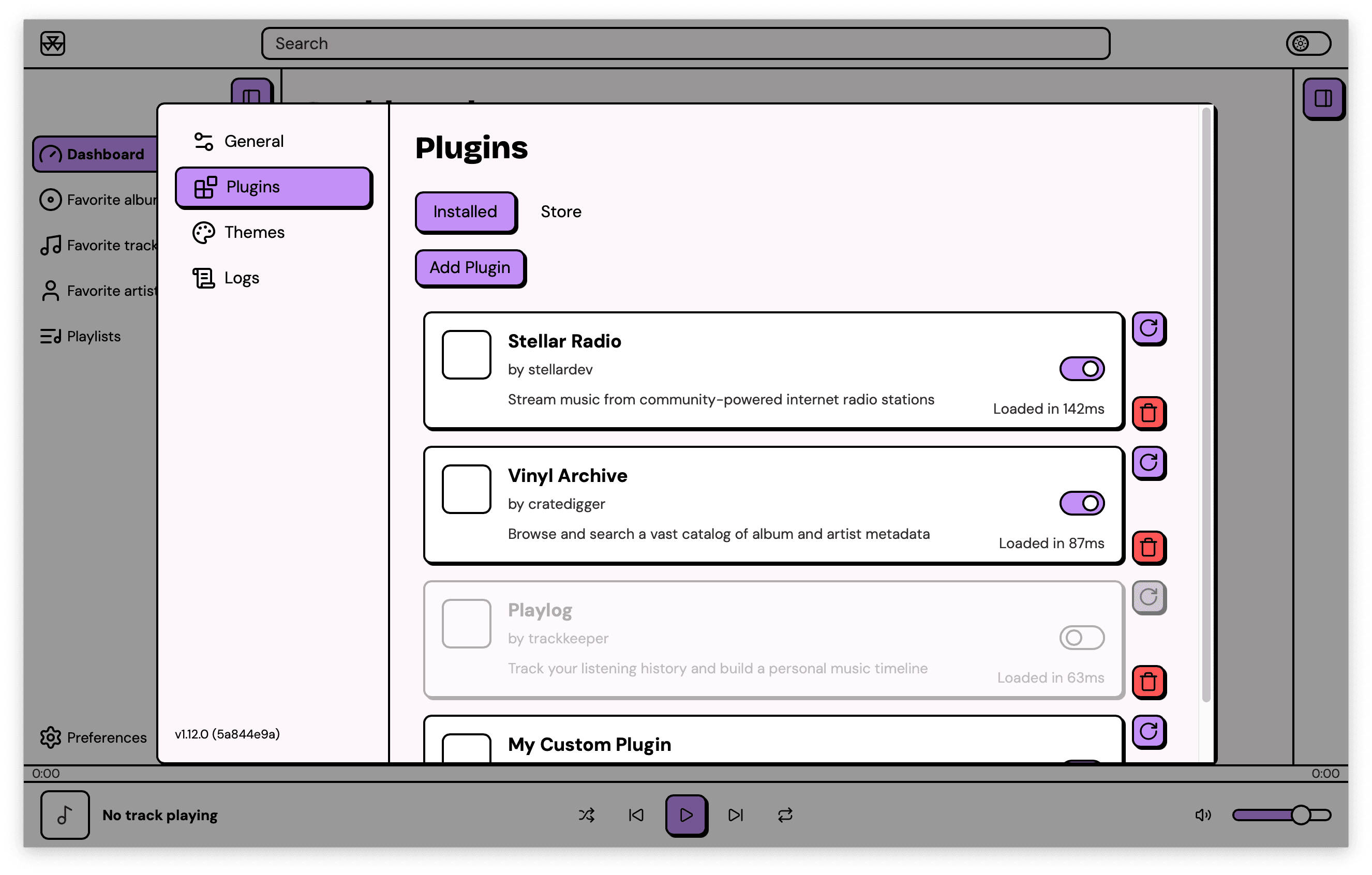
| Installed plugins | Preferences |
 |
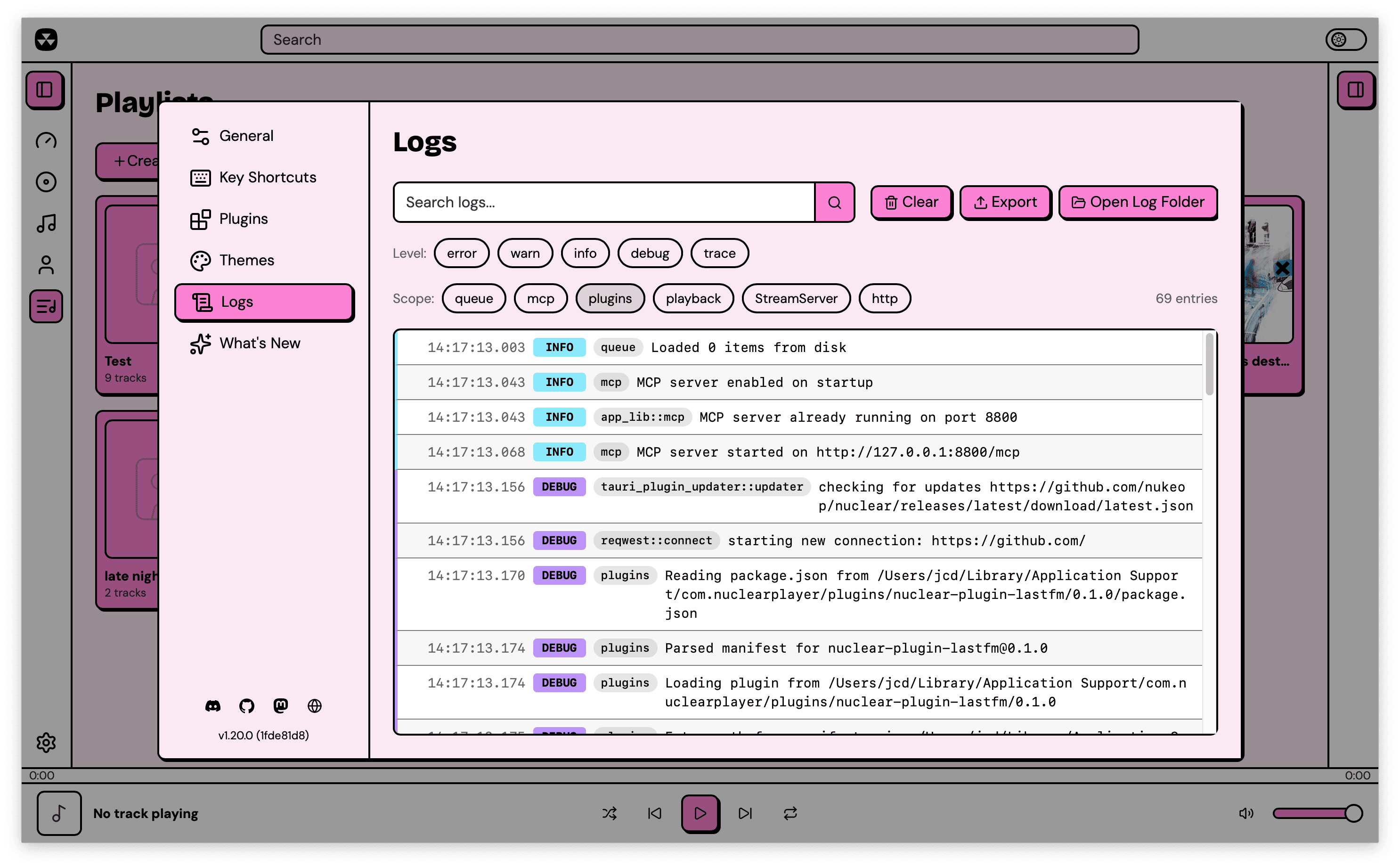 |
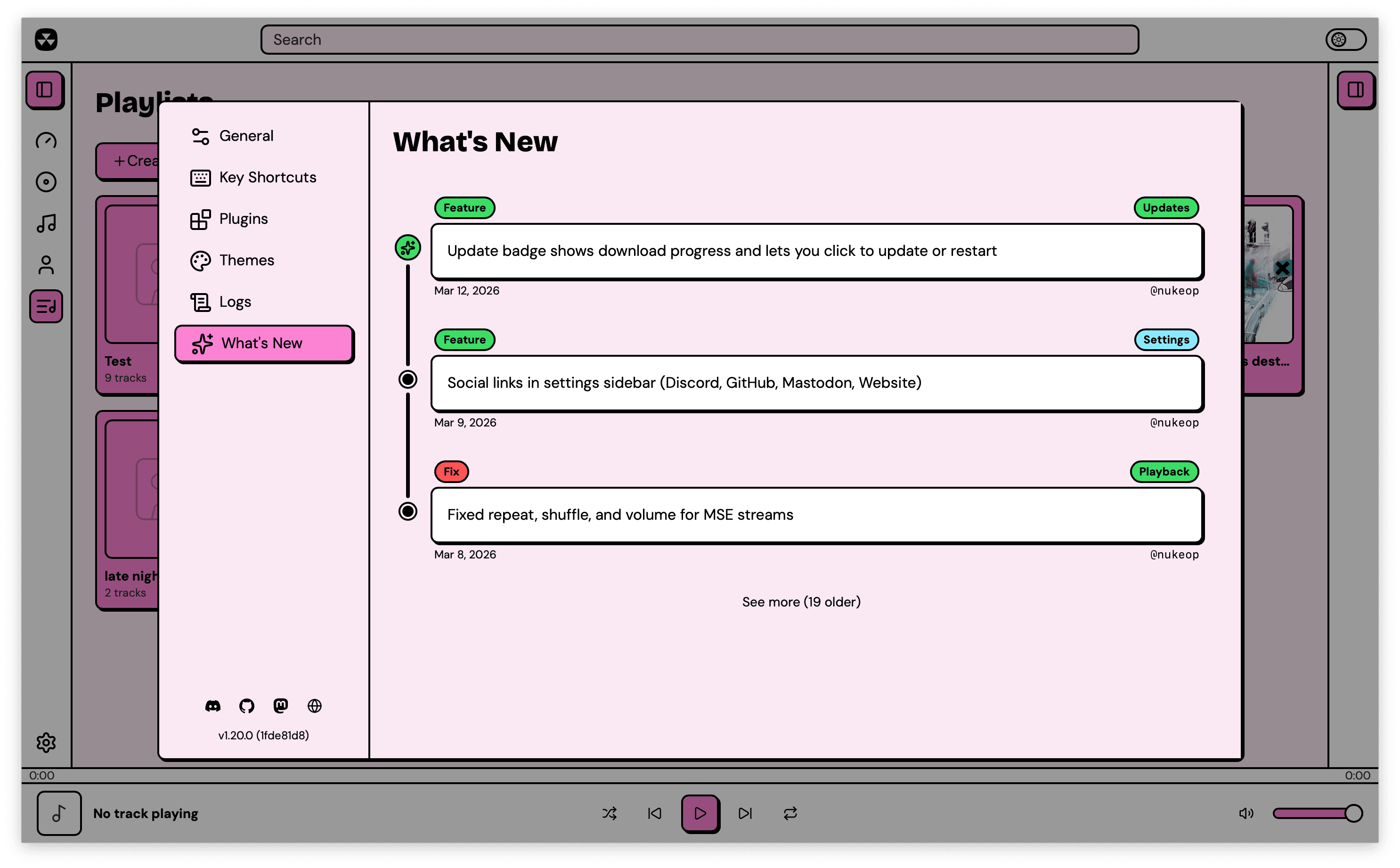
| What's new | Log viewer |
Download
Grab the latest release for your platform from the Releases page.
| Platform | Formats |
|---|---|
| Windows | .exe installer, .msi |
| macOS | .dmg (Apple Silicon and Intel) |
| Linux | .AppImage, .deb, .rpm, .flatpak |
Features
- Search for music and stream it from any source
- Browse artist pages with biographies, discographies, and similar artists
- Browse album pages with track listings
- Queue management with shuffle, repeat, and drag-and-drop reordering
- Favorites (albums, artists, and tracks)
- Playlists (create, import, export, import from varous services)
- Powerful plugin system with a built-in plugin store
- Themes (built-in and custom CSS themes)
- MCP server lets your AI agent drive the player
- Auto-updates
- Keyboard shortcuts
- Localized in multiple languages
Plugins
Nuclear has a powerful plugin system now! Every functionality has been redesigned to be driven by plugins.
Plugins can provide streaming sources, metadata, playlists, dashboard content, and more. Browse and install plugins from the built-in plugin store, or write your own using the @nuclearplayer/plugin-sdk.
MCP
You can enable the MCP server in Settings → Integrations.
Then to add it to Claude Code:
claude mcp add nuclear --transport http http://127.0.0.1:8800/mcp
Codex CLI:
codex mcp add nuclear --url http://127.0.0.1:8800/mcp
OpenCode:
{
  "mcp": {
    "nuclear": {
      "type": "remote",
      "url": "http://127.0.0.1:8800/mcp"
    }
  }
}
Claude Desktop / Cursor / Windsurf:
{
  "mcpServers": {
    "nuclear": {
      "url": "http://127.0.0.1:8800/mcp"
    }
  }
}
The MCP is designed to be discoverable, but there's a skill you can load to get your AI up to speed: Nuclear MCP Skill
Development
Nuclear is a pnpm monorepo managed with Turborepo. The main app is built with Tauri (Rust + React).
Prerequisites
- Node.js >= 22
- pnpm >= 9
- Rust (stable)
- Platform-specific Tauri dependencies (see Tauri docs)
Getting started
git clone https://github.com/nukeop/nuclear.git
cd nuclear
pnpm install
pnpm dev
Useful commands
pnpm dev            # Run the player in dev mode
pnpm build          # Build all packages
pnpm test           # Run all tests
pnpm lint           # Lint all packages
pnpm type-check     # TypeScript checks
pnpm storybook      # Run Storybook
Community
License
AGPL-3.0. See LICENSE.
Yorumlar (0)
Yorum birakmak icin giris yap.
Yorum birakSonuc bulunamadi