Blender-Bonsai-ifcOpenshell-Sverchok-Claude-Skill-Package
Health Uyari
- License — License: MIT
- Description — Repository has a description
- Active repo — Last push 0 days ago
- Low visibility — Only 6 GitHub stars
Code Gecti
- Code scan — Scanned 5 files during light audit, no dangerous patterns found
Permissions Gecti
- Permissions — No dangerous permissions requested
Bu listing icin henuz AI raporu yok.
73 deterministic Claude AI skills for Blender, Bonsai, IfcOpenShell and Sverchok. AEC Python development skill package
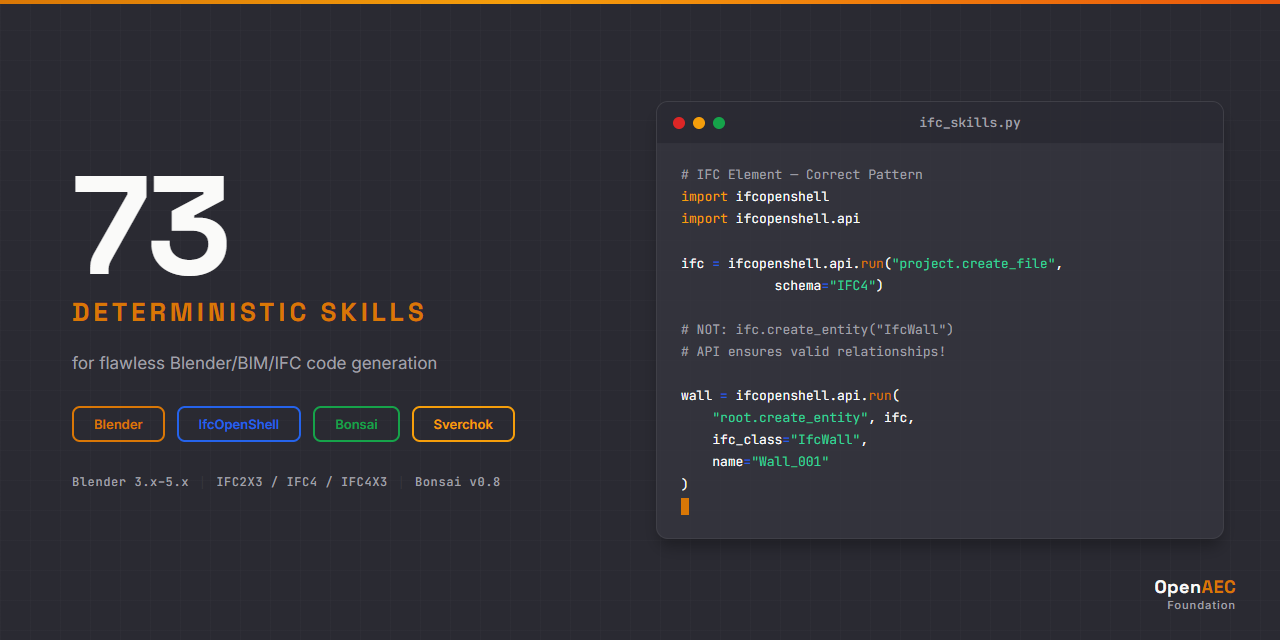





73 deterministic skills + Blender MCP integration enabling Claude AI to generate and execute flawless Blender/BIM/IFC/Sverchok code.
Built with the Open-Agents multi-agent orchestration framework.
Blender MCP: Live Connection to Blender
This package includes a pre-configured .mcp.json that connects Claude Code directly to a running Blender instance via the Blender MCP server. This means Claude can read your scene, execute Python code in Blender, and take viewport screenshots in real time.
Claude Code ──MCP Protocol──> blender-mcp server ──TCP:9876──> Blender Addon ──bpy──> Blender Scene
| MCP Tool | What it does |
|---|---|
get_scene_info |
Read current scene state (objects, materials, settings) |
execute_blender_code |
Run Python code directly in Blender |
get_viewport_screenshot |
Capture the 3D viewport as an image |
get_object_info |
Get details of a specific object |
Quick start (if you already have the prerequisites)
- Install the Blender MCP addon in Blender (Edit > Preferences > Add-ons > Install from Disk)
- In Blender, open the sidebar (
N), go to the BlenderMCP tab, click "Connect to Claude" - Start Claude Code in this workspace. The
.mcp.jsonis already configured.
Full setup guide
See SETUP.md for complete step-by-step installation instructions covering:
- Node.js, Claude Code CLI, uv package manager
- Blender MCP addon installation (the bridge between Claude and Blender)
- Bonsai/IfcOpenShell/Sverchok addon installation
- MCP configuration and troubleshooting
Why This Exists
Claude is powerful, but without domain-specific guidance it generates BIM/IFC code that looks correct but fails in production.
The #1 cause of AI-generated IFC failures:
# WRONG - This creates an orphan entity with no relationships
wall = ifc_file.create_entity("IfcWall")

# CORRECT - API ensures valid ownership, relationships, and GlobalId
wall = ifcopenshell.api.run("root.create_entity", ifc_file,
    ifc_class="IfcWall", name="Wall_001")
This skill package solves it by giving Claude exact API syntax, decision trees, error diagnostics, and version-aware patterns for every operation.
Skill Packages
| Package | Skills | Syntax | Impl | Errors | Core | Agents |
|---|---|---|---|---|---|---|
| Blender | 26 | 11 | 6 | 3 | 4 | 2 |
| IfcOpenShell | 19 | 4 | 9 | 3 | 2 | 1 |
| Bonsai | 14 | 4 | 7 | 1 | 1 | 1 |
| Sverchok | 12 | 4 | 5 | 1 | 1 | 1 |
| Cross-Tech | 2 | — | — | — | 1 | 1 |
| Total | 73 | 23 | 27 | 8 | 9 | 6 |
Each package is standalone — install only the technologies you work with.
See INDEX.md for the full skill catalog with descriptions.
Skill Categories
| Category | Purpose | Example |
|---|---|---|
syntax/ |
API syntax, code patterns, method signatures | blender-syntax-operators |
impl/ |
Step-by-step development workflows, decision trees | bonsai-impl-modeling |
errors/ |
Error handling, diagnostics, anti-patterns | ifcos-errors-schema |
core/ |
Cross-cutting: API overview, version matrix, concepts | blender-core-api |
agents/ |
Intelligent orchestration, validation | aec-agents-workflow-orchestrator |
Installation
First time? Follow the complete SETUP.md guide. It covers everything from installing Node.js to verifying the Blender MCP connection.
Claude Code (CLI)
Option 1 — Copy skills + MCP config into your project:
# Clone the repository
git clone https://github.com/OpenAEC-Foundation/Blender-Bonsai-ifcOpenshell-Sverchok-Claude-Skill-Package.git

# Copy skills into your project
cp -r Blender-Bonsai-ifcOpenshell-Sverchok-Claude-Skill-Package/skills/blender/ your-project/.claude/skills/blender/
cp -r Blender-Bonsai-ifcOpenshell-Sverchok-Claude-Skill-Package/skills/ifcopenshell/ your-project/.claude/skills/ifcopenshell/

# Copy the Blender MCP configuration
cp Blender-Bonsai-ifcOpenshell-Sverchok-Claude-Skill-Package/.mcp.json your-project/.mcp.json
Option 2 — Install via OpenAEC Workspace Composer:
The Workspace Composer sets up a complete workspace with skills and MCP configuration automatically. Select the "Blender/Bonsai" package and the composer handles the rest.
Option 3 — Install per-package (use only what you need):
# Only Blender skills
cp -r skills/blender/ your-project/.claude/skills/blender/

# Only IfcOpenShell skills
cp -r skills/ifcopenshell/ your-project/.claude/skills/ifcopenshell/

# Only Bonsai skills
cp -r skills/bonsai/ your-project/.claude/skills/bonsai/

# Only Sverchok skills
cp -r skills/sverchok/ your-project/.claude/skills/sverchok/

# Cross-technology workflows
cp -r skills/aec-cross-tech/ your-project/.claude/skills/aec-cross-tech/

# Always include the MCP config for Blender connectivity
cp .mcp.json your-project/.mcp.json
Version Compatibility
| Technology | Supported Versions |
|---|---|
| Blender | 3.x, 4.x, 5.x |
| IfcOpenShell | Latest (IFC2X3, IFC4, IFC4X3 schemas) |
| Bonsai | v0.8 (formerly BlenderBIM) |
| Sverchok | Current |
Methodology
Built using the 7-phase research-first methodology proven in the ERPNext Skill Package:
Core principle: Research first, then build. Never create skills based on assumptions.
Skills were created in parallel via Open-Agents multi-agent orchestration, with each skill validated against official documentation and real-world usage.
| Phase | Description | Status |
|---|---|---|
| 1 | Raw Masterplan | Complete |
| 2 | Deep Research | Complete |
| 3 | Masterplan Refinement | Complete |
| 4 | Topic-Specific Research | Complete |
| 5 | Skill Creation | Complete |
| 6 | Validation | Complete |
| 7 | Publication | Complete |
Documentation
| Document | Purpose |
|---|---|
| SETUP.md | Complete setup guide (Blender MCP, addons, Claude Code) |
| INDEX.md | Full skill catalog with descriptions |
| ROADMAP.md | Project status (single source of truth) |
| REQUIREMENTS.md | What skills must achieve, quality guarantees |
| DECISIONS.md | Architectural decisions with rationale |
| SOURCES.md | Official documentation and reference materials |
| WAY_OF_WORK.md | 7-phase development methodology |
| LESSONS.md | Lessons learned during development |
| CHANGELOG.md | Version history |
| CONTRIBUTING.md | How to contribute |
Related Projects
| Project | Role |
|---|---|
| OpenAEC Workspace Composer | One-click workspace setup with skills + MCP |
| Blender MCP | The MCP server that bridges Claude to Blender |
| ERPNext Skill Package | Proven methodology template |
| Open-Agents | Multi-agent orchestration tooling |
| Impertio AI Ecosystem | General AI workspace lessons |
Companion Skills: Cross-Technology Integration
This package covers Blender, Bonsai, IfcOpenShell, and Sverchok as individual technologies. When you need to bridge these tools with other AEC software, install the companion cross-technology package:
Cross-Tech AEC Integration Skills — 15 skills for technology boundaries
Relevant cross-tech skills for Blender/Bonsai users:
| Skill | Boundary | What it adds |
|---|---|---|
crosstech-impl-speckle-blender |
Speckle ↔ Blender | Send/receive BIM data via Speckle, material mapping, Bonsai/IFC through Speckle |
crosstech-impl-freecad-ifc-bridge |
FreeCAD ↔ IFC | Round-trip IFC editing between FreeCAD and IfcOpenShell |
crosstech-core-ifc-schema-bridge |
IFC ↔ All formats | How IFC entities map to Blender objects, Three.js, web-ifc, FreeCAD, Speckle |
crosstech-core-coordinate-systems |
BIM ↔ GIS | CRS transformations, axis conventions (Blender Z-up vs Three.js Y-up) |
crosstech-errors-conversion |
Any ↔ Any | Diagnosing IFC conversion errors across all tools |
License
MIT License — see LICENSE.
Part of the OpenAEC Foundation ecosystem.
Yorumlar (0)
Yorum birakmak icin giris yap.
Yorum birakSonuc bulunamadi