crude
Health Uyari
- License — License: Apache-2.0
- Description — Repository has a description
- Active repo — Last push 0 days ago
- Low visibility — Only 5 GitHub stars
Code Basarisiz
- rm -rf — Recursive force deletion command in install.sh
Permissions Gecti
- Permissions — No dangerous permissions requested
Bu listing icin henuz AI raporu yok.
Crude: a hackable Agentic Development Environment (ADE) for humans and AI coding agents. Mouse, keyboard, editor, terminals and review tools. Go, Linux and Windows.

Crude
Build with agents. Review everything.
A terminal-native development environment for Linux and Windows.
Website · Install · Documentation · Releases · Report a bug
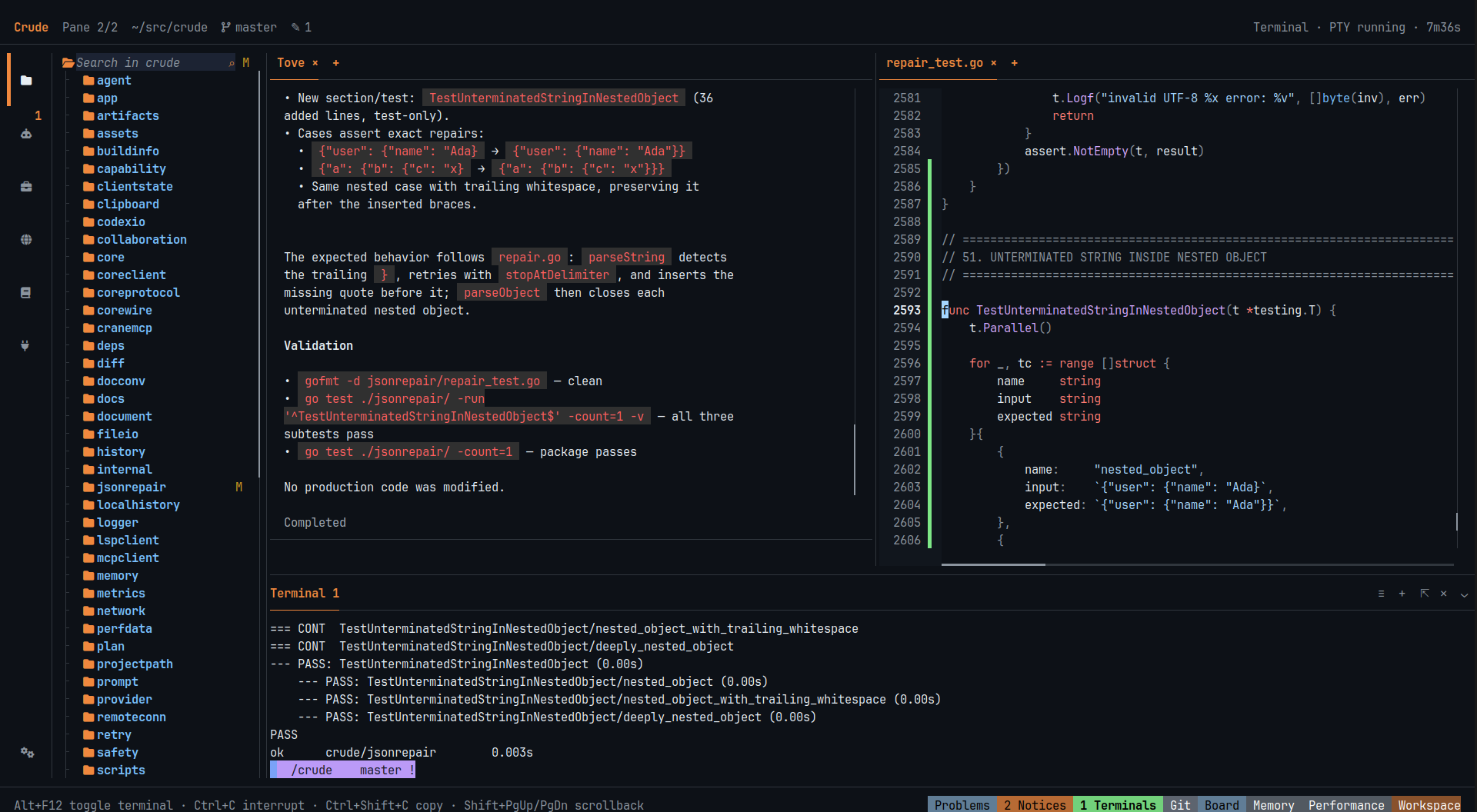
Real capture. A live agent added a regression test. The editor shows the change. The terminal shows that the tests pass.
[!WARNING]
Crude is beta software. Crude and its agents can change files and run commands.
A bug or an agent mistake can damage or delete your work. Commit your changes,
keep backups and review agent actions. The installers ask for your consent.
What Crude does
Crude puts your editor, terminals, Git review and AI agents in one workspace.
A core process owns this workspace. When you close the window, the work continues.
| Area | What you can do |
|---|---|
| Agents | Give a task to an agent. Let it delegate parts to child agents and read their reports. Use plan mode, goals and session fork. |
| Workspace | Edit code with language servers. Split panes. Use embedded terminals: PTY on Linux, ConPTY on Windows. |
| Review | Stage or discard each file or hunk. Approve risky commands before they run. Restore files from Local History. |
| Models and tools | Use 20 provider templates, any OpenAI-compatible API or a local model. Add Agent Skills and MCP servers. |
| Core | Keep sessions, agents and terminals alive after you close the window. Attach again later, or attach over SSH. |
Crude is not a security sandbox. Agent commands run with your user permissions.
Install
Linux x86-64 (glibc 2.35 or later):
curl -fsSL https://github.com/opencrude/crude/releases/latest/download/install.sh -o install.sh
bash install.sh --accept-beta-risk
Windows x64 (PowerShell 5.1 or later):
Invoke-WebRequest https://github.com/opencrude/crude/releases/latest/download/install.ps1 -OutFile install.ps1
.\install.ps1 -AcceptBetaRisk
Read the installer before you run it. To update Crude, run the same command again.
You do not need administrator rights.
Get started
- Open a terminal in your project folder.
- Run
crude. - Go to Tools → Settings → Accounts and add a provider account.
- Go to Agents and select a model.
- Type a task in the composer and press Enter.
Press Ctrl+Alt+P to see all commands and their shortcuts. Press Alt+F12 to open the terminal.
Recommended setup: Use Kitty or Alacritty on Linux, or Windows Terminal on Windows,
with truecolor. Install JetBrainsMono Nerd Font
(NF, not NFM). Then enable Nerd font and Show file icons in
Settings → IDE → Interface. The installers do not change your terminal or fonts.
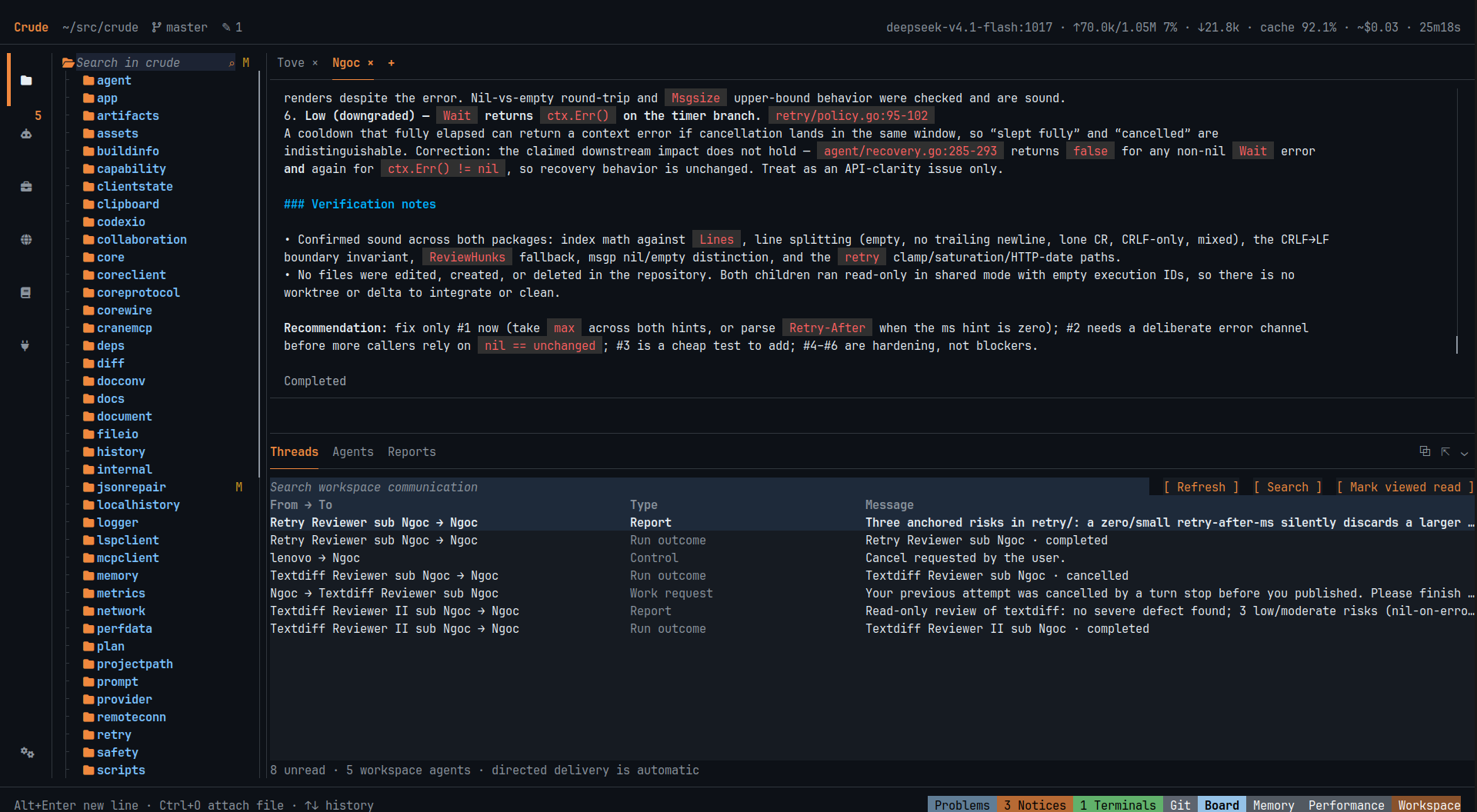
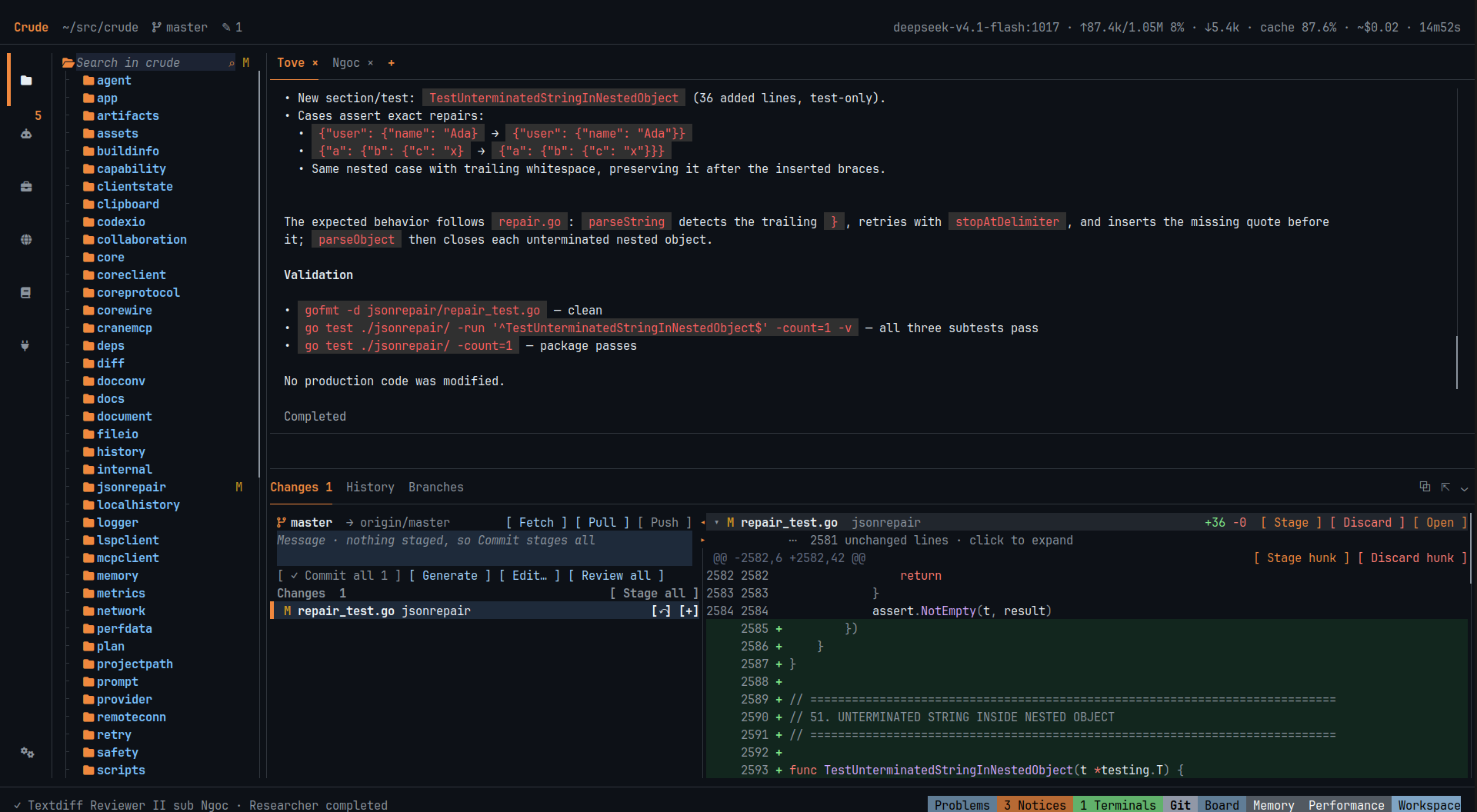
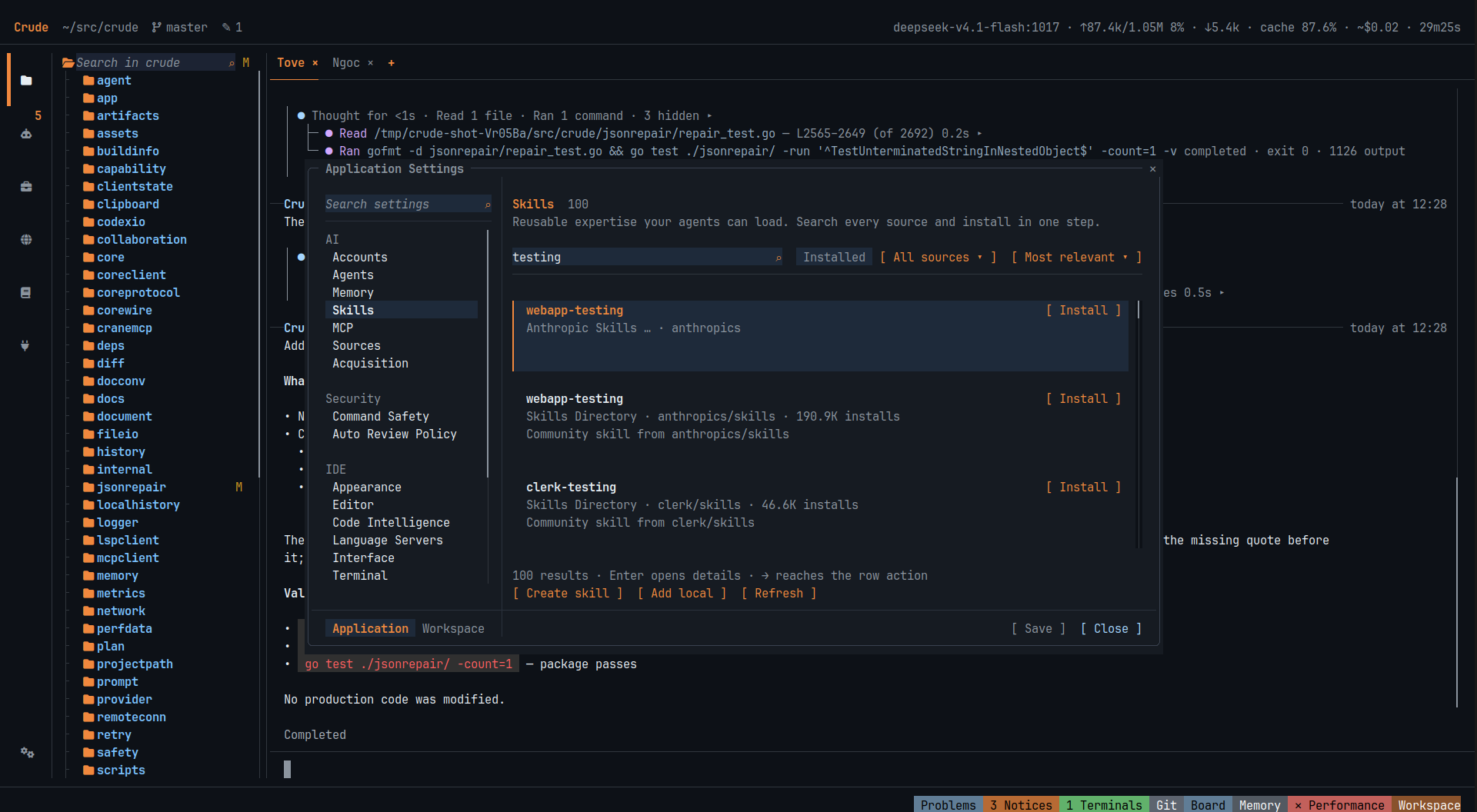
All captures show Crude on its own source code with a live model.
Build from source
You need the Go version in go.mod, Zig 0.16.0 and Git. On Linux, you also need
a C compiler, libc headers and tic (ncurses).
make libghostty
. scripts/libghostty_env.sh
go run .
On Windows, run scripts/bootstrap_libghostty.ps1. Then dot-sourcescripts/libghostty_env.ps1 and run go run . in PowerShell.
To make a standalone Linux binary, run make build.
When you develop Crude inside Crude, set a different CRUDE_HOME.
This keeps your development core separate from your working core.
Change Crude
Crude has no editor plugin system. To change a workflow, clone the source,
open it in Crude and ask an agent to make the change. The repository is
documented for agents and for people:
- AGENTS.md: the rules for every change.
- Documentation index: the architecture and the contracts.
- Validation: the test, lint, design and performance gates.
License
The original code of Crude is licensed under Apache-2.0.
Third-party code keeps its own license. See NOTICE,
Codex attribution and the notices in each release.LICENSE-MIT applies to upstream material only. It is not an alternative license for Crude.
Yorumlar (0)
Yorum birakmak icin giris yap.
Yorum birakSonuc bulunamadi