openmimir
Health Gecti
- License — License: MIT
- Description — Repository has a description
- Active repo — Last push 0 days ago
- Community trust — 12 GitHub stars
Code Basarisiz
- process.env — Environment variable access in apps/cli/script/build.ts
- network request — Outbound network request in apps/cli/script/build.ts
- process.env — Environment variable access in apps/cli/src/app.ts
- process.env — Environment variable access in apps/cli/src/index.ts
- network request — Outbound network request in apps/cli/src/index.ts
- network request — Outbound network request in apps/cli/src/server.ts
- rm -rf — Recursive force deletion command in apps/site/public/install.sh
Permissions Gecti
- Permissions — No dangerous permissions requested
Bu listing icin henuz AI raporu yok.
Talk to all your coding agents. One hands-free, full-duplex voice conversation over Claude Code, Codex and OpenCode. Runs on your Mac.
OpenMimir
One chat that runs all your coding agents. Type to it, or talk to it hands-free.
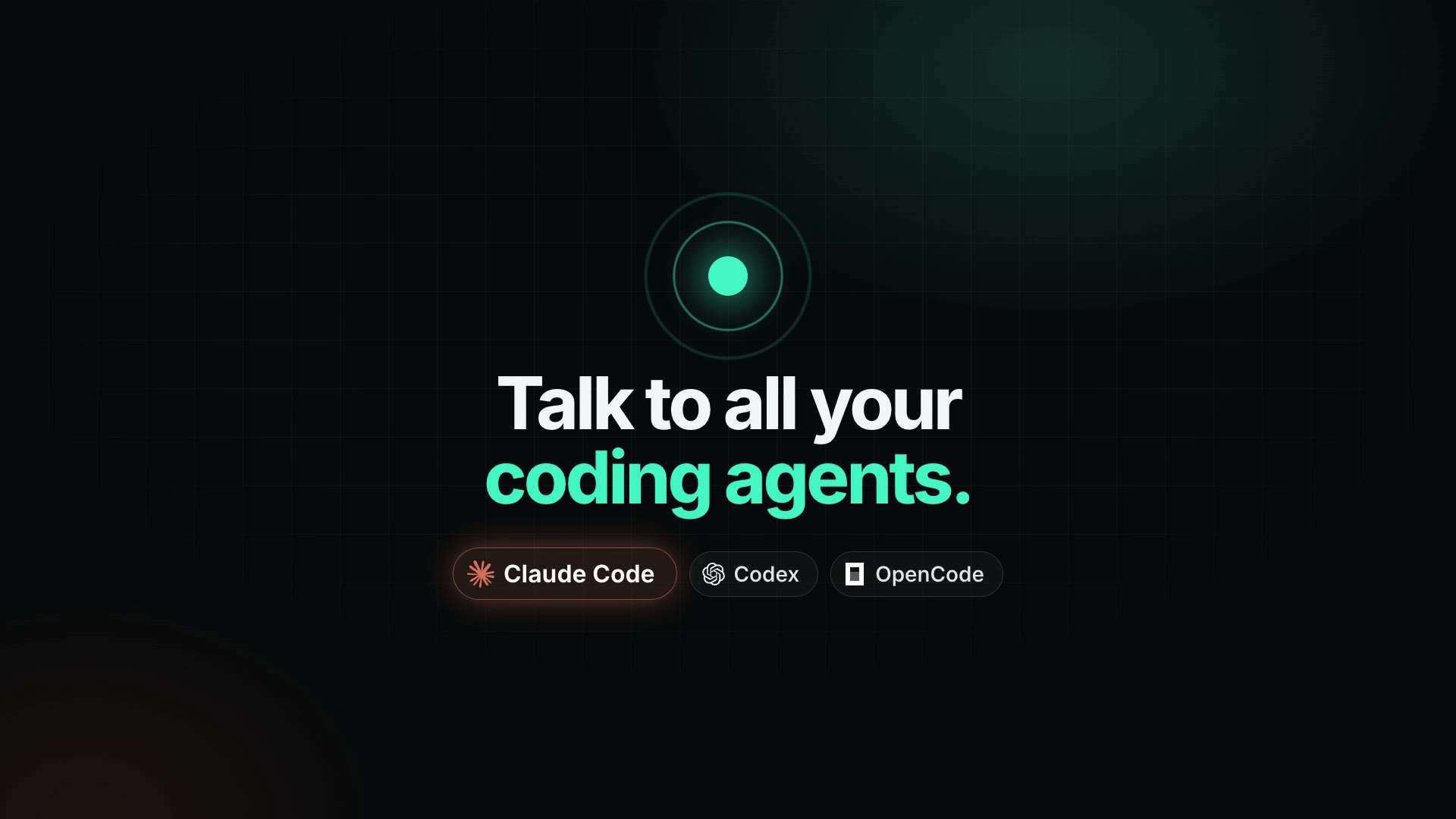
Mimir is one conversation in front of all your coding agents: Claude Code, Codex and OpenCode. It
already sees the sessions you started at your desk, so "how's the billing refactor going?" or
"carry on with that" just works, and new requests start new sessions without you picking an agent. Add full-duplex voice and you can run it all from an indoor bike, a treadmill or a walk: it
listens while it talks, you can interrupt it, and it tells you when a session finishes or needs you.
Status: early. Works on macOS and Windows, at a desk and on the indoor trainer. Phone calls and
outdoor/running mode are next. See the roadmap.
How it works
 Keyboard chat │ Trainer screen │ Full-duplex voice (GPT-Live over WebRTC)
               └───────┬────────┘
          Mimir server on your Mac or PC (one process)
        foreman model · memory · session state · approval rules
                       │
          OpenCode · Claude Code · Codex
- The foreman is a frontier model (OpenAI or Anthropic, your choice). It sees recent sessions in
every agent, starts new sessions, continues existing ones, checks status and changes, and handles
approvals. - Voice uses OpenAI's
gpt-live-1. Your browser streams audio straight to OpenAI; the Mimir
server brokers the session, listens in, and handles everything the voice model delegates. - Sessions are the agents' own sessions. OpenCode runs through your OpenCode background service
(the one your OpenCode app uses), so Mimir's messages show up live in your OpenCode windows; Claude Code and Codex run headless (claude -p,codex exec) and are picked up
automatically when installed.
Install
macOS (Terminal):
curl -fsSL https://openmimir.com/install.sh | bash
Windows (PowerShell, no admin rights needed):
irm https://openmimir.com/install.ps1 | iex
Then:
mimir init    # API keys, main model, where your repos live
mimir         # start, then open http://localhost:4747
The installer puts mimir in ~/.openmimir/bin (%USERPROFILE%\.openmimir\bin on Windows) and
adds it to your PATH. Run it again to update. With Bun installed you can also use bunx openmimir.
Then type a request, or press ⌘⇧Space (Ctrl+Shift+Space on Windows) to talk:
"Add a section about setup to the openmimir README."
Switch to Trainer mode for a big, glanceable screen with live captions and huge approve/reject
buttons.
To uninstall, delete ~/.openmimir (it holds the app, your settings and the conversation) and remove
its bin folder from your PATH: the # OpenMimir lines in ~/.zshrc on macOS, or your user Path
in Windows' environment variable settings.
Windows notes
- Codex rejects every file edit on Windows until one of its sandboxes is chosen. Run
codexonce
and pick one, or add[windows]andsandbox = "mxc"to%USERPROFILE%\.codex\config.toml.mimir doctorchecks this. - Claude Code's Windows installer may not add
%USERPROFILE%\.local\binto your PATH. Mimir looks
there anyway. - OpenCode: Mimir needs OpenCode 2 (
npm install -g @opencode/cli); npm'sopencode-aiis still
OpenCode 1. If you runopencode service start, Mimir drives that background server so its
messages show up live in OpenCode.
Requirements
- macOS (Apple Silicon or Intel), or Windows 10 or 11 (64-bit, x64 or Arm)
- At least one of OpenCode v2, Claude Code or Codex
- An OpenAI API key (voice, and the default model). An Anthropic key is optional.
From source
git clone https://github.com/openmimir/openmimir && cd openmimir
bun install
bun run dev          # builds the web UI and starts the server on :4747
For UI work, run bun run dev:server and bun run dev:web side by side (Vite on :5173 proxies to
the server).
Commands
| Command | What it does |
|---|---|
mimir |
Start the server (same as mimir serve) |
mimir init |
Set API keys, models and project folders |
mimir pair |
Print a link to pair another device (iPad on the trainer) |
mimir doctor |
Check keys, OpenCode and voice model access |
Configuration
Config lives in ~/.openmimir/config.json (created on first run, chmod 600). Environment
variables override it: OPENAI_API_KEY, ANTHROPIC_API_KEY, MIMIR_PORT, MIMIR_FOREMAN_MODEL,MIMIR_OPENCODE_URL, MIMIR_HOME.
{
  "foreman": { "model": "openai/gpt-6.1-sol" },   // or "anthropic/<model>"
  "voice": { "model": "gpt-live-1", "voice": "marin" },
  "projectRoots": ["~/repos"],                     // git repos in here are available for new sessions
  "opencode": { "url": "auto" }                    // your OpenCode background service
}
Using it from an iPad or phone
Browsers only allow the microphone on localhost or HTTPS, so other devices need a tunnel. The
easiest is Tailscale Serve:
tailscale serve --bg 4747
Add your Tailscale hostname (e.g. my-mac.tail1234.ts.net) to server.allowedHosts in the config,
restart Mimir, run mimir pair and open the printed link on the device once.
Safety
Mimir can drive agents that change code on your machine, so:
- The server listens on
127.0.0.1only. Other devices must pair first. - Every API call needs a token; websites you visit cannot talk to Mimir.
- Risky shell commands (push, deploy,
rm -rf,sudo, ...) are held for approval in OpenCode and
blocked outright in Claude Code. On Windows the same holds for their PowerShell and cmd forms
(Remove-Item -Recurse,rd /s,irm ... | iex, ...). Codex follows its own sandbox settings. - Approvals are tiered. Normal edits and commands can be approved by voice, but only after
you explicitly say "confirm". Pushes, deploys, deletes and similar can only be approved on a screen.
See SECURITY.md to report a vulnerability.
Costs
You bring your own keys. Voice is billed by OpenAI per minute of session (about $0.05/min forgpt-live-1 at the time of writing), plus the foreman model's tokens and whatever your agents use.
Mimir itself is free.
Roadmap
- Foreman chat over OpenCode, Claude Code and Codex, including sessions you started yourself
- Approvals and live session status
- Full-duplex voice at the desk (GPT-Live, WebRTC)
- Trainer mode: glanceable screen with captions
- Phone calls (SIP) and a screenless mode for outdoor rides and runs
- Wake word, breathing-proof turn taking, running mode
- Menubar desktop app
- Cloud agents so your laptop can sleep
Contributing
See CONTRIBUTING.md. Architecture notes are in docs/architecture.md.
License
Yorumlar (0)
Yorum birakmak icin giris yap.
Yorum birakSonuc bulunamadi