papercliped
Health Warn
- License — License: MIT
- Description — Repository has a description
- Active repo — Last push 0 days ago
- Low visibility — Only 9 GitHub stars
Code Pass
- Code scan — Scanned 12 files during light audit, no dangerous patterns found
Permissions Pass
- Permissions — No dangerous permissions requested
No AI report is available for this listing yet.
Free, open-source MCP connector for Paperclip. Manage agents, issues, approvals, budgets and reports from Claude, ChatGPT, Codex or any MCP app.
Papercliped
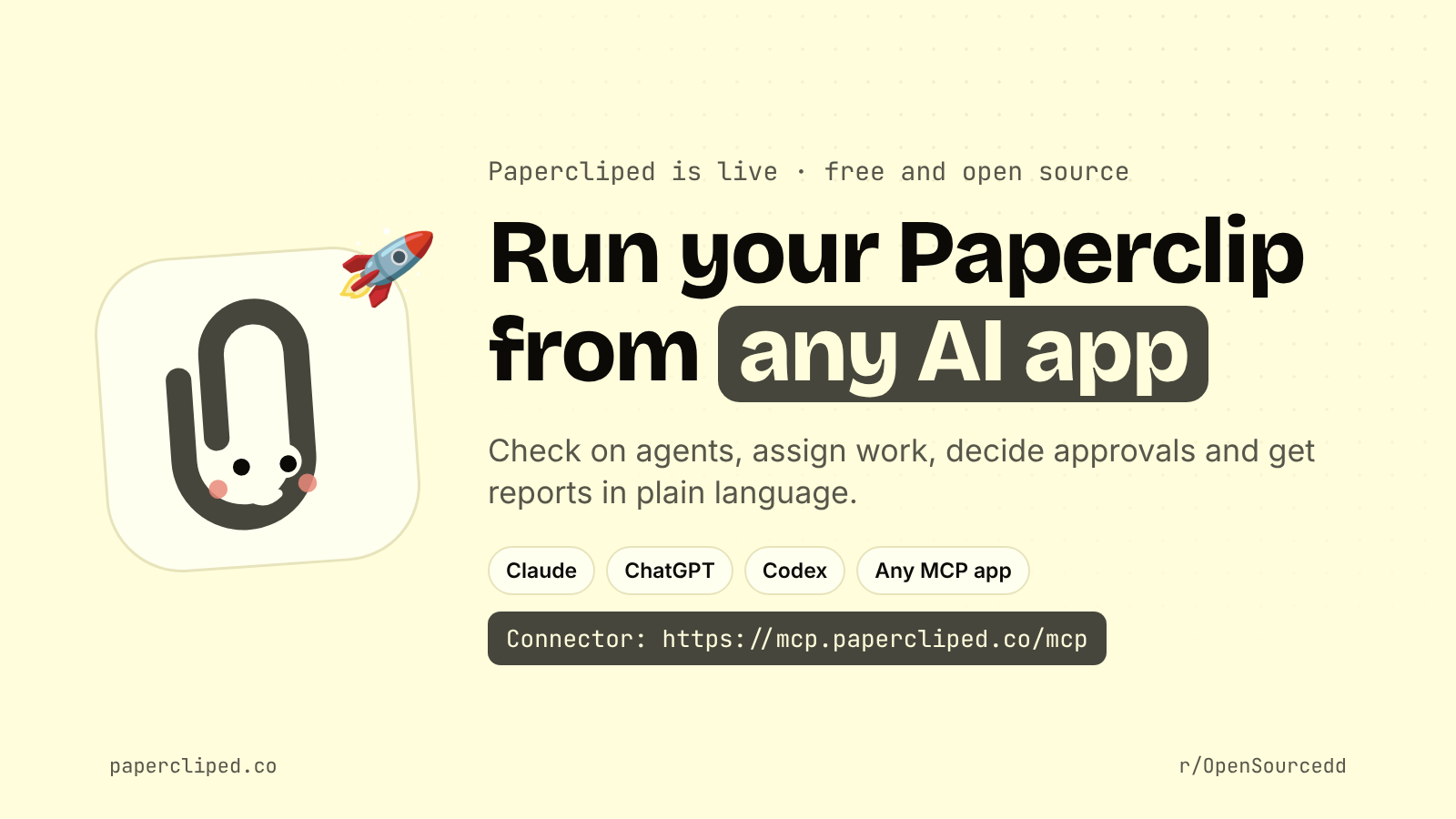
Run your Paperclip from any AI app. Papercliped connects Claude, ChatGPT, Codex and any MCP app to your Paperclip, the open-source orchestrator for companies of AI agents. Check on agents, pause or wake them, assign issues, decide approvals and get status, cost and activity reports, without opening the dashboard.


Free and open source. Website: papercliped.co · Docs: docs.papercliped.co
Papercliped is an independent community project, not made by the Paperclip team.
Add it to your AI app
You need a Paperclip with a public https address. Don't have one yet? Host your Paperclip has step-by-step guides for your own computer (free tunnel), a VPS, Railway, Render, Fly.io and Coolify. The first time you connect, you approve the request inside your own Paperclip, pick a username, save the secret key you're shown once, and choose Read only or Full control.
The connector address for every app is:
https://mcp.papercliped.co/mcp
Claude (web, desktop and mobile)
Settings → Connectors → Add custom connector, paste https://mcp.papercliped.co/mcp, then Connect.
Claude Code
Install the plugin (adds the tools, a Paperclip skill and /paperclip-status, /paperclip-sync, /paperclip-report):
/plugin marketplace add OpenSourcx/papercliped
/plugin install papercliped@papercliped
Or just the MCP server:
claude mcp add --transport http paperclip https://mcp.papercliped.co/mcp
Then run /mcp to sign in.
Codex
Install the plugin:
codex plugin marketplace add OpenSourcx/papercliped
codex plugin add papercliped@papercliped
Or just the MCP server (Codex starts the sign-in for you):
codex mcp add paperclip --url https://mcp.papercliped.co/mcp
ChatGPT
Turn on Developer mode (Settings → Apps → Advanced settings), choose Create app, paste https://mcp.papercliped.co/mcp and pick OAuth. Menu names change often; the ChatGPT guide has the current steps and the Custom GPT (Actions) option.
Any other MCP app
Add a remote MCP server (Streamable HTTP, OAuth) at https://mcp.papercliped.co/mcp. See Any AI app.
Paperclip on your own machine (no public address)
Run Papercliped locally instead. It talks straight to your Paperclip; nothing goes through papercliped.co. Use a Paperclip board token (agent keys can't pause or approve):
# Claude Code
claude mcp add paperclip --env PAPERCLIP_API_URL=http://localhost:3100 --env PAPERCLIP_API_KEY=<board token> -- npx -y papercliped@latest

# Codex
codex mcp add paperclip --env PAPERCLIP_API_URL=http://localhost:3100 --env PAPERCLIP_API_KEY=<board token> -- npx -y papercliped@latest
Add --env PAPERCLIP_READ_ONLY=1 for reports and sync only.
What you can ask
Talk to your AI app instead of clicking through the dashboard:
- "Catch me up on my Paperclip." · "Which agents are over budget?"
- "Give the Web Engineer an issue to fix the signup page, and wake them." · "Wake the CEO, wait until they finish, then summarise."
- "Approve the hire request." · "Weekly report, please."
More than 40 ready-to-copy prompts: prompt gallery.
There are 30 tools (full list). Read only can look at agents, issues, goals, costs and reports. Full control can use every tool. The AI asks before anything that can't be undone, and you can change the level or disconnect at any time.
Manage your connections in Paperclip
Install the Papercliped plugin for Paperclip (npm papercliped-paperclip-plugin, from Settings → Plugins in Paperclip). It adds a control room: see every connected app, choose which tools each may use and which agents it applies to, set API only / Full / Agent only for every agent or one at a time (or turn an agent off), read what was blocked, go anonymous, and look after your account. Plugin guide · The control room · API only, Full or Agent only.
Security and privacy
- You approve every connection inside your own Paperclip; no passwords pass through Papercliped.
- Levels are enforced by Papercliped on every call, and every call is audit-logged.
- Paperclip keys are encrypted at rest; tokens and secret keys are stored only as one-way hashes.
- Only public
httpsPaperclip addresses are reachable from the hosted service. - No trackers or third-party scripts on the website.
Threat model: docs/SECURITY.md. Report a vulnerability: SECURITY.md. Privacy: papercliped.co/privacy.
Run it yourself
The hosted service runs exactly this code. To host your own (for a team, or to keep everything on your infrastructure), see Run it yourself, docs/oauth.md and the launch guide (Render + Supabase, free tiers).
git clone https://github.com/OpenSourcx/papercliped && cd papercliped
npm install && npm test
Community and contributing
- Questions and chat: the OpenSourcedd Discord and GitHub Discussions
- Ideas, project shares and feedback: r/OpenSourcedd
- Bugs and feature requests: issues
- Contributing (setup, checks, the path from first PR to maintainer): CONTRIBUTING.md
- Code of conduct: CODE_OF_CONDUCT.md
- Every push to
mainis a release: changelog · how releases work
License
Reviews (0)
Sign in to leave a review.
Leave a reviewNo results found