ovo-local-llm
Health Gecti
- License — License: MIT
- Description — Repository has a description
- Active repo — Last push 0 days ago
- Community trust — 22 GitHub stars
Code Basarisiz
- rm -rf — Recursive force deletion command in scripts/bundle-sidecar-resources.sh
- rm -rf — Recursive force deletion command in scripts/fetch-uv.sh
- rm -rf — Recursive force deletion command in scripts/repackage-dmg-with-installer.sh
Permissions Gecti
- Permissions — No dangerous permissions requested
This tool is a local AI coding agent and chat interface designed specifically for Apple Silicon Macs. It allows users to run various open-source large language models and image generation locally without sending data to the cloud.
Security Assessment
Overall Risk: Medium. Because this tool is fundamentally an AI coding IDE, it is explicitly designed to execute shell commands, read, and write files on your local system via its integrated terminal and agent features. This requires the user to place a high degree of trust in the generated AI outputs. The automated scan did not find any hardcoded secrets, and no broad, hidden dangerous permissions were requested. However, the codebase contains multiple `rm -rf` (recursive force deletion) commands inside its build scripts (such as `bundle-sidecar-resources.sh`). While these are typically standard cleanup steps during packaging rather than malicious actions, they still pose a risk of accidental local file deletion if the scripts are misconfigured or executed improperly. No external network requests are made for AI processing, as the tool relies entirely on local models via Ollama.
Quality Assessment
The project appears to be actively maintained and recently updated. It uses the highly permissive MIT license, which is excellent for open-source adoption. However, community trust is currently very low; with only 22 GitHub stars, the project has not yet been widely vetted by a large audience. The included README is comprehensive and demonstrates a high level of polish, featuring clear documentation and active release management.
Verdict
Use with caution: The tool provides a useful local-first AI environment, but its low community vetting, powerful local execution capabilities, and risky build scripts mean you should monitor its AI-generated actions and run builds carefully.
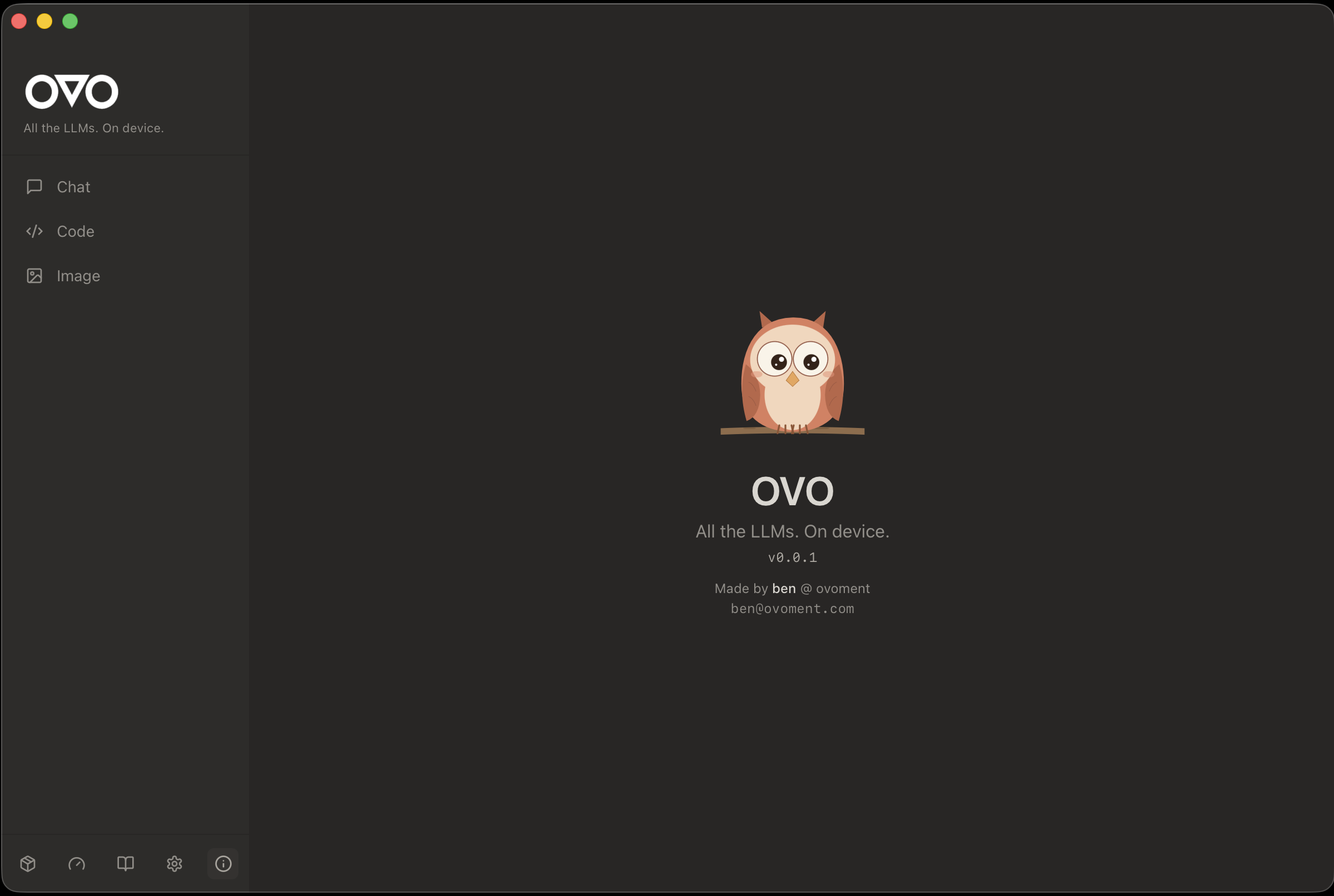
Local Claude Code for Apple Silicon — AI coding agent + chat + image gen, zero cloud. MLX · Ollama/OpenAI API compatible.







🦉 Local Claude Code for Apple Silicon
AI coding agent + chat + image gen, zero cloud.
Run every open LLM locally — MLX, Transformers, VLM, Diffusion — with Ollama/OpenAI API compatibility.
Your browser does not support the video tag.
✨ Features at a glance
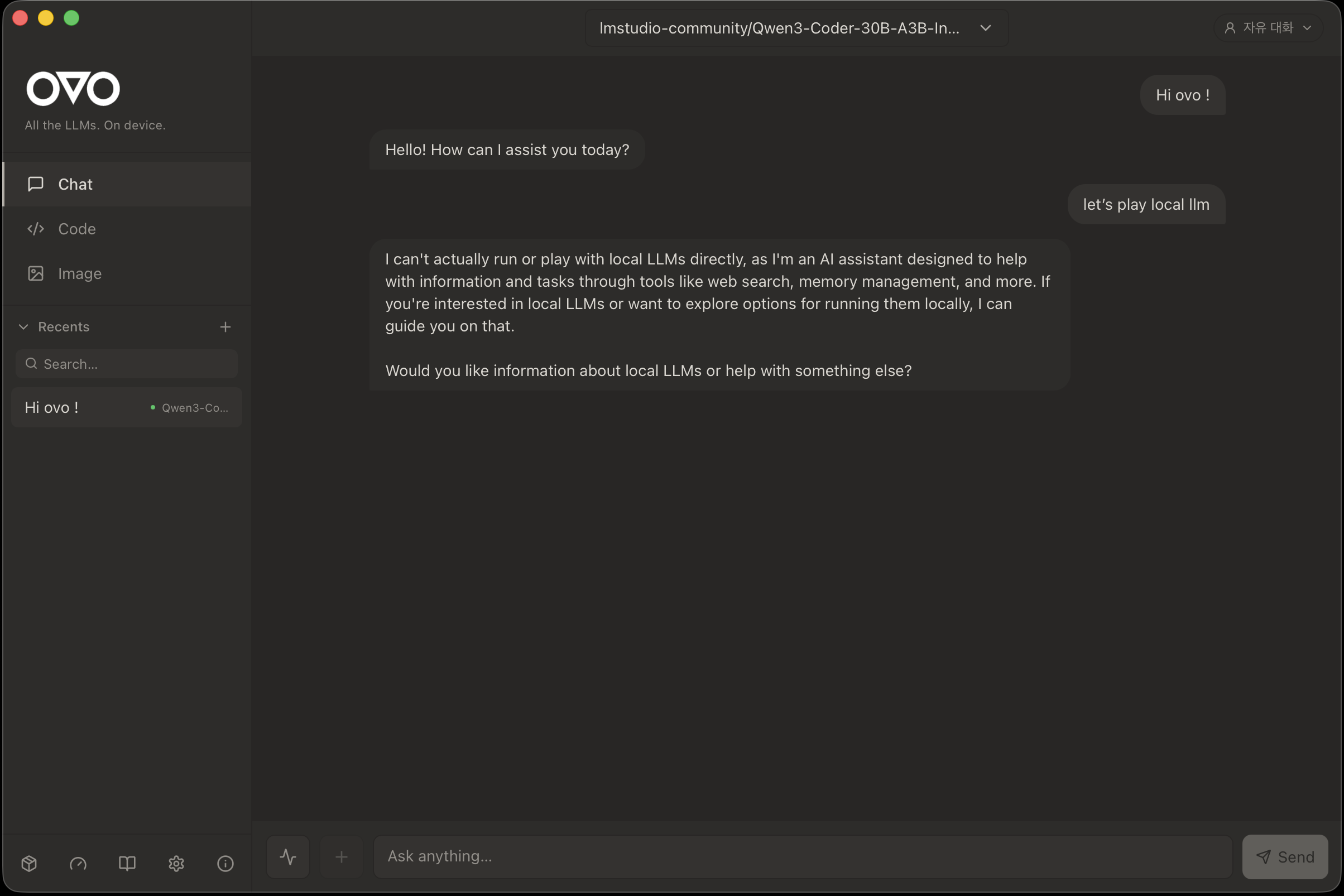
💬 Chat — every open LLM, one interface
Native Ollama/OpenAI API compatibility, streaming responses, session recents, persona switching, file attachments (PDF / Excel / Word / images), voice input + TTS with auto language detection.
💻 Code IDE — an agent with hands
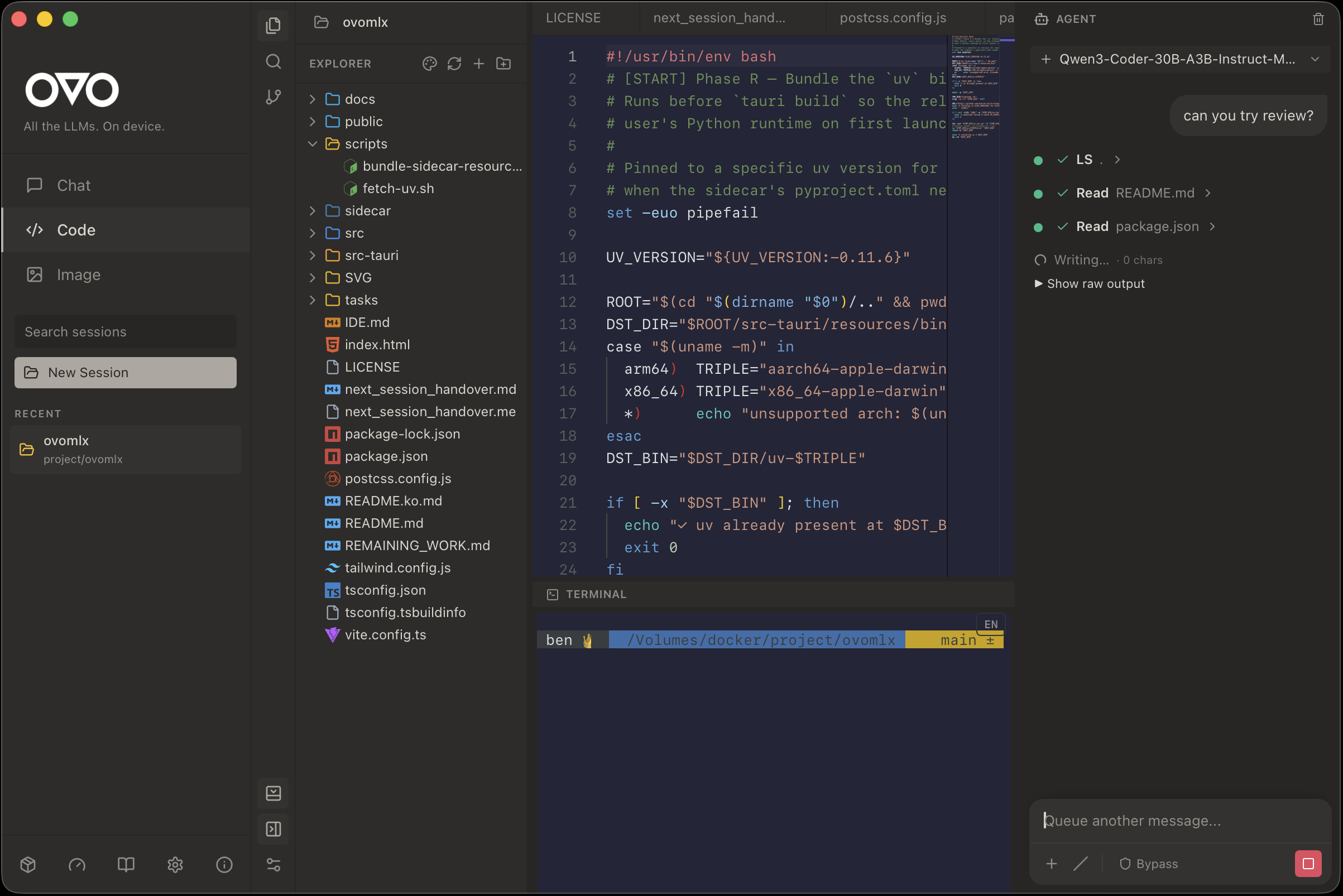
Monaco editor + file explorer + Git panel + PTY terminal + AI inline completion. The Agent Chat on the right gets file read/write/search/exec tools and MCP server integration — it can actually do the work, not just describe it.
🖼️ Image generation — diffusion on your laptop
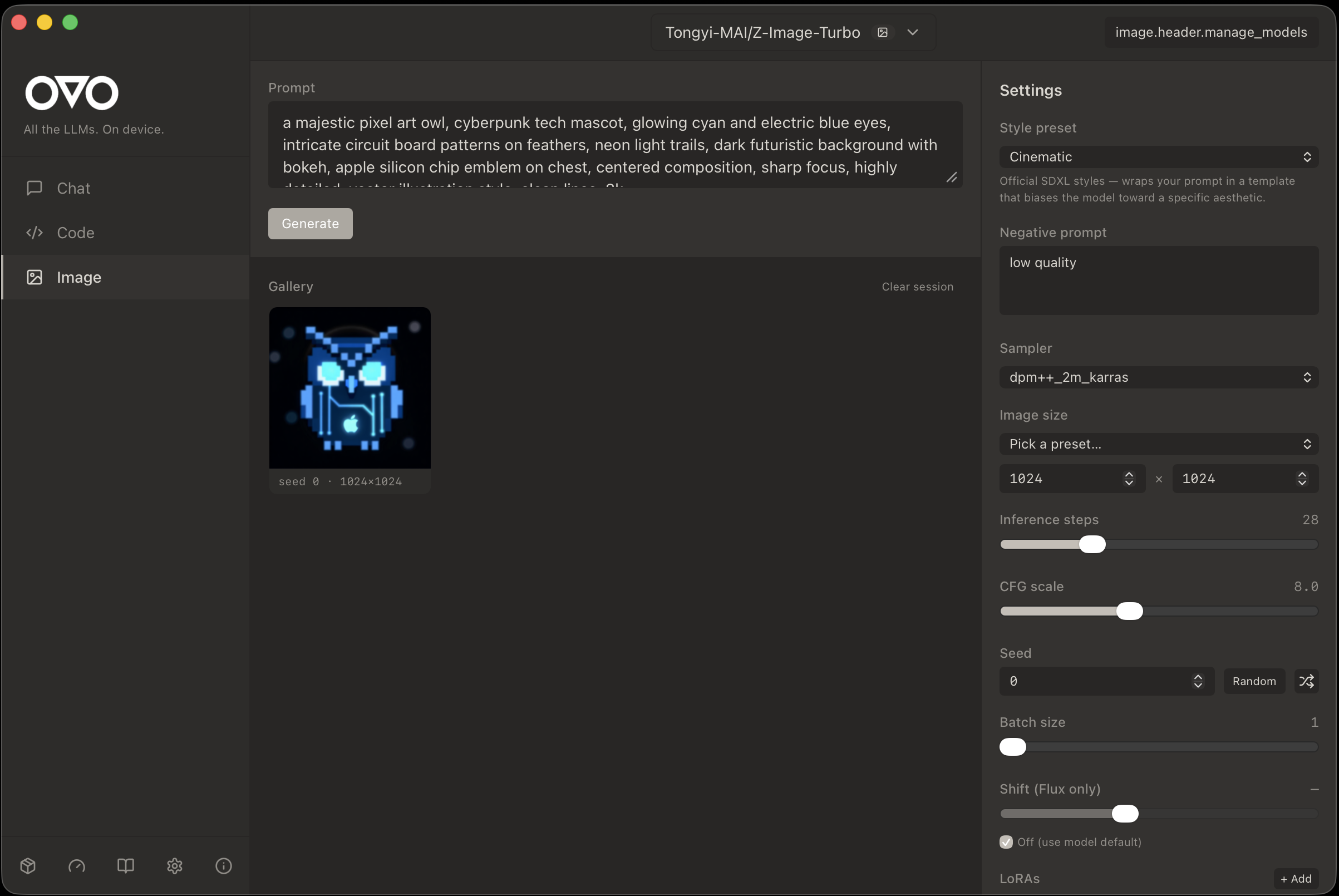
Local text-to-image via diffusers. Sampler / steps / CFG / LoRA controls. Styled presets for the 90% case.
📚 Wiki — persistent knowledge across sessions
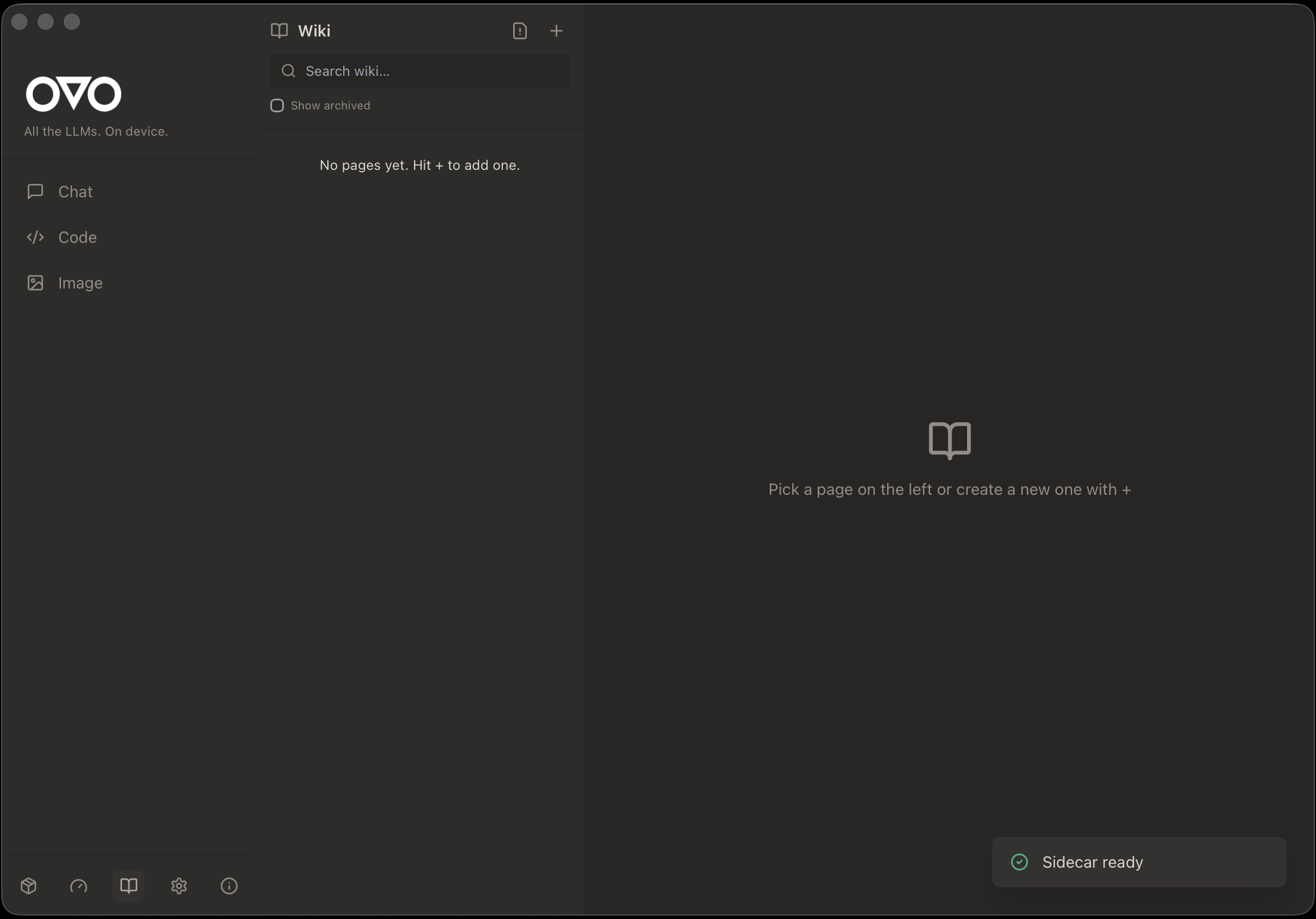
Curated notes + auto-captured session logs with BM25 + semantic search. Your local models can query the wiki to stay on-context across restarts.
🤖 Models — HuggingFace-native, zero re-downloads
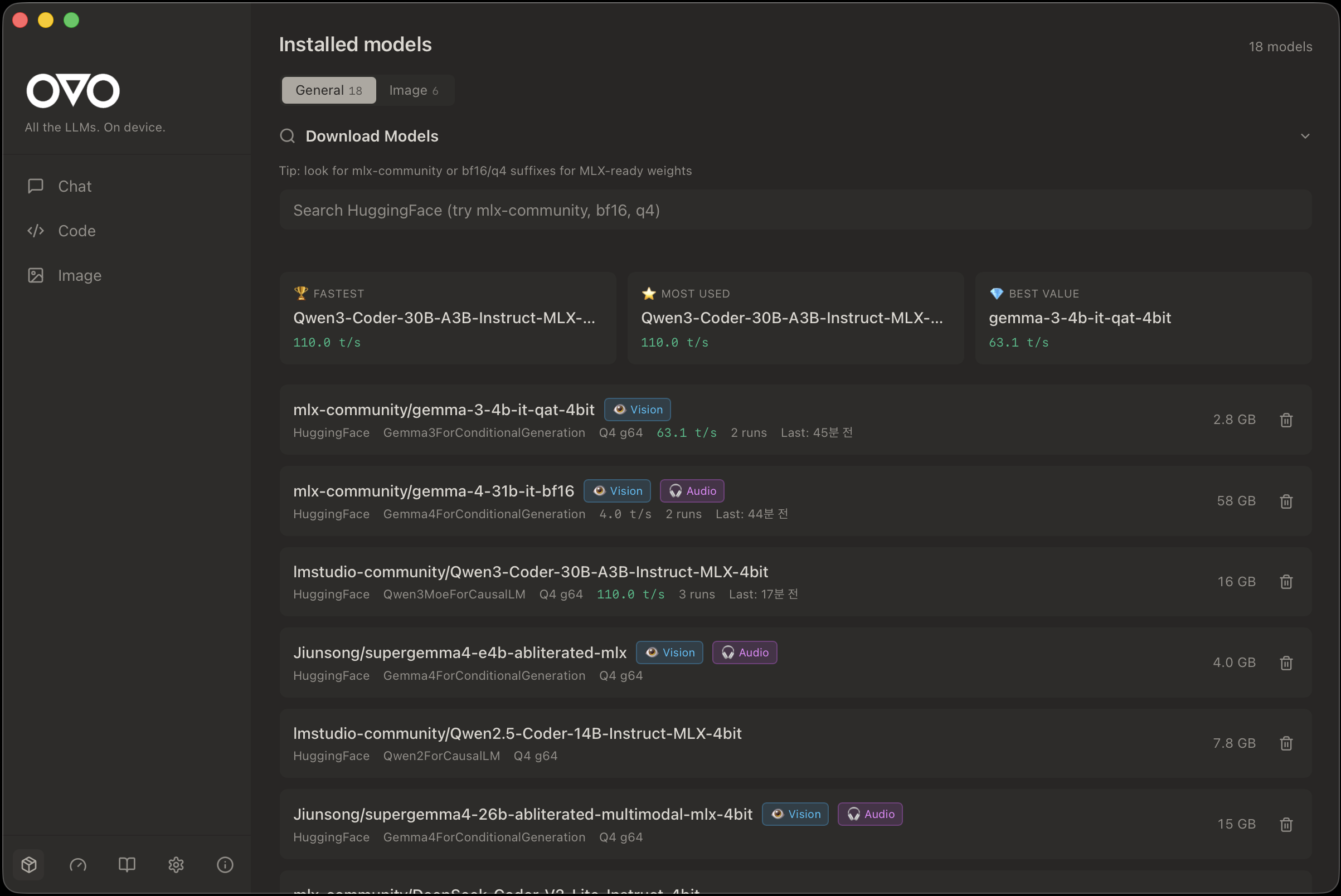
Auto-detects ~/.cache/huggingface/hub/ + LM Studio cache so models you already have just show up. Tier badges (Supported / Experimental), tok/s benchmarks, vision/audio capability flags.
🧭 Hardware fit — pick a model that actually runs
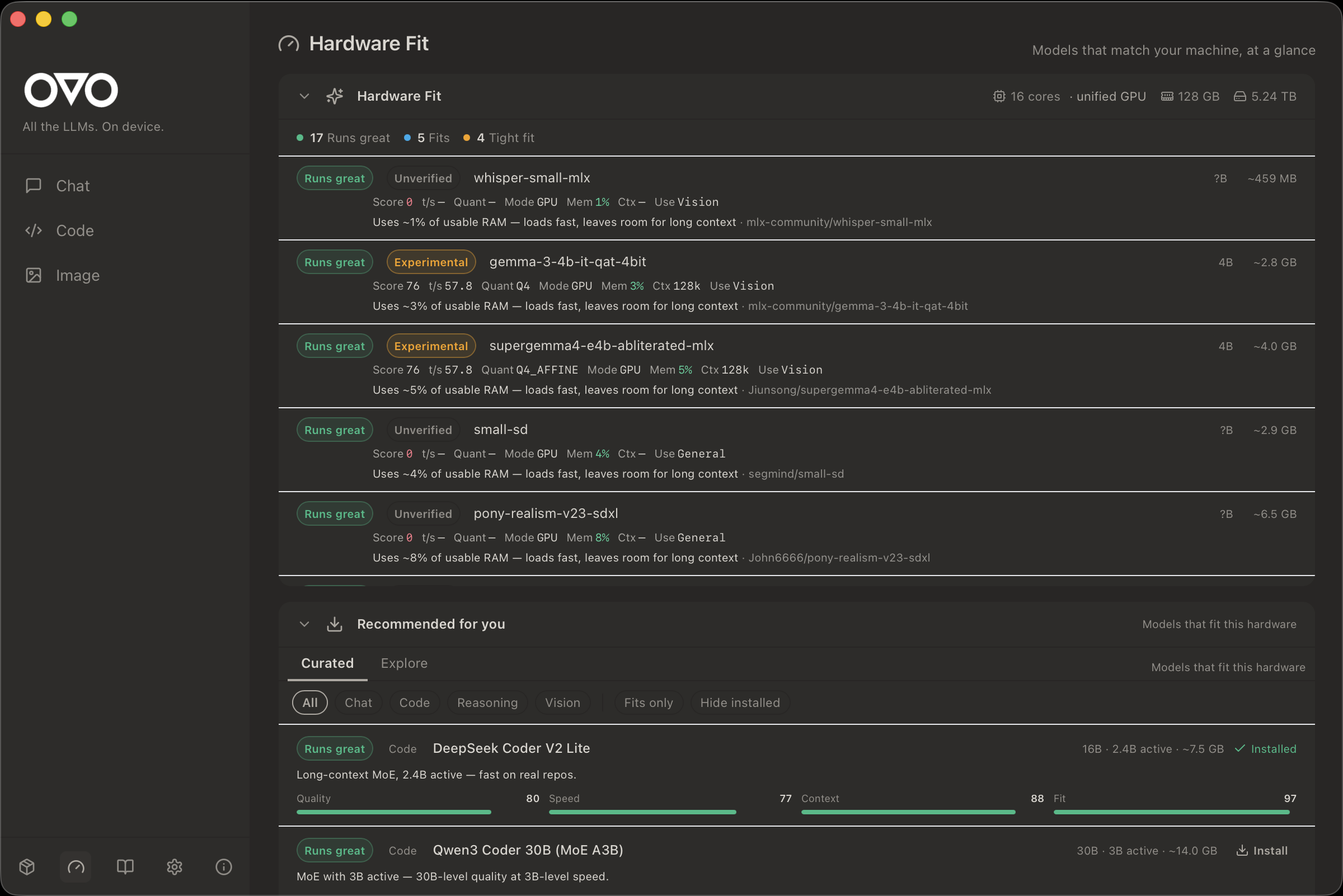
Scores every model against your RAM / GPU / context headroom. Sorts recommendations by real performance on your machine, not marketing claims.
🦉 Desktop mascot
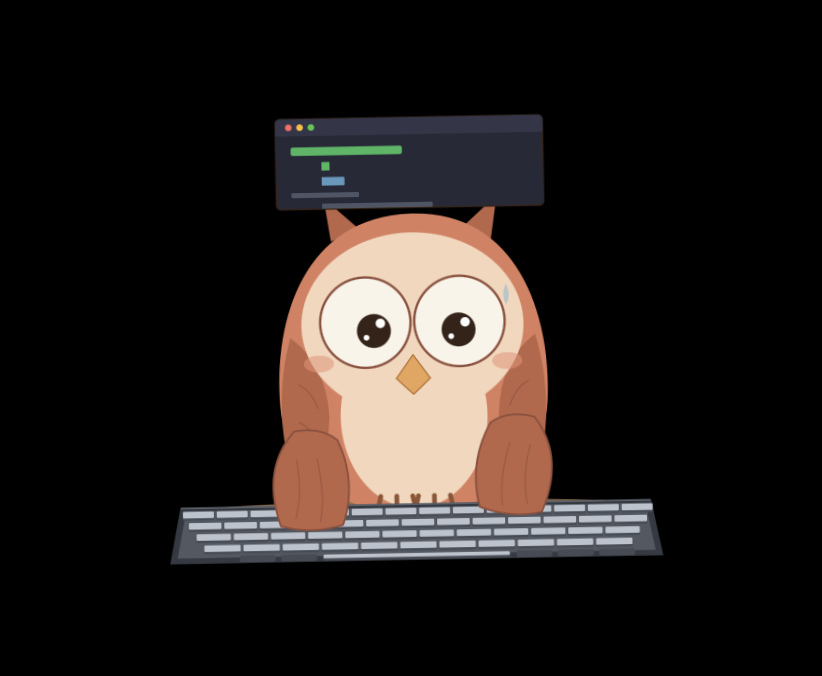

An SVG owl that sits on your desktop and reacts to your coding state (idle / thinking / typing / happy). Double-click to summon the main window.
📦 Install
- Download the latest
OVO_x.y.z_aarch64.dmgfrom Releases. - Open the DMG and drag OVO.app onto the Applications shortcut.
- Back in the DMG window, double-click
Install OVO.command.
It shows you exactly the one command it will run, you click Run, done.
That's it — no Terminal required.
Why the third step? (click to expand)OVO's build is not yet signed with an Apple Developer ID (the $99/yr
membership is on the roadmap — see the milestone in Issues).
Without a signature, macOS flags the app with com.apple.quarantine and
refuses to launch it with the classic "OVO is damaged and can't be opened"
dialog.
Install OVO.command runs a single command to clear that flag:
xattr -rd com.apple.quarantine /Applications/OVO.app
No sudo, no network, no background processes. The script is short and
auditable — read it here before running:
scripts/dmg-templates/Install OVO.command
xattr -rd com.apple.quarantine /Applications/OVO.app
open /Applications/OVO.app
If your /Applications/OVO.app happens to be owned by root (rare on
recent macOS), prefix with sudo.
First launch bootstraps a Python runtime into ~/Library/Application Support/com.ovoment.ovo/runtime/ (≈1.5 GB, ~3 min, one-time). Subsequent launches are instant.
System requirements
- macOS 13+ on Apple Silicon (M1 / M2 / M3 / M4). Intel Macs are not supported.
- 16 GB RAM minimum (7B models); 32 GB+ recommended for 14B and above.
- 10 GB free disk for runtime + a couple of models.
🚀 Quick start
- Launch OVO.
- Go to Models, pick a model (Qwen3, Llama 3.3, Gemma, Mistral, DeepSeek, …), click download.
- Open Chat and send a message — the local model answers, no network calls.
- Open a project folder in Code to use the IDE + Agent Chat.
🔌 API compatibility
| Flavor | Port | Use case |
|---|---|---|
| Ollama | 11435 |
Drop-in replacement for Ollama clients (Open WebUI, Page Assist, …) |
| OpenAI | 11436 |
Point any OpenAI SDK at http://localhost:11436/v1 |
| Native | 11437 |
OVO-specific endpoints — model management, Wiki, streaming, voice |
🤝 Claude Code integration (opt-in)
OVO can read your local Claude Code config so the same context reaches your local model:
CLAUDE.md— injected as system context.claude/settings.json— preferences honoured.claude/plugins/**— behaviour hints
Disabled by default. Flip it on in Settings → Claude Integration. OVO never touches claude.ai, API keys, session tokens, or anything that could affect your Claude account.
🛠️ Development
git clone https://github.com/ovoment/ovo-local-llm.git
cd ovo-local-llm

# frontend + Rust deps
npm install

# Python sidecar venv (dev uses $HOME cache, avoids SMB locks)
cd sidecar && uv sync && cd ..

# run the full stack in dev mode
npm run tauri dev
Release build: npm run tauri build — produces .app + .dmg under your Cargo target dir.
Deeper docs: docs/ARCHITECTURE.md · docs/ARCHITECTURE.en.md · docs/release/BUILD.md · docs/release/SECURITY.md · docs/release/PRIVACY.md
🧱 Architecture
- Shell — Tauri 2 (Rust)
- Frontend — React 18 + TypeScript + Tailwind + shadcn/ui + Monaco
- Sidecar — Python 3.12 FastAPI, spawned by Rust, user-cached venv bootstrapped with a bundled
uv - Runtimes —
mlx-lm,mlx-vlm,mlx-whisper,transformers,diffusers - Storage — SQLite (chats + Wiki), local filesystem (attachments, models)
☕ Support
OVO is a solo-developer project. Every coffee funds one more model architecture I can patch and support.

📜 License
MIT — use it, fork it, ship it.
Made with 🦉 by ben @ ovoment
Yorumlar (0)
Yorum birakmak icin giris yap.
Yorum birakSonuc bulunamadi