pacxio
Health Warn
- License — License: MIT
- Description — Repository has a description
- Active repo — Last push 0 days ago
- Low visibility — Only 6 GitHub stars
Code Warn
- network request — Outbound network request in renderer-src/display-viewer.js
Permissions Pass
- Permissions — No dangerous permissions requested
No AI report is available for this listing yet.
Open-source packaging design engine: generate editable dielines for folding cartons, mailer boxes, corrugated cases, bottle labels and pouches, preview them in 3D, export DXF / PDF. Python CLI + Claude Code / Codex plugin.
pacxio
Packaging, from a prompt.
Describe your packaging in Claude Code or Codex. Build editable dielines, turn and fold them in 3D, and review the design in a local workbench. Use the pacxio cloud service for artwork composition, preflight and factory delivery files.
Website · Install · Docs · Structure library · Online generator · Examples · PyPI
See it in action
A 51-second walkthrough: a brief in your coding agent, design choices, the dieline approval and the packaging workbench.
https://github.com/user-attachments/assets/a0312f38-b2d6-444b-a0ae-4d56e6c51edf
Made with pacxio
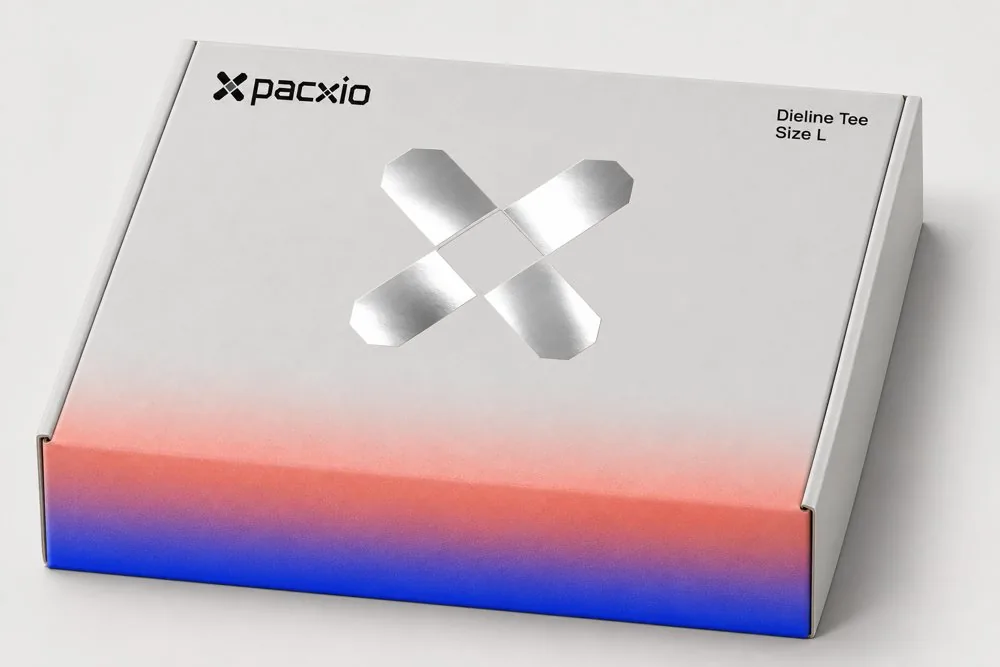
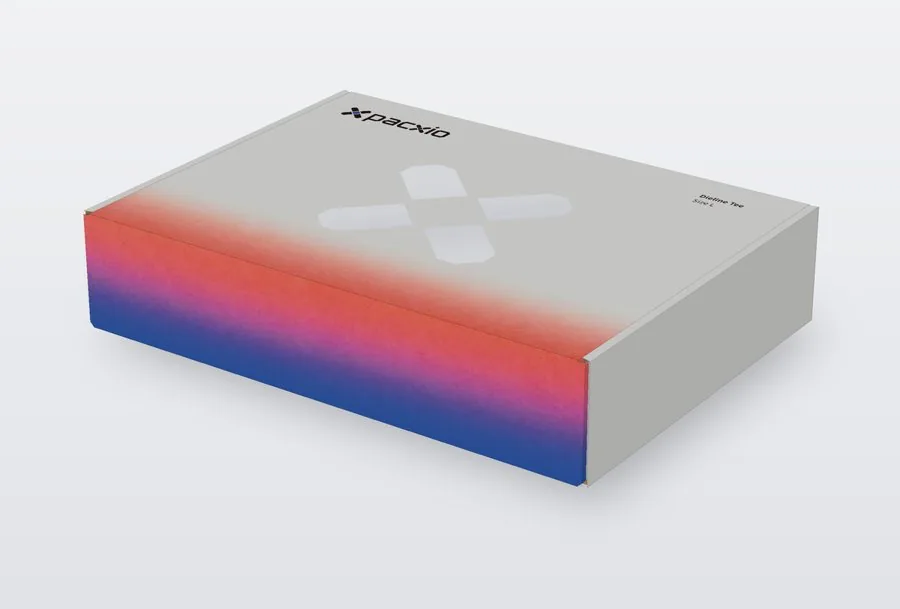
pacxio Dieline Tee
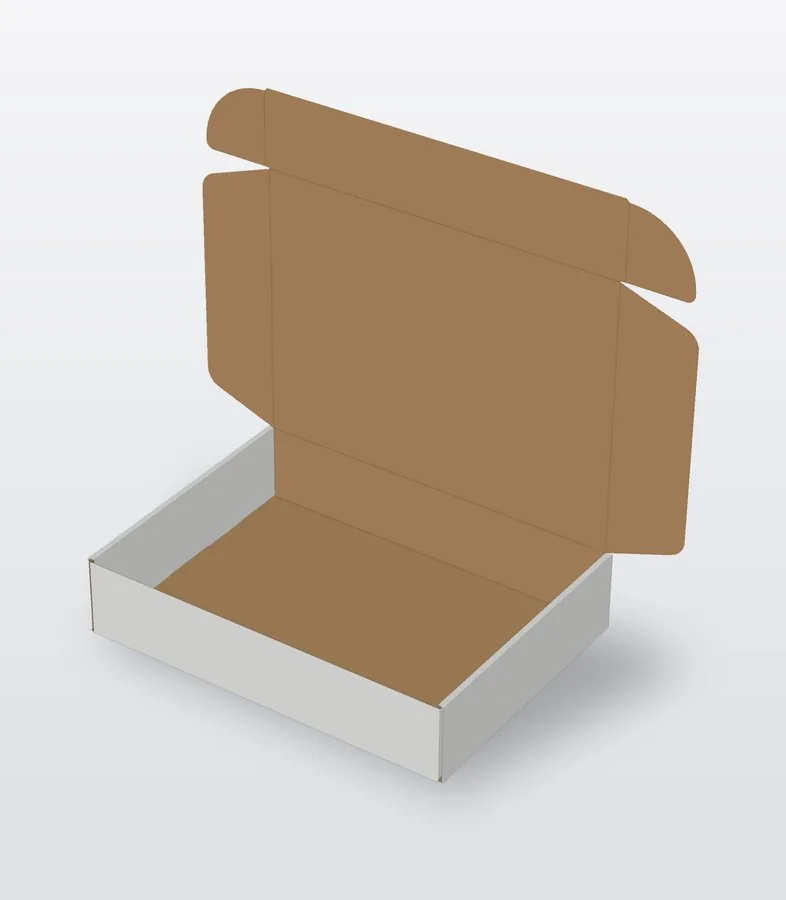
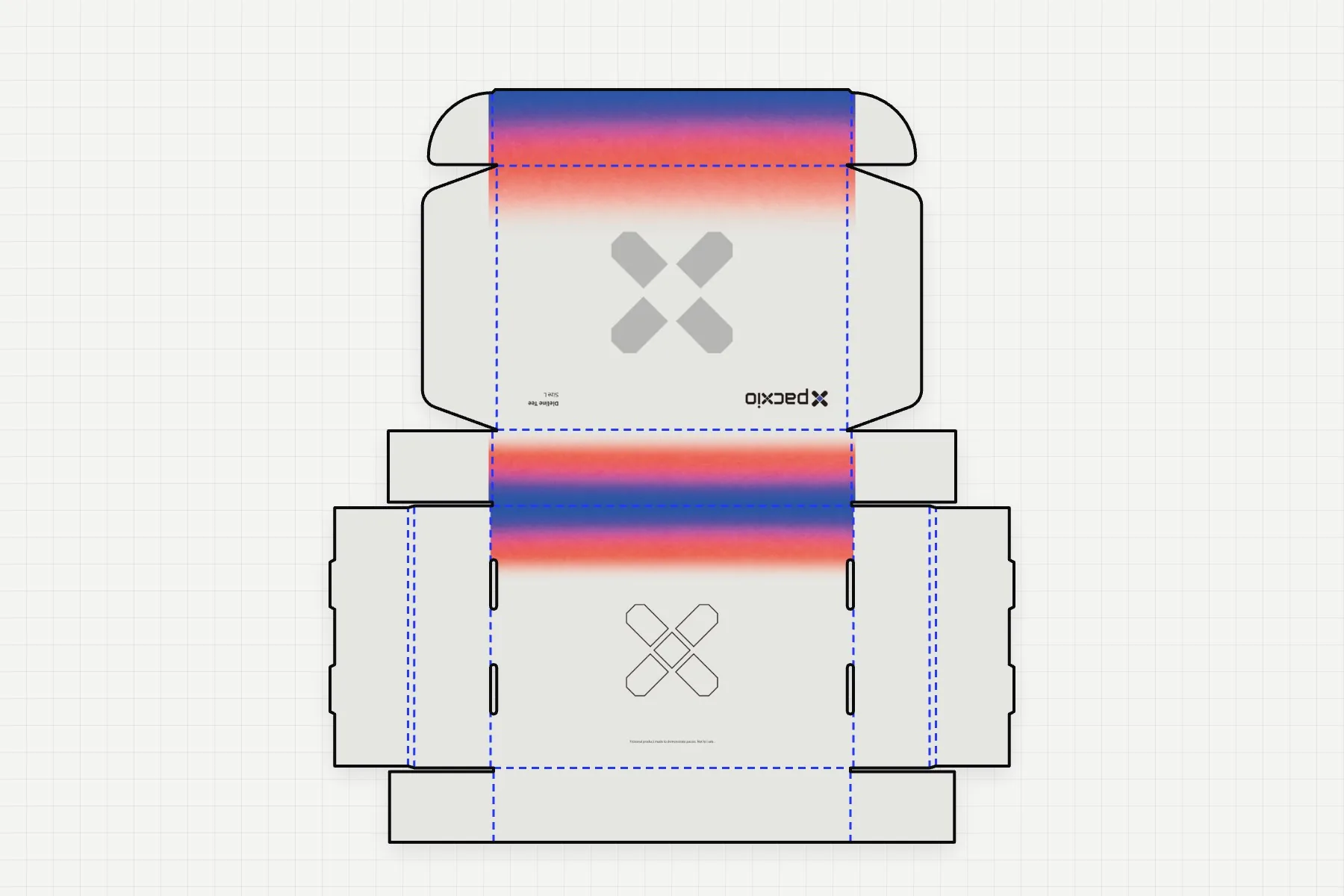
FEFCO 0427 mailer · 280 × 210 × 60 mm
A mailer for pacxio's own T-shirt: a blue-to-coral gradient, a silver-foil mark, and a design carried across the back and base. The concept sets the direction; the artwork is rebuilt on the dieline and previewed on the folded structure.
| Concept | Folded 3D preview |
|---|---|
 |
 |
| Open view | Dieline proof |
|---|---|
 |
 |
See the full gallery, including concepts, 3D views and dieline proofs →
Install
Paste this into Claude Code or Codex:
Read pacxio.dev/install to install pacxio
Or install from your terminal with uv:
uv tool install pacxio
pacxio setup --agent claude-code --yes
For Codex, run pacxio setup --agent codex --yes instead. Setup installs the workflow Skill and MCP tools, and downloads the open-source Source Han Sans fonts if they are missing. Restart your agent after setup.
The plugin reads its full workflow and reference guides from the running MCP server, keeping the instructions and tools on the same version.
Then try a brief:
Make a T-shirt mailer, 280 × 210 × 60 mm.
Show me the dieline and folding 3D before we work on the artwork.
Updates
Automatic updates apply only to a standard, unpinned uv tool install pacxio from PyPI. pip, pinned versions, editable/source installs and custom-source installations remain manual. Eligible installations check in the background when MCP starts. A verified update is used on a later startup; your current session keeps its version. If a check or download fails, the working version remains available. Set PACXIO_AUTO_UPDATE=0 to turn automatic updates off.
Check the running and prepared versions locally with pacxio update status --json, or ask your agent to call pacxio_update_status. These diagnostics do not start an update.
The global pacxio command also uses the verified runtime. uv tool list shows the installed bootstrap package, which can differ from the version actually running. During a design session, your agent uses the connected MCP server's tools and guides together.
If you installed pacxio before this update mechanism, migrate once:
uv tool upgrade pacxio
pacxio setup --yes
Restart your agent afterward. Setup updates every supported agent found on your machine; add --agent codex or --agent claude-code to target one. To replace a running Workbench, run pacxio studio stop <job> and then pacxio studio start <job> --open. Your job files and saved choices stay in the job folder.
If MCP is unavailable, automatic updates through the plugin are unavailable too. You can still use the installed CLI manually with its matching workflow; the plugin's SKILL.local.md is a snapshot from installation.
Open-source core and cloud service
| On your machine · this repository · MIT | On the pacxio cloud service · sign-in required |
|---|---|
| FEFCO and public ECMA structures, plus carton, mailer, label and pouch entries | Artwork composition and vector reconstruction |
| Editable geometry and dieline export: DXF, CF2 and PDF | CMYK print PDF and named spot-color plates for foil, spot UV and embossing |
| Folding 3D preview and the local workbench | Print preflight, specification sheet and factory delivery pack |
| Job records, content lists, concepts and review notes |
The client routes cloud commands automatically. Run pacxio login to connect your account. Cloud commands send the required job files to the service and return previews, reports and delivery files to your local job folder.
How the open-source core and cloud service work → · Privacy
Command line
Preview a structure without creating a job:
pacxio structures preview 0427 --L 280 --W 210 --H 60 --out preview/
Or start a project and open its workbench:
pacxio job init jobs/demo --fefco 0427 --L 280 --W 210 --H 60 --material flute_e
pacxio studio start jobs/demo --open
pacxio next jobs/demo
Use pacxio structures suggest --use ecommerce --no-tape --material corrugated --json to find structures for a brief.
Commands accept --json and return {ok, command, job, artifacts, data, errors, warnings}. Errors include a suggested fix. Messages default to English; set PACXIO_LANG=zh for Chinese.
Production checks
- Print text is typeset by the engine and outlined. AI-generated print images must not contain text.
- Concepts guide the design. Final artwork is rebuilt from confirmed flats before it goes on the dieline.
- You approve the proof. Dieline approval is a user step; your agent must leave it to you.
- Preflight errors block export. Fix them before generating factory files.
- Dielines use lines and arcs. DXF R12 and CF2 do not contain Bézier curves.
- Cut and crease lines use named spot colors and overprint. They are never drawn in Registration.
- Check each structure's verification status. Values marked as initial need confirmation, and uncalibrated structures need a physical proof before production.
Development
uv sync
uv run pytest
uv run ruff check .
uv run mypy
uv run pacxio env check
Tests that need the closed-source package are skipped in an open-source-only installation. Fonts and ICC profiles are not bundled in this repository.
License and contact
The code in this repository is licensed under MIT. Cloud features are provided as a separate service.
Reviews (0)
Sign in to leave a review.
Leave a reviewNo results found