JarvisNano
Health Uyari
- License — License: NOASSERTION
- Description — Repository has a description
- Active repo — Last push 0 days ago
- Low visibility — Only 6 GitHub stars
Code Gecti
- Code scan — Scanned 12 files during light audit, no dangerous patterns found
Permissions Gecti
- Permissions — No dangerous permissions requested
Bu listing icin henuz AI raporu yok.
Pocket desktop AI agent — Seeed XIAO ESP32-S3 Sense + ESP-Claw + Gemma 4. Open-source by Ingenious Digital.
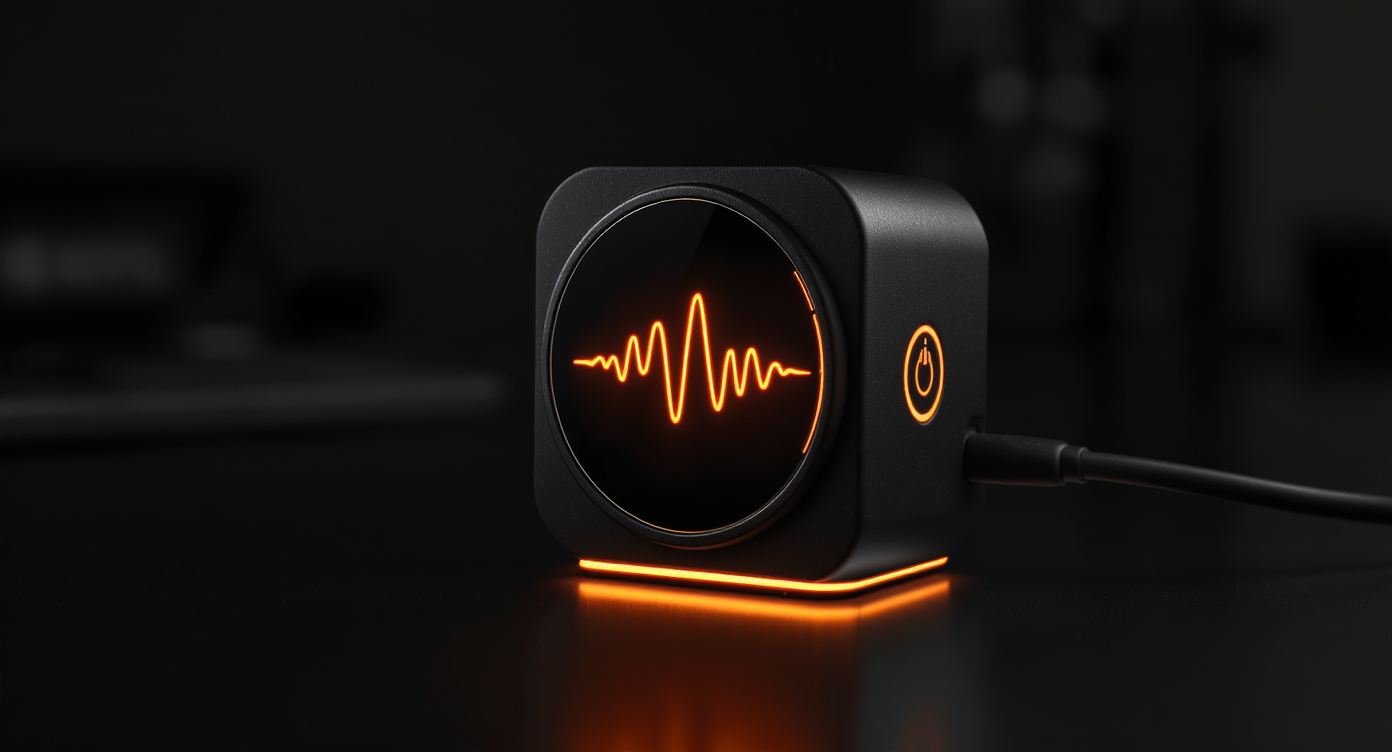
USB-powered ESP32-S3 desktop assistant with Gemini Live voice, a round AMOLED face, touch controls, and JarvisMCP tools.





JarvisNano is an open-source ESP32-S3 firmware project for a small, physical
J.A.R.V.I.S.-style assistant. The current release target is the
Waveshare ESP32-S3-Touch-AMOLED-1.75: a round 466x466 AMOLED device with
capacitive touch, ES7210 microphones, ES8311 speaker output, 16 MB flash, and
8 MB PSRAM.
The Seeed XIAO ESP32-S3 Sense track remains in-tree for camera and tiny-board
experiments, but Waveshare is the v1 path.
| Board | Status | Best for | Adaptation |
|---|---|---|---|
| Waveshare ESP32-S3-Touch-AMOLED-1.75 | Primary v1 target | Voice + face + touch cockpit, USB desktop assistant | boards/waveshare/esp32s3_touch_amoled_1_75/ |
| Seeed XIAO ESP32-S3 Sense | Secondary track | Camera experiments, compact voice/vision work | boards/seeed/xiao_esp32s3_sense/ |
Waveshare v1 Scope
- Gemini Live voice loop over WebSocket, using on-device NVS config for keys.
- CO5300 round AMOLED display driven through the direct
jarvis_board
primitive, with emote and UI ownership mediated by a display arbiter. - Runtime display diagnostics:
/api/display/snapshot.json,/api/display/snapshot.ppm, and/api/ui/snapshot.ppm. - CST9217 touch diagnostics at
/api/touch, with physical tap routing for
voice interaction. - ES7210 mic input and ES8311 speaker output on I2S.
- Browser dashboard and HTTP diagnostics for first setup and QA.
- JarvisMCP tool bridge configured only through NVS. No keys in source.
Post-v1 tracks are Android/BLE, battery reporting, camera/XIAO parity, and an
optional BSP/LVGL migration once the direct Waveshare runtime is boringly
stable. Astonishingly, "boring" is the goal.
Architecture
flowchart TB
    User[User]

    subgraph Board[Waveshare ESP32-S3-Touch-AMOLED-1.75]
        Touch[CST9217 touch]
        Mic[ES7210 microphones]
        Speaker[ES8311 speaker output]
        Display[CO5300 466x466 AMOLED]
        NVS[NVS config and secrets]
        FATFS[FATFS memory and assets]
    end

    subgraph Firmware[JarvisNano v5 firmware]
        Gemini[jr_transport Gemini Live]
        Face[jr_display + baked rwave faces]
        HUD[overlay compositor]
        HTTP[jr_http cockpit API]
        MCP[jr_tools JarvisMCP]
        IMU[jr_imu + jr_power]
    end

    subgraph External[External services]
        GeminiAPI[Google Gemini Live API]
        JarvisMCP[JarvisMCP /act endpoint]
        Browser[Browser dashboard]
    end

    User -->|tap / long press| Touch
    User -->|speech| Mic
    Touch --> Gemini
    Mic --> Gemini
    Gemini <--> GeminiAPI
    Gemini --> Speaker
    Gemini --> Face
    Gemini <--> MCP
    MCP <--> JarvisMCP
    Face --> Display
    HUD --> Display
    IMU --> Face
    NVS --> Gemini
    NVS --> MCP
    FATFS --> Face
    HTTP <--> Browser
    HTTP --> Face
    HTTP --> Touch
Display screenshots are firmware software mirrors (/api/display/snapshot.*),
not CO5300 panel readback. There is no separate ui_layer framebuffer on v5.
For the deeper charts, see docs/ARCHITECTURE.md.
Quick Start
You need Docker, Python 3, Git, a USB-C data cable, and the Waveshare
ESP32-S3-Touch-AMOLED-1.75 board.
git clone [email protected]:PascalAI2024/JarvisNano.git
cd JarvisNano

./scripts/build-v5.sh
./scripts/flash-v5.sh
flash-v5.sh preserves NVS by default so Wi-Fi, Gemini, and JarvisMCP config
survive normal firmware iteration. Use ERASE_NVS=1 when a bad saved config
is causing trouble. The older scripts/bootstrap.sh path builds the leftover
esp-claw overlay; it is not the v5 image.
After flashing, use USB diagnostics first:
./scripts/usb-monitor.py --seconds 5 --send status
Then configure the device through the dashboard/API. Sensitive values must be
written to NVS, never committed:
llm_api_keyorgemini_api_keyfor Gemini Live, depending on the active
config path in your build.jarvis_mcp_urlandjarvis_mcp_keyfor JarvisMCP tools.pairing_tokenfor protected writes once token enforcement is enabled.
Detailed build and flash notes live in docs/BUILD.md. The
current hardware handoff and diagnostic commands live in
docs/NEXT_SESSION.md.
Runtime Diagnostics
Use the live-device harness when the board is on Wi-Fi:
export JARVIS_DEVICE_HOST=<device-host>
scripts/live-device.py status --host "$JARVIS_DEVICE_HOST"
scripts/live-device.py screen --host "$JARVIS_DEVICE_HOST" --save-sd
scripts/live-device.py gemini-cycle --host "$JARVIS_DEVICE_HOST" --text "Say one short sentence." --report
scripts/live-device.py logs --host "$JARVIS_DEVICE_HOST" --grep touch,rwave,gemini,audio,ws
Key HTTP surfaces:
| Endpoint | Purpose |
|---|---|
/api/cockpit |
Combined network, voice, tools, display, touch |
/api/gemini/live |
Gemini / audio / tool counters |
/api/display |
Display health |
/api/display/snapshot.json |
Submission-mirror metadata |
/api/display/snapshot.ppm |
Software mirror (not panel readback) |
/api/touch |
CST9217 counters |
/api/audio/taps |
Diagnostic tap metadata |
/api/tools/config |
Redacted JarvisMCP status |
See docs/LIVE_DEVICE_DEBUG.md for the acceptance
commands and the known failure signatures.
Browser Dashboard
dashboard/index.html is the browser cockpit for local
setup and diagnostics. The dashboard should become Waveshare-first for v1:
face preview, touch status, Gemini state, memory/tool health, masked config,
and mobile/desktop visual QA.
The WebSerial button still serves a legacy XIAO blob. Flash Waveshare
with scripts/flash-v5.sh.
Current Status
v5 is the live image (main/ + components/jr_*):
- Boots on the Waveshare 1.75" AMOLED (
docs/evidence/20260718-v5-boot.log). - Gemini Live voice, baked reactive face, overlay HUD, choice arcs, watch
face, flip-to-mute, shake-to-cancel, attract reel. - API key rides
x-goog-api-key, not the WebSocket query string. - Pairing token, wake word, BLE, and camera are not v1 blockers.
Doc index: DOCUMENTATION_MAP.md. Release candidate
checklist: docs/RELEASE_CHECKLIST.md.
Roadmap
Phases 0–4 of the glass/voice work shipped in July 2026. Open items are
release-candidate proof on the connected board, pairing-token writes, and
post-v1 WakeNet / BLE / camera. Full checkboxes: docs/ROADMAP.md.
Layout
JarvisNano/
├── boards/                                   # Waveshare + XIAO board YAMLs
├── main/ + components/jr_*                   # live v5 firmware
├── scripts/build-v5.sh + flash-v5.sh         # Docker IDF 5.5.4
├── firmware/ + esp-claw/                     # leftover overlay (not in v5 image)
├── dashboard/                                # browser cockpit
├── android/                                  # companion, post-v1
├── DOCUMENTATION_MAP.md
├── docs/
│   ├── NEXT_SESSION.md + ROADMAP.md + BUILD.md
│   ├── reference/                            # gotcha knowledge base
│   ├── evidence/                             # hardware proof
│   └── ARCHIVE/                              # superseded plans
├── scripts/                                  # build-v5, flash-v5, live QA
└── hardware/                                 # enclosure concepts
v5 is ./scripts/build-v5.sh. scripts/bootstrap.sh still overwritesesp-claw/ from firmware/ — only use that tree if you are touching the
legacy overlay. Do not edit generated copies under esp-claw/.
Security And Public Repo Hygiene
- No API keys, bearer tokens, Wi-Fi credentials, LAN addresses, device MACs, or
internal URLs belong in this repo. - Runtime secrets live in NVS and are written through
/api/config. - Public reads can stay open on a trusted LAN; writes/control should require
X-JarvisNano-Tokenfor public builds. - Run
./scripts/check-secrets.shbefore publishing.
License
Apache-2.0, matching upstream ESP-Claw.
Credits
- Espressif ESP-Claw for the agent framework.
- Espressif esp-gmf / esp_board_manager for board codegen.
- Waveshare ESP32-S3-Touch-AMOLED-1.75 for the primary v1 hardware.
- Seeed Studio XIAO ESP32-S3 Sense for the secondary compact board.
Yorumlar (0)
Yorum birakmak icin giris yap.
Yorum birakSonuc bulunamadi