astralis-ui
Health Uyari
- License — License: MIT
- Description — Repository has a description
- Active repo — Last push 0 days ago
- Low visibility — Only 6 GitHub stars
Code Gecti
- Code scan — Scanned 12 files during light audit, no dangerous patterns found
Permissions Gecti
- Permissions — No dangerous permissions requested
Bu listing icin henuz AI raporu yok.
Accessible, themeable React components for polished web apps and design systems. Server-first, with a CLI, an MCP server and DevTools.

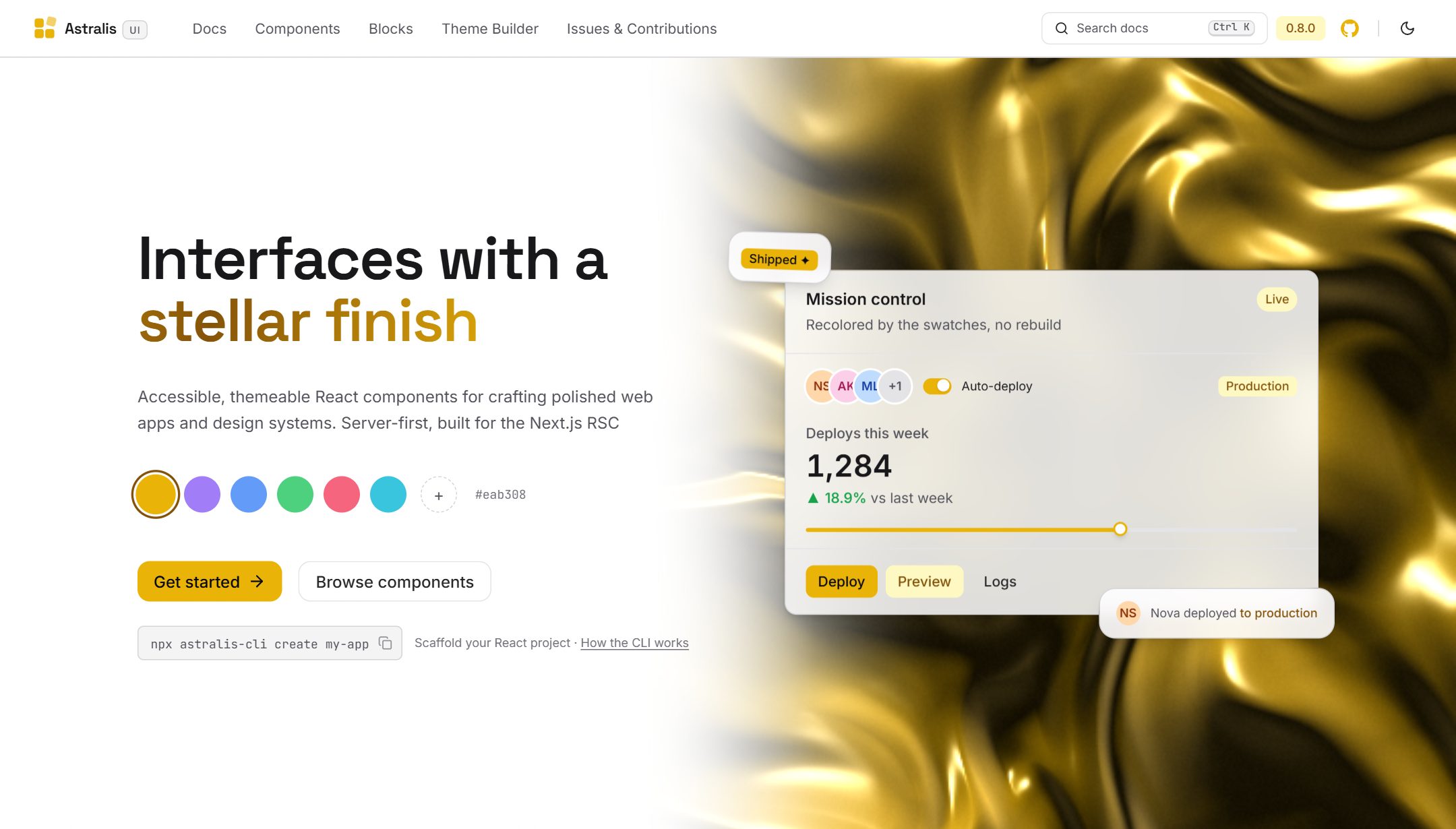
Interfaces with a stellar finish
Accessible, themeable React components for polished web apps and design systems.
Server-first, with the tooling to set it up, theme it and keep it right.



Documentation ·
Components ·
Blocks ·
Theme builder ·
Changelog ·
Report a bug
Why Astralis
- 80+ accessible components. Layout, typography, forms, overlays, navigation,
data display and feedback, each following its WAI-ARIA pattern with full
keyboard support, documented key by key. - Server-first. Most components are React Server Components that ship no
client JavaScript at all. The interactive ones hydrate only where they must. - One colour, a whole theme. Give the provider a brand colour and it derives
the full palette, hover states and readable text colours. Visitors can switch
brand at run time and keep their choice. - No build setup. One precompiled stylesheet, no Tailwind config, no
plugins. It sits beside whatever styling your app already uses. - Style props that scale.
p={{ base: "4", md: "8" }}, container queries
with@md, hover and focus states, and any CSS value when a token is not
enough. - Checked, not hoped. The build fails if a class is missing from the
stylesheet or a colour pairing drops below WCAG AA, in light and dark.
Quick start
New project. Scaffolds Next.js or Vite with Astralis wired in:
npm create astralis my-app
Existing project. Detects Next.js or Vite, installs the package and mounts
the provider:
npx astralis-cli init
By hand:
npm install astralis-ui
import { AstralisProvider } from "astralis-ui";
import "astralis-ui/styles.css";

export default function App({ children }) {
  return <AstralisProvider defaultTheme="system">{children}</AstralisProvider>;
}
Then build with it:
import { Button, Card, Field, Input, VStack } from "astralis-ui";

export function SignUp() {
  return (
    <Card>
      <Card.Header>
        <Card.Title>Create account</Card.Title>
      </Card.Header>
      <Card.Body>
        <VStack gap="4">
          <Field required>
            <Field.Label>Email</Field.Label>
            <Input type="email" placeholder="[email protected]" />
          </Field>
          <Button colorScheme="brand" fullWidth>Sign up</Button>
        </VStack>
      </Card.Body>
    </Card>
  );
}
Requires React 19. With server rendering, add <ThemeScript /> to <head> so
dark mode never flashes; the installation guide
covers Next.js and Vite step by step.
Packages
| Package | Version | What it does |
|---|---|---|
astralis-ui |
 |
The component library |
astralis-cli |
 |
Create and set up projects, add blocks, generate themes, check your code against the library |
create-astralis |
 |
npm create astralis: a new project in one command |
astralis-mcp |
 |
Gives AI coding assistants the docs, the blocks and a way to check their code |
astralis-devtools |
 |
A development overlay: inspect any component on the page, Server Components included |
The repository also holds the blocks (37 ready-made
sections, from heroes to dashboards, copied into your project withnpx astralis-cli add hero-01) and the docs site.
Works with your AI assistant
Connect the MCP server and your assistant reads the real docs, finds the right
block, and checks the code it writes before you see it:
npx astralis-cli connect-mcp
It walks you through Claude Code, Codex, Cursor, Claude Desktop and
Antigravity. Every docs page is also available as plain markdown, indexed at/llms.txt.
Contributing
Bug reports, fixes and ideas are welcome. Start with the
contributing guide; it covers setup, the commands, and how a
component goes from source to docs. Everyone taking part follows the
code of conduct.
Found a security problem? Please report it privately, as described in the
security policy.
Changelog
Each package keeps its own:
astralis-ui ·
astralis-cli ·
astralis-mcp ·
astralis-devtools ·
create-astralis.
Every published version also has a GitHub release.
License
MIT © 2026 Paul Andrew
Yorumlar (0)
Yorum birakmak icin giris yap.
Yorum birakSonuc bulunamadi