markview
Health Gecti
- License — License: MIT
- Description — Repository has a description
- Active repo — Last push 0 days ago
- Community trust — 26 GitHub stars
Code Basarisiz
- rm -rf — Recursive force deletion command in .github/workflows/npm-publish.yml
- rm -rf — Recursive force deletion command in .github/workflows/release.yml
- exec() — Shell command execution in Sources/MarkViewCore/Resources/prism-bundle.min.js
- rm -rf — Recursive force deletion command in Tests/test-rule-gates.sh
- child_process — Shell command execution capability in npm/index.js
- process.env — Environment variable access in npm/index.js
- fs module — File system access in npm/index.js
Permissions Gecti
- Permissions — No dangerous permissions requested
This is a native macOS markdown preview application built with Swift and SwiftUI. It provides a lightweight, real-time viewer for GitHub Flavored Markdown without relying on heavy frameworks like Electron.
Security Assessment
Overall risk: Low. The application deliberately includes an HTML sanitizer to strip out scripts, event handlers, and XSS vectors, which is excellent for user safety. The automated security scan did flag a few findings, but they are largely benign. The `rm -rf` commands are safely contained within CI/CD GitHub workflows and testing scripts, which is standard practice. The flags regarding `child_process`, environment variable access, and file system access in the `npm/index.js` file are expected, as the server component needs these capabilities to read your local markdown files and render the preview. The flagged shell execution inside the Prism JavaScript bundle is standard syntax-highlighting code rather than malicious behavior. No hardcoded secrets were detected, and it does not request dangerous system permissions.
Quality Assessment
This project is highly maintained, having received updates as recently as today. It is fully open source under the permissive and standard MIT license. While it has a relatively small community footprint with 26 GitHub stars, the codebase demonstrates strong development practices. It offers seamless Apple notarization and Gatekeeper approval, indicating it meets modern macOS security standards.
Verdict
Safe to use.
Native macOS markdown preview app. Swift/SwiftUI, GitHub Flavored Markdown, syntax highlighting, linting, plugins. No Electron.
MarkView

A native macOS markdown preview app built with Swift and SwiftUI. No Electron, no web server — just a fast, lightweight previewer that renders GitHub Flavored Markdown.
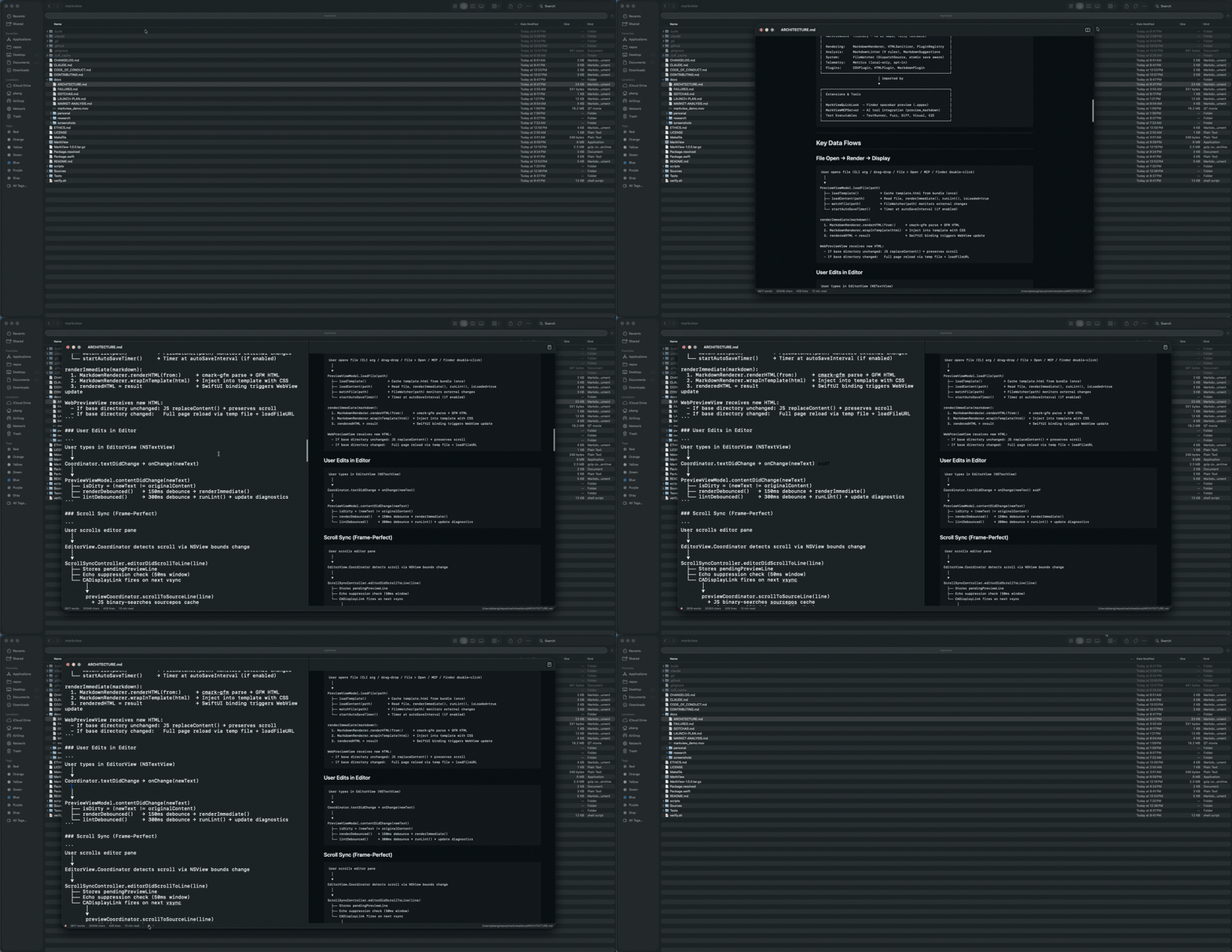
Demo
Screenshots
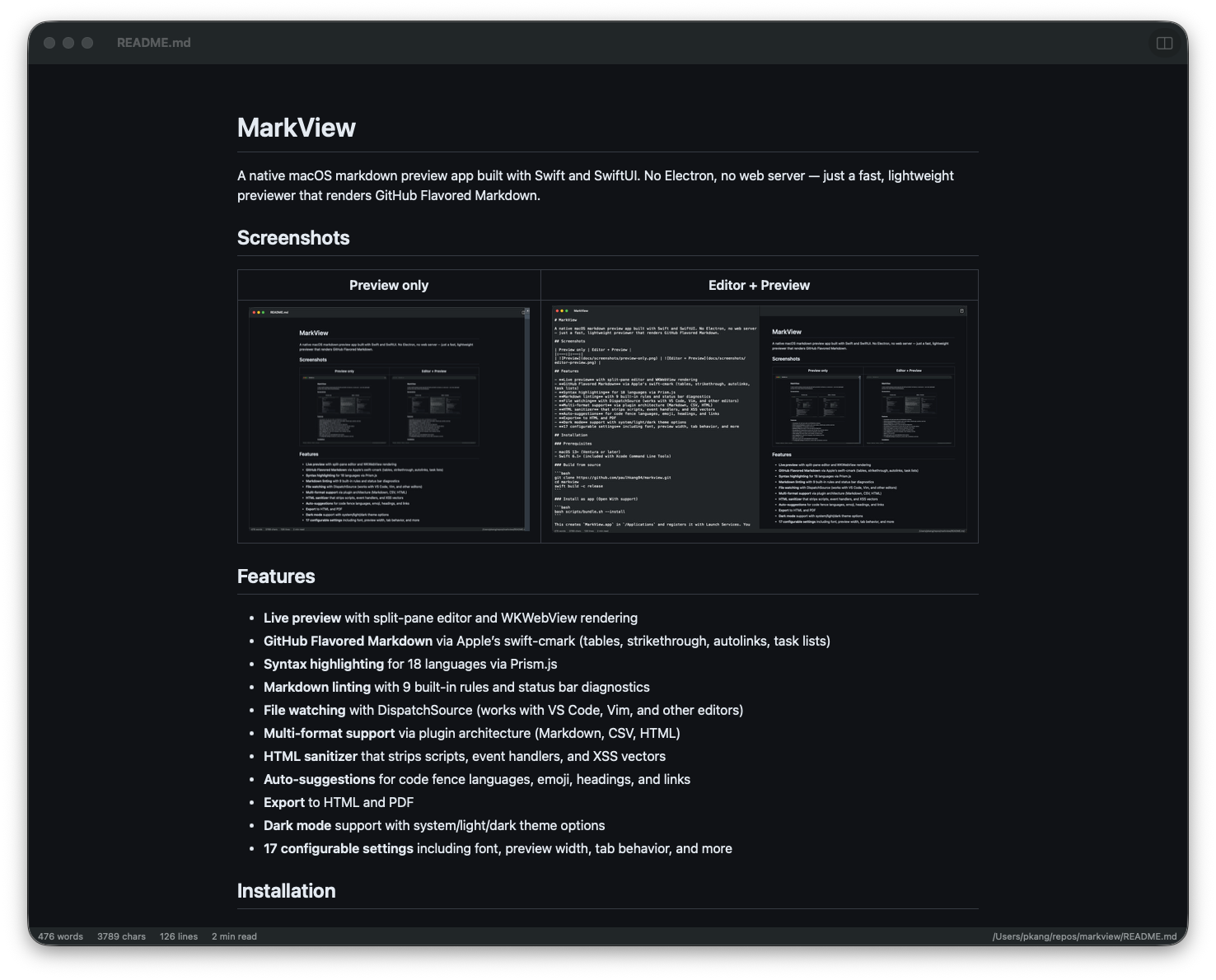
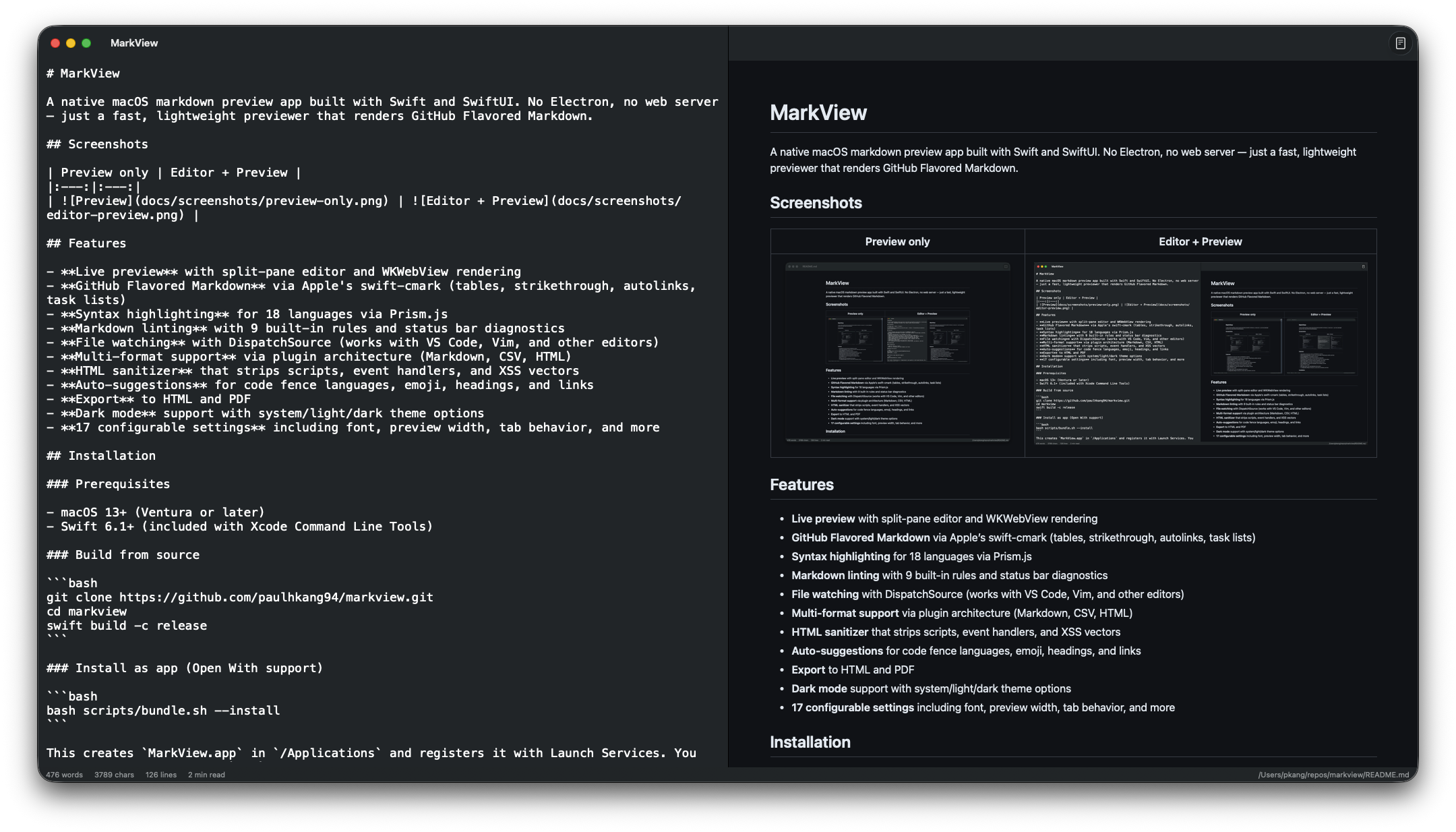
| Preview only | Editor + Preview |
|---|---|
 |
 |
Features
- Live preview with split-pane editor and WKWebView rendering
- GitHub Flavored Markdown via Apple's swift-cmark (tables, strikethrough, autolinks, task lists)
- Syntax highlighting via Prism.js
- Quick Look integration — preview
.mdfiles in Finder without opening the app - Markdown linting with 9 built-in rules and status bar diagnostics
- File watching with DispatchSource (works with VS Code, Vim, and other editors)
- Multi-format support via plugin architecture (Markdown, CSV, HTML)
- HTML sanitizer that strips scripts, event handlers, and XSS vectors
- Mermaid diagrams — flowcharts, sequence, Gantt, ER, and pie charts via mermaid.js
- Bidirectional scroll sync — frame-perfect editor/preview sync via CADisplayLink
- Local image rendering — correctly inlines relative paths like
 - Drag and drop — drop any
.mdfile onto the window to open - Find & Replace — Cmd+F to find, Cmd+Option+F to find and replace
- Format on save — auto-applies markdown lint fixes when saving
- Auto-save — configurable interval saves edits without manual Cmd+S
- Word count — live word and character count in the status bar
- Scroll position preservation — reopening a file restores your last scroll position
- Configurable tab size — set 2, 4, or 8 spaces per tab in settings
- Line numbers — toggle line numbers in the editor pane
- Window auto-resize — smart resize when toggling editor/preview panes
- Export to HTML and PDF
- Dark mode support with system/light/dark theme options
- 18 configurable settings including font, preview width, tab behavior, and more
Installation
Homebrew (recommended)
# Full .app with Quick Look extension
brew install --cask paulhkang94/markview/markview

# CLI only (builds from source)
brew tap paulhkang94/markview
brew install markview
The app is Apple notarized and Gatekeeper approved — no quarantine warnings on install.
Build from source
Prerequisites: macOS 14+, Swift 6.0+ (included with Xcode Command Line Tools)
git clone https://github.com/paulhkang94/markview.git
cd markview
swift build -c release
Install as app (Open With support)
bash scripts/bundle.sh --install
This creates MarkView.app in /Applications and registers it with Launch Services. You can then right-click any .md file in Finder and choose Open With > MarkView.
Install CLI commands
bash scripts/install-cli.sh
This creates mdpreview and md symlinks in ~/.local/bin/. Note: if md is aliased in your shell (e.g., to mkdir), use mdpreview instead.
Usage
CLI
mdpreview README.md       # Open a file
mdpreview                 # Open empty editor
Finder
Right-click any .md, .markdown, .mdown, .mkd file > Open With > MarkView
Programmatic
open -a MarkView README.md
MCP Server (AI Integration)
MarkView includes an MCP server that lets AI assistants preview markdown directly in MarkView.
Tools
| Tool | Description |
|---|---|
preview_markdown |
Write content to a temp file and open it in MarkView with live reload |
open_file |
Open an existing .md file in MarkView |
Quick Start (npx)
npx mcp-server-markview
Claude Code Setup
The easiest way — run this once in your terminal:
claude mcp add --transport stdio --scope user markview -- npx mcp-server-markview
This adds MarkView to ~/.claude.json (user scope — available in all projects).
Or add it manually to ~/.claude.json:
{
  "mcpServers": {
    "markview": {
      "command": "npx",
      "args": ["mcp-server-markview"]
    }
  }
}
Note: MCP servers belong in
~/.claude.json, not~/.claude/settings.json. The settings file is for permissions only.
Claude Desktop Setup
Add to ~/Library/Application Support/Claude/claude_desktop_config.json:
{
  "mcpServers": {
    "markview": {
      "command": "npx",
      "args": ["mcp-server-markview"]
    }
  }
}
Test the MCP server
bash scripts/test-mcp.sh
Architecture
Sources/MarkViewCore/           # Library (no UI, fully testable)
  MarkdownRenderer.swift        # cmark-gfm C API wrapper
  FileWatcher.swift             # DispatchSource file monitoring
  MarkdownLinter.swift          # 9-rule pure Swift linting engine
  MarkdownSuggestions.swift     # Auto-suggest engine
  LanguagePlugin.swift          # Plugin protocol + registry
  HTMLSanitizer.swift           # XSS prevention
  Plugins/                      # CSV, HTML, Markdown plugins

Sources/MarkView/               # SwiftUI app (macOS 14+)
  ContentView.swift             # Split-pane editor + preview
  WebPreviewView.swift          # WKWebView with Prism.js
  Settings.swift                # 18 settings with theme/width/font enums
  ExportManager.swift           # HTML/PDF export

Sources/MarkViewMCPServer/      # MCP server for AI tool integration
  main.swift                    # stdio JSON-RPC server (preview_markdown, open_file)

Tests/TestRunner/               # 403 standalone tests (no XCTest)
Tests/VisualTester/             # 5 visual regression tests + WCAG contrast
Tests/FuzzTester/               # 10K random input crash testing
Tests/DiffTester/               # Differential testing vs cmark-gfm CLI
scripts/test-mcp.sh             # 5 MCP protocol + integration tests
See docs/ARCHITECTURE.md for full details.
Testing
# Run all tests (403 tests)
swift run MarkViewTestRunner

# Full verification (build + tests)
bash verify.sh

# Extended (fuzz + differential)
bash verify.sh --extended
Development
swift build                          # Build all targets
swift run MarkView                   # Launch app
swift run MarkView /path/to/file.md  # Launch with file
swift run MarkViewTestRunner         # Run tests
Support
If MarkView is useful to you, consider supporting development:
- GitHub Sponsors
- Star this repo to help others find it
License
MIT — see LICENSE.
Yorumlar (0)
Yorum birakmak icin giris yap.
Yorum birakSonuc bulunamadi