dotdotduck
Health Warn
- License — License: AGPL-3.0
- Description — Repository has a description
- Active repo — Last push 0 days ago
- Low visibility — Only 7 GitHub stars
Code Fail
- exec() — Shell command execution in src/agent/inline/parse.ts
Permissions Pass
- Permissions — No dangerous permissions requested
No AI report is available for this listing yet.
Webagent, Turn Any Website Into an AI-Native Interface. Press Cmd/Ctrl+K to do anything — command palette, DOM-grounded agent, voice, inline AI, and Dwell long-press in one SDK. Ships with your product, not as a chatbot widget.
 dotdotduck
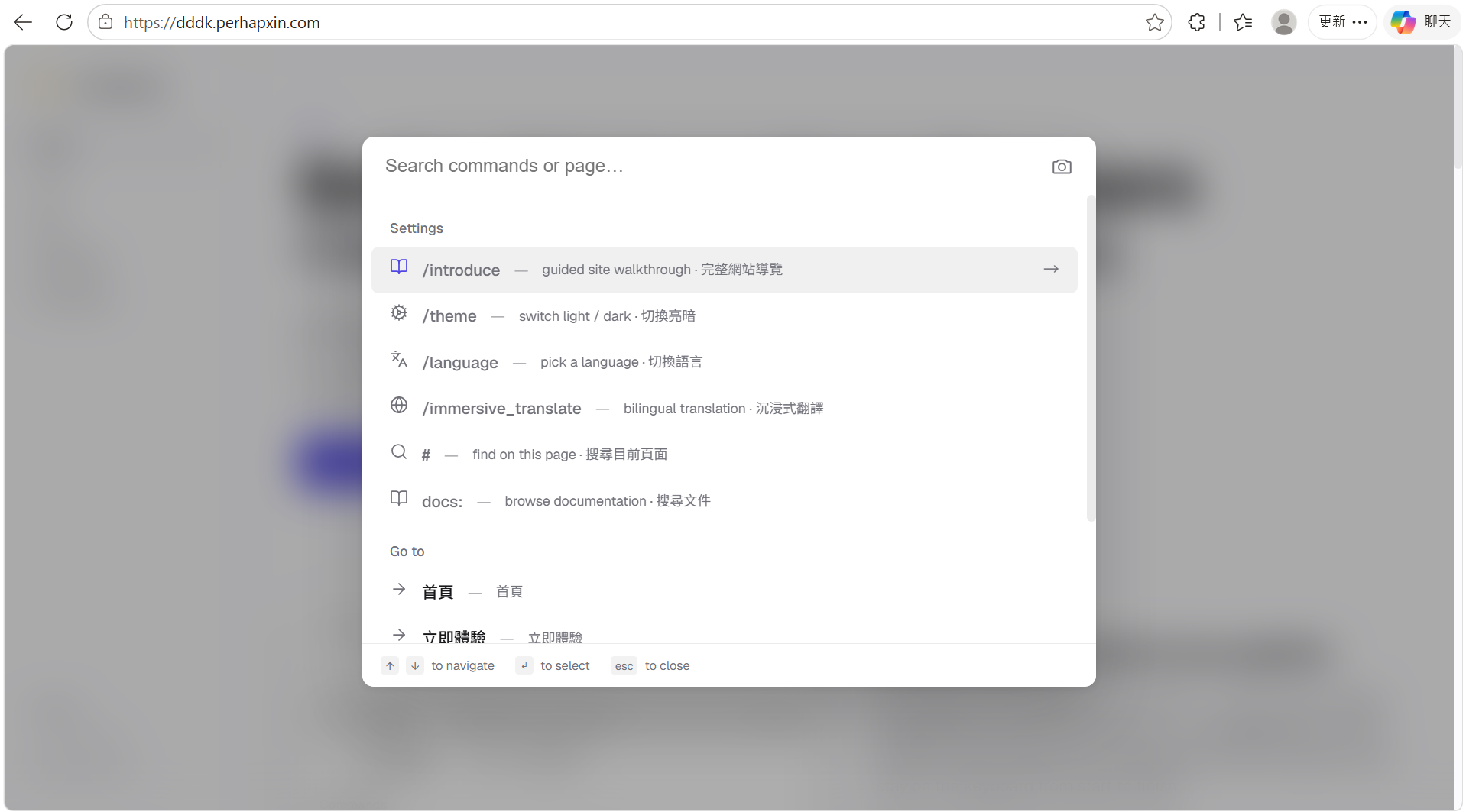
Press Cmd/Ctrl+K to do anything in your product.
Command palette + voice + long-press selection + inline AI + DOM-grounded agent in one SDK. The opposite of a chatbot widget — your product's verbs sit where users already work, not behind a sidebar.




01 · Command palette — every feature, behind one panel
|
|
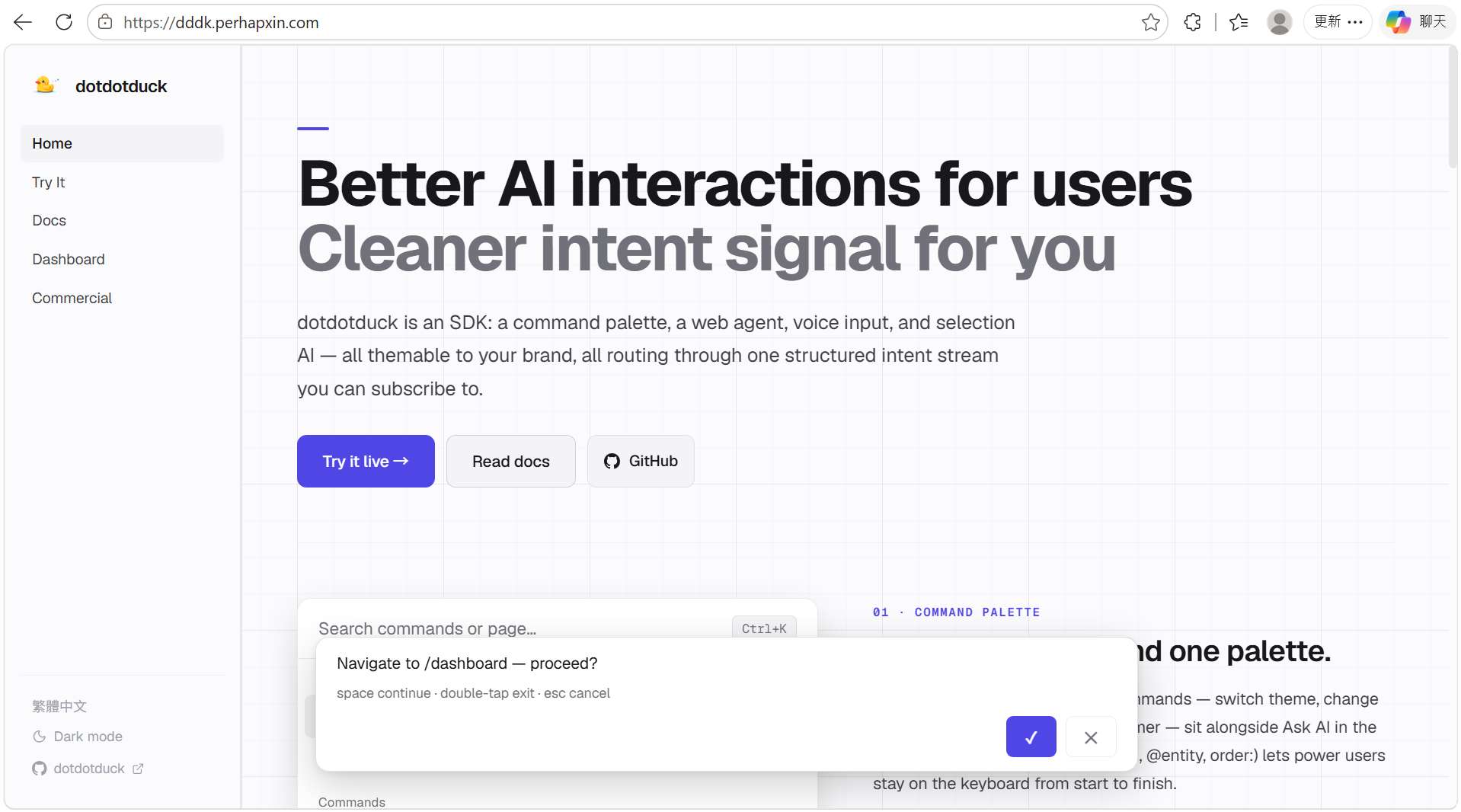
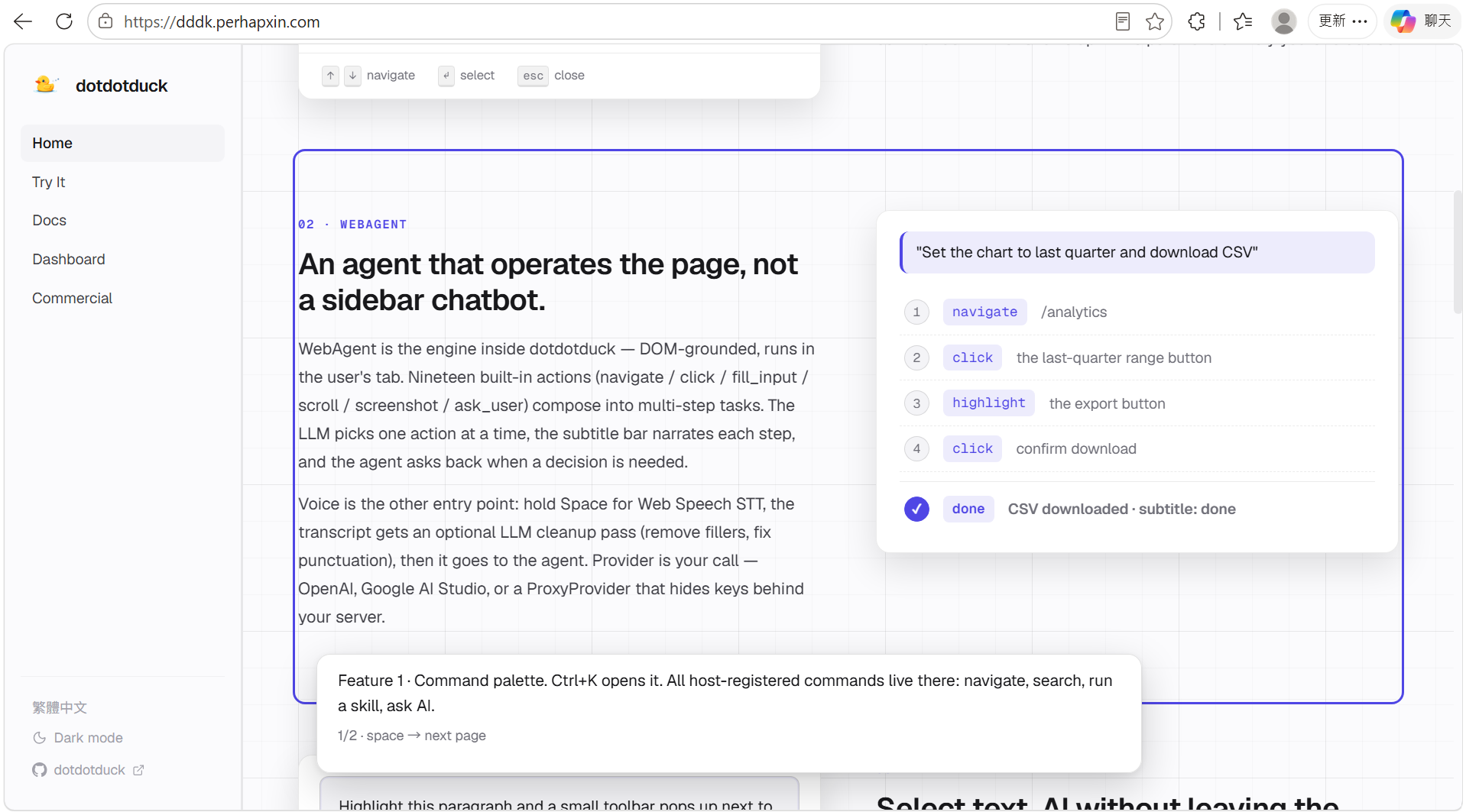
02 · WebAgent — operates the page, not a sidebar chatbot
|
|
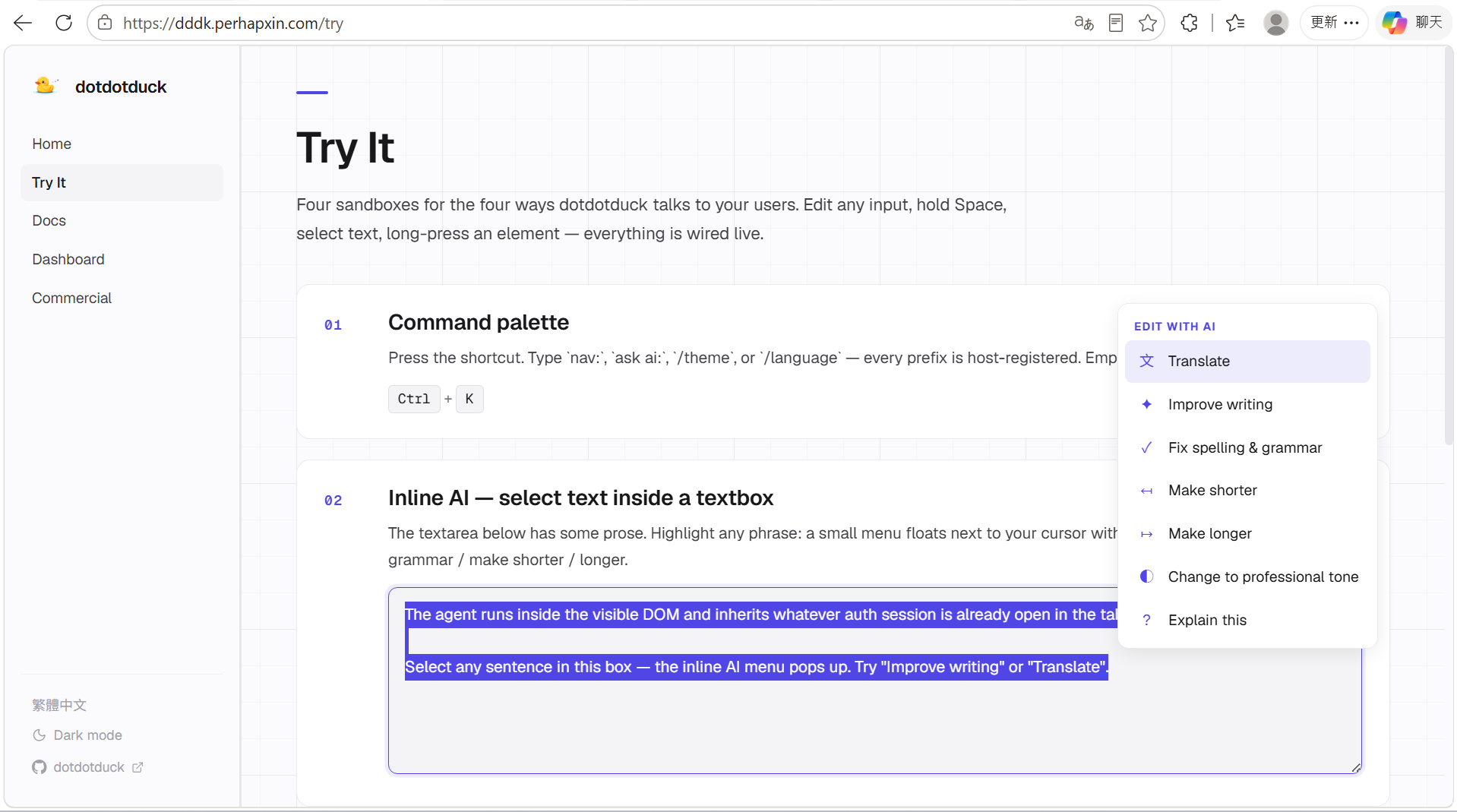
03 · Inline Agent — select text, AI without leaving the input
|
|
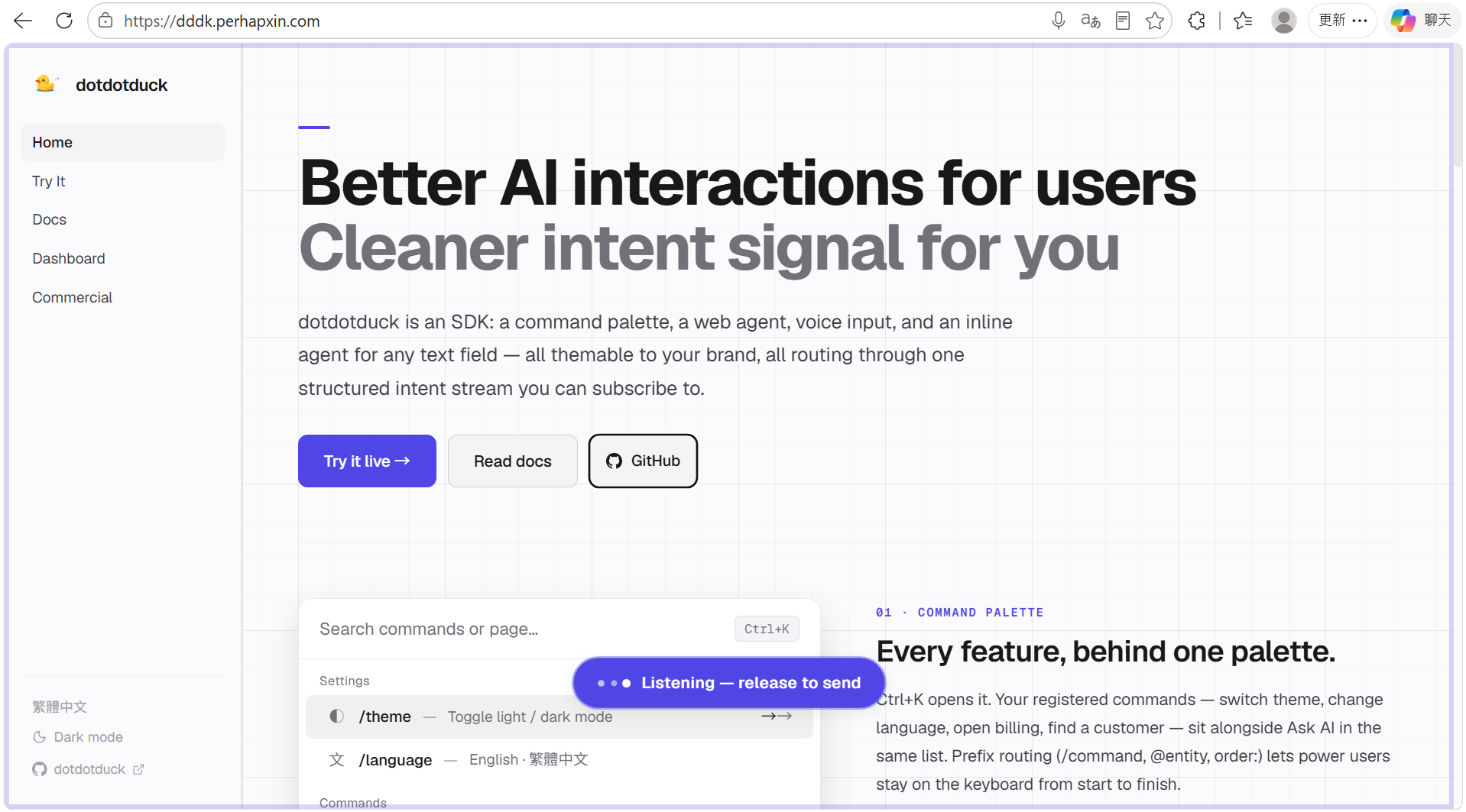
04 · Direct manipulation — gestures you already know
Several physical entry points to send context into dddk. No new vocabulary to learn.
|
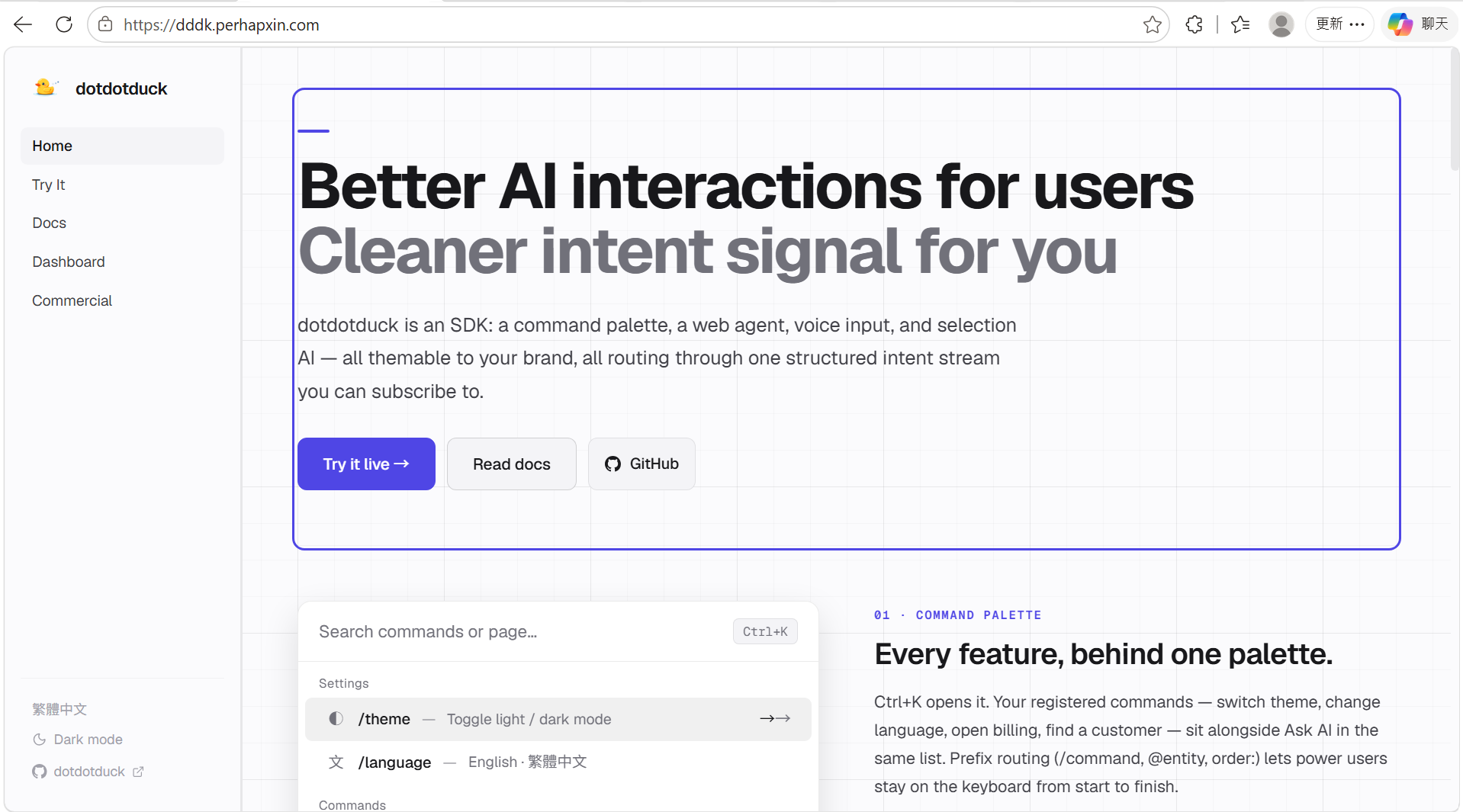
A · Hold Space — voice in
|
|
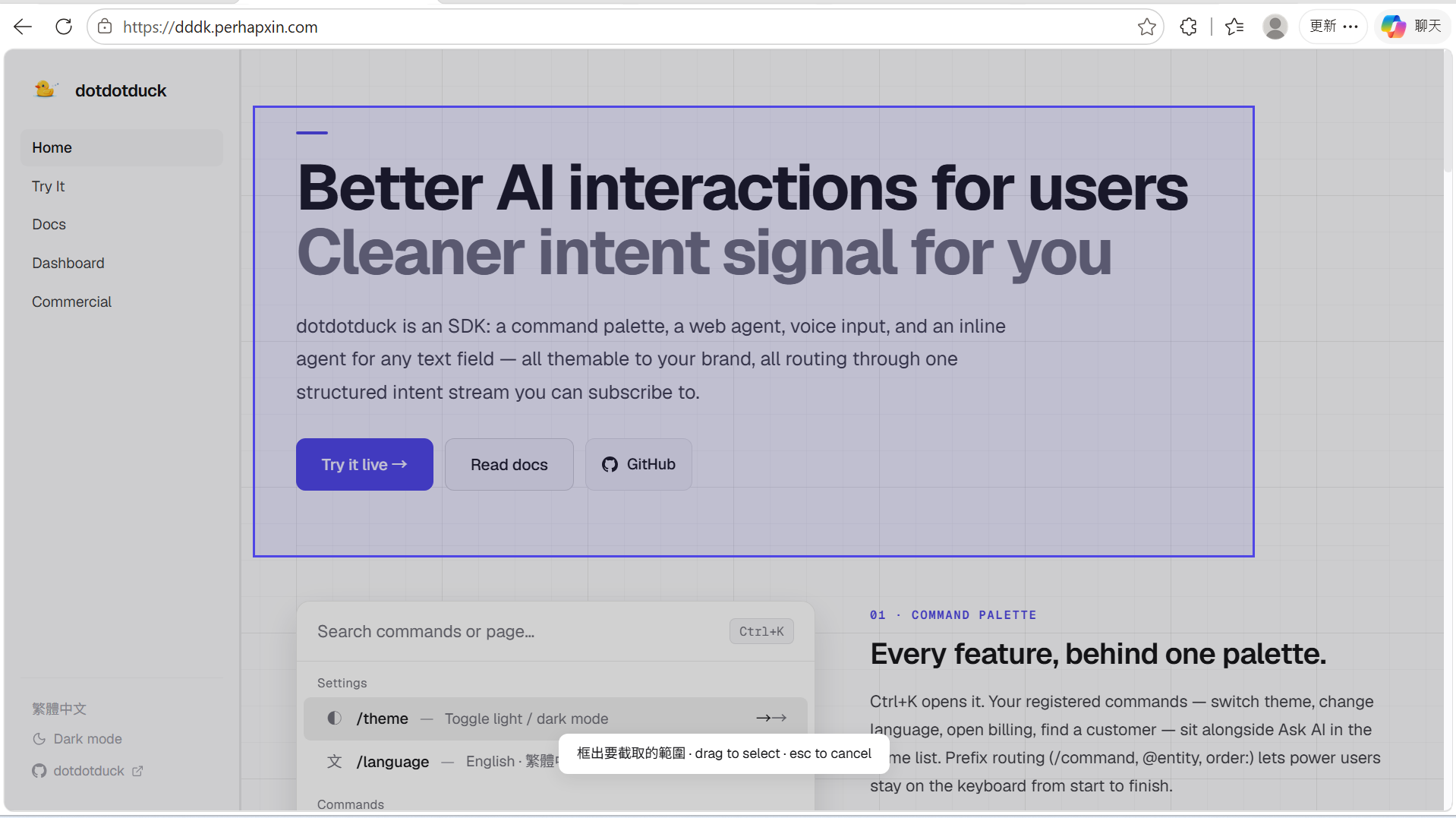
B · Long-press anything — Dwell
|
|
C · Drag a screenshot
|
|
D ·
|
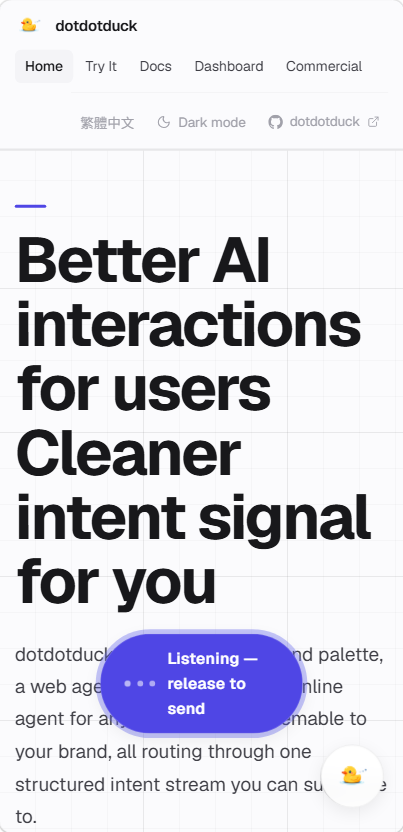
05 · Mobile — FAB + your own buttons
|
|
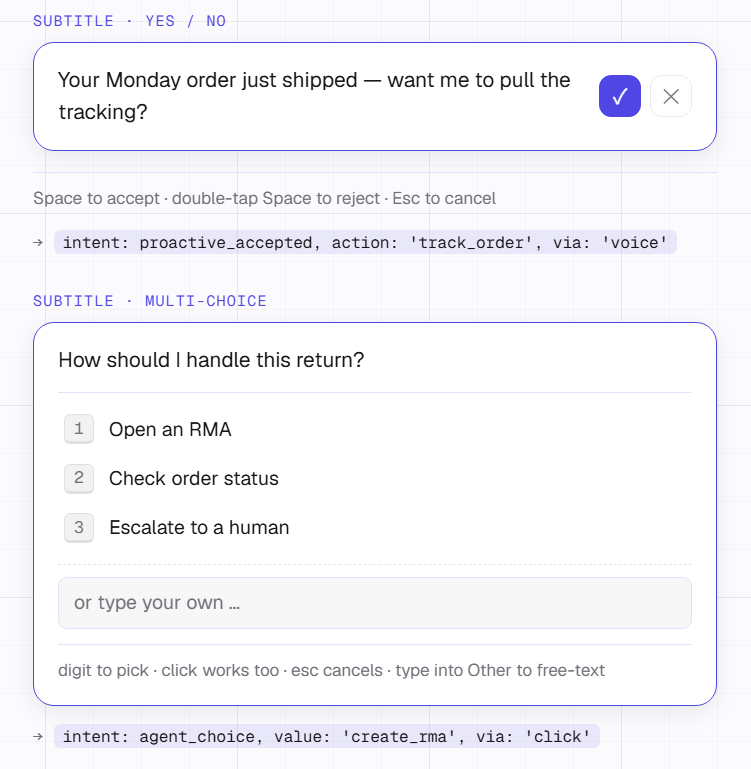
06 · Proactive — read the signal, ask the right question
|
|
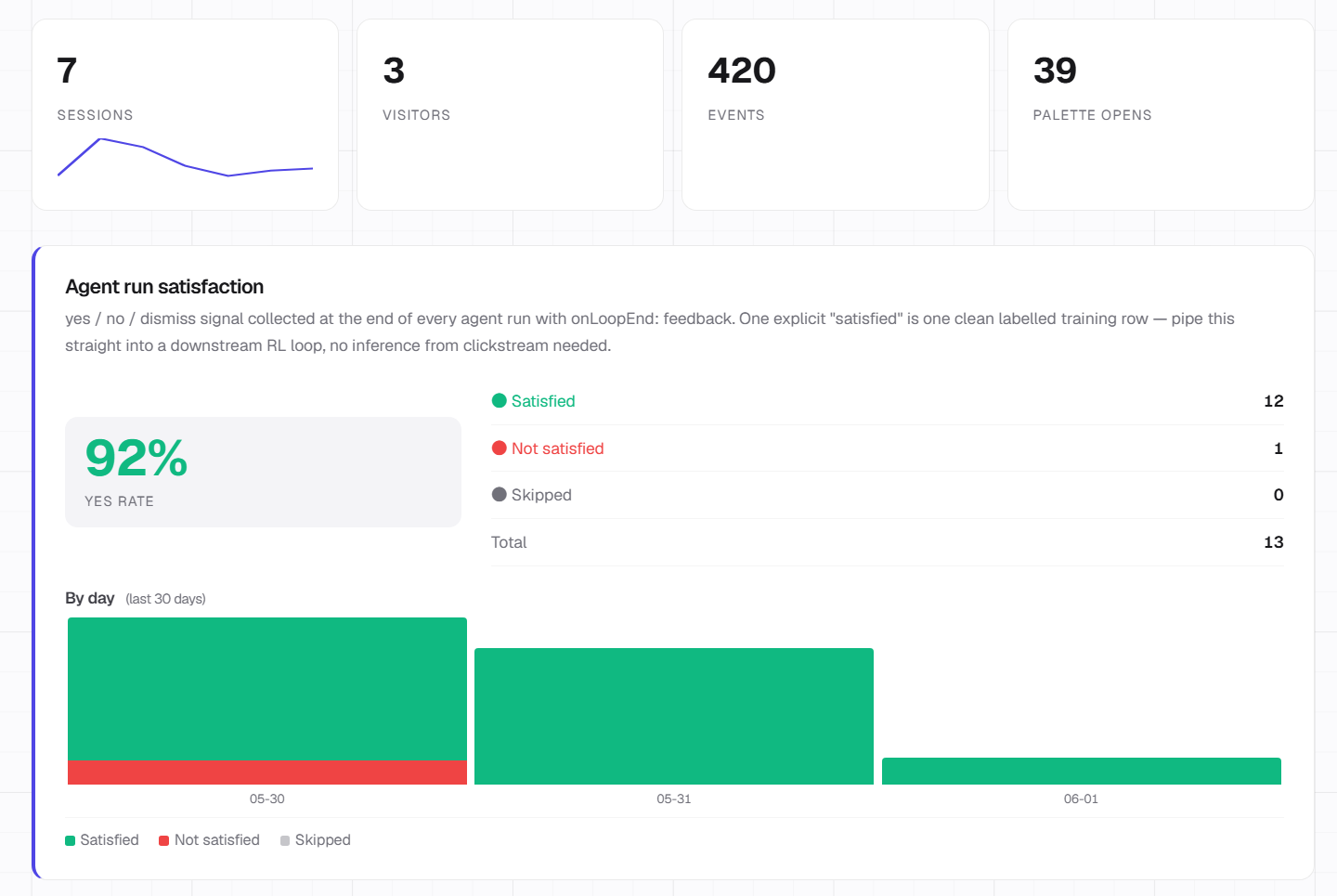
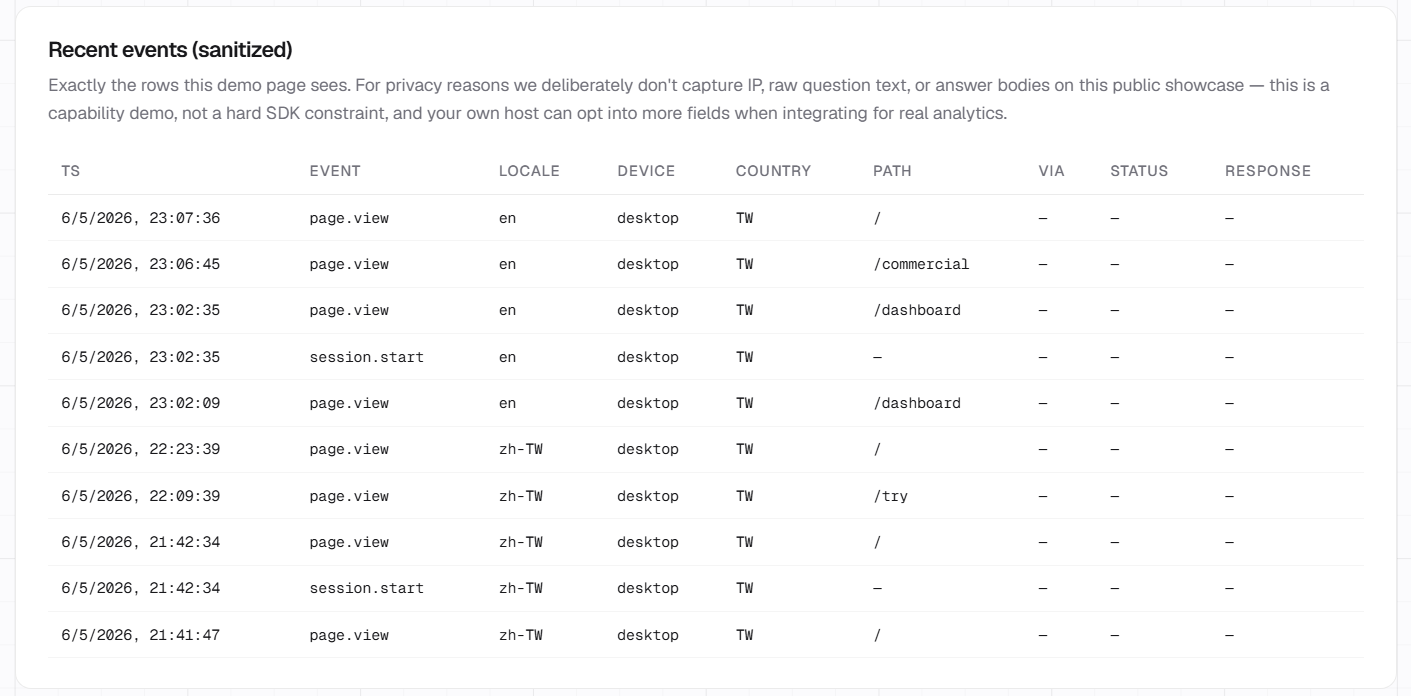
07 · Intent stream — every yes / no is a signal, the dashboard writes itself
|
|
Why adopt — eight concrete plays
Most customer-service tickets are page-solvable. "How do I X" / "where do I Y" / "track my order" / "change my plan" — the answers all live on your site already; the gap is discoverability. A DOM-grounded agent that operates the page closes that gap. Deflect the easy 70% before they reach a human queue.
Proactive offers convert. Watching scroll · Dwell · time-on-page · last interaction lets the agent ask "want me to pull the tracking?" / "want a recommendation based on what you're looking at?" before the user thinks to ask. Subtitle-bar yes/no resolves in one keystroke — friction is the lowest physically possible. Same surface for cross-sell and upsell plays.
The palette is a UI surface, not just a text list. Each row's detail pane (and PanelSkills inside the palette) can render any Pieces tree — charts, tables, forms, mini-dashboards. That makes the palette a real productivity surface, not just a launcher:
- Finance —
AAPLin the palette pulls a live price card + sparkline alongside the row. - Customer service — type a question; the palette shows the matching FAQ entry with formatted answer inline, not a link to click.
- Tool-type SaaS — pack utilities (regex tester, JSON formatter, unit converter, internal lookup) straight into the palette so users never tab out. Same
Ctrl+K, different verbs per product.
- Finance —
Long-press beats "screenshot + describe". With Dwell, the user holds an element, the agent gets selector + auto-screenshot in one gesture — chart, dashboard panel, table row, whatever. Users stop interrupting themselves to take a screenshot, paste it into chat, and write a paragraph explaining what they meant. Intent flows straight from finger to LLM.
Break the language wall with one palette command. Built-in immersive translate renders every paragraph of the current page bilingually side by side — one keystroke turns your English-only docs / knowledge base / product copy into a Chinese / Japanese / Korean / Spanish-readable surface. Batched into a handful of LLM calls per page (a 200-paragraph article costs ~7 calls). For cross-border SaaS, content platforms, or any product serving multiple regions, that's one fewer translation-engineering project on the roadmap.
One SDK instead of stitching six vendors. Palette + agent + inline AI + voice + Dwell + proactive + analytics + immersive translate ship as one install. The conventional alternative is Algolia for search, Intercom for chat, Mixpanel for analytics, Whisper for voice, plus the brittle glue code between them. dddk is one dependency, one theme system, one intent stream.
Yes / no / multi-choice = free RL labels. Every Space-accept and double-Space-reject is a clean, intentional signal — what the user actually wanted vs didn't, said by the user, recorded with the original prompt. No more inferring from clickstream noise. The training set for whatever you fine-tune or evaluate next is already collected.
Voice doesn't stop at the browser. The same
Voice+utilityLLM shape powers IoT panels, kiosk terminals, service machines, and accessibility-first surfaces for elderly users or anyone who'd rather not type. One mental model across every device that has a microphone.
Status — early stage, read before evaluating
dotdotduck is in active development. It works, but expect rough edges. A few things up front:
- Clone the repo to evaluate properly. The bundled docs are useful as a map, but the source is the source of truth.
git clone https://github.com/PerhapxinLab/dotdotduckinto your project directory and read the code alongside the online docs — that's the recommended way to understand what's actually implemented. - The docs are AI-drafted. They're written and maintained with Claude Code. They stay close to the code by convention, but if something looks wrong, grep the repo before assuming the docs are right.
- Found a bug or unclear behaviour? Open an issue at github.com/PerhapxinLab/dotdotduck/issues — one-liners help shape the roadmap.
What the live demo runs (not bundled with the package)
dddk.perhapxin.com doubles as dotdotduck's official landing page AND as the real-world test bed for the package — every release ships first to this site and gets exercised end-to-end before being tagged. The standing challenge: serve the demo well using the smallest viable model at each role, so the same recipe holds up when other teams adopt dddk on a cost budget. Expect the model picks below to keep shifting as smaller checkpoints catch up.
Current stack:
- 4-axis LLM router (
webagent/vision/utility/plan) — host configures one model per role; the bundled demo runs OpenAIgpt-5.4-nanofor the main agent loop and planner,gpt-5.4-minifor InlineAgent + voice cleanup. - Speech-to-text → the browser's Web Speech API (the SDK default; fine for demo, no SLA — production hosts wire
transcribewith Whisper / Deepgram / etc.)
None of this is baked into @perhapxin/dddk. The package itself ships LLM provider adapters (OpenAI / Google / proxy, plus any OpenAI-compatible vendor via baseURL — e.g. DeepSeek, Qwen, OpenRouter) and a transcribe(audio) extension point. Bring your own keys, models, and ASR vendor — the SDK doesn't lock you in.
Documentation
- What's new in v0.1.3 → release notes · migration guide
- Full docs → dddk.perhapxin.com/docs
- Agent (DOM-grounded loop + InlineAgent + sitemap + Memory) → /dddk/agent
- LLM providers + router + adapter registry → /dddk/llm
- Skills system + evals → /dddk/skills
- Modules (voice / Dwell / inline / immersive translate / proactive / analytics) → /dddk/modules
- Toolbox (search + recommend) → /dddk/toolbox
- Theming → /dddk/theming
Install
pnpm add @perhapxin/dddk
# or: npm i @perhapxin/dddk
import { DotDotDuck, OpenAIProvider } from '@perhapxin/dddk';
import '@perhapxin/dddk/styles.css';

const dddk = new DotDotDuck({
  llm: new OpenAIProvider({
    apiKey: import.meta.env.VITE_OPENAI_KEY,
    model: 'gpt-5.4-mini',
  }),
  siteName: 'YourSaaS',
  skills: [
    {
      id: 'introduce',
      type: 'script',
      name: 'Tour the app',
      steps: [
        { subtitle: 'Welcome!', action: (t) => t.spotlight('.hero') },
        { subtitle: 'Here is pricing.', action: (t) => t.highlight('.pricing'), waitForUser: true },
      ],
    },
  ],
});

dddk.mount();
Press Ctrl/⌘+K, type /introduce, watch it run. The full quickstart guide covers React / Vue / Svelte / Solid wiring.
Theming
Everything visual reads from CSS custom properties — --dddk-bg, --dddk-accent, --dddk-radius, --dddk-font, and friends. Override at :root or scope inside any wrapper.
:root {
  --dddk-accent: #6366f1;       /* your brand colour */
  --dddk-radius: 10px;
  --dddk-font: 'Inter', system-ui, sans-serif;
}
Dark mode is automatic: [data-theme="dark"] anywhere up the tree, OR @media (prefers-color-scheme: dark) — whichever fires first. Custom modes (sepia, high-contrast, brand-specific) work by overriding the same variables under a new selector.
License
| AGPL-3.0-or-later — free | Commercial — paid |
|---|---|
|
✓ Open-source projects |
✓ Closed-source products |
Built by Perhapxin Team
Reviews (0)
Sign in to leave a review.
Leave a reviewNo results found