agav
Health Uyari
- License — License: Apache-2.0
- Description — Repository has a description
- Active repo — Last push 0 days ago
- Low visibility — Only 8 GitHub stars
Code Basarisiz
- eval() — Dynamic code execution via eval() in .github/workflows/pr-checks.yml
- new Function() — Dynamic code execution via Function constructor in .github/workflows/pr-checks.yml
- exec() — Shell command execution in .github/workflows/pr-checks.yml
Permissions Gecti
- Permissions — No dangerous permissions requested
Bu listing icin henuz AI raporu yok.
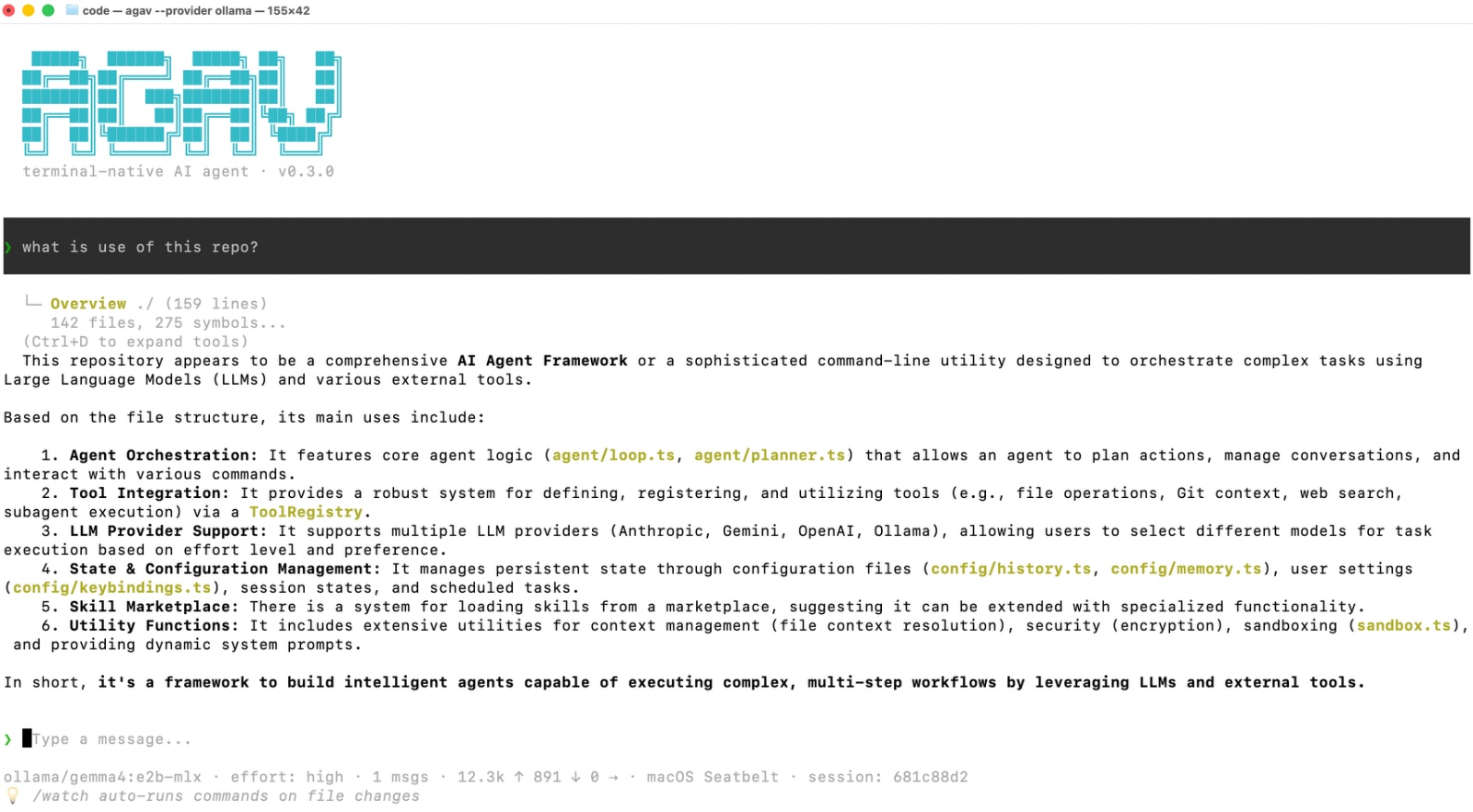
Terminal-native AI coding assistant for real repositories. Inspect code, edit files, run tests, and verify changes from the CLI.
   █████╗  ██████╗  █████╗ ██╗   ██╗
  ██╔══██╗██╔════╝ ██╔══██╗██║   ██║
  ███████║██║  ███╗███████║██║   ██║
  ██╔══██║██║   ██║██╔══██║╚██╗ ██╔╝
  ██║  ██║╚██████╔╝██║  ██║ ╚████╔╝
  ╚═╝  ╚═╝ ╚═════╝ ╚═╝  ╚═╝  ╚═══╝
A terminal-native AI coding assistant for real repositories




Installation
Quick install (recommended)
One command, no Node.js required — Agav ships as a self-contained binary compiled with Bun:
curl -fsSL https://agav.dev/install.sh | bash
For Windows PowerShell:
irm https://agav.dev/install.ps1 | iex
For Windows Command Prompt (cmd.exe):
Download the installer:
curl -fsSL https://agav.dev/install.cmd -o install.cmdRun it from the same Command Prompt window:
install.cmdRemove
install.cmdwhen you're done if you no longer need it:del install.cmd
Or download a specific platform binary from Releases.
Uninstall
Both installers accept --uninstall.
macOS / Linux:
curl -fsSL https://agav.dev/install.sh | bash -s -- --uninstall
Windows PowerShell:
& ([scriptblock]::Create((irm https://agav.dev/install.ps1))) --uninstall
Windows Command Prompt (cmd.exe):
curl -fsSL https://agav.dev/install.cmd -o install.cmd
install.cmd --uninstall
del install.cmd
If you installed via a package manager instead, remove it the same way:
npm uninstall -g agav-cli # or: bun remove -g agav-cli
What --uninstall leaves behind
It removes the binary, but deliberately keeps your settings and does not edit your shell profile:
| Removed | Left behind | |
|---|---|---|
| macOS / Linux | ~/.local/bin/agav, ~/.agav/packages/standalone/ |
~/.agav/ config, PATH line in your shell profile |
| Windows | %LOCALAPPDATA%\agav\agav.exe |
%USERPROFILE%\.agav\ config, PATH entry in your user environment |
To remove your configuration as well — this deletes config.json (which holds your encrypted API keys), prompt-history.json, keybindings.json, and any installed plugins/ and skills/:
rm -rf ~/.agav # macOS / Linux
Remove-Item -Recurse -Force "$HOME\.agav" # Windows
To remove the PATH entry, delete this block from your shell profile — ~/.zprofile (macOS + zsh), ~/.bash_profile (macOS + bash), ~/.zshrc or ~/.bashrc (Linux), or ~/.profile:
# >>> Agav installer >>>
export PATH="$HOME/.local/bin:$PATH"
# <<< Agav installer <<<
On Windows, remove the Agav entry from your user PATH under Settings → Edit environment variables for your account.
Agav also writes per-project directories inside repositories you've worked in — .agav/ (cached images) and .agav-worktrees/. Delete those individually if you want them gone.
Run from source
macOS
git clone https://github.com/prapaa-ai/agav && cd agav && pnpm install --frozen-lockfile && pnpm build && pnpm start
Linux
git clone https://github.com/prapaa-ai/agav && cd agav && pnpm install --frozen-lockfile && pnpm build && pnpm start
Windows
git clone https://github.com/prapaa-ai/agav; cd agav; pnpm install --frozen-lockfile; pnpm build; pnpm start
Documentation
Detailed CLI documentation can be found here.
Contact
Email: [email protected]
Yorumlar (0)
Yorum birakmak icin giris yap.
Yorum birakSonuc bulunamadi