gridlines
Health Gecti
- License — License: MIT
- Description — Repository has a description
- Active repo — Last push 0 days ago
- Community trust — 137 GitHub stars
Code Uyari
- process.env — Environment variable access in skills/gridlines/audit.mjs
Permissions Gecti
- Permissions — No dangerous permissions requested
Bu listing icin henuz AI raporu yok.
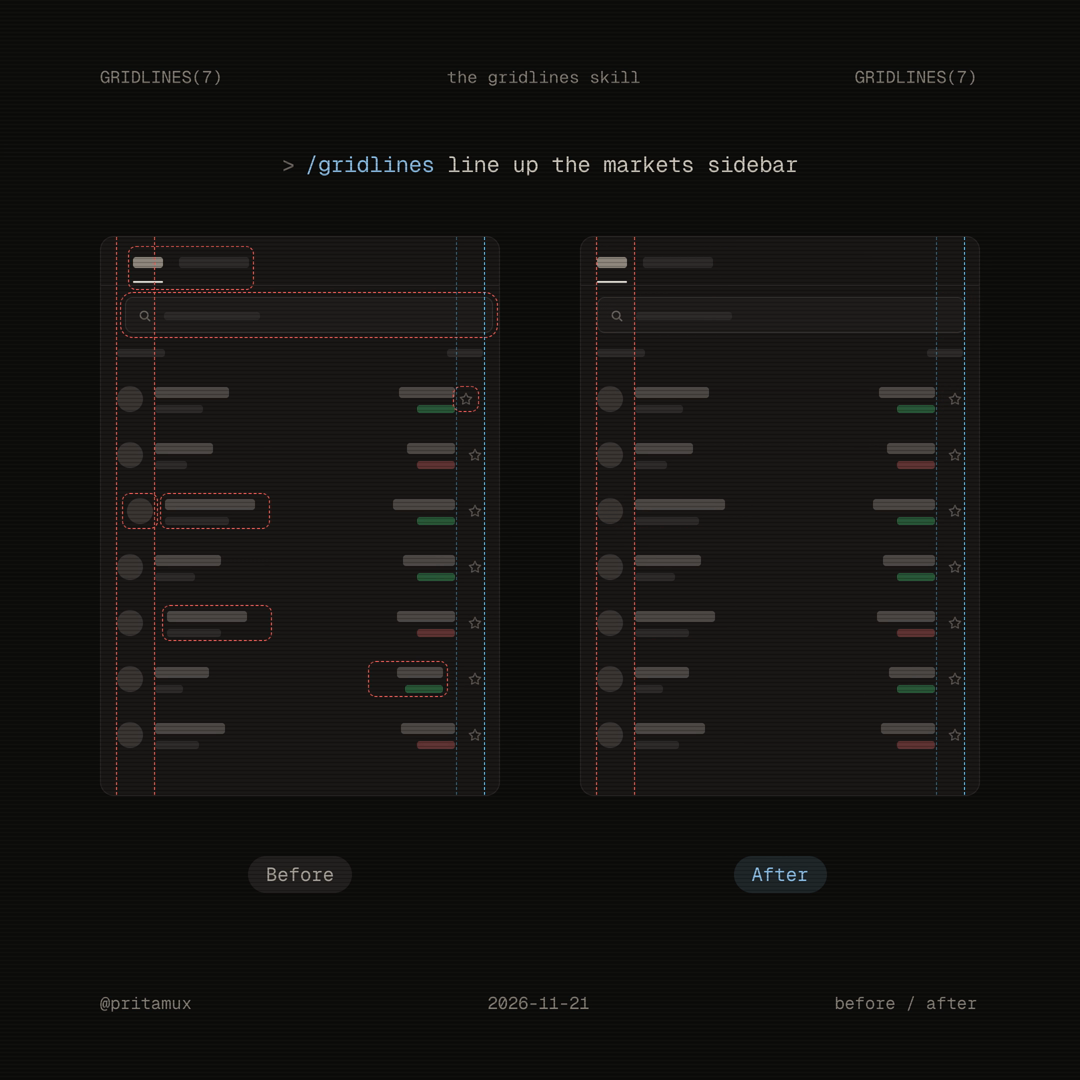
An agent skill for alignment passes: draw guide lines down an interface, find every item that misses its line, fix the padding.
gridlines
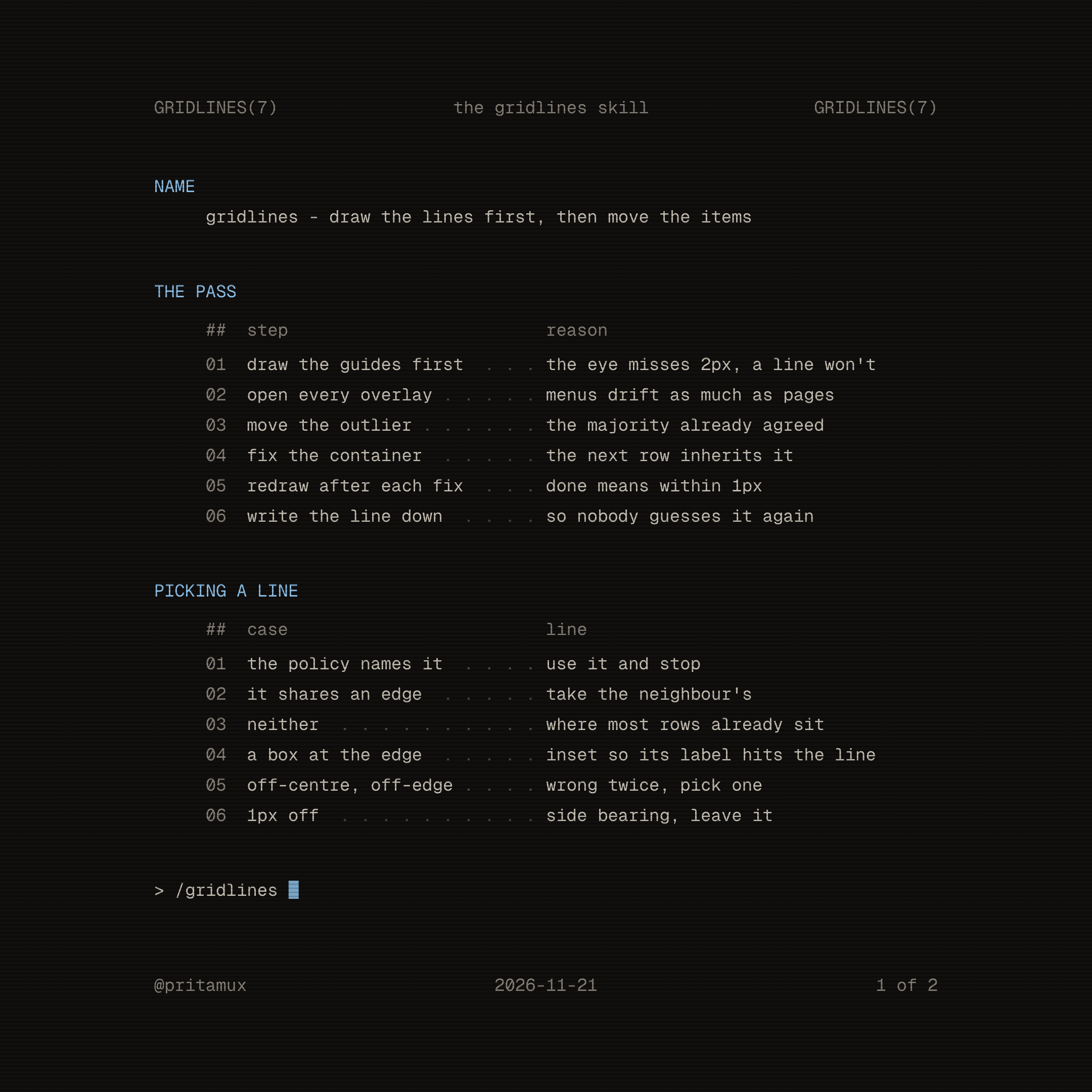
An agent skill for alignment passes. It draws vertical guide lines down an interface, finds every item that misses its line, and fixes the padding so sidebars, toolbars, panels, menus and tables share a small set of edges.
Draw the lines first, then move the items.
Install
npx skills add pritamux/gridlines
Or copy skills/gridlines/ into your agent's skills folder (for Claude Code, ~/.claude/skills/gridlines/).
Then ask your agent for an alignment pass, or call it directly:
/gridlines line up the settings sidebar
What's inside
| File | What it does |
|---|---|
skills/gridlines/SKILL.md |
The process and the rules the agent follows |
skills/gridlines/probe.js |
Runs in the page: measures the ink edges of text, icons and controls, draws the guides, lists every miss |
skills/gridlines/audit.mjs |
Loads a page in headless Chromium, runs the probe, saves a 2x capture with the guides and a JSON report |
examples/sidebar.html |
A sidebar with four planted misses, to see a report before pointing it at your app |
Try the probe
The audit script needs Playwright. Install it anywhere and point PW_DIR at that folder:
npm i --prefix /tmp/gridlines-pw playwright
npx --prefix /tmp/gridlines-pw playwright install chromium
PW_DIR=/tmp/gridlines-pw node skills/gridlines/audit.mjs "file://$PWD/examples/sidebar.html" .gridlines 800
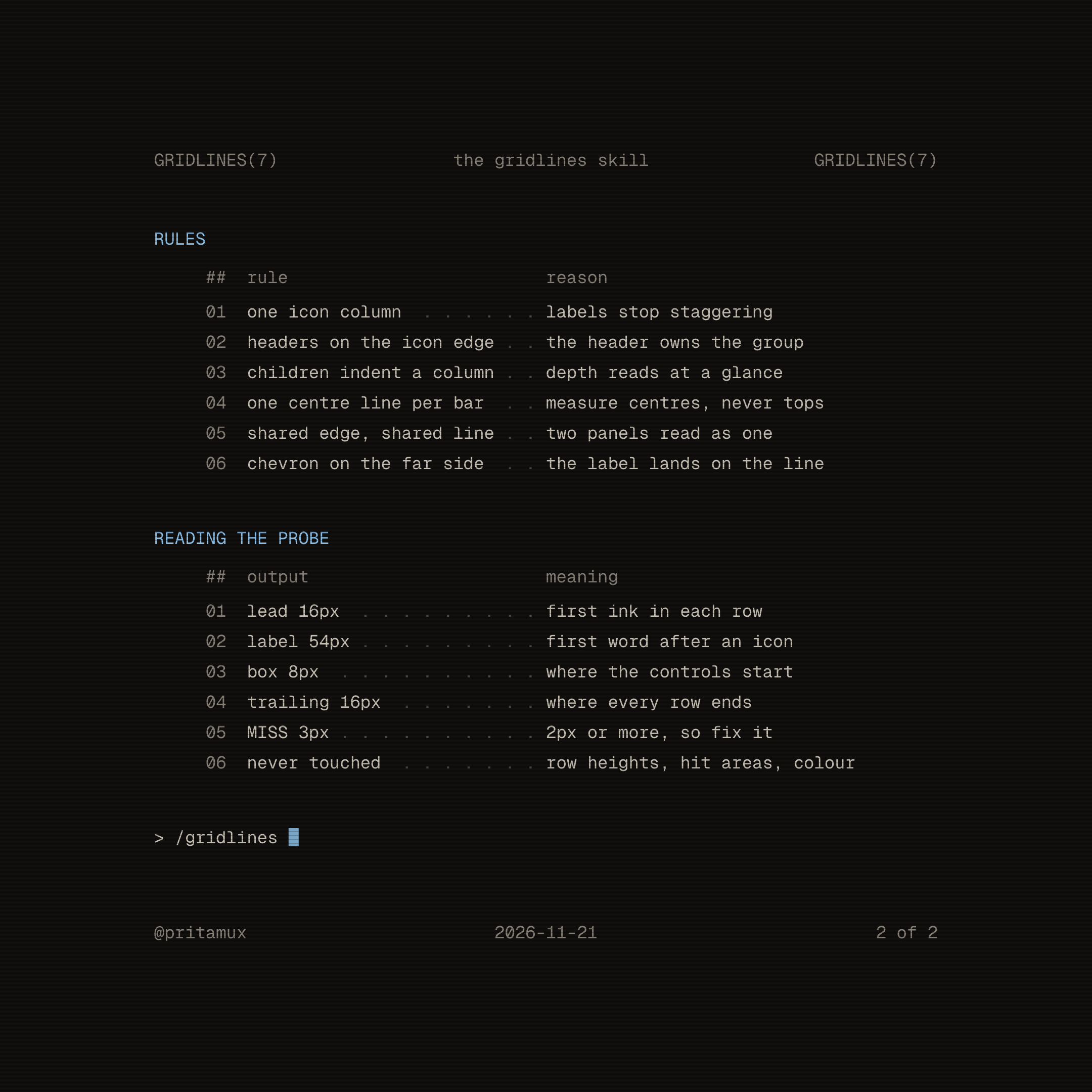
## Sidebar  x0 w240
   lead 12px  box -  icon centre 20px  label 36px  trailing 12px  trailing centre -
   MISS y56 trailing: 15px vs 12px  [12]
   MISS y88 leading: 15px vs 12px  Workspace
   MISS y120 label: 38px vs 36px  Views
   MISS y120 vertical-centre: 3px vs 0px  <svg> … Views
The probe also works without the script: paste probe.js into any page's console and call window.__gridlines().
Credits
The rules come from Karri Saarinen's redraw of the Linear sidebar and his notes on rhythm, edges and centring, backed by the layout chapter of Apple's Human Interface Guidelines.
License
MIT
Yorumlar (0)
Yorum birakmak icin giris yap.
Yorum birakSonuc bulunamadi