war-room
Health Uyari
- License — License: NOASSERTION
- Description — Repository has a description
- Active repo — Last push 0 days ago
- Low visibility — Only 7 GitHub stars
Code Uyari
- network request — Outbound network request in app/(main)/j/[id]/client.tsx
- process.env — Environment variable access in app/api/about/route.ts
Permissions Gecti
- Permissions — No dangerous permissions requested
Bu listing icin henuz AI raporu yok.
The cockpit for operators running AI at scale. Local-first Discord-style dashboard for Claude Code sessions across many projects.
War Room
A local-first, self-hostable team cockpit for working alongside AI agents.




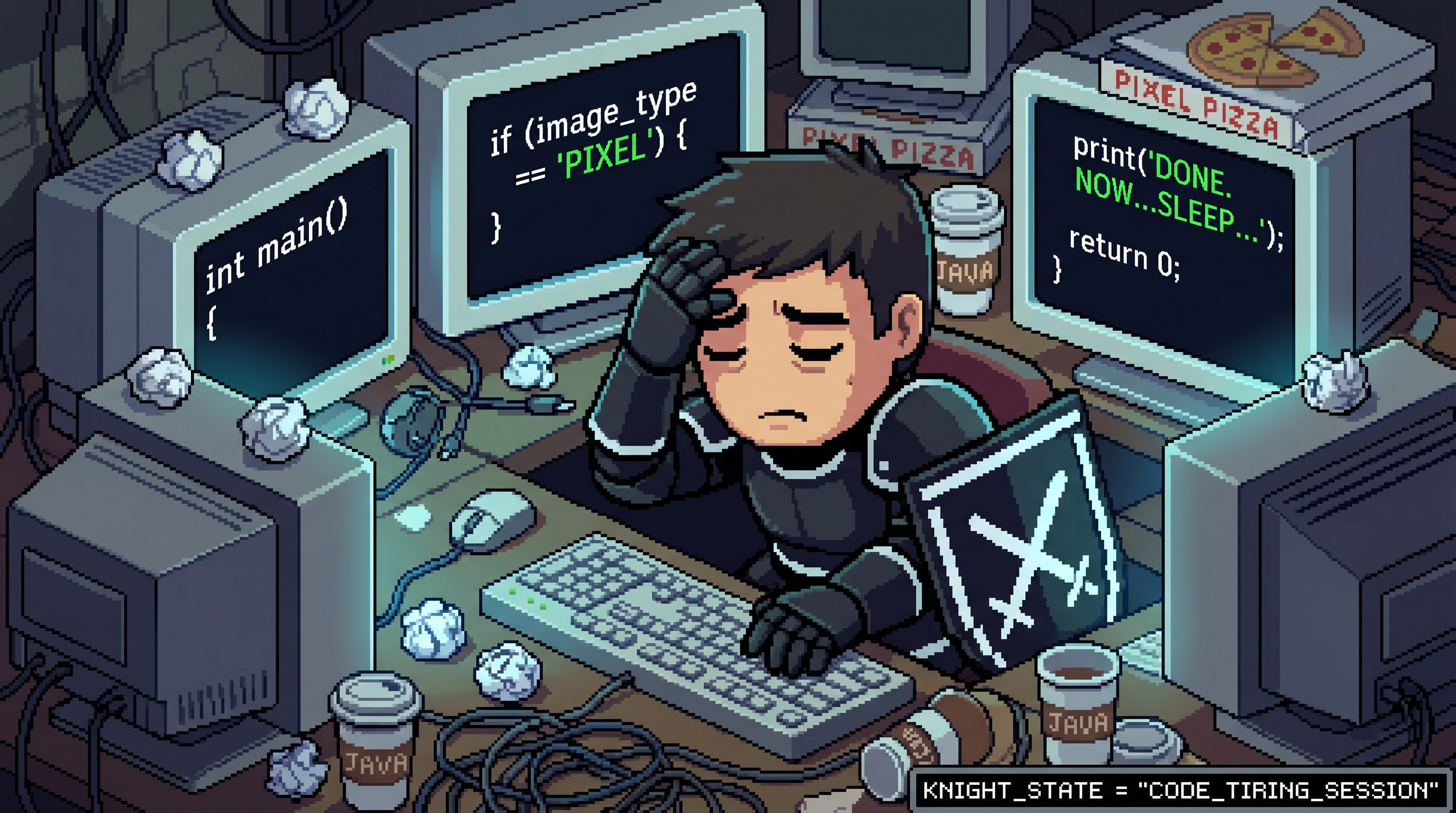
Agent work without a cockpit. Four monitors, cold java, unmerged context.
War Room is a desktop app that gives a small team one shared cockpit for the agent work they already do. Think Discord-style server / channel layout, but every channel is a workspace where a CLI agent (Claude Code, Codex, Gemini CLI, or your own) can be invoked, paired with persistent memory, decisions, announcements, and a knowledge base that the whole team sees.
The app runs entirely on each teammate's machine. Workspace structure syncs over a WebSocket bus to a sync server the team controls. No managed cloud, no per-seat billing, no telemetry. You bring your own agent CLIs and your own model keys; War Room just gives them a shared place to live.
What it does
- Local-first. All state lives on each teammate's machine in SQLite. The desktop app runs fully offline. Sync is optional.
- Server / channel layout. Discord-style sidebar for organizing work into servers, categories, channels, and groups. Per-channel agent profiles and behavioral frameworks.
- Bring your own agent. Drop in Claude Code, Codex CLI, Gemini CLI, aider, or any custom CLI as an "agent profile." War Room handles the subprocess lifecycle, output streaming, and channel routing.
- Persistent project memory. Decisions, knowledge entries, and constraints sync across the team and survive across sessions. Agents see them, operators audit them.
- Boardroom voice and video. A LiveKit-backed meeting room lets the team join voice or video alongside the channel work. Self-hosted; no media service we bundle, you point it at one you control.
- Approvals system. Any agent or service can request operator confirmation via Discord-style buttons. Stays inside the team's workspace; never leaves the network.
- Reactions and pins. Bot-message reactions for the workflows you already use (pin important context, archive noise, surface answers).
Quick start
Download the installer for your platform from Releases. Run it, open the app, and you have a working solo cockpit out of the box. No setup, no accounts, no sign-in.
Solo users can stop there. Everything below is for teams that want multiplayer.
Multiplayer (team sync)
War Room v0.16 ships four hosting modes for team sync, each surfaced in Settings → Sync → Host this workspace from this machine:
| Mode | What it does | Best for |
|---|---|---|
| Share over the internet (instant) | Cloudflare Quick Tunnel. Zero accounts, zero domains, instant URL. | Trying multiplayer for the first time. |
| Share over the internet (permanent URL) | Cloudflare Named Tunnel. Stable URL across restarts. | Teams that want set-and-forget. Requires a free Cloudflare account and a domain. |
| Share over private network | Tailscale. Every teammate joins the same tailnet. Traffic is direct peer-to-peer. | Privacy-focused teams that don't mind one install per teammate. |
| Connect to my own server | Manual VPS deployment of the reference sync server. | Teams that already self-host or want full control. |
Pick a mode, click Host, copy the invite block, send to your teammates. They paste into their own Settings → Sync → Connect to a workspace, hit Save. Channels, servers, agent profiles, decisions, announcements, and knowledge entries sync live across all machines.
Full walkthrough per mode: docs/sync-hosting.md. Sync protocol details: SYNC.md.
Behavioral framework (OpenWar)
War Room ships with OpenWar as the bundled default agent framework. OpenWar is a system prompt that makes any agent (Claude, GPT, Gemini, custom CLI) behave like a senior peer: confirms briefs before acting, breaks work into phases, asks before destructive actions, refuses to invent next steps not grounded in the brief.
The framework is opt-in per channel and globally. The default selection lives in system_settings.default_framework; new installs are seeded to openwar. Frameworks are plain markdown files at presets/frameworks/*.md; drop a new one in and it shows up automatically in the wizard picker and channel header chip. No registration code, no manifest.
Update bundled frameworks from upstream:
npm run update-frameworks
Boardroom voice and video (LiveKit)
The boardroom UI is wired end-to-end against LiveKit. War Room never bundles a media server; you point it at one you control. The shipped installer stands up a self-hosted LiveKit on any Linux VPS in about thirty seconds:
# On your VPS as root:
LIVEKIT_DOMAIN=livekit.your-domain.com bash tools/install-livekit.sh
# Or no-domain mode for testing on the raw IP:
bash tools/install-livekit.sh
The script installs the LiveKit binary, generates an API key and secret, writes /etc/livekit.yaml, opens the firewall, optionally configures an nginx vhost when LIVEKIT_DOMAIN is set, and registers the server under PM2 so it survives reboots. At the end it prints three env lines to paste into ~/.war-room/.env on each teammate's machine.
Optionally, the WhisperX transcriber can join a call as a hidden listener and save a speaker-labelled transcript into the boardroom afterward. Full walkthrough for both: docs/voice-setup.md.
Build from source
git clone https://github.com/pythonluvr/war-room.git
cd war-room
npm install
npm run dev
Opens the dev build at http://localhost:3000. Hot reload for the renderer; Electron main reloads on save too. Full installer build: npm run build && npm run electron:dist.
War Room treats every commit as a stranger's first clone. Zero-config must produce a working app; empty states are part of the product, not bugs to be hidden behind onboarding. Errors are explanations.
What War Room is not
Not a managed SaaS. We don't host anything for users. Each team runs their own copy.
Not an AI chat client. Agents are CLIs that War Room spawns and supervises; the cockpit is for the team's coordination work around those agents, not for the agent's reasoning quality.
Not a Slack or Discord replacement. The chat surface is opinionated toward agent-paired work. If you want general team chat, use a tool built for that.
Not a per-seat billing target. Forever AGPL, forever self-hostable, no enterprise tier hiding features behind a paywall.
Documentation
| Topic | Doc |
|---|---|
| Voice + transcription setup | docs/voice-setup.md |
| Sync hosting modes | docs/sync-hosting.md |
| Sync protocol details | SYNC.md |
| Contributing | CONTRIBUTING.md |
| Release notes per version | CHANGELOG.md |
Community
Questions, bug reports, framework discussion, multiplayer setup help: Discord. Issues and PRs welcome on this repo.
License
AGPL-3.0-or-later. Use it, modify it, fork it, run it for your team, run it for someone else's team. If you build something on top of War Room and host it as a service, your modifications stay open under the same license. That's the deal.
Authorship
War Room is built around OpenWar, the behavioral framework that ships inside it. Both projects evolve together through real use, one ship at a time, with the discipline that the rest of the agent ecosystem mostly skips.
Yorumlar (0)
Yorum birakmak icin giris yap.
Yorum birakSonuc bulunamadi