Locus
Health Gecti
- License — License: GPL-3.0
- Description — Repository has a description
- Active repo — Last push 0 days ago
- Community trust — 198 GitHub stars
Code Gecti
- Code scan — Scanned 12 files during light audit, no dangerous patterns found
Permissions Gecti
- Permissions — No dangerous permissions requested
Bu listing icin henuz AI raporu yok.
The open source Unity Dev Agent
Locus for Unity - Open Source Unity Dev Agent
Scale game development efficiency and free creators from tedious, repetitive work.







English | 简体中文
Overview
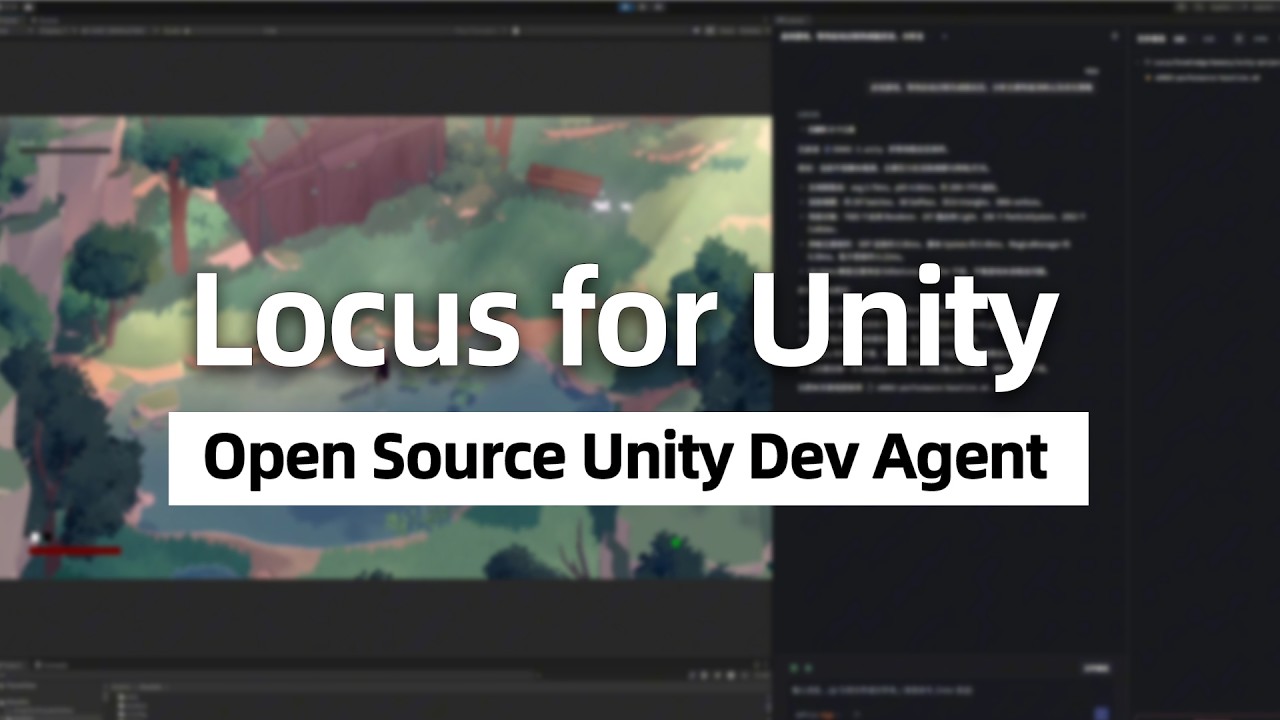
Locus for Unity is an open-source AI Agent for Unity projects.
- In-editor operations: write C# code, read and modify Unity objects and assets, and complete the full feature development workflow
- Runtime analysis and debugging: autonomously operate and capture runtime state to help fix bugs and optimize performance
- Automated knowledge system: automatically summarize conversation requirements into design documents and preserve project understanding in long-term memory
- Visual version control: provide a visual version control interface with semantic diff analysis and conflict handling for Unity YAML assets
- Multiple model support: support subscription account sign-in and compatibility with multiple LLM API capabilities
Locus is currently in early testing (v0.2.8). We welcome you to try it and share feedback through Issues. Your input is highly valuable to us.
What Makes Locus Technically Different?
Locus is a standalone Rust + Tauri + Vue.js application that runs as an independent process.
- We designed a proprietary intermediate representation that lets agents progressively read large scenes and assets, along with retrieval tools that help agents quickly locate target objects
- With Roslyn, Locus can JIT-compile and execute C# code inside the Unity Editor to make semantic asset edits. Locus also includes agent-side version management handling so users can review and revert asset and code changes the agent makes during a conversation
- Built on Rust's parallel ecosystem, Locus performs highly parallel asset database scans, enabling fast semantic parsing for large scenes and reference queries for arbitrary assets. The Unity Editor API only provides dependency queries
- Locus includes an automated knowledge system. The agent summarizes fragmented conversation requests into design documents and saves working understanding into memory, reducing repeated project exploration
- Documents in the knowledge system support configurable AI maintenance modes and maintenance rules, plus L0/L1/L2 injection control inside context. Users can customize progressive expansion behavior, use native lexical and syntactic retrieval across large document sets, and choose and download embedding runtimes
- We built C# state-machine tools so the agent can sample internal state through reflection at specific frames or events during runtime, output frame-by-frame tables, and dynamically debug multi-frame behavior
- Locus provides a graphical version control interface and supports semantic diff review and conflict resolution for Unity YAML files
- Locus uses Vue.js to deliver a modern frontend experience with better UX than the limited controls provided by the Unity Editor API, then embeds it into the Unity window through Windows APIs
If Locus were implemented inside the Unity Editor, or designed as an MCP server, most of these capabilities would be difficult to deliver and some would be nearly impossible technically.
Installation
Windows is currently the only supported platform. We plan to add macOS support soon.
We recommend installing from the Releases build. For the post-installation setup flow, see Quick Start.
Compatibility
Locus currently supports Unity 2021 or later on Windows.
If you encounter compatibility issues on older Unity versions, please report them through Issues. We will try to fix them where practical; compatibility fixes that require substantial changes may be handled as branch-specific solutions.
Build from Source
This repository uses bun + Tauri 2, with Windows as the primary development and build platform.
Run in Development
bun tauri dev
This command starts the Vite development server and opens the Tauri desktop app.
Build
bun tauri build
This command rebuilds the merged Roslyn DLL, prepares the managed Python and Git runtimes, builds the frontend, generates the third-party license bundle, and packages the desktop app. The default output is a Windows NSIS installer under src-tauri/target/release/bundle/nsis/.
Releases
See GitHub Releases for published installers and release notes.
To build both Windows release installers locally:
bun run release:installers
The default installer keeps the standard name, for example locus_0.2.5_x64-setup.exe. The no-embed installer uses locus_0.2.5_x64-without_embed_python_git-setup.exe.
License
The main repository source code is released under GPL-3.0-or-later. See LICENSE for the full text.
Documentation Build Toolchain
docs/ contains the documentation source files and the local documentation build toolchain notes. See docs/BUILD_TOOLCHAIN.md.
The desktop app installer does not include docs/node_modules or the Mint documentation build toolchain.
Third-Party Licenses
See THIRD_PARTY_NOTICES for root-level third-party notices.
For Roslyn and related .NET dependency license and distribution notes inside locus_unity/Editor/Roslyn, see locus_unity/Editor/Roslyn/THIRD_PARTY.md.
Published installers include the root license file, the root third-party notices, the generated licenses/third_party/ bundle, and the Roslyn notices under locus_unity/.
Disclaimer
This project is a free and open-source tool for the Unity Editor, and is not affiliated with Unity Technologies.
Yorumlar (0)
Yorum birakmak icin giris yap.
Yorum birakSonuc bulunamadi