agentlab
Health Uyari
- License — License: MIT
- Description — Repository has a description
- Active repo — Last push 0 days ago
- Low visibility — Only 5 GitHub stars
Code Gecti
- Code scan — Scanned 12 files during light audit, no dangerous patterns found
Permissions Gecti
- Permissions — No dangerous permissions requested
Bu listing icin henuz AI raporu yok.
Always-on AI coding agents on a machine you own: just for you, or shared with friends, family or a team.
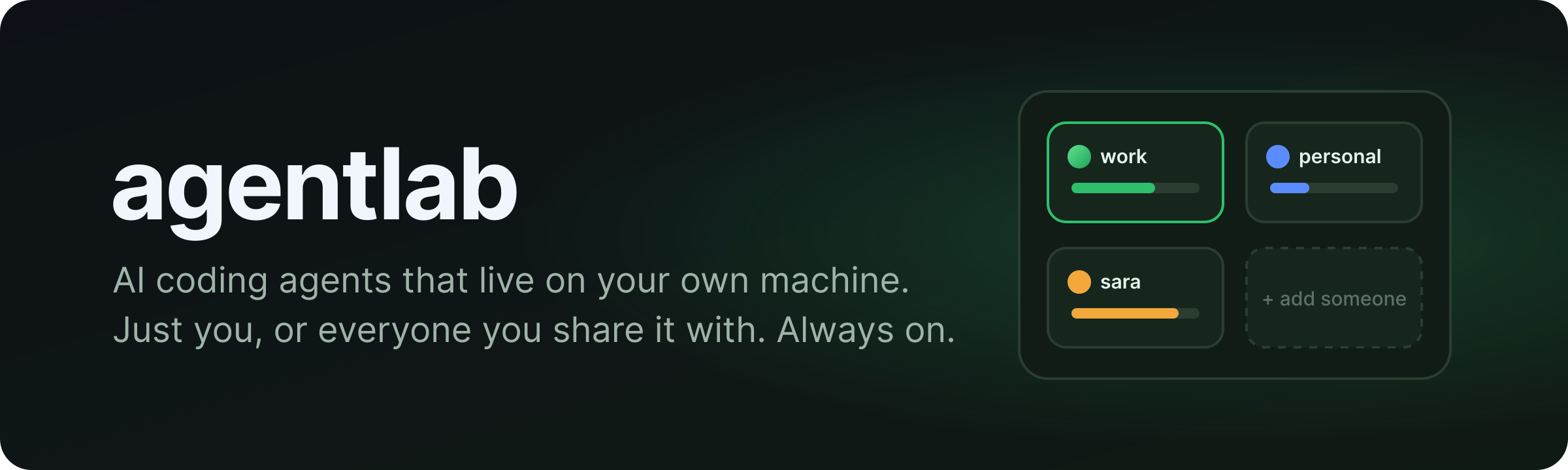
Always-on AI coding agents on a machine you own: just for you, or shared with friends, family or a team.



✨ What you get
- 🧠 Agents that keep going. Chats live on the machine in T3. Close the
laptop, check in from your phone. - 🔑 Your own AI accounts. Sign in with your Claude or Codex subscription; connect GitHub, Linear, Notion…
- 🛠️ A real workshop. A browser you can watch, Docker, a terminal, a file manager and an Android emulator.
- 🗂️ As many agents as you want. Work, side projects, experiments: each with its own files and logins.
- 🌱 A Slack companion. A bot that works with your agent, and that your agent can change on request.
- 📊 One dashboard. Usage, devices and bots; heavy jobs queue up and old work gets cleaned for you.
- 🔄 Keeps itself up to date. T3, Claude and Codex update inside each agent; agentlab updates itself nightly,
never mid-task.
🤝 Share it safely
- 🔐 Sign in through Tailscale, Cloudflare (only devices on your Cloudflare One client, over HTTPS with a real
certificate and nothing to install on devices, or a sign-in page with Google, Microsoft or an email code) or a
Google login. - 🚪 Everyone gets their own sealed-off agents: no peeking at each other's files, chats or logins.
- 👀 Whoever runs the machine can see everything, so they can help. Make sure everyone knows who that is.
🚀 Get started
Easiest: give Claude Code or Codex access to the machine and say:
Set up agentlab from https://github.com/Radwan-Albahrani/agentlab using its skill.
Yourself:
git clone https://github.com/Radwan-Albahrani/agentlab.git && agentlab/cli/agentctl setup
A few questions (how you'll reach it, your email, your agents), then it installs and starts everything. It only
stops when it needs you for something, like a token to paste or a link to open, and carries on from there.
New agent later? agentctl agent add side-project [email protected] && agentctl apply.
Ways to reach it from anywhere: access guide.
📦 You'll need
- 🐧 Linux with Docker (or Windows with WSL)
- 💾 About 12 GB RAM and 30–60 GB disk per busy agent
- 🌐 Tailscale, Cloudflare, or a domain pointing at the machine
🧪 Beta: in daily use with Tailscale and Cloudflare. Please report what breaks.
📚 More
How it works · Operating it ·
Contributing · Security · Code of Conduct ·
MIT License
Yorumlar (0)
Yorum birakmak icin giris yap.
Yorum birakSonuc bulunamadi