capcut-cli
Health Gecti
- License — License: MIT
- Description — Repository has a description
- Active repo — Last push 0 days ago
- Community trust — 458 GitHub stars
Code Basarisiz
- child_process — Shell command execution capability in hooks/hooks.json
- execSync — Synchronous shell command execution in hooks/hooks.json
Permissions Gecti
- Permissions — No dangerous permissions requested
Bu listing icin henuz AI raporu yok.
Independent, unofficial CLI to edit CapCut and JianYing (剪映) projects — subtitles, timing, speed, volume, templates, cut long-form to shorts. No API needed, reads draft_content.json and draft_info.json (剪映草稿) directly. Not affiliated with ByteDance.
capcut-cli





English | 中文
Create and edit real CapCut / JianYing projects from the terminal — or any LLM agent.
Open the result in CapCut with every track still editable. capcut-cli works directly on the local draft store: JSON in, JSON out, with no upload, API, MCP server, or HTTP daemon.
Also from the maintainer: 500 Years Frozen in Time: The Inca Children Mystery, a 14:49 documentary from Bronze Age Banter.
raw recording → silence-aware cuts + styled captions → editable CapCut / JianYing draft
▶ Captioned output example (60 seconds)
https://github.com/user-attachments/assets/4e6ee99c-0745-4cfb-8e9b-ad873fb1259b
Install and open your first editable draft
Prerequisites: Node ≥ 18 (built-ins only — no native modules). Optional tools unlock specific commands: Whisper for caption, FFmpeg for render, ffprobe for automatic media metadata, and ANTHROPIC_API_KEY for translate.
npm install -g capcut-cli
capcut doctor
capcut quickstart my-first --video clip.mp4 --srt captions.srt
capcut info ./my-first/ -H
Result: a real local project with video and captions on editable tracks — not a flattened export. Open it in CapCut or JianYing to review, adjust, and render. The publish click stays human.
Useful? Star capcut-cli to help other editors and agent builders find it.
Build from source instead: git clone https://github.com/renezander030/capcut-cli && cd capcut-cli && npm install && npm run build (then npm link to expose capcut). Or run any command without installing: npx capcut-cli <command>.
[!IMPORTANT]
Upgrade before using older versions. Fixture bundles made with versions up to 0.17.2 may contain stable device identifiers and must be treated as unsanitised (#59). Versions up to 0.17.0 also contain local command/filter injection paths and unsafe temporary-file or credential-output behaviour. These issues are fixed in 0.18.0 and 0.17.1 respectively. Runnpm install -g capcut-cli@latestand see the changelog for full details.
Disclaimer: This is an independent, community-maintained project. It is not affiliated with, sponsored by, or endorsed by CapCut, JianYing, or ByteDance Ltd. "CapCut" and "JianYing" (剪映) are trademarks of ByteDance Ltd. All product names, logos, and brands are the property of their respective owners and are used here only for identification (nominative) purposes.
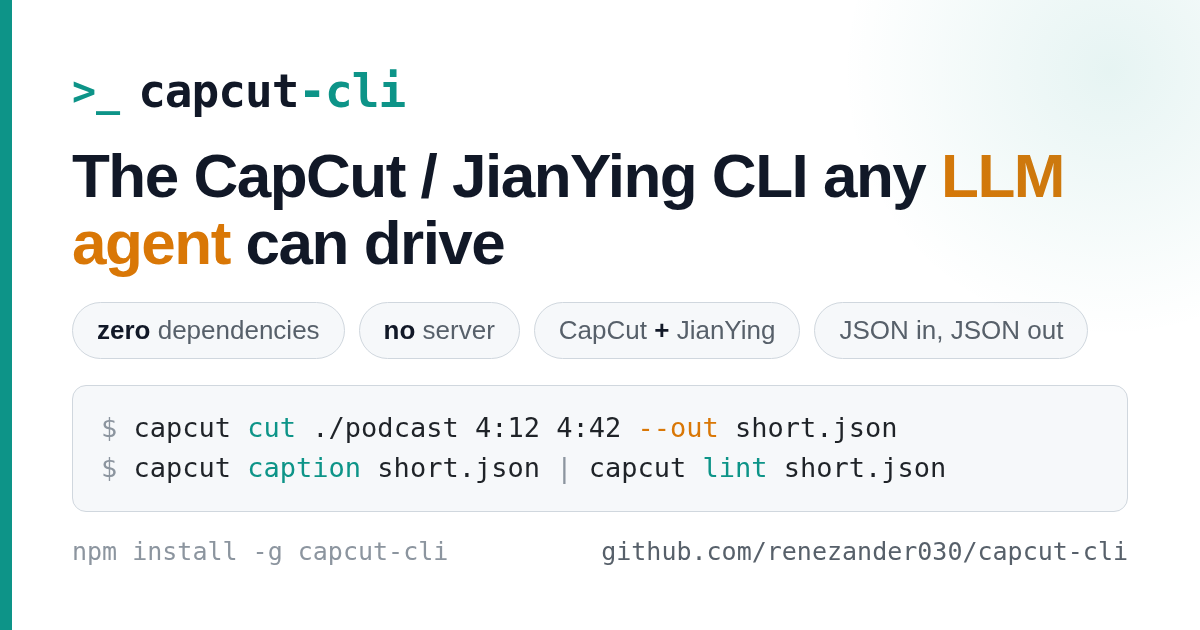
An independent CLI for CapCut / JianYing that any LLM agent can drive — zero dependencies, no server, both namespaces in one binary.
JSON in, JSON out: every command reads and writes the local draft store directly, with no MCP server or HTTP daemon. On newer CapCut versions it detects and synchronizes every readable timeline target instead of assuming draft_content.json is the only source of truth. That gives any model (Claude, DeepSeek, GLM, Kimi) a deterministic boundary for inspection, building, subtitles, captions, translation, and long-form cuts.
Use it four ways:
- CLI —
npm install -g capcut-cli, thencapcut <command> <project> - Library —
import { loadDraft, lintDraft, saveDraft } from "capcut-cli"(typed, zero-dep) - Queue runner —
capcut servereads JSONL jobs from stdin, for n8n / Make / Coze - Agent sandbox (experimental) — build
capcut-core.wasmfor three read-only MCP tools with zero filesystem, network, environment, clock, random, stdio, or process imports
Capability-free Wasm tools for agents
Using an AI assistant with capcut-cli? Give it a safer “look, don’t touch” mode.
The optional Wasm tool lets an AI:
- describe what is inside a CapCut project;
- show what changed between two versions; and
- spot common timeline and caption problems.
It can examine only the project information you hand to it. It cannot browse your files, go online, read passwords or API keys, open other apps, or change the project.
Use it when you want an AI to review a draft with the least possible access. Skip it when you are using capcut-cli yourself or want the AI to edit or render—the normal CLI still does those jobs. This feature is experimental, optional, and changes nothing unless you set it up. Technical details and setup →
The experimental wasm/capcut-core source package moves the deterministic, JSON-in/JSON-out boundary into a WebAssembly Component:
inspectmatchescapcut infofor valid drafts.diffmatchescapcut difffor structural changes.lint-portableruns an explicit, parity-tested subset ofcapcut lintthat needs no host files or media probing.
The host reads a draft and passes its JSON as tool input. The component itself has no ambient capabilities, and CI proves the built world has zero imports before exercising all three functions through Wassette over MCP. From a source checkout, build it with npm --prefix wasm/capcut-core ci && npm run wasm:verify; setup and security details are in the component README.
Release notes
New in v0.22.0: nine items mined from what users are hitting across this repo, its forks and the wider CapCut/JianYing tooling.
register --materialswrites thedraft_materialsregistration CapCut 9.1 reads to decide what is imported — the fix for every clip showing as "file inaccessible" with a relink prompt (pyCapCut#13).export-timeline --captions markerscarries caption cues into the NLE as OTIO timeline markers, andimport-timelinerebuilds the text track from them (OTIO has no title schema — OpenTimelineIO#62, open since 2017).caption --scriptkeeps whisper's word timing but uses your script's wording.detect-retakesfinds the sentence the speaker fluffed and said again, with the window / min-words / similarity guards that keep it from collapsing a timeline. Plusrender --soft-captions(a toggleable mov_text stream),matting(smart background removal on a clip's material),init --ratio 9:16for portrait drafts, IR-style keyframe aliases (scale,x,y,opacity) and--easing hold. No command was removed and no existing output changed shape. Full details in the changelog.
New in v0.23.0: drafts that open on the CapCut you actually have. A draft built from the bundled 6.5.0 template is refused by CapCut 8.4+, 8.7 Windows and 9.3 as "from an unusual path" (#67, #111 — the real 8.7 Windows round-trip, negative with the bundled template and positive with one captured from the installed app).
init,quickstartandcompilenow seed new drafts from the newest app-authored project in your drafts folder by default (its version markers and settings, none of its content, never itsTimelines/mirrors);migrate --from-storerestamps drafts built earlier, andlintreports the stale signature astemplate-stale. Media gets itslocal_material_idlink todraft_materialsat add time — the key JianYing 5.9+ and CapCut 9.3 resolve local clips by (JmsLdrn/capcut-mcp#1) — andlint --fixwrites it for existing drafts (media-unlinked). Plussource-range-exceeds-material, acompile --checkthat names flattext-stylekeys (#110), the macOS permission hint onmedia-outside-draft, andinitstamping both timeline mirrors soregisteraccepts its own drafts. No command was removed and no existing output changed shape. Full details in the changelog.
Built with capcut-cli
- OpenChatCut — exports an agent-edited timeline, local media, audio, and captions into a real CapCut / JianYing draft for review and rendering.
Project descriptions are approved by their maintainers. Inclusion does not imply endorsement or affiliation.
Commands
JSON by default (pipe to jq); add -H for a human-readable table. Pass --jianying to use the JianYing enum namespace. Run capcut <command> --help for full flags.
| Group | Commands |
|---|---|
| Inspect | info · tracks · materials · version · lint |
| Browse / drill in | segments · texts · segment · material |
| Create | init · quickstart · compile (build a draft from a JSON spec) |
| Preview | render (low-res ffmpeg proxy — not CapCut's final render) |
| Add | add-video · add-audio · add-text (Wikimedia URLs supported, license-checked) |
| Edit / animate | trim · speed · volume · transitions · masks · text/image animations · easing curves |
| Templates | apply and extract reusable layouts · make-preset (portable text-style presets) |
| Subtitles & i18n | caption · import-srt · export-srt (line/word SRT + VTT) · translate (multi-language draft clone) |
| Effects | sfx · chroma (chroma key) · matting (smart background removal) |
| Long-form → short | cut · detect-scenes (ffmpeg scene-cut detection) · detect-silence · detect-retakes (repeated takes) |
| Automation | serve (stateless JSONL runner) · migrate · doctor · sync-timelines (8.7 mirror repair) |
Full reference for every command, option, and exit code: docs/command-reference.md (简体中文: docs/command-reference.zh-CN.md).
Sponsor
capcut-cli is MIT and free forever. Sponsoring funds faster releases and same-week support for new CapCut / JianYing versions — and unlocks power-user extras:
- $5/mo · Supporter — sponsors-only release notes plus your name in
BACKERS.md. Keep the project moving. - $25/mo · Pro — invite to the private
capcut-cli-prorepo: premium template and caption-style packs, the full Claude viral-shorts pipeline, ready-to-runcompilespecs, and early-access builds. Plus priority issue triage. - $100/mo · Team — everything in Pro for up to 5 teammates, written commercial-use confirmation, your logo in this README, and priority fast-tracking of the features your team needs.
Using capcut-cli at work? The Team tier pays for itself the first afternoon it saves your engineers.
How it works
CapCut/JianYing store each project as local JSON. capcut-cli loads that store, validates against a version-aware schema, applies your edit, and writes it back atomically (with a .bak). No project files are uploaded anywhere; nothing runs as a service. See docs/version-support.md for the CapCut/JianYing versions and schema flags it understands.
Docs & examples
- docs/command-reference.md — every command and flag (简体中文)
- docs/quickstart.zh-CN.md — 剪映快速上手 (JianYing-first quickstart, Simplified Chinese)
- examples/ — end-to-end recipes (VO alignment, serve automation, batch subtitle correction)
- docs/version-support.md · docs/jianying-encryption.md
- CHANGELOG.md · Releases — what's new
- draftcat — sibling project: governed AI pipelines (Go, MIT), same single-binary, no-API design
Trademarks
CapCut™ and JianYing™ (剪映) are trademarks of ByteDance Ltd. This project is unofficial and is not affiliated with or endorsed by ByteDance; the marks are used nominatively to describe interoperability.
License
MIT
Yorumlar (0)
Yorum birakmak icin giris yap.
Yorum birakSonuc bulunamadi