roar
Health Uyari
- License — License: MIT
- Description — Repository has a description
- Active repo — Last push 0 days ago
- Low visibility — Only 5 GitHub stars
Code Basarisiz
- exec() — Shell command execution in mcp/claude-hook.mjs
- process.env — Environment variable access in mcp/claude-hook.mjs
- process.env — Environment variable access in mcp/roar-mcp.mjs
- network request — Outbound network request in mcp/roar-mcp.mjs
Permissions Gecti
- Permissions — No dangerous permissions requested
Bu listing icin henuz AI raporu yok.
The AI-native, open-source browser your agent can drive

Roar
The open-source browser your AI agent can drive.
A Chromium sidebar browser for macOS with a built-in MCP server. Claude, Cursor or any MCP client browses in the same window you do, logins and all, in spaces you allow. Open source. Yours.
Download for macOS: Apple Silicon (Roar-<version>.dmg)
· Intel (Roar-<version>-intel.dmg)
Website · Free, MIT licensed
▶ Watch the one-minute demo
| You get | Your agent gets |
|---|---|
| A vertical sidebar with spaces, each with its own logins | One command to connect: claude mcp add roar … |
| Split view, a command bar and Reader mode | Pages it opens appear as tabs you can watch or take over |
| Tabs that archive themselves when you stop using them | A way to ask you a question or ping you when it's done |
| Chrome extensions, with uBlock Origin Lite built in | Only the spaces you allow; ghost tabs are always off-limits |
| Import from Arc, Chrome, Safari, Firefox, Edge or Dia | Chrome's look to sites, so fewer bot checks |
Install
About five minutes. Needs macOS 13 or later; no Node.js.
1. Download (1 min). Get the latest Roar-<version>.dmg (Apple Silicon) or Roar-<version>-intel.dmg (Intel) from Releases, open it and drag Roar onto Applications. Or:
brew install --cask roarbrowser/tap/roar
2. First open. Roar is signed and notarized by Apple, so it opens like any app you download: macOS asks once whether to open it. Click Open.
3. Connect your agent (1 min). Roar's welcome page has a Connect button for Claude Code, Claude Desktop, Cursor, VS Code, Windsurf, Codex, Gemini CLI and others. Click yours and restart that app. The MCP server ships inside Roar and launches Roar if it isn't running (keep Allow agents to connect on).
Set it up by handThe server is /Applications/Roar.app/Contents/Resources/roar-mcp, a stdio MCP server.
claude mcp add --scope user roar -- /Applications/Roar.app/Contents/Resources/roar-mcp     # Claude Code
codex mcp add roar -- /Applications/Roar.app/Contents/Resources/roar-mcp      # Codex
gemini mcp add roar /Applications/Roar.app/Contents/Resources/roar-mcp        # Gemini CLI
code --add-mcp '{"name":"roar","command":"/Applications/Roar.app/Contents/Resources/roar-mcp"}'  # VS Code
Claude Desktop (~/Library/Application Support/Claude/claude_desktop_config.json), Cursor (~/.cursor/mcp.json), Windsurf (~/.codeium/windsurf/mcp_config.json) and most other clients:
{ "mcpServers": { "roar": { "command": "/Applications/Roar.app/Contents/Resources/roar-mcp" } } }
On first launch Roar offers to bring over your Arc spaces and pinned tabs. Updates arrive through Roar › Check for Updates…
Coming from Dia or legacy Arc?
We don't need a browser company to build a browser.
The Browser Company put Arc in maintenance mode in May 2025 to build Dia. If you lived in
Arc, a company decided for you that your browser was done. Dia is their answer: closed
source, with the AI they built in.
Roar is the other answer. MIT licensed, so nobody can shelve it. No built-in assistant;
bring the agent you already use and plug it in over MCP. Your spaces and pinned tabs come
over on first launch.
| In Arc | In Roar |
|---|---|
| Spaces with their own profiles | Spaces, each with its own logins (⌃1–⌃9) |
| Pinned tabs and folders | Pinned tabs and pinned groups, nested folders included |
| Tabs that archive themselves | The same, after 6h, 12h, 1 day or 1 week |
| Split view | Split view (⌘\), or drag one tab onto another |
| Command bar | Command bar (⌘T), including the text of pages you've read |
| Closed source, in maintenance mode | Open source, MIT, shipping |
Built for agents
Your agent, not ours. The bundled MCP server (roar-mcp, built on
chrome-devtools-mcp) lets it open
pages, read them, click, fill forms, run scripts and take screenshots, and starts Roar if
needed. Settings > "Your AI agent drives Roar" picks where it works: this window, so you
watch (the default), or a hidden headless Roar with its own profile (~/.roar-headless,
port 9444) started on demand.
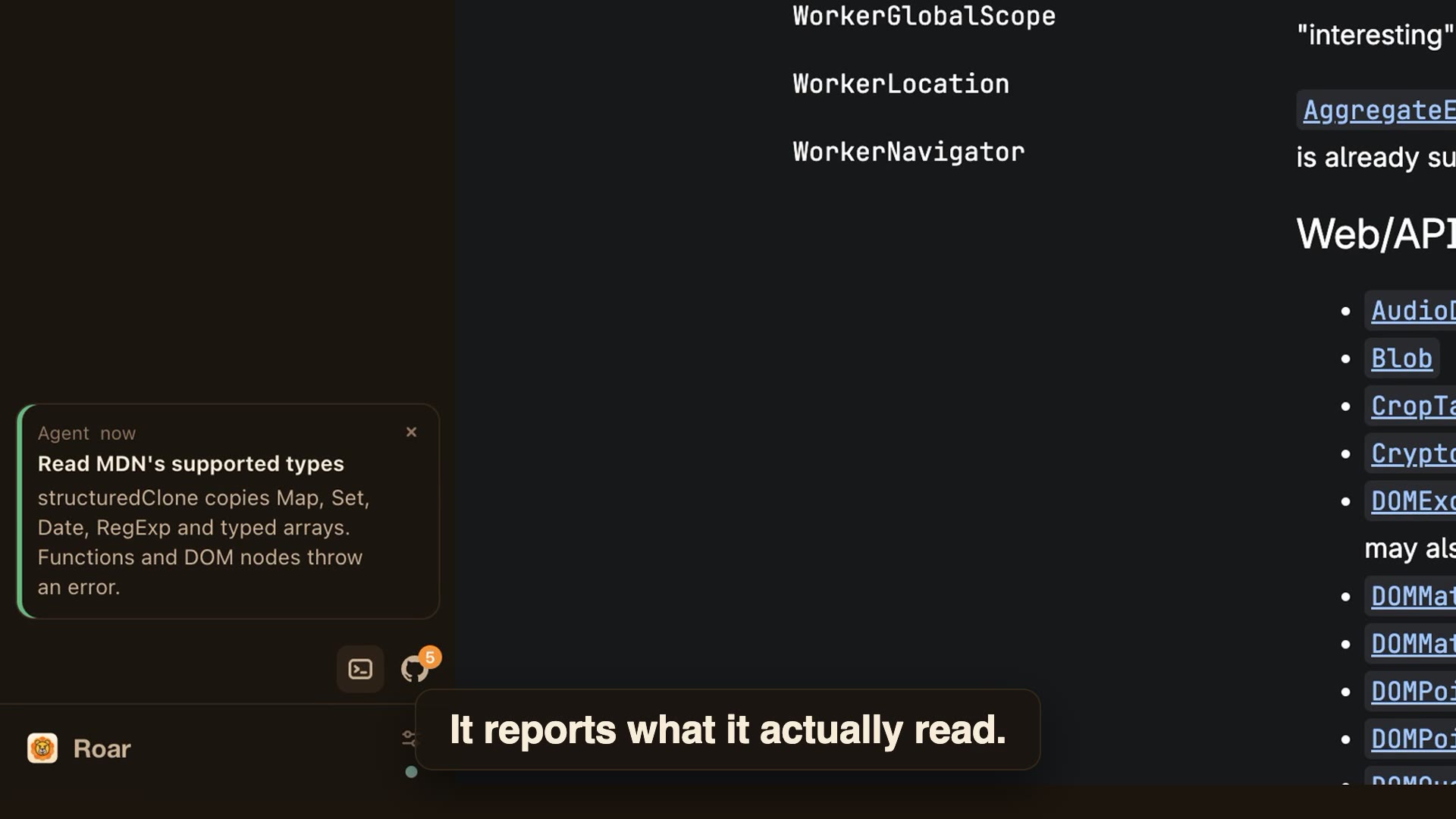
- Agents can reach you. Two extra tools put cards in the sidebar:
notify_user(info,
done, or needs-you, with an optional Open link) andask_user, which shows buttons and hands
your click back to the agent. Needs-you cards also raise a macOS notification and a Dock
badge while Roar is in the background. Cards last for the session. - Your Claude Code sessions, live in the sidebar. Turn on Settings > "Show my Claude Code
sessions in the sidebar" (it adds a hook to~/.claude/settings.json). Every session shows its
project, what it's doing and whether it needs you; click one running in tmux or cmux to watch
its terminal right under the row and reply, answer a prompt with 1/2/3, or press Esc or ⌃C.
Others jump to their window. + This tab in that panel sends the page you're on to the
session's prompt (never ghost tabs). New starts a session in any folder. The hook reports the
prompt, tool and state, never the conversation. - Agent pages are real tabs.
new_pageopens a tab in your active space's sidebar,
not a stray window, so you can watch, take over, or close what the agent is doing. - Agents per profile. Right-click a space (or use Settings) to allow or block agents in
it. Blocked spaces and ghost tabs are hidden from CDP entirely, so agents can't list or
attach to them; with several spaces allowed, the agent asks you which to use (or callsuse_profile), and its new pages open there. - One click to cut it off. The dot under the settings icon shows whether agents can
reach the current space (hover for the port, connected agents and allowed spaces); click
it to allow or block agents in this space. Settings > "Allow agents to connect" closes
the CDP port entirely, without restarting. - Looks like Chrome to sites. Roar reports the Google Chrome brand and a real window
frame, and doesn't run polling scripts in pages, so it trips fewer bot checks. - Also scriptable: AppleScript (
open url,execute javascript,get URL of every tab)
and raw CDP on127.0.0.1:9222(extra instances start at 9333).
For browsing
Tabs that stay tidy
- A vertical sidebar with pinned tabs (⌘D), pinned groups and tab groups; drag to reorder.
- Each tab has a thin bar that shrinks while you ignore it; when it runs out the tab moves to
Archived (after 6h, 12h, 1 day or 1 week, or never). ⇧⌘K archives now, ⇧⌘T brings one back. - ⌃Tab switches tabs most recently used first; ⌘1–⌘9 jumps straight to one.
- A speaker on tabs playing audio; click it to mute.
Spaces and privacy
- Spaces keep separate tabs and a separate profile (logins, cookies, extensions): ⌃1–⌃9 or ⇧⌘[ ⇧⌘].
- Ghost tabs (⇧⌘N) use a throwaway profile per session that Roar deletes on its next launch.
- Copy Link Address unwraps Outlook Safe Links and
.mcas.mswrappers. - uBlock Origin Lite is built in; other Chrome extensions install as usual.
Getting around
- One command bar (⌘T, ⌘L) for addresses, search, open tabs, history and the text of pages
you've visited. Type>for commands. - Split view (⌘\), or drag a tab onto another: left half for side by side, right half for top and bottom.
- Reader mode (⌥⌘R), find in page (⌘F), per-site zoom, swipe back and forward.
- Picture-in-picture for video (⇧⌘P), or float any tab in a mini window (⇧⌘F).
- New windows (⌘N) start with your spaces and pinned tabs.
Small things that add up
- Copy any page as Markdown (⇧⌘C) or save it to Downloads.
- Unread Gmail in the sidebar, with Read, Move and Delete per message.
- Your open GitHub pull requests as a live folder (via
gh). - Sign-in popups open as sidebar tabs, not stray windows.
- A history page (⌘Y) with search and a day-by-day view; Reopen All Tabs from Last Session.
| Shortcut | Action |
|---|---|
| ⌘T / ⌘L | Command bar: new tab / current tab |
| ⌘N / ⇧⌘N | New window / ghost tab |
| ⌘D | Pin tab |
| ⇧⌘K / ⇧⌘T | Archive tabs now / reopen archived tab |
| ⌃Tab / ⌃⇧Tab | Next / previous tab, most recent first |
| ⌘1–⌘9 | Jump to tab |
| ⌃1–⌃9, ⇧⌘[ / ⇧⌘] | Switch space |
| ⌘\ | Split view |
| ⌥⌘R | Reader mode |
| ⇧⌘C | Copy page as Markdown |
| ⇧⌘P / ⇧⌘F | Picture-in-picture / float tab |
| ⌘F, ⌘G / ⇧⌘G | Find, next / previous |
| ⌘+ / ⌘− / ⌘0 | Zoom |
| ⌘Y / ⇧⌘J | History / downloads |
| ⌥⌘B / ⌥⌘I | Toggle sidebar / DevTools |
For developers
Build from source./scripts/build.sh # fetches CEF into third_party/, builds, signs (Developer ID or Apple Development identity if present, else ad-hoc)
open build/src/Release/Roar.app
./scripts/update-cef.sh # move to the newest stable CEF/Chromium and rebuild (--check to only report)
Needs macOS, Xcode, cmake and ninja. Environment overrides:
ROAR_CDP_PORT(default9222): DevTools Protocol port; setting it also forces the port on.
The port is on by default; Settings > "Allow agents to connect" opens or closes it while
Roar runs.ROAR_DATA_DIR(default~/Library/Application Support/Roar): profile andstate.json.--load-extension=<dir>: load an unpacked Chrome extension. It loads into every Space's profile, alongside the bundled uBlock Origin Lite.
CEF binds a Chrome-style window to the first Chrome-style BrowserView it hosts, so
Roar uses a frameless Alloy shell window for the sidebar and one frameless Chrome-style
window per tab, attached as a macOS child window over the content area. The command bar
and toast are small Alloy child windows. Chrome style on tabs is what keeps extensions,
DevTools and CDP working. See src/controller.h.
The UI is HTML in resources/ui, served from roar://ui/, and talks to C++ through the
CEF message router (window.roarQuery). Web pages may only send extract.result or index.result with a
nonce Roar issued to that tab.
Known limits
- Page-text search stores page text unencrypted in the data dir (mode 0600). Turn it off in Settings, or clear it with "Forget saved text" there ("Forget saved page text" in the command bar).
- H.264 and AAC need a CEF built with proprietary codecs. The stock CEF that
scripts/build.shfetches plays WebM, VP9 and AV1 but not many.mp4sources;scripts/build-cef-codecs.shbuilds one that does, with Roar's Chromium patches (hours for a first build, about 30 minutes incremental; the checkout needs about 100 GB). - The tab sound indicator follows
<audio>and<video>elements on the page itself, not Web Audio or media inside cross-origin iframes. - Markdown extraction and Reader mode cover HTML pages; PDFs and Google Docs canvases are not handled.
- The first AppleScript call triggers a macOS Automation
prompt.
Contributing
The source is right here. Issues and pull requests welcome. Build with ./scripts/build.sh
before sending a change; UI-only edits reach the app bundle only through that script.
License
Roar is released under the MIT License. The build fetches third-party code
that keeps its own license: CEF (BSD) and
uBlock Origin Lite (GPLv3).
Yorumlar (0)
Yorum birakmak icin giris yap.
Yorum birakSonuc bulunamadi