simscene
Health Pass
- License — License: Apache-2.0
- Description — Repository has a description
- Active repo — Last push 0 days ago
- Community trust — 17 GitHub stars
Code Pass
- Code scan — Scanned 12 files during light audit, no dangerous patterns found
Permissions Pass
- Permissions — No dangerous permissions requested
No AI report is available for this listing yet.
Agent-oriented USD scene generation for ROSClaw: online asset discovery, on-demand loading, Isaac Sim execution and evidence-driven validation.
SimScene
Describe a scene. Find assets online. Build, simulate, and film it.
SimScene gives AI agents tools to discover simulation assets, compose editable
USD scenes, run Isaac Sim, and improve the result from real images and physical
observations. It connects online asset selection to scene creation and video
delivery through MCP and reusable agent skills.
中文快速开始 · Plugin setup · Examples · Apache-2.0
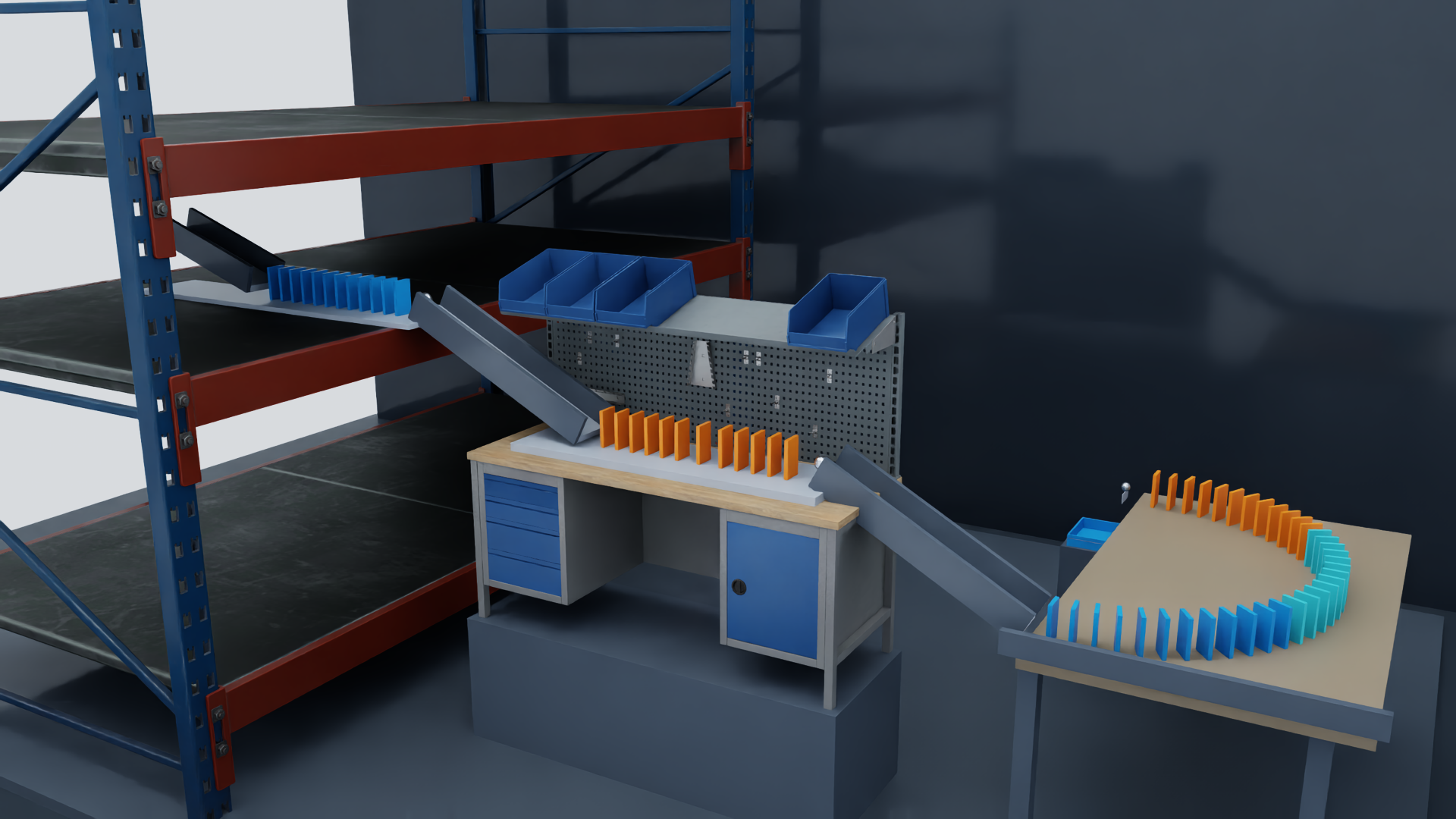
Watch the chain reaction · Watch the sorting workshop
What you can build
| Capability | What SimScene provides |
|---|---|
| Online asset discovery | Natural-language NVIDIA USD Search, asset inspection, previews, and Hugging Face repository discovery. |
| On-demand acquisition | Fetch selected assets and dependencies into a bounded cache on the simulation host. No full asset library download is required. |
| Editable composition | USD scenes, measured placement, support relationships, materials, lights, cameras, and reusable scene recipes. |
| Physical interaction | Isaac Sim execution, state and contact observations, and checks against a case defined before the run. |
| Simulation films | Native camera recording, editable camera plans, video editing, and frame-level source tracking. |
| Agent workflows | An MCP server plus skills for building scenes and delivering simulation videos. |
The project has completed a stage covering online asset composition, physical
interaction validation, and multi-camera film delivery, with reusable production
tools. A token advantage across tasks remains to be validated in real use.
Get started
Python 3.10+ is required. Running simulations also requires a compatible
NVIDIA Isaac Sim installation on a GPU host. Install FFmpeg for video capture
and editing; see video setup for encoding requirements.
git clone https://github.com/ros-claw/simscene.git
cd simscene
python3 -m venv .venv
. .venv/bin/activate
python -m pip install -e . usd-core

simscene configure --isaac-python /absolute/path/to/isaac-sim/python.sh
simscene doctor
simscene search 'industrial conveyor'
Search returns candidates and metadata. After choosing a result, inspect it and
acquire only the selected files:
simscene inspect 'ASSET_URL_FROM_SEARCH'
simscene acquire 'ASSET_URL_FROM_SEARCH'
The default service is NVIDIA USD Search.
Set USD_SEARCH_API_URL to use another endpoint. Check each asset's dependency
status and license before use. Downloaded models and textures are not bundled
with this repository.
Connect your agent
Run the MCP server from the installed environment:
simscene mcp
For an MCP client that accepts a JSON server configuration:
{
  "mcpServers": {
    "simscene": {
      "command": "/absolute/path/to/simscene/.venv/bin/python",
      "args": ["-m", "simscene.cli", "mcp"]
    }
  }
}
Use the build-scene skill to discover assets,
compose a scene, run it, and inspect the result. Use
deliver-scene-video to plan cameras and
produce traceable films. Packaging and installation covers
portable, Claude Code, and DeepSeek Harness integration.
Try a prompt such as:
Build a small workshop with a conveyor, collection bins, and a camera that
clearly shows the handoff. Find suitable assets online, inspect their scale
and dependencies, run the scene, and improve it from the observations.
Examples
| Example | Explore |
|---|---|
| Three-level chain reaction | Editable recipe and reproduction steps · Film |
| Precision sorting workshop | Scene recipe · Film |
| Maintenance workbench | Scene recipe · Film |
Recipes preserve the selected asset references and scene operations. Acquire the
referenced assets on your own simulation host and use the example's case to
check a new run.
Remote simulation
The MCP service can run on a GPU workstation while assets, USD files, and caches
stay on that host. Clients receive images, state, and video data. For the
experimental HTTP transport, bind through an SSH tunnel as described in the
remote setup guide. A local SSH tunnel has been tested;
cross-machine deployment still needs validation in the target environment.
Documentation
- Quick start / 快速开始
- Plugin packaging and installation
- Cameras, video, and layout
- Validation scope
- Repository contents and asset distribution
- Contributing
SimScene is a development project. Scene plans and successful worker exits need
physical verification against the intended task. Robot following and collision
checks are experimental; their measured scope is described in the validation
documentation.
License
SimScene code is licensed under Apache-2.0. Third-party assets retain
their own terms; see NOTICE.
Reviews (0)
Sign in to leave a review.
Leave a reviewNo results found