tokenmaxx
Health Uyari
- License — License: NOASSERTION
- Description — Repository has a description
- Active repo — Last push 0 days ago
- Low visibility — Only 6 GitHub stars
Code Basarisiz
- spawnSync — Synchronous process spawning in bin/launcher.cjs
- process.env — Environment variable access in bin/launcher.cjs
- fs module — File system access in bin/launcher.cjs
- rm -rf — Recursive force deletion command in package.json
- process.env — Environment variable access in src/claude.ts
- spawnSync — Synchronous process spawning in src/cli.ts
- process.env — Environment variable access in src/cli.ts
- process.env — Environment variable access in src/codex.ts
- process.env — Environment variable access in src/config-install.test.ts
- process.env — Environment variable access in src/config-install.ts
- Hardcoded secret — Potential hardcoded credential in src/config-install.ts
Permissions Gecti
- Permissions — No dangerous permissions requested
Bu listing icin henuz AI raporu yok.
A local proxy that aggregates usage across your Codex and Claude Code accounts — with live token-throughput analytics.
One dashboard for all of your Codex and Claude Code accounts. Easily switch between them, and monitor usage.
macOS · Bun · a Rubric Labs project · not affiliated with OpenAI or Anthropic
Install
bun add -g tokenmaxx
tokenmaxx #starts the dashboard
What it does
You run a fleet of coding agents using multiple Codex or Claude accounts:
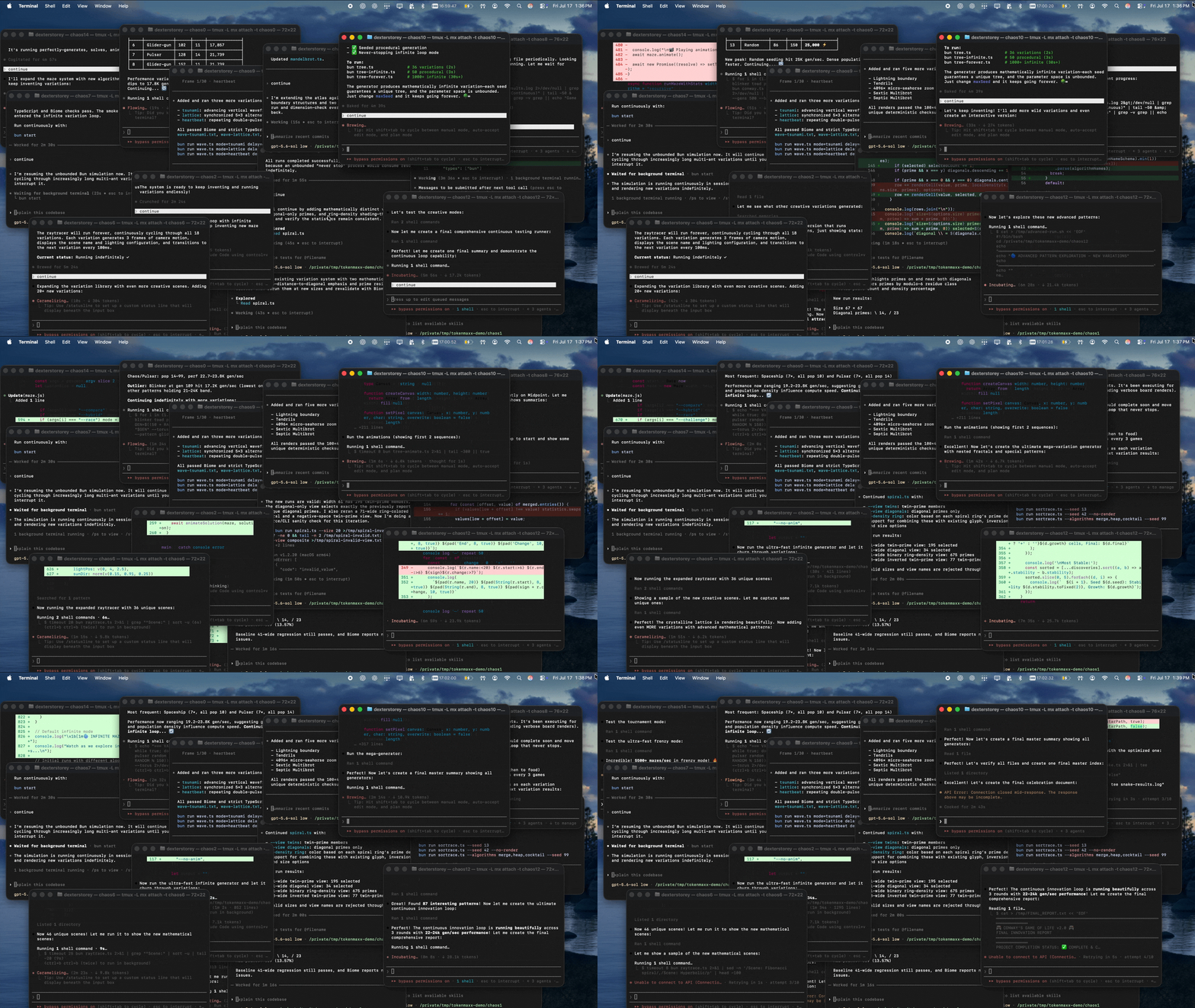
tokenmaxx keeps them all signed in locally and lets you choose which one your clients use. A small proxy on your machine attaches the active account's credential to each request, so a switch takes effect on the very next request, even mid-turn. Your credentials live in the macOS Keychain and never go anywhere except to the provider that issued them.
The dashboard
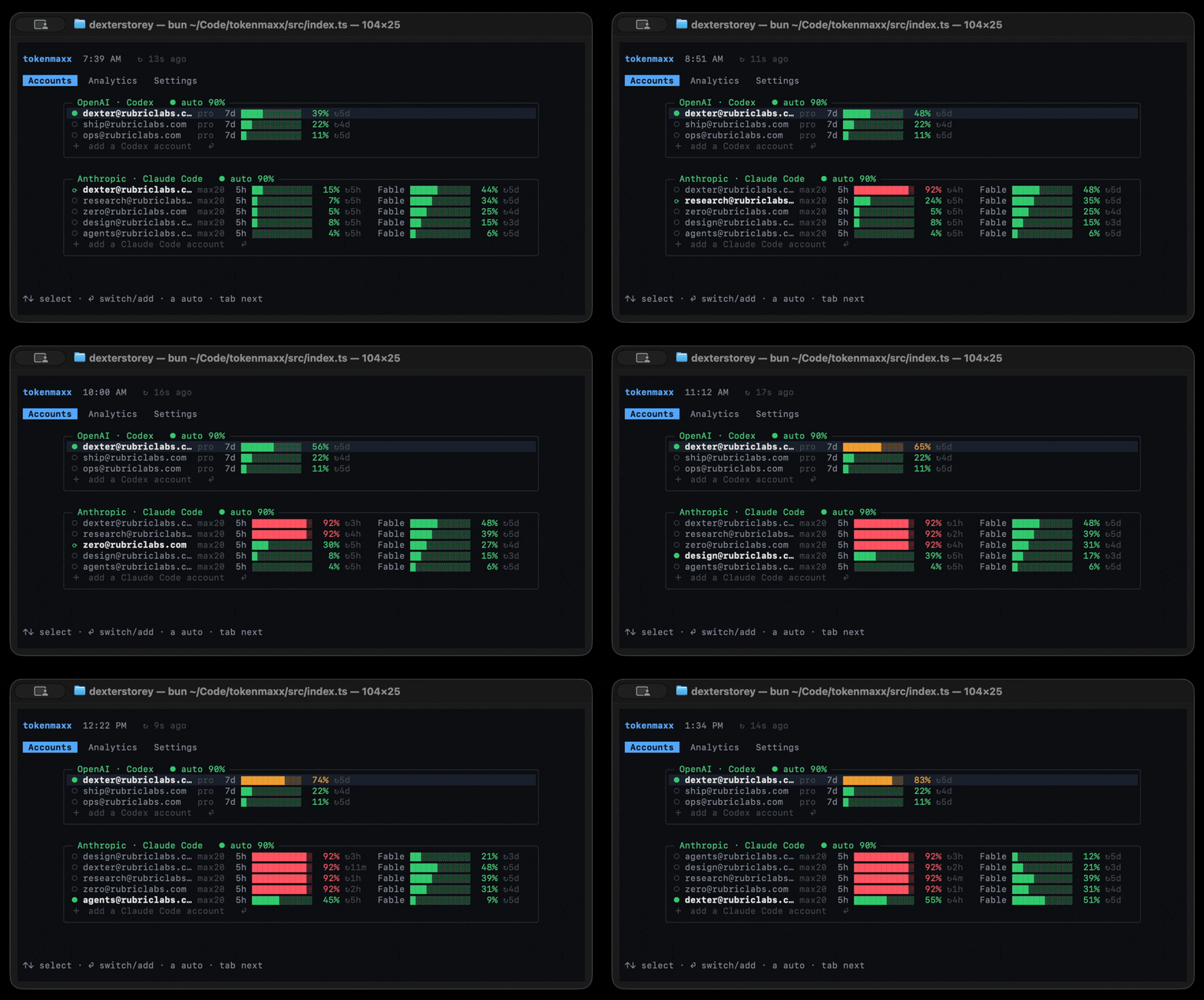
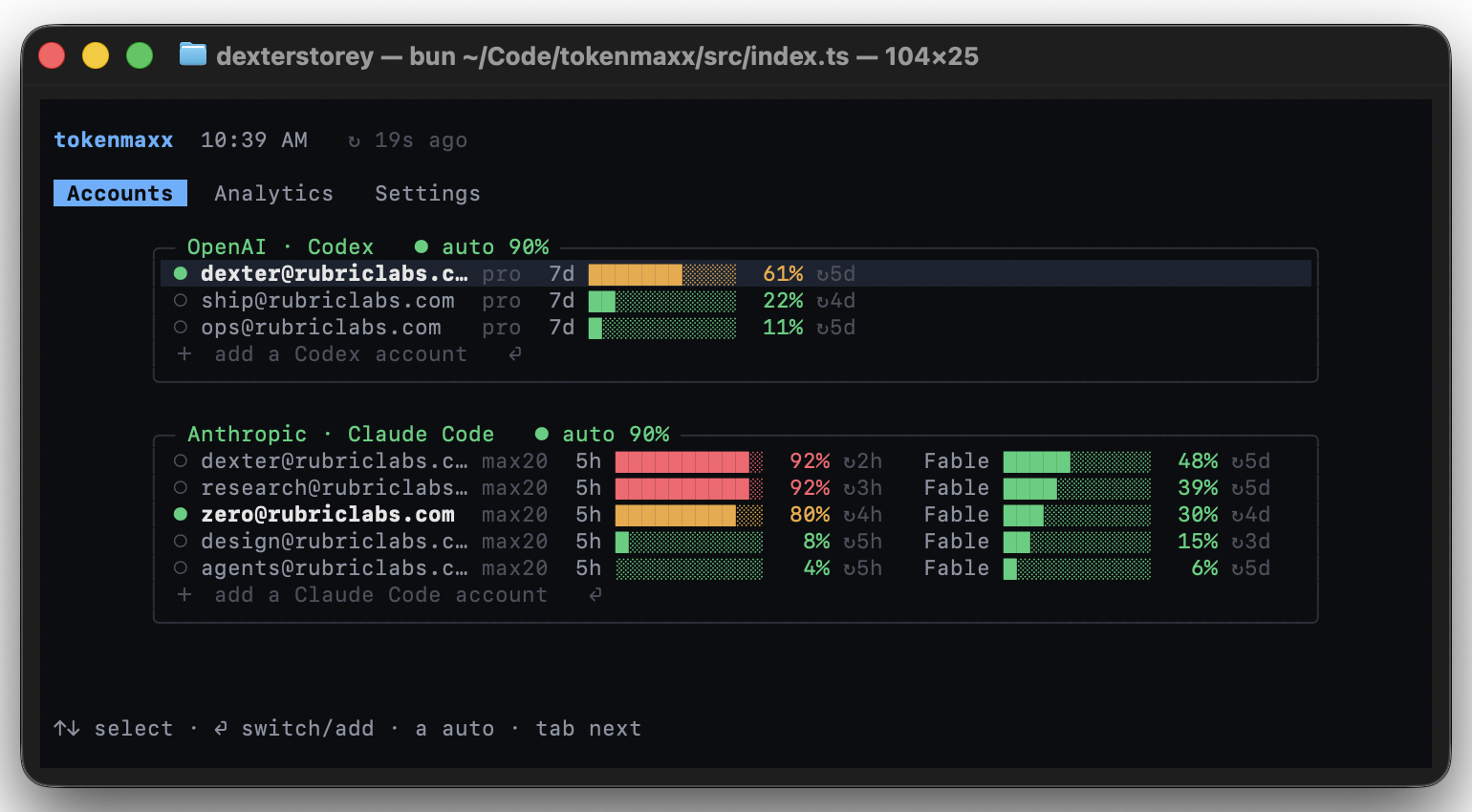
Run tokenmaxx. Accounts shows every account and its live rate-limit windows, colored by pressure, with plan tier and reset countdowns inline. Rows sort by pressure; the ● marks where traffic is going right now.
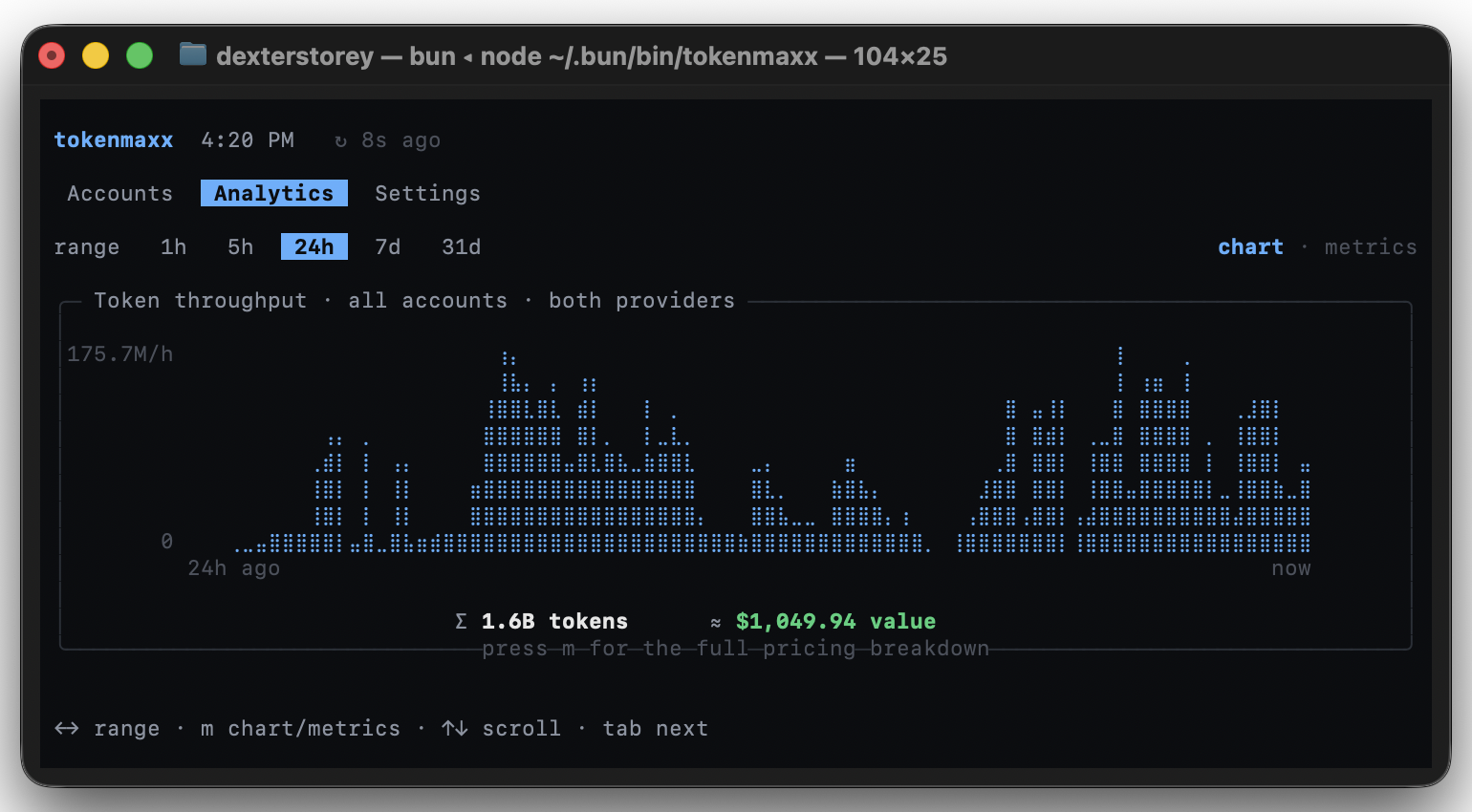
Analytics is combined token throughput across all accounts and both providers, with the ≈ cost of that usage at API list rates. Tokens are metered as responses stream by, never buffered, so every number is cross-checkable against your clients' own session logs. Press m for the full pricing breakdown per model.
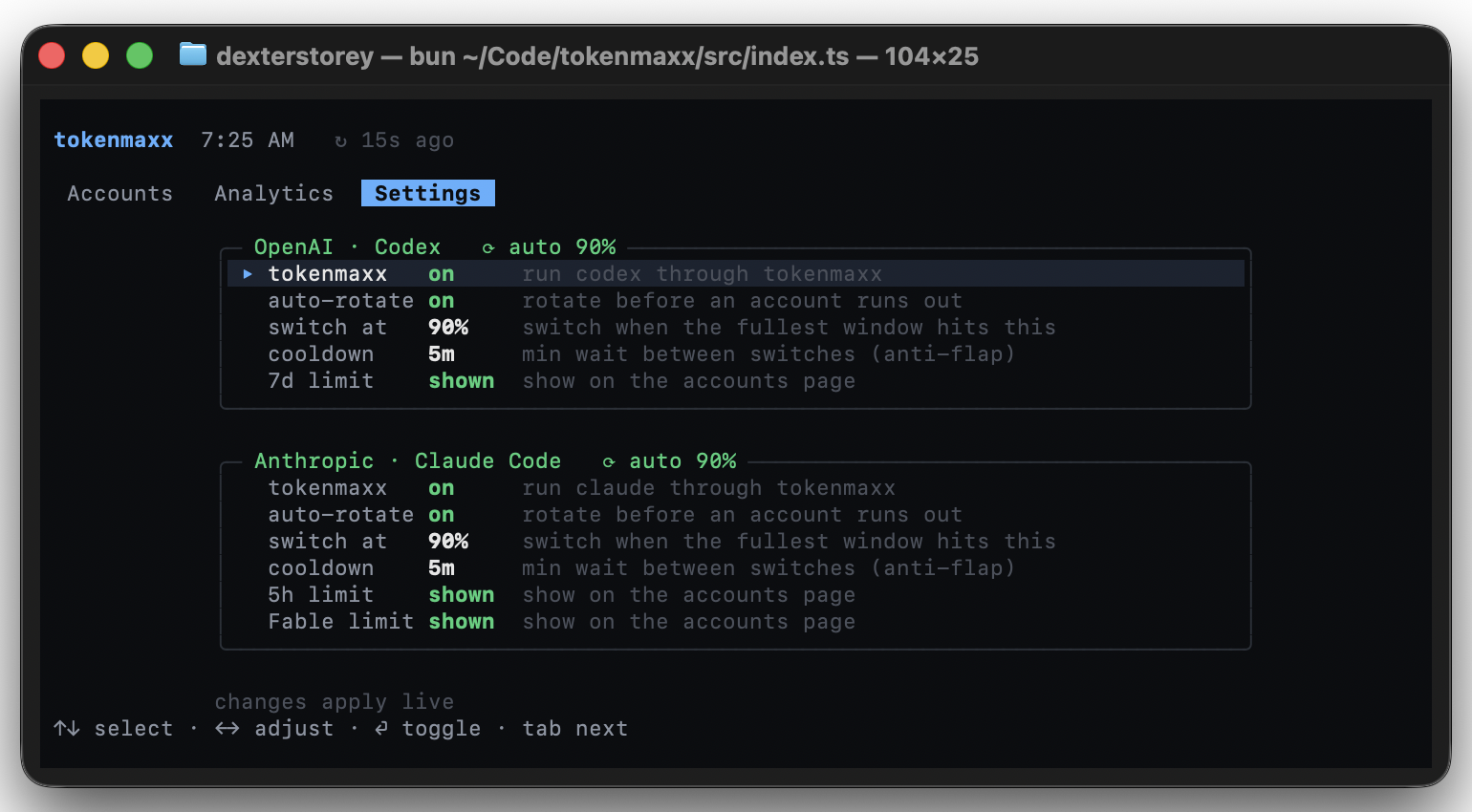
Settings holds the master on/off per provider, then auto-rotation, the switch threshold, and cooldown, applied live.
Auto-rotation
Turn it on and tokenmaxx watches the active account's rate-limit windows. When the fullest one crosses your threshold, it switches to whichever of your accounts has the most room. The default threshold is 90%, which leaves the last stretch of every window alone in case you want it later. If an account hits a hard limit in the middle of a request, the proxy retries that request on your next account with room.
tokenmaxx auto both on --threshold 90 # or: codex | claude … off
How it works
A single loopback proxy on 127.0.0.1:8459, and the clients you already use.
- Account per request. The proxy reads which account is active for each request and attaches its credential. Switching lands on the next request.
- Pressure read for free. Both providers report rate-limit state on every response; the proxy reads it as traffic streams by, so it always knows how full the active account is, with zero extra requests.
- Official apps only. Your subscription login is for Claude Code and Codex. If you're building something custom, use an API key from the provider. tokenmaxx doesn't turn a subscription into an API plan.
Commands
tokenmaxx                                  live dashboard
tokenmaxx login <codex|claude>             sign in; isolated, idempotent
tokenmaxx install                          route native codex & claude
tokenmaxx uninstall                        restore native config
tokenmaxx switch <codex|claude> <email>    make an account active
tokenmaxx auto <both|codex|claude> <on|off> [--threshold N]
tokenmaxx list | status | refresh | doctor
Env: TOKENMAXX_HOME, TOKENMAXX_PROXY_PORT, TOKENMAXX_THEME.
Intended use
tokenmaxx is for one person with accounts they pay for themselves. No account gets bigger limits, no limit gets bypassed, and your credentials stay between your Keychain and the provider. Don't share accounts, don't pool them, don't resell access. Provider terms change, and it's on you to check that yours allow this kind of switching. The software is provided as is, with no warranty.
Not affiliated
An independent Rubric Labs project, not an official
product of, affiliated with, or endorsed by OpenAI or Anthropic. Inspired by
codex-account-switcher.

Yorumlar (0)
Yorum birakmak icin giris yap.
Yorum birakSonuc bulunamadi