DAA
Health Gecti
- License — License: MIT
- Description — Repository has a description
- Active repo — Last push 0 days ago
- Community trust — 55 GitHub stars
Code Uyari
- process.env — Environment variable access in app/admin-panel/src/contexts/AuthContext.js
- network request — Outbound network request in app/admin-panel/src/contexts/AuthContext.js
- process.env — Environment variable access in app/admin-panel/src/pages/ApplicationsPage.js
- network request — Outbound network request in app/admin-panel/src/pages/ApplicationsPage.js
Permissions Gecti
- Permissions — No dangerous permissions requested
Bu listing icin henuz AI raporu yok.
Self-hosted AI agent that triages production errors and opens pull requests with fixes — LangChain + Gemini/GPT-4o/Claude, zero-ops Docker.
DAA — Debugging Autonomous Agent
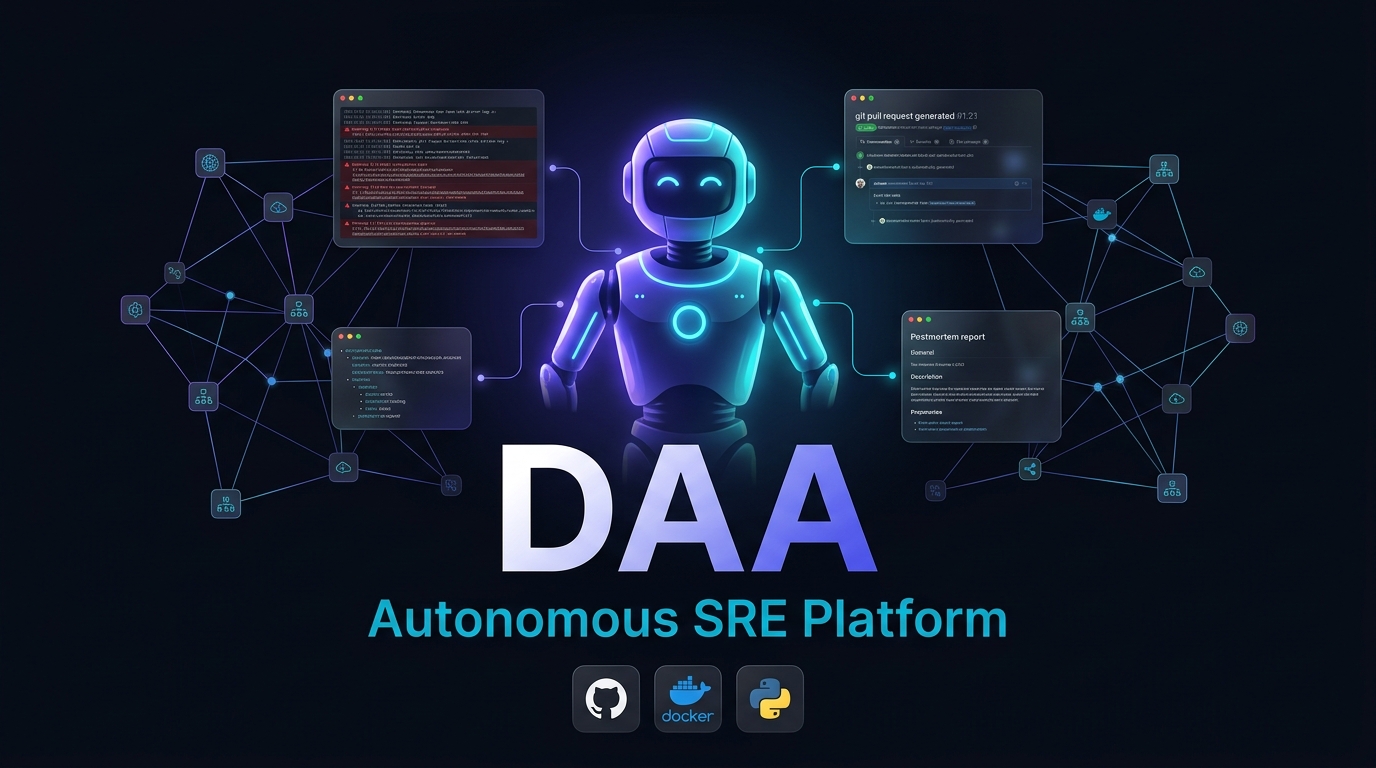
Your app breaks at 3am. DAA investigates the root cause and opens a pull request — while you sleep.




---
How it works
Error fires in your app at 3am
          ↓
DAA SDK catches it → sends to DAA (one line of code)
          ↓
SHA-256 deduplication — same error again? Suppressed silently.
New pattern? Agent wakes up.
          ↓
AI Agent investigates across 4 dimensions:
   • Git commits  →  what changed recently?
   • App logs     →  what's the stack trace?
   • Traces       →  which request triggered it?
   • Source code  →  AST navigation to the exact line
          ↓
Opens a Pull Request with:
   • A code fix
   • Root-cause explanation
   • Postmortem summary
          ↓
You wake up, review the PR, and merge.
🚀 Quickstart — GitHub Action (Easiest)
The fastest way to use DAA. No hosting, no PAT tokens, no Docker. Just add a workflow file and one secret.
Requirements: A free Gemini API key. That's it.
- Add
GEMINI_API_KEYto your repo secrets (Settings → Secrets → Actions) - Create
.github/workflows/daa.yml:
name: DAA - Auto Debug
on:
  issues:
    types: [opened, labeled]
  workflow_dispatch:
    inputs:
      error_description:
        description: 'Paste the error/stack trace'
        required: true

permissions:
  contents: write
  pull-requests: write
  issues: write

jobs:
  investigate:
    runs-on: ubuntu-latest
    steps:
      - uses: actions/checkout@v4
      - uses: rutvej/DAA/action@main
        with:
          llm_provider: google
          llm_api_key: ${{ secrets.GEMINI_API_KEY }}
Open an issue labeled daa with a bug description → DAA investigates and opens a fix PR.
Full docs: action/README.md · Supports issues, manual dispatch, external webhooks (Sentry/PagerDuty), and scheduled scans.
⚡ Quickstart — Serverless Mode (Docker)
For production monitoring with real-time webhooks from Sentry/Prometheus/Datadog.
Requirements: Docker, a free Gemini API key, and a GitHub Personal Access Token.
docker run -p 8000:8080 \
  -e LLM_PROVIDER=google \
  -e GEMINI_API_KEY="your_api_key_here" \
  -e LLM_MODEL="gemini-2.5-flash" \
  -e DAA_DB_PROVIDER=none \
  -e DAA_GIT_TOKEN="github_pat_..." \
  -e GIT_HOST="https://github.com" \
  -e GIT_ORG="your-github-username" \
  rutvej1/daa-standalone:latest
Then trigger a test incident (simulating a webhook from Prometheus/Sentry):
curl -X POST http://localhost:8000/ingest/prometheus \
  -d '{"status": "firing", "alerts": [{"labels": {"alertname": "TestCrash"}}]}'
# → DAA immediately wakes up, clones the repo, queries the LLM, and opens a PR
Want the full persistent stack (Postgres + RabbitMQ + UI)? See DEPLOYMENT.md.
🔌 Three Ways to Integrate
DAA is flexible. Pick the integration that matches your needs.
1. GitHub Action (Recommended to Start)
Zero infrastructure. Add a workflow file and one secret to your repo. DAA runs on GitHub's free runners and opens PRs using the auto-injected GITHUB_TOKEN.
- No PAT tokens, no hosting, no Docker.
- Triggers: bug issues, manual dispatch, external webhooks, scheduled scans.
- → GitHub Action Quick Start
2. Existing Log Aggregators & Webhooks (Recommended for Production)
You do not need to use our SDK or change your app code. You can just point your existing alerting tools (Sentry, Datadog, Prometheus, CloudWatch) to DAA's webhook endpoints.
- Auth: Run DAA with
DAA_AUTH_ENABLED=falseand secure it behind your own API Gateway, AWS IAM, or Cloudflare Tunnel. - Dedup: Rely on your existing aggregator to group the errors, and let DAA handle the autonomous fixing.
3. The DAA SDK (Recommended for Full-Stack)
If you don't have centralized logging, use the DAA SDK.
- Requires deploying DAA with
DAA_AUTH_ENABLED=true(usually via Docker Compose). - You register your app, get a
DAA_TOKEN, and the SDK securely pushes exceptions to DAA.
# pip install daa-sdk
from daa_sdk import DAAClient

daa = DAAClient()  # reads DAA_TOKEN from env
daa.report_exception(exception, app_name="my-service")
What makes DAA different
| Traditional alerting | DAA | |
|---|---|---|
| When it fires | Every time the error happens | Once per unique error pattern |
| What it tells you | "Error occurred" | Root cause + code fix |
| What you do | Investigate manually | Review a PR |
| 3am pages | Every time | Only for genuinely new problems |
Features
| 🔁 Zero alert fatigue | SHA-256 fingerprint dedup + sliding-window cooldowns |
| 🧠 4-dimension investigation | Git history · Logs · Traces · AST code navigation |
| 🔒 Agent safety | Hard 8-tool-call budget cap — no runaway LLM costs |
| 🔀 Any LLM | Gemini · GPT-4o · Claude · Vertex · Ollama (air-gapped) |
| 👤 Human-in-the-Loop | Approve AI fixes before the PR lands |
| 🔧 Any git forge | GitHub · GitLab · Gitea · Bitbucket |
| 🌐 MCP compatible | Use DAA as a tool inside Claude Desktop or Cursor |
Deployment
| Mode | Best for | How |
|---|---|---|
| GitHub Action | Zero-friction, open source | Add workflow file |
| Single Docker container | Try it out, small teams | docker run -p 8000:8080 --env-file .env daa:latest |
| Docker Compose | Self-hosted, persistent | daa redeploy |
| Serverless | Cloud Run / Fargate, zero-ops | DAA_DB_PROVIDER=none DAA_GIT_MODE=api |
Full guide: DEPLOYMENT.md
Architecture
DAA/
├── app/
│   ├── backend-api/    ← FastAPI: ingest, dedup, incident tracking
│   ├── python-agent/   ← LangChain ReAct SRE agent (the brain)
│   ├── admin-panel/    ← React dashboard
│   └── daa-sdk/        ← Python SDK (Node/Go/Java/Ruby/.NET community)
├── action/             ← GitHub Action vertical (zero-infra deployment)
├── daa                 ← CLI tool (daa init / register / test / logs)
└── docs/               ← Documentation
CLI
daa init              # Guided setup: LLM key, git token, deployment mode
daa register          # Register an app and get its DAA_TOKEN
daa policy            # Set escalation threshold (e.g. 3 errors in 60s)
daa test              # Fire a synthetic error and watch the pipeline
daa logs              # View recent incidents
daa status            # Health check all containers
daa redeploy          # Rebuild and restart everything
daa config set-model  # Switch LLM provider/model without restarting
Security
Self-hosted and private by design. See SECURITY.md for the full hardening guide.
- Credentials via environment variables only — never mounted as files into containers
- CORS restricted to an explicit allowlist (
CORS_ALLOW_ORIGINS) - Webhook endpoints verify
DAA_API_KEY+ HMAC-SHA256 (Sentry) - LLM agent tool-call budget is hard-capped (no unbounded loops)
- Report vulnerabilities: GitHub Security Advisories
FAQ
Q: Is DAA safe to use?
A: Yes, DAA is self-hosted and private by design. It runs in your own environment (e.g., via Docker) and uses the API keys you provide.
Q: Is my code safe?
A: Absolutely. DAA only analyzes the specific context around a triggered error (such as the stack trace, related Git commits, and the specific lines of code in the AST). It does not scan or upload your entire codebase.
Q: Is my code disclosed to the creators of DAA?
A: No. DAA has no central server that receives your code or data. Any code context is sent directly from your self-hosted DAA instance to the LLM provider you configure (like Google Gemini, OpenAI, or a local Ollama instance).
Q: Can it run entirely offline/air-gapped?
A: Yes, you can configure DAA to use local LLMs (like Ollama) so no data ever leaves your network.
Contributing
CONTRIBUTING.md · SECURITY.md · LICENSE
PRs welcome. For large changes, open an issue first to align on the approach.
Built for engineers who are tired of being paged at 3am for the same error twice.
⭐ Star this repo if it's useful · Report a bug · Request a feature
Yorumlar (0)
Yorum birakmak icin giris yap.
Yorum birakSonuc bulunamadi