pentest-harness
Health Uyari
- License — License: MIT
- Description — Repository has a description
- Active repo — Last push 0 days ago
- Low visibility — Only 5 GitHub stars
Code Basarisiz
- process.env — Environment variable access in .github/issue-management/policy.mjs
- network request — Outbound network request in .github/issue-management/policy.mjs
- rm -rf — Recursive force deletion command in .github/workflows/build-exe-for-python-sdk.yml
- process.env — Environment variable access in .github/workflows/e2e.yml
Permissions Gecti
- Permissions — No dangerous permissions requested
Bu listing icin henuz AI raporu yok.
Pentest Harness — Heaven for Hackers. A self-hosted AI agent harness for authorized pentests, bug bounty, security labs, and CTFs. Bring your own AI model API; sessions stay local.
Pentest Harness
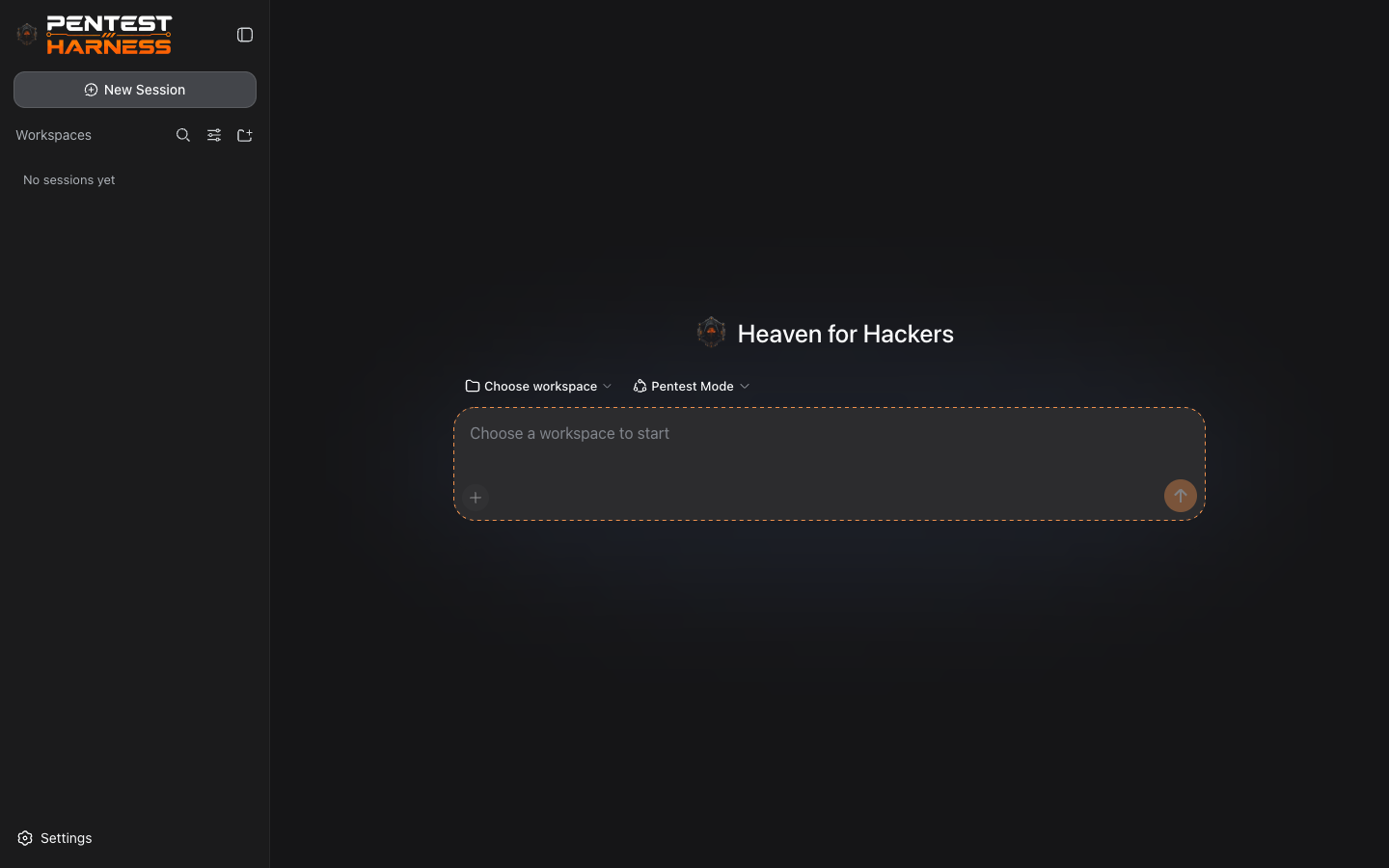
Heaven for Hackers — the professional security testing workspace.
An open-source, dark-first AI agent harness for authorized penetration tests, bug bounty
research, security labs, and CTF engagements. Built on a plugin architecture where every
layer — model adapters, tools, sessions, settings, and credentials — is replaceable from
configuration.
Works with any AI model API. Bring your own key from OpenAI, Anthropic, DeepSeek,
Google, Mistral, Groq, OpenRouter, Azure OpenAI, or any OpenAI-compatible gateway — one
click auto-discovers your models and you're running.
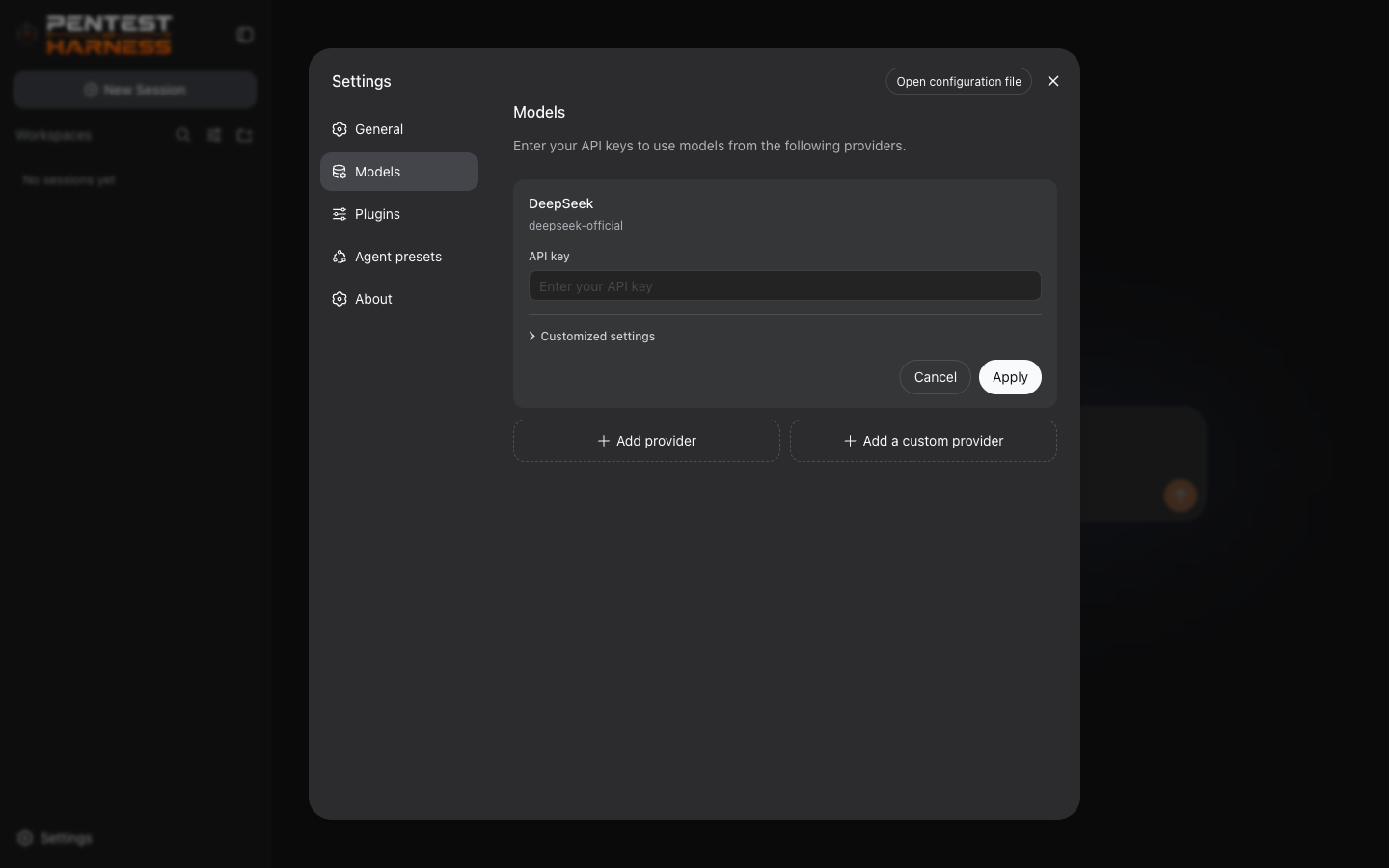
Screenshots
| Workspace | Provider cards |
|---|---|
 |
 |
Features
- Multi-provider LLM engine — OpenAI Chat Completions & Responses, Anthropic Messages, DeepSeek, and any custom OpenAI-compatible gateway with one-click model auto-discovery
- Full agent toolset — shell, filesystem, web research, skills, goals, subagents, background jobs, and workflow control
- Pentest Mode — a professional offensive-security operating standard for authorized engagements
- Provider cards — live connection testing, enabled/disabled toggles, per-model context badges
- Durable sessions — JSONL/SQLite persistence with replay; resume exactly where you left off
- Context that never dies — token metering, automatic compaction, and tool-result pruning
- Secure by default — API keys live in an owner-only credential store as references; never in settings files or logs
- Dark-only theme — a focused, low-glare interface built for long engagements
- Everything is a plugin — built on Cordis; no closed core to fight
Quick start
git clone https://github.com/S1N6H/pentest-harness.git
cd pentest-harness
pnpm install
pnpm build
pnpm dsh web
The Web UI opens at http://127.0.0.1:2323 in your browser.
If
pnpm dshis not on your PATH, usepnpm exec dsh webornode apps/cli/lib/index.js web.
Requirements
- Node.js 20+ (Node 22 recommended)
- pnpm (
npm i -g pnpm)
Run on another port
pnpm dsh web --port 3000
First run — connect any AI model
- Open Settings → Models.
- Click Add a custom provider (or Edit an existing one).
- Paste your API base URL — the provider ID and display name auto-fill.
- Enter your API key (stored in your local credential store, never in settings).
- Models auto-discover from the endpoint — click one to add it, or add by hand.
- Pick a model in the composer and start your engagement.
Defaults
| Setting | Value |
|---|---|
| Web UI | http://127.0.0.1:2323 |
| Settings file | $DSH_HOME/settings.yaml (default ~/.dsh/settings.yaml) |
| Credentials | $DSH_HOME/.credentials.yaml (owner-only permissions) |
License
MIT
Yorumlar (0)
Yorum birakmak icin giris yap.
Yorum birakSonuc bulunamadi