claude-code-from-phone
Health Warn
- License — License: MIT
- Description — Repository has a description
- Active repo — Last push 0 days ago
- Low visibility — Only 9 GitHub stars
Code Warn
- Code scan incomplete — No supported source files were scanned during light audit
Permissions Pass
- Permissions — No dangerous permissions requested
No AI report is available for this listing yet.
Run Claude Code from your phone — free, encrypted, 15-minute setup using Tailscale + SSH + tmux



Claude Code From Your Phone
Run Claude Code on your Mac from your iPhone. No cloud VM, no monthly bill, no exposed ports. Just your devices, connected.
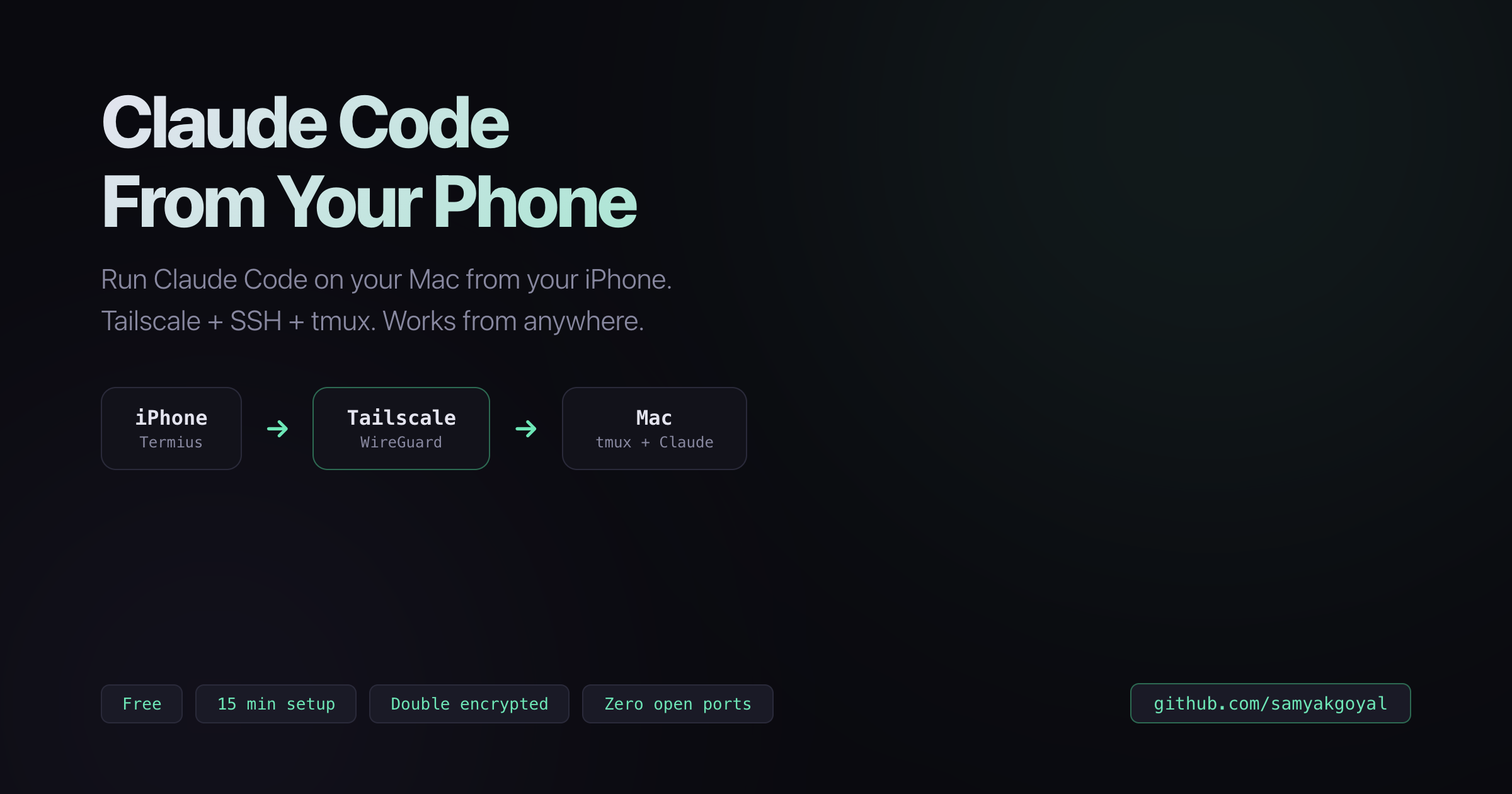
How it works
iPhone (Termius) → Tailscale (WireGuard tunnel) → Mac (tmux + Claude Code)
Your Mac stays plugged in and awake. Your phone becomes a window into its terminal. One command (cc), you're in. Close the app, walk away, come back hours later — session is exactly where you left it.
Why this over Claude Code Remote?
| This Setup | Cloud VM | claude.ai/code | |
|---|---|---|---|
| Monthly cost | $0 | $20–100+ | Pro sub |
| Your local files | Yes | No | No |
| Open ports | Zero | Port 22 exposed | N/A |
| Persistent sessions | Yes (tmux) | Yes (tmux) | No |
| Works offline (LAN) | Yes | No | No |
| Setup time | 15 min | 30–60 min | 0 |
Bottom line: If you have a Mac and want to code from your phone, this gives you full access to your own machine for free. Cloud VMs make sense for teams. The web app is great for quick prompts. This is for when you want your terminal, your files, from your phone.
The stack
| Tool | What it does | Cost |
|---|---|---|
| Tailscale | Private encrypted network between your devices. No open ports. | Free |
| Termius | SSH client for iPhone. Full terminal on your phone. | Free |
| tmux | Keeps sessions alive when you disconnect. | Free |
| SSH | The actual connection. Built into macOS. | Free |
Total cost: $0 · Setup time: ~15 min
Quick setup
- Tailscale — Install on Mac + iPhone, sign in with same account
- SSH — System Settings → General → Sharing → Remote Login → ON
- Termius — Add a host with your Tailscale IP + Mac username
- tmux —
brew install tmux+ the alias below - Stay awake — Prevent Mac from sleeping
# The magic alias (run once)
echo "alias cc='tmux attach -t claude || tmux new -s claude'" >> ~/.zshrc && source ~/.zshrc
Then from anywhere: Termius → cc → you're coding
Security
- Zero open ports — invisible to the public internet
- Double encrypted: WireGuard (ChaCha20) + SSH (AES-256)
- Only your Tailscale devices can reach your Mac
- More secure than direct SSH with port forwarding
An attacker would need to compromise your Tailscale account, know your Tailscale IP, AND crack your SSH credentials — simultaneously.
The full guide covers
- Step-by-step setup with copy-paste commands
- Side-by-side comparison with cloud VMs and claude.ai/code
- How encryption flows through every layer
- Troubleshooting (connection drops, sleep issues, VPN conflicts)
- Platform alternatives (Android, Windows, Linux, iPad)
- Power user tips (SSH keys, Mosh, better tmux config)
Contributing
Found an issue or want to improve the guide? Check out the contributing guide.
Built by Samyak Goyal · MIT Licensed
Reviews (0)
Sign in to leave a review.
Leave a reviewNo results found