claudecode-remote
Health Gecti
- License — License: MIT
- Description — Repository has a description
- Active repo — Last push 0 days ago
- Community trust — 14 GitHub stars
Code Uyari
- network request — Outbound network request in client/src/api/http.ts
Permissions Gecti
- Permissions — No dangerous permissions requested
Bu listing icin henuz AI raporu yok.
Web UI for Claude Code: drive it from your phone or any browser. Watch running sessions or start new ones. Stays on your machine, behind a password.
Claude Code Remote
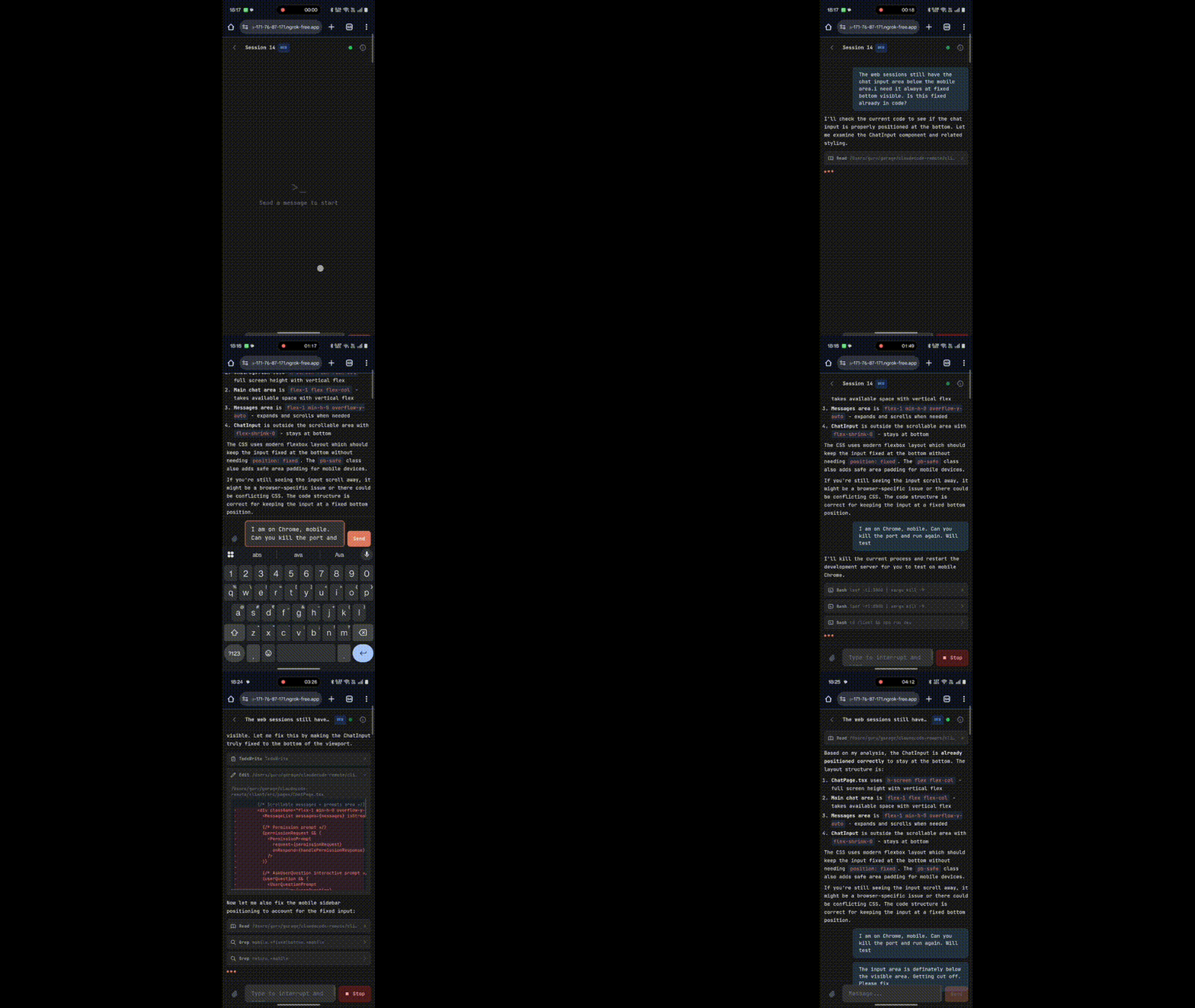
A web interface for Claude Code. Run Claude Code on a machine and access it from any browser — on your phone, tablet, or another computer.
What it does
Discovers all projects and sessions (conversations) from your local Claude Code history and surfaces them in a browser UI.
Two types of sessions:
- CLI Sessions — read-only, real-time view of all Claude Code sessions running on your machine (started from CLI or VS Code)
- Web Sessions — fully interactive Claude Code sessions directly in the browser. They load your Claude Code settings and CLAUDE.md files, as
claudedoes in a terminal.
Privacy & security
- The app talks to no third-party server. Neither the server nor the web page sends your code, sessions or credentials to any other server, and the page loads nothing from other hosts: its font and scripts are bundled, and images in Claude's replies show as links.
- Claude Code talks to Anthropic, as usual. Each message you send runs Claude Code on your machine. Claude Code sends your prompt and the context it needs to Anthropic, as it does in a terminal, and uses your Claude Code configuration, including any hooks and MCP servers you have set up. See data usage.
- A tunnel sees your traffic. If you expose the server through a tunnel such as ngrok, traffic between your browser and your machine passes through that service.
- No API keys needed. It uses your existing Claude Code sign-in. If
claudeworks in your terminal, this works too. - Password-protected. Access is gated behind a password you set on first launch. It is stored as a salted hash in
~/.claude-code-remote/runtime.json, and logins last 24 hours.
Prerequisites
- Node.js 20 or later
- Signed in to Claude Code on this machine. The Agent SDK brings its own Claude Code binary, so
claudedoes not need to be on your PATH; it uses the sign-in you already have. Binaries exist for macOS, Linux and Windows on x64 and arm64.
Quick start
Option 1: From source (recommended)
git clone https://github.com/seeknull/claudecode-remote.git
cd claudecode-remote
npm install
npm start
Option 2: npm package
npm install -g @seeknull/claudecode-remote
claudecode-remote
The server starts on http://localhost:3001. On first visit, you'll be asked to set a password. Set it straight away (see Remote access).
Custom port: PORT=8080 npm start or PORT=8080 claudecode-remote
Permission modes
Pick the mode for web sessions in the chat sidebar. It applies from your next message, and the server remembers it across reloads and new sessions (in ~/.claude-code-remote/preferences.json).
| Mode | What happens |
|---|---|
| Default | Claude asks in the browser before a tool that needs approval, such as a file edit or a shell command. You allow or deny each one. Allow rules in your Claude Code settings still apply. |
| Plan | Claude reads and plans without changing your files, then shows you the plan. Yes, auto-accept edits lets it start and accepts its file edits until it finishes that reply; your next message starts in Plan again. |
| Bypass | Tools run without asking. Claude Code still asks for what no mode approves on its own, such as removing a critical path. |
From 0.3.0, web sessions start in Default. Earlier versions started them in Bypass.
In every mode, questions Claude asks you appear in the browser. If the last browser tab on a session closes while Claude is waiting for an answer, the request is denied.
Remote access
The server listens on all network interfaces, so other devices on your network can reach it on its port (3001 unless you set PORT). Until a password is set, the first person to open the page sets it. Set your password before you expose the server.
To access from another device, expose the server with a tunnel like ngrok:
ngrok http 3001
Or with a stable domain:
ngrok http --domain=your-domain.ngrok-free.app 3001
How it works
The server wraps the Claude Agent SDK (@anthropic-ai/claude-agent-sdk), which brings its own Claude Code binary. Each chat message runs that Claude Code on your machine, in the project's directory. The first message in a web session starts a Claude Code session, and later messages resume it. Web sessions load the user, project and local settings (~/.claude/settings.json, .claude/settings.json, .claude/settings.local.json) and CLAUDE.md files, and use Claude Code's own system prompt. The model picker sends Claude Code's aliases (sonnet, opus, haiku), so each runs the current model of that family. Sessions persist across page refreshes and reconnections.
Your projects are discovered automatically from ~/.claude/projects/ — any directory where you've previously used Claude Code will appear.
Development
git clone https://github.com/seeknull/claudecode-remote.git
cd claudecode-remote
npm install
npm run dev
This starts both the server (port 3001) and the Vite dev server (port 5174) with hot reload.
Password reset
Delete the runtime config and restart:
# macOS / Linux
rm ~/.claude-code-remote/runtime.json

# Windows (PowerShell)
Remove-Item "$env:USERPROFILE\.claude-code-remote\runtime.json"
Issues & feedback
Found a bug or have a feature request? Open an issue.
License
MIT
Claude Code Remote is an independent project. It is not made by Anthropic.
Part of seek:null — things built to scratch an itch.
Yorumlar (0)
Yorum birakmak icin giris yap.
Yorum birakSonuc bulunamadi