memorize
Health Warn
- License — License: AGPL-3.0
- Description — Repository has a description
- Active repo — Last push 0 days ago
- Low visibility — Only 5 GitHub stars
Code Fail
- rm -rf — Recursive force deletion command in examples/quickstart.sh
- fs module — File system access in package.json
- spawnSync — Synchronous process spawning in scripts/benchmarks/shared.ts
- process.env — Environment variable access in scripts/benchmarks/shared.ts
Permissions Pass
- Permissions — No dangerous permissions requested
No AI report is available for this listing yet.
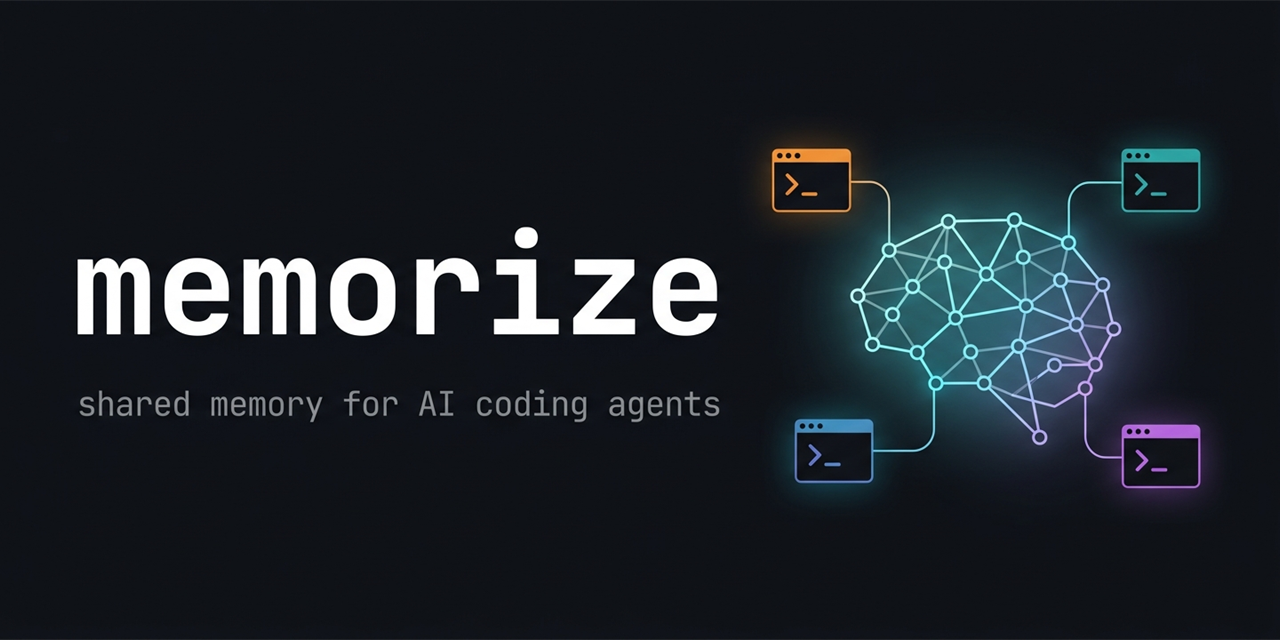
Shared, persistent memory for AI coding agents — Claude Code & Codex share one local-first, event-sourced project brain that survives sessions and syncs across machines. No server, no API key required.
Memorize — shared memory for AI coding agents



English | 한국어 | 日本語 | 简体中文 | Español
One persistent project brain shared between you, Claude Code, and
Codex — local-first, event-sourced, modeled on how biological memory
actually works.
Your agent forgets everything when the session ends. Memorize watches it
work, distills what mattered into long-term memories, and injects the
right ones back at the start of every future session — for every
agent on the project, across machines, with no server and no API key
required.
Why
- Claude sessions end and the context dies with them. Next session
you re-explain what you were doing, what you decided, and where you
stopped. - Switching from Claude to Codex means starting over. Each agent has
its own memory silo; none of them see the other's notes. - Two machines, two half-brains. Your desktop's context doesn't
follow you to the laptop.
How it works
- Capture — hooks record cheap, rule-filtered observations while
the agent works (file writes, decisions, task transitions). No LLM,
no latency. - Consolidate — at session boundaries, a detached background
process distills observations into long-term memories (decisions,
rationale, progress) with salience scores. The extractor runs through
your existingclaude/codexlogin — no API key — or any
OpenAI-compatible endpoint, with a rule-based fallback below that. - Retrieve — next session start, memories compete for a context
budget by salience × recency (14-day half-life, reinforced when
re-used) × relevance to the current task. Forgetting is
retrieval-time only; nothing is ever deleted. - Share — parallel sessions see each other's work live (including
file-collision warnings); the same event log syncs across machines
and converges deterministically. Contradictions between memories are
detected and resolved — newer wins, the old stays reconstructable.
The deeper story — the two-layer CLS memory design, watermark-idempotent
consolidation, retrieval-time forgetting, the lifecycle-evidence program
that evolves the schema from dogfooding data — is in
ARCHITECTURE.md.
What your agent sees at session start
# Memorize context

Ground rule: memorize is the single source of truth for project state …

Project: Realtime whiteboard MVP
Task: Fix cursor jitter on remote drag
Latest handoff: from codex — "Repro narrowed to the throttle in
  useRemoteCursor; failing test added in cursor-sync.test.ts"
Consolidated memories:
- [decision/s9] WebSocket transport chosen over WebRTC for v1 — simpler
  infra, revisit only if >200ms RTT becomes common
- [rationale/s7] Cursor positions are sent unthrottled on purpose; the
  jitter came from double-throttling, not bandwidth
- [progress/s5] LAN sync verified; jitter reproduces only above 80ms RTT
Recent work signals (prior session tail):
- [write-tool/Edit] src/hooks/useRemoteCursor.ts
- [decision-keyword/Bash] git commit -m "remove inner throttle"
No re-explaining. The next agent — any agent, any machine — picks up
exactly here.
Install
Two ways in. Most people should use the first — memorize is built to
be installed by your AI assistant, per project.
Recommended — let your AI set it up
Send your Claude Code or Codex session a single prompt:
Set up memorize in this project. Follow the instructions at
https://github.com/shakystar/memorize/blob/main/guides/AI_SETUP.md
The assistant adds the package, binds the directory, installs the correct
agent hook, offers to absorb your existing context (its own session
memory, your decision docs) into memorize, and verifies the install.
Then use claude / codex as you always do — context is injected
automatically at session start.
Verify any time with:
npx @shakystar/memorize doctor
(Always use the scoped name with npx — the unscoped memorize on npm is
an unrelated package.)
Manual — put memorize on your PATH yourself
One-line install (global binary + memorize setup)
# macOS / Linux / WSL
curl -fsSL https://raw.githubusercontent.com/shakystar/memorize/main/scripts/install.sh | sh
# Windows (PowerShell)
irm https://raw.githubusercontent.com/shakystar/memorize/main/scripts/install.ps1 | iex
This installs the global binary, then runs memorize setup, which
detects Claude Code and Codex. Codex integration is wired globally on
the spot; Claude hooks are per-project, so setup tells you to runmemorize install claude inside each project you want memorize in.
Requires Node.js >= 22. The installer checks and tells you where to get
it if it is missing.
Working directory
- Run memorize commands from anywhere inside your project — memorize
walks up from the current directory to find the nearest bound project
(same behaviour as git). .memorize/under your project holds per-project runtime state.
Add.memorize/to your.gitignore;doctorwarns if it is
not.- The durable event log lives under
~/.memorize/by default
(override withMEMORIZE_ROOT).
Day-to-day commands
You rarely need these — your AI drives most interactions. The ones you
might reach for as a human:
memorize doctor            # diagnose project + integration state
memorize update            # upgrade the CLI + refresh integrations machine-wide
memorize session activity  # what are my other sessions doing?
memorize consolidate       # run one memory-consolidation boundary now
memorize search <query>    # search project memory
memorize project show      # print bound project summary (JSON)
memorize version           # version of the binary that actually ran
Tasks and handoffs (memorize task …) are an optional layer for
explicit coordination between agents — ambient memory needs none of
them, and an empty task list is normal.
Run memorize on its own for the usage overview. Every other command
(setup, install, memory import, hook, projection rebuild, sync, etc.) is
documented in AGENT_GUIDE.md — your AI reads that
file when it needs detail.
Troubleshooting
- The install errored midway — paste the full error into your
Claude/Codex session together with the
AI_SETUP.md link; its "Recovering a failed
install" section walks the agent through the usual causes (Node
version, npm global permissions, PATH, WSL shadowing). No agent
handy? File an issue with the Install failure template. - Claude session shows no memorize context — run
memorize doctorand
follow thefix:field of any failing check. Usually re-runningmemorize install claudeclears it. - Codex records nothing although install succeeded — codex requires a
one-time interactive approval of externally-written hooks;doctor
detects this and tells you. - Task list is empty although you created tasks — run
memorize project showto confirm the project id matches; you may be
inside a different bound project. - Completely remove memorize from a project:
memorize uninstall claudeand/ormemorize uninstall codex—
removes the memorize hooks and the ground-rule block while
preserving your other hooks/config. Idempotent. Your captured
memory is left intact.- delete
.memorize/in your project to drop per-project runtime
state - optionally
rm -rf ~/.memorizeto clear the durable event log
across all projects — this is the only step that deletes captured
memory
For AI assistants
If you are an AI coding assistant and the user asked you to set memorize
up, follow guides/AI_SETUP.md — the idempotent
setup steps, the absorption flow for pre-existing context, and the
ground rule (memorize is the single source of truth; do not duplicate
its state in your own memory). For full command behaviour, see
AGENT_GUIDE.md.
Status
Memorize is on the 2.x line (AGPL-3.0-or-later since 2.0.0). The
compatibility promise covers:
- The on-disk event log layout (
<MEMORIZE_ROOT>/projects/<pid>/...)
and the per-project.memorize/directory shape. - The day-to-day CLI surface listed above.
- The hook contracts written by
install claudeandinstall codex.
Within a major line we will not break those. The event log is versioned
and projections are regenerable, so upgrades within a major version do
not require manual data migration.
Experimental (subject to change in a minor release):
memorize project sync [--push|--pull|--bind|--remote-path]— the
file transport works and is roundtrip-tested; the HTTP relay client
ships but needs a separate relay server (forthcoming). Do not depend
on the wire format yet.- The observe-only lifecycle-evidence fields on consolidated memories
and theconsolidate --reportshape — instrumentation that may change
as the taxonomy decision lands.
See CHANGELOG.md for release history.
Community
Issues and discussions are open to everyone — bug reports, design
debates, and "how do I…" questions are all welcome:
- Issues for bugs
and concrete feature requests. - Discussions
for design directions and open-ended ideas (the memory-taxonomy
debates live there).
See CONTRIBUTING.md for the developer workflow.
License
AGPL-3.0-or-later. See LICENSE.
Reviews (0)
Sign in to leave a review.
Leave a reviewNo results found