nukeserversocket
Health Pass
- License — License: MIT
- Description — Repository has a description
- Active repo — Last push 0 days ago
- Community trust — 62 GitHub stars
Code Pass
- Code scan — Scanned 12 files during light audit, no dangerous patterns found
Permissions Pass
- Permissions — No dangerous permissions requested
No AI report is available for this listing yet.
Run Python in Nuke from VS Code, scripts, or AI agents over MCP. Also supports Houdini.
nukeserversocket





A PySide plugin that runs Python and BlinkScript in Nuke, sent from your code editor, your own script or an MCP client. It also works in Houdini.
New, experimental: an MCP server lets agents such as Claude Code, Codex and Gemini CLI run Python in Nuke. To set it up, see MCP server.
Installation
With Nuke Tools: run the command Nuke: Add Packages.
Manually:
- Download from the releases page, or clone the repository.
- Put it in
~/.nukeor another folder on your Nuke path. - Add to your
menu.py:
from nukeserversocket import nukeserversocket
nukeserversocket.install_nuke()
Houdini: see docs/houdini.md.
Usage
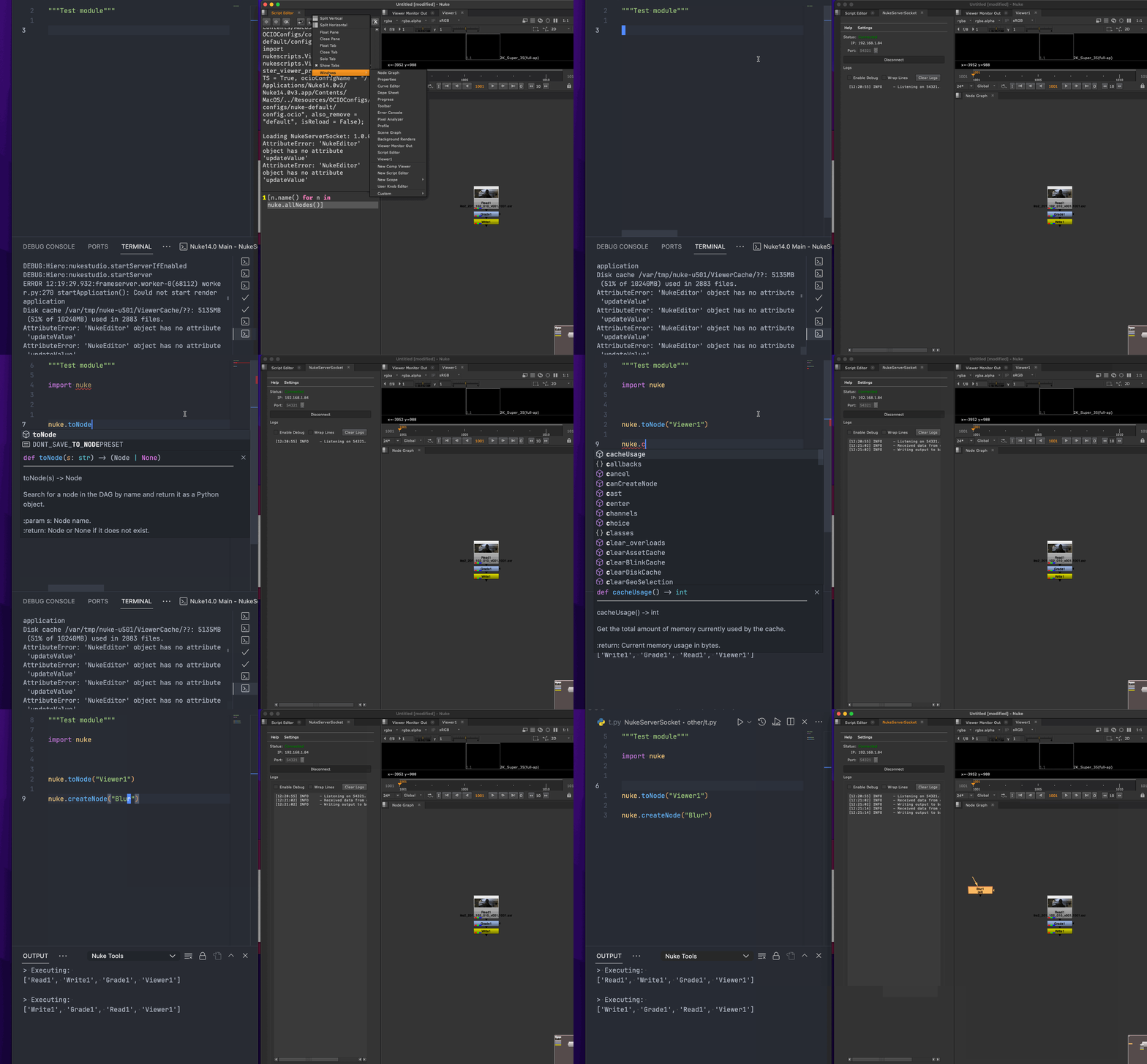
- In Nuke, open the nukeserversocket panel and click Connect.
- Send code from a client:
- Nuke Tools: Visual Studio Code extension.
- nuketools.nvim: Neovim plugin.
- Nuke Tools ST: Sublime Text package.
- Your own client: see docs/clients.md for the request format.
The server accepts code only from your own machine by default.
[!NOTE]
If you get "Server did not initiate. Error: The bound address is already in use", change the port to a number between49152and65535and try again.
MCP server
Experimental. The MCP server and the tools file may change in a future release.
nss_mcp/server.py lets MCP clients, such as Claude Code, Codex and Gemini CLI, run Python in Nuke while the panel is connected.
To let your agent set it up, paste this into Claude Code, Codex, Gemini CLI or another agent:
Set up the nukeserversocket MCP server by following https://github.com/sisoe24/nukeserversocket/blob/main/docs/mcp-agent-setup.md
Or set it up yourself. Claude Code:
claude mcp add -s user nuke -- python /path/to/nukeserversocket/nss_mcp/server.py
For Claude Desktop, Codex, Gemini CLI and other clients, see docs/mcp.md.
To give clients a fixed set of tools instead of arbitrary code, open Settings in the panel and click Create sample... next to Tools file. See docs/mcp.md for the options, the tools file, and what it protects against.
Settings
Open the settings from the panel toolbar. Hover over a setting to see what it does.
- Server Timeout: closes the server after this many minutes without a request. Default 60. 0 never closes it.
- Auto Start: starts the server when the panel opens. To start it when Nuke opens, also save a workspace with the panel and set it as your startup workspace (Preferences > Behaviors > Startup).
- Allow LAN Connections: accepts code from other machines on your network, with no authentication. Only turn it on for a network you trust.
- Mirror Script Editor: shows the code and its output in Nuke's Script Editor.
- Format Output: the format of the output in the Script Editor.
- Clear Output: clears the Script Editor output before each run.
- Tools file: limits clients to the tools in a JSON file. See docs/mcp.md.
Compatibility
Works with PySide6 (Nuke 16 and newer) and PySide2 (Nuke 15 and older), on Python 3. For Python 2.7, use version 0.6.2 or older.
Known Issues
- Changing the workspace while the server is listening makes Nuke load a new panel with the default state. The panel looks disconnected, but the old server is still listening. To close it, restart Nuke or wait for the Server Timeout.
Contributing
For suggestions, bug reports or questions, open an issue or a pull request. Planned work is in the Projects tab.
Reviews (0)
Sign in to leave a review.
Leave a reviewNo results found