hedgehog
Health Gecti
- License — License: MIT
- Description — Repository has a description
- Active repo — Last push 0 days ago
- Community trust — 18 GitHub stars
Code Basarisiz
- exec() — Shell command execution in bin/cli.mjs
- process.env — Environment variable access in bin/cli.mjs
- rm -rf — Recursive force deletion command in scripts/regenerate-full-stack-app-core.sh
- process.env — Environment variable access in scripts/regenerate-full-stack-app-core.sh
- fs module — File system access in scripts/regenerate-full-stack-app-core.sh
- rm -rf — Recursive force deletion command in scripts/regenerate-landing-page-core.sh
- fs module — File system access in scripts/regenerate-landing-page-core.sh
Permissions Gecti
- Permissions — No dangerous permissions requested
Bu listing icin henuz AI raporu yok.
An opinionated AI software engineering workflow built for BMAD
Turn AI from a code generator into a reliable software engineer ⭐

AI can write code in seconds.
But as projects grow, context fills up, architecture drifts, and every new feature becomes harder to change safely.
Hedgehog gives AI a disciplined way to build software: TDD. Opinionated architecture. Small, verifiable steps.
Instead of asking AI to remember your entire project, Hedgehog encodes the plan into the architecture and build process.
The codebase carries the context, not the model.
Cleaner code, fewer tokens, faster builds ⭐⭐⭐⭐
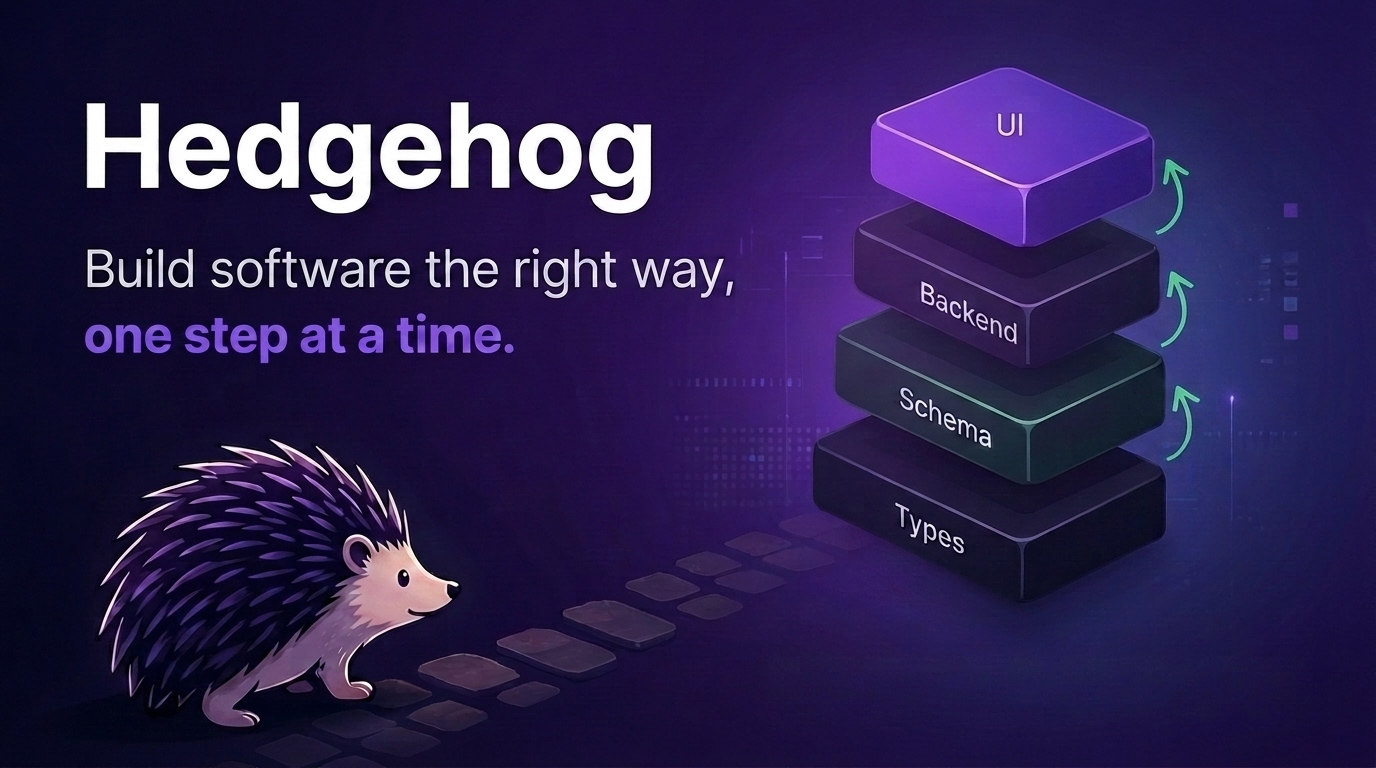
How it works
Hedgehog combines:
- BMAD for planning — turn an idea into a clear brief, requirements, and architecture
- An opinionated stack — remove unnecessary technical decisions, and settle the necessary ones once
- TDD and progressive layering — build one tested layer at a time
- Mechanical enforcement — use tooling and phase gates instead of trusting the AI to follow instructions
- Small context loops — keep every change focused, verifiable, and easy to review
Software that stays structured as it grows.
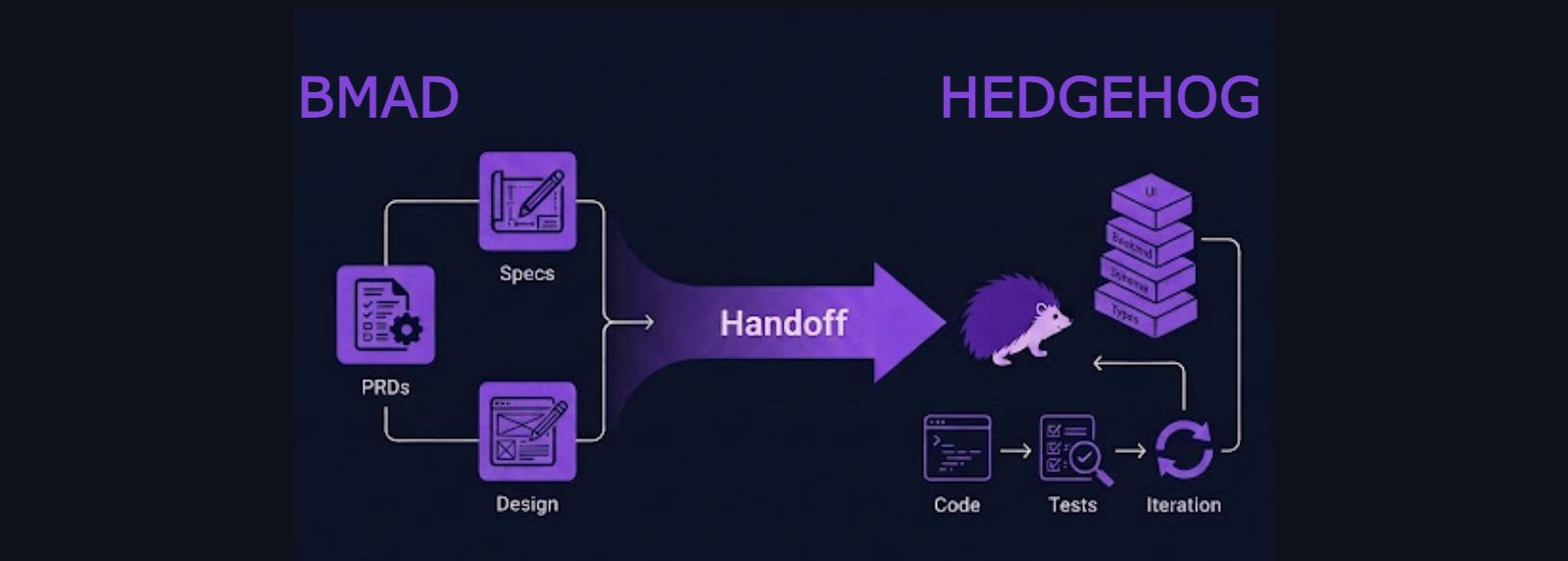
The Hedgehog Loop
Plan
  ↓
Bootstrap
  ↓
Build one small, tested layer
  ↓
Verify
  ↓
Repeat
The build order is encoded into the project. The AI does not have to remember what comes next. It does not negotiate the architecture. It follows a proven path through the codebase.
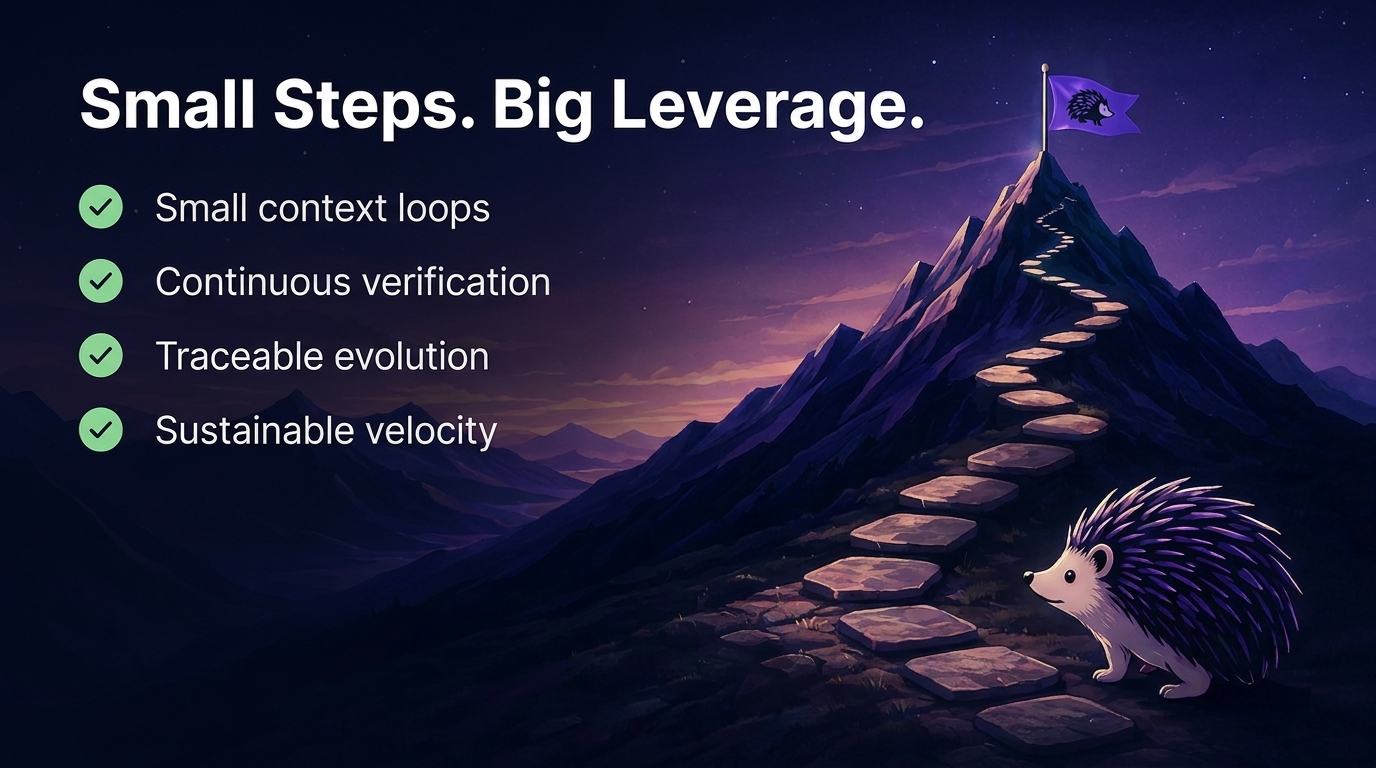
What Hedgehog builds
Full-stack applications
A fixed TypeScript stack with a backend-first, test-driven build order:
Schema
  ↓
Contract
  ↓
Repository
  ↓
Service
  ↓
Controller
  ↓
UI
Every layer is verified before the next begins.
Landing pages
A structured pipeline for producing distinctive, production-quality landing pages:
Brief
  ↓
Feeling
  ↓
Design tokens
  ↓
Sequence
  ↓
Artifact
Anything else
A CLI, a library, a browser extension, a data pipeline, etc. fitting neither shape gets its own build order, designed at intake rather than chosen from a menu.
Run init with no core flag: planning intake names the system shape, picks
the stack, derives the layers, and locks them to .hedgehog/core.yaml,
then generates that workspace and builds it one verified layer at a time.
The enforcement remains the same: ordered steps,
scoped file access and a verification command per layer.
Install
From an empty project folder, run:
# Full-stack app
npx @skyf0xx/hedgehog init --ts-full-stack-app

# Landing page
npx @skyf0xx/hedgehog init --landing-page

# Anything else (CLI, library, browser extension, data pipeline, etc.)
npx @skyf0xx/hedgehog init
Then open your coding agent and describe what you want to build.
Coding agents
Hedgehog installs for Claude Code by default. Add a host flag to
install for another one, or several at once:
npx @skyf0xx/hedgehog init --cursor              # Cursor
npx @skyf0xx/hedgehog init --gemini              # Gemini CLI
npx @skyf0xx/hedgehog init --host=claude,cursor  # both
npx @skyf0xx/hedgehog init --all-hosts           # every supported agent
Each one gets the discipline in its own native shape — agents and skills
in the directory it reads, and the instructions file it loads at session
start (CLAUDE.md, HEDGEHOG.md, or GEMINI.md).
Every install also writes AGENTS.md at the repo root: an index of
every agent and skill, when each applies, and the build loop. Coding
agents that read AGENTS.md — Codex, Copilot CLI, OpenCode, and others —
work from that index, following the same ordered steps and the samehedgehog verify gate.
Plain init (no core flag) installs the agents, skills, and build graph
that every core shares. Planning intake designs an opinionated build
order and stack for what you actually describe, then bootstrap generates
that workspace. Don't pick --ts-full-stack-app or --landing-page by
elimination when neither actually fits.
To update:
npx @skyf0xx/hedgehog update
This refreshes the installed agents and skills — for every coding agent
the project was set up for — along with the AGENTS.md index derived
from them. It never touches the instructions file, the build graph, the
core workspace, or skills/BMAD, since those carry project-specific or
write-once content.
To see the build graph:
npx @skyf0xx/hedgehog graph
Starts a small local server and opens a live, read-only diagram of every
task, status and its dependencies.
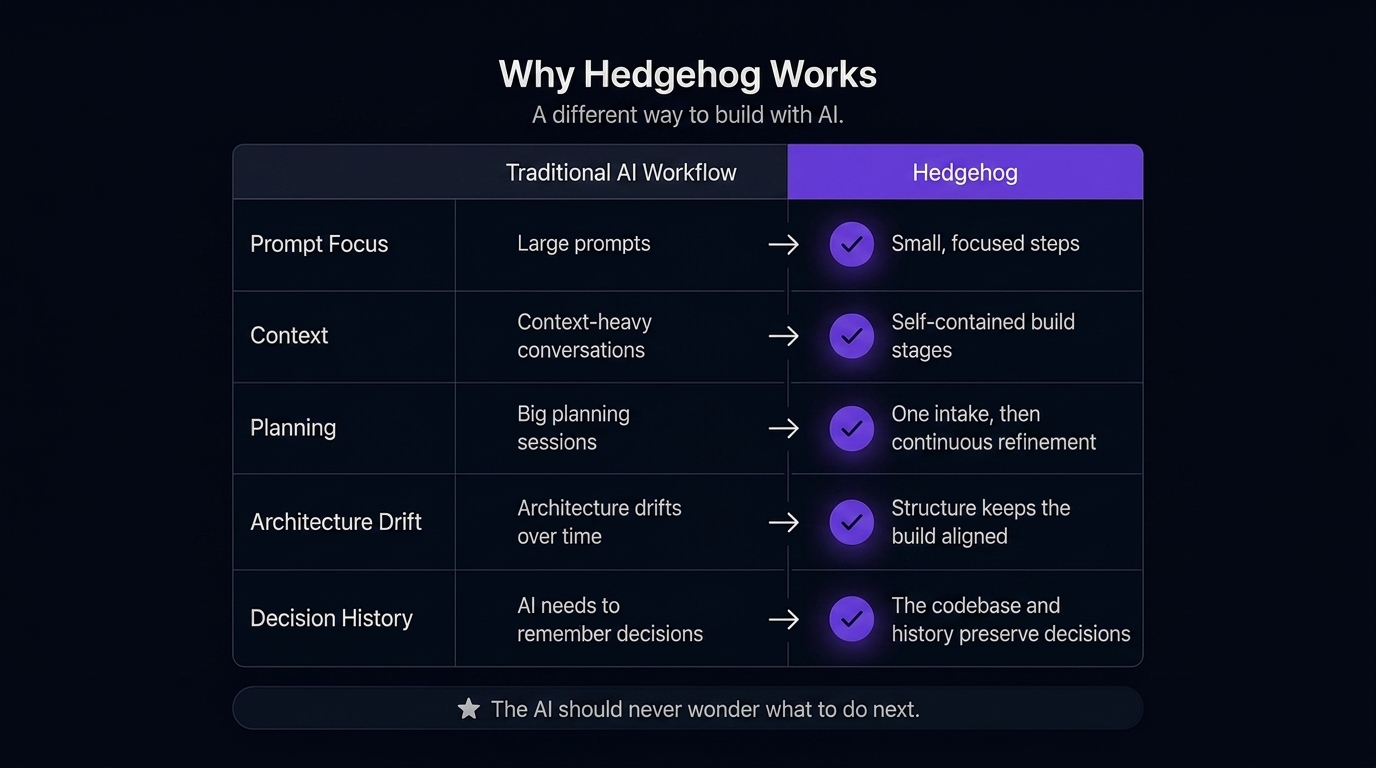
Why Hedgehog
Most AI coding tools improve prompting.
Hedgehog improves the system AI builds inside.
| Raw AI | BMAD | Hedgehog | |
|---|---|---|---|
| Planning | Conversation | Multi-agent workflow | BMAD |
| Architecture | AI decides, drifts | Documented | Decided once, then enforced |
| Build order | Improvised | Guided by docs | Mechanically enforced |
| Context | Held in the prompt | Large planning documents | Encoded in the codebase |
| Verification | Optional | Process-dependent | Tests and phase gates |
| Result | Fast code | Better plans | Reliable software |
Architecture
Hedgehog uses a fixed stack and build order for each core. The tooling enforces architectural boundaries so correctness does not depend on the AI remembering instructions.
See ARCHITECTURE.md for the full design.
Credits
Hedgehog uses BMAD-METHOD
(bmad-code-org/BMAD-METHOD) for planning, MIT-licensed.
The nx-generate, nx-run-tasks, nx-workspace, andlink-workspace-packages skills are adapted from
nx-ai-agents-config
(nrwl/nx-ai-agents-config) MIT-licensed, pinned to commit 9609810
(2026-07-23) and rewritten for Hedgehog's pnpm-only workspace convention.
front-end-eng's animation skills (skills/GSAP/) are vendored from
gsap-skills
(greensock/gsap-skills) MIT-licensed, pinned to commit aed9cfd
(2026-07-27).
Support Hedgehog
If Hedgehog helps you build better software with AI, give it a ⭐ on GitHub.

Yorumlar (0)
Yorum birakmak icin giris yap.
Yorum birakSonuc bulunamadi