Win-11-Config
Health Uyari
- License — License: MIT
- Description — Repository has a description
- Active repo — Last push 0 days ago
- Low visibility — Only 5 GitHub stars
Code Basarisiz
- child_process — Shell command execution capability in Claude/hooks/hooks.json
- spawnSync — Synchronous process spawning in Claude/hooks/hooks.json
- process.env — Environment variable access in Claude/hooks/hooks.json
- fs module — File system access in Claude/hooks/hooks.json
- child_process — Shell command execution capability in Claude/scripts/auto-update.js
- spawnSync — Synchronous process spawning in Claude/scripts/auto-update.js
- os.homedir — User home directory access in Claude/scripts/auto-update.js
- process.env — Environment variable access in Claude/scripts/auto-update.js
- fs module — File system access in Claude/scripts/auto-update.js
- child_process — Shell command execution capability in Claude/scripts/hooks/auto-tmux-dev.js
- spawnSync — Synchronous process spawning in Claude/scripts/hooks/auto-tmux-dev.js
- fs module — File system access in Claude/scripts/hooks/check-console-log.js
- process.env — Environment variable access in Claude/scripts/hooks/config-protection.js
Permissions Gecti
- Permissions — No dangerous permissions requested
Bu listing icin henuz AI raporu yok.
A complete Windows 11 customization setup — GlazeWM tiling WM, YASB status bar, Oh-My-Posh shell, and dotfiles for 200+ tools.
Windows 11 Power User Collection
A curated, battle-tested collection of 200+ tools for Windows 11 — covering system optimization, developer workflows, visual customization, privacy, and beyond. Mostly Keyboard driven workflow with cappuccin vibes.



Quick Links
- Complete Tool Catalog — All 200+ tools with descriptions and direct download links
- Quick Start — Install essentials in minutes
- Gallery — Visual showcase
Gallery
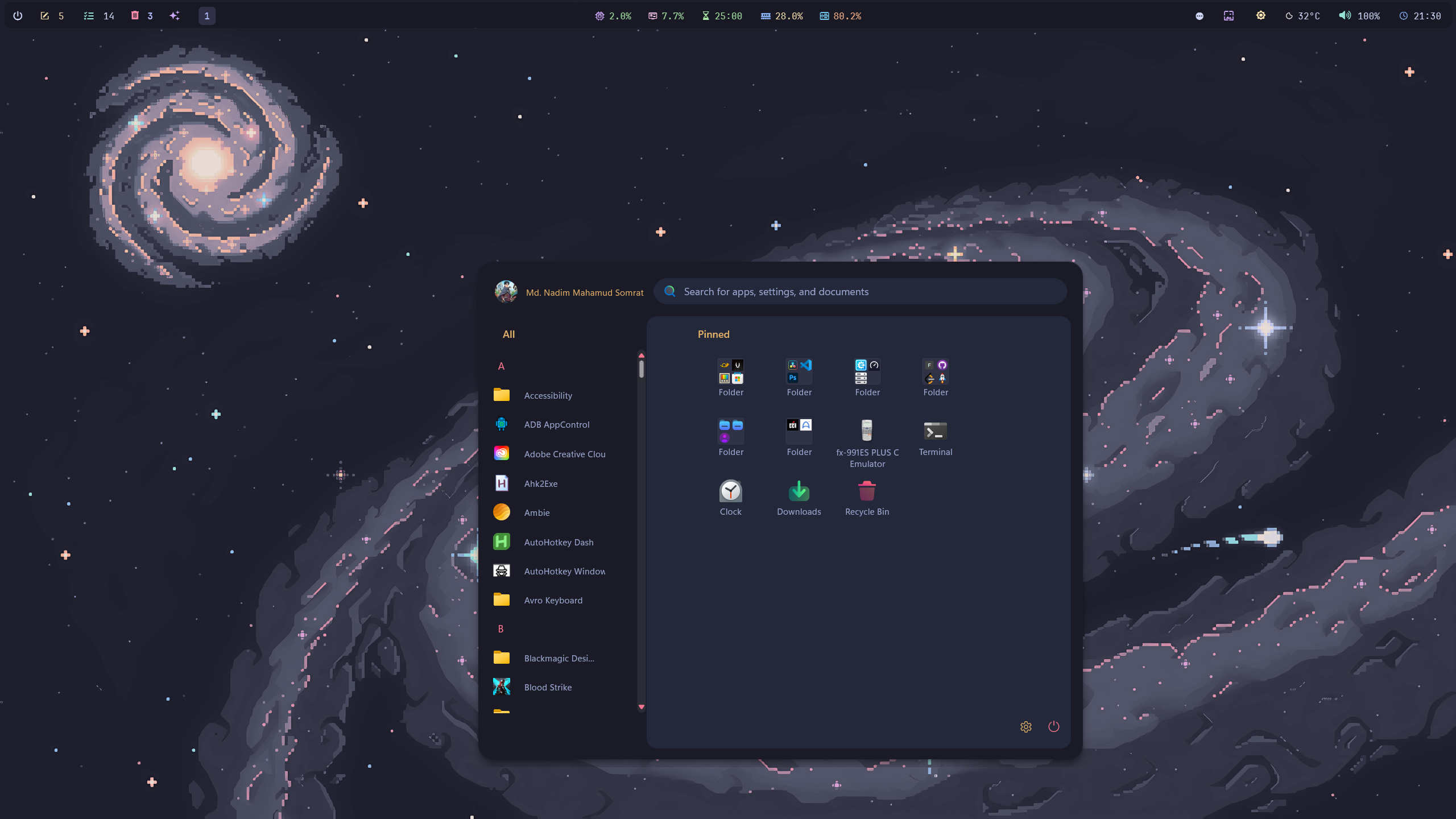
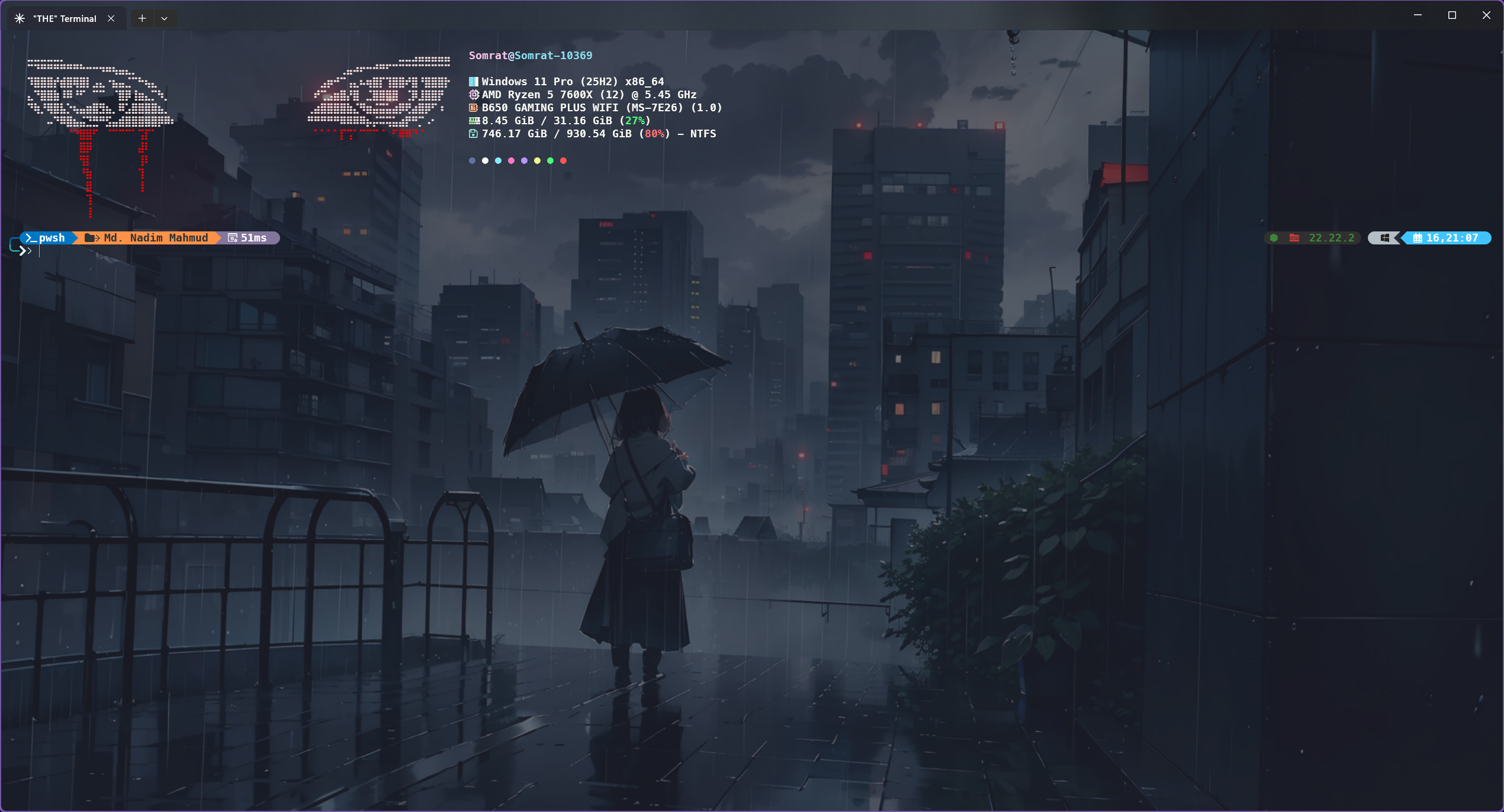
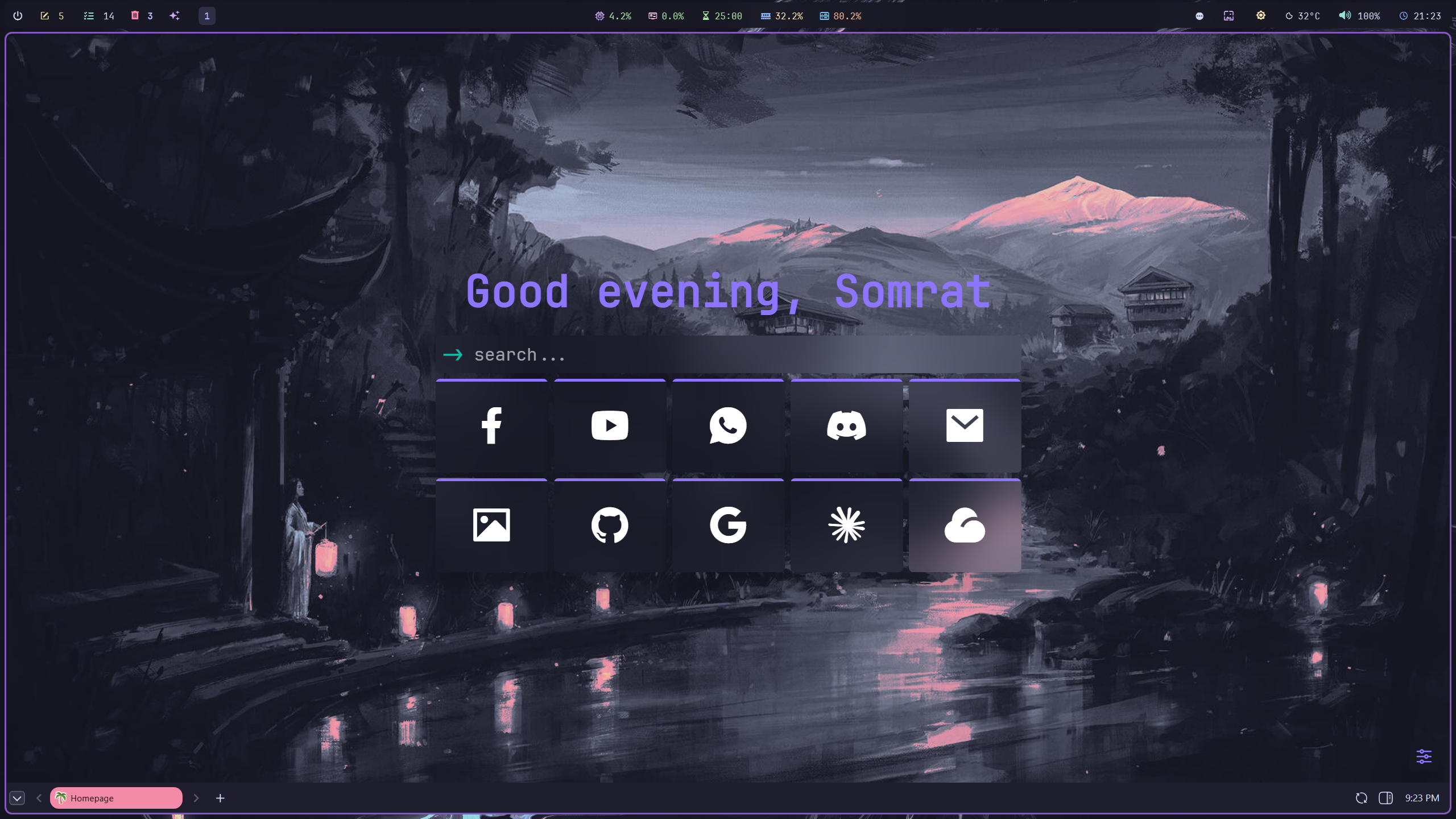
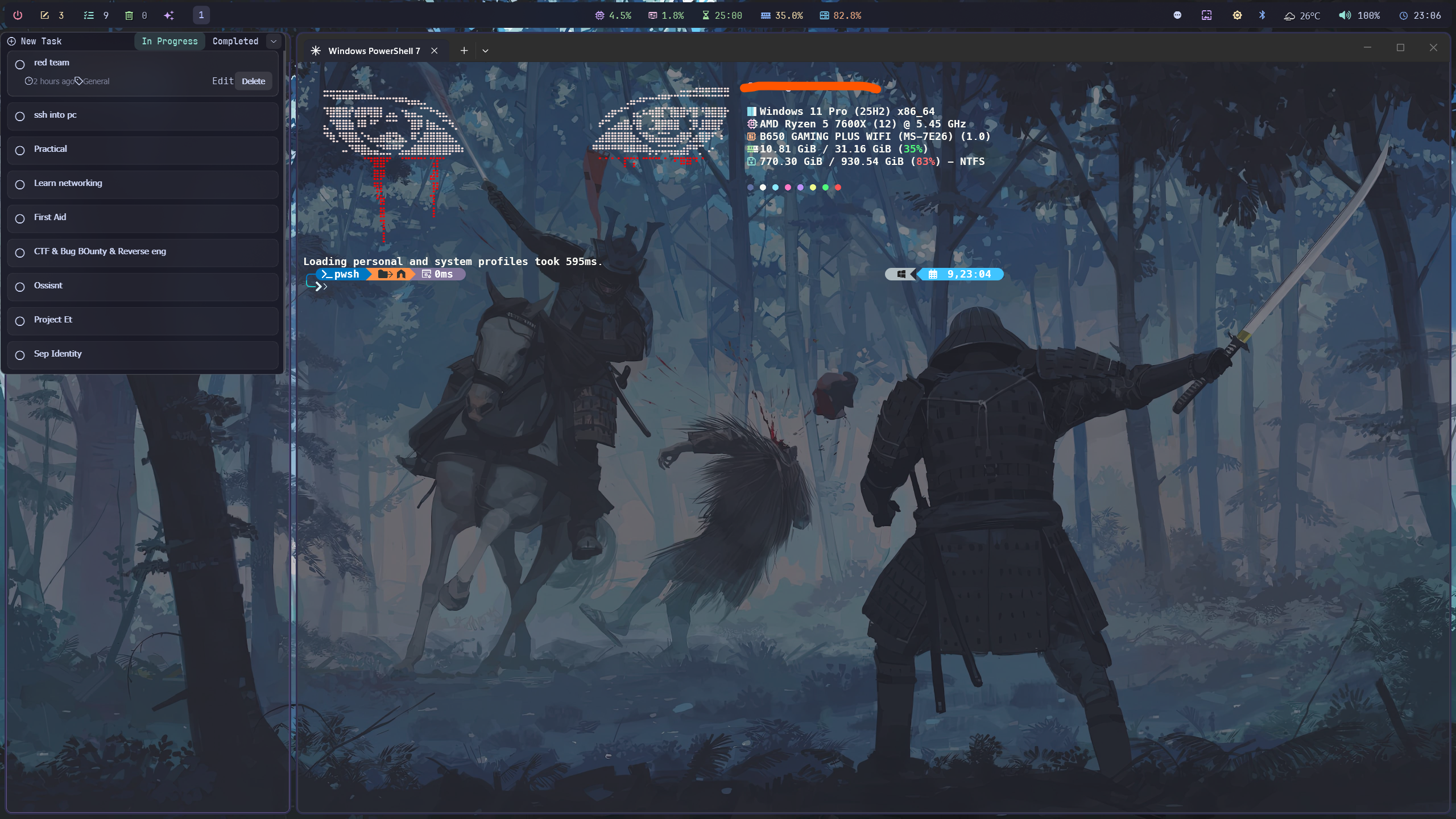
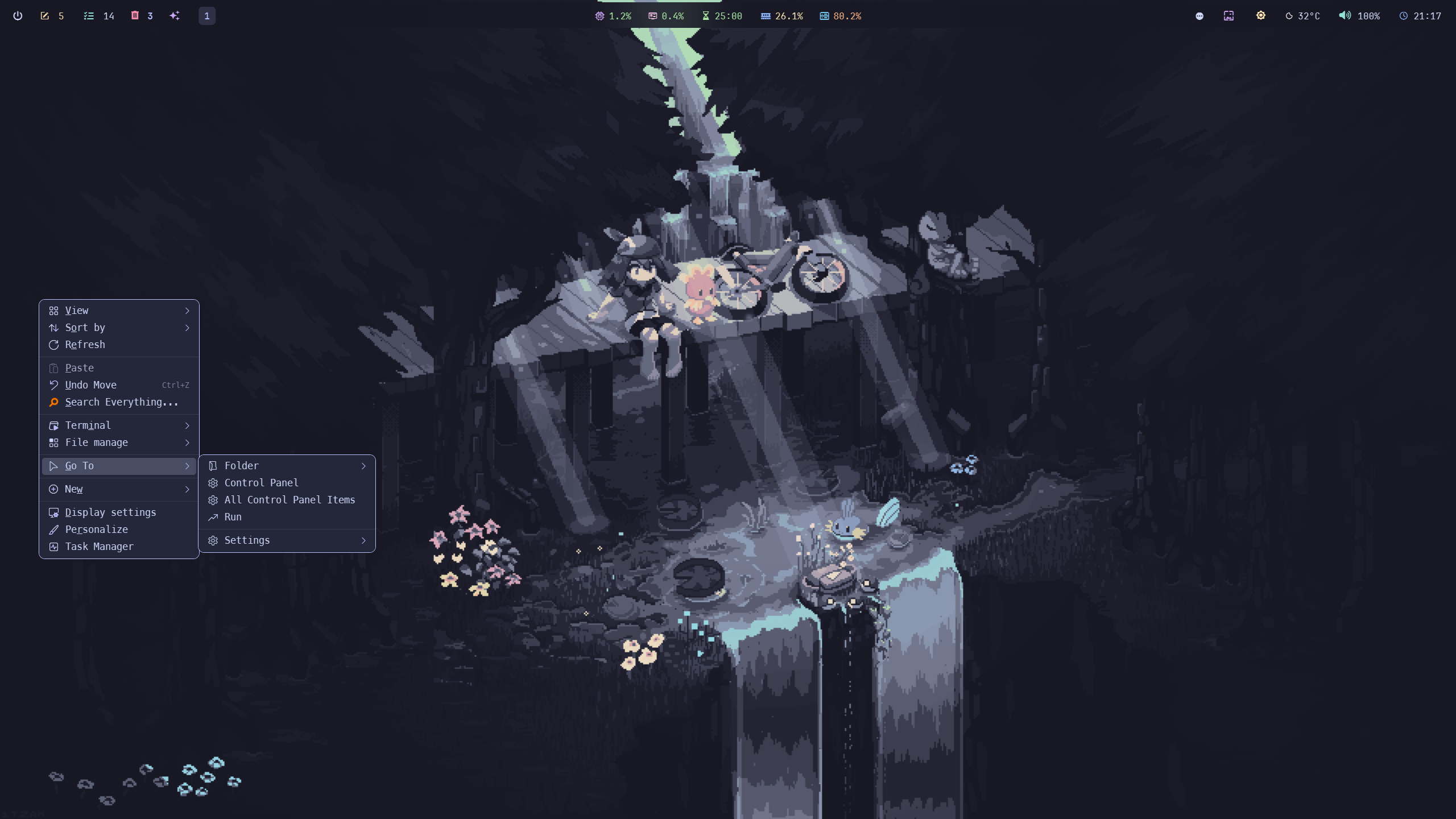
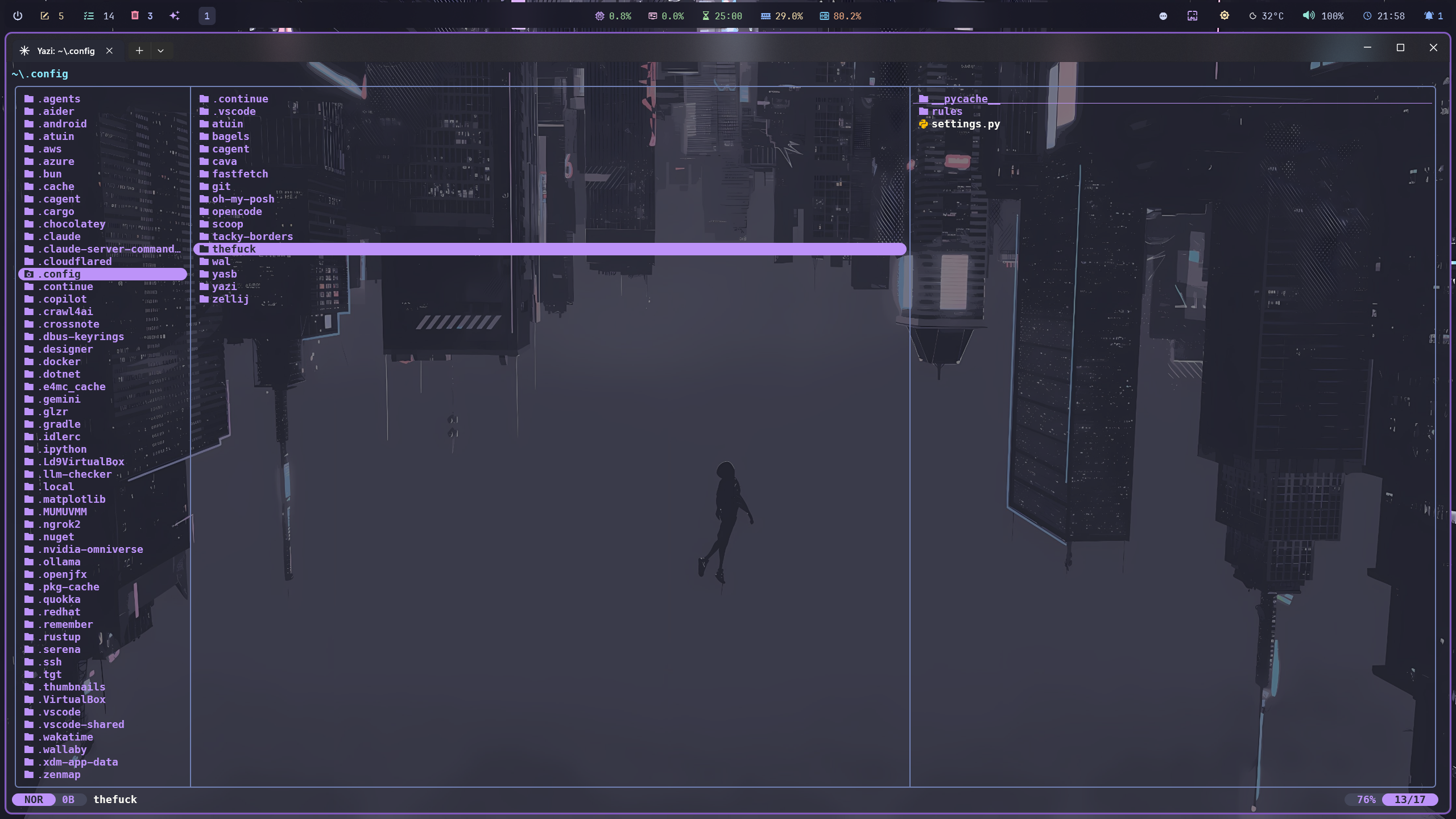
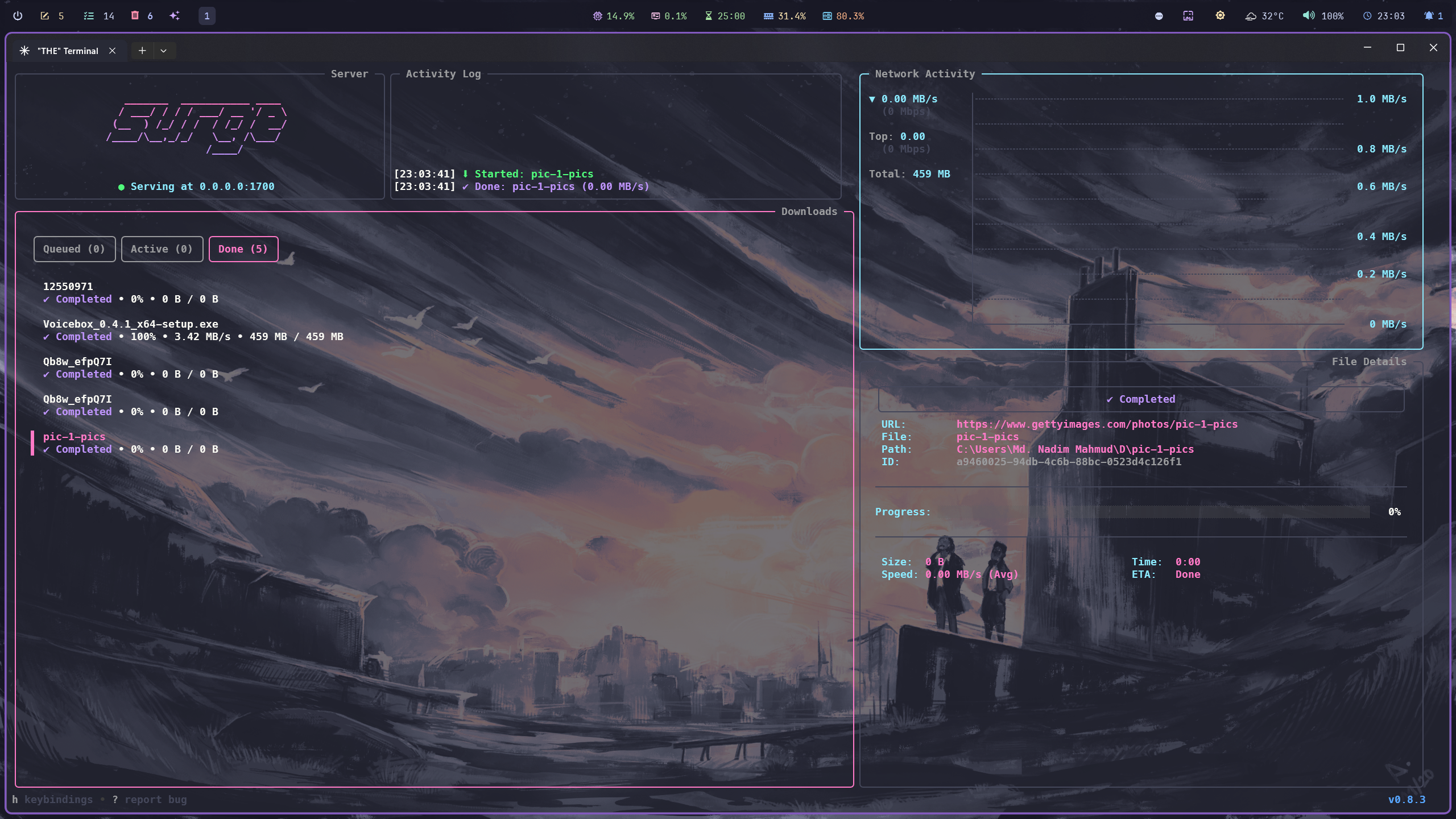
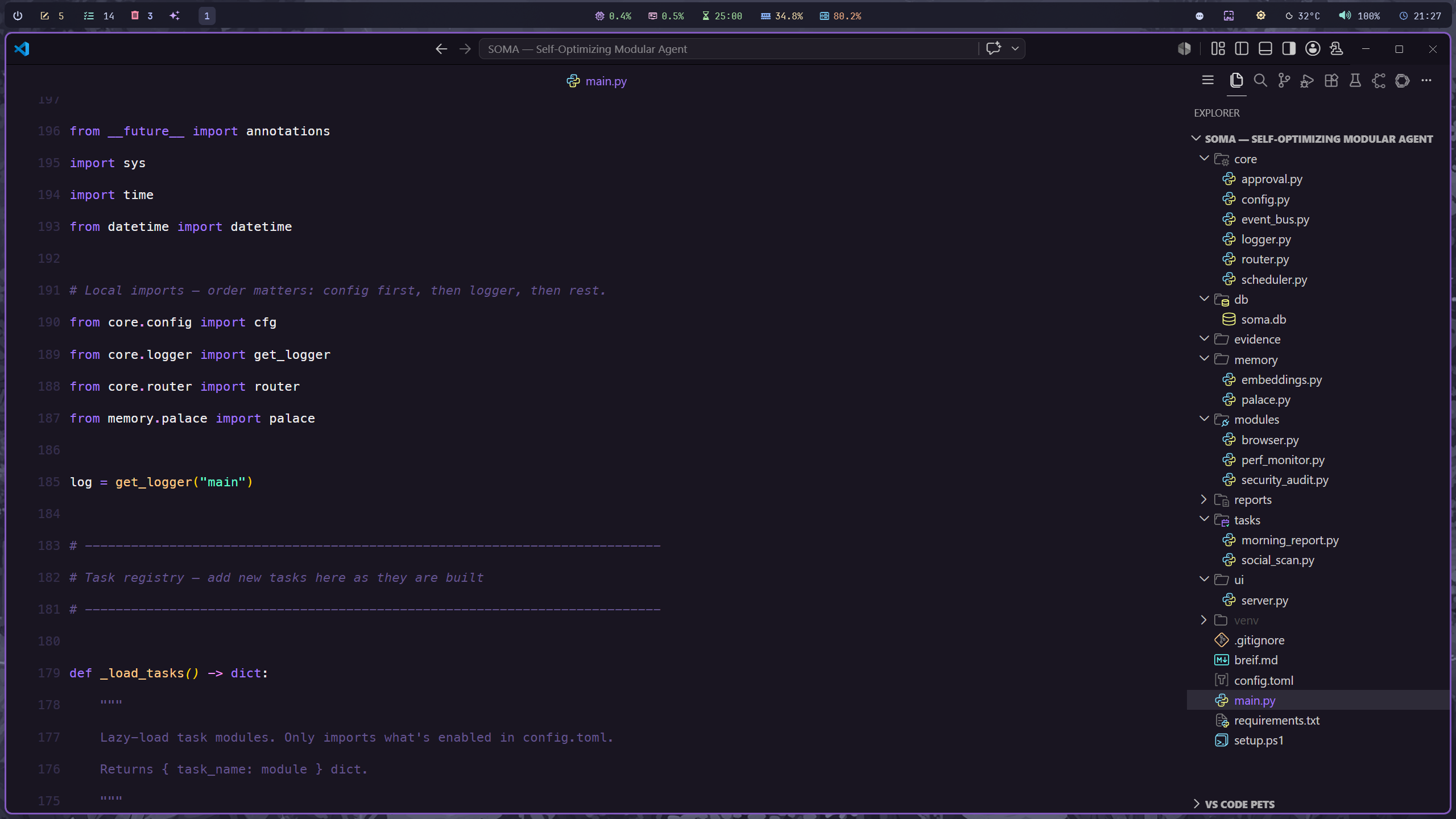
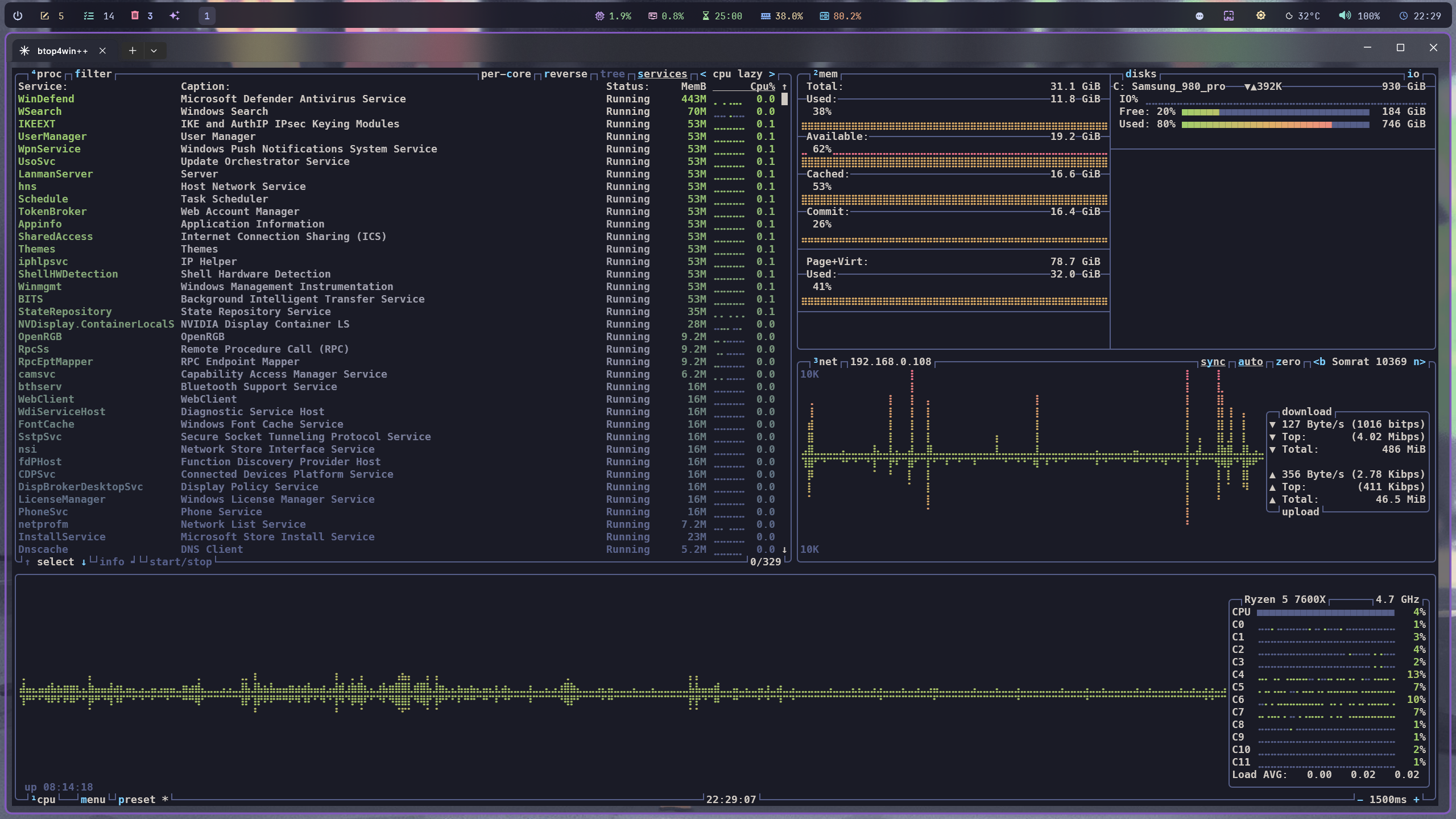
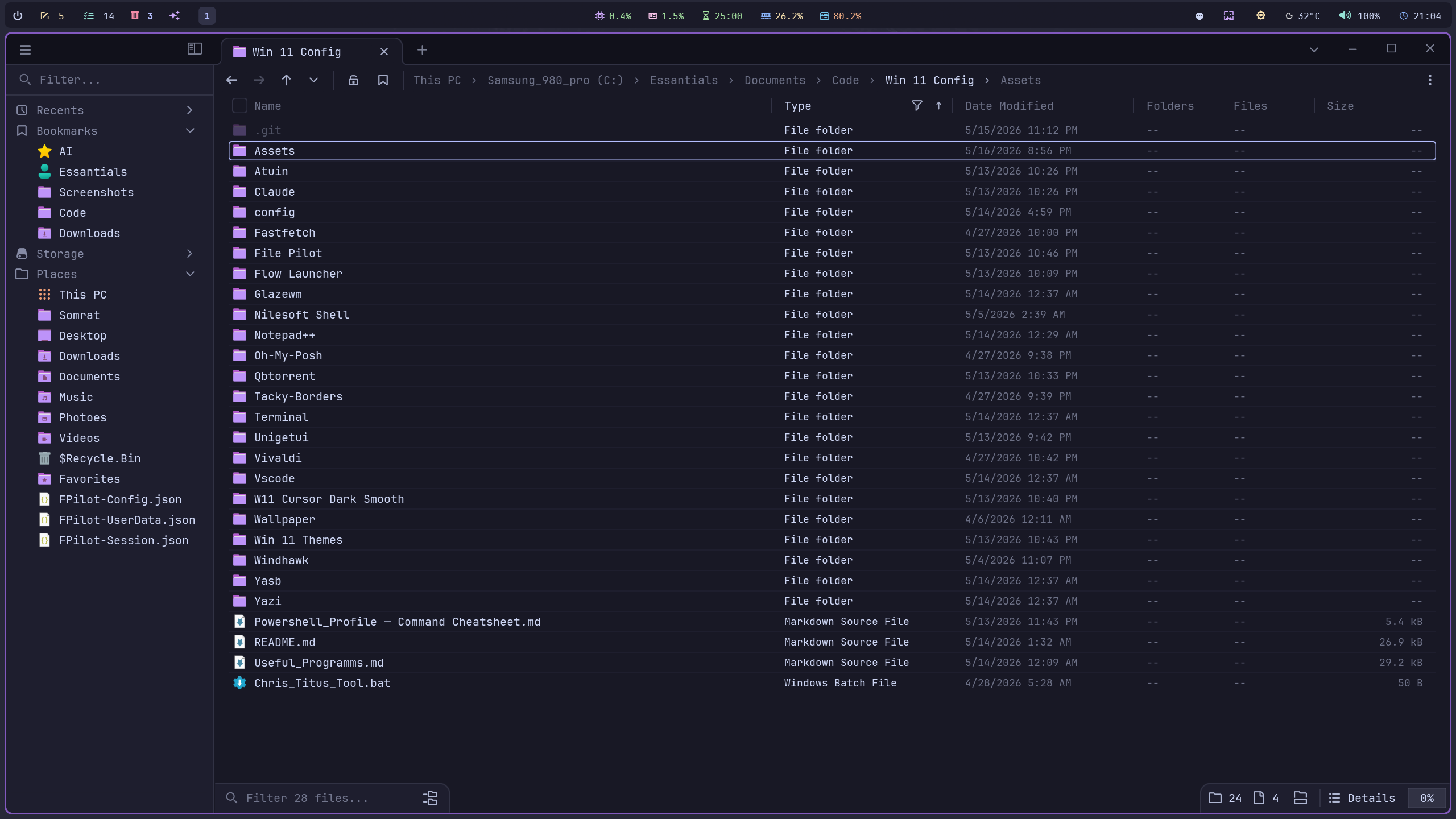
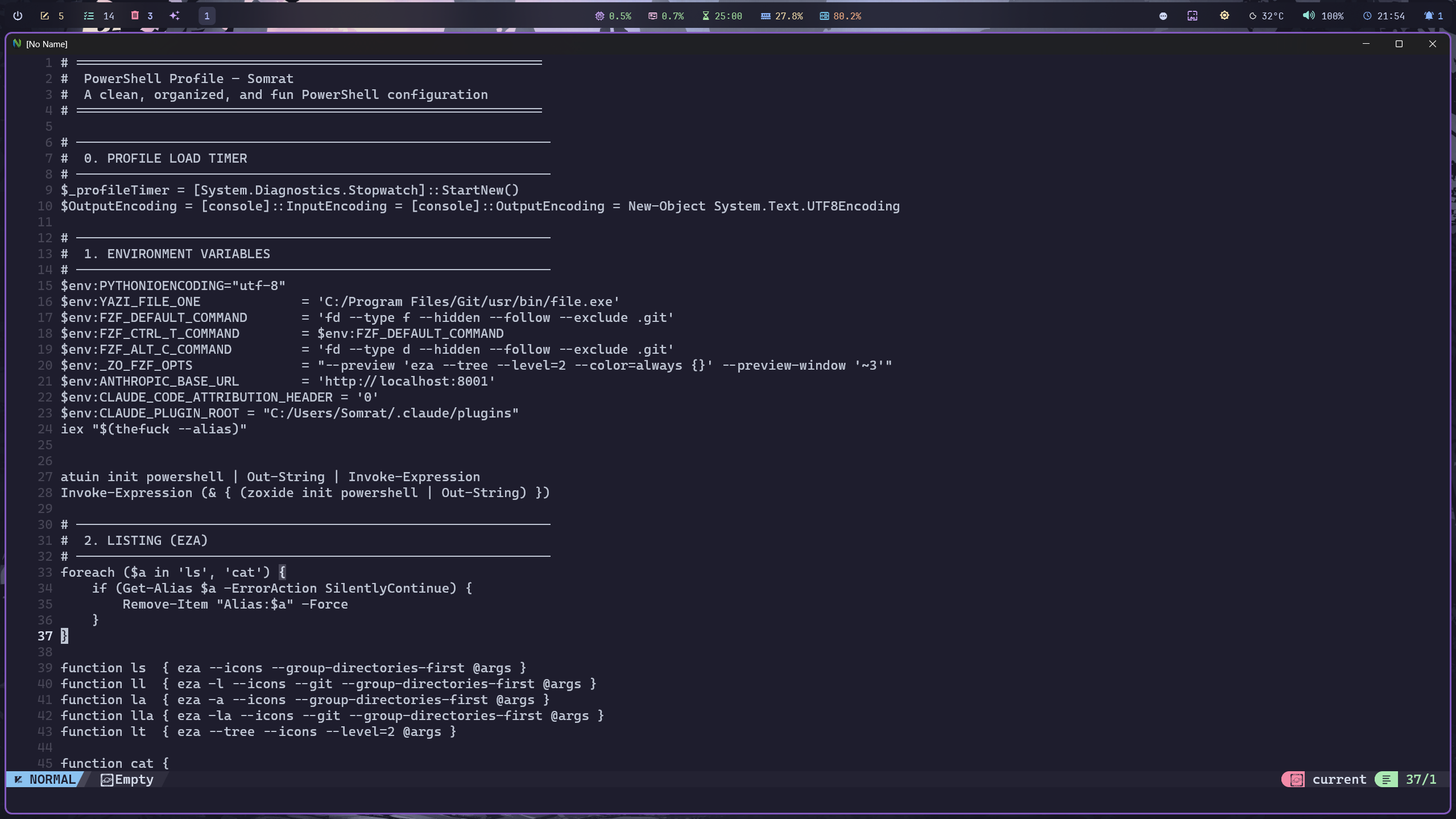
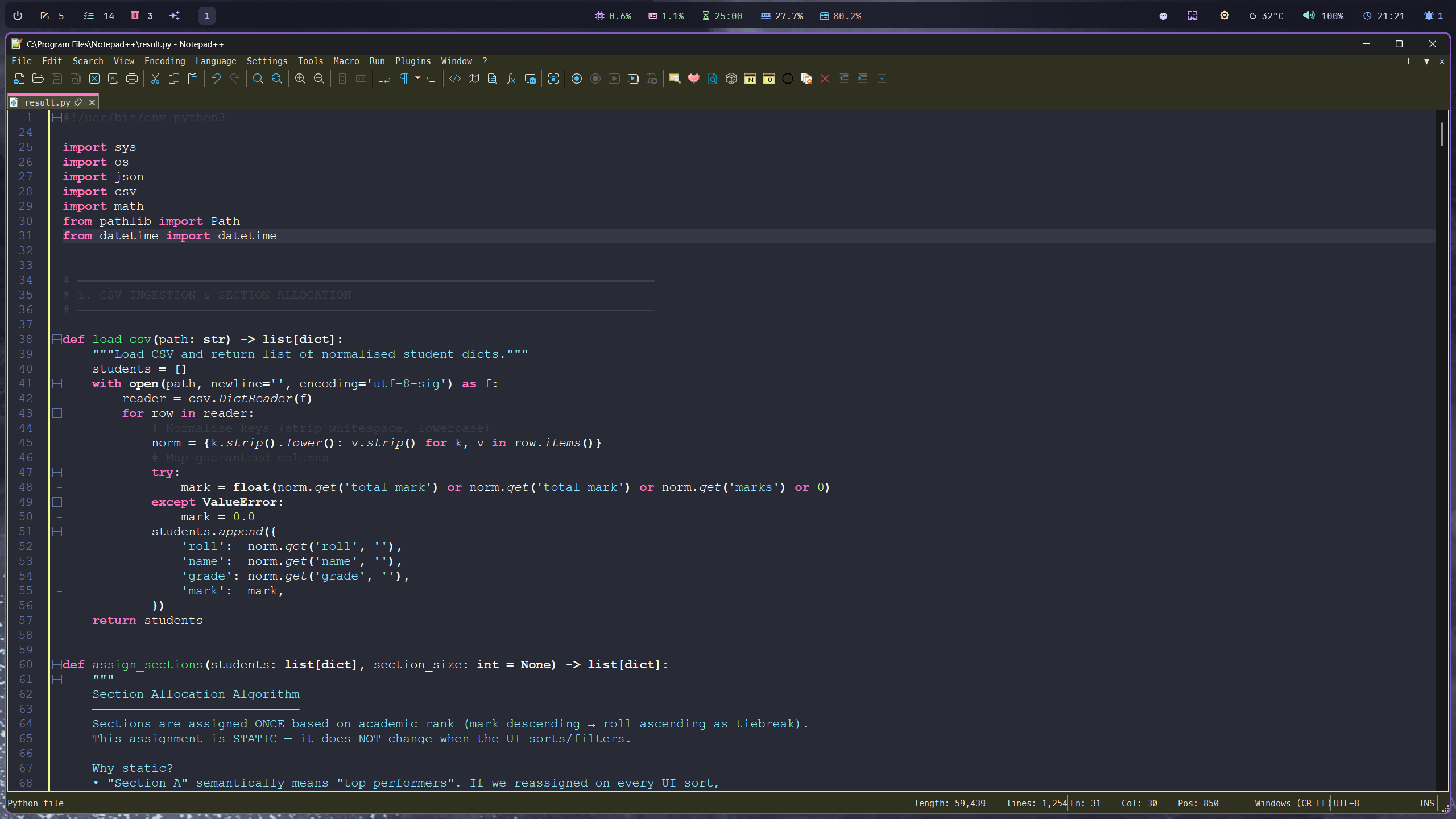
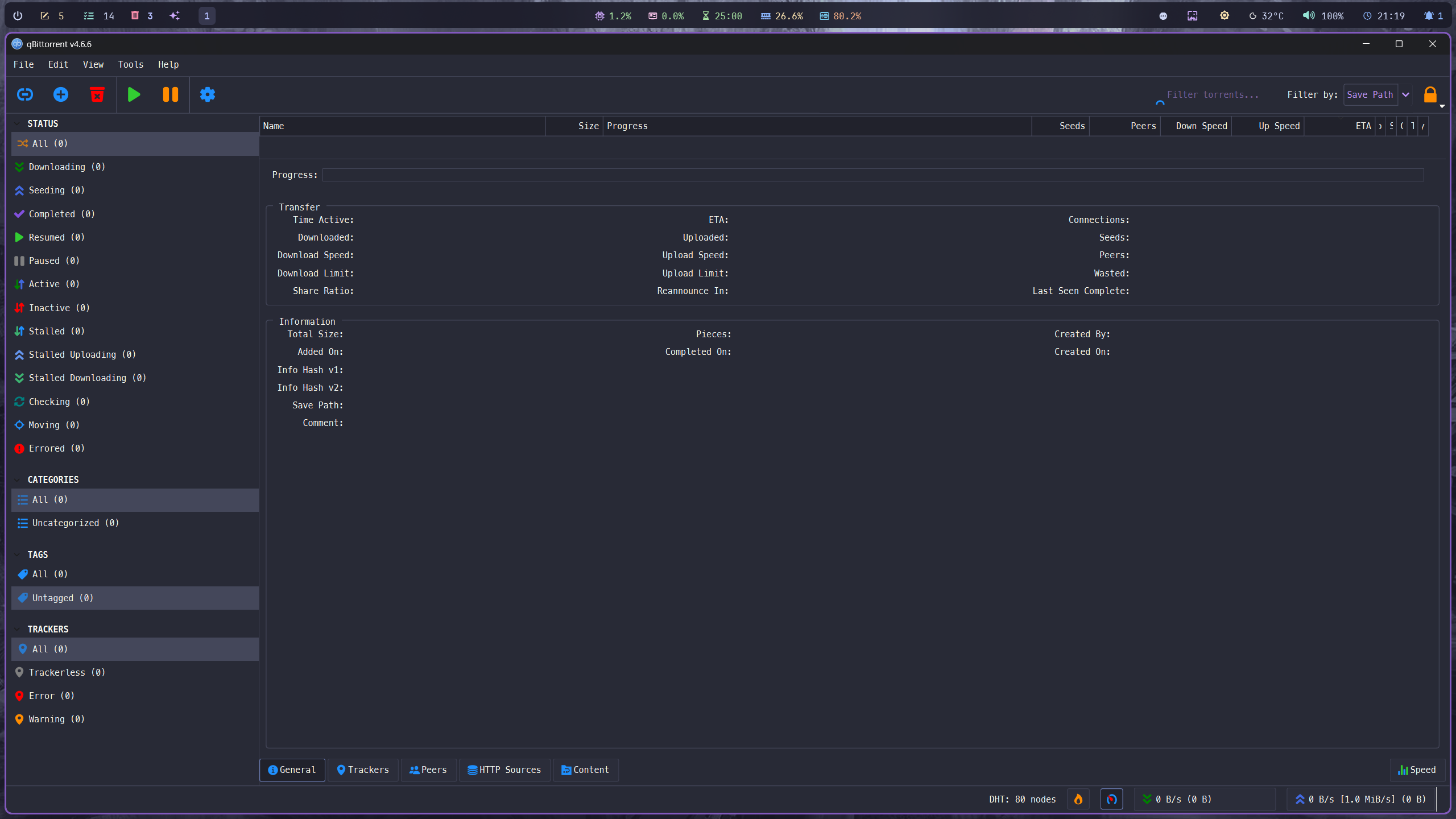

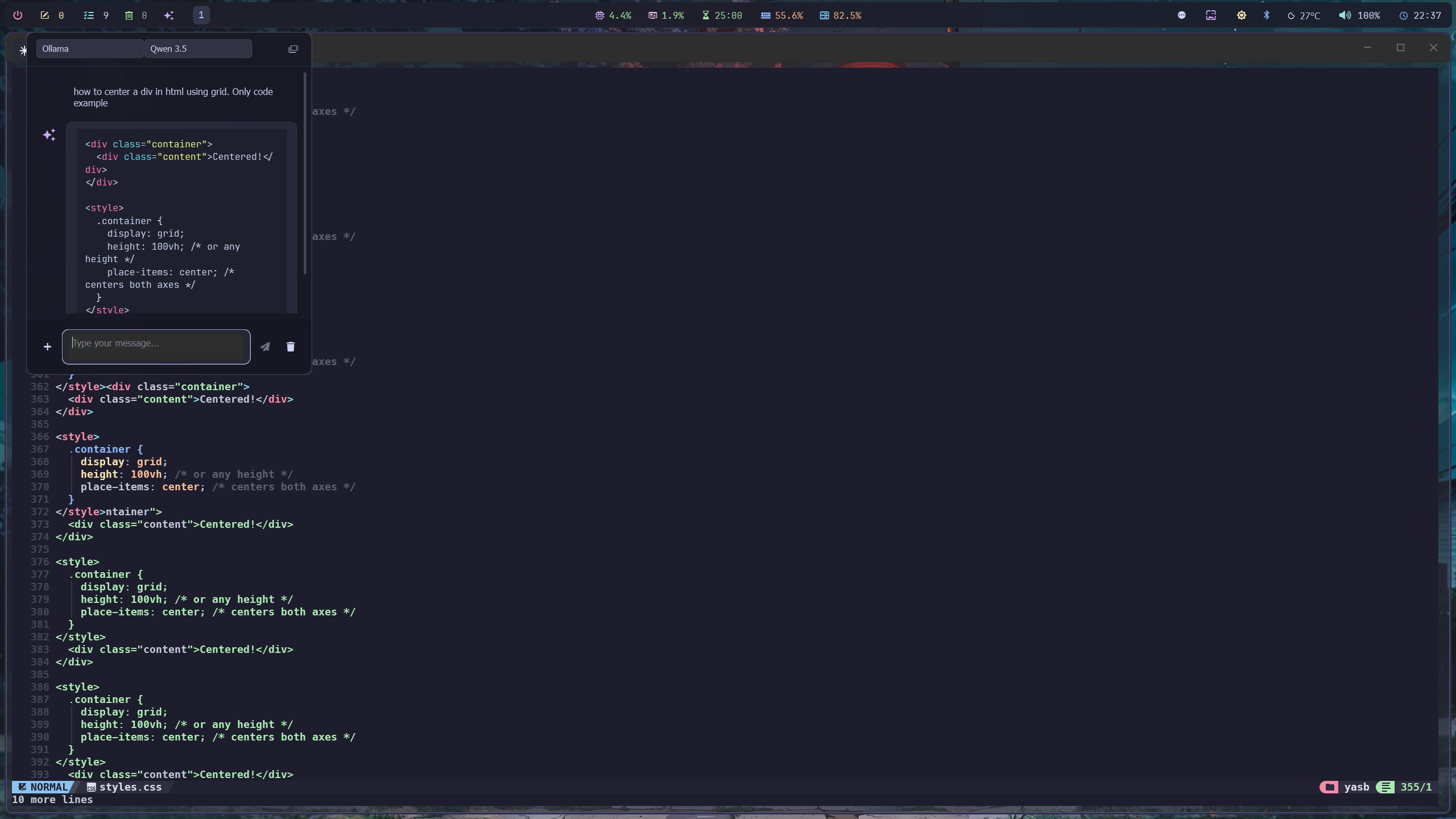
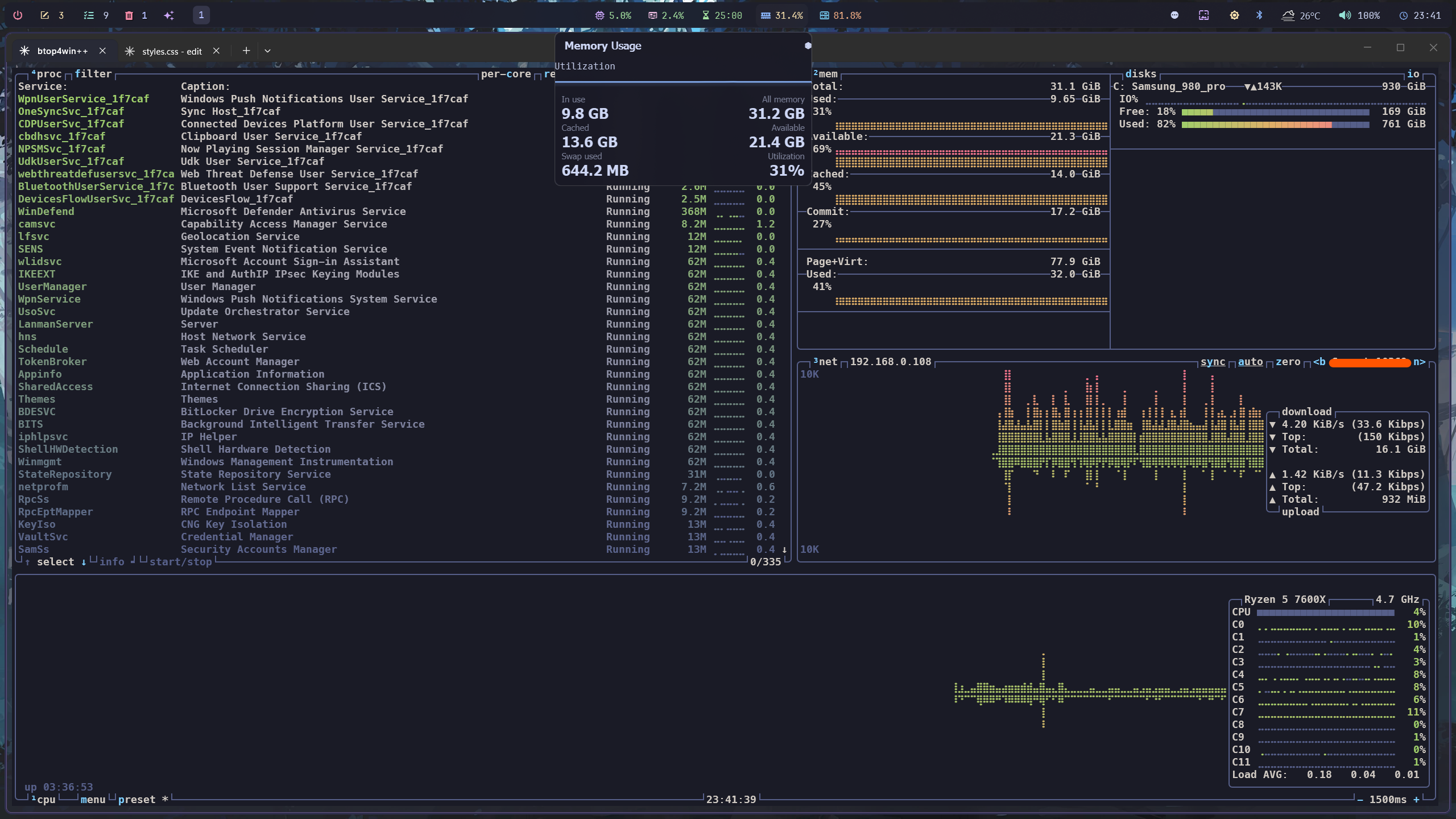
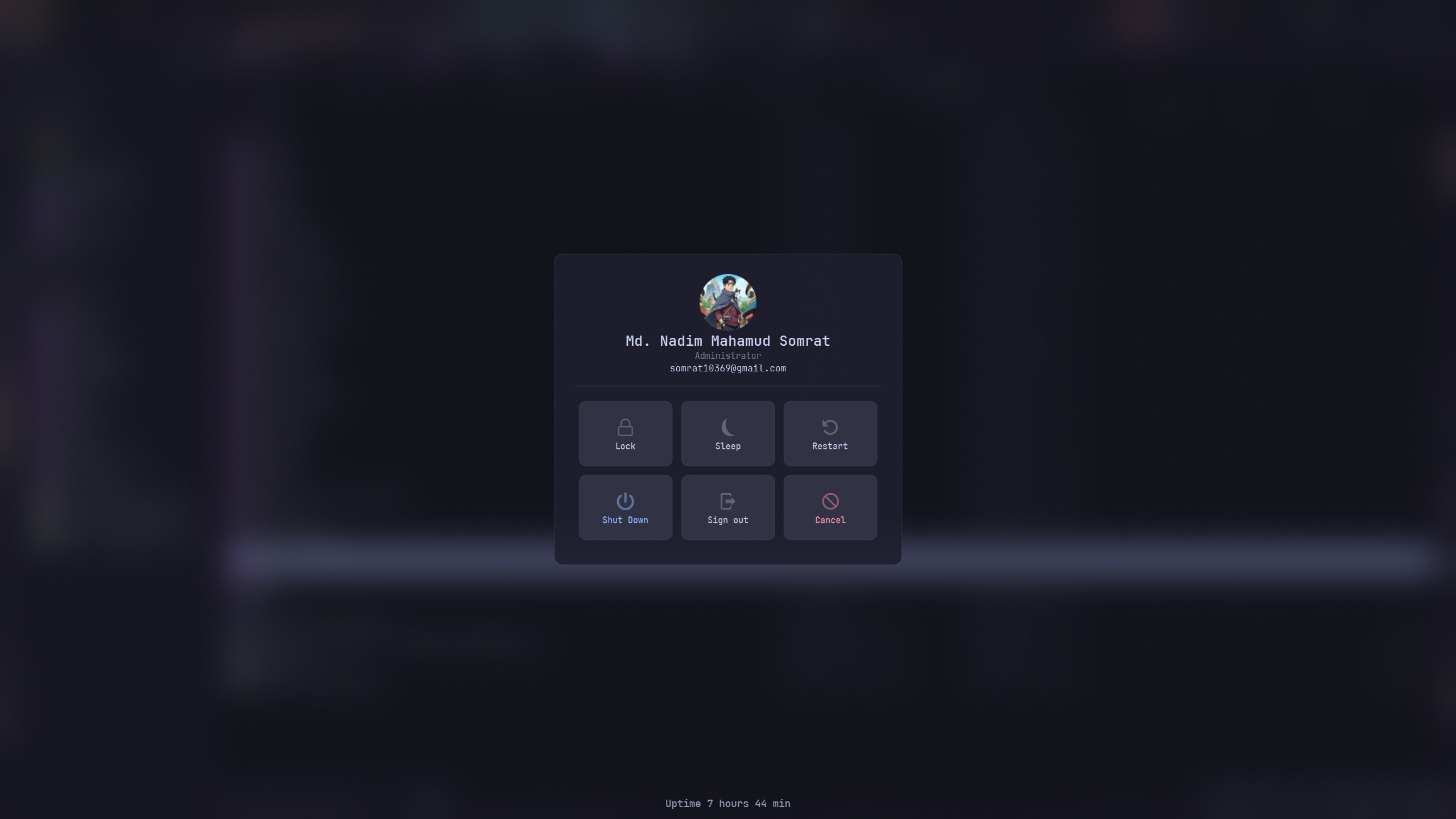
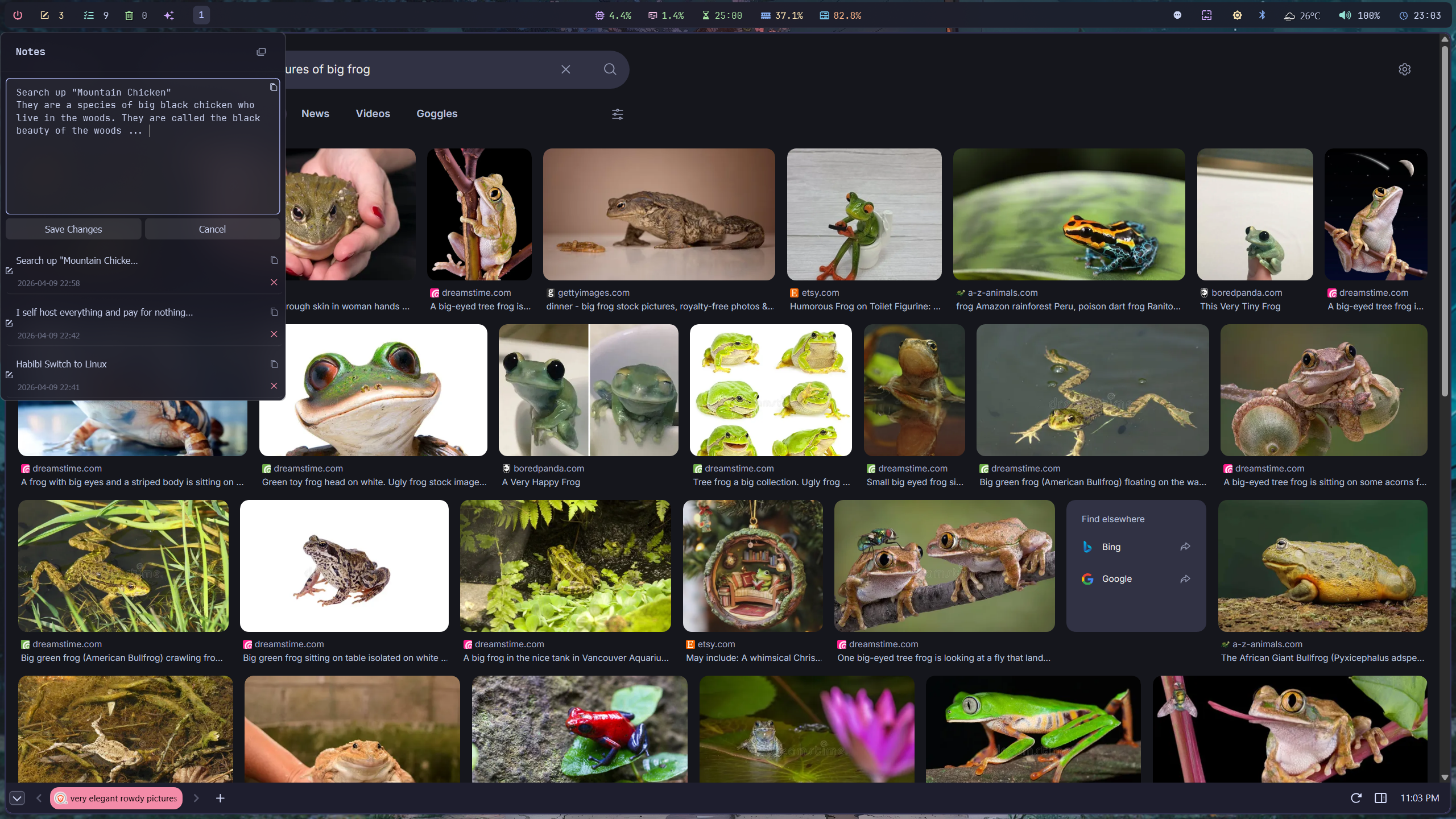
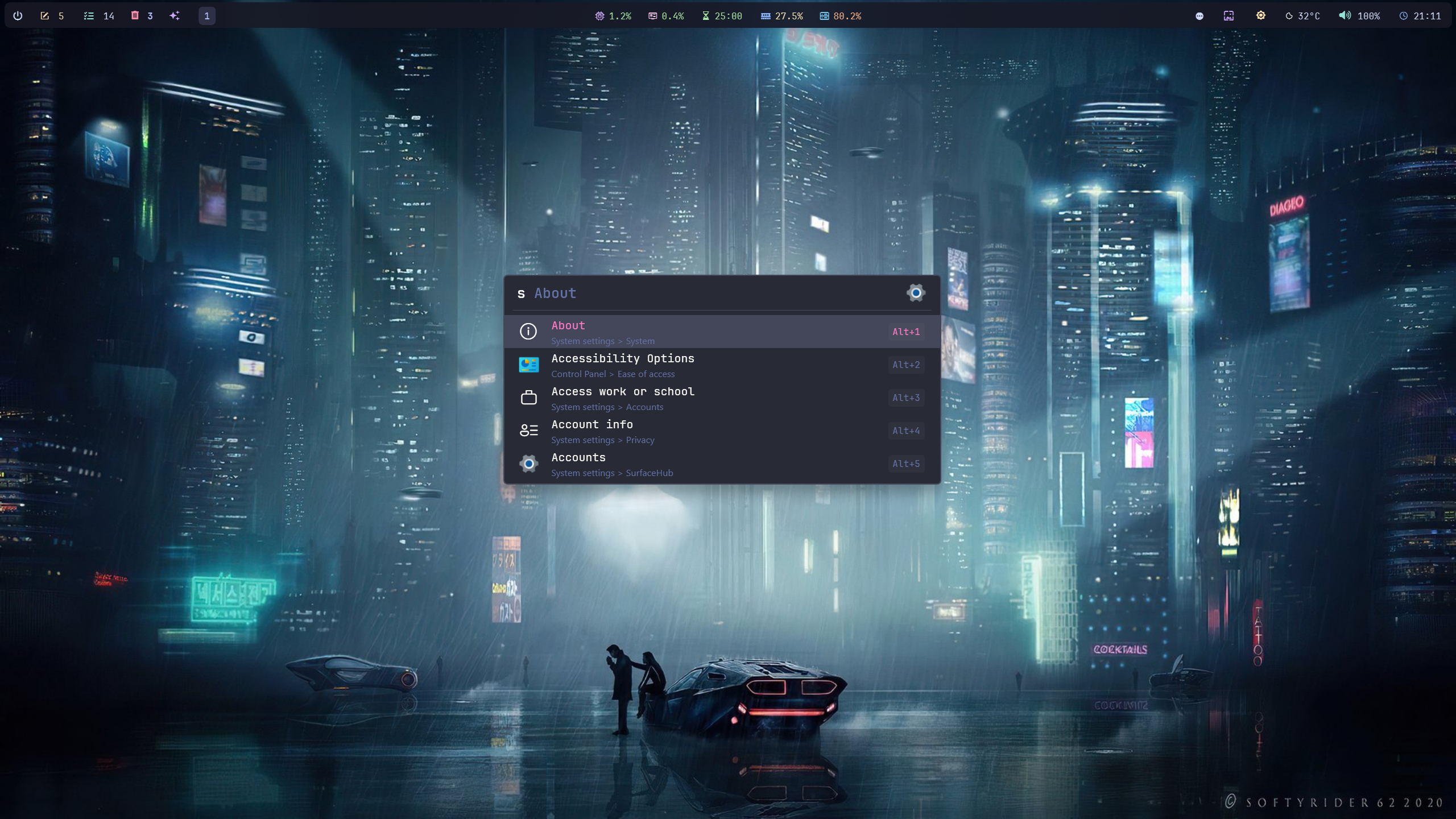
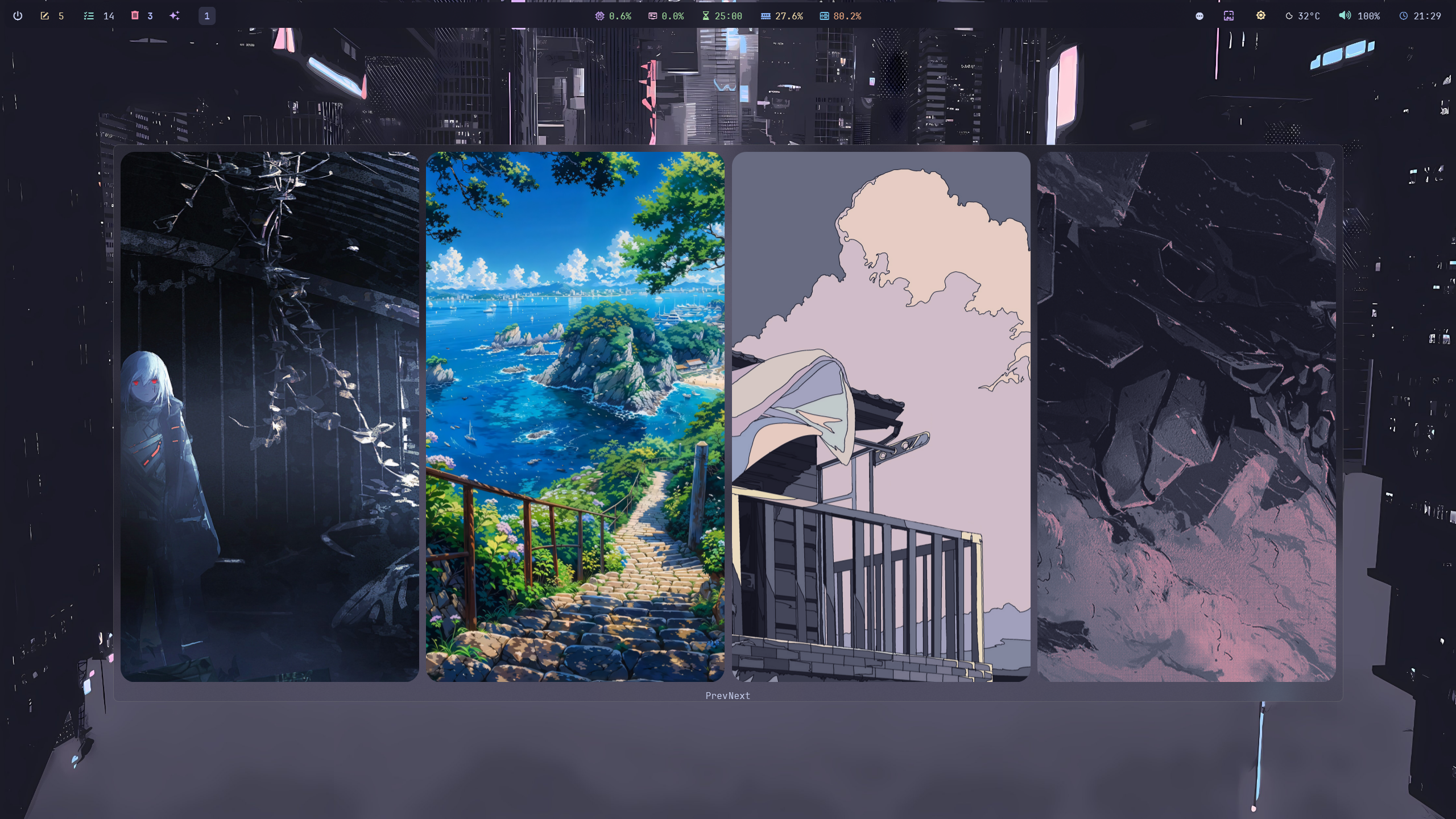
Quick Start
Prerequisites
- Windows 11 (Windows 10 compatible for most tools)
- Administrator access for system modifications
Method 1: Winget (Recommended)
winget install Microsoft.PowerToys
winget install Microsoft.PowerShell
winget install Git.Git
winget install Docker.DockerDesktop
winget install Microsoft.VisualStudioCode
winget install voidtools.Everything
winget install Flow-Launcher.Flow-Launcher
winget install Obsidian.Obsidian
winget install qBittorrent.qBittorrent
winget install Neovim.Neovim
...
Method 2: UniGetUI (GUI)
- Download and install UniGetUI
- Search for any tool by name across winget, Scoop, Chocolatey, and more
- Select and install — UniGetUI handles everything
Method 3: Chris Titus WinUtil
# Run in an elevated PowerShell window
irm christitus.com/win | iex
Select desired tweaks and installs from the GUI. See christitustech/winutil for details.
Quick Start Guide — Star Tools
Setup instructions for the core tools in this collection. Each tool has its config stored in its own folder in this repo.
Table of Contents
- Atuin
- Claude
- Discord — Vencord
- Fastfetch
- File Pilot
- Flow Launcher
- GlazeWM
- Nilesoft Shell
- Notepad++
- Oh-My-Posh
- QBittorrent
- Tacky Borders
- Terminal
- UniGetUI
- Vivaldi
- VS Code
- W11 Cursor Dark Smooth
- Wallpaper
- Win 11 Themes
- Windhawk
- YASB
- Yazi
Atuin
Shell history sync and search — replaces Ctrl+R.
📥 atuin.sh · Config: Atuin.
winget install atuinsh.atuin
Add to PowerShell profile:
Invoke-Expression (& atuin init powershell | Out-String)
Import existing history on first run — Atuin will prompt automatically.
Claude
Anthropic's AI assistant — desktop app.
📥 claude.ai/download · Config: Claude.
- Download and install the desktop app
- Sign in with your Anthropic account or better, use it with ollama
ollama launch claude --config
- Optional: enable web search, memory, and extended thinking from Settings
The desktop app supports global hotkey access and system prompt customization under Settings → Advanced.
Discord — Vencord
Discord with Vencord client mod for themes, plugins, and privacy.
📥 vencord.dev · Config: Discord - Vencord.
- Install Discord normally: discord.com/download
- Download and run the Vencord Installer
- Select Install → point to your Discord install
- Launch Discord — Vencord loads automatically
Apply themes and plugins from Settings → Vencord → Themes / Plugins.
Copy config from Discord - Vencord. to:
%APPDATA%\Vencord\settings\
Fastfetch
Fast, configurable system info fetcher.
📥 github.com/fastfetch-cli/fastfetch · Config: Fastfetch.
winget install fastfetch-cli.fastfetch
Copy config from Fastfetch. to:
%USERPROFILE%\.config\fastfetch\config.jsonc
Run with:
fastfetch
File Pilot
Lightweight, high-performance file manager. Under 2MB, multi-pane, tabbed.
📥 filepilot.co · Config: File Pilot.
- Download the portable
.exefrom the site - Place it wherever you want — no install needed
- Launch and configure panes, keybindings, and theme from Settings
Copy config from File Pilot. to:
%APPDATA%\FilePilot\
Flow Launcher
App launcher for Windows — Everything search, calculator, shell, plugins.
📥 flowlauncher.com · Config: Flow Launcher.
winget install Flow-Launcher.Flow-Launcher
Copy config from Flow Launcher. to:
%APPDATA%\FlowLauncher\Settings\
Set Everything as the default file search plugin for instant results. Recommended plugins: Everything, Calculator, Shell, Browser Bookmarks.
Hotkey default: Alt + Space
GlazeWM
Tiling window manager for Windows inspired by i3.
📥 github.com/glzr-io/glazewm · Config: Glazewm.
winget install glzr-io.glazewm
Copy config from Glazewm. to:
%USERPROFILE%\.glaze-wm\config.yaml
Launch GlazeWM — it reads the config on startup. Add it to startup via Task Scheduler or HiBit Startup Manager.
Key defaults (configurable):
| Action | Key |
|---|---|
| Focus left/right/up/down | Alt + H/L/K/J |
| Move window | Alt + Shift + H/L/K/J |
| Close window | Alt + Q |
| Toggle floating | Alt + T |
Nilesoft Shell
Context menu extender for Windows File Explorer.
📥 nilesoft.org · Config: Nilesoft Shell.
- Download and run the installer (requires admin)
- Copy imports and config from
Nilesoft Shell.to:
C:\Program Files\Nilesoft Shell\imports\
- Right-click any file or folder to see the extended menu immediately — no restart needed
Edit shell.nss to add/remove/reorder entries. Changes apply live.
Notepad++
Lightweight, extensible text editor.
📥 notepad-plus-plus.org · Config: Notepad++.
winget install Notepad++.Notepad++
Copy config from Notepad++. to:
%APPDATA%\Notepad++\
Includes: theme, language definitions, and plugin settings.
Oh-My-Posh
Prompt theme engine for PowerShell and any other shell.
📥 ohmyposh.dev · Config: Oh-My-Posh.
winget install JanDeDobbeleer.OhMyPosh
Copy the theme from Oh-My-Posh. to:
%USERPROFILE%\.config\oh-my-posh\
Add to your PowerShell profile (notepad $PROFILE):
oh-my-posh init pwsh --config "$env:USERPROFILE\.config\oh-my-posh\theme.omp.json" | Invoke-Expression
Install a Nerd Font and set it in your terminal for icons to render correctly.
QBittorrent
Free, open-source BitTorrent client. No ads, no bundled software.
📥 qbittorrent.org · Config: Qbtorrent.
winget install qBittorrent.qBittorrent
Copy config from Qbtorrent. to:
%APPDATA%\qBittorrent\
Includes: category settings, download paths, and UI preferences.
Tacky Borders
Colored window borders for focused/unfocused windows — Hyprland-style.
📥 github.com/lukeyou05/tacky-borders · Config: Tacky-Borders.
- Download the
.exefrom releases - Copy config from
Tacky-Borders.to:
%USERPROFILE%\.config\tacky-borders\config.yaml
- Run
tacky-borders.exe— add to startup for persistence
Edit config.yaml to set border colors, width, and active/inactive behavior.
Terminal
Windows Terminal — the modern tabbed terminal host.
📥 apps.microsoft.com · Config: Terminal.
winget install Microsoft.WindowsTerminal
Copy config from Terminal. to:
%LOCALAPPDATA%\Packages\Microsoft.WindowsTerminal_8wekyb3d8bbwe\LocalState\settings.json
Includes: color scheme, font, tab settings, default profile (PowerShell 7 / Terax).
UniGetUI
GUI frontend for winget, Scoop, Chocolatey, pip, npm, and cargo.
📥 github.com/marticliment/UniGetUI · Config: Unigetui.
winget install MartiCliment.UniGetUI
On first launch, UniGetUI auto-detects installed package managers. Use the Packages tab to install, update, or remove software across all managers from one interface.
Export your installed package list from Settings → Backup for easy reinstall on a new machine.
Vivaldi
Chromium browser built for power users — tab stacking, tiling, built-in mail and calendar.
📥 vivaldi.com · Config: Vivaldi.
winget install VivaldiTechnologies.Vivaldi
Sync settings via Vivaldi Sync (built-in) — sign in to restore your config on any machine.
To manually copy config:
%LOCALAPPDATA%\Vivaldi\User Data\Default\
Recommended settings: enable Tab Stacking, set Speed Dials, configure Keyboard Shortcuts from Vivaldi..
VS Code
Microsoft's open-source code editor.
📥 code.visualstudio.com · Config: Vscode.
winget install Microsoft.VisualStudioCode
Copy config from Vscode. to:
%APPDATA%\Code\User\settings.json
%APPDATA%\Code\User\keybindings.json
Install extensions from the included list:
# From the Vscode. folder, run:
cat extensions.txt | xargs -I{} code --install-extension {}
Or install manually from the Extensions panel (Ctrl+Shift+X).
W11 Cursor Dark Smooth
Dark, smooth animated cursor theme for Windows 11.
📥 Source in W11 Cursor Dark Smooth. · Config: W11 Cursor Dark Smooth.
- Open the
W11 Cursor Dark Smooth.folder - Right-click
install.inf→ Install - Go to Settings → Bluetooth & devices → Mouse → Additional mouse settings → Pointers
- Select W11 Cursor Dark Smooth from the scheme dropdown
- Click Apply
Wallpaper
Curated wallpaper collection.
📁 Location: Wallpaper.
Browse the Wallpaper. folder and set your preferred image via:
Settings → Personalization → Background → Browse photos
Or right-click any image → Set as desktop background.
Win 11 Themes
Custom visual themes for Windows 11 (requires UltraUxThemePatcher).
📥 UltraUxThemePatcher required · Config: Win 11 Themes.
- Install UltraUxThemePatcher first and restart
- Copy
.msstylesfiles fromWin 11 Themes.to:
C:\Windows\Resources\Themes\
- Go to Settings → Personalization → Themes
- Select the installed theme
Without UltraUxThemePatcher, Windows will reject unsigned themes.
Windhawk
Mod platform for Windows — install customizations like extensions.
📥 windhawk.net · Config: Windhawk.
winget install RaMMicHaeL.Windhawk
After install, open Windhawk and browse the mod catalog. Recommended mods:
- Taskbar Clock Customization — custom date/time format
- Windows 11 Taskbar Styler — restyle the taskbar
- Explorer Taskbar Tweaker — advanced taskbar behavior
- Disable Windows Copilot — remove Copilot button
Mod settings are saved in Windhawk — no manual config file copy needed.
YASB
Yet Another Status Bar — customizable Windows status bar.
📥 github.com/amnweb/yasb · Config: Yasb.
winget install AmN.yasb
Copy config from Yasb. to:
%USERPROFILE%\.yasb\
Includes: config.yaml (bar layout, widgets) and styles.css (visual styling).
Launch YASB — it reads both files on startup. Reload config live with the tray icon → Reload.
Pairs best with GlazeWM — YASB can display the active workspace name directly from GlazeWM.
Yazi
Blazing-fast terminal file manager written in Rust.
📥 github.com/sxyazi/yazi · Config: Yazi.
winget install sxyazi.yazi
Copy config from Yazi. to:
%APPDATA%\yazi\config\
Includes: yazi.toml, keymap.toml, theme.toml.
Add a shell wrapper for directory-jumping on exit (add to PowerShell profile):
function y {
    $tmp = [System.IO.Path]::GetTempFileName()
    yazi $args --cwd-file="$tmp"
    $cwd = Get-Content -Raw $tmp
    if (-not [String]::IsNullOrEmpty($cwd) -and $cwd -ne $PWD.ProviderPath) {
        Set-Location -LiteralPath $cwd
    }
    Remove-Item -Path $tmp
}
Launch with y — exit with q and your terminal will follow to the last directory.
All configs in this repo are drop-in replacements. Back up your existing configs before copying.
Security Best Practices
- Download only from the official links listed in Useful_Programms.md
- Verify code signatures where available
- Prefer portable versions to avoid unnecessary registry modifications
- Use HiBit Startup Manager to review what runs at boot after installs
Contributing
- Report issues — broken links, outdated tools, missing entries
- Suggest tools — open an issue with name, description, and official link
- Improve docs — fix typos, add usage guides, update configs
Please follow the existing format and link only to official sources.
License
This repository is distributed under the MIT License. Individual tools have their own licenses — see each project's documentation for details.
Yorumlar (0)
Yorum birakmak icin giris yap.
Yorum birakSonuc bulunamadi