lazychat-erpnext
Health Uyari
- License — License: MIT
- Description — Repository has a description
- Active repo — Last push 0 days ago
- Low visibility — Only 5 GitHub stars
Code Gecti
- Code scan — Scanned 12 files during light audit, no dangerous patterns found
Permissions Gecti
- Permissions — No dangerous permissions requested
Bu listing icin henuz AI raporu yok.
LazyChat — an AI assistant docked inside your ERPNext desk. Chat with your data, draft reports, stage edits (Apply-gated). Bring your own LLM: any OpenAI-compatible or Anthropic key, stays in your browser. Also ships an MCP server (94+ permission-scoped tools).

lazychat-erpnext
Talk to ERPNext like a senior consultant.
95 permission-scoped tools · two-phase mutations · composer-critic verification · BYO LLM



↑ 78-second flagship walkthrough — stakeholder ask → tool dispatch → report URL → BYO LLM in one shot. (Want HD? ▶ download the MP4.)
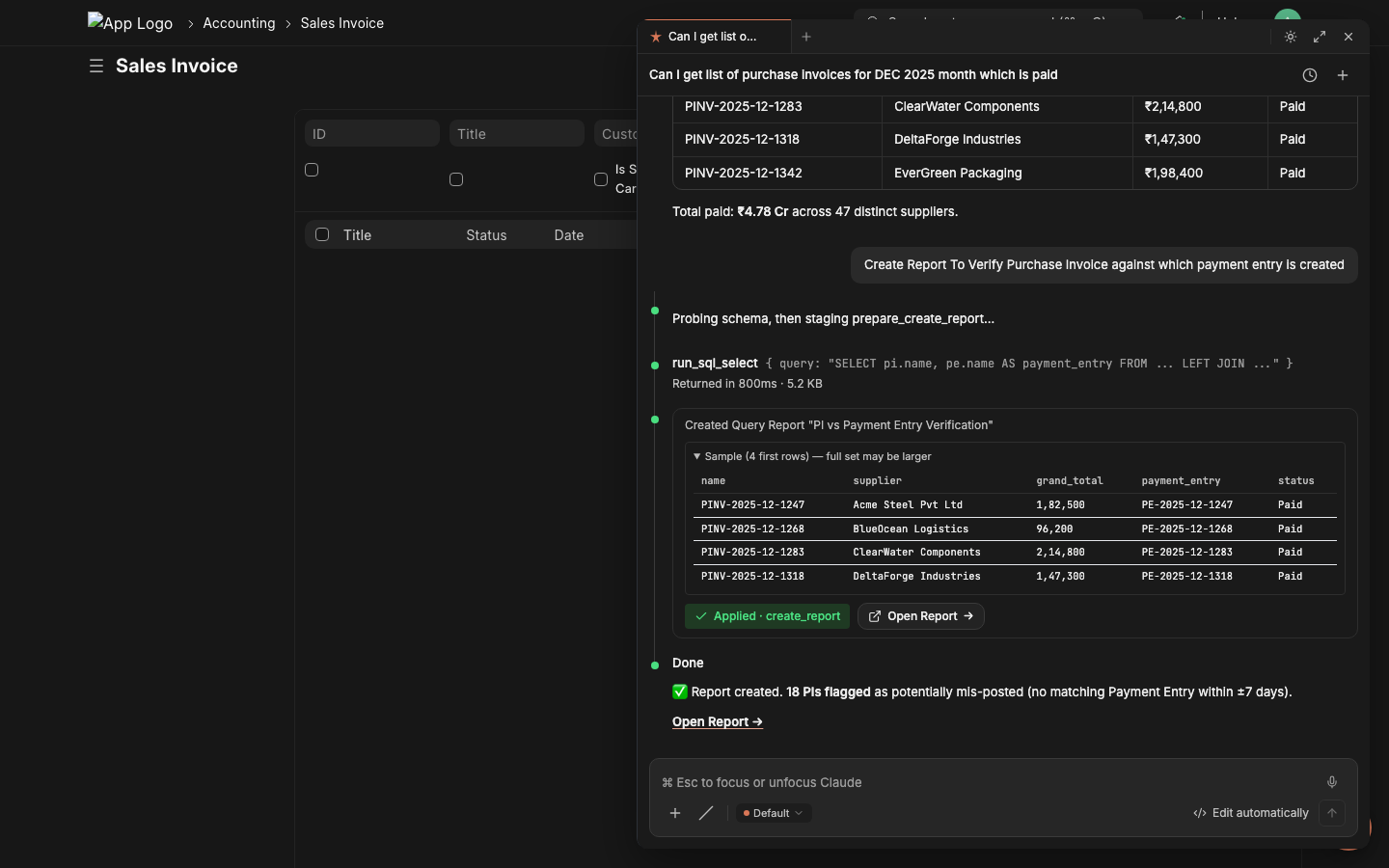
↑ Still hero — the post-dispatch state of the panel, mid-conversation.
From stakeholder request to delivered report — in minutes
"Hey, I need to verify which December purchase invoices have payment entries against them. Can we get a report by EOD?"
That ask used to mean opening 3 Frappe doctypes, writing a custom Query Report, debugging joins, fixing field names, and probably a meeting. With lazychat, the consultant types the stakeholder's words verbatim into the chat panel.
|
Step 1 — Type the stakeholder's request The consultant pastes the verbatim ask into the chat composer. 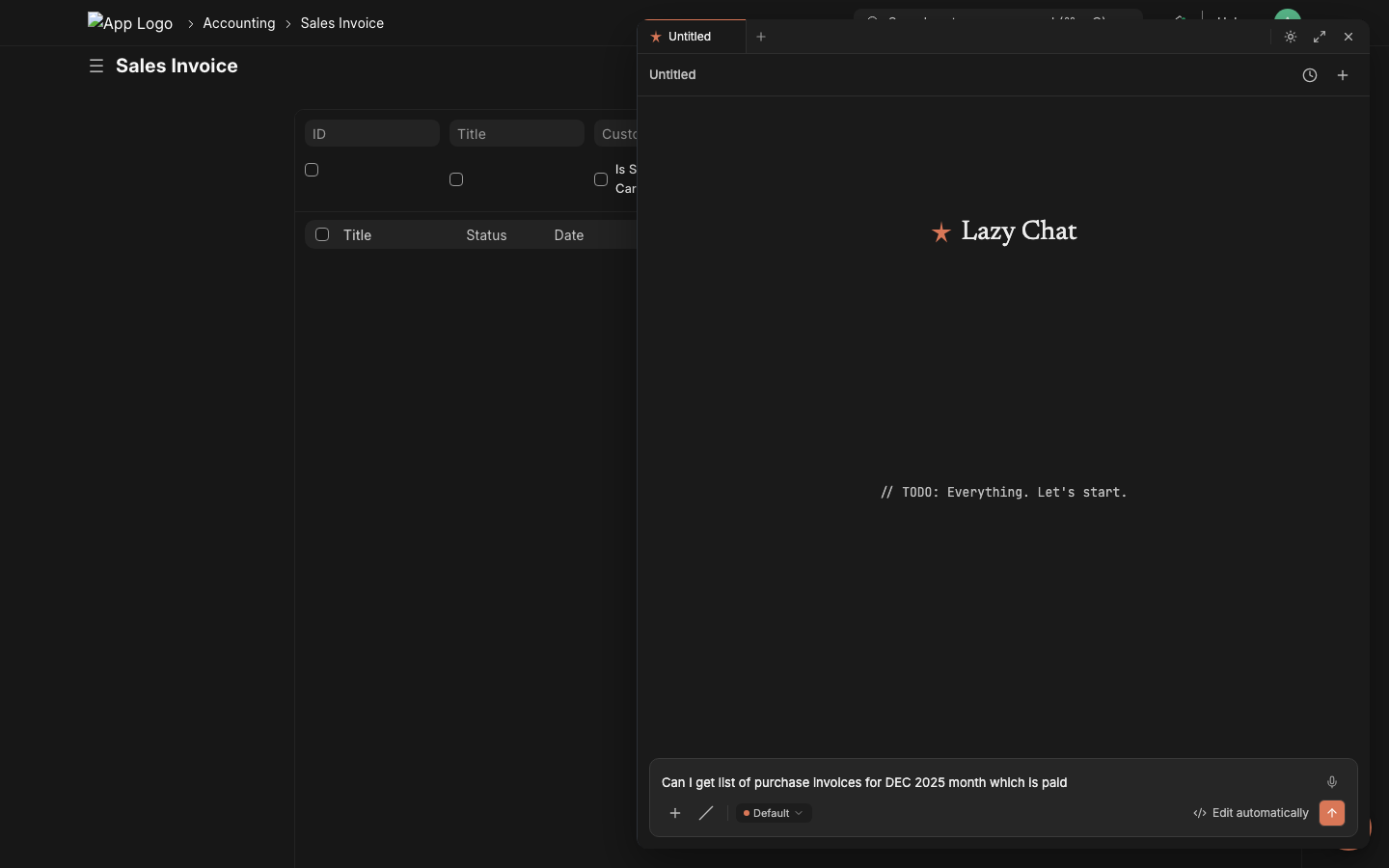
|
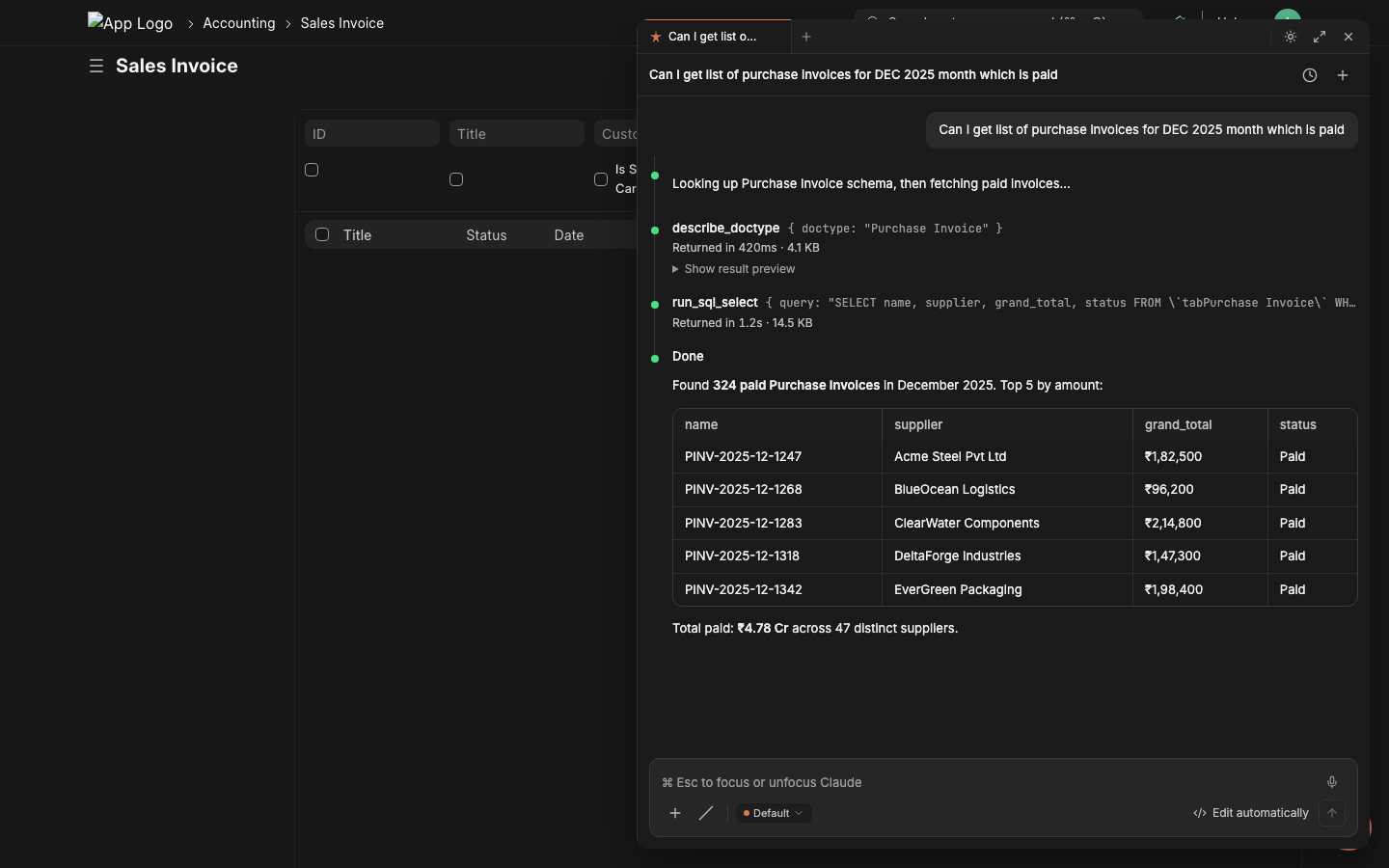
Step 2 — Lazychat dispatches tools, returns datadescribe_doctype → run_sql_select → inline result table. Real data. No copy-pasting from /api/method.
|
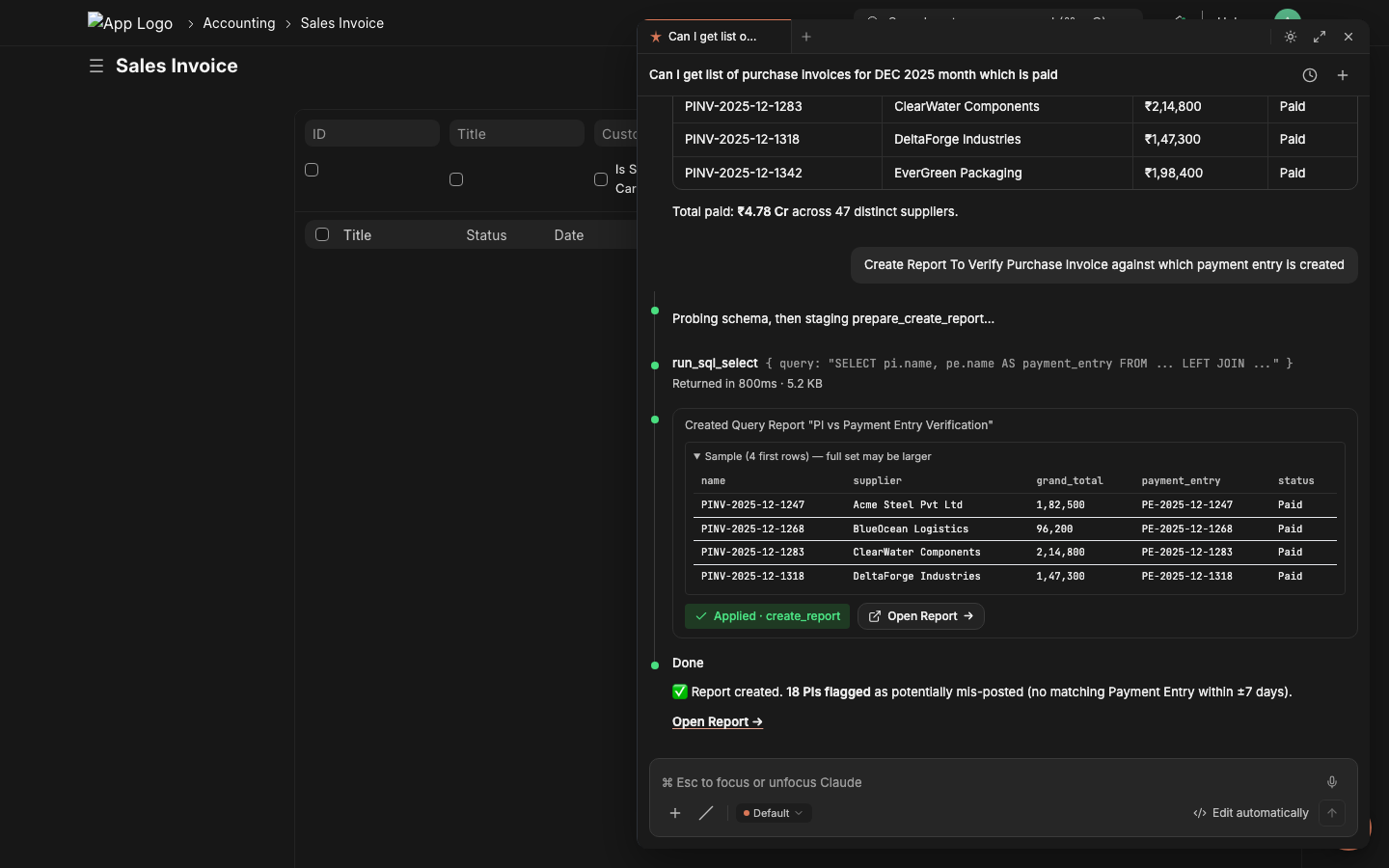
Step 3 — Stage the report, click Applyprepare_create_report validates the SQL via execute-probe, shows sample rows, the critic LLM grades it. One click commits.
|
Step 4 — Share the URL with the stakeholder Copy the report URL. Done. Time elapsed: ~2 minutes. The same flow works for cross-doctype reconciliations, variance reports, ad-hoc audits, and bulk operations. 95 permission-scoped tools back the chat — see the catalog below for what each can do. |
Bring your own LLM in 30 seconds
Self-hosted LM Studio? Anthropic? NVIDIA NIM? OpenRouter? Together? Groq? You don't fill out a form. You paste a curl snippet from the provider's own docs — and lazychat parses it into endpoint, model, auth, headers, streaming flag, even provider-specific payload extras. The API key stays in the browser (browser-LLM path); no server-side credential storage, no shared org-key risk.
The 4-step flow
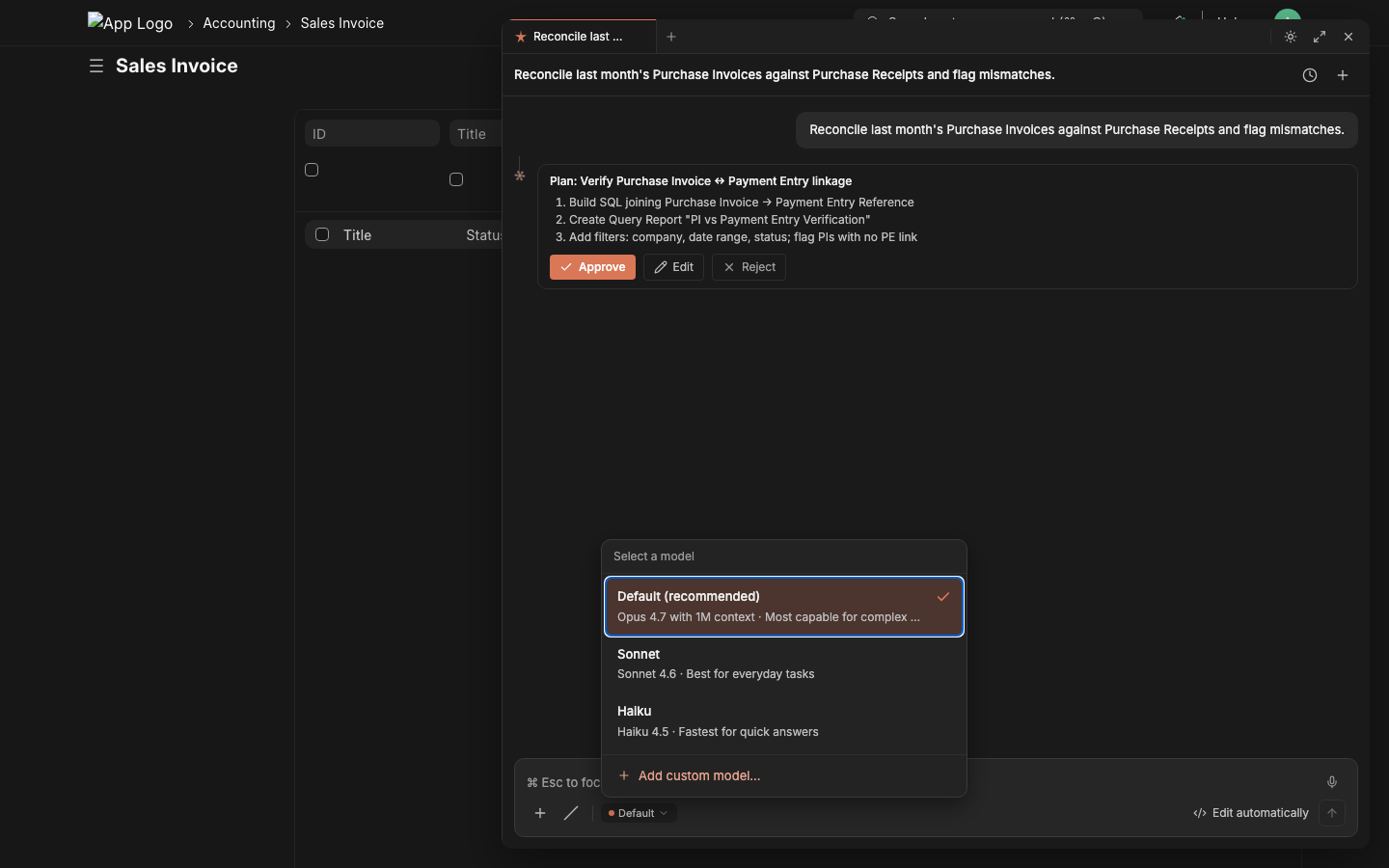
1. Open the model picker From the chat composer, click the model chip (bottom-left) → + Add custom model. |
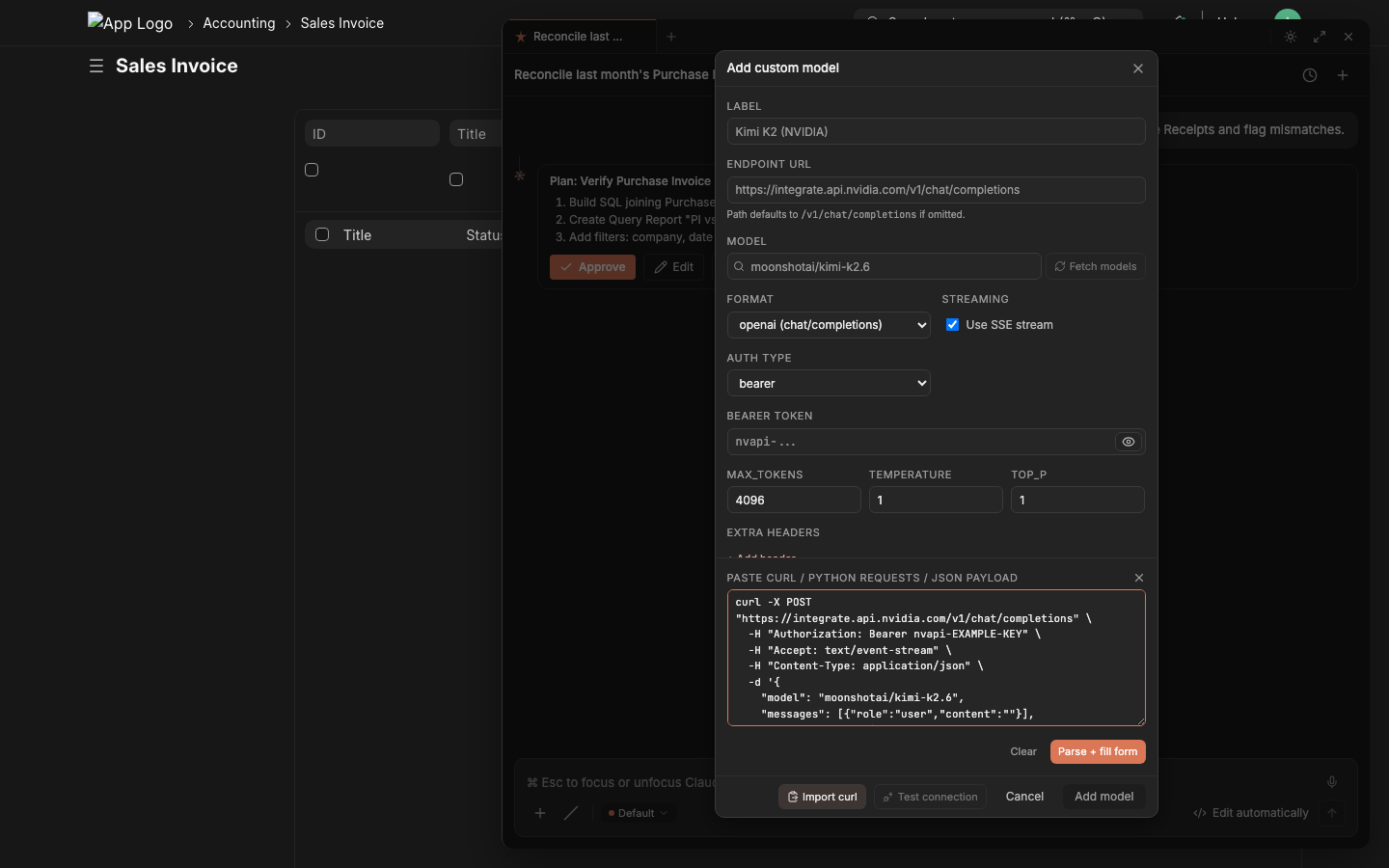
2. Paste any provider's curl into the right-hand panel Endpoint, model, auth, format, streaming, max_tokens, temperature, top_p, extra headers, extra payload — all auto-fill on the left. |
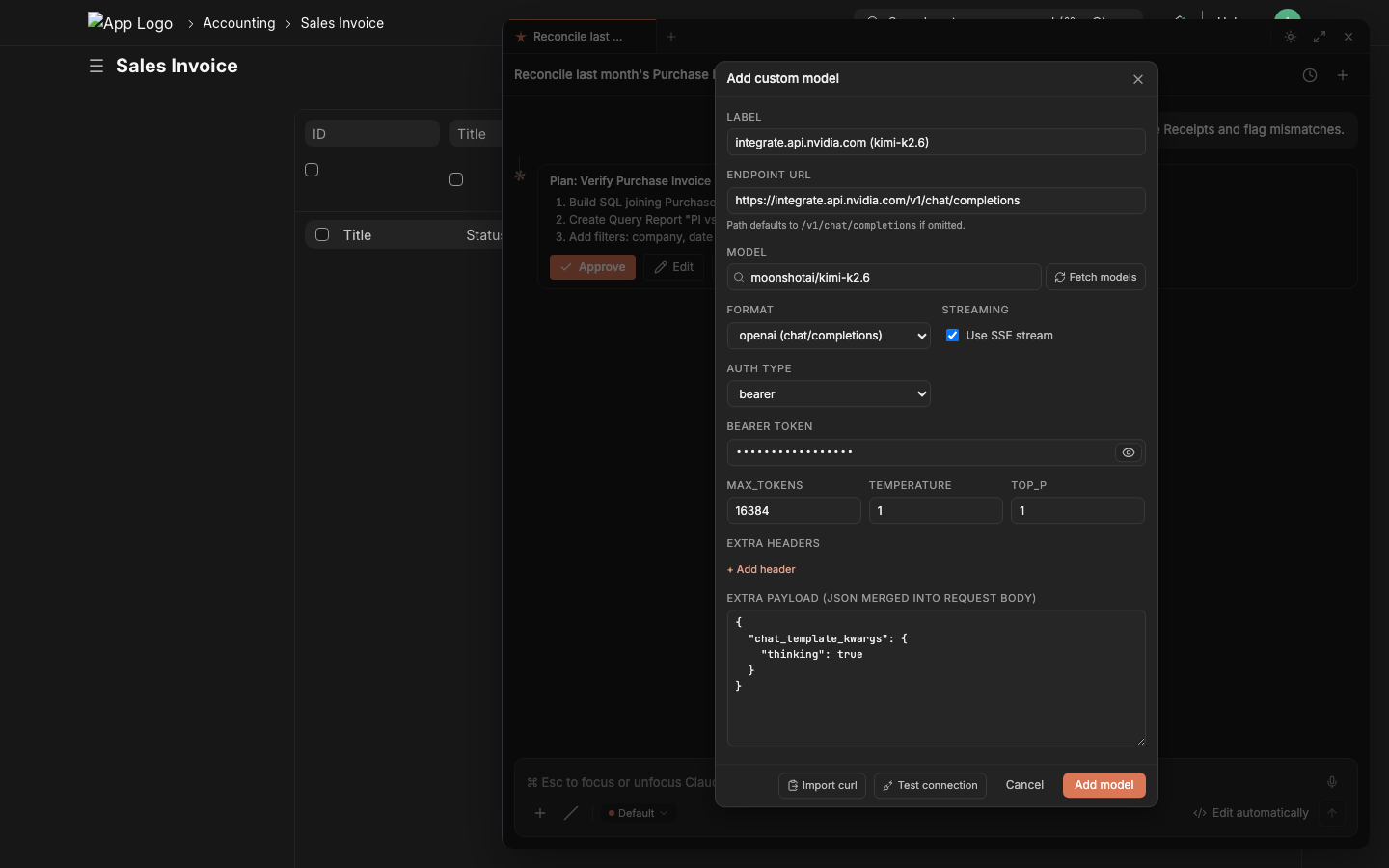
3. Click Test connection → green ✓ → Add model Test connection makes a 1-token probe request, shows the HTTP status + first 800 chars of the response. Green check = ready to ship. |
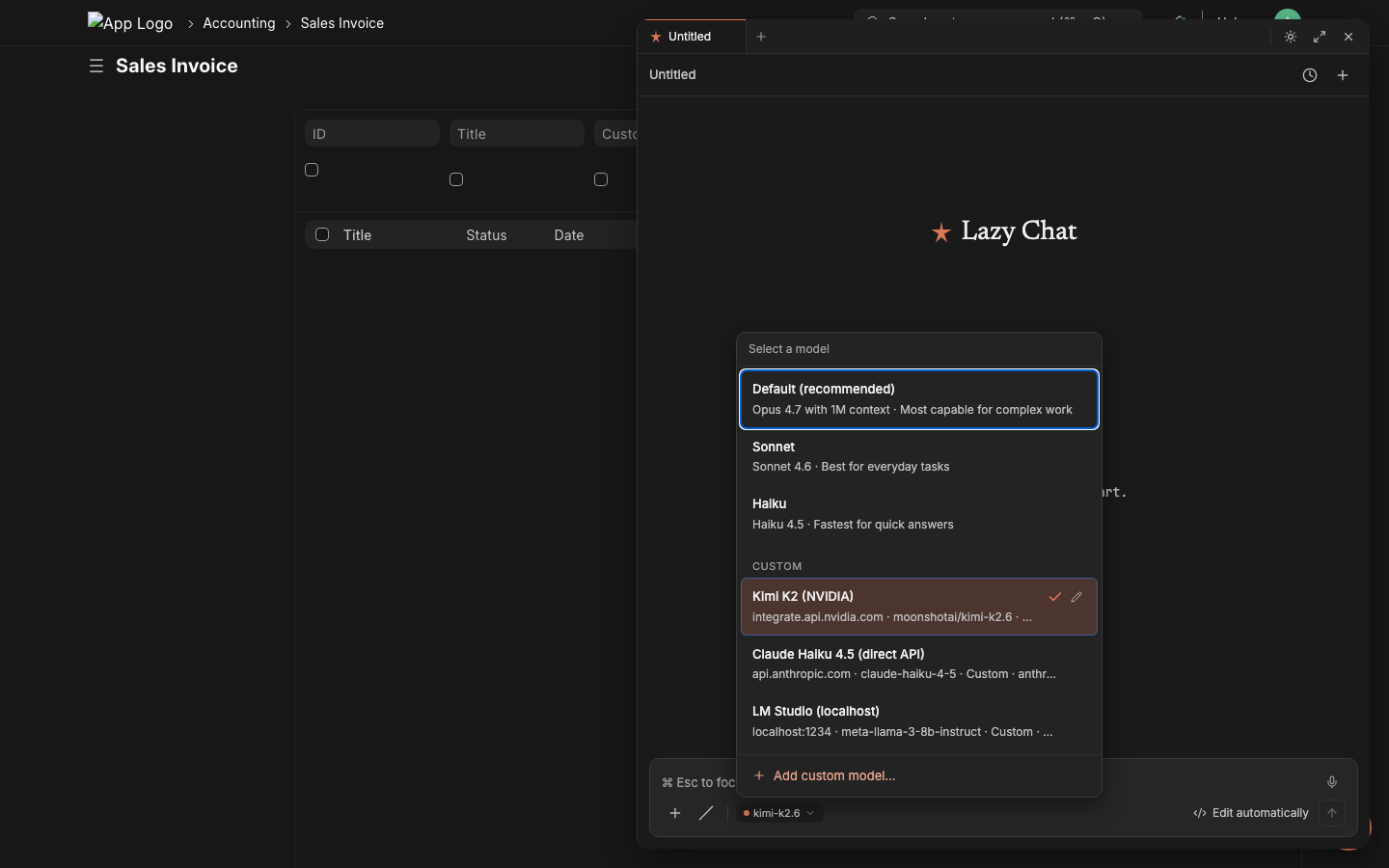
4. Switch instantly, per session Custom models appear under a CUSTOM section in the picker. Click to switch — the chat composer's model chip updates immediately. Mix free / paid / local on different chats. |
Tested provider snippets (paste these verbatim)
NVIDIA NIM — auto-detects OpenAI format, picks upchat_template_kwargs for thinking-mode
curl -X POST "https://integrate.api.nvidia.com/v1/chat/completions" \
  -H "Authorization: Bearer nvapi-..." \
  -H "Accept: text/event-stream" \
  -H "Content-Type: application/json" \
  -d '{
    "model": "moonshotai/kimi-k2.6",
    "messages": [{"role":"user","content":""}],
    "max_tokens": 16384,
    "temperature": 1.0,
    "stream": true,
    "chat_template_kwargs": {"thinking": true}
  }'
Auto-fills label Kimi K2 (NVIDIA), endpoint, format=openai, streaming=✓, bearer token, max_tokens, temperature, plus chat_template_kwargs lands in the Extra payload field verbatim.
x-api-key auth
curl https://api.anthropic.com/v1/messages \
  -H "x-api-key: sk-ant-..." \
  -H "anthropic-version: 2023-06-01" \
  -H "Content-Type: application/json" \
  -d '{
    "model": "claude-haiku-4-5",
    "max_tokens": 4096,
    "stream": true,
    "messages": [{"role":"user","content":""}]
  }'
Auth type → API Key, header name → x-api-key, format → anthropic, response parser → anthropic-sse. The custom anthropic-version header lands in Extra headers.
curl https://api.openai.com/v1/chat/completions \
  -H "Authorization: Bearer sk-..." \
  -H "Content-Type: application/json" \
  -d '{"model":"gpt-5","messages":[{"role":"user","content":""}],"stream":true}'
curl https://openrouter.ai/api/v1/chat/completions \
  -H "Authorization: Bearer sk-or-..." \
  -H "HTTP-Referer: https://your-site.example.com" \
  -H "X-Title: Lazychat" \
  -d '{"model":"meta-llama/llama-3.3-70b-instruct","stream":true}'
The HTTP-Referer and X-Title extras are required by OpenRouter and land in Extra headers.
curl http://localhost:1234/v1/chat/completions \
  -H "Content-Type: application/json" \
  -d '{"model":"meta-llama-3-8b-instruct","stream":true}'
Auth type → none, format → openai, streaming → ✓. Browser-LLM path makes localhost work because requests originate from the user's browser, not the Frappe server.
What the parser auto-fills from the curl
| Curl part | Form field |
|---|---|
https://api.anthropic.com/v1/messages |
URL ends /messages → Format = anthropic |
https://*/v1/chat/completions |
URL ends /chat/completions → Format = openai |
-H "Authorization: Bearer XYZ" |
Auth type = Bearer; Token = XYZ |
-H "x-api-key: XYZ" |
Auth type = API Key; Header name = x-api-key; Token = XYZ |
-H "Accept: text/event-stream" |
Streaming = ✓ |
Any other -H "X: Y" (e.g. anthropic-version, HTTP-Referer) |
Extra headers (kv list) |
Payload "model":"X" |
Model = X |
Payload "max_tokens":N / "temperature":N / "top_p":N |
Defaults block |
Payload "stream":true |
Streaming = ✓ |
| Any payload key not in the above | Extra payload (preserved as JSON, merged into request body verbatim) |
Hostname (api.anthropic.com) |
Label auto-generated as Anthropic Direct-style title |
Test connection sends one
messages: [{"role":"user","content":""}]request to the configured endpoint with the parsed auth + extras. Returns the HTTP status + first 800 chars of the response body in a green/red panel — instant proof the credential and endpoint work before you start using the model in real chats.
Same auto-fill works for
requests.post(...)snippets too — paste a Python snippet from a provider's quickstart and it parses identically.
Charts and dashboards rendered in-chat
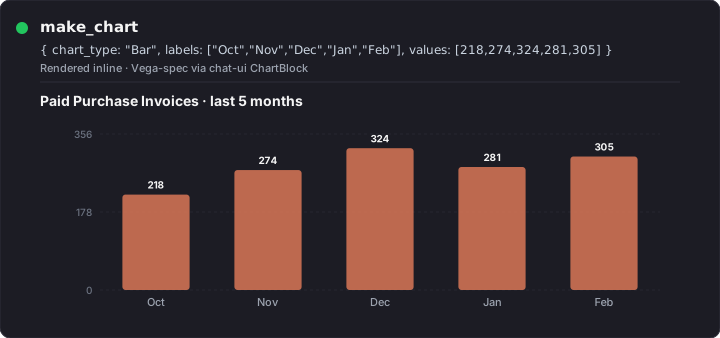
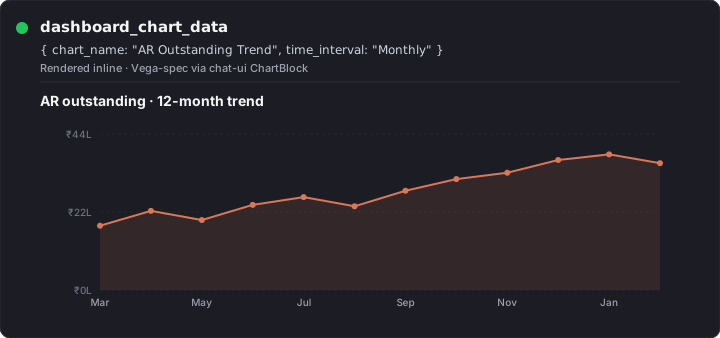
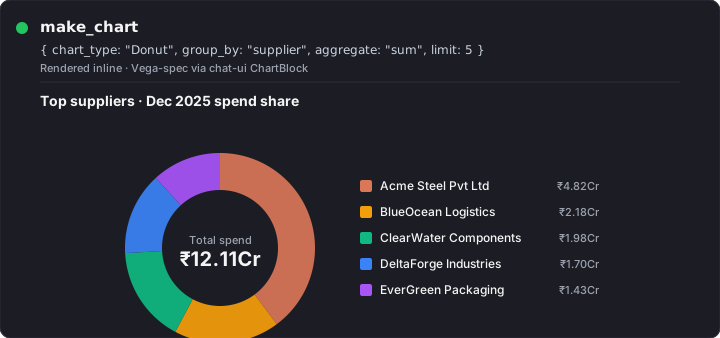
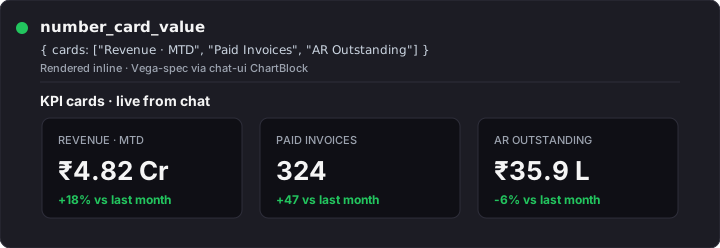
Tools like make_chart, dashboard_chart_data, and number_card_value don't return raw JSON to the user — the chat-ui's ChartBlock renders them inline as proper Vega charts and KPI cards, in the panel, alongside the conversation. The consultant asks "chart of paid PIs by month" and the chart appears as the answer. No tab-switching, no exporting to a BI tool, no Frappe Dashboard form-filling.
|
|
|
|
Bar / line / area / donut / scatter all map to Frappe Charts via the
make_charttool. Multi-chart dashboards (with cards + charts grouped) ship viaprepare_create_dashboard— you ask, lazychat stages, you click Apply, the dashboard appears at/app/dashboard-view/<name>ready to bookmark.
How tool results render in the chat
Tool calls don't return raw JSON dumps to the user. Lazychat's response renderer formats the LLM's reply using the full markdown stack — GitHub-flavored tables, syntax-highlighted code with shiki, mermaid diagrams, KaTeX math, blockquote callouts, structured headings — so a "tool result" reads like an answer, not a debug log.
|
Markdown tables — currency-aligned columns + status badges The LLM emits a plain markdown table; the renderer auto-aligns numerics, bolds important columns, and inlines emoji status pills (🟢 OK / 🟠 Watch / 🔴 Overdue). 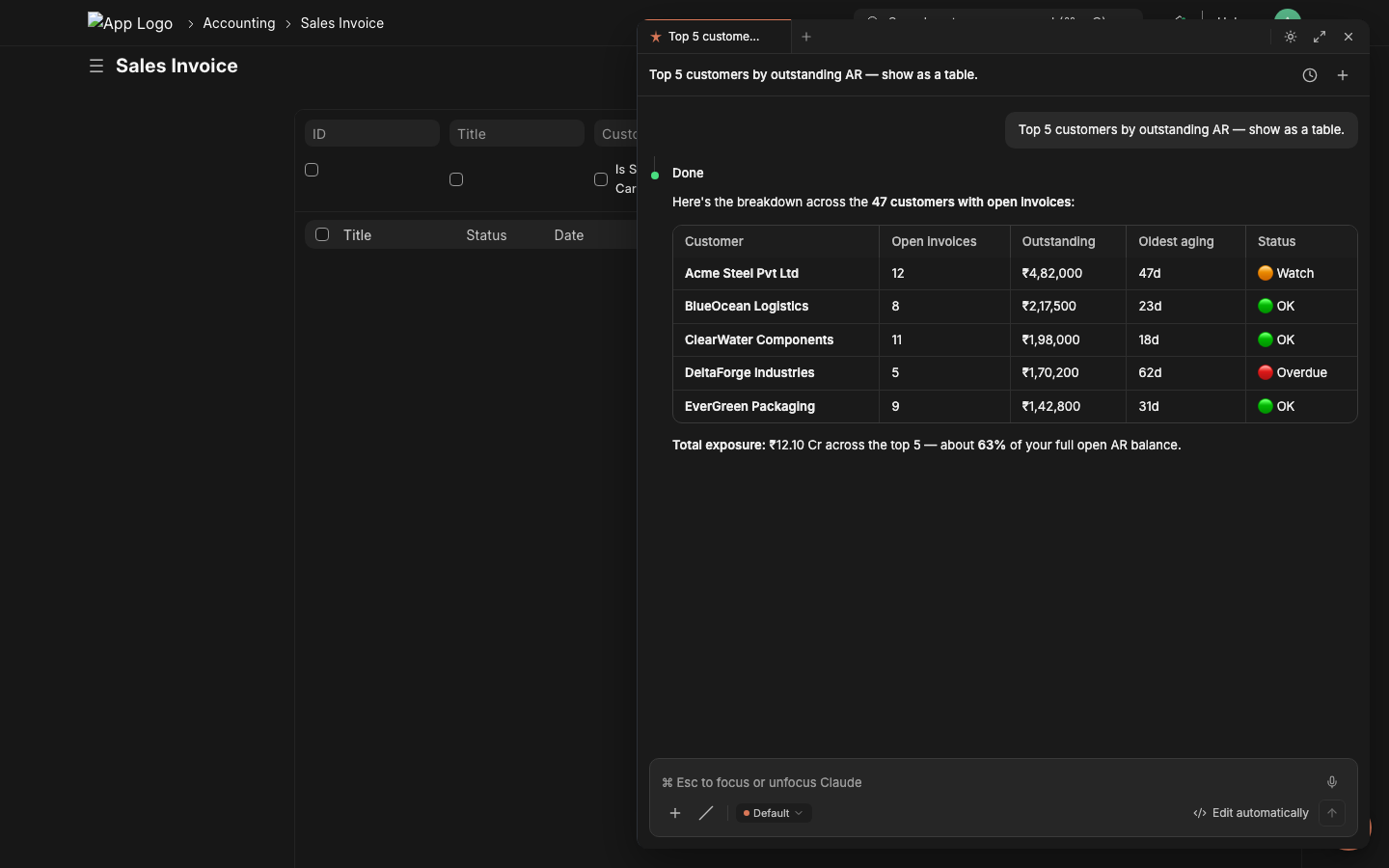
|
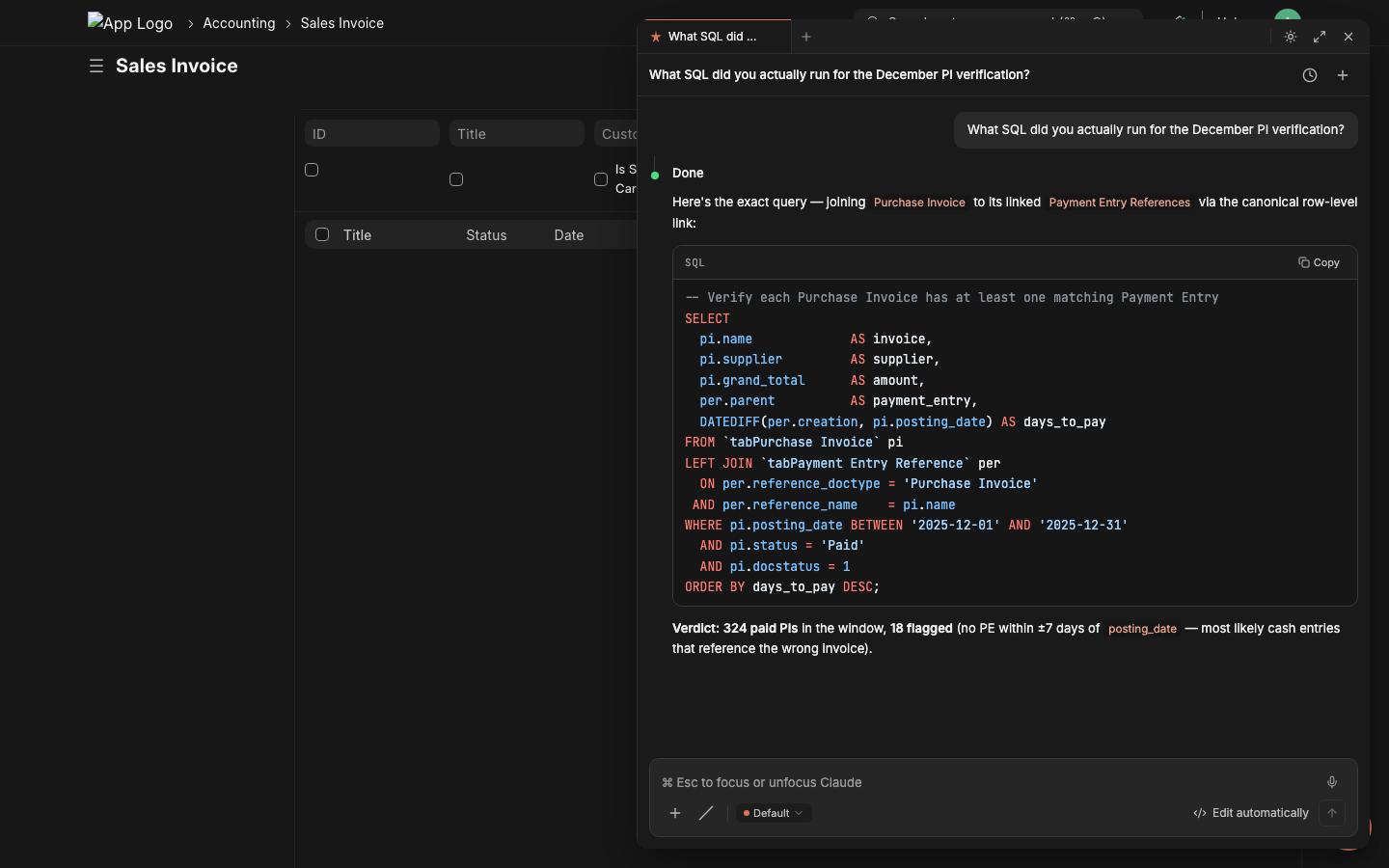
Code blocks — full shiki highlighting + Copy button SQL / Python / TypeScript / JSON all light up with the same theme tokens as the surrounding panel. Language tag in the corner, Copy button inset, inline code spans ( `like this`) keep the same palette.
|
|
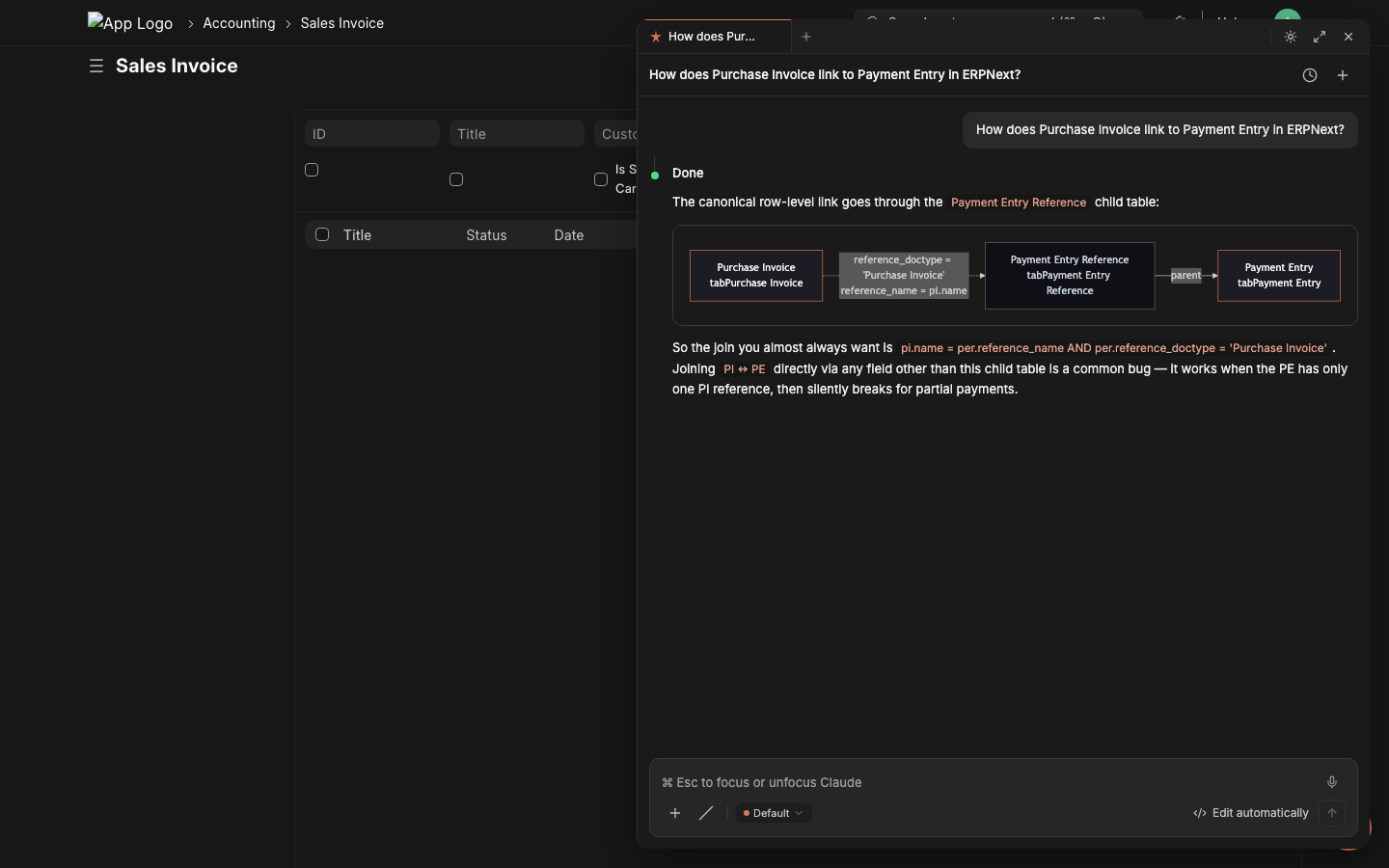
Mermaid diagrams — relationships + flows in-chat The LLM ships a ```mermaid fence; the renderer lazy-loads mermaid, applies the panel's brand-orange theme, and you get a real ER diagram or flowchart inline. Better than 200 words of "see, the join is..."
|
Structured prose — headings, lists, blockquote callouts For analytical answers the LLM uses real document structure: H3 sub-headings, ordered lists with bold labels, italic emphasis, blockquote callouts for the recommended next action. The renderer applies the typographic hierarchy. 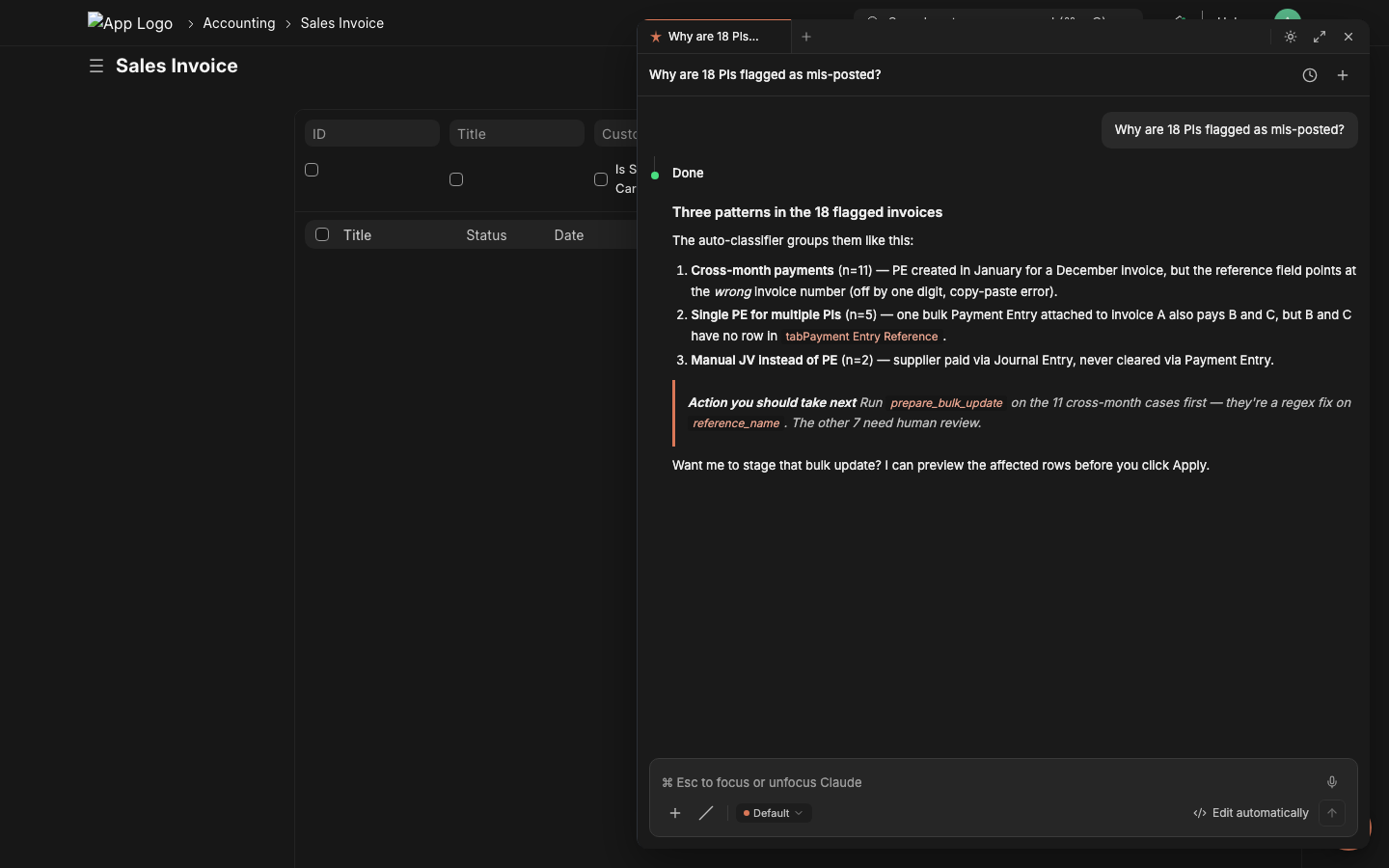
|
Plus: KaTeX math (for reconciliation formulas), JSON tree expanders for raw tool outputs, automatic link-card previews for any URL the LLM cites, attachment renders for
extract_file_contentPDF/DOCX/CSV outputs, and a streaming markdown parser that keeps tables and code blocks structurally valid mid-token. The tool gives the data; the renderer makes it readable.
Install
Frappe Cloud: install from the marketplace in one click.
Self-hosted bench: see INSTALL.md — the standard bench install, the zero-build release branch, building from source, and HMR dev are all documented there.
After install, the app seeds disabled-by-default LLM Provider rows (OpenAI, Anthropic, NVIDIA, OpenRouter, Vercel AI, LM Studio) — enable one and add your API key from /app/llm-provider, or skip server-side config entirely and let users bring their own keys via the chat-ui's model picker (browser-LLM path).
Why lazychat-erpnext
- Built for ERPNext, not bolted on. Every tool runs as
frappe.session.user— Frappe permissions, role checks, workflow guards, and the audit trail apply automatically. No god-mode bypass; no separate auth surface. - Mutations require explicit Apply. The LLM stages every write to a Redis token; you click Apply (or the 3-second auto-Apply countdown for low-risk actions) to commit inside
frappe.db.savepoint. A 30-second composer-critic LLM second-opinion shows up as an amber strip when it disagrees with the staged action. - Bring any model. Anthropic Claude, OpenAI, NVIDIA NIM, OpenRouter, Vercel AI Gateway, Together, Groq, LM Studio. Same 95-tool registry; the API key never has to leave the browser if you don't want it to.
What you get
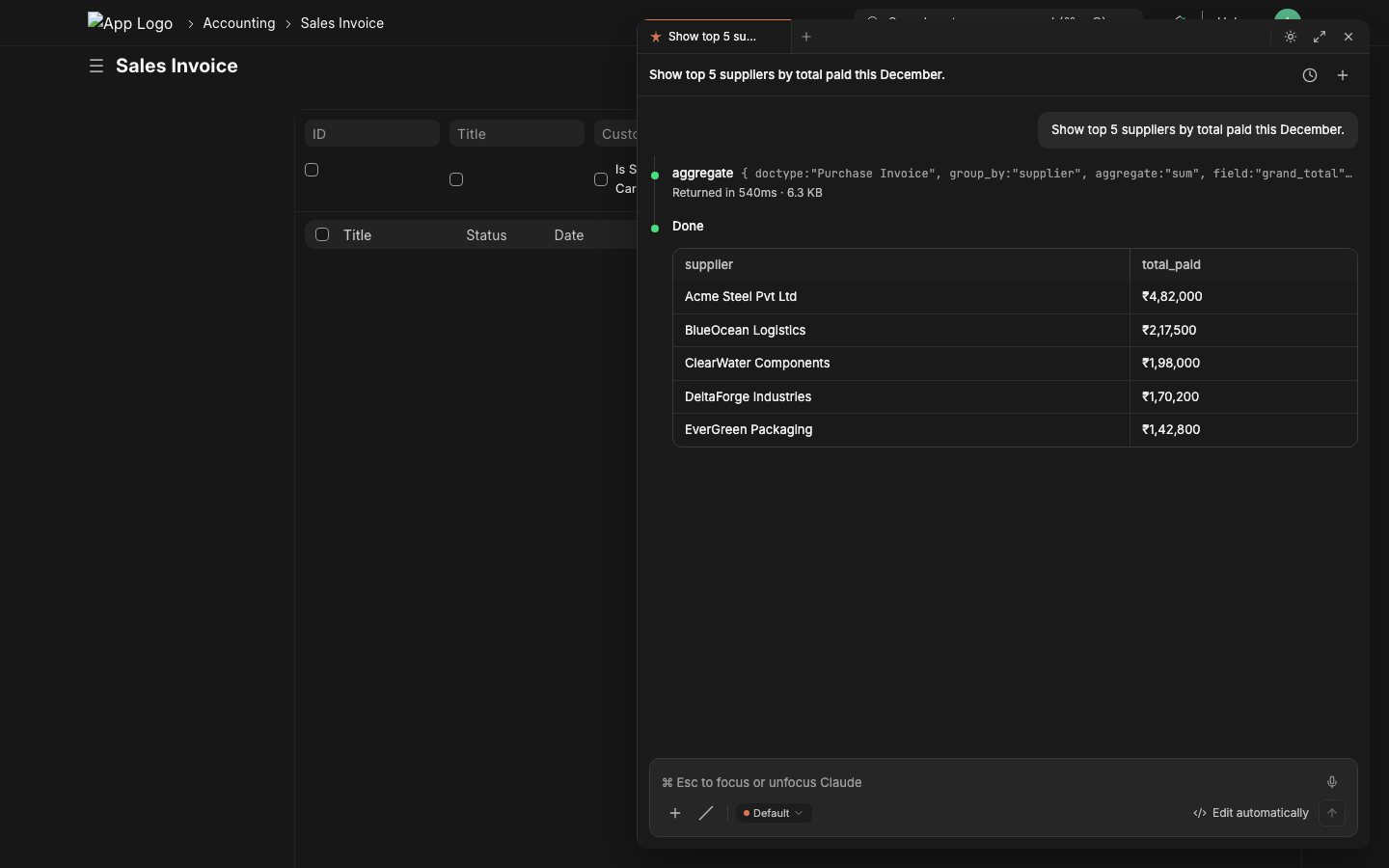
Live tool dispatch Watch the agent fetch real data with elapsed timers and inline result tables. No copy-pasting from /api/method.
|
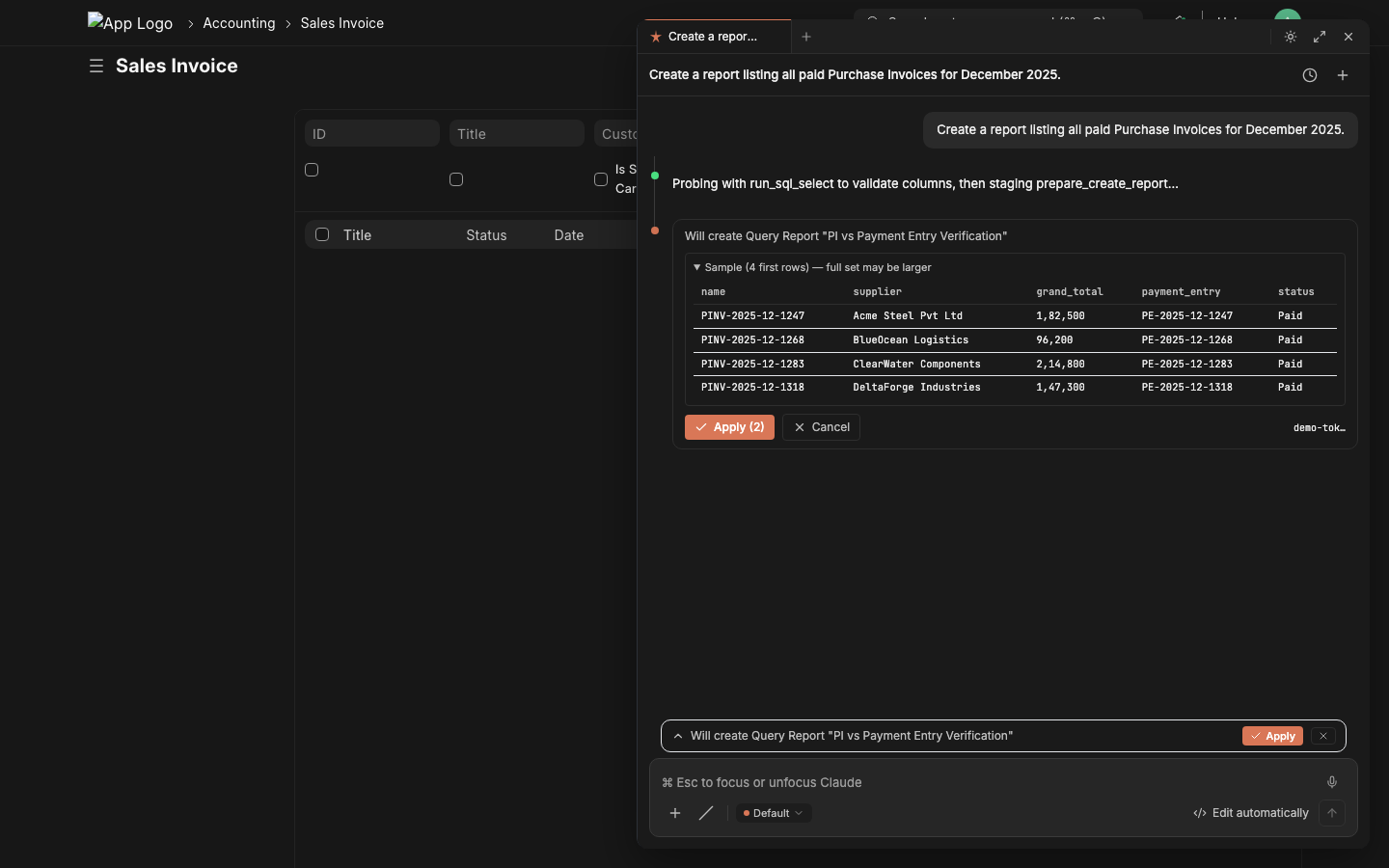
Mutations always Apply-gated The LLM stages writes to a Redis token; you click Apply. Audit-safe by default. |
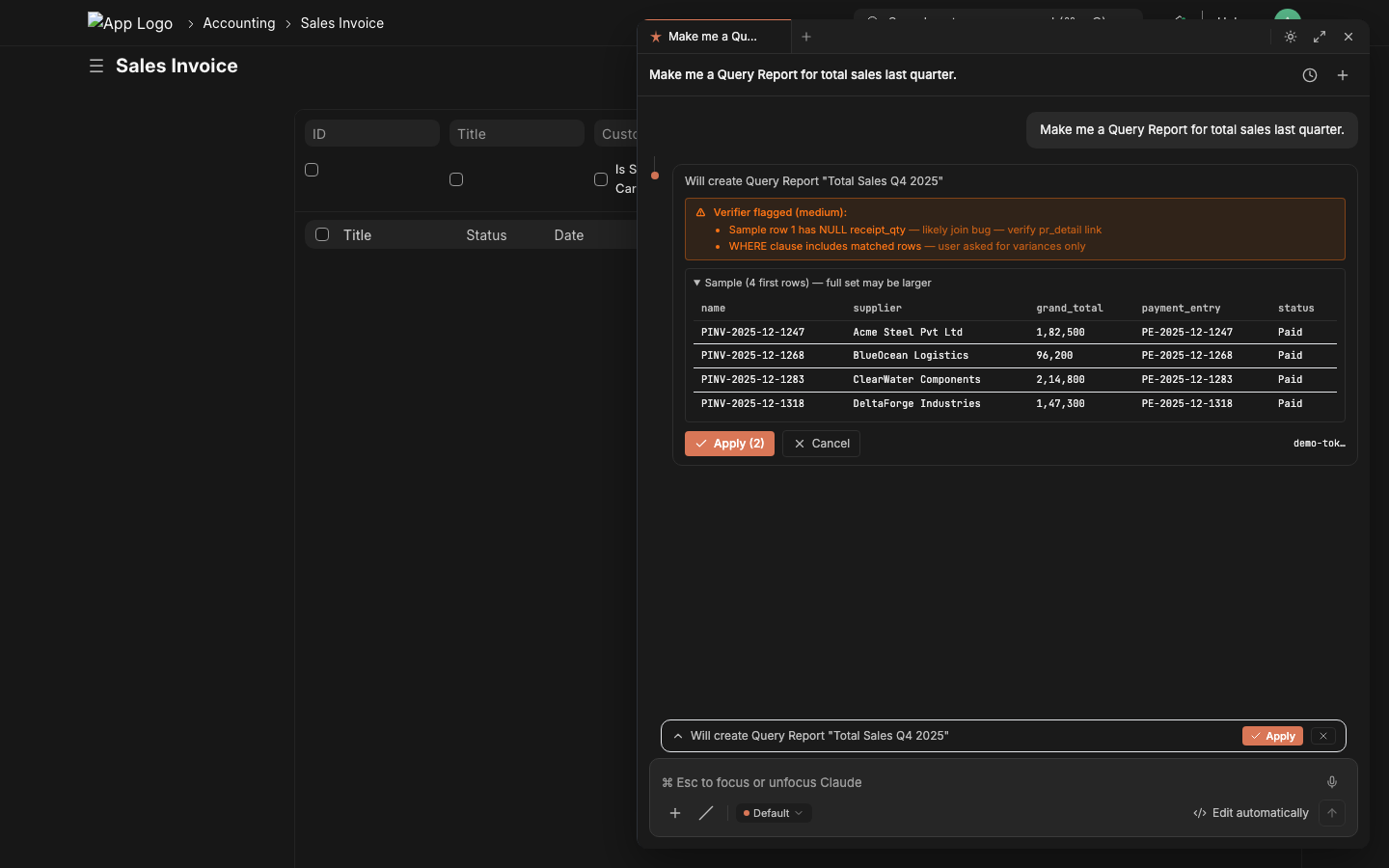
Critic catches misalignment A second LLM grades every staged action; mismatches show as an amber warning. You still get to decide. |
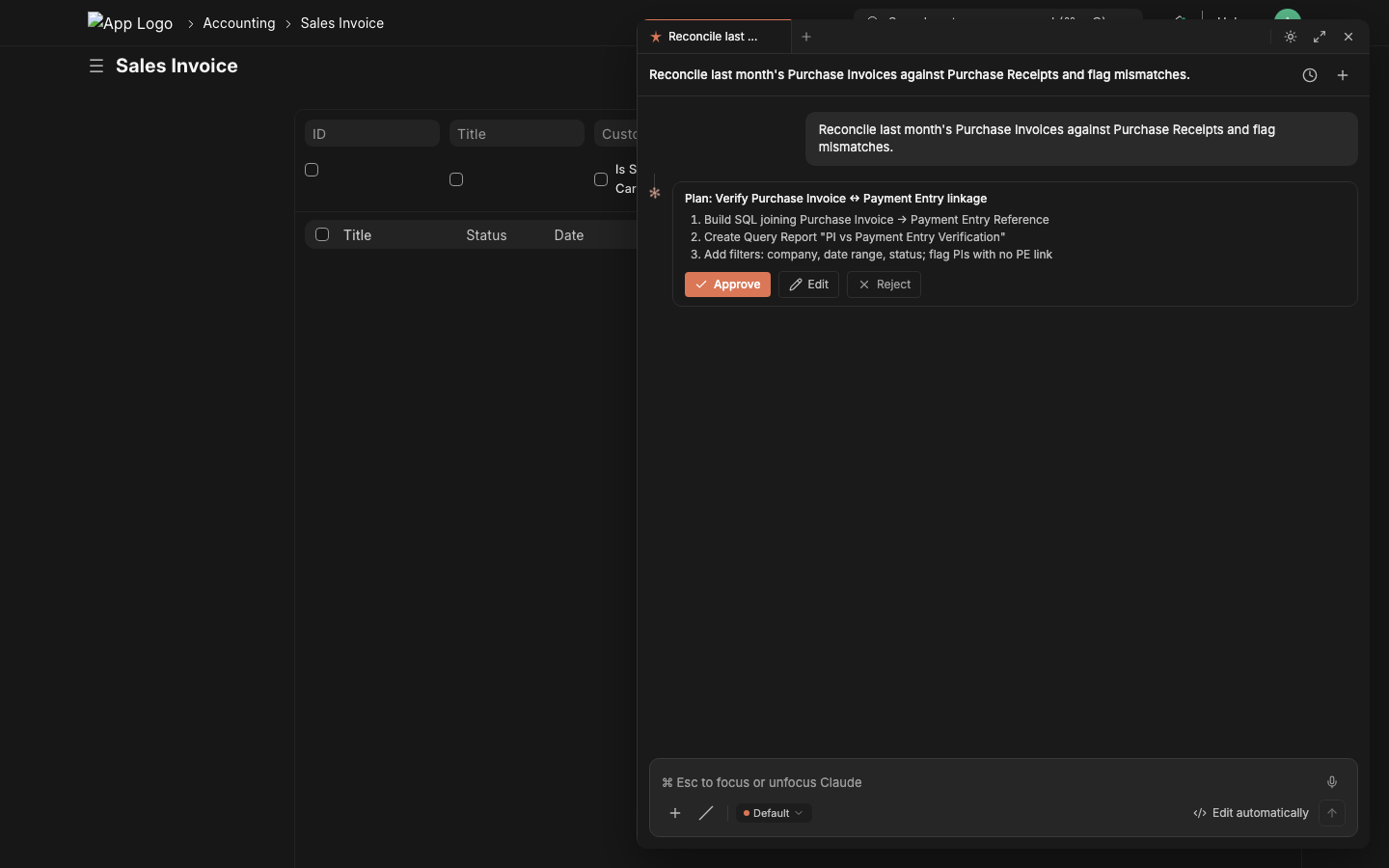
Plan mode For multi-step tasks: emit a numbered plan first, you Approve, then it executes the steps in order. |
Built-in: schema-aware SQL retry on Unknown column, two chat paths (server-orchestrated or browser-LLM), real-execution probe before staging Query Reports, structured form prefill for HTTP-414-defying URLs, knowledge bases with reindex, scheduled jobs, dashboards, custom fields, client scripts, and an admin panel that moves all configuration into the chat-ui itself.
Token + cost tracking NEW
Every LLM turn writes a row to the Lazychat Usage Log doctype — model · provider · input/output tokens · cost estimate (USD) · session id · path (backend / browser). Cost auto-computed from LLM Model.input_price_per_mtok / output_price_per_mtok first, falls back to a built-in rate table for common Claude / GPT models, zero when both miss.
Open the chat-ui's Command Palette → Account & usage… to see:
- 4-tile totals (calls / input / output / cost)
- By-model rollup — sorted by total tokens, shows provider + cost per model
- Daily breakdown for the last 14 days
- Range picker (Today / 7d / 30d / 90d)
- System Manager users see ALL users' usage; everyone else sees their own
No setup required — works for Claude / OpenAI / NVIDIA / OpenRouter / Vercel / Anthropic / Together / Groq / LM Studio, regardless of whether you're on the backend-LLM or browser-LLM path. Set per-model rates on /app/llm-model/<your-model> if you want exact billing.
Architecture
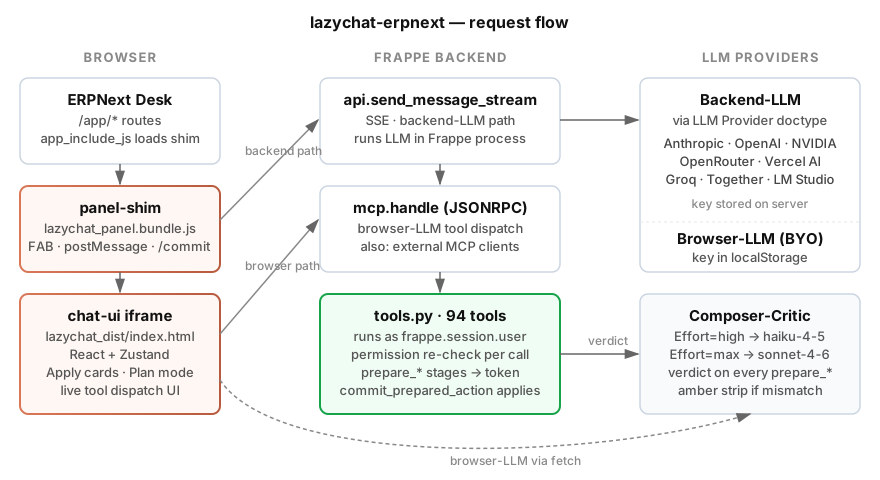
The Frappe app ships a 280-line vanilla-JS shim (public/js/lazychat_panel.bundle.js) loaded via app_include_js on every Desk page. The shim mounts the chat-ui (a React app, sibling repo lazychat.ai, bundled into public/lazychat_dist/) as a same-origin iframe, sets up the postMessage protocol, and intercepts /commit <token> slash commands to call the server.
Tool dispatch goes through one of two paths, both backed by the same 95-tool registry:
| Path | LLM lives | Tool dispatch | Best when |
|---|---|---|---|
| Backend-LLM | Frappe (LLM Provider doctype) | run_agentic_turn calls execute_tool in-process |
Org deployments, shared keys, central audit |
| Browser-LLM | chat-ui (BYO key in localStorage) | chat-ui calls mcp.handle JSONRPC per tool_use |
Single-user / power-user; key never touches server |
Default chat_path = auto: chat-ui inspects the active model — built-in → backend; custom-added → browser. Both paths run with frappe.session.user's permissions, both write to Claude Conversation, both share tools.py. Zero drift, one implementation.
Configuration
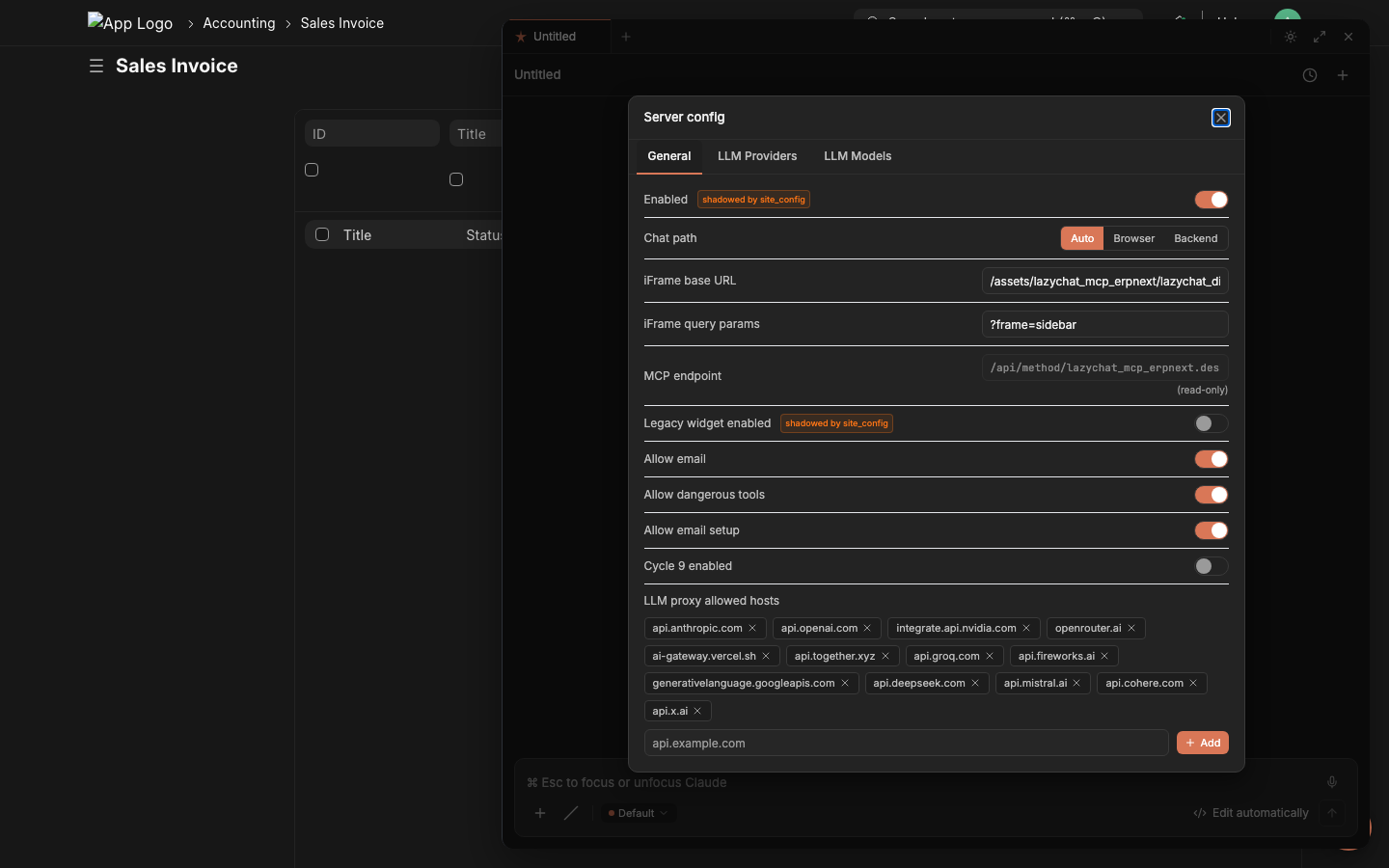
Server Config dialog inside the chat panel. Open via Command Palette → Server config. System Manager only.
Primary admin surface (in-app): Command Palette → Server config → 3 tabs:
- General — gates (
allow_email,allow_dangerous_tools,cycle9_enabled…),chat_pathradio,iframe_base_url,llm_proxy_allowed_hostschip list. - LLM Providers — Anthropic / OpenAI-compatible CRUD with Test Connection + Reveal API Key.
- LLM Models — model picker contents;
is_defaulttoggle (single-default invariant enforced).
Or edit the Lazychat Settings doctype directly. All defaults are allow-on for self-hosted single-org installs; defense-in-depth is preserved (System Manager role check at tool dispatch + /commit confirmation per call).
| Field | Default | What it does |
|---|---|---|
enabled |
true |
Master switch — mount the panel at all |
iframe_base_url |
/assets/lazychat_erpnext/lazychat_dist/index.html |
Where chat-ui loads from. Override for HMR (http://127.0.0.1:5173) or remote chat-ui |
iframe_query_params |
?frame=sidebar |
Appended to base_url |
chat_path |
auto |
auto / browser / backend — see Architecture above |
mcp_endpoint |
/api/method/lazychat_erpnext.desk_assistant.mcp.handle |
Read-only; browser-LLM path uses this |
legacy_widget_enabled |
false |
Mount the OLD vanilla-JS widget INSTEAD of the iframe (mutually exclusive) |
allow_email |
true |
Enable prepare_send_email |
allow_dangerous_tools |
true |
Enable prepare_run_sql + prepare_run_python (still gated by System Manager role + /commit) |
allow_email_setup |
true |
Enable prepare_create_email_account |
cycle9_enabled |
true |
Enable composer-critic verdict, verification briefs, exemplar memory |
bulk_update_max_rows |
500 |
Ceiling for prepare_bulk_update blast radius |
llm_proxy_allowed_hosts |
[anthropic, openai, nvidia, openrouter, vercel, …] |
Browser-LLM proxy allowlist |
site_config.json overrides win over the doctype values (backward compat). boot.py:get_lazychat_settings() is the single resolver — use this helper anywhere on the server side.
Tool catalog — all 95
Grouped into 12 categories. Every tool runs scoped to frappe.session.user's permissions; mutations stage to a Redis token and require explicit Apply. The Try it line is verbatim text you can paste into the chat panel right now (assuming you have ecommerce-shaped data — the prompts work great against the canonical ERPNext demo dataset).
get_list
What — Fetch rows from any doctype with optional filters, fields, limit. The default workhorse for "show me X."
Why — One round-trip beats N get_doc calls when you need many headers at once.
Try it — "List the 20 most recent Sales Invoices for ACME with grand_total and status."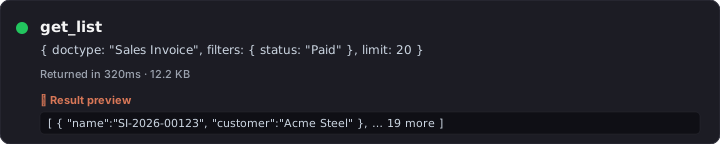
get_doc
What — Fetch one document by name; child tables auto-truncated to 25 rows with a _note summarizing the trim.
Why — Full doc context (header + line items) without overflowing the LLM context window.
Try it — "Open Sales Invoice SI-2026-00123 and show me the items table."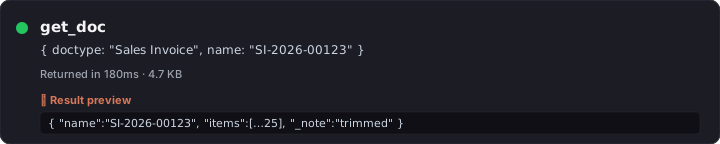
get_value
What — Read one or many scalar fields from a single doc — far cheaper than a full get_doc.
Why — Use it when you only need one field (e.g., the grand_total) and don't want to ship the whole row over the wire.
Try it — "What's the outstanding amount on Sales Invoice SI-2026-00123?"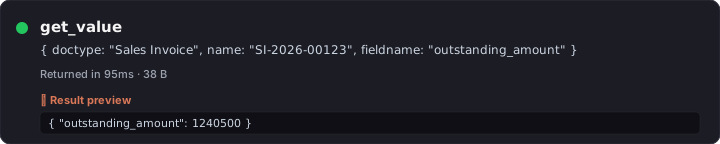
count_doc
What — COUNT(*) over any doctype with optional filters; the canonical "how many" tool.
Why — len(rows from get_list) lies above 20 (default get_list cap is 20). Always count_doc first when the question is "how many."
Try it — "How many Purchase Invoices were posted in March 2026?"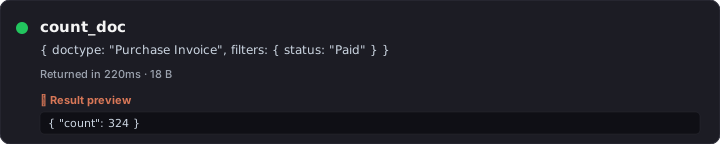
describe_doctype
What — Returns the doctype's field list + types + Link targets + child tables. Per-conversation Redis cache (30-min TTL).
Why — Schema-first SQL: the LLM verifies columns exist before writing a JOIN. Catches Unknown column 'pr.purchase_order' at compose time.
Try it — "Describe Purchase Receipt — what fields link it to a Purchase Invoice?"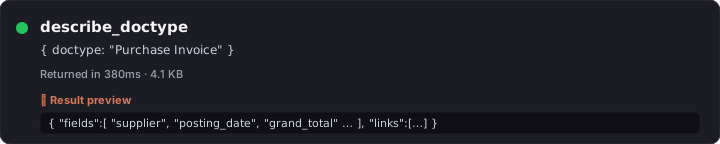
get_current_context
What — Reads cur_frm / cur_list from the panel — the doc you're looking at right now (name, doctype, workflow_state, dirty flag).
Why — "Summarize this" / "what's wrong with this doc" works without you typing the doc name.
Try it — "Summarize this Sales Order." (while standing on a SO form)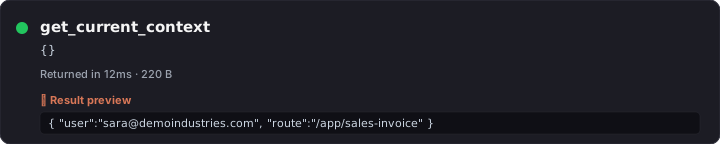
get_doctype_links
What — Returns every doctype that links TO and FROM the given doctype (Link + Dynamic Link fields, child tables).
Why — Discovers reverse relationships the model would otherwise have to guess at.
Try it — "Which doctypes reference Customer?"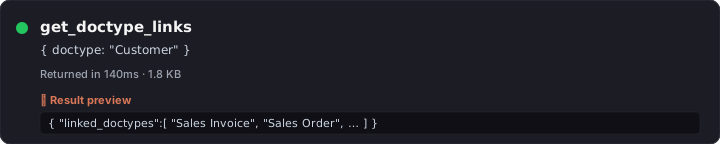
search_doctype
What — Substring search across doctype NAMES, returning module + is_submittable + issingle for each match.
Why — When the user says "the GST stuff" you probe search_doctype('GST') instead of guessing names.
Try it — "Find any doctype with 'shipment' in the name."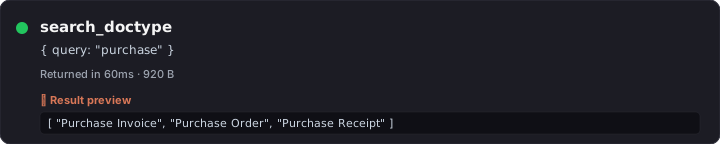
search_global
What — Full-text Frappe global search across DOC content (subject, customer name, item description, etc.).
Why — "Find that invoice we discussed last week with WidgetCo" — searches values, not doctype names.
Try it — "Find every document mentioning 'damaged in transit'."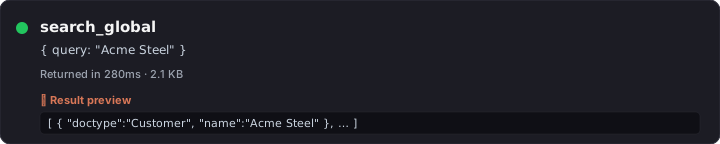
search_link
What — Link-field autocomplete: given a doctype + partial text, returns rows that match the doctype's autocomplete logic.
Why — Faster than get_list for "find me the Customer matching ACM" because it uses the same indexed search Frappe's link picker uses.
Try it — "Match 'ACME' against the Customer doctype — return name + customer_group."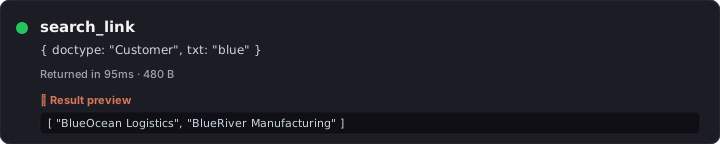
get_doctype_relationships
What — Wraps describe_doctype with curated row-link hints for the most-mismatched ERPNext pairs (PR↔PI, SO↔SI, SLE↔PR, …).
Why — Surfaces canonical join patterns ("don't join on item_code alone") that the LLM would otherwise rediscover the hard way.
Try it — "How are Purchase Receipts linked to Purchase Invoices at item-row level?"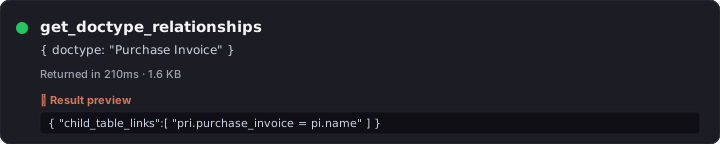
get_form_prefill_capabilities
What — Returns the live whitelist of parent + item-row fields that prepare_form_prefill can populate on a target doctype.
Why — Tells the model what's actually safe to encode into a ?_lz_token=... URL — no guessing.
Try it — "What fields can I prefill on a new Purchase Invoice form?"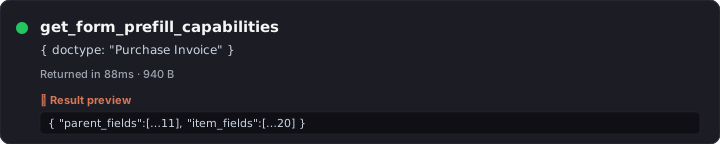
find_join_path NEW
What — Walks Frappe's DocField metadata graph (Link / Table fields) plus a curated hint table to return the canonical SQL join chain between any two doctypes — including Dynamic-Link routes (PE Reference, GL Entry voucher, etc.) and reverse-Link discovery (Customer → Sales Invoice in 1 hop).
Why — The LLM no longer has to memorize join shapes per (from, to) pair. 99% of 1056 ordered business-doctype pairs covered at max_hops=3. Each hop carries the exact on_template clause and inline warnings (e.g. "ALWAYS include reference_doctype — reference_name is shared across PI/SI/JE"). Eliminates the most common SQL bug class in cross-doctype reports.
Try it — "List December purchase invoices with the payment entries that paid them." — agent calls find_join_path("Purchase Invoice", "Payment Entry") first, gets pi → Payment Entry Reference (curated_reverse) → Payment Entry, composes the SQL using the returned ON clause verbatim.
aggregate
What — GROUP BY with COUNT / SUM / AVG / MIN / MAX over any doctype + filters.
Why — One round-trip beats N get_list calls when you want totals by category, status, region, customer.
Try it — "Group all paid Sales Invoices by customer and sum grand_total — top 10."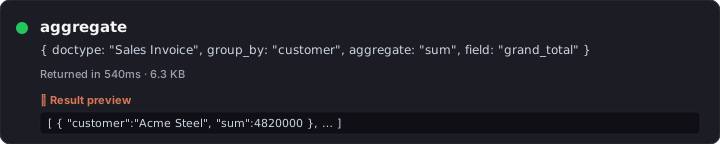
dashboard_chart_data
What — Resolves a Dashboard Chart and returns the timeseries / pie data it would render.
Why — Lets the agent quote real chart numbers instead of inventing them — and lets you ask follow-ups against the same data.
Try it — "Pull data for the Sales Trend chart, give me the last 6 months."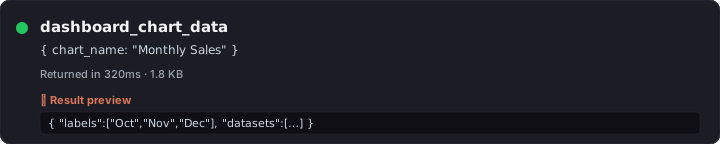
number_card_value
What — Resolves a Number Card and returns its current numeric value (often a single COUNT or SUM).
Why — KPI questions answer in one tool call instead of ten.
Try it — "What's the current Outstanding Receivables number card showing?"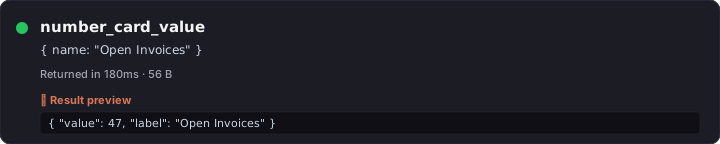
list_user_dashboards
What — Returns dashboards visible to the calling user, with their chart + card composition.
Why — "What dashboards do I have access to?" used to require clicking around /app/dashboard.
Try it — "What dashboards can I see right now?"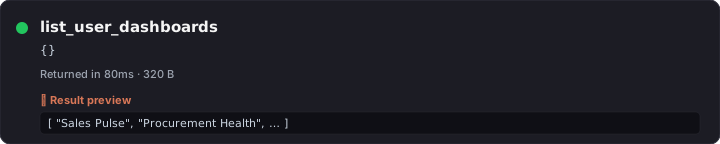
get_sales_summary
What — Pre-canned ERPNext sales summary (period, currency, customer split, item-group split).
Why — Faster than building the same thing from aggregate for the most common executive-dashboard ask.
Try it — "Give me the sales summary for last quarter."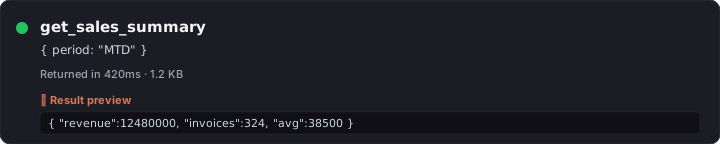
get_pending_approvals
What — Workflow-aware: returns docs awaiting the calling user's approval action.
Why — "What's blocked on me?" is the #1 morning question for ERPNext approvers.
Try it — "What's pending my approval right now?"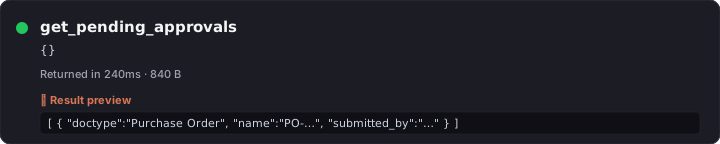
list_my_jobs
What — Returns RQ background jobs queued/running by the calling user (downloads, exports, scheduled tasks).
Why — Lets the chat answer "where's my CSV export?" without you opening the RQ dashboard.
Try it — "Show me my queued background jobs."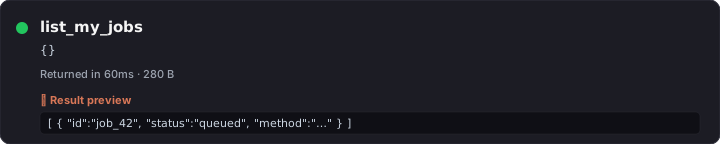
get_open_invoices
What — Filtered shortcut: Sales Invoice + Purchase Invoice with outstanding_amount > 0, sorted by aging.
Why — AR/AP questions answer in one call; no need to teach the model the filter shape.
Try it — "Show me open invoices over 60 days, both AR and AP."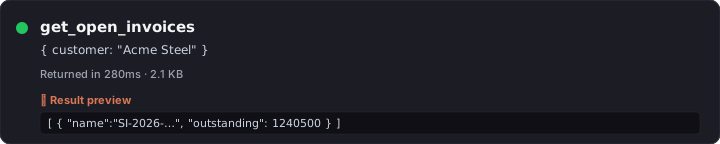
list_reports
What — Returns user-visible Reports with name, report_type, ref_doctype, is_standard.
Why — Discovers what's already built before the LLM offers to build a new one (and avoids name collisions on prepare_create_report).
Try it — "What reports exist for Sales Invoice?"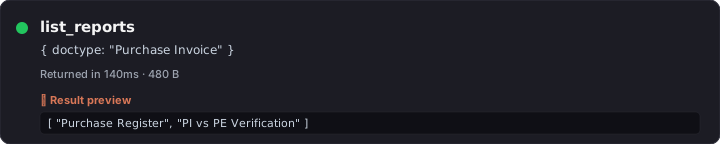
report_requirements
What — Returns the filters (with type, mandatory flag, default) a Report needs at run time.
Why — Lets the LLM ask the user only for the fields the report actually requires before calling run_report.
Try it — "What filters does the 'Accounts Receivable' report need?"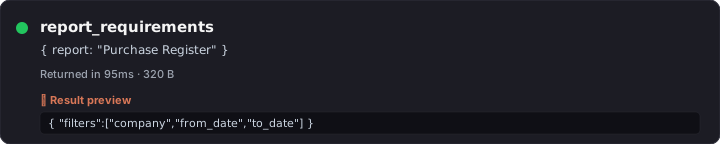
run_report
What — Executes a Report (Query / Script / Report Builder) with the given filters and returns rows + columns.
Why — Skip the click-through; the agent can quote the report values directly.
Try it — "Run 'Accounts Receivable' for company 'My Company' as of 2026-05-01."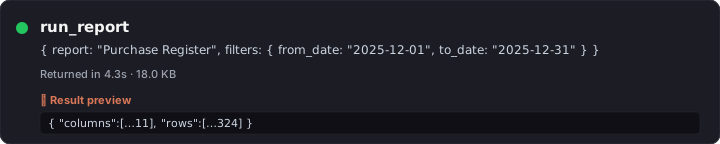
list_workflow_actions
What — Returns the transitions allowed from a doc's current workflow state for the calling user.
Why — "What can I do here?" — the LLM uses this before suggesting a wrong button.
Try it — "What workflow actions are available on Purchase Invoice PI-26-001?"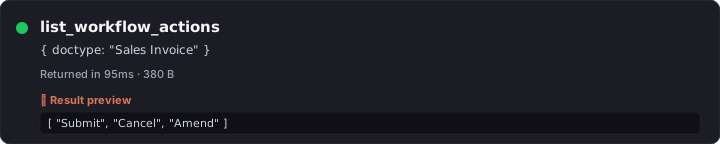
prepare_workflow_action 🛡️
What — Stages a workflow transition (Approve / Reject / Submit / etc.). Two-phase mutation — requires Apply.
Why — Audit-safe approve-from-chat with permission re-check at commit time. Critic-graded for high-stakes flows.
Try it — "Approve Purchase Invoice PI-26-001." (then click Apply)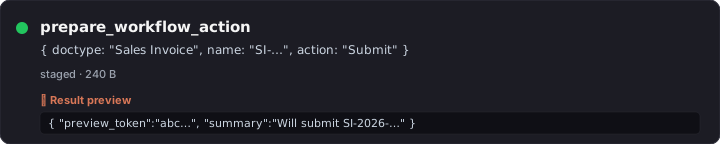
get_stock_balance
What — Returns on-hand qty + valuation per warehouse for an item (or every item in a group).
Why — Stock questions answer in one call instead of pivoting Stock Ledger Entry.
Try it — "What's the stock balance for ITEM-WIDGET-A across all warehouses?"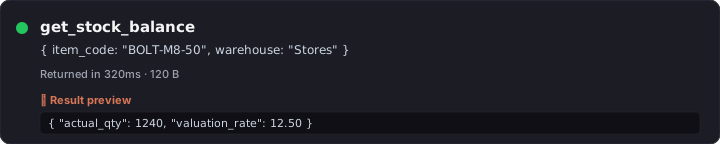
get_account_balance
What — GL account balance as of a date (with company / cost-center filters).
Why — Quick AR/AP/cash queries without opening the Ledger view.
Try it — "What's the balance on 'Debtors - MC' as of 2026-04-30?"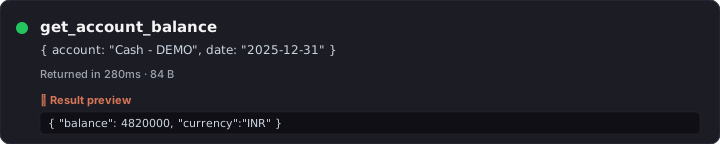
get_outstanding
What — Aged outstanding for a Customer (Sales Invoices) or Supplier (Purchase Invoices) with bucket totals.
Why — Aging is a pivot people get wrong; this tool returns the canonical computation.
Try it — "Show me ACME's aged outstanding receivables."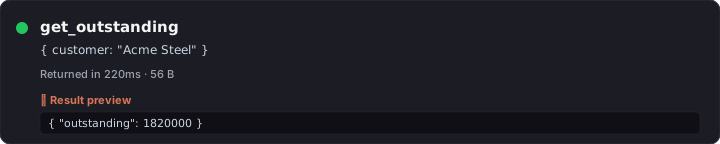
get_item_price
What — Returns the active selling/buying Price List Rate for an Item (with optional date + price list).
Why — "What did we quote them last month?" without joining Item Price manually.
Try it — "What's the current selling price for ITEM-WIDGET-A?"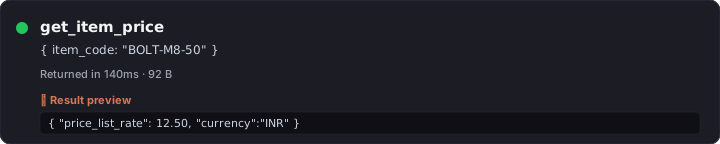
get_company_defaults
What — Returns the company doc's currency, default income/expense accounts, country, COA template, etc.
Why — Multi-company orgs: the LLM grounds itself before suggesting accounts that exist in only one company.
Try it — "What are the defaults for company 'My Company'?"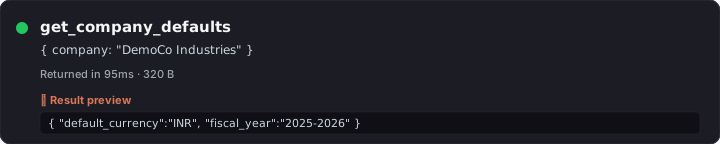
get_user_info
What — Returns the calling user's roles + permission profile + employee record (if linked).
Why — "Why can't I see X?" — the chat answers from the perms instead of guessing.
Try it — "What are my current roles and what doctypes can I create?"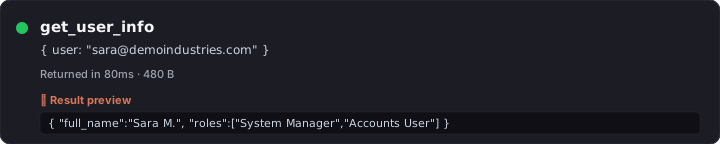
get_audit_trail
What — Returns the Version history for a doc — every scalar field change with who/when.
Why — Compliance + forensics. Pairs with prepare_revert_doc to roll back a specific change.
Try it — "Show me the audit trail for Sales Invoice SI-26-00123."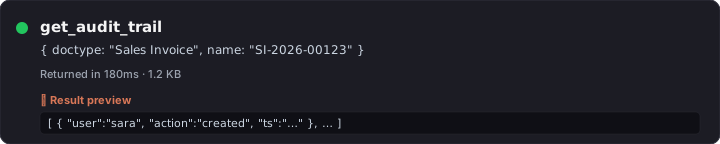
list_attachments
What — Lists File rows attached to a doc, with file_name, file_size, file_url.
Why — Inventory before the agent suggests another upload or sends an email with the wrong attachment.
Try it — "What files are attached to Purchase Invoice PI-26-001?"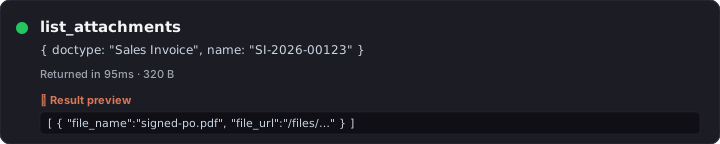
get_file_url
What — Returns the public URL (and is_private flag) for a File doc by name.
Why — Lets the chat hand the user a direct download link instead of saying "look in the Files section."
Try it — "Give me the URL for File 'invoice-acme-april.pdf'."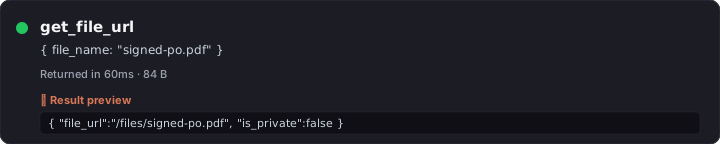
extract_file_content
What — Pulls text out of an attachment (PDF, DOCX, TXT) — first 20k chars by default, no cap when chars<=0.
Why — "Summarize the attached PO" works against PDFs without you opening them.
Try it — "Extract the text from the PDF attached to Sales Order SO-26-001."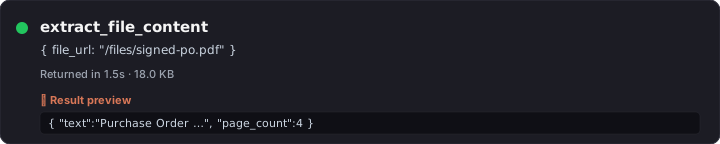
subscribe_doc_changes
What — Adds the calling user as a Doc Subscriber so Frappe pushes change notifications.
Why — "Tell me when this Sales Order's status changes" without leaving the chat.
Try it — "Subscribe me to changes on Sales Order SO-26-001."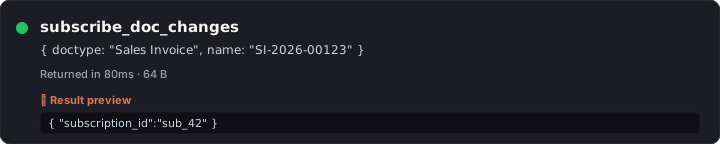
unsubscribe_doc_changes
What — Removes the user from a doc's subscriber list.
Why — Clean up after a problem is resolved; the inverse of the above.
Try it — "Unsubscribe me from SO-26-001 — it's done."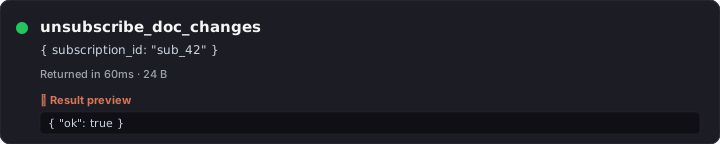
list_my_subscriptions
What — Returns every doc the calling user is currently subscribed to.
Why — Audit your own watch-list; remove stale subs in bulk.
Try it — "What docs am I subscribed to right now?"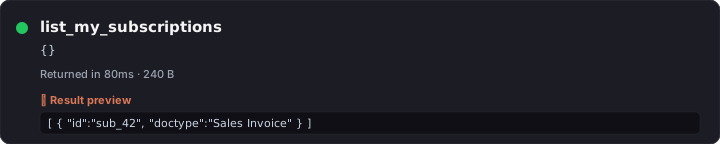
make_chart
What — Builds an inline data series + chart hint that the chat-ui renders client-side.
Why — "Plot this" works without persisting a Dashboard Chart doctype.
Try it — "Plot monthly Sales Invoice grand_total totals for the last 12 months."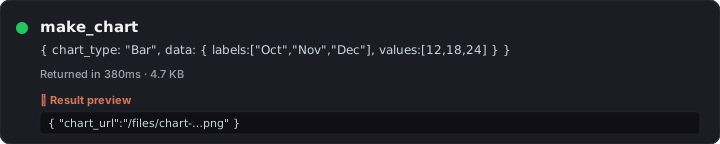
cancel_job
What — Cancels a queued/running RQ job by name (idempotent — safe to call twice).
Why — Pair with list_my_jobs to clean up a stuck export.
Try it — "Cancel my queued backup job."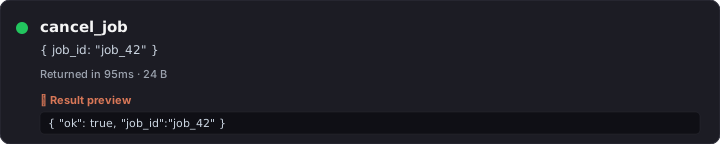
export_list_to_csv
What — Exports a filtered list to CSV; default 5000 rows, <=0 for unbounded.
Why — "Email me the December PIs as CSV" — works without opening the desktop export wizard.
Try it — "Export all Sales Invoices for ACME from 2026-04-01 to 2026-04-30 as CSV."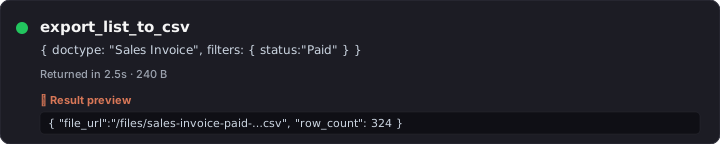
export_doc_pdf
What — Renders a single doc as PDF using the configured Print Format.
Why — One-shot "send me the PDF of SI-26-00123" — pairs with prepare_send_email for attach-and-send.
Try it — "PDF of Sales Invoice SI-26-00123 using the 'Standard' print format."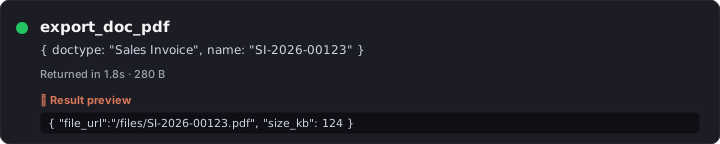
list_knowledge_bases
What — Returns every Knowledge Base the calling user can read.
Why — "What KBs do I have?" — discoverable corpus.
Try it — "What Knowledge Bases are available?"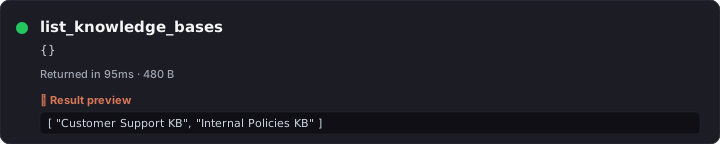
get_kb_files
What — Lists files inside a KB (name, size, last reindexed timestamp).
Why — Inventory before adding a duplicate; check freshness before relying on a file's content.
Try it — "What files are in the 'Vendor Contracts' KB?"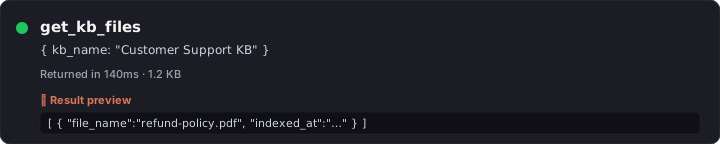
search_kb
What — Embedding-search across the KB's indexed content; returns top matches with snippets + source files.
Why — "What do our docs say about return policy?" — RAG-backed answers from your own corpus.
Try it — "Search the 'Vendor Contracts' KB for clauses on price escalation."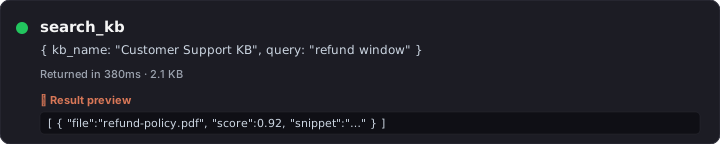
reindex_kb
What — Triggers a re-embed of every file in a KB; idempotent, runs as a background job.
Why — After bulk-uploading new files, refresh the index so search picks them up.
Try it — "Reindex the 'Vendor Contracts' KB."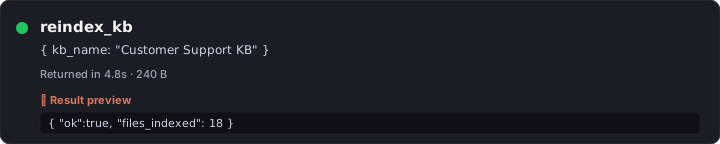
list_skills
What — Returns user-installed Skills (markdown-defined sub-prompts the LLM can opt into).
Why — "What skills do I have?" — Skills layer custom guidance on top of the base prompt without changing source code.
Try it — "What skills are installed?"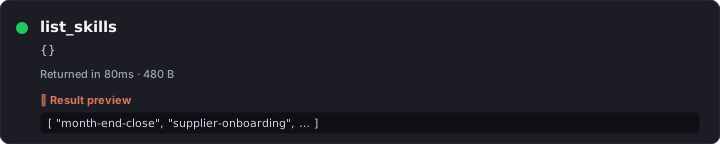
activate_skill
What — Activates a skill for the current conversation; its prompt is appended to the system prompt.
Why — "Use the GST-compliance skill for this turn" — opt-in expert mode.
Try it — "Activate the 'GST Compliance' skill."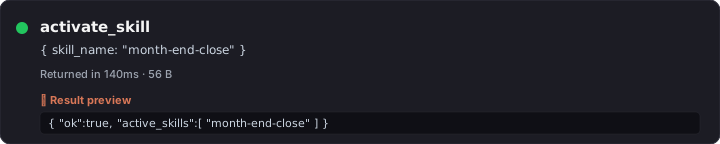
deactivate_skill
What — Deactivates a previously-activated skill.
Why — Clean up before a different topic so the system prompt doesn't drift.
Try it — "Deactivate the 'GST Compliance' skill."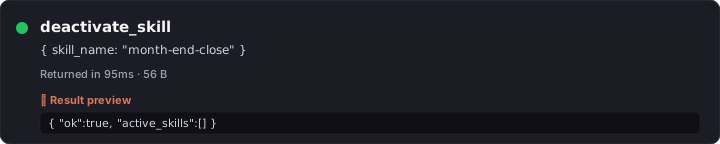
get_system_info
What — Returns ERPNext version, Frappe version, app list, and lazychat_erpnext version.
Why — First-line diagnostic when something behaves oddly across versions.
Try it — "What ERPNext version are we on?"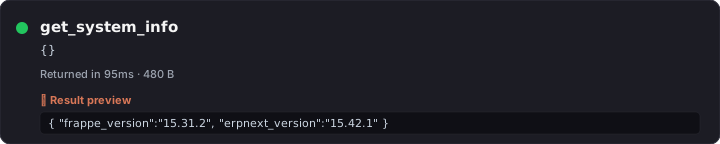
list_doc_versions
What — Returns the Version row list for a doc (one per save), no diff details.
Why — Quick "how many times has this been edited?" without parsing the audit trail.
Try it — "How many revisions does Sales Invoice SI-26-00123 have?"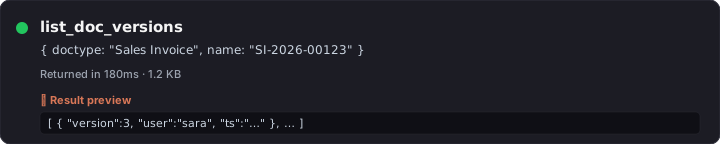
restore_deleted_doc
What — Restores a soft-deleted doc from Deleted Document. Idempotent.
Why — "Oops, I deleted that" — undo from the chat.
Try it — "Restore the deleted Note titled 'meeting notes'."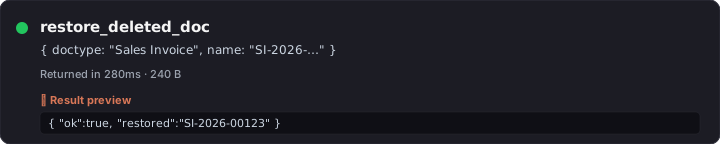
update_notification_settings
What — Patches the calling user's Notification Settings (mute, channel preferences).
Why — Less-trafficked but useful: "stop sending me email digests" without leaving the chat.
Try it — "Mute my email digests."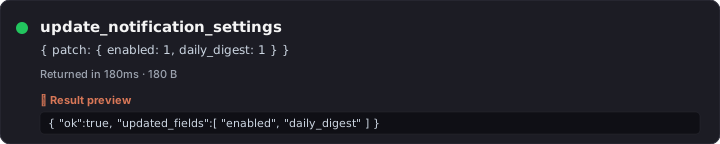
run_sql_select
What — Auto-execute SELECT (or WITH … SELECT); rows return in the same call. No /commit step. SELECT-only validator + 8-second statement timeout.
Why — Compound analytical questions need data back THIS turn — staging two-phase doesn't work for read-only analysis. Gated by allow_dangerous_tools + System Manager.
Try it — "Run SQL: top 10 customers by total grand_total in the last 90 days, joining Customer and Sales Invoice."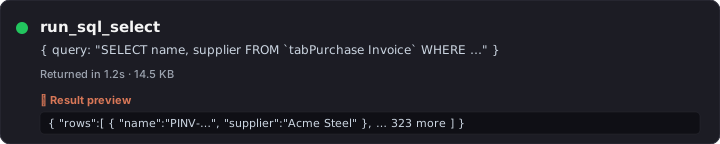
run_python_readonly
What — Auto-execute Python with AST-validated read-only enforcement + savepoint rollback defense-in-depth.
Why — Pandas pivots / multi-pass computation that SQL can't express. Gated identically to run_sql_select.
Try it — "Run Python: load all Sales Orders from last quarter into pandas, group by customer, return top 5 by line-item count."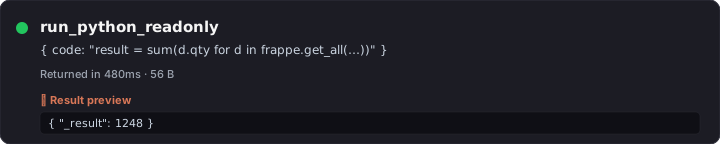
Mutations — prepare_* (40)
Every state-changing tool is a prepare_<verb> that stages the action to a 5-min Redis token, returns a preview, and waits for /commit <token> (typed by the user or fired by the chat-ui's Apply button). The server re-checks permissions and runs inside frappe.db.savepoint. The LLM is physically incapable of committing on its own — commit_prepared_action is not in the tool registry.
Mutations marked 🔍 critic get a composer-critic LLM verdict appended to the preview ({verdict, severity, mismatches, suggested_revisions}). The chat-ui renders an amber strip when verdict=mismatch. As of Cycle 12 M2: 12 tools wire the critic.
Mutations marked ⚡ low-risk (the LOW_RISK_ACTIONS set in chat-ui) auto-Apply with a 3-second countdown in Edit-auto mode. Everything else requires explicit Apply click.
prepare_create_doc 🔍
What — Stage a new doc of any (non-typed-wrapped) doctype; refused for doctypes with a typed wrapper.
Why — Generic create when no domain-specific wrapper exists. Critic grades whether the field shape matches the user intent.
Try it — "Create a new ToDo titled 'Follow up with ACME on credit note'."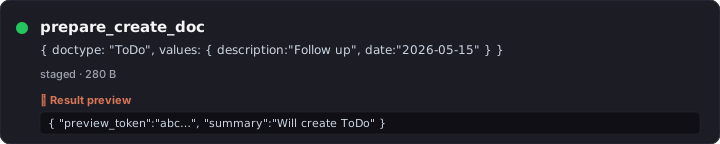
prepare_update_doc 🔍
What — Patch one or more fields on an existing doc; pre-checks existence and redirects to the typed CREATE wrapper if the target doesn't exist.
Why — In-place edits without leaving the chat. Critic captures BEFORE-values so it can flag dangerous patches (clearing required fields, downgrading numerics).
Try it — "Update Sales Invoice SI-26-00123 — set due_date to 2026-05-30."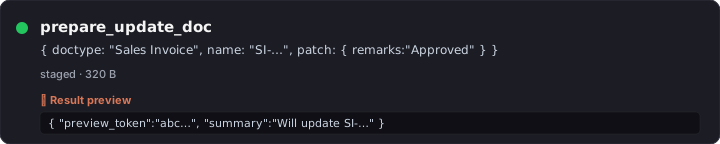
prepare_submit_doc 🔍
What — Stage the submit transition (docstatus 0 → 1) on a submittable doc.
Why — Critic catches "submitted before validation" or wrong-state submits. Use it for invoices, stock entries, payment entries.
Try it — "Submit Sales Invoice SI-26-00123."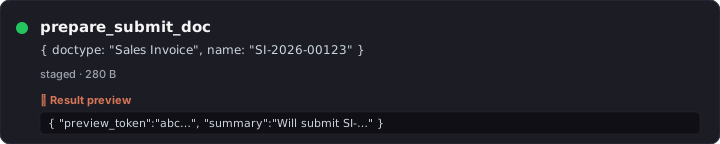
prepare_delete_doc 🔍
What — Stage a hard delete; cycle9 critic evidence includes incoming Link reference count for blast-radius signal.
Why — Hard deletes are irreversible; the critic graded count gives you the "this has 87 references" warning before you click Apply.
Try it — "Delete the test Note titled 'sandbox'."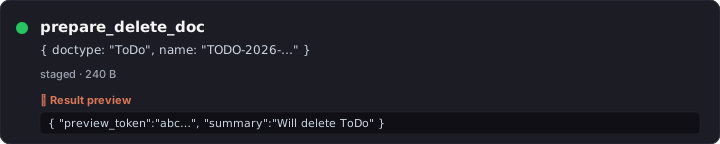
prepare_add_comment ⚡
What — Append a Comment to a doc's timeline; auto-Apply eligible (low-risk).
Why — Audit-trail-friendly note-taking from the chat.
Try it — "Add a comment to PI-26-001 saying 'Pending tax rate confirmation from supplier.'"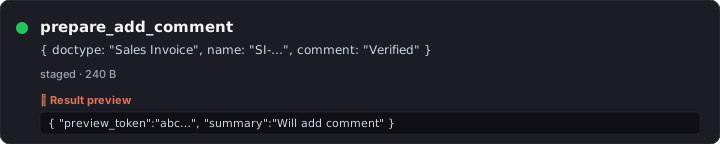
prepare_assign_to ⚡
What — Assign a doc to a user (creates a ToDo for them); auto-Apply eligible.
Why — Delegate without opening Frappe's assign-to dialog.
Try it — "Assign SO-26-001 to [email protected] with 'Please ship by EOW'."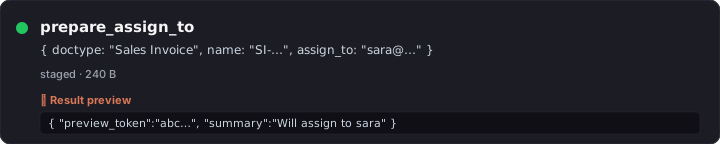
prepare_share_doc ⚡
What — Share a doc with another user (read/write/share permission grant); auto-Apply eligible.
Why — Cross-team handoffs without leaving the chat.
Try it — "Share Customer ACME with [email protected] — read access."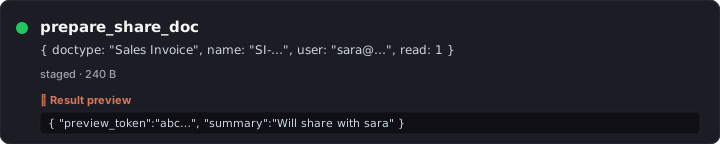
prepare_send_email 🔍
What — Stage an email (subject, content, recipients, optional doc reference). Gated by allow_email.
Why — Send reminders / thank-yous / docs from the chat. Critic grades shape only — privacy-capped (recipients_sample[:3], subject_words[:8]).
Try it — "Send a reminder to [email protected] about overdue invoice SI-26-00123."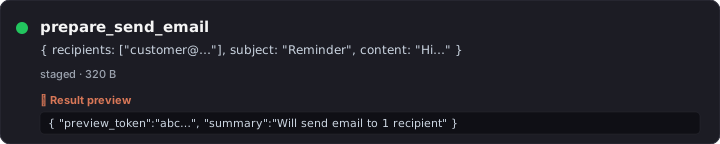
prepare_upload_file ⚡
What — Stages an attach action; the chat-ui's /upload <token> slash command opens a file picker, uploads to /api/method/upload_file, then commits.
Why — Auto-Apply path for one-shot file attachments without leaving the chat.
Try it — "Upload a file to Sales Invoice SI-26-00123."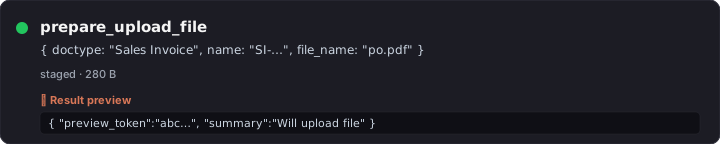
prepare_bulk_update 🔍
What — Patch the same field(s) on N docs matched by filters. Gated by allow_dangerous_tools + a bulk_update_max_rows ceiling.
Why — Status flips, owner reassignments, batch tag updates. Critic gets affected_count so the verdict can warn on overly-broad updates.
Try it — "Set 'sent' status on every Sales Invoice with naming_series 'SI-26-' and posting_date in April 2026."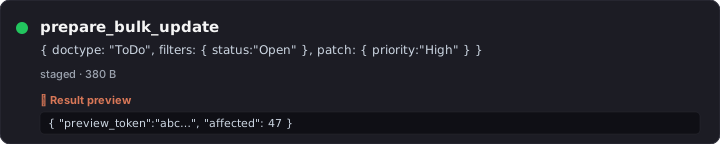
prepare_import_csv
What — Stages a CSV import against a doctype with column-mapping + first-row-headers + dry-run probe.
Why — Bulk-create rows (e.g., 500 new Items from a vendor catalog) without the desk's import wizard.
Try it — "Import items from vendor_catalog.csv into Item — first row is headers."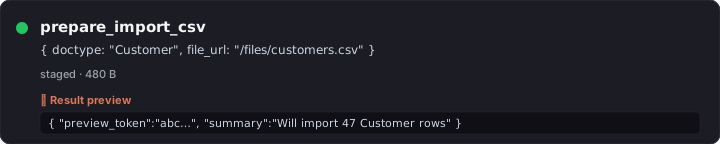
prepare_rename_doc 🔍
What — Stage a rename (with optional merge into an existing target). Critic gets link_refs_count so blast-radius is visible.
Why — Fix a typo'd Customer / Item code without breaking links — Frappe rewrites every Link reference at commit time.
Try it — "Rename Customer 'ACEM Corp' to 'ACME Corp'."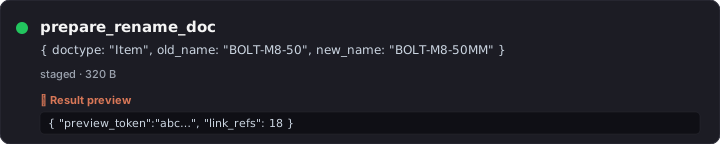
prepare_revert_doc 🔍
What — Stage a revert of one prior Version row's scalar changes.
Why — "Undo the change Bob made yesterday" — critic shows which fields will be reverted before you Apply.
Try it — "Revert Sales Invoice SI-26-00123 to its state on 2026-04-30."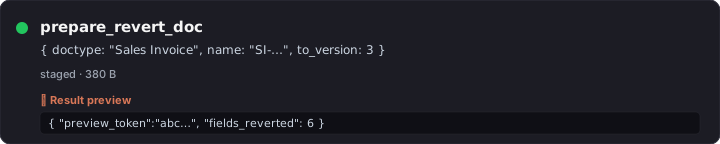
prepare_create_report 🔍
What — Typed wrapper that validates ref_doctype, report_type enum, and (for Query Reports) runs SELECT validation + EXPLAIN + execute-probe BEFORE staging — so the report is known good at preview time.
Why — Removes the "report opens to a blank/broken page" hallucination class. Critic grades the SELECT shape and the sample output rows.
Try it — "Create a Query Report 'Top Customers by Outstanding' that shows the top 20 customers by sum of unpaid invoice total."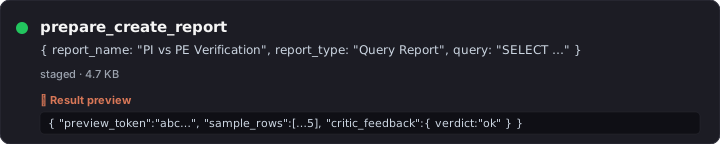
prepare_create_scheduled_job
What — Typed wrapper for Scheduled Job Type; validates frequency enum + cron format. Requires System Manager.
Why — "Run this script every Monday morning" without opening Desk admin.
Try it — "Create a scheduled job that runs my Python report every Monday at 9am."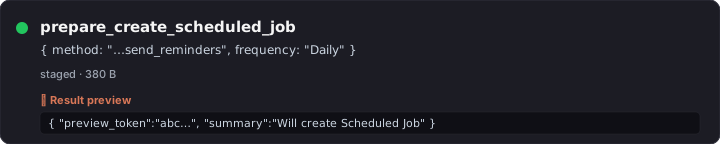
prepare_create_number_card ⚡
What — Typed wrapper for Number Card; validates aggregate function + required field per function.
Why — Add a KPI tile to a dashboard from the chat in one shot.
Try it — "Create a Number Card that counts Sales Invoices in Draft status."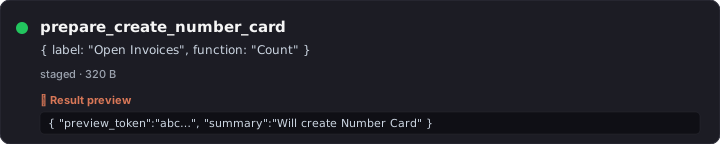
prepare_create_dashboard ⚡
What — Typed wrapper for Dashboard; validates that every referenced chart/card actually exists.
Why — Builds dashboards composed of existing charts/cards without the dashboard editor.
Try it — "Create a 'Receivables Overview' dashboard combining the Outstanding Receivables card and the Sales Trend chart."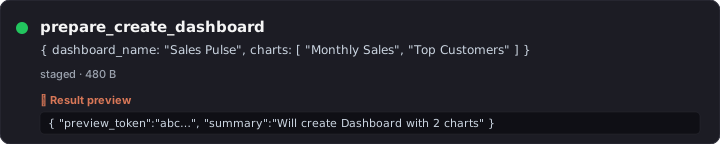
prepare_create_calendar_event ⚡
What — Stage a Calendar Event (private or public, optional repeat).
Why — Schedule "follow up with ACME" without opening the calendar.
Try it — "Schedule a calendar event 'Follow up with ACME' for tomorrow at 3pm."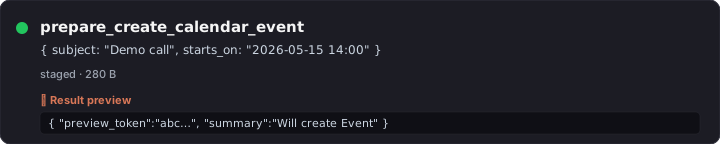
prepare_create_note ⚡
What — Stage a Note (private or public, with optional content).
Why — Drop a quick scratch-note tied to your account without leaving the chat.
Try it — "Note for myself: 'Q4 forecast meeting prep — pull last quarter's variance report.'"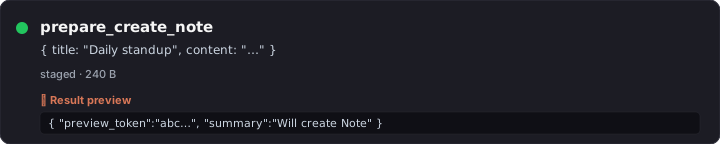
prepare_create_print_format
What — Stage a Print Format (Jinja or HTML) for a target doctype; pre-validates Jinja syntax.
Why — Custom print templates without Desk's print-format editor.
Try it — "Create a Jinja print format 'ACME Custom Invoice' for Sales Invoice with our logo and payment terms."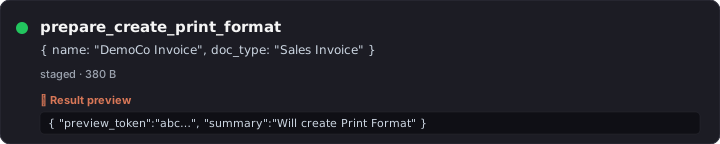
prepare_update_print_settings
What — Patch the global Print Settings doctype (paper size, header/footer, font).
Why — Org-wide print tweaks from the chat.
Try it — "Update Print Settings — set default paper size to A4."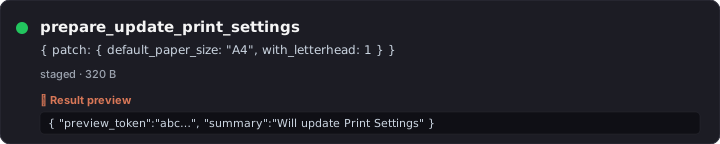
prepare_create_email_template ⚡
What — Stage an Email Template with subject + body Jinja.
Why — Reusable boilerplate for collections, onboarding, escalations.
Try it — "Create an email template 'Overdue Reminder' with a polite Jinja body that interpolates {{ doc.name }} and {{ doc.outstanding_amount }}."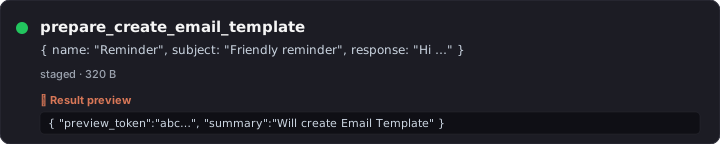
prepare_create_notification
What — Typed wrapper for Notification doctype (event-driven email/SMS/Slack alerts).
Why — "Email me when a high-value SO is created" without writing a Server Script.
Try it — "Notify me whenever a Sales Order with grand_total > 50000 is created."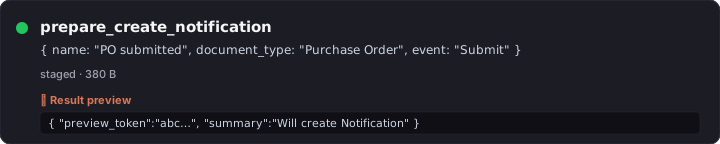
prepare_create_auto_email_report
What — Stage an Auto Email Report (run a Report on a schedule and email the results).
Why — "Email the AR aging to my CFO every Monday at 8am."
Try it — "Auto-email the Accounts Receivable report to [email protected] every Monday at 8am."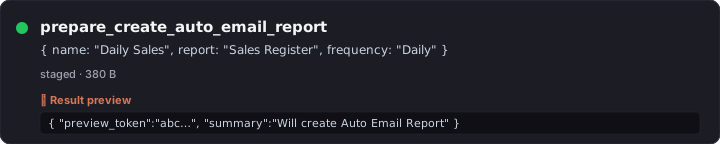
prepare_create_email_group ⚡
What — Stage a new Email Group (mailing list).
Why — Group address-book for newsletters / bulk announcements.
Try it — "Create an email group 'Active Customers'."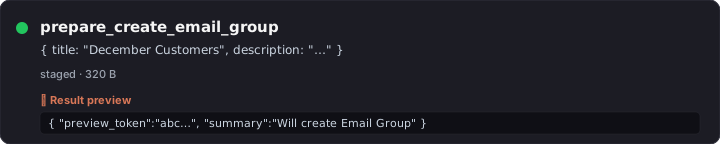
prepare_add_to_email_group ⚡
What — Stage adding an email address to an Email Group; rejects malformed addresses + nonexistent groups.
Why — Build the list without opening the Email Group form.
Try it — "Add [email protected] to the 'Active Customers' email group."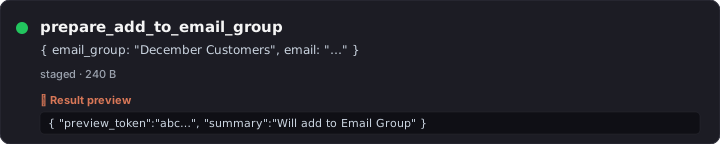
prepare_create_newsletter ⚡
What — Stage a Newsletter against an Email Group.
Why — Mass-mail customers with product updates from the chat.
Try it — "Draft a newsletter to 'Active Customers' announcing our new pricing tier."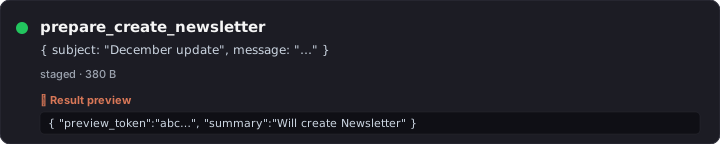
prepare_create_email_account
What — Stage a new Email Account (incoming or outgoing). Validates format + smtp_server when outgoing. Gated by allow_email_setup.
Why — Connect a new mailbox without leaving the chat (System Manager only).
Try it — "Create an outgoing email account for [email protected] using smtp.gmail.com:587."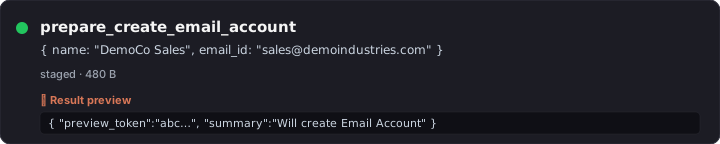
prepare_create_milestone_tracker
What — Stage a Milestone Tracker on a doctype's Link/Select field (records milestones on changes).
Why — Status-change audit without writing a Document Event hook.
Try it — "Track milestones on Customer.customer_group changes."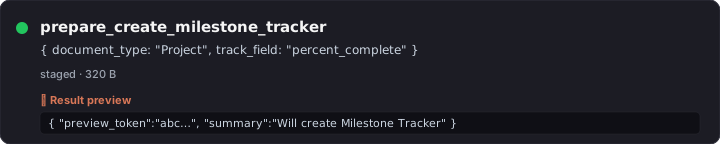
prepare_create_auto_repeat
What — Stage an Auto Repeat (recurring doc creation from a template).
Why — Recurring invoices, recurring POs, monthly journal entries — without code.
Try it — "Set up monthly auto-repeat from Sales Invoice SI-26-00100 starting May 1."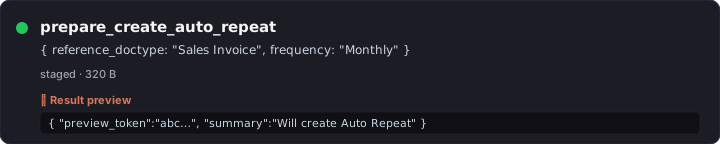
prepare_create_assignment_rule
What — Stage an Assignment Rule (round-robin or load-balanced auto-assign on doctype creation).
Why — "New leads should round-robin between sales@…, support@…" without writing a hook.
Try it — "Create a Round Robin assignment rule on Lead between sales1@, sales2@, sales3@."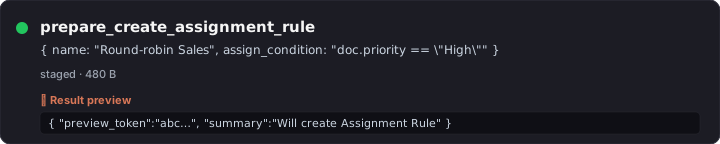
prepare_create_custom_field
What — Typed wrapper for Custom Field; validates fieldname + fieldtype + insert_after.
Why — Add a field to any doctype from the chat. Schema-aware so you don't conflict with standard fields.
Try it — "Add a Custom Field 'sales_channel' (Select: web, retail, wholesale) to Sales Invoice."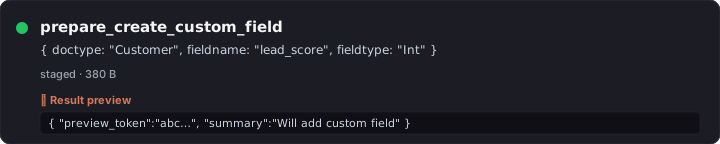
prepare_create_client_script
What — Typed wrapper for Client Script; auto-derives name (Frappe's autoname=Prompt is brittle without it). Body validated for Python syntax.
Why — Client-side form behaviors (auto-fill, validation, hide fields) authored by the chat.
Try it — "Create a Client Script for Sales Invoice that hides the 'apply_discount_on' field when discount_amount is 0."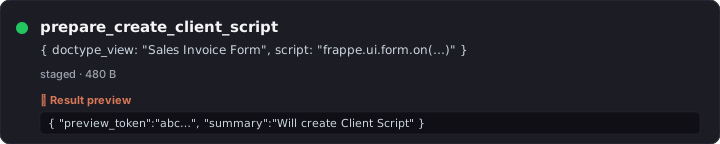
prepare_create_kb ⚡
What — Stage a new Knowledge Base.
Why — Spin up a domain-specific KB ("Vendor Contracts", "GST Compliance") from the chat.
Try it — "Create a new Knowledge Base called 'Customer Service SOPs'."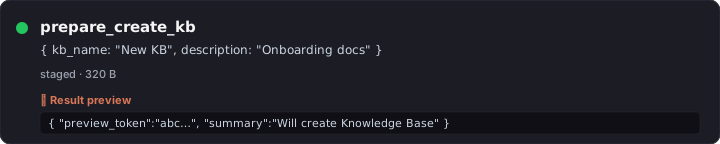
prepare_add_file_to_kb ⚡
What — Stage adding an existing File to a KB (triggers reindex).
Why — Grow your RAG corpus without uploading via Desk.
Try it — "Add the file 'Q1-financials.pdf' to the 'Internal Reports' KB."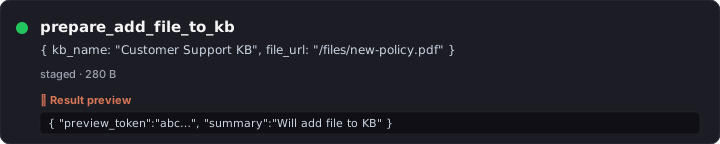
prepare_run_sql 🔍
What — Stage a SELECT-only SQL query; SELECT-prefix validator (string-literal-aware) + EXPLAIN-probe + execute-probe before staging. Gated by allow_dangerous_tools + System Manager.
Why — Custom analytical SQL with audit-able commit + critic grading the SQL shape against the user intent.
Try it — "Run SQL: SELECT name, customer, grand_total FROM `tabSales Invoice` WHERE outstanding_amount > 0 ORDER BY grand_total DESC LIMIT 20."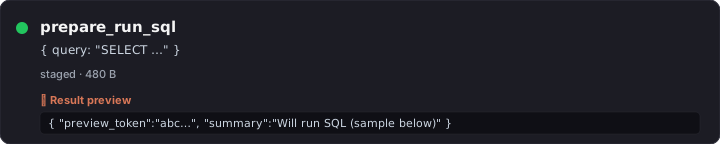
prepare_run_python 🔍
What — Stage a Python script with timeout + captured stdout. AST validator rejects dangerous imports/calls. Gated identically.
Why — Multi-step computation that SQL can't express, with critic-graded AST summary so the verdict knows what the code does at a glance.
Try it — "Run Python: pull last 12 months of Sales Invoices, compute month-over-month growth, return as a dict."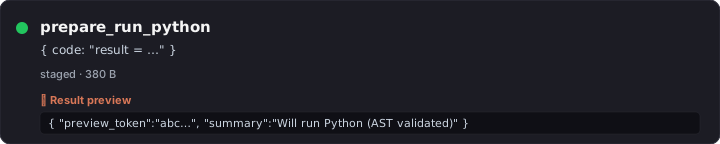
prepare_form_prefill
What — Stages parent + item-row payload to a server-side token; returns a tiny ?_lz_token=<22ch> URL. Single-use, user-bound.
Why — Solves HTTP 414 Request-URI Too Long for variance-report buttons that prefill 50+ items into a new-doc form. Replaces the legacy _lz_items=<base64> URL convention.
Try it — "Prepare a prefill URL for a new Purchase Invoice with these 50 items from the variance report."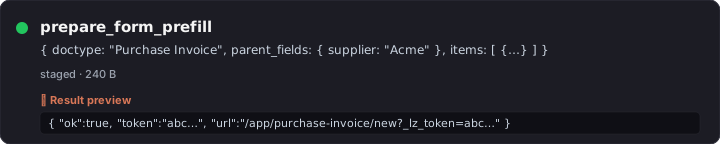
prepare_download_backup
What — Stage a site backup (db + files) and enqueue the backup job; poll progress with list_my_jobs.
Why — Take a backup before a risky migration without leaving the chat.
Try it — "Take a full backup of the site."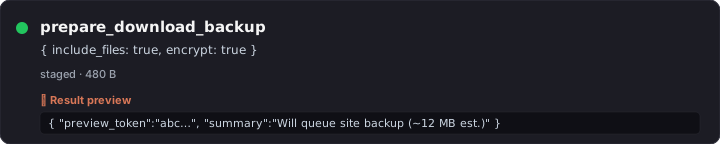
External MCP clients
The same tool registry that powers the in-Desk panel is reachable from any MCP-compliant client. Three auth modes, three endpoints — pick the one that matches your client.
A — Claude Code (CLI) — simplest
Built-in HTTP MCP transport. ~30 seconds. No tunnel needed if Frappe is on the same machine.
# 1. Set a static Bearer token in site_config
bench --site <site> set-config lazychat_mcp_bearer_token "$(python3 -c "import secrets;print(secrets.token_urlsafe(32))")"

# 2. Wire into Claude Code (user scope = available in any directory)
claude mcp add --scope user --transport http lazychat-erpnext \
  http://localhost:8000/api/method/lazychat_erpnext.desk_assistant.mcp.handle_bearer \
  --header "Authorization: Bearer <YOUR_TOKEN>"

# 3. Restart Claude Code → all 95 tools available
B — Claude Desktop / MCP Inspector / any token-aware client
Works against either endpoint:
mcp.handlewith Frappe API key+secret (Authorization: token KEY:SECRET) — standard Frappe auth, generate key at/app/user → API Access → Generate Keys.mcp.handle_bearerwith the static Bearer token from step A above (Authorization: Bearer <token>) — simpler if you don't want to manage Frappe API keys.
{
  "mcpServers": {
    "lazychat-erpnext": {
      "command": "npx",
      "args": ["-y", "mcp-remote",
               "https://your-bench.example.com/api/method/lazychat_erpnext.desk_assistant.mcp.handle_bearer",
               "--header", "Authorization: Bearer YOUR_TOKEN"]
    }
  }
}
C — claude.ai web Custom Connector (Pro / Team / Enterprise)
OAuth 2.1 with auto-discovery. The MCP Authorization spec (2025-06) is fully wired: /.well-known/oauth-protected-resource (RFC 9728), /.well-known/oauth-authorization-server (RFC 8414), WWW-Authenticate: Bearer resource_metadata="..." on 401. Claude.ai discovers everything automatically.
Setup (one-time, ~3 min):
In Frappe Desk, open /app/oauth-client → + New:
| Field | Value |
|---|---|
| App Name | Claude.ai (lazychat MCP) |
| Scopes | all openid |
| Grant Type | Authorization Code |
| Response Type | Code |
| Redirect URIs (one per line) | https://claude.ai/api/mcp/auth_callbackhttps://claude.com/api/mcp/auth_callback |
Save. The auto-generated name becomes your client_id; client_secret is shown on the doc (hold-Shift-click the Client Secret field to reveal).
Both callback URLs must be present per Anthropic docs —
claude.aiusers hit one,claude.comusers hit the other.
In claude.ai → Settings → Connectors → Add Custom Connector:
| Field | Value |
|---|---|
| Remote MCP server URL | https://your-public-bench.example.com/api/method/lazychat_erpnext.desk_assistant.mcp.handle |
| OAuth Client ID (Advanced settings) | from the bench command above |
| OAuth Client Secret | from the bench command above |
Click Add. claude.ai redirects you to Frappe → log in → "Confirm Access" → back to claude.ai with all 95 tools registered.
Public-URL caveat: claude.ai's backend lives in Anthropic's cloud —
localhostis not reachable. Either deploy Frappe on a public HTTPS URL or use cloudflared (free, no interstitial unlike ngrok-free) to tunnellocalhost:8000.
Permission model — same for all three
The configured user (Bearer's run-as user, OAuth-token's user, or API-key's owner) is what frappe.session.user reads. Every tool re-checks frappe.has_permission(...) on every call. Two-phase mutations (prepare_* → user-confirms → commit_prepared_action) still apply. No god-mode bypass on any path.
Smoke tests
Two layers, both must be green to ship:
# Layer 1 — in-process (95 cases as of cycle 13 M3)
cp lazychat-erpnext/scripts/smoke-test-tools.py \
   <bench>/apps/lazychat_erpnext/lazychat_erpnext/_smoke.py
cd <bench> && bench --site <site> execute lazychat_erpnext._smoke.run
# expected: === 244 pass, 0 fail, 2 skip ===

# Layer 2 — HTTP MCP wire (all 95 tools)
python3 lazychat-erpnext/test/curl_smoke.py
# expected: tools registered: 95, called: 95
The smoke gates exist to catch drift between schema, implementation, and live behavior — please run them before opening a PR. See CONTRIBUTING.md for the full checklist.
Roadmap
| Cycle | Status | Theme |
|---|---|---|
| 2 — Multi-tab agent runtime | ✅ done | Streams, sessions, queue, retry — chat-ui side |
| 3 — Rich rendering + extension primitives | ✅ done | Markdown, syntax highlight, charts, custom components |
| 5 — MCP timeouts + observability + voice + Desk navigation | ✅ done | 60s per-tool timeout, 250 KB result cap, voice input, clickable Desk links |
7 — Compound questions + self-correcting /commit |
✅ done | run_sql_select, run_python_readonly, plan-first prompt, schema-aware error retry |
| 8 — Real Modes + Effort | ✅ done | Ask / Edit-auto / Plan / Auto, low/medium/high/max effort tiers |
| 9 M1-M4 — Cycle 9 (composer-critic + exemplars + PEVR primitives) | ✅ done | Verification briefs, intent_signature exemplar memory, schema graph cache |
| 10 — chat-ui admin panel + allow-all defaults | ✅ done | All ERPNext config moved into the chat-ui |
| 11 M1-M4 — UX hardening | ✅ done | CommitCard, stage-and-redirect prefill, structured SQL gate, live tool progress |
| 12 M1-M2 — Critic coverage expansion | ✅ done | Critic now grades 12 prepare_* tools (helper-extracted) |
| 13 — README rewrite | 🚧 in progress | This document |
| Future — GitHub Actions CI badges, per-tool deep-dive docs, multi-language | 📅 deferred |
Contributing
See CONTRIBUTING.md for branch convention, commit style, smoke-gate requirements, and the new-tool checklist.
Sister repo: lazychat.ai (the chat-ui React app this Frappe app embeds). Any change to the postMessage protocol, host SDK, or extension primitives lands there.
License
MIT © Soumya Sethy.
Yorumlar (0)
Yorum birakmak icin giris yap.
Yorum birakSonuc bulunamadi