DSH-Deeptop
Health Uyari
- License — License: MIT
- Description — Repository has a description
- Active repo — Last push 0 days ago
- Low visibility — Only 5 GitHub stars
Code Uyari
- process.env — Environment variable access in deeptop-bridge/cordis.patch.yml
- process.env — Environment variable access in deeptop-bridge/plugin-config.mjs
Permissions Gecti
- Permissions — No dangerous permissions requested
Bu listing icin henuz AI raporu yok.
Deeptop, a lightweight native desktop client for DeepSeek Harness.
English | 中文
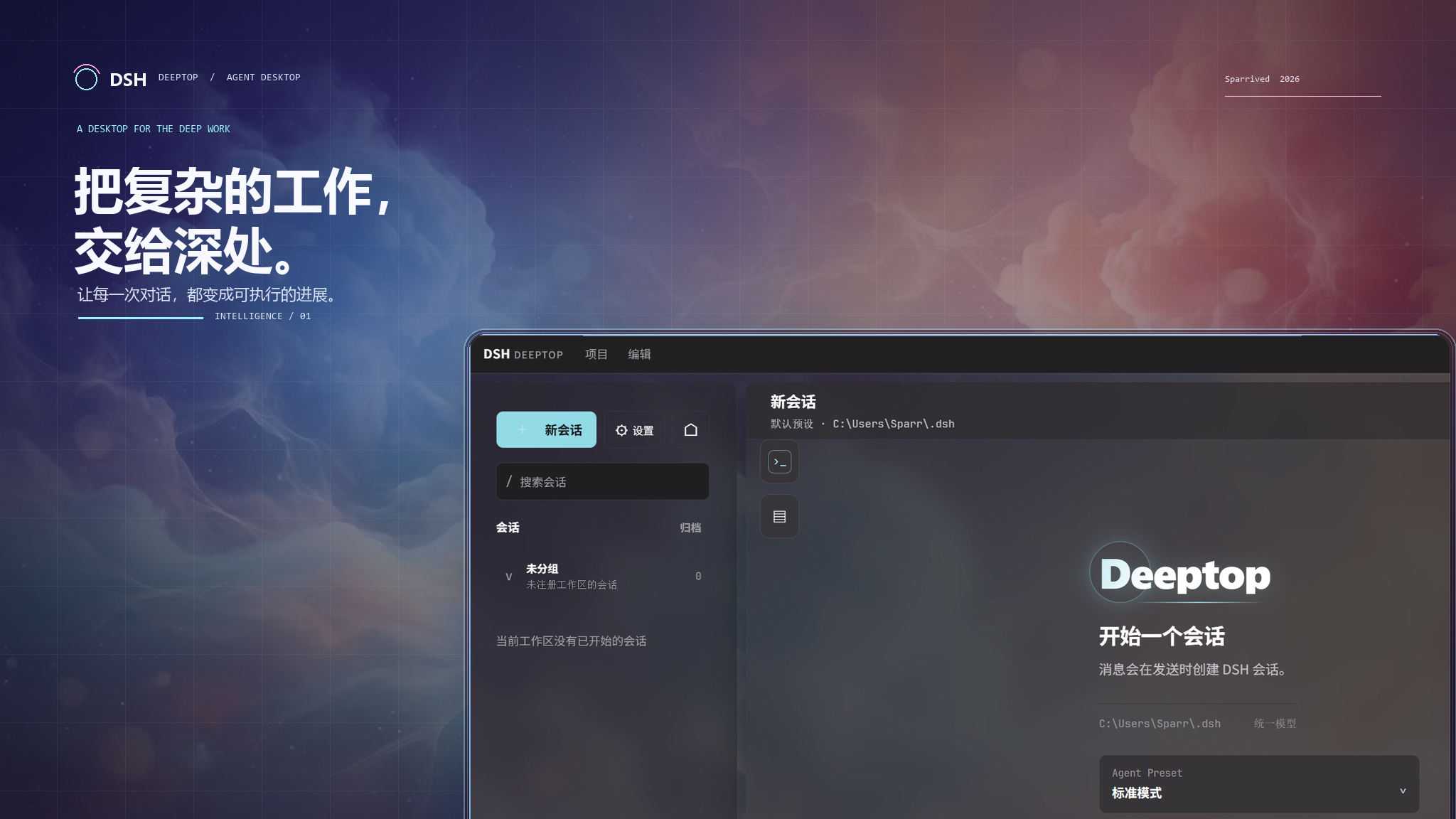
Deeptop
Hand the complex work to the depths.
A native desktop workbench built on DeepSeek Harness (DSH).



What is Deeptop · Quick start · Documentation · Download · Report an issue
What is Deeptop
Deeptop brings the agent capabilities of DSH into a native desktop environment built for deep work: organize tasks as sessions, ground them in workspaces, and handle tool calls, approvals, follow-up questions and diagnostics right where the work happens.
It does not put dsh web inside a desktop window, nor does it reimplement an agent in the app. DSH remains the source of truth for Agent, Session, Tool, Model, Workspace, Skill, Goal, Provider, persistence and event semantics; Tauri/Rust owns native windows, process supervision and system capabilities, and React renders a clear, actionable desktop interface.
Desktop first. Directory picking, file saving and log export go through native Tauri/Bridge capabilities; the interface never relies on browser downloads, browser dialogs or internal URLs to perform system operations.
Core experience
| Capability | What you can do |
|---|---|
| Workspaces & sessions | Attach working directories with the native directory picker; create, search, fork, archive, restore and export sessions. |
| Session tray | See unread and recent sessions in the system tray, reach the rest through “More”, and restore the window straight into a conversation; the Windows tray popup has a fixed width and follows Deeptop's light/dark and custom themes. |
| Continuous conversations | Stream answers and reasoning as they generate; attach images; queue or steer follow-up prompts while a task is running. |
| Agent interaction | Watch tool calls, Todos, Workflows, Jobs and execution trajectories in one place, and answer approvals plus single-choice, multi-choice or free-form questions. |
| Models & providers | Browse available providers and models, and pick the model and reasoning effort per session; credentials stay managed by the DSH API. |
| Native runtime console | Inspect Profiles, plugins, Skills, Agent Presets, Subagents, Goals and runtime state; missing optional capabilities are shown honestly instead of faked. |
| Traceable diagnostics | Aggregate errors from DSH, the Bridge and the frontend; filter them in Settings, open the log directory or export log snapshots. |
Native runtime model
┌───────────────────────────────────────────────────┐
│  Deeptop Desktop UI · Tauri + React               │
│  Sessions · Workspaces · Settings                 │
│  Runtime console · Interaction panels             │
└───────────────────────┬───────────────────────────┘
                        │ Tauri commands / events
┌───────────────────────▼───────────────────────────┐
│  Rust Bridge Manager                              │
│  Profile materialization · DSH subprocess         │
│  supervision · JSONL transport                    │
└───────────────────────┬───────────────────────────┘
                        │ deeptop/1 JSONL
┌───────────────────────▼───────────────────────────┐
│  DeepSeek Harness · one Cordis runtime tree       │
│  Agent · Session · Tool · Model · Storage · Host  │
└───────────────────────────────────────────────────┘
These boundaries let the desktop reuse DSH's domain contracts instead of dragging the WebUI's browser lifecycle, download machinery or client-side plugin runtime into a desktop app.
Quick start
Requirements
- Node.js 22.19+ or 24+, with
nodeandnpmon yourPATH; - Rust/Cargo and the Tauri desktop development environment;
- A working WebView2 runtime on Windows;
- Installers bundle a pinned DSH runtime built from pinned sources and never access the npm registry at launch.
Run locally
git clone https://github.com/Sparrived/DSH-Deeptop.git
cd DSH-Deeptop
npm ci
npm run tauri:dev
After launch, wait for the embedded DSH runtime to become ready, pick or create a workspace, configure a provider and credentials, then start your first session. Deeptop launches a pinned DSH build from the installer's compressed dsh-runtime.tar.gz resource and reuses an extraction cache named after the source commit, platform, architecture and runtime tree digest for subsequent starts and updates; the user's PATH, global npm, npm cache and registry never replace or install the runtime. Installers still execute the embedded JavaScript with the system Node.js and show a retryable native error when Node.js is missing.
npm run devonly starts a Vite preview without the Tauri Bridge or the DSH subprocess. It is meant for layout adjustments, not for verifying session, file or system-integration features.
Build & verify
| Target | Command |
|---|---|
| Frontend type-check & build | npm run build |
| Generate embedded DSH runtime | npm run dsh:sync |
| Verify embedded DSH runtime | npm run dsh:verify |
| Bridge route tests | npm run test:bridge |
| Full JavaScript test suite | npm test |
| Native app & installers | npm run tauri:build |
| Manifest version consistency | npm run version:check |
Documentation
| Document | When to read |
|---|---|
| Project guide | Installation, runtime directories, data flow, extension and troubleshooting. |
| DSH native coordination | Deciding whether a feature belongs in Tauri, the Bridge, the Profile or React. |
| Architecture | Dependency directions, the pure model layer and plugin boundaries. |
| Plugin compatibility | Host/Cordis versus WebUI Client compatibility layers. |
| WebUI parity checklist | Covered capabilities, work in progress and explicit exclusions. |
| CI/CD & release | Version sync, cross-platform builds, checksums and the GitHub Release flow. |
| Full Chinese reference | 完整功能清单、配置示例与常见问题(中文完整版)。 |
Extending Deeptop
Add user-defined capabilities to the DSH desktop Profile first instead of duplicating them in Rust or React. Persistence patches live at:
$DSH_HOME/profiles/desktop/cordis.patch.yml
Recommended order:
- Look for existing DSH Host/Cordis services, ApiProxy methods, Remote contracts or Projections;
- Mount and verify the capability in the Profile;
- When a desktop entry point is needed, add a minimal, explicitly validated allowlist route in
deeptop-bridge; - Handle native boundaries such as directory access, file saving and system notifications in the Tauri layer;
- Let React map state and trigger semantic actions last, covering success, cancellation, failure and missing-capability paths.
Do not edit generated files under $DSH_HOME/profiles/node_modules/deeptop-bridge; the app re-materializes them at startup. For more examples see the project guide.
Contributing
Issues and pull requests are welcome. Before submitting:
- Keep DSH the source of truth for agent, permission, session and plugin domain semantics;
- Never introduce web-native downloads, browser dialogs or platform checks scattered across React components;
- Cover protocol, cancellation and failure paths for every new Bridge command;
- Run the tests related to your change; run at least
npm run buildfor frontend changes andnpm testbefore submitting; - Use Conventional Commits, for example
feat(workspace): support workspace templates.
The complete development and release conventions live in the project guide and CI/CD & release.
Release
Pushing a SemVer tag (for example v0.2.0) triggers GitHub Actions to build Windows, Linux and macOS installers, generate SHA-256 checksums, and create or update a GitHub Release with auto-categorized Chinese notes. Before releasing, run:
npm run version:check
npm run build
npm test
Installers and upgrade notes are published on Releases.
License
Deeptop is released under the MIT License.
Yorumlar (0)
Yorum birakmak icin giris yap.
Yorum birakSonuc bulunamadi